UNIVERSE · CRM
CRM app UI patterns and flows
19 crm app flows with their screens, the patterns behind them and the states to cover, at mobile and desktop. Your agent draws them on your design system.
19 CRM flows
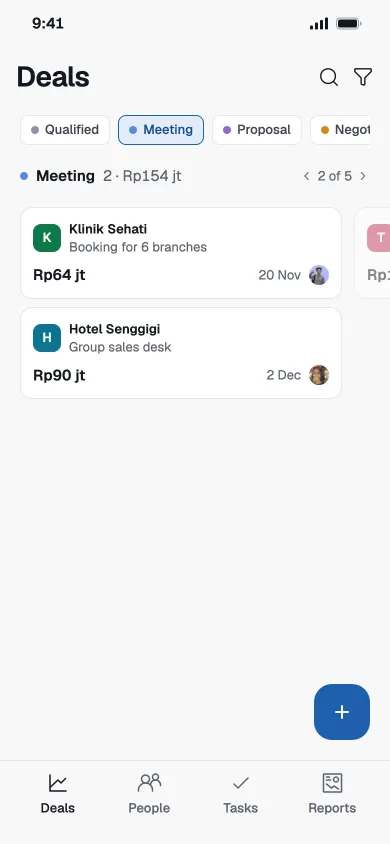 Deal pipelineWork moves through ordered stages and value matters per stage. 7 screens
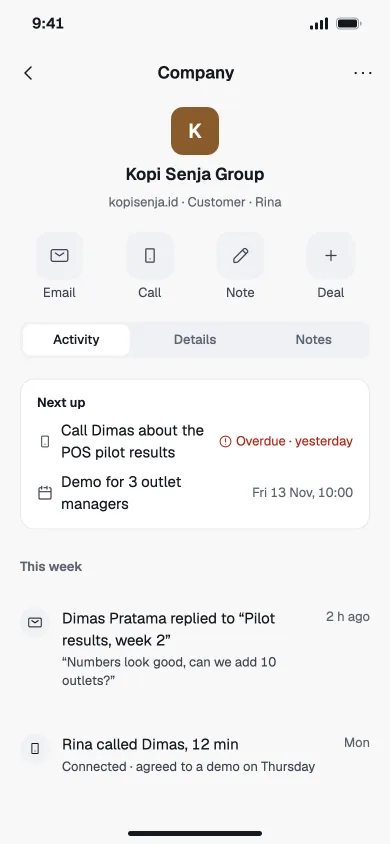 Contact and company recordAny person. 6 screens
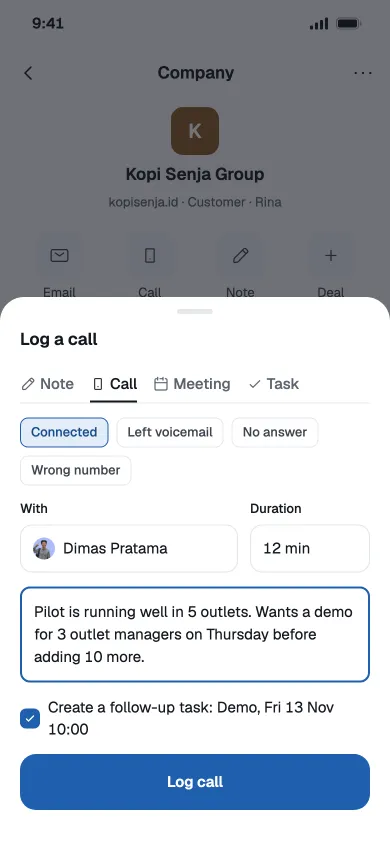 Log activityReps log calls, meetings. 6 screens
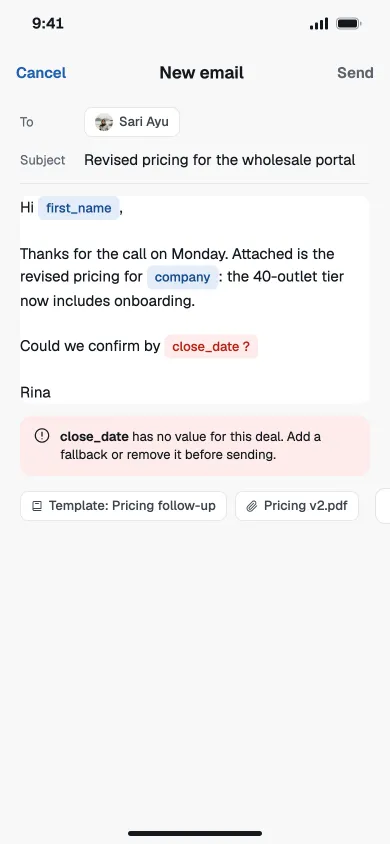 Email and sequencesReps send one-to-one or one-to-many emails from customer context. 5 screens
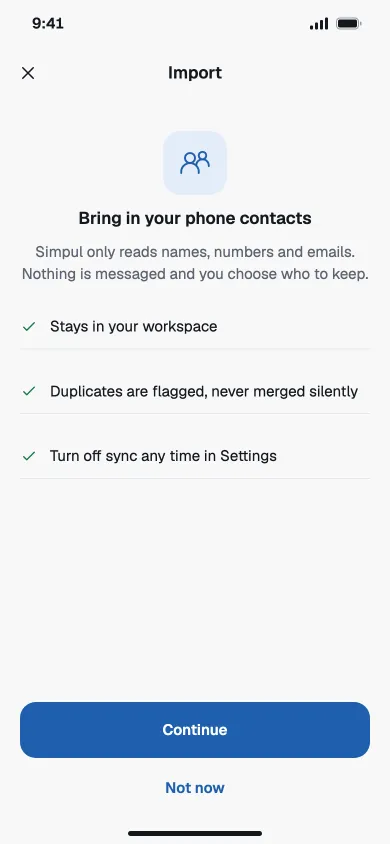 Import contactsFirst-time setup, migrating from another CRM or spreadsheet. 4 screens
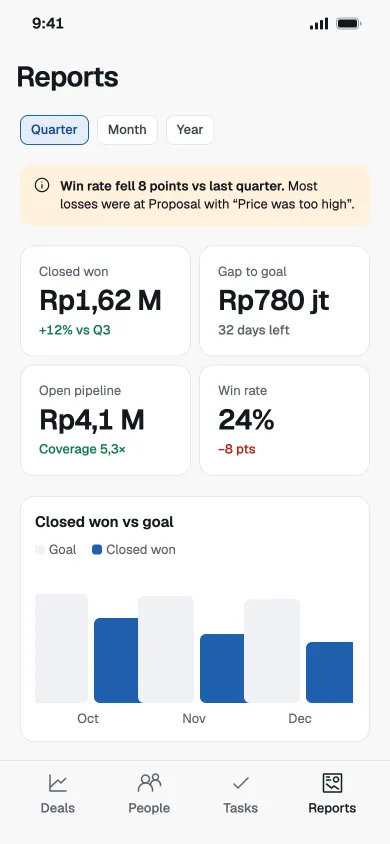 Sales reportsManagers forecast, reps track quota. 6 screens
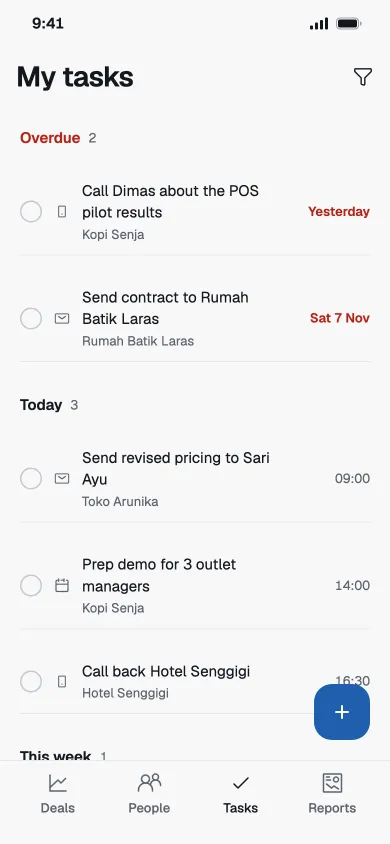 Tasks and remindersReps manage follow-ups across many records and need one daily list. 6 screens
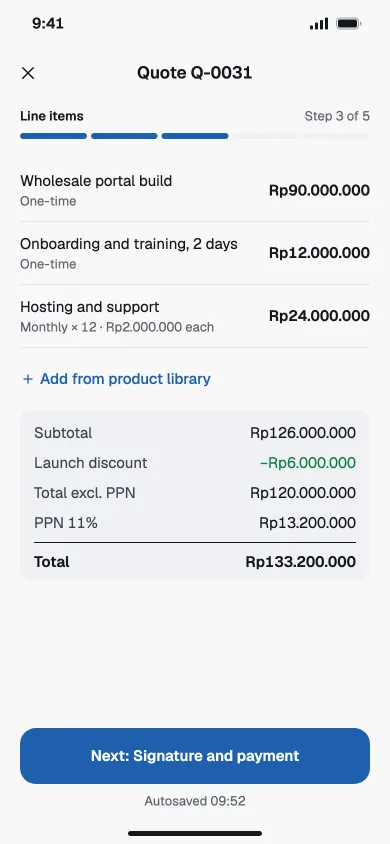 Quotes and proposalsA deal reaches Proposal and the buyer needs a priced. 5 screens
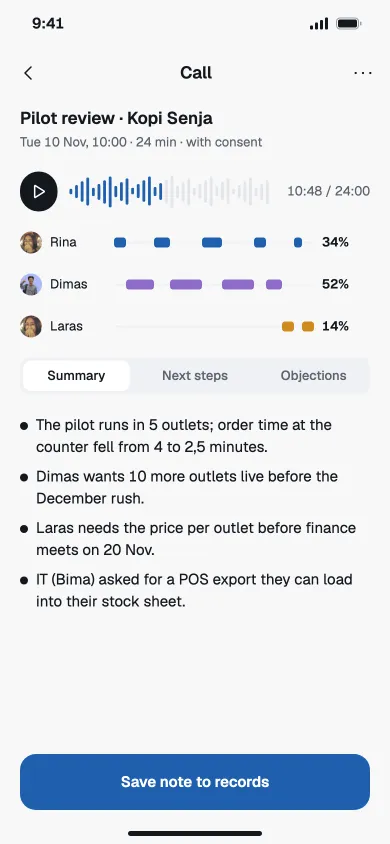 Call and meeting notesA sales call or meeting should leave a summary. 6 screens
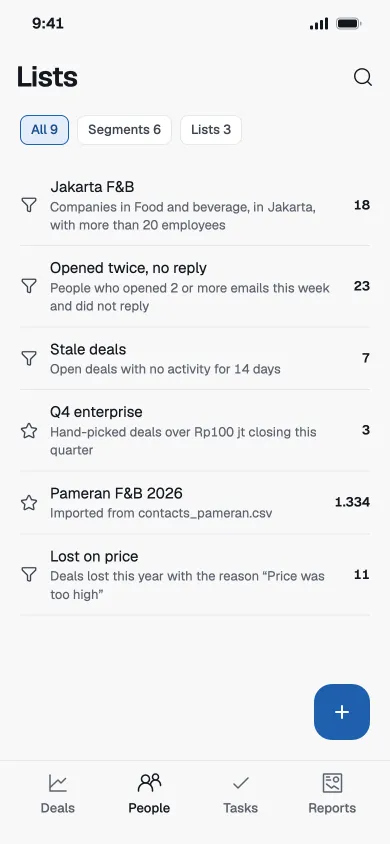 Segments and listsA team works through a saved group of companies. 5 screens
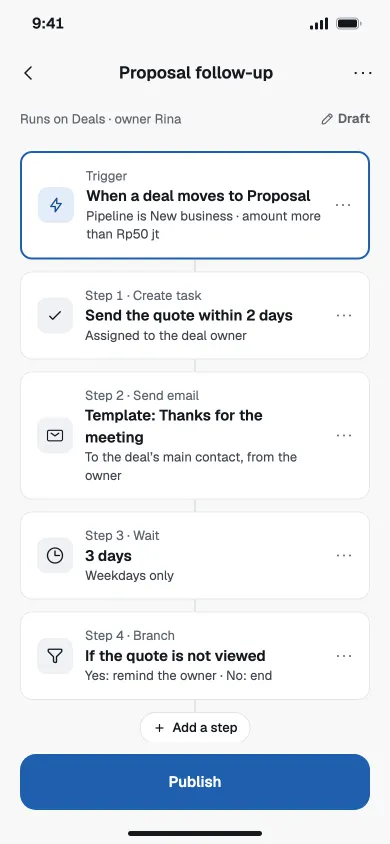 Workflow automationA team repeats the same follow-up after a CRM event and wants it to happen on time without someone remembering. 6 screens
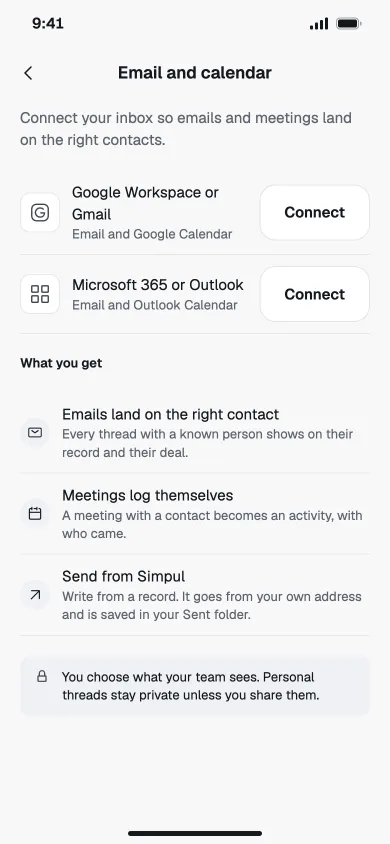 Connect email and calendarA CRM user links their inbox and calendar so emails and meetings land on the right records: connect an account. 5 screens
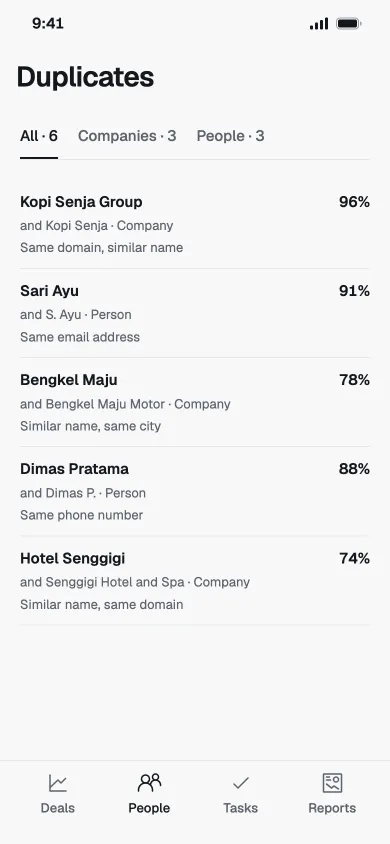 Merge duplicatesThe CRM finds two records for the same company or person and a person reviews them: an inbox of matches. 5 screens
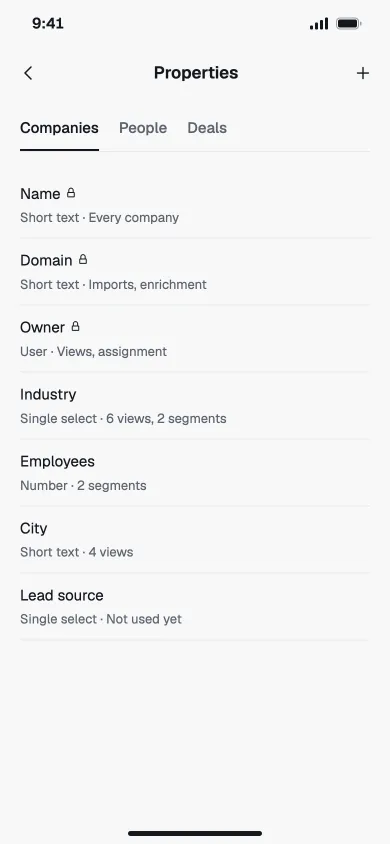 Custom fields and data modelAn admin adds their own fields to companies. 5 screens
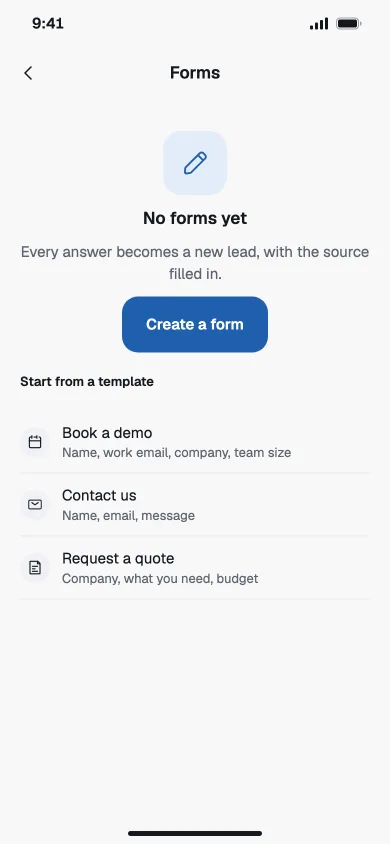 Lead capture formsA team collects leads from a website or a link: an empty Forms page. 5 screens
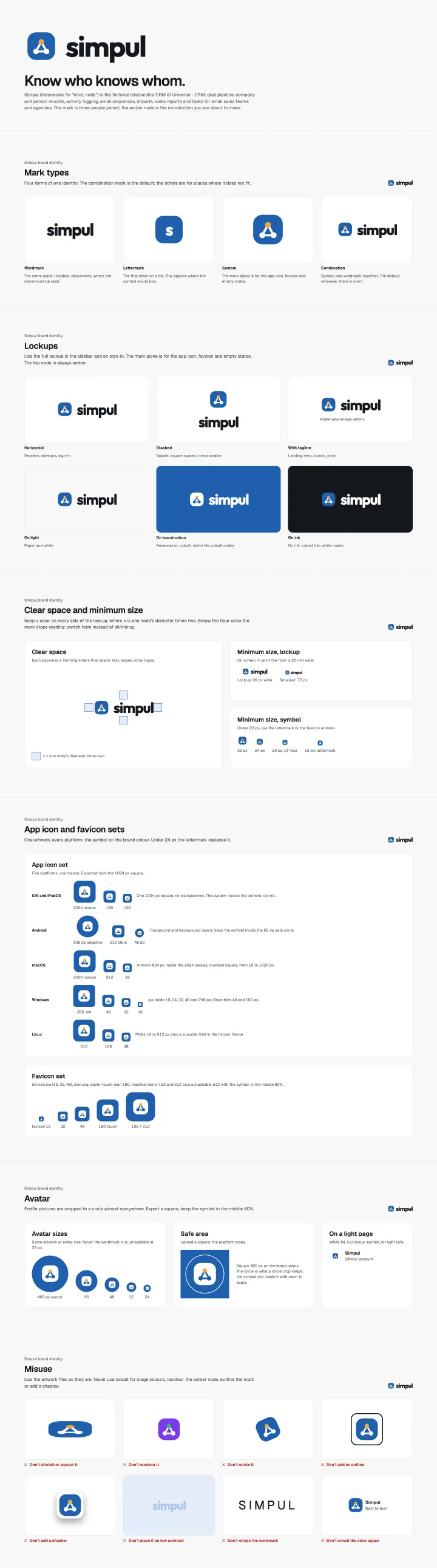 Brand identityA new app or company needs a logo system a team can use: the forms of the mark. 1 screens
 Pitch deckA founder raises a round or applies to an accelerator and needs a short deck an investor can read without a voice-over: one idea per slide. 7 screens
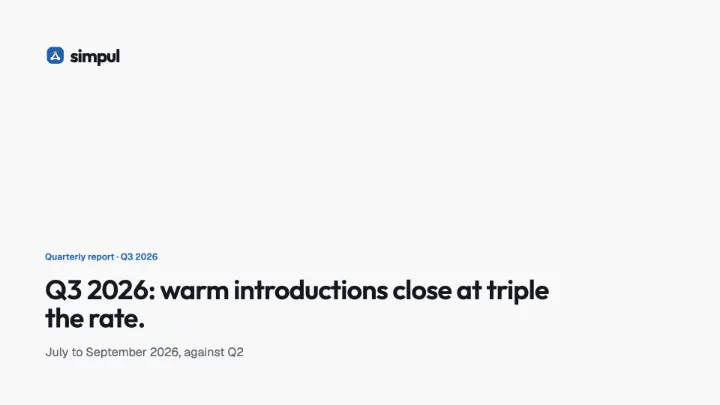 Report deckA quarterly or monthly update for investors. 2 screens
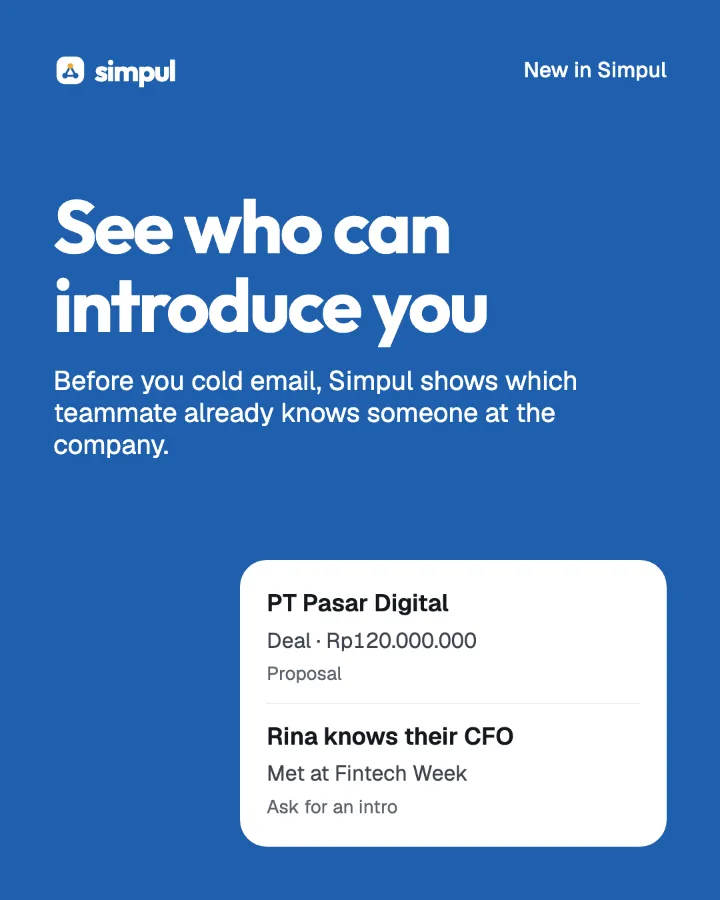 Launch campaignA product launches one feature and has to say it everywhere at once: a feed post. 5 screens
Questions
- Which crm flows are in Universe?
- 19 flows: Deal pipeline, Contact and company record, Log activity, Email and sequences, Import contacts, Sales reports, Tasks and reminders, Quotes and proposals, Call and meeting notes, Segments and lists, Workflow automation, Connect email and calendar, Merge duplicates, Custom fields and data model, Lead capture forms, Brand identity, Pitch deck, Report deck, Launch campaign. Each one lists its screens in order, the patterns behind them and the states to cover.
- Whose brand are these screens?
- Simpul, a made-up relationship CRM for small sales teams and agencies: pipeline, records, activity, sequences, imports, reports and tasks. Patterns for sales and customer-relationship tools. Each flow is Wonderblok's own best-practice version, not a copy of any app. Your agent redraws the flows on your own brand.
- How does my agent use these flows?
- Connect Claude Code, Codex or Claude Desktop to Wonderblok over MCP. The agent calls use_pattern for a flow, reads its screens, rules and states, and draws them in your file on your tokens.