UNIVERSE · DATING
Dating app UI patterns and flows
26 dating app flows with their screens, the patterns behind them and the states to cover, at mobile and desktop. Your agent draws them on your design system.
26 Dating flows
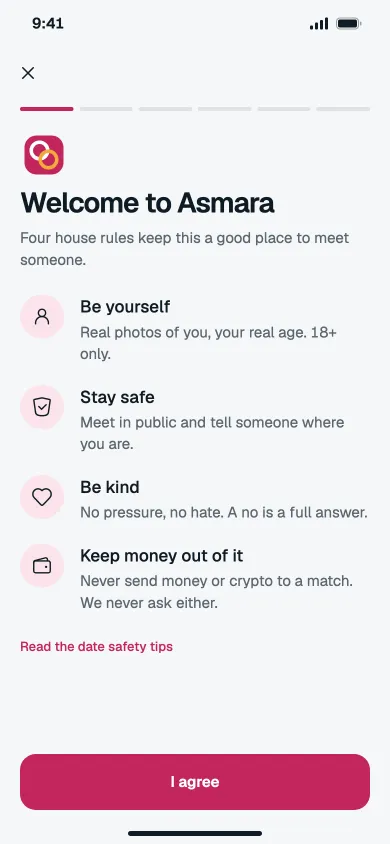 Create a profileBuilding a personal profile others judge before contact. 5 screens
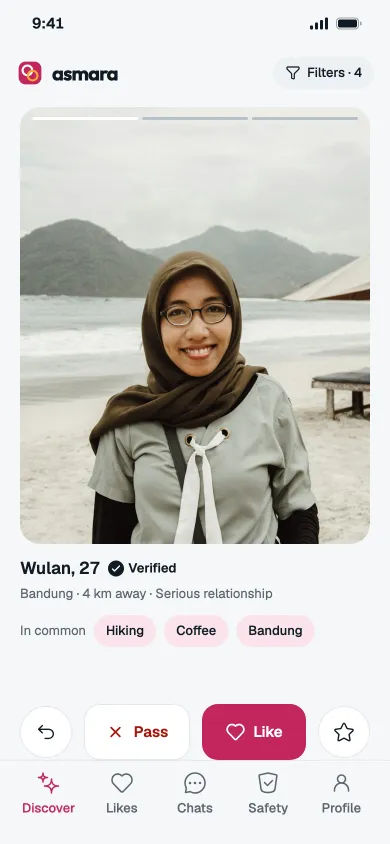 Discover and swipeOne-at-a-time people discovery with mutual opt-in. 6 screens
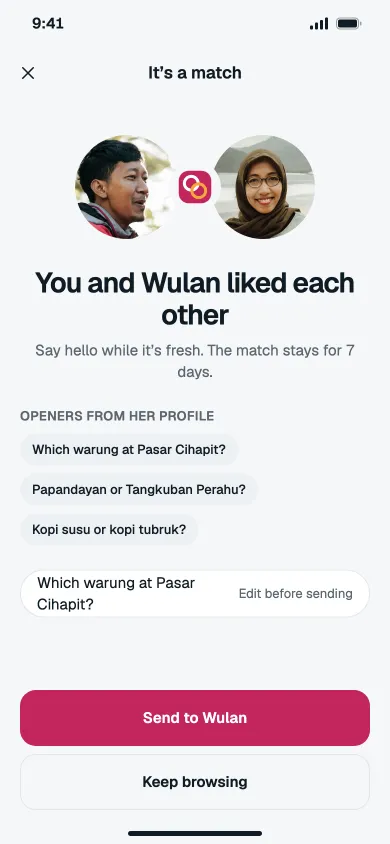 Match and first messageTwo people opted in and need a first conversation. 5 screens
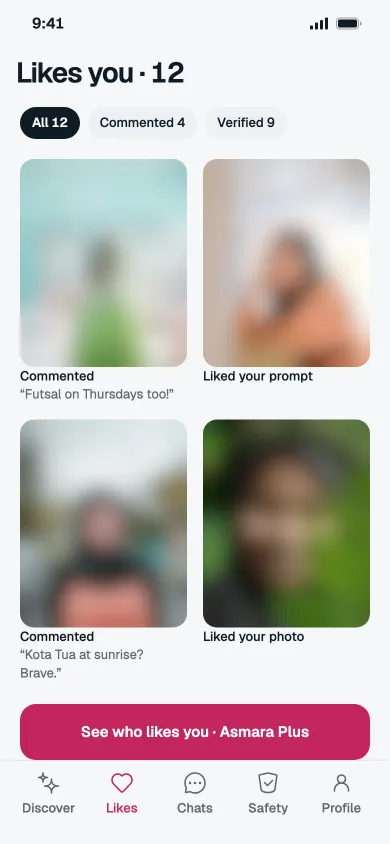 Likes and upgradeA paid feature that reveals interest already received. 6 screens
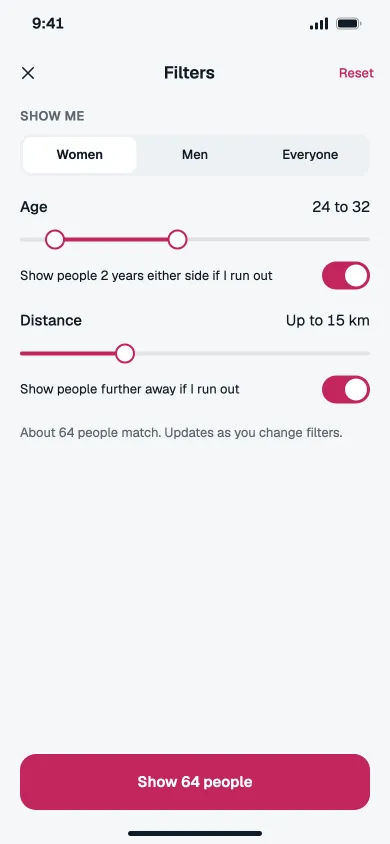 Filters and preferencesNarrowing a people deck by personal preferences. 4 screens
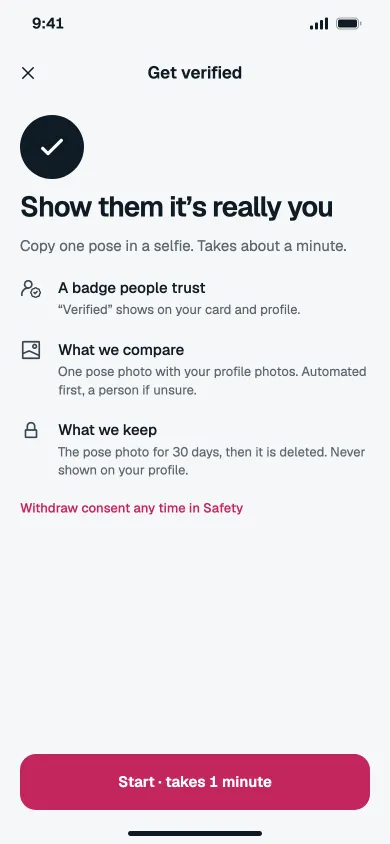 Photo verificationProving a person matches their photos. 5 screens
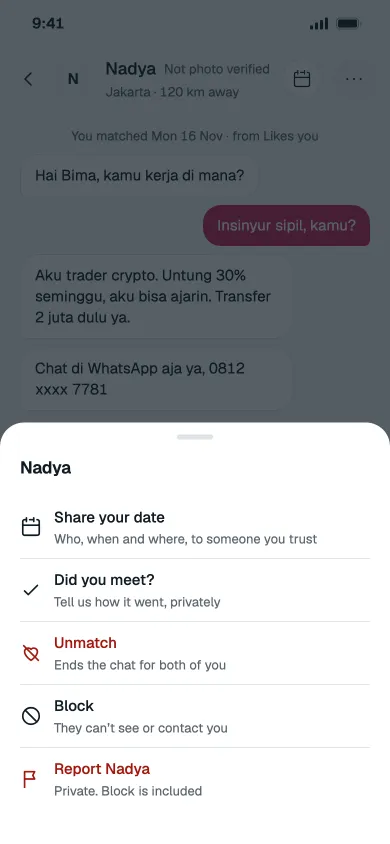 Report block and date safetyAny product where strangers meet in person. 4 screens
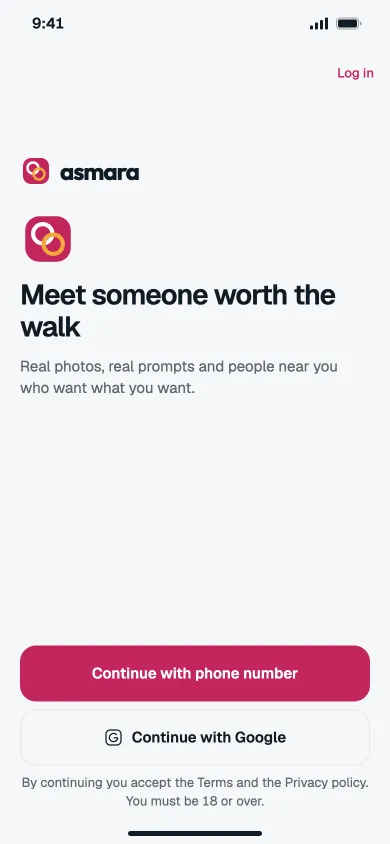 Sign up and verify phoneA first sign-up where a phone number proves one real person per account and the person must be 18 or over. 5 screens
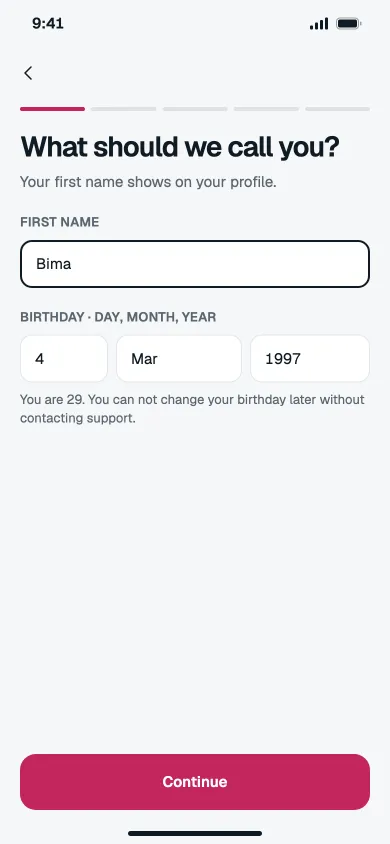 Basics and intentionsCollecting the few facts a match is built on: name, age. 4 screens
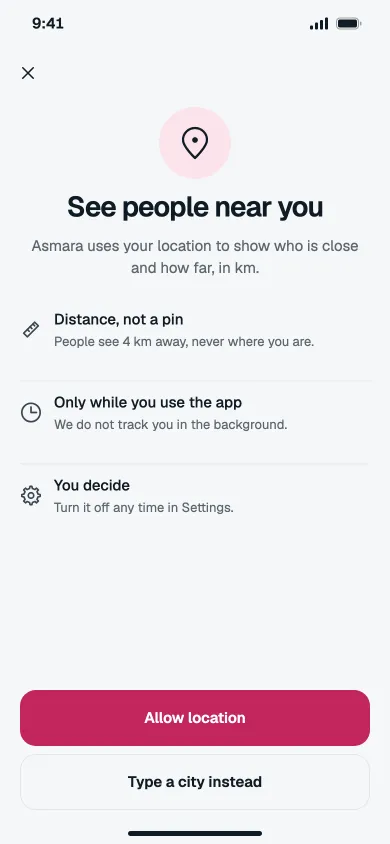 Location permissionAsking for location before the app can show distance. 4 screens
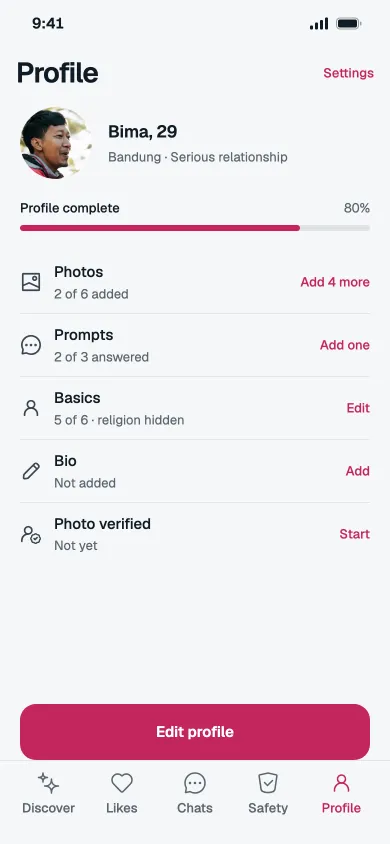 Edit profileChanging photos, prompts and basics after sign-up. 4 screens
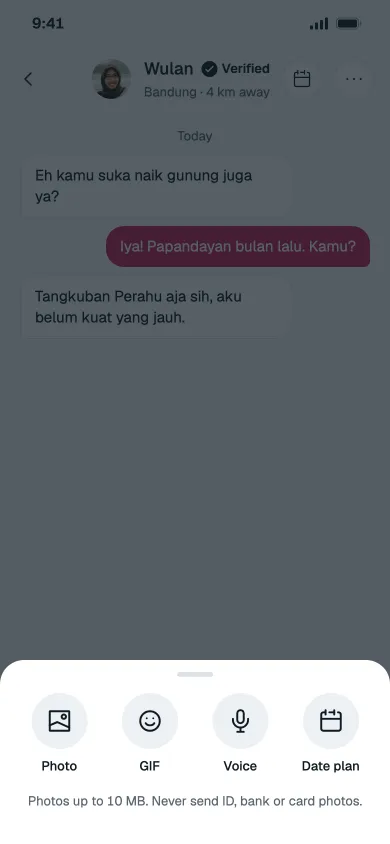 Chat with voice photo and GIFA match chat that goes beyond text: voice messages. 6 screens
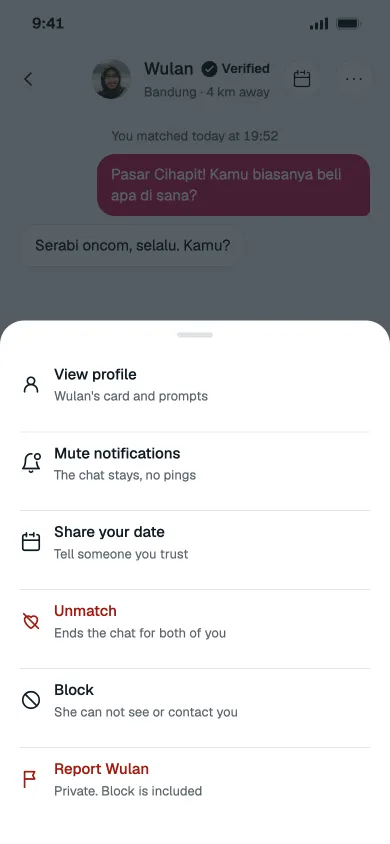 UnmatchEnding a match cleanly. 4 screens
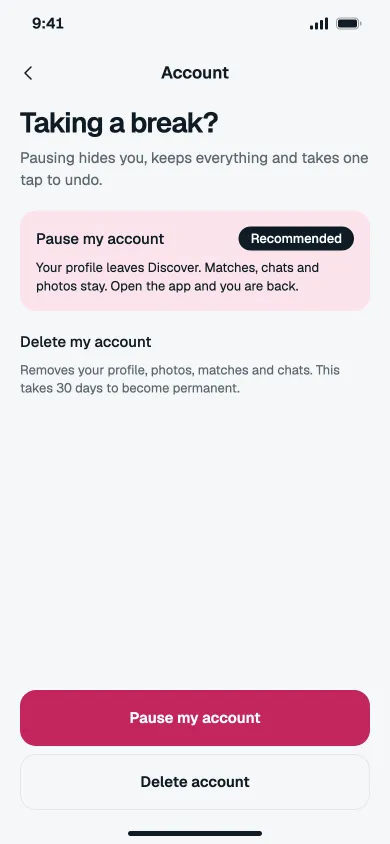 Pause or delete accountLeaving or resting an account: pause first. 5 screens
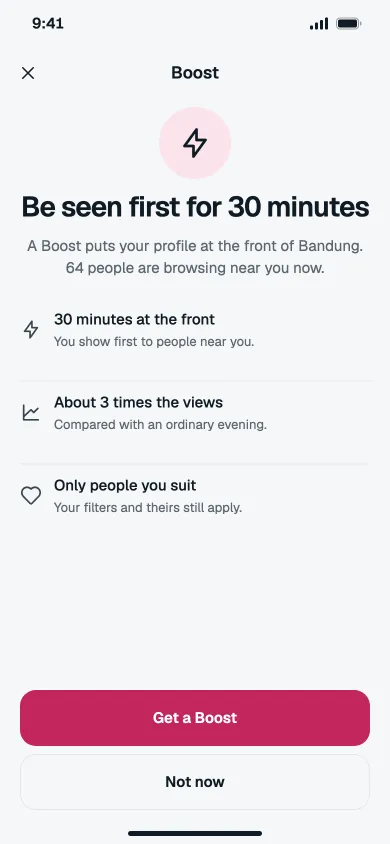 BoostA paid, time-boxed visibility boost with a clear price. 4 screens
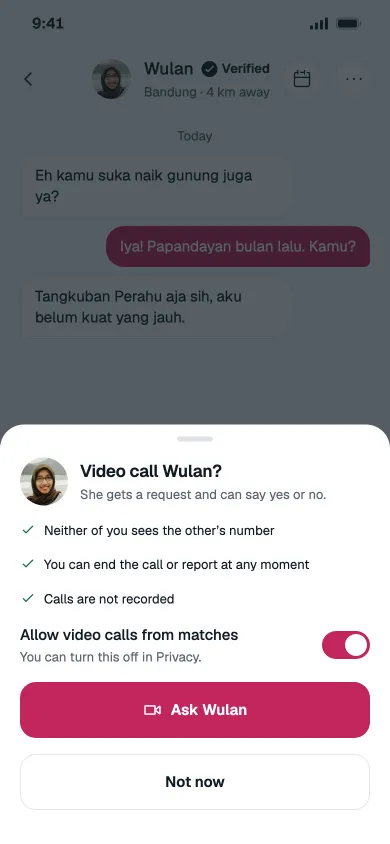 Video callAn optional video call between matches before meeting. 6 screens
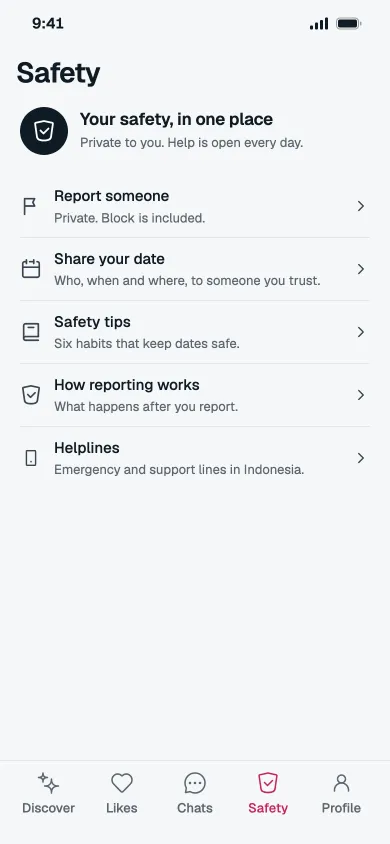 Safety centerOne place for safety help before and after a date: tools, tips. 4 screens
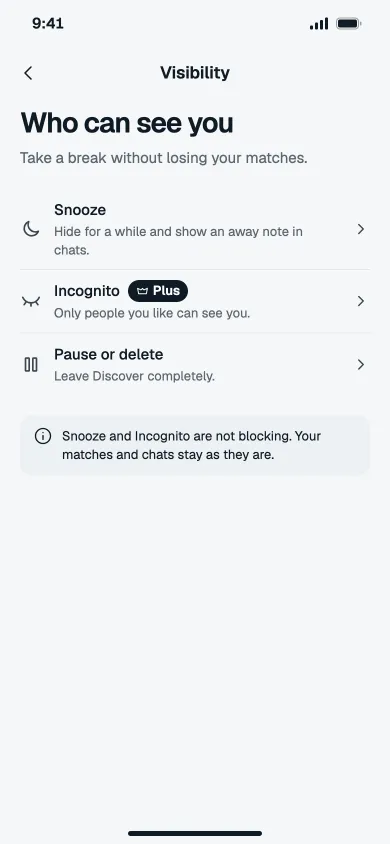 Snooze and incognitoLetting people step back or browse quietly without losing matches. 4 screens
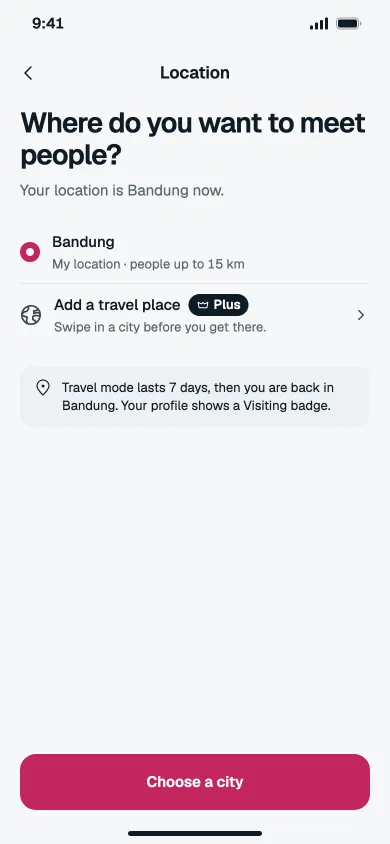 Travel modeLetting a member swipe in another city before a trip or a move. 4 screens
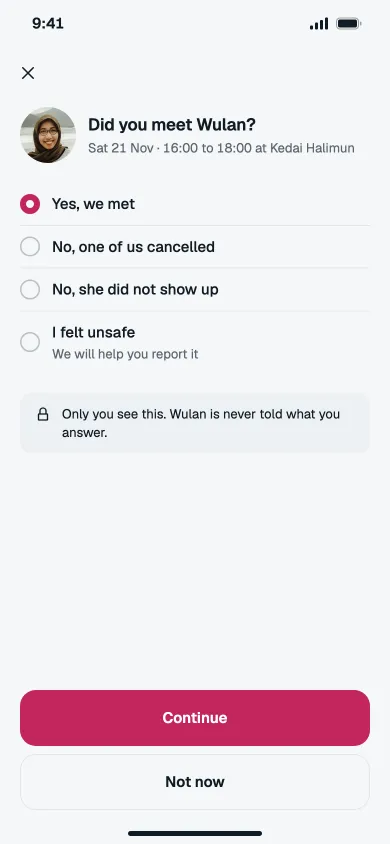 Date feedbackAsking, privately and briefly. 3 screens
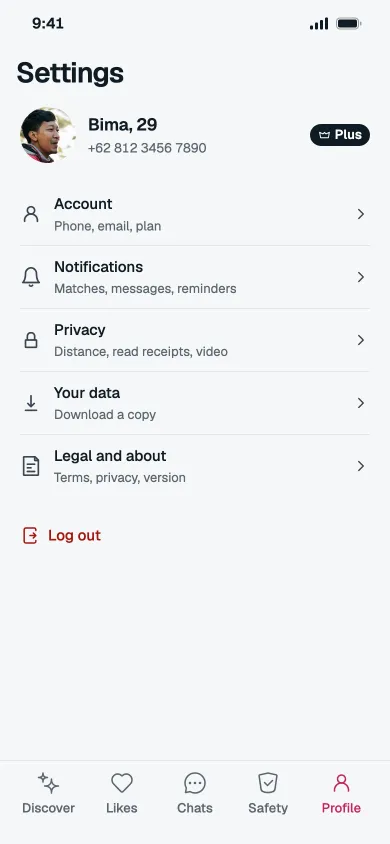 Notifications and settingsThe settings area of a dating app: account, notifications. 5 screens
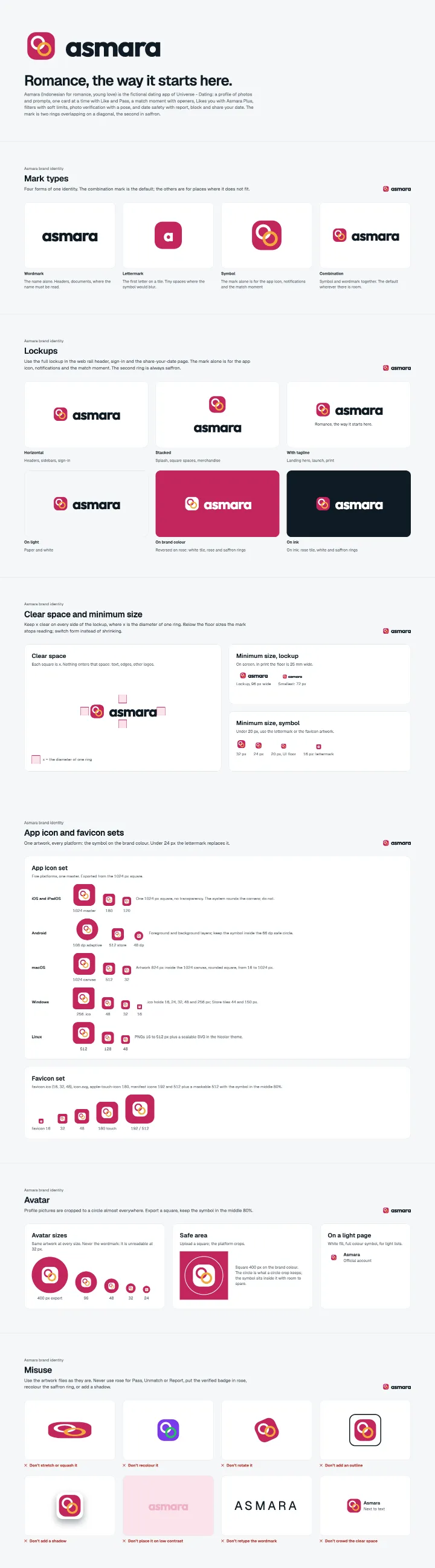 Brand identityA new app or company needs a logo system a team can use: the forms of the mark. 1 screens
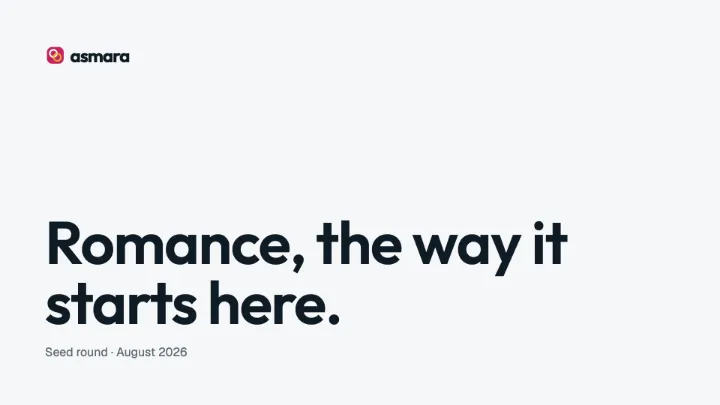 Pitch deckA founder raises a round or applies to an accelerator and needs a short deck an investor can read without a voice-over: one idea per slide. 7 screens
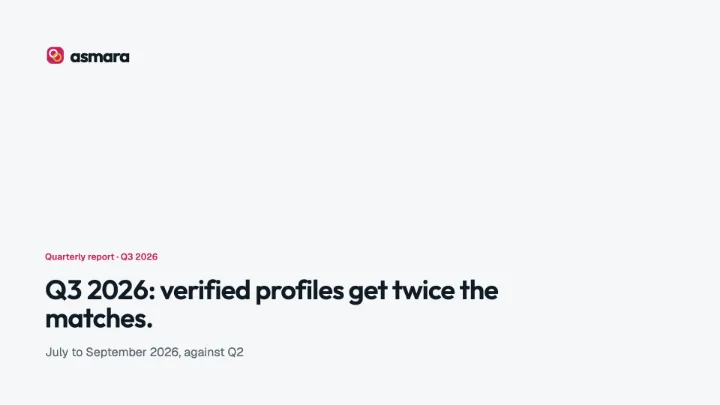 Report deckA quarterly or monthly update for investors. 2 screens
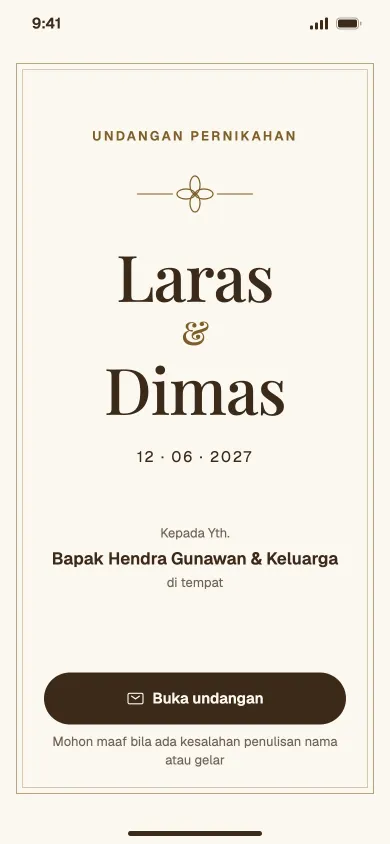 Undangan pernikahanA couple sends a wedding invitation the Indonesian way: a link on WhatsApp with the guest's name on the cover. 8 screens
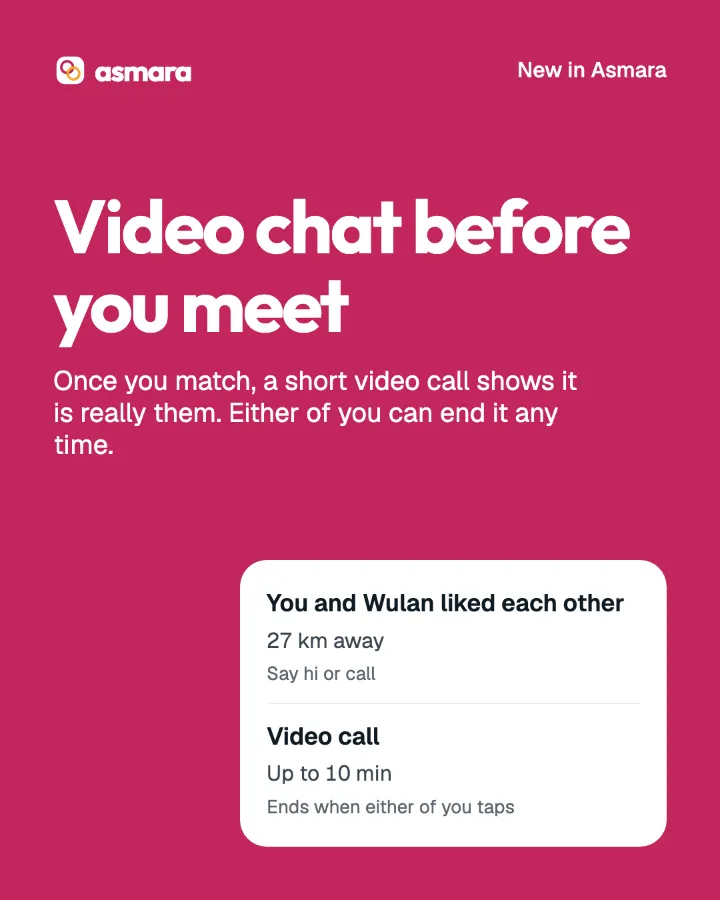 Launch campaignA product launches one feature and has to say it everywhere at once: a feed post. 5 screens
Questions
- Which dating flows are in Universe?
- 26 flows: Create a profile, Discover and swipe, Match and first message, Likes and upgrade, Filters and preferences, Photo verification, Report block and date safety, Sign up and verify phone, Basics and intentions, Location permission, Edit profile, Chat with voice photo and GIF, Unmatch, Pause or delete account, Boost, Video call, Safety center, Snooze and incognito, Travel mode, Date feedback, Notifications and settings, Brand identity, Pitch deck, Report deck, Undangan pernikahan, Launch campaign. Each one lists its screens in order, the patterns behind them and the states to cover.
- Whose brand are these screens?
- Asmara, a made-up Indonesian dating app: a profile of photos and prompts, one card at a time with Like and Pass, a match moment with openers, Likes you with Asmara Plus, filters with soft limits, photo verification with a pose, and date safety with report, block, scam nudges and share your date. Patterns for apps where strangers opt in to meet. Each flow is Wonderblok's own best-practice version, not a copy of any app. The 1440 layouts follow Social › Chatting and messages (Riuh's three panes). Your agent redraws the flows on your own brand.
- How does my agent use these flows?
- Connect Claude Code, Codex or Claude Desktop to Wonderblok over MCP. The agent calls use_pattern for a flow, reads its screens, rules and states, and draws them in your file on your tokens.