CRM FLOW
Quotes and proposals app flow
A crm flow in 5 screens, from quote builder to revise after send. Start your app from it, and your agent draws it on your own design system.
- 5 screens
- 5 patterns
- Mobile and desktop
- Brand: Simpul (made up)
The screens, in order
- Quote builder
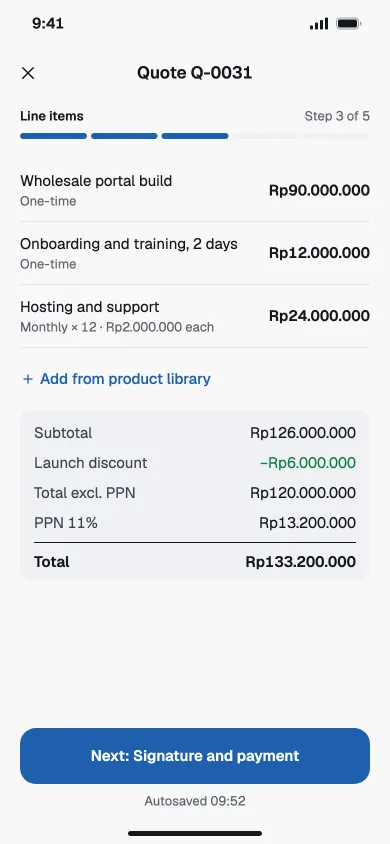
- Add from product libraryPro
- Ready to sendPro
- Quotes list and statesPro
- Revise after sendPro
See all 5 screens, at mobile and desktop.Pro opens the whole flow in your Universe, with the prompt and code for each screen.
Upgrade to ProAlready Pro? Open in UniverseWhen to use it
USE WHEN
A deal reaches Proposal and the buyer needs a priced, signable document tied to that deal.
AVOID WHEN
Billing work already agreed (use Business › Create and send invoice) or a simple one-price checkout (use a payment link).
Patterns and why they work
5 decisions this flow makes, and the clarity each one buys.
Stepper with a live buyer preview
The seller sees exactly what the buyer will get
Totals ladder with PPN and discount on their own lines
Rp120 jt excl. PPN ties back to the deal card
Recurring terms said in words
What renews and when
Created and ready to send with link, PDF and expiry
One place to share
Status column with signer count and row actions (Renew, Convert to invoice)
Pending signature (0/1) says who is missing
Each pattern also has its psychology, the intuition behind it and what it rules out, plus layout notes for mobile and desktop.
Open in UniverseStates to cover
The screens people forget until a user hits them.
- Drawn: empty list
- Draft
- Autosaved
- Pending signature
- Viewed
- Accepted with deposit paid
- Declined with reason
- Expired with Renew
- Converted to invoice
- Revise after send (version 2 replaces the sent one, the old link stops, the signature restarts, a note to the buyer)
- Listed
- Not drawn: partly signed
Pairs with
The flows this one hands off to or comes back from.
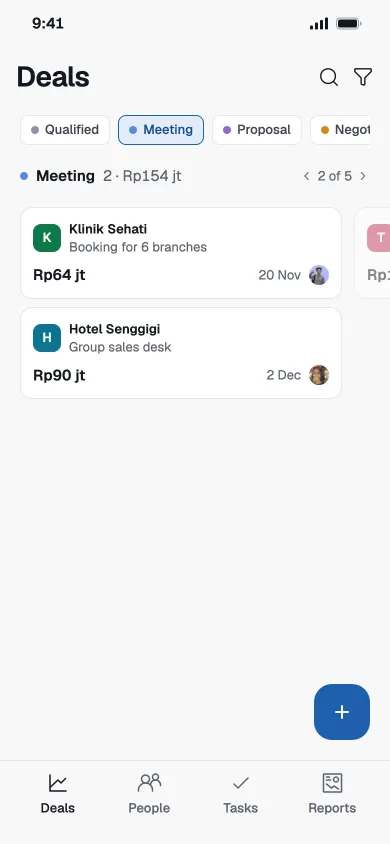
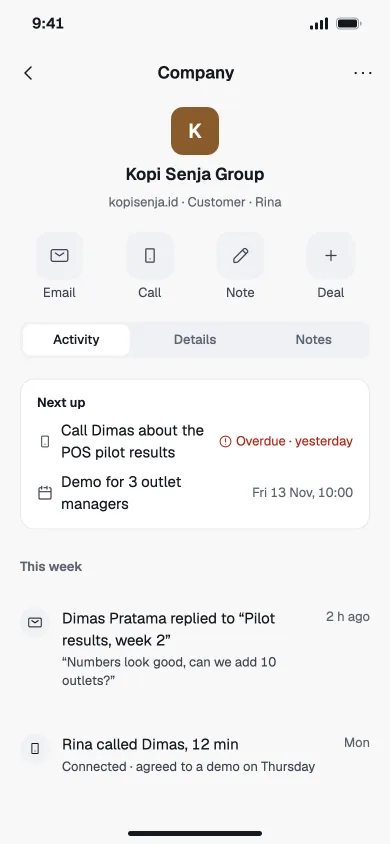
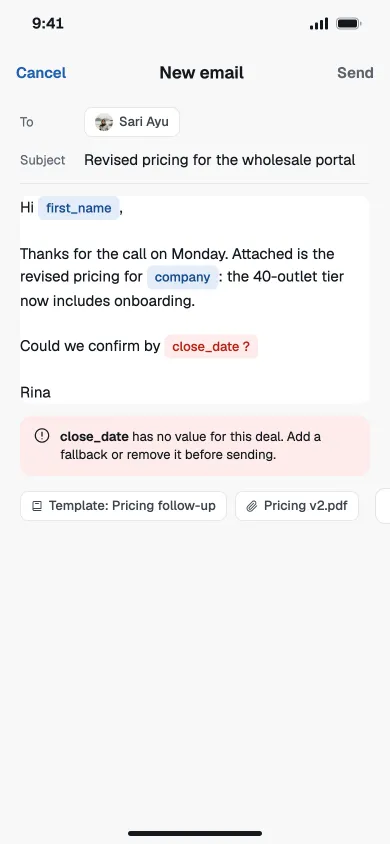
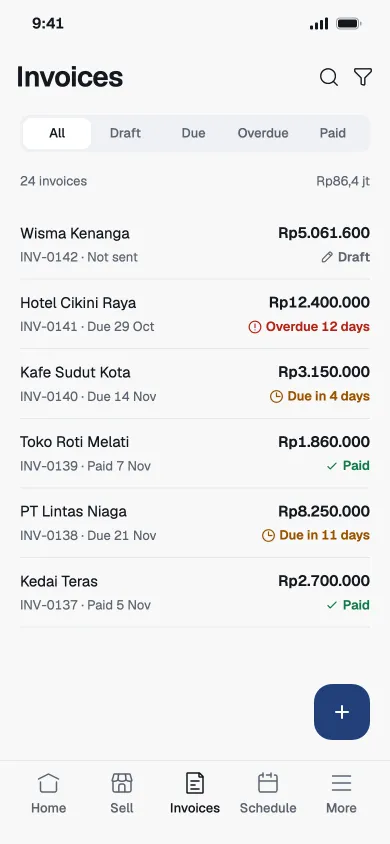
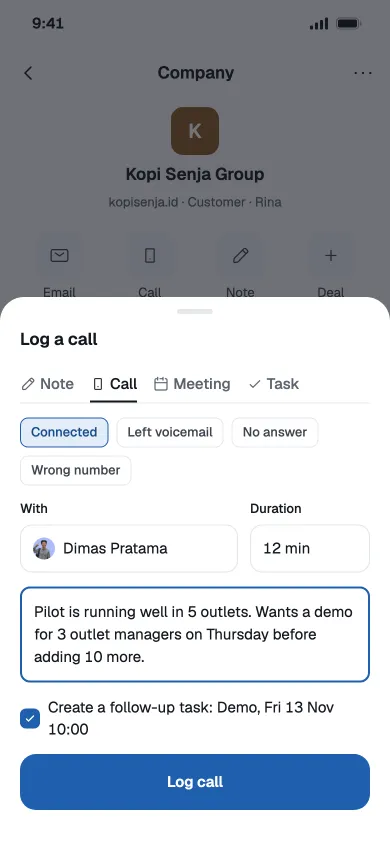
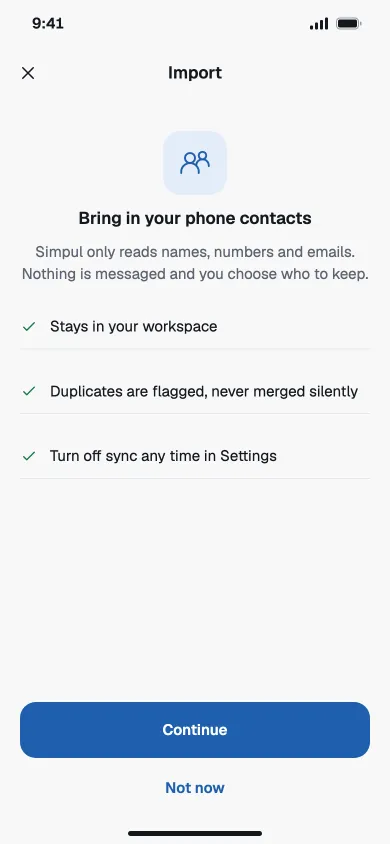
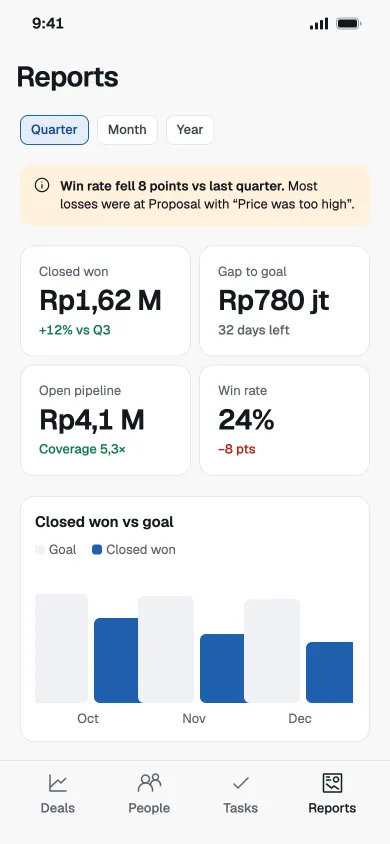
More CRM flows
Drawn for the same brand, so they fit together.
Questions
- When should I use a quotes and proposals flow?
- A deal reaches Proposal and the buyer needs a priced, signable document tied to that deal. Use another pattern for billing work already agreed (use Business › Create and send invoice) or a simple one-price checkout (use a payment link).
- Which screens does it need?
- This pattern uses 5: Quote builder, Add from product library, Ready to send, Quotes list and states and Revise after send. Plan for these states too: drawn: empty list, draft, autosaved, pending signature.
- Is Simpul a real app?
- No. Simpul is a made-up relationship CRM for small sales teams and agencies: pipeline, records, activity, sequences, imports, reports and tasks, so the screens show the pattern without copying anyone's brand. Your agent redraws the flow on your own tokens and components.
- How does my agent use this flow?
- Connect Claude Code, Codex or Claude Desktop to Wonderblok over MCP. The agent calls use_pattern for this flow, reads its screens, rules and states, and draws them in your file.
- Is it free?
- Browsing Universe is free. Full pattern notes and use with your agent are part of Pro, and the Free plan opens a few flows in full each month.