UNIVERSE · ACCOUNT AND ONBOARDING
Account and Onboarding app UI patterns and flows
22 account and onboarding app flows with their screens, the patterns behind them and the states to cover, at mobile and desktop. Your agent draws them on your design system.
22 Account and Onboarding flows
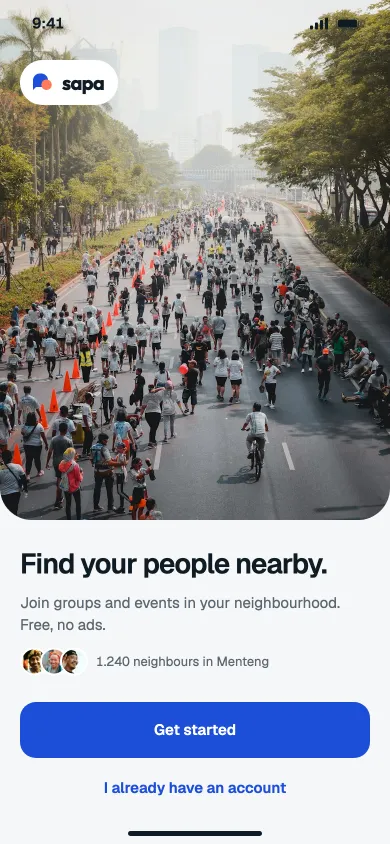 OnboardingFirst run of a consumer or SaaS product that benefits from tailoring or needs permissions. 7 screens
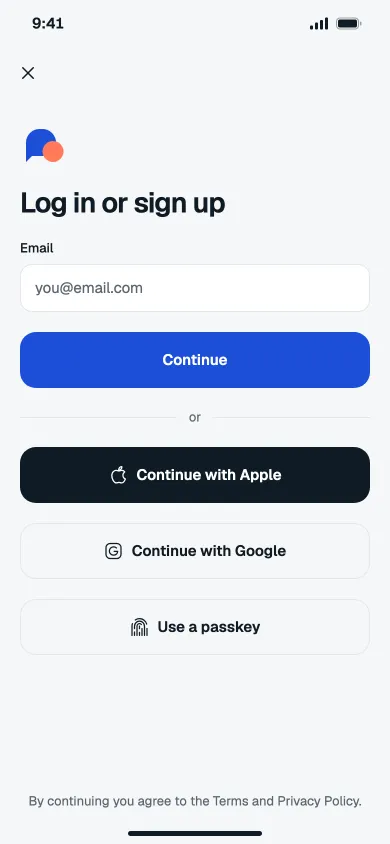 Log in and outAny product with accounts. 8 screens
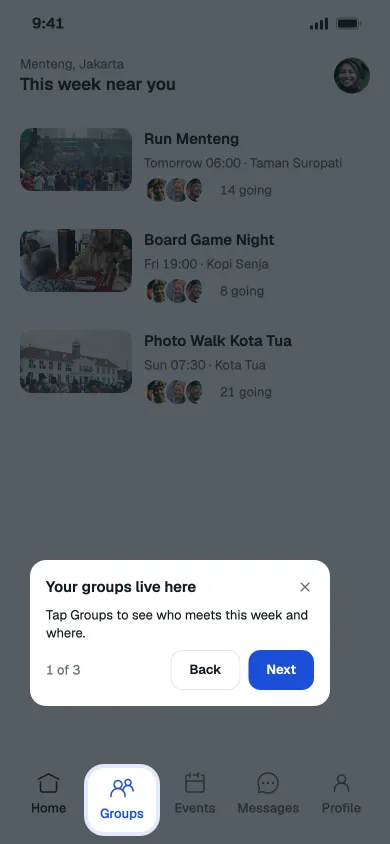 Browsing tutorialA new or non-obvious feature, complex dashboards. 4 screens
 SplashEvery native app launch. 4 screens
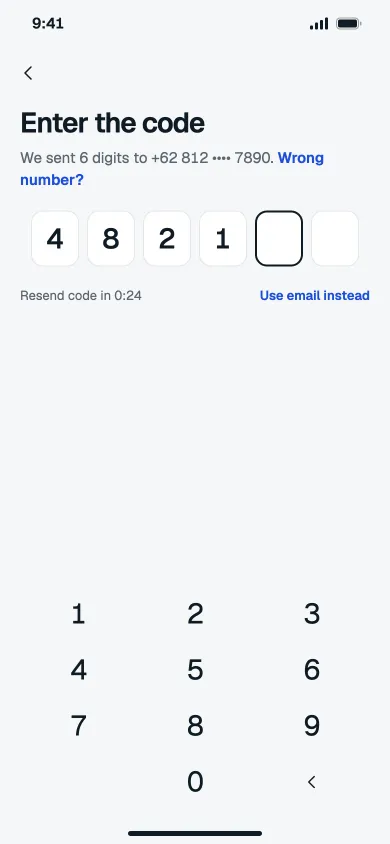 VerificationSign-up phone/email confirmation, 2FA, sensitive changes. 6 screens
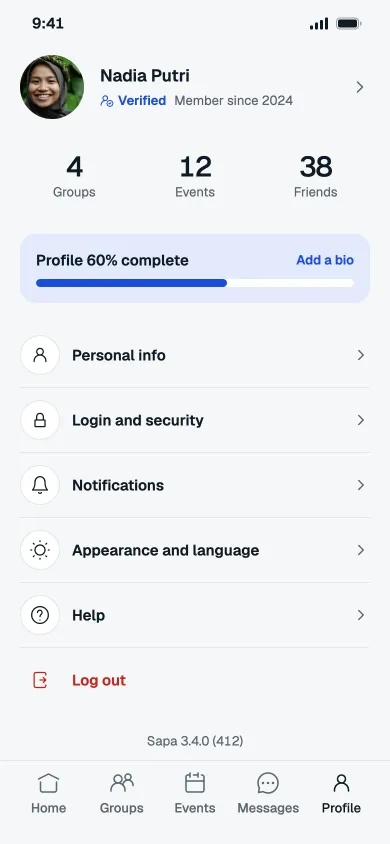 Account and profileAny signed-in product. 6 screens
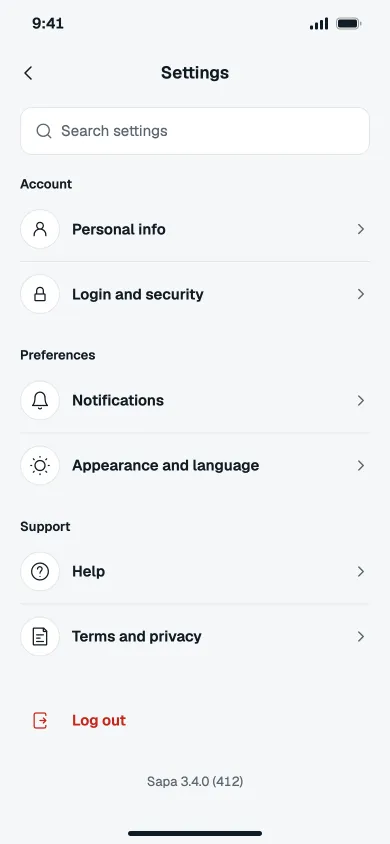 SettingsAny app with configurable behaviour. 7 screens
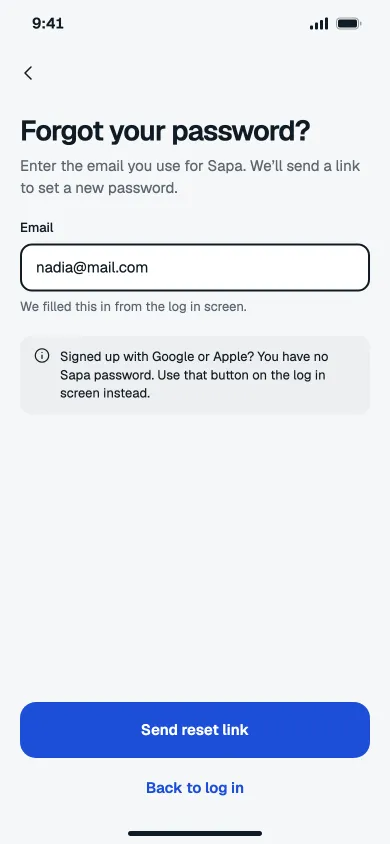 Forgot passwordSomeone with a password cannot remember it and needs to set a new one through their email. 4 screens
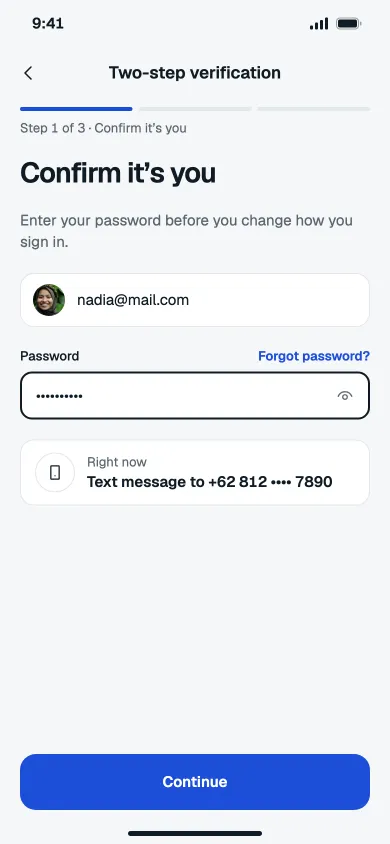 Two-step verification setupA signed-in person adds an authenticator app as the second step for signing in. 4 screens
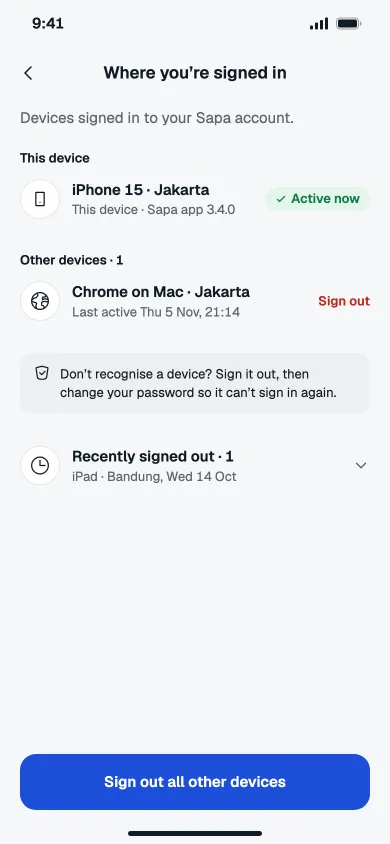 Devices and sessionsA person checks where their account is signed in. 5 screens
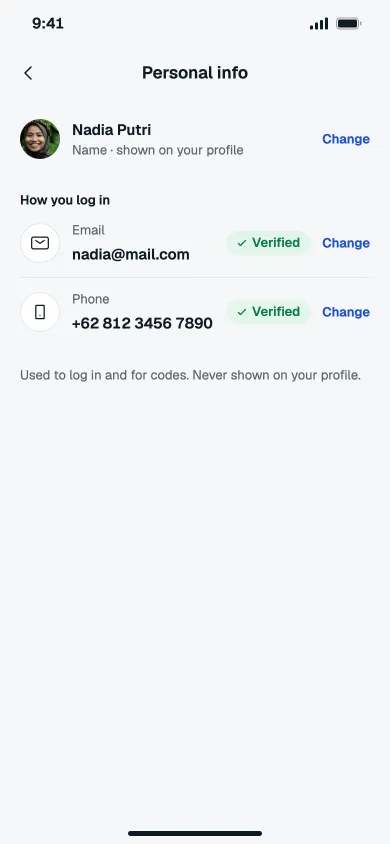 Change email or phoneA person changes the email or phone they log in with and the new value must be proven first. 4 screens
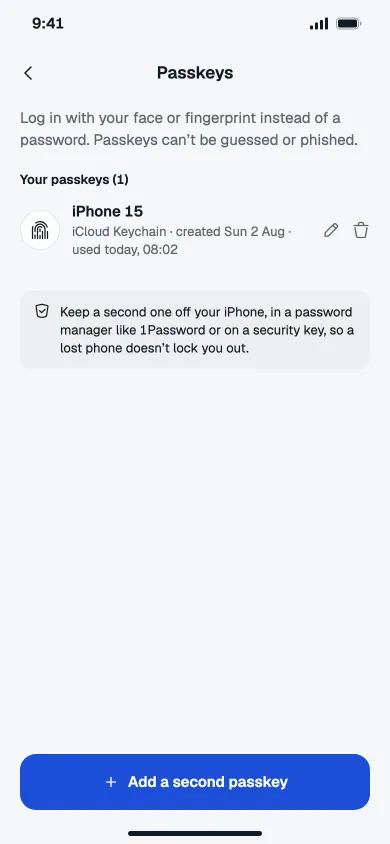 Passkey setupA signed-in person adds a passkey. 4 screens
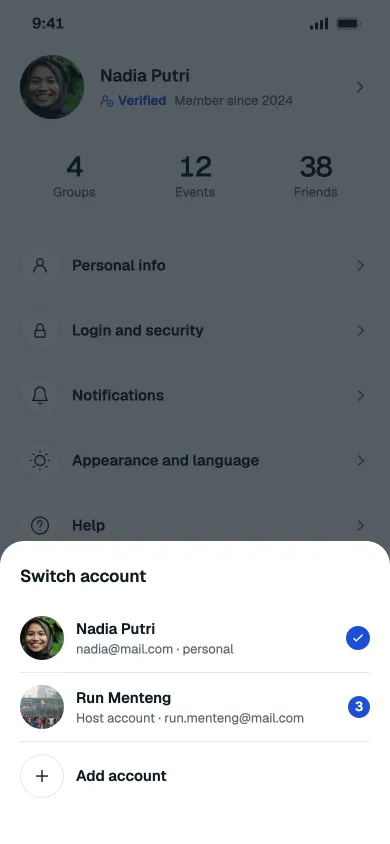 Switch and add accountsOne person runs more than one account on the same device. 4 screens
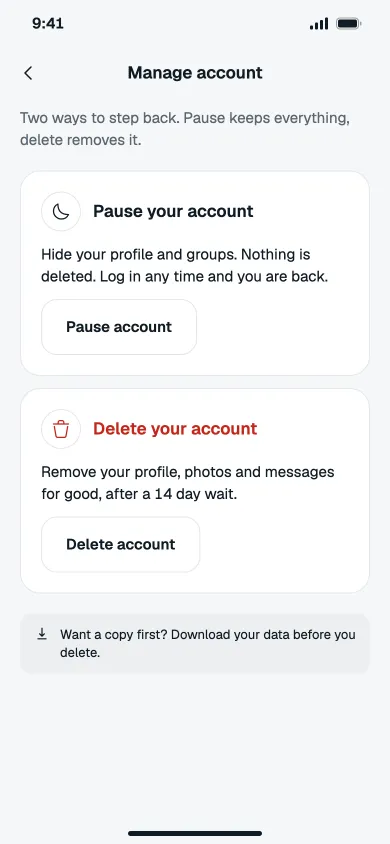 Deactivate or delete accountA person wants to leave: pause the account. 6 screens
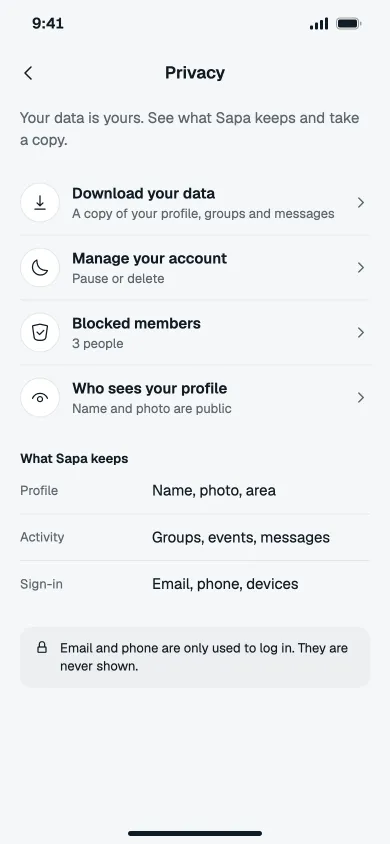 Download your dataA person asks for a copy of what the product holds on them: a privacy center. 5 screens
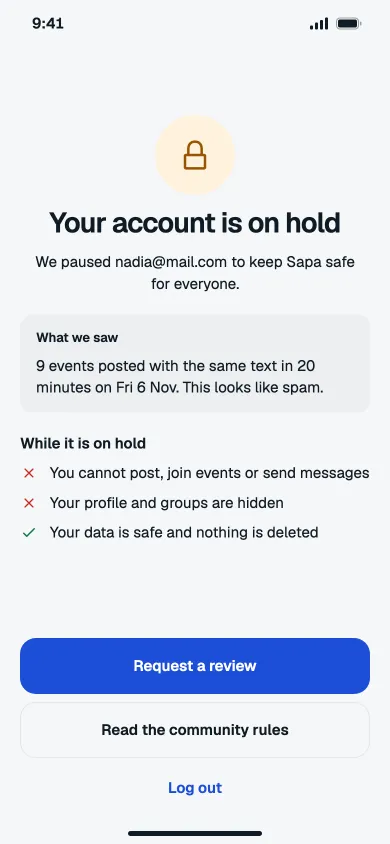 Suspended account and appealThe product has paused an account and the person needs the reason. 5 screens
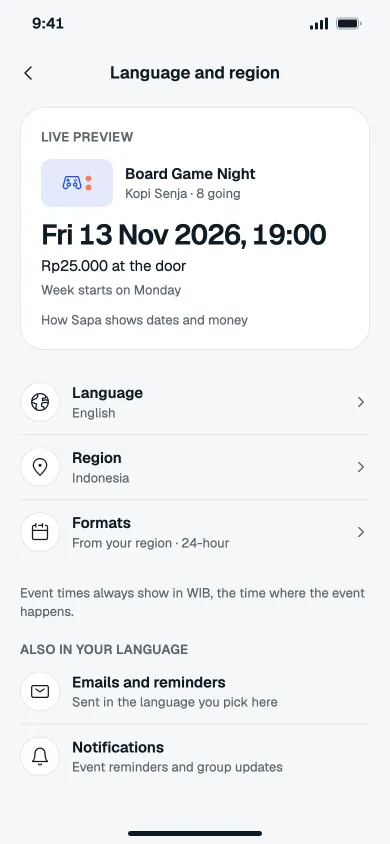 Language and regionAn app used across languages and regions: change the app language. 6 screens
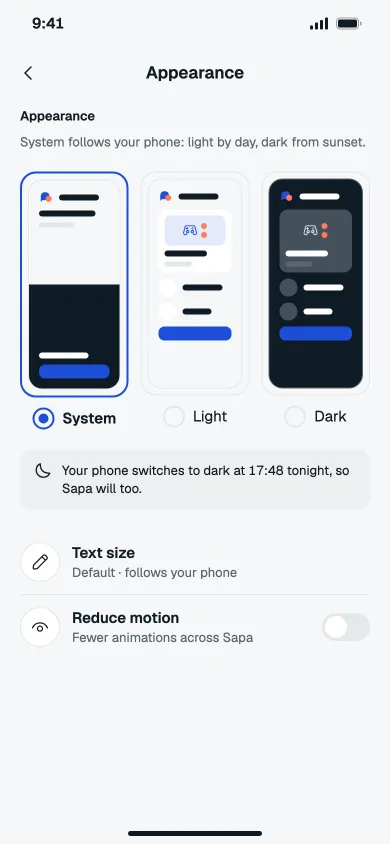 Appearance and text sizeAn app that offers light. 4 screens
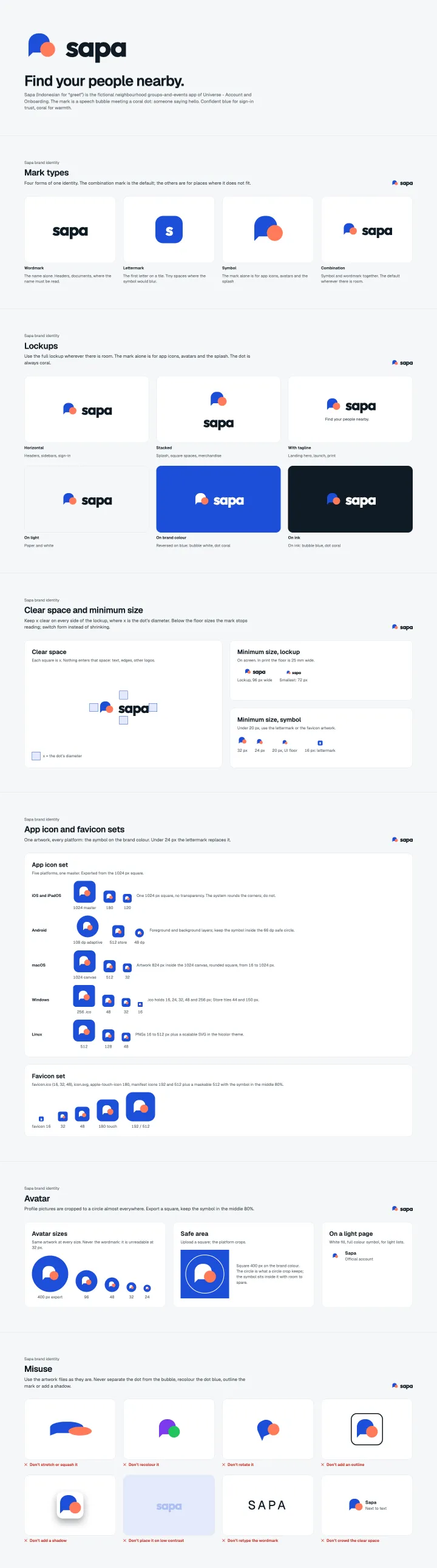 Brand identityA new app or company needs a logo system a team can use: the forms of the mark. 1 screens
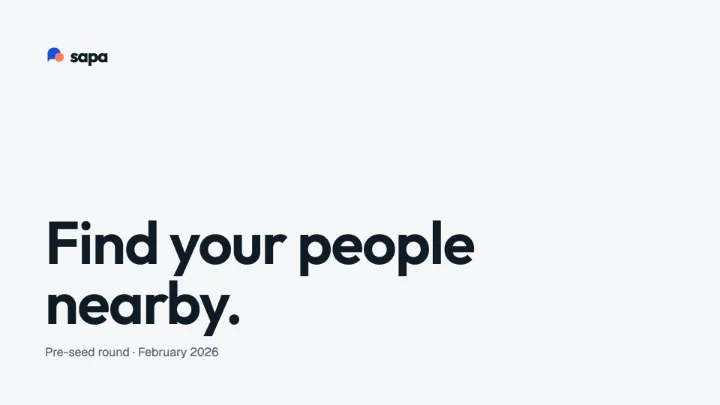 Pitch deckA founder raises a round or applies to an accelerator and needs a short deck an investor can read without a voice-over: one idea per slide. 7 screens
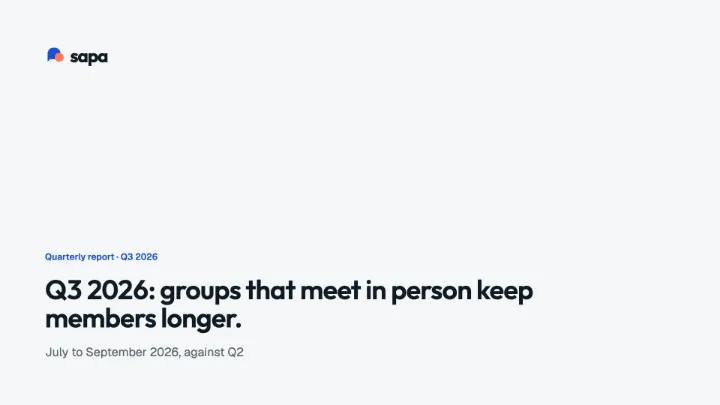 Report deckA quarterly or monthly update for investors. 2 screens
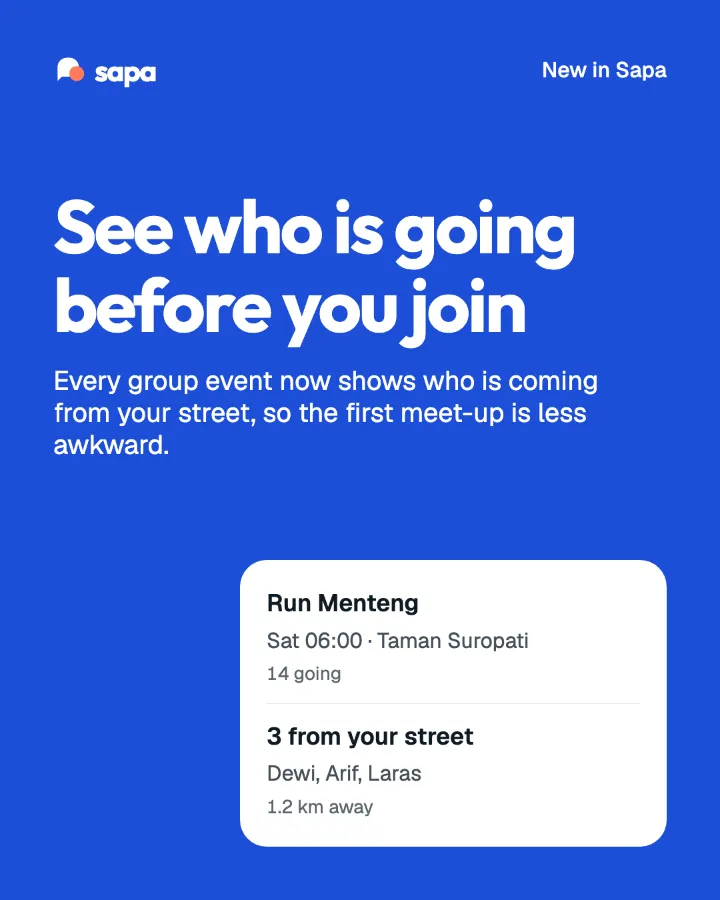 Launch campaignA product launches one feature and has to say it everywhere at once: a feed post. 5 screens
Questions
- Which account and onboarding flows are in Universe?
- 22 flows: Onboarding, Log in and out, Browsing tutorial, Splash, Verification, Account and profile, Settings, Forgot password, Two-step verification setup, Devices and sessions, Change email or phone, Passkey setup, Switch and add accounts, Deactivate or delete account, Download your data, Suspended account and appeal, Language and region, Appearance and text size, Brand identity, Pitch deck, Report deck, Launch campaign. Each one lists its screens in order, the patterns behind them and the states to cover.
- Whose brand are these screens?
- Sapa, a made-up neighbourhood groups-and-events app. Battle-tested patterns for the first minutes of any product. Not a copy of any app: each flow is Wonderblok's own best-practice version. Your agent redraws the flows on your own brand.
- How does my agent use these flows?
- Connect Claude Code, Codex or Claude Desktop to Wonderblok over MCP. The agent calls use_pattern for a flow, reads its screens, rules and states, and draws them in your file on your tokens.