CRM FLOW
Contact and company record app flow
A crm flow in 6 screens, from company record to no permission. Start your app from it, and your agent draws it on your own design system.
- 6 screens
- 6 patterns
- Mobile and desktop
- Brand: Simpul (made up)
The screens, in order
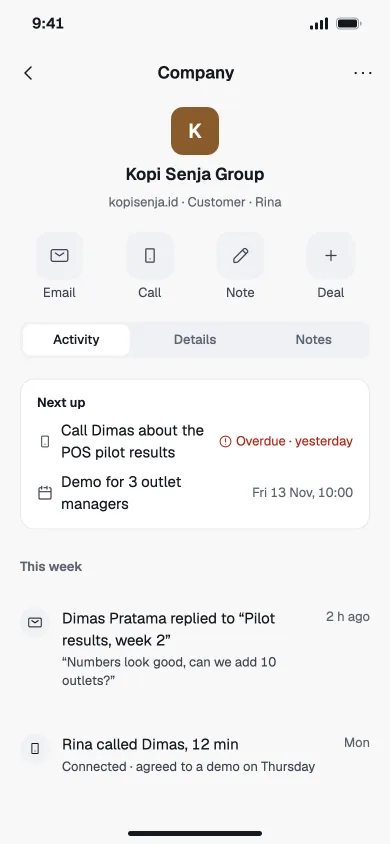
- Company record
- Timeline with diff expandedPro
- Contact on mobilePro
- Inline field editPro
- Archived and mergedPro
- No permissionPro
See all 6 screens, at mobile and desktop.Pro opens the whole flow in your Universe, with the prompt and code for each screen.
Upgrade to ProAlready Pro? Open in UniverseWhen to use it
USE WHEN
Any person, company or account that accumulates history across people and channels.
AVOID WHEN
The object has no history or relationships (use a simple detail sheet) or users only need one field (show it in the table).
Patterns and why they work
6 decisions this flow makes, and the clarity each one buys.
Focus above history
The next thing to do is first
Attribute changes as one collapsible diff
What changed and to what
Visible empty fields
What is missing
Typed history filter chips
Narrow a long history
Square quick actions under the avatar
The four ways to reach a person
Prev/next within the current view
Where this record sits in the list
Each pattern also has its psychology, the intuition behind it and what it rules out, plus layout notes for mobile and desktop.
Open in UniverseStates to cover
The screens people forget until a user hits them.
- Drawn: rich record
- Overdue activity in Focus
- Timeline filtered
- Diff expanded
- Inline field editing
- Merged record (a line says what it was merged from and what moved)
- Archived record (read-only banner with Restore)
- No permission (name only, request access and who can help)
- Listed
- Not drawn: loading skeleton
- New record with empty fields
- Field validation error
- Related record empty
- Deleted record
Pairs with
The flows this one hands off to or comes back from.
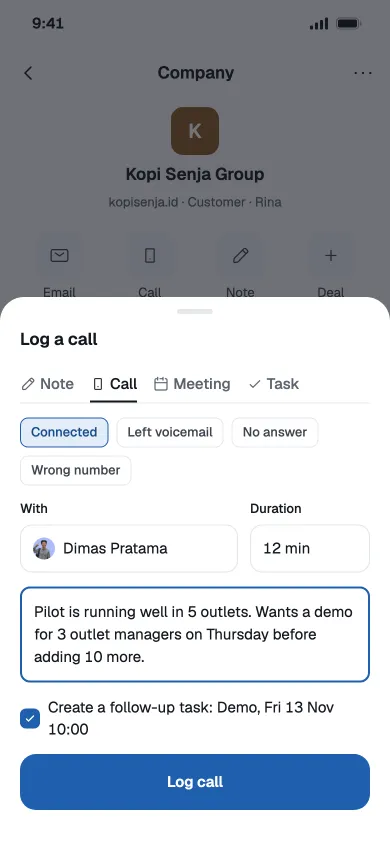
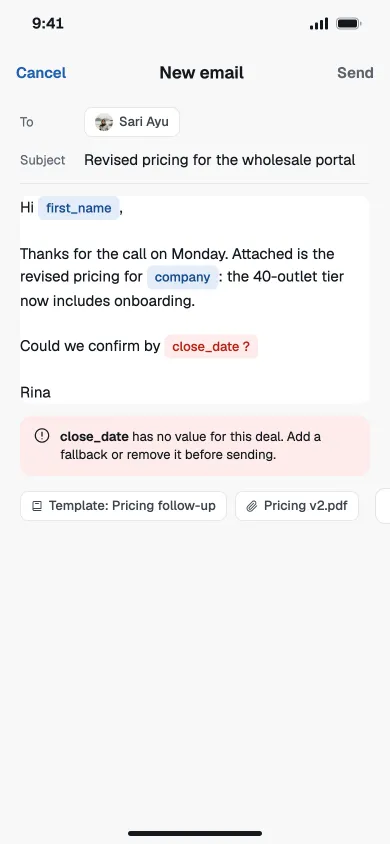
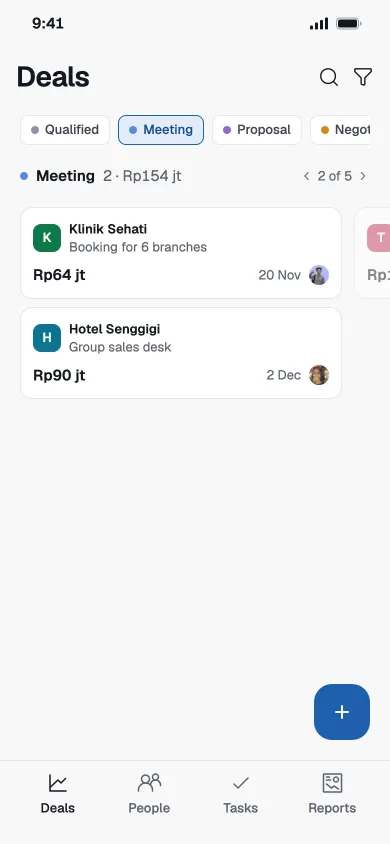

More CRM flows
Drawn for the same brand, so they fit together.
Questions
- When should I use a contact and company record flow?
- Any person, company or account that accumulates history across people and channels. Use another pattern for the object has no history or relationships (use a simple detail sheet) or users only need one field (show it in the table).
- Which screens does it need?
- This pattern uses 6: Company record, Timeline with diff expanded, Contact on mobile, Inline field edit, Archived and merged and No permission. Plan for these states too: drawn: rich record, overdue activity in focus, timeline filtered, diff expanded.
- Is Simpul a real app?
- No. Simpul is a made-up relationship CRM for small sales teams and agencies: pipeline, records, activity, sequences, imports, reports and tasks, so the screens show the pattern without copying anyone's brand. Your agent redraws the flow on your own tokens and components.
- How does my agent use this flow?
- Connect Claude Code, Codex or Claude Desktop to Wonderblok over MCP. The agent calls use_pattern for this flow, reads its screens, rules and states, and draws them in your file.
- Is it free?
- Browsing Universe is free. Full pattern notes and use with your agent are part of Pro, and the Free plan opens a few flows in full each month.