UNIVERSE · PROFESSIONAL AND RECRUITMENT
Professional and Recruitment app UI patterns and flows
20 professional and recruitment app flows with their screens, the patterns behind them and the states to cover, at mobile and desktop. Your agent draws them on your design system.
20 Professional and Recruitment flows
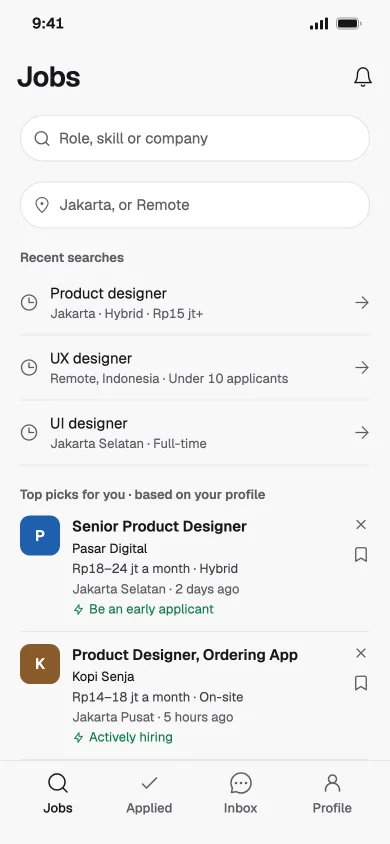 Job search and filtersAny listing of jobs. 6 screens
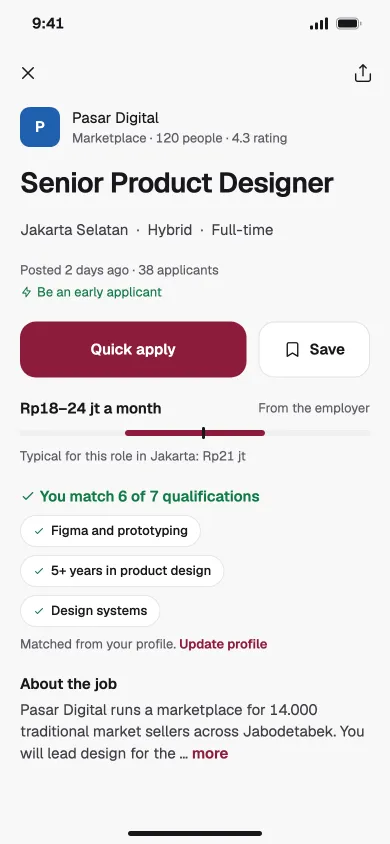 Job detail and applyAny job or gig where the candidate applies in-product or is handed to an external system. 8 screens
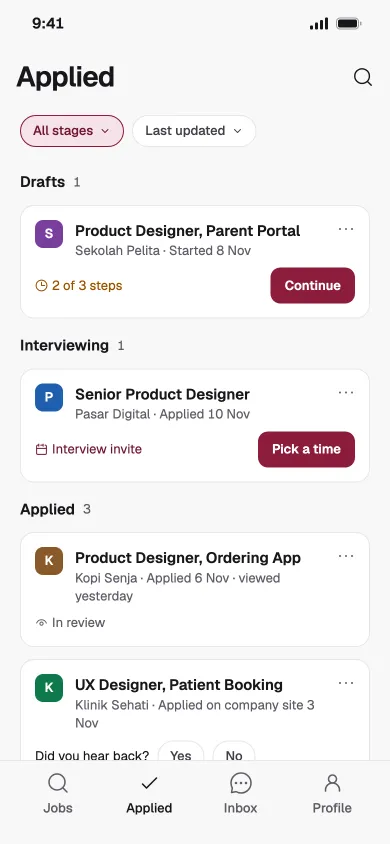 Application trackingCandidates apply to several jobs at once, in-app or externally. 7 screens
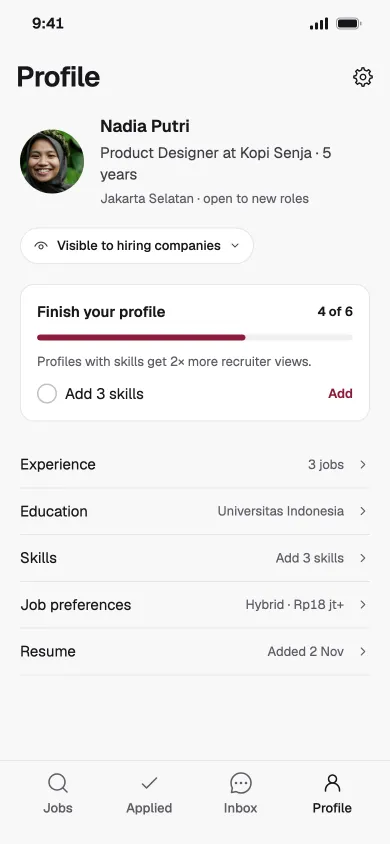 Professional profile and resumeAny product where a person's work history drives matching. 6 screens
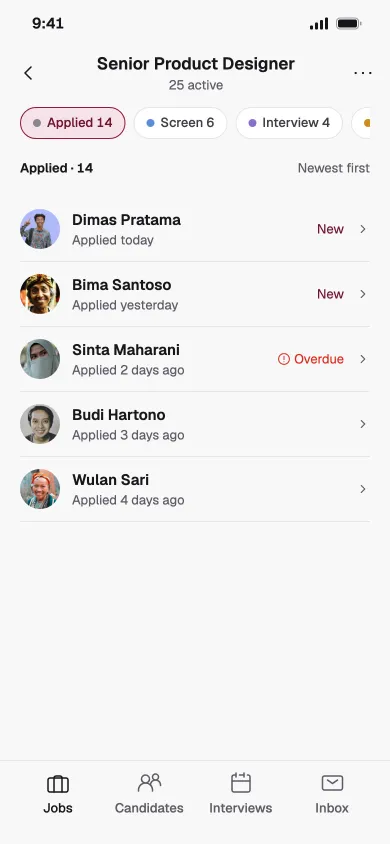 Hiring pipeline and candidate reviewA team reviews more than a handful of applicants per role across several interview stages. 7 screens
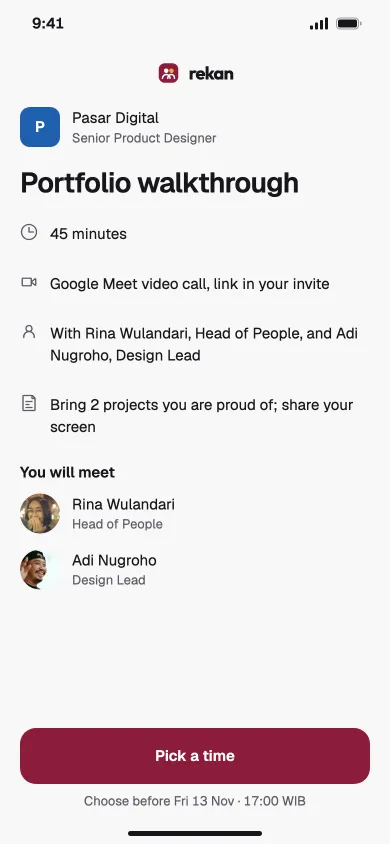 Interview schedulingA candidate or interviewer needs to agree on a time without email back and forth. 8 screens
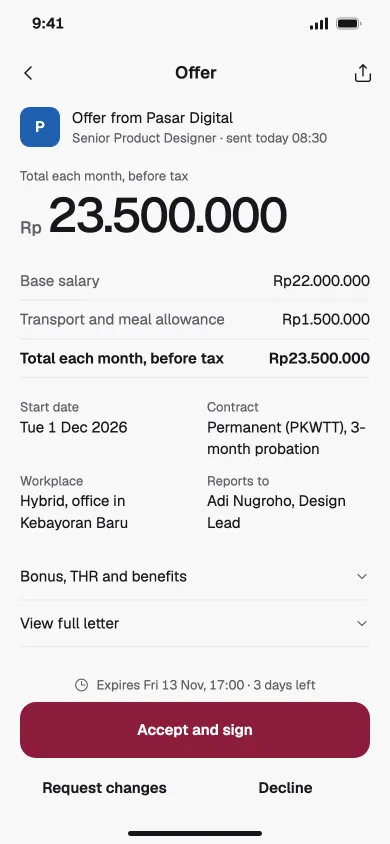 Offer and acceptanceA formal offer with compensation and terms needs a clear accept. 8 screens
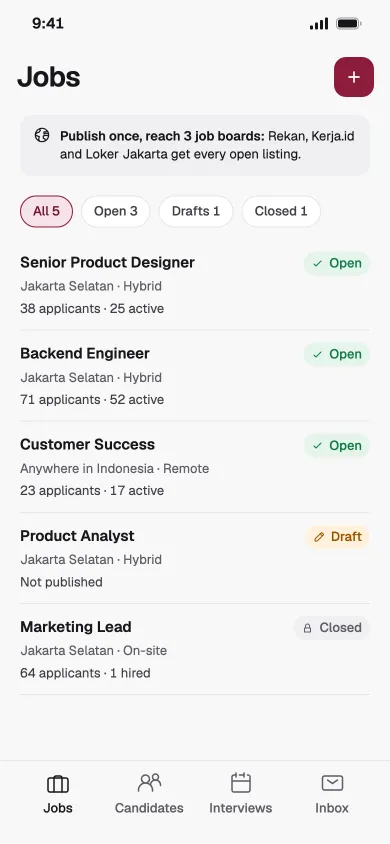 Post a jobAn employer or recruiter creates. 6 screens
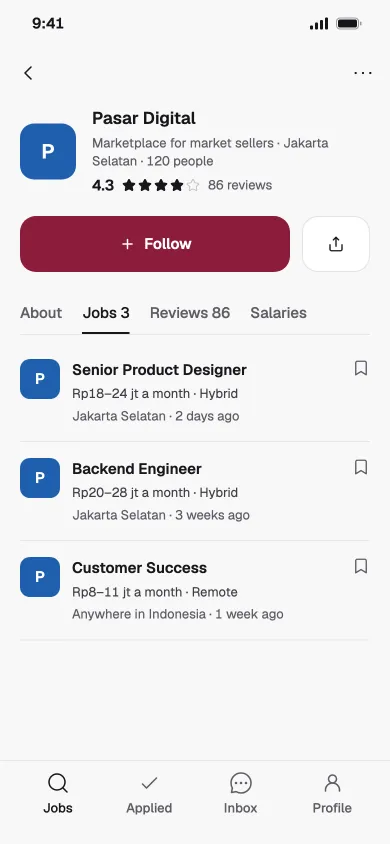 Company page and reviewsA seeker researches an employer before applying. 6 screens
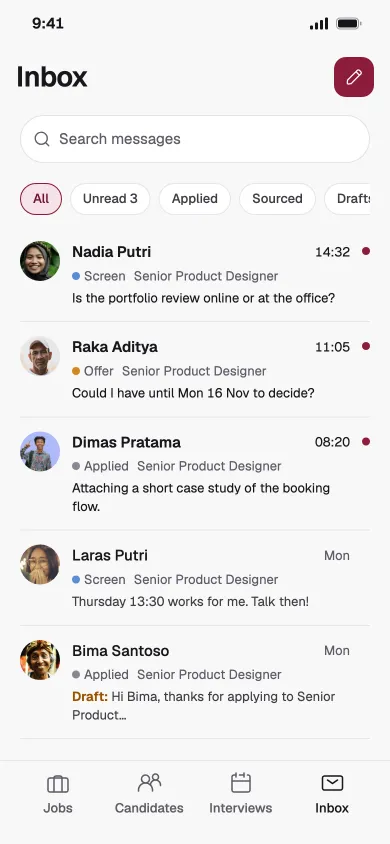 Recruiter messagesA recruiter talks to candidates inside the hiring tool. 6 screens
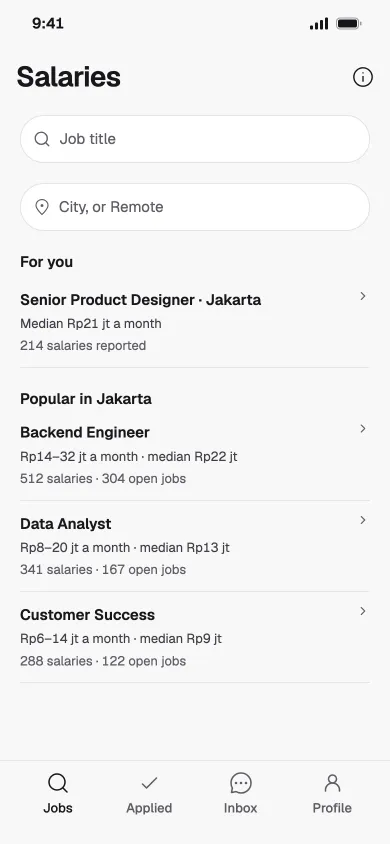 Salary insightsA seeker or employer checks what a title pays in a city. 5 screens
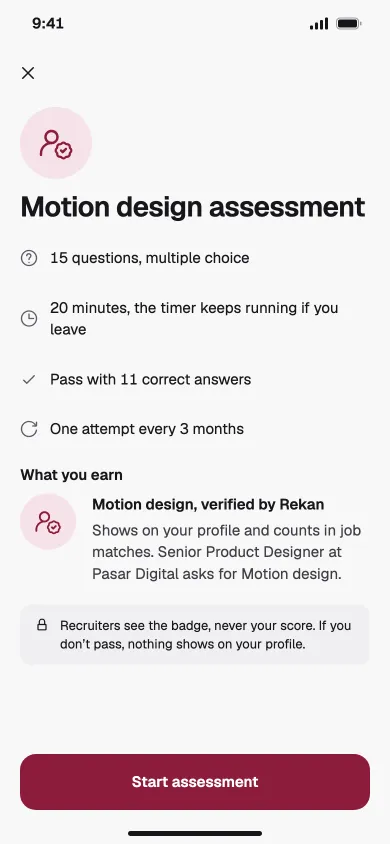 Skills assessment and badgesA candidate proves a skill with a timed test and earns a badge that shows on the profile and counts in job matches. 6 screens
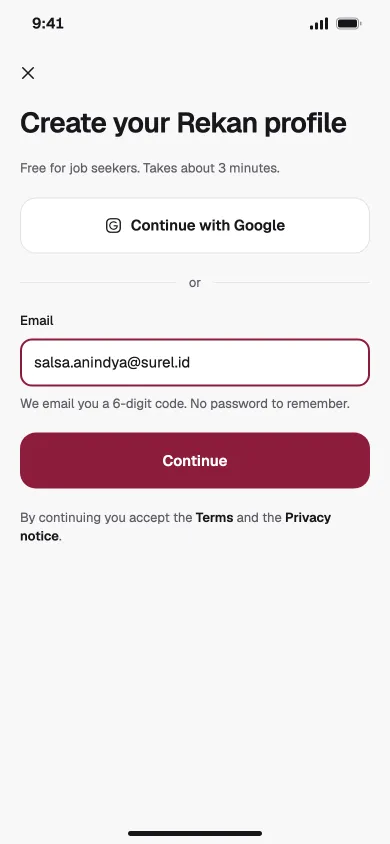 Job seeker sign-up and onboardingA candidate creates a profile: Google or email with a code. 5 screens
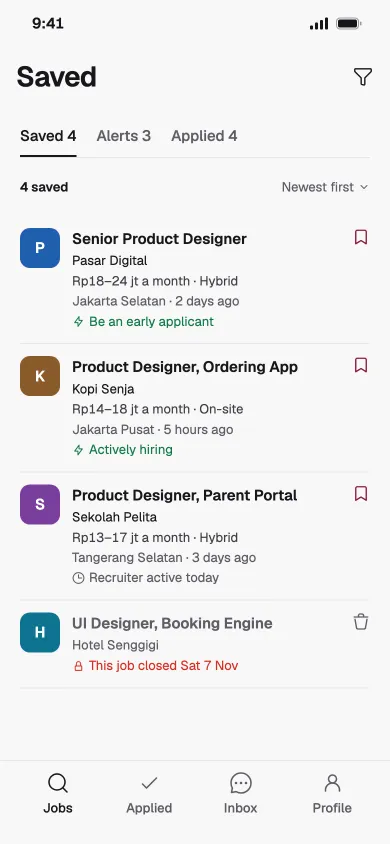 Saved jobs and alertsA seeker keeps jobs to decide later and gets new matches without searching again: a saved list. 4 screens
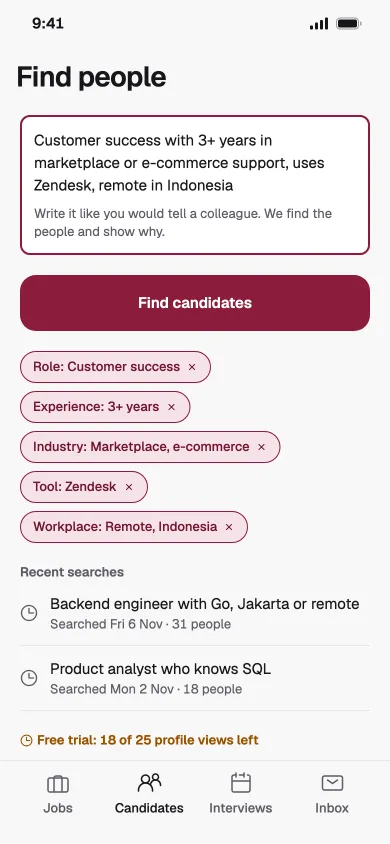 Talent search and shortlistA small team finds people before they apply: a search written in plain words. 4 screens
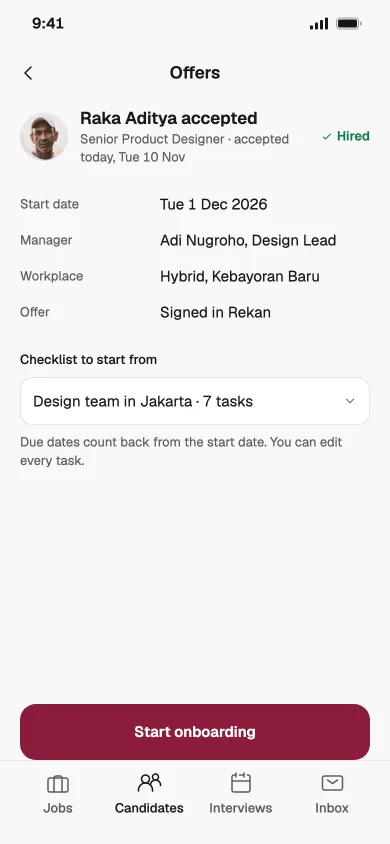 New hire onboardingAfter an offer is accepted: the recruiter starts onboarding from the hire. 4 screens
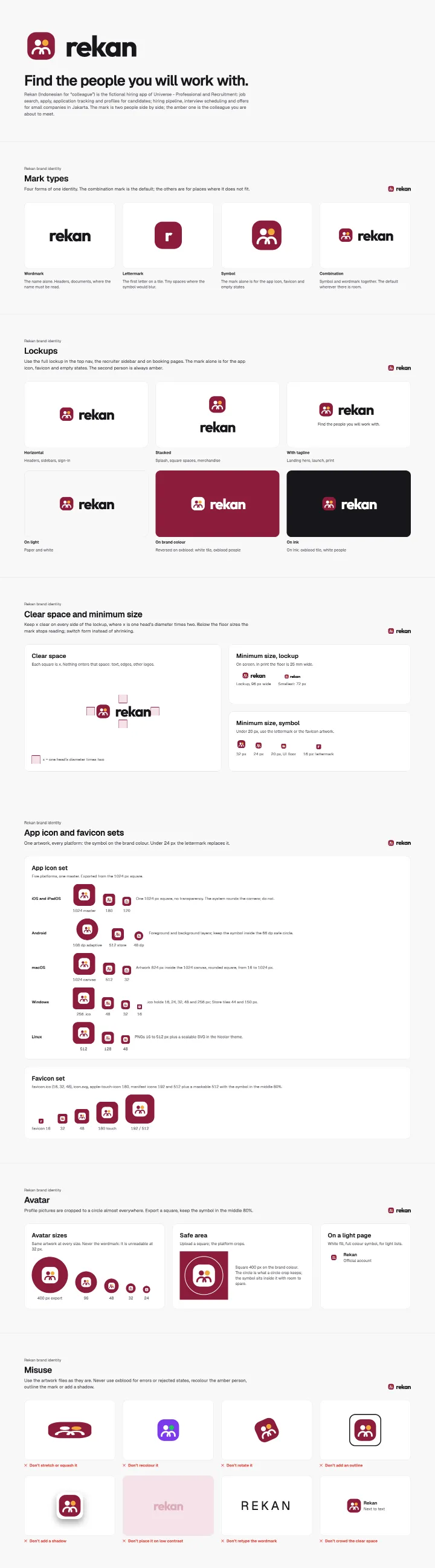 Brand identityA new app or company needs a logo system a team can use: the forms of the mark. 1 screens
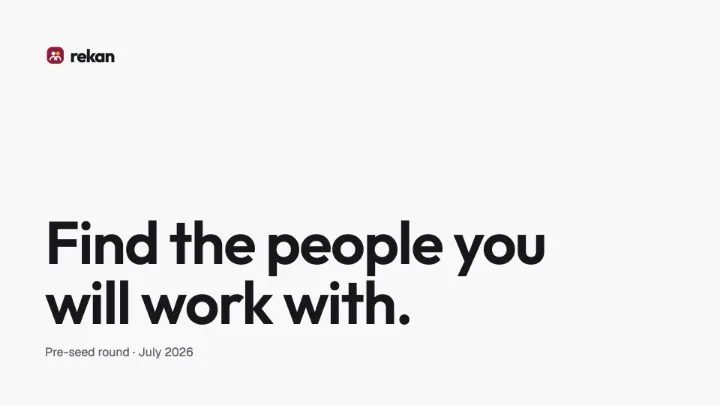 Pitch deckA founder raises a round or applies to an accelerator and needs a short deck an investor can read without a voice-over: one idea per slide. 7 screens
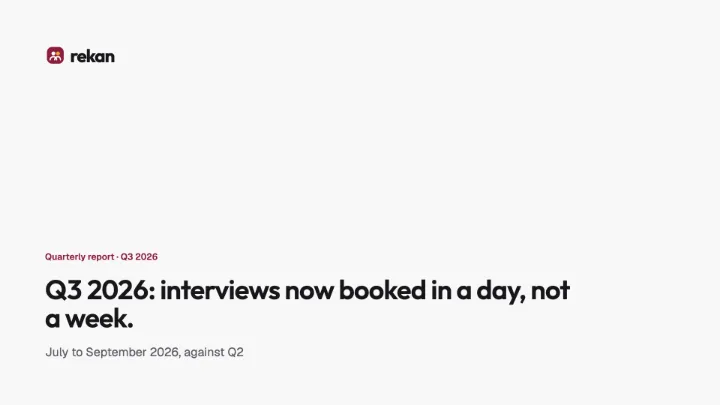 Report deckA quarterly or monthly update for investors. 2 screens
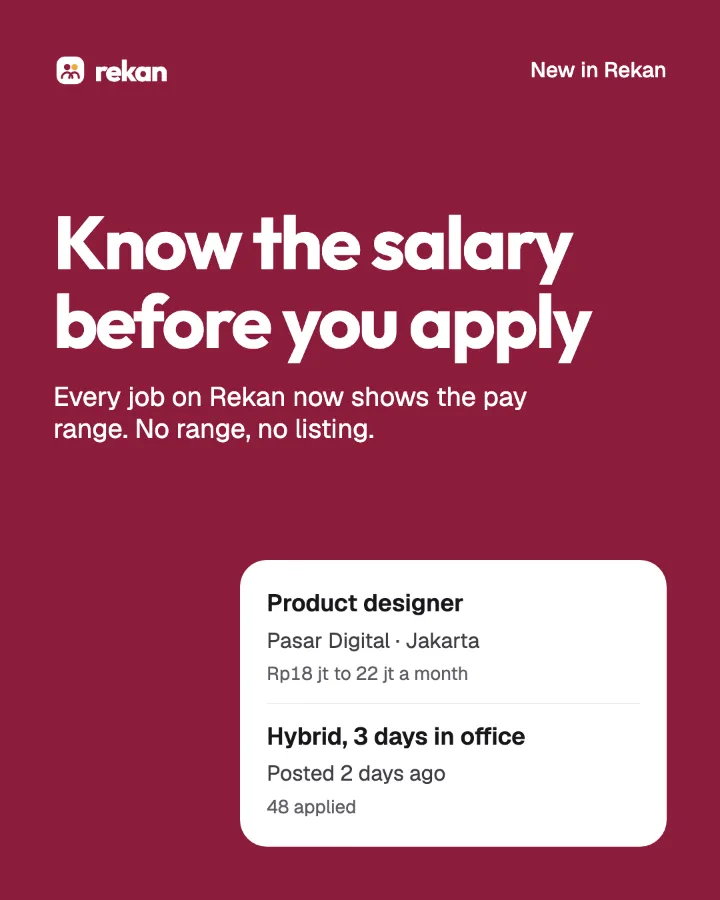 Launch campaignA product launches one feature and has to say it everywhere at once: a feed post. 5 screens
Questions
- Which professional and recruitment flows are in Universe?
- 20 flows: Job search and filters, Job detail and apply, Application tracking, Professional profile and resume, Hiring pipeline and candidate review, Interview scheduling, Offer and acceptance, Post a job, Company page and reviews, Recruiter messages, Salary insights, Skills assessment and badges, Job seeker sign-up and onboarding, Saved jobs and alerts, Talent search and shortlist, New hire onboarding, Brand identity, Pitch deck, Report deck, Launch campaign. Each one lists its screens in order, the patterns behind them and the states to cover.
- Whose brand are these screens?
- Rekan, a made-up hiring app: job search and apply for candidates; hiring pipeline, interview scheduling and offers for small companies in Jakarta. Patterns for job boards, application trackers, candidate profiles, applicant tracking systems, interview booking and offers. Each flow is Wonderblok's own best-practice version, not a copy of any app. Your agent redraws the flows on your own brand.
- How does my agent use these flows?
- Connect Claude Code, Codex or Claude Desktop to Wonderblok over MCP. The agent calls use_pattern for a flow, reads its screens, rules and states, and draws them in your file on your tokens.