UNIVERSE · EDUCATION
Education app UI patterns and flows
23 education app flows with their screens, the patterns behind them and the states to cover, at mobile and desktop. Your agent draws them on your design system.
23 Education flows
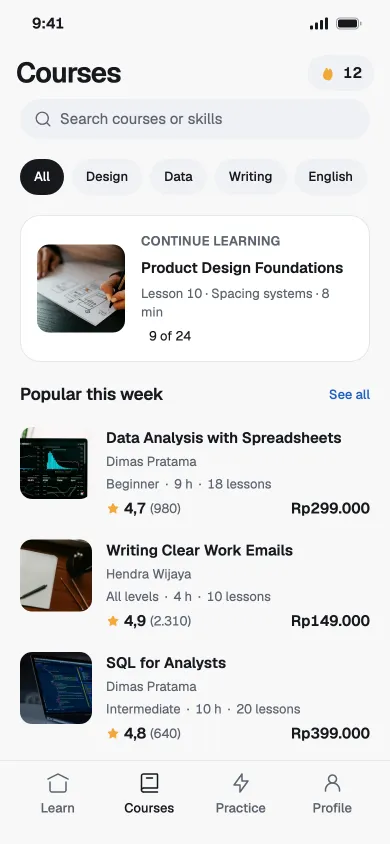 Course catalogue and enrollA course marketplace or a school's paid course list. 9 screens
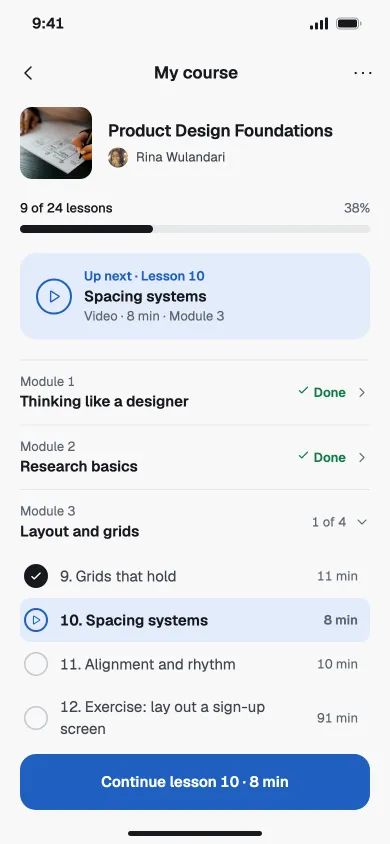 Course page and lesson playerAny video or reading course with modules. 6 screens
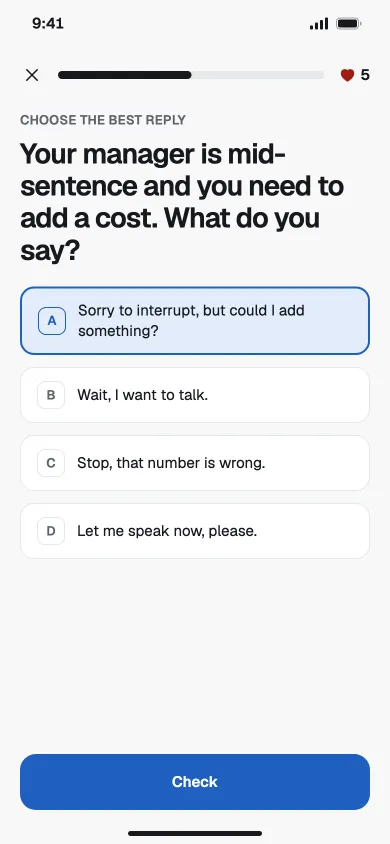 Quiz and answer feedbackPractice lessons, module quizzes, knowledge checks. 6 screens
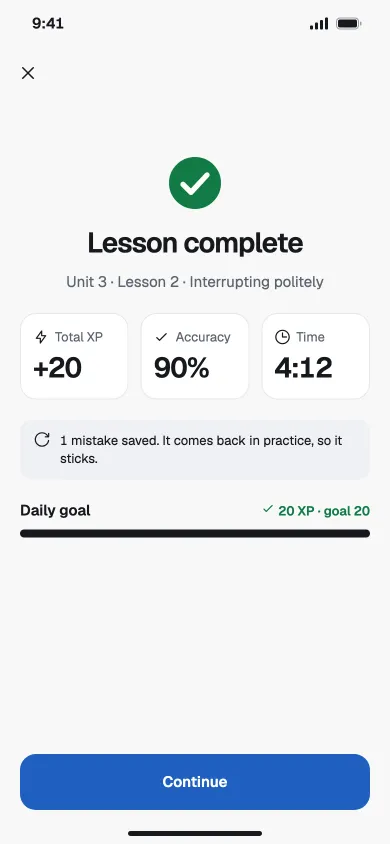 Lesson complete and streakAny habit-based learning or practice product, daily goals. 5 screens
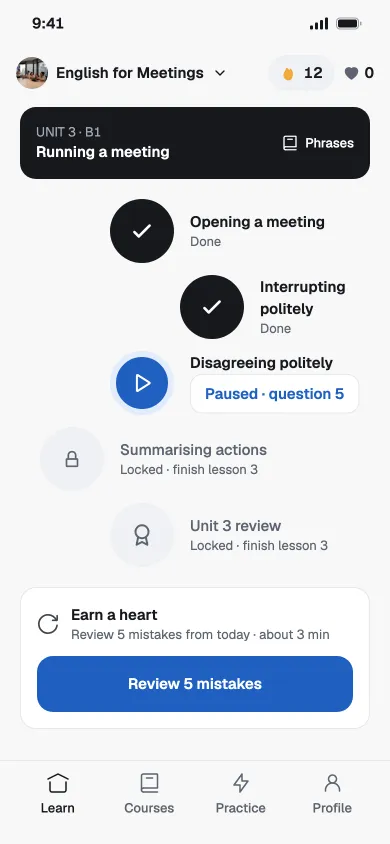 Practice and review mistakesSpaced practice, reviewing errors. 4 screens
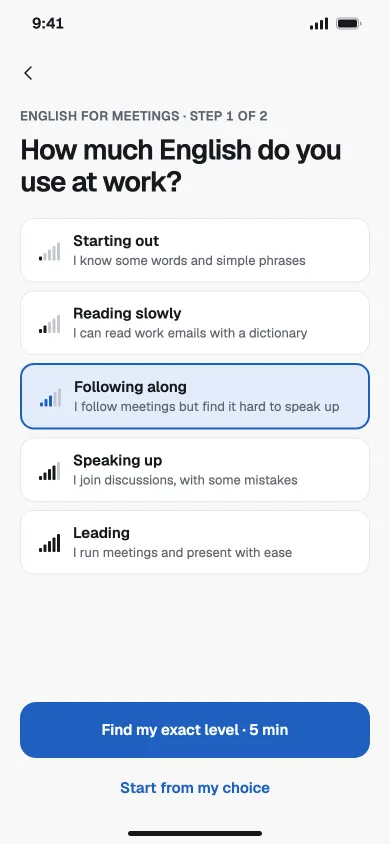 Placement testCourses with levels. 5 screens
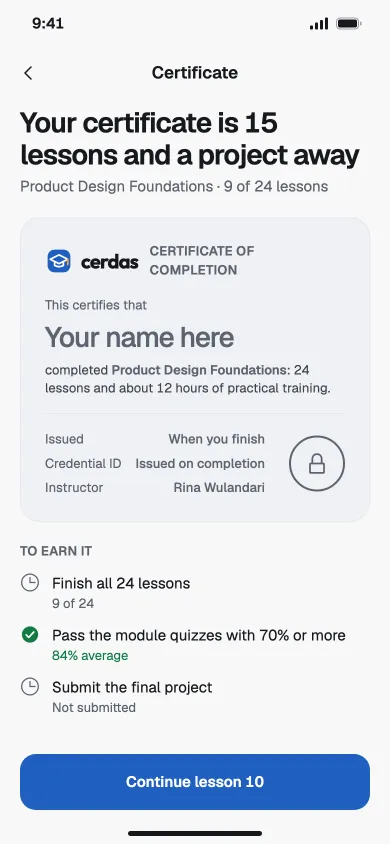 Certificate and shareCourse completion, professional certificates. 6 screens
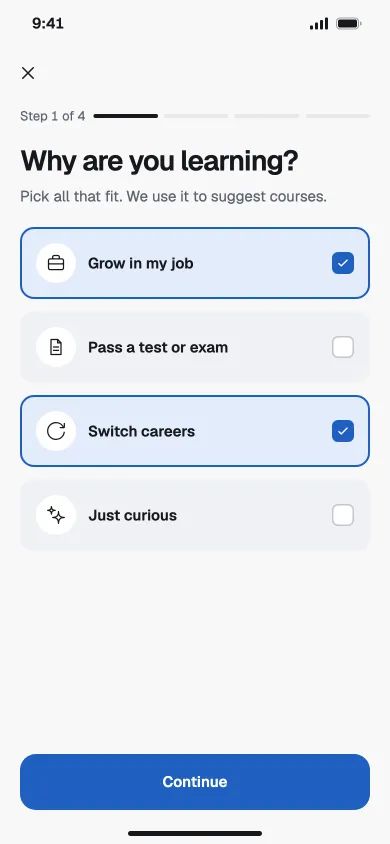 First run with goal and reminderA learning or habit app needs a reason. 4 screens
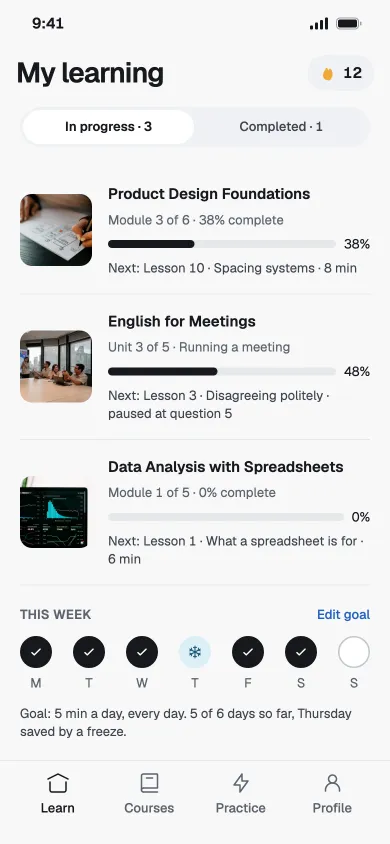 My learningA learner is enrolled in several courses and needs one signed-in home with progress. 4 screens
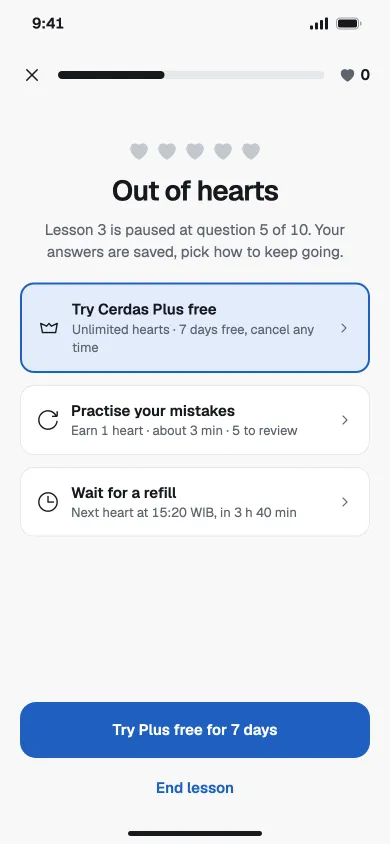 Cerdas Plus and heartsA learning app limits mistakes with hearts and sells unlimited hearts. 4 screens
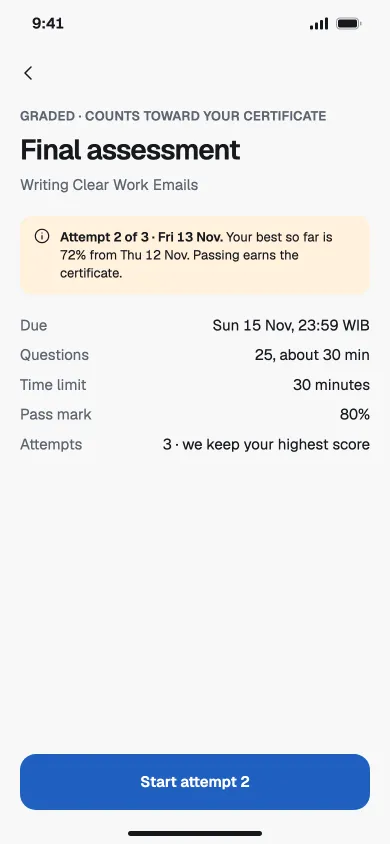 Graded assignment and projectA course has an assessment that counts toward a certificate. 6 screens
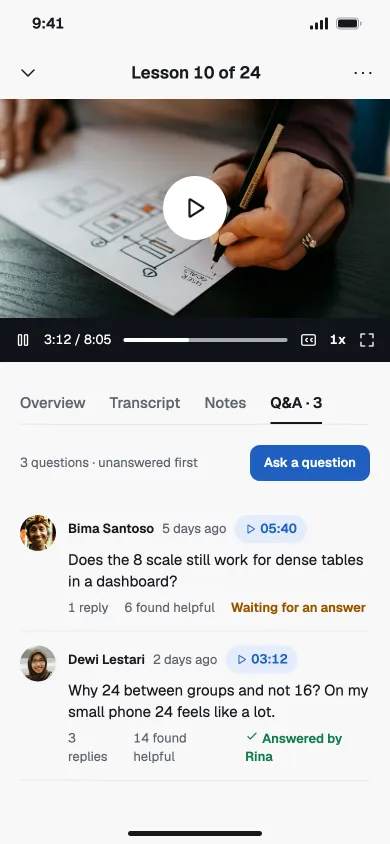 Lesson Q&ALearners get stuck on a specific lesson and need answers from the instructor or other learners. 4 screens
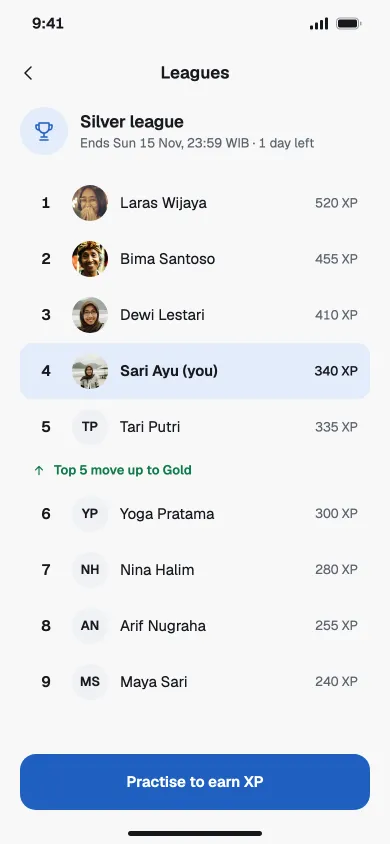 Weekly leagueA learning app adds light competition: weekly groups of 20. 6 screens
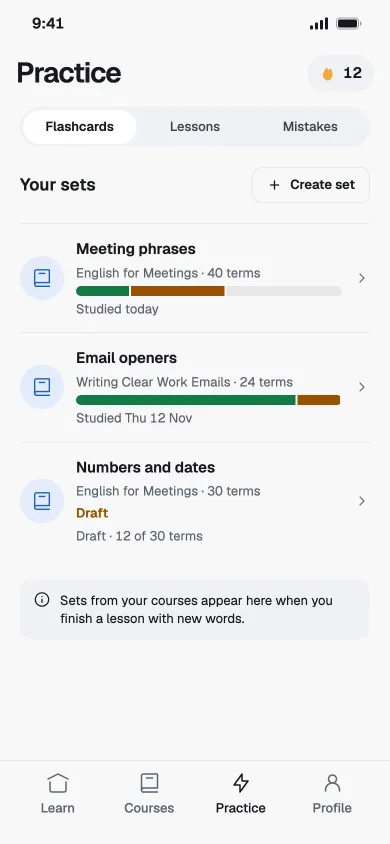 Flashcards and vocabularyA learner memorises words and phrases from a course: a library of sets. 5 screens
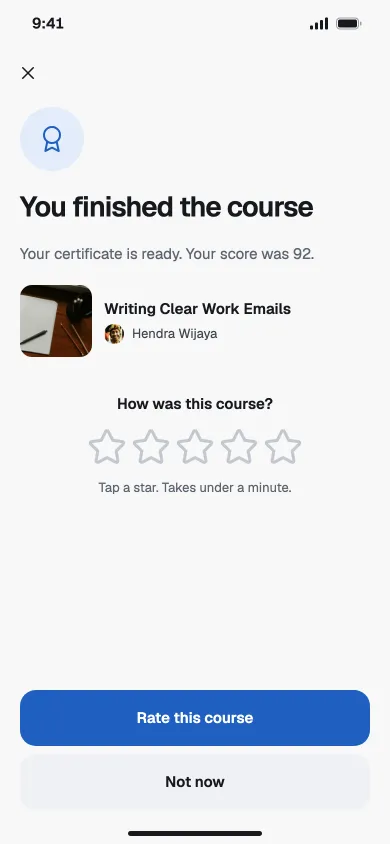 Rate and review a courseA learner rates a course after finishing it: a prompt next to the certificate. 4 screens
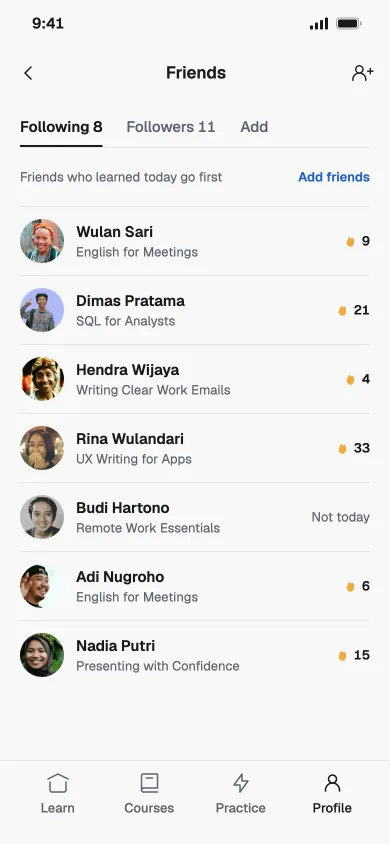 Friends and friend streaksLearning with other people: a friends list with Following and Followers. 4 screens
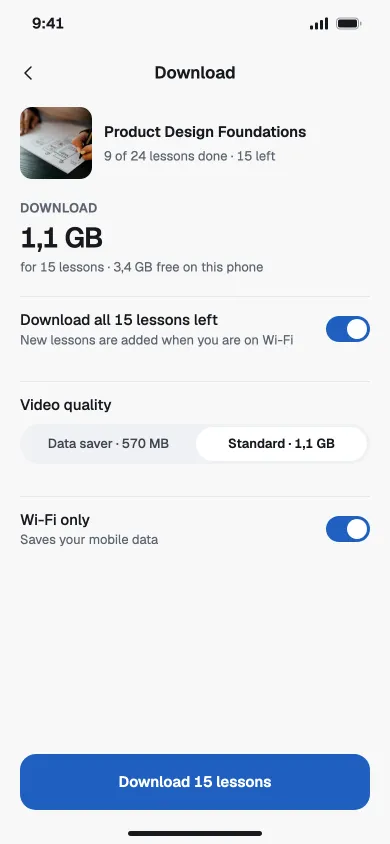 Download for offlineA learner on mobile data downloads lessons: choose what and the quality with the size. 5 screens
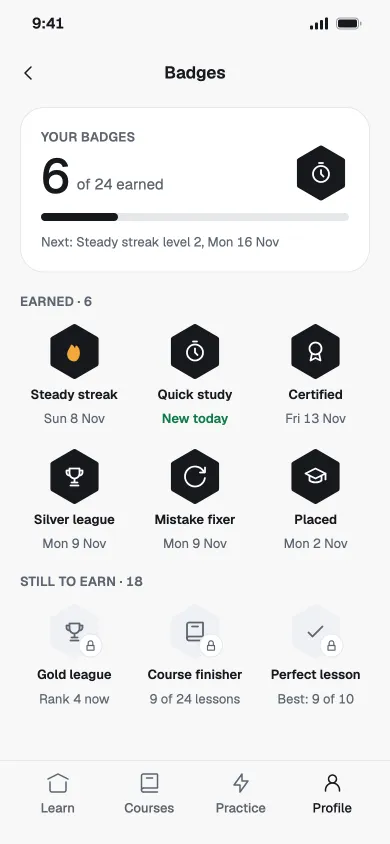 Achievements and badgesA learning or habit app that rewards real progress with badges: a collection of earned and locked badges. 6 screens
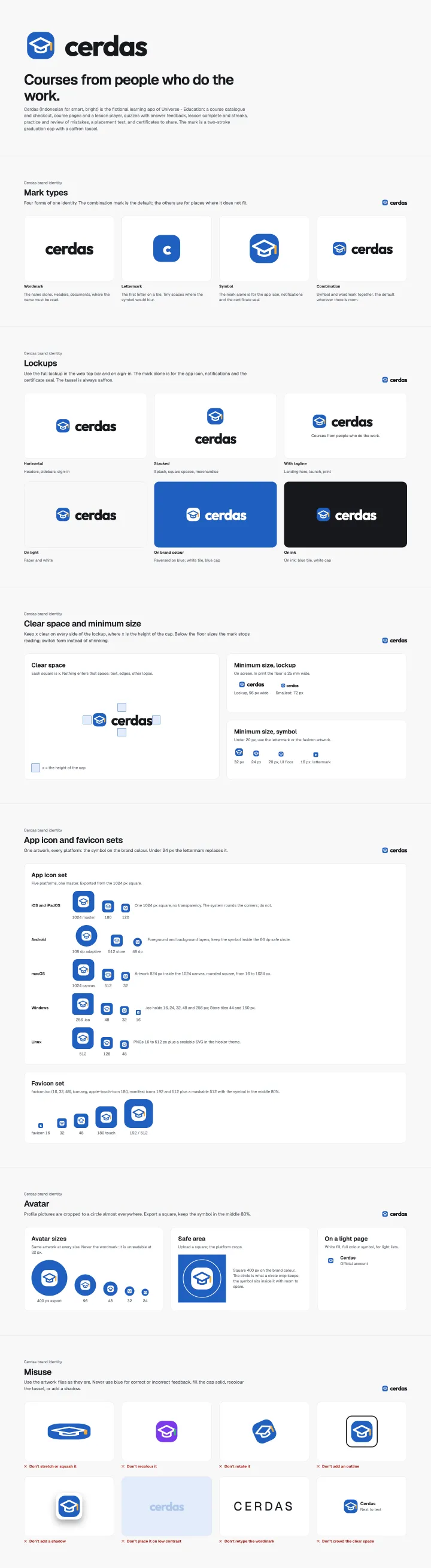 Brand identityA new app or company needs a logo system a team can use: the forms of the mark. 1 screens
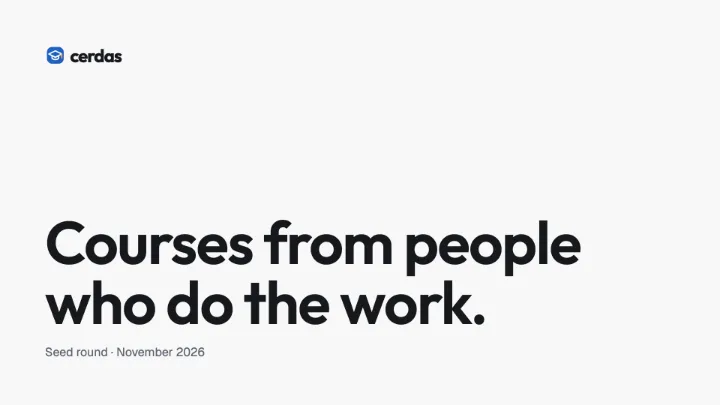 Pitch deckA founder raises a round or applies to an accelerator and needs a short deck an investor can read without a voice-over: one idea per slide. 7 screens
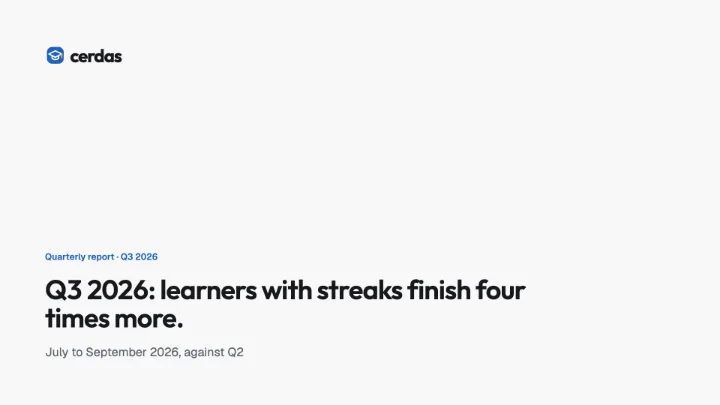 Report deckA quarterly or monthly update for investors. 2 screens
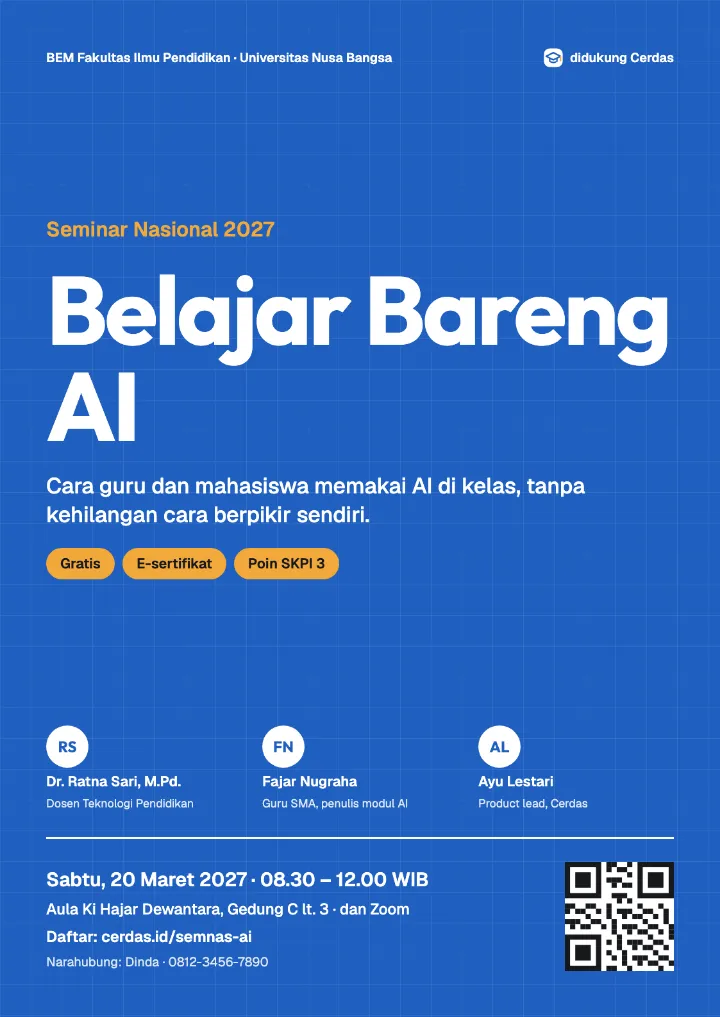 Poster acara kampusA student union or faculty promotes a seminar or workshop: a printed A3 poster for the boards. 5 screens
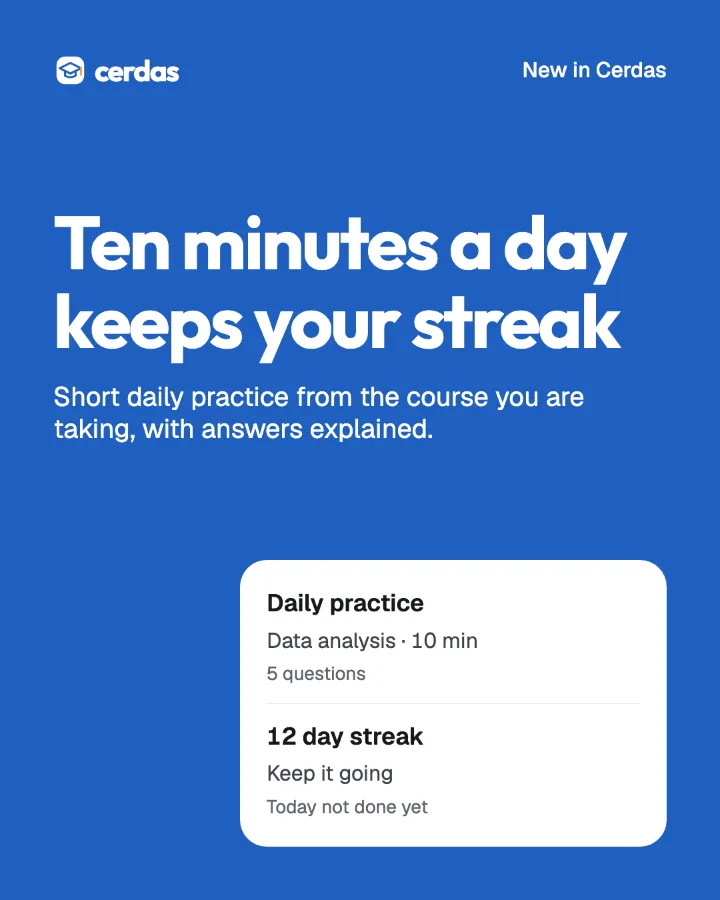 Launch campaignA product launches one feature and has to say it everywhere at once: a feed post. 5 screens
Questions
- Which education flows are in Universe?
- 23 flows: Course catalogue and enroll, Course page and lesson player, Quiz and answer feedback, Lesson complete and streak, Practice and review mistakes, Placement test, Certificate and share, First run with goal and reminder, My learning, Cerdas Plus and hearts, Graded assignment and project, Lesson Q&A, Weekly league, Flashcards and vocabulary, Rate and review a course, Friends and friend streaks, Download for offline, Achievements and badges, Brand identity, Pitch deck, Report deck, Poster acara kampus, Launch campaign. Each one lists its screens in order, the patterns behind them and the states to cover.
- Whose brand are these screens?
- Cerdas, a made-up Indonesian learning app: practical courses in design, data, writing and English for work, with a catalogue and checkout, a lesson player, quizzes with answer feedback, streaks, practice of mistakes, a placement test and certificates. Patterns for course marketplaces and daily-practice learning products. Each flow is Wonderblok's own best-practice version, not a copy of any app. Your agent redraws the flows on your own brand.
- How does my agent use these flows?
- Connect Claude Code, Codex or Claude Desktop to Wonderblok over MCP. The agent calls use_pattern for a flow, reads its screens, rules and states, and draws them in your file on your tokens.