UNIVERSE · PHOTO AND VIDEO
Photo and Video app UI patterns and flows
21 photo and video app flows with their screens, the patterns behind them and the states to cover, at mobile and desktop. Your agent draws them on your design system.
21 Photo and Video flows
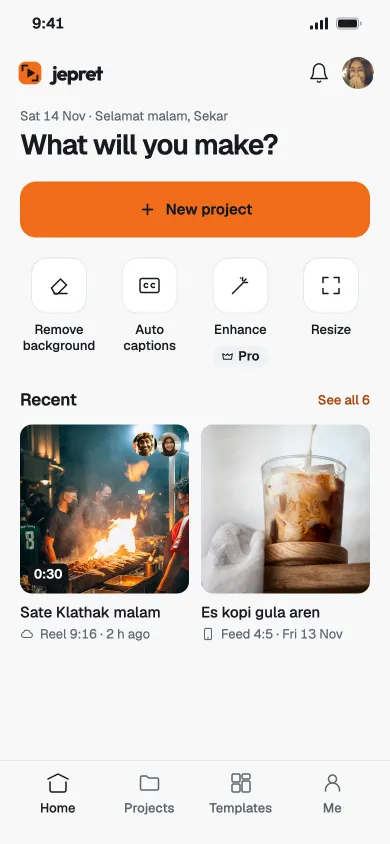 New project and templatesAny editor that creates media from a size. 6 screens
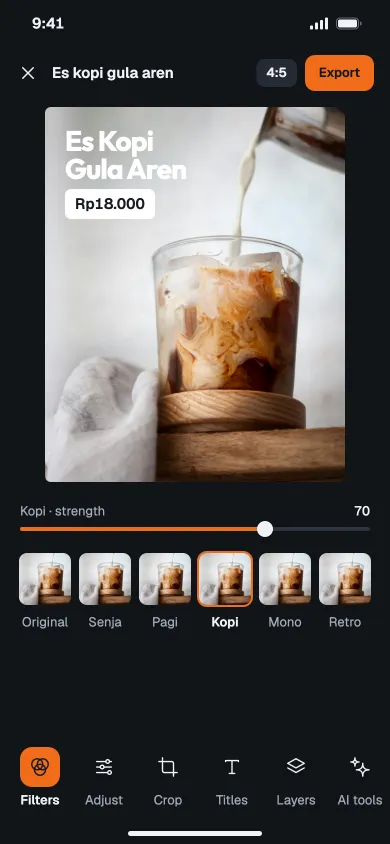 Photo editor with adjust and filtersEditing a single photo or a page of a design. 6 screens
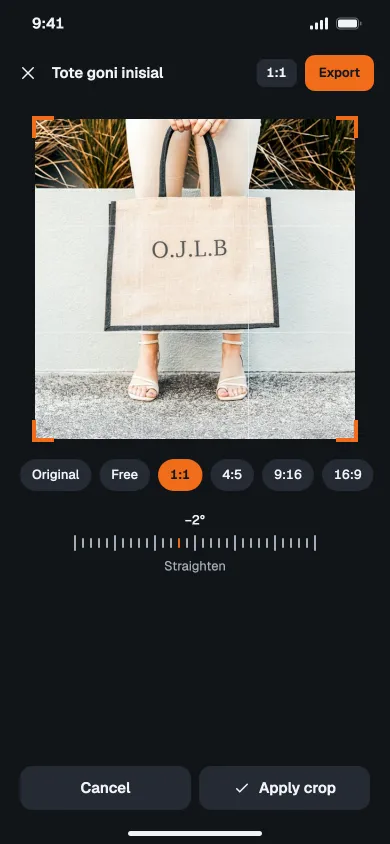 Crop and resize for every formatAny media that goes to several platforms or needs a fixed ratio. 4 screens
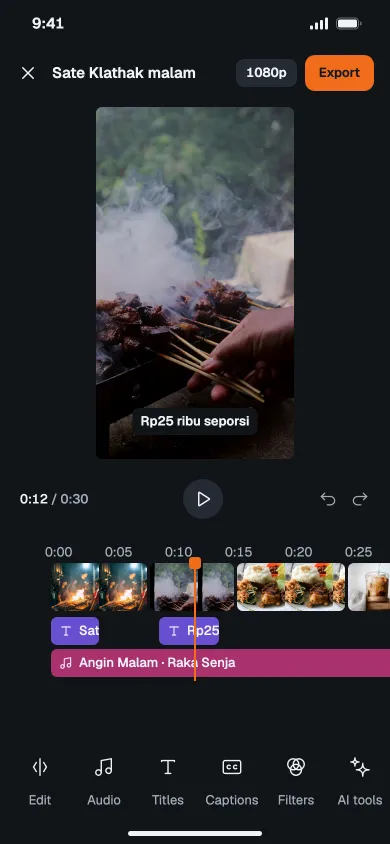 Video timeline with trim text and musicShort-form video editing with clips, text and music. 4 screens
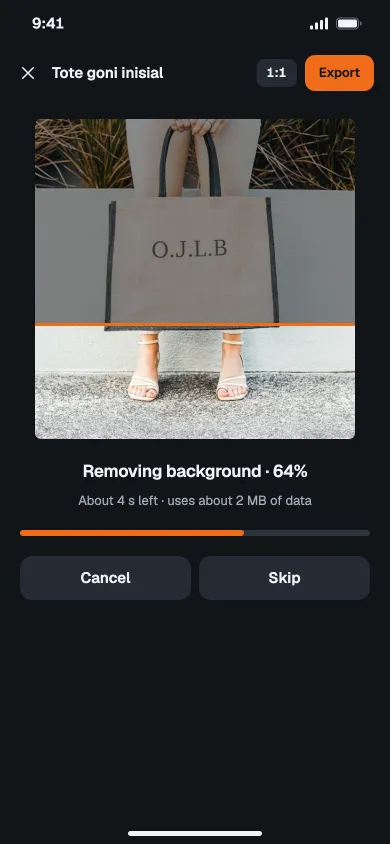 AI tools for background and captionsOne-tap AI edits inside a creative tool. 4 screens
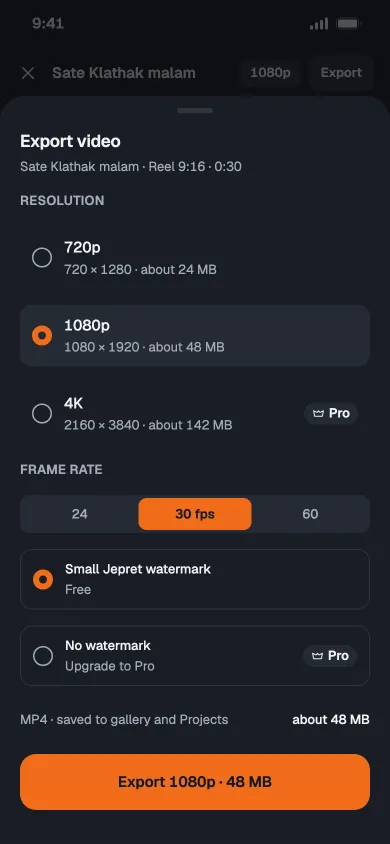 Export and shareAny creative tool that renders media to a file or a link. 5 screens
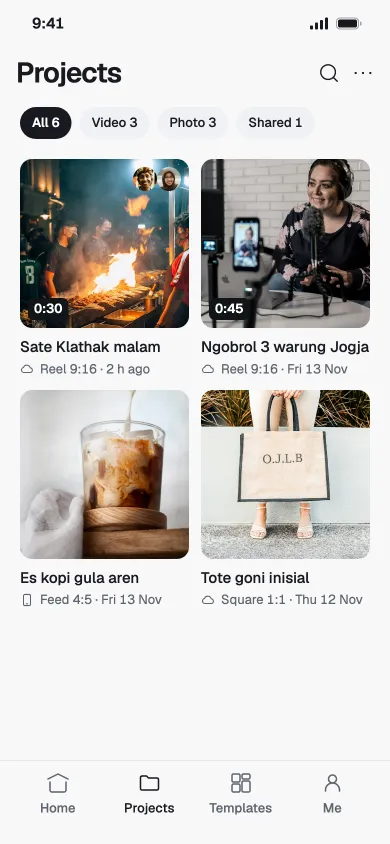 Projects library and commentsAny tool that keeps a set of user-made projects and reviews them with others. 6 screens
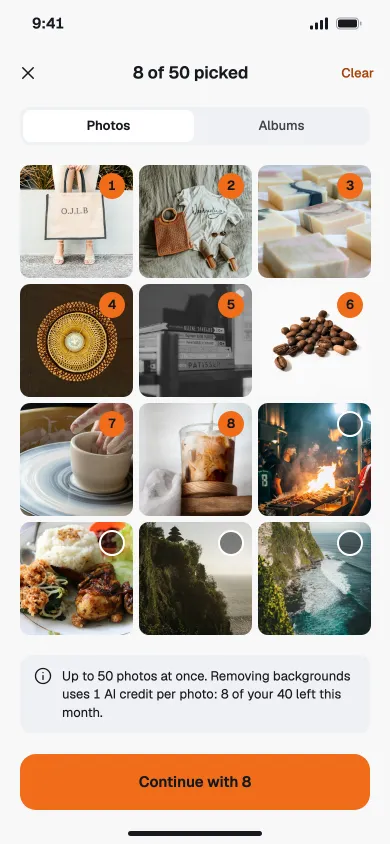 Batch edit product photosA seller has many product photos that need the same background. 4 screens
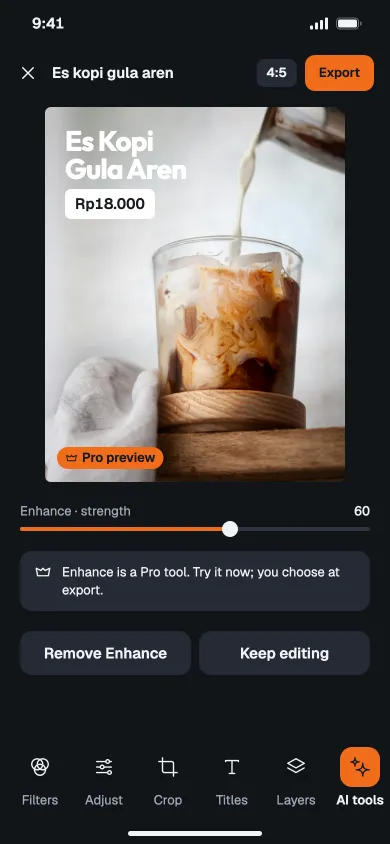 Jepret Pro upgradeA creator tries a Pro tool mid-edit and must decide at export without losing the edit. 5 screens
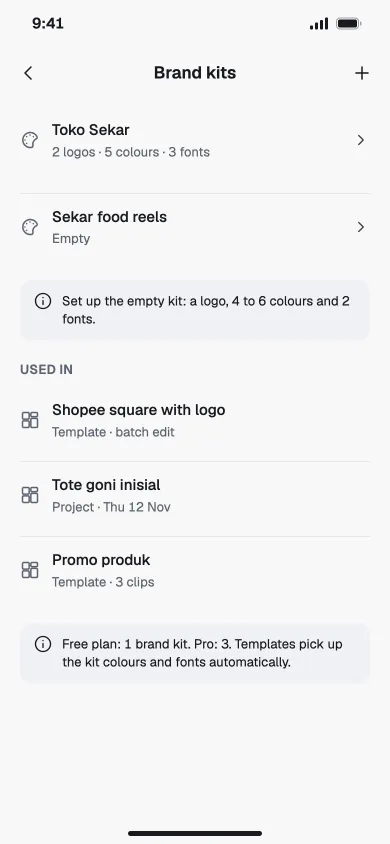 Brand kitA shop or creator reuses a logo. 4 screens
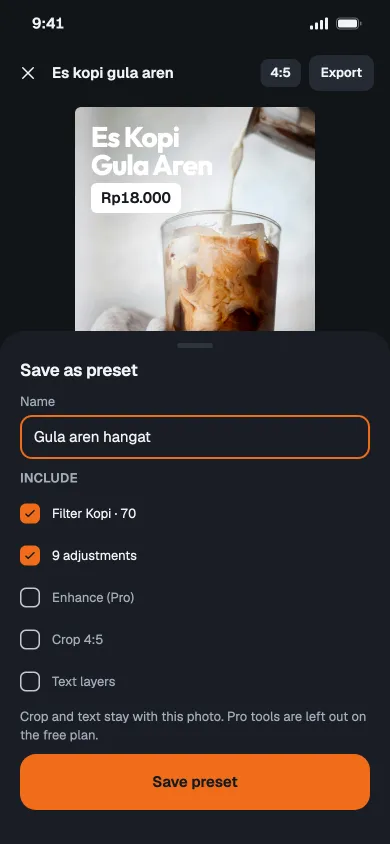 Presets and saved stylesA creator wants the same look on every post. 4 screens
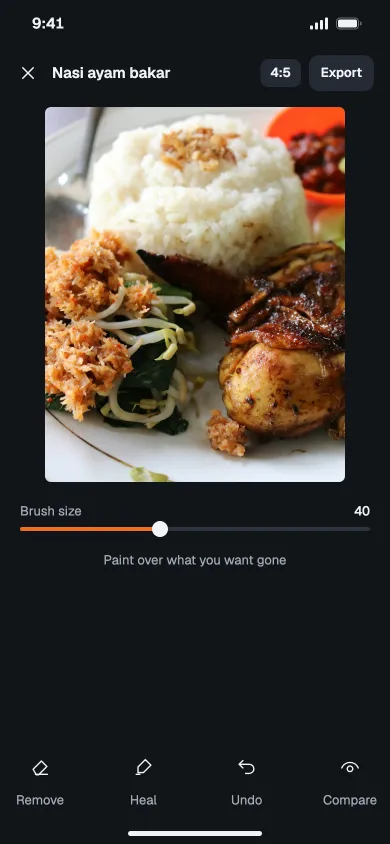 Retouch and remove objectA stray object or a blemish should disappear from a photo. 4 screens
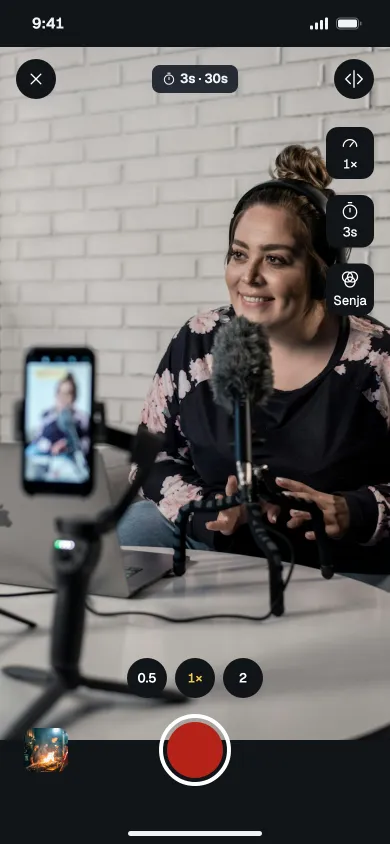 Record in the app cameraA creator records a clip straight into a project. 4 screens
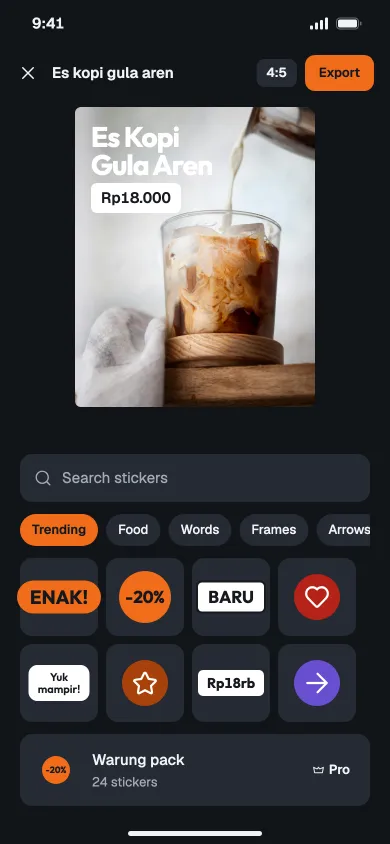 Stickers and overlaysAdding stickers. 4 screens
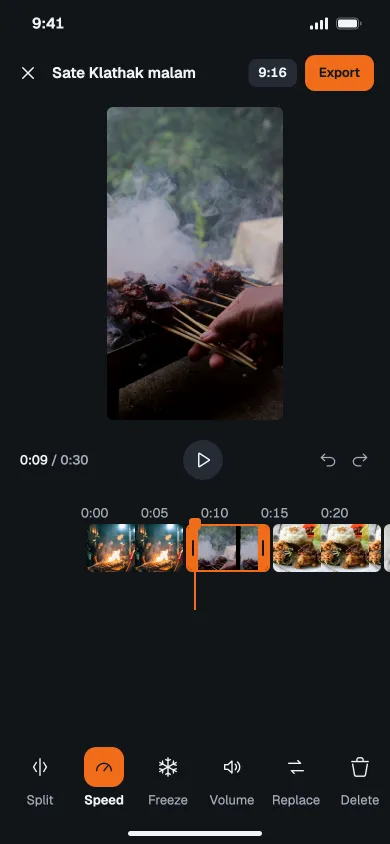 Speed effects and transitionsChanging how a clip plays and how clips join: a clip toolbar with Speed and Freeze. 4 screens
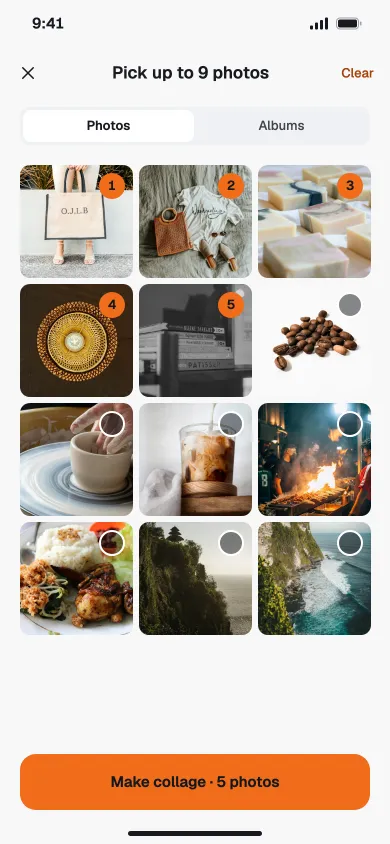 Collage and layoutsCombining 2 to 9 photos into one: a picker with numbers. 4 screens
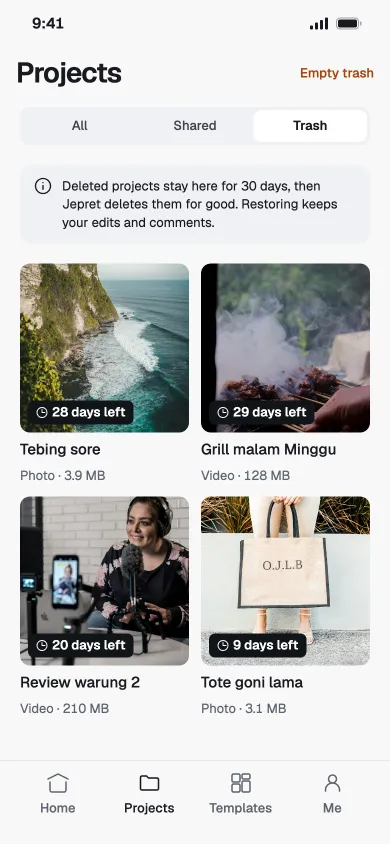 Recently deleted and restoreDeleting is not final: a Trash tab in Projects with days left. 4 screens
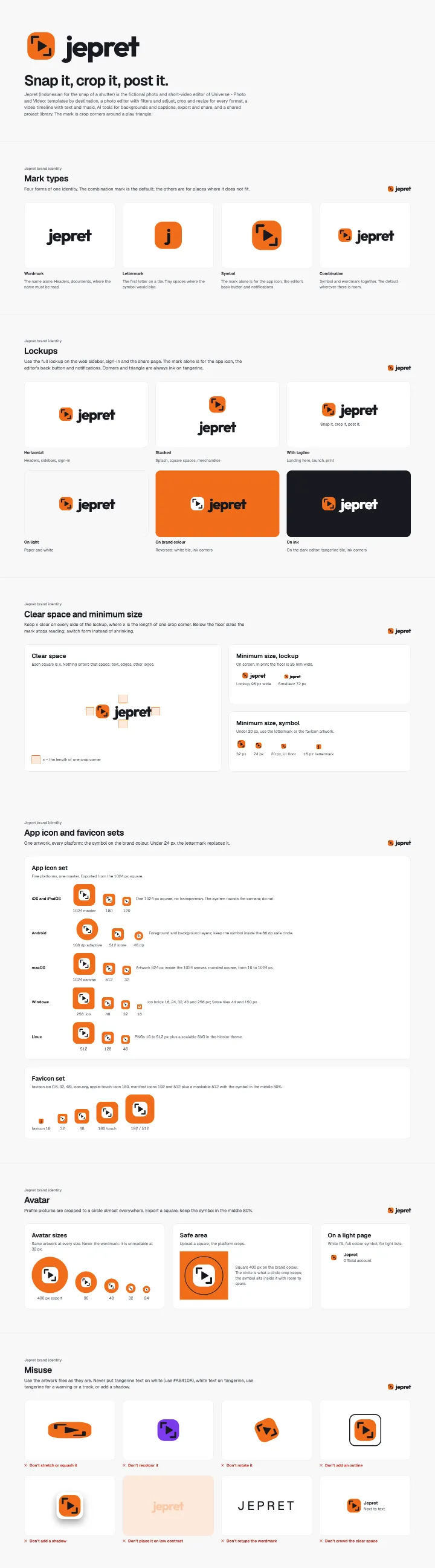 Brand identityA new app or company needs a logo system a team can use: the forms of the mark. 1 screens
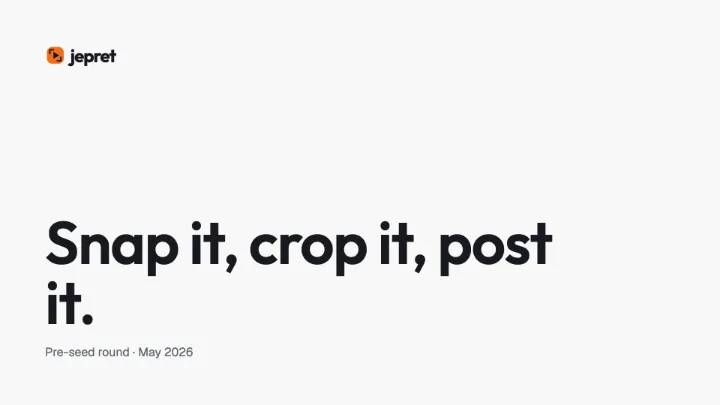 Pitch deckA founder raises a round or applies to an accelerator and needs a short deck an investor can read without a voice-over: one idea per slide. 7 screens
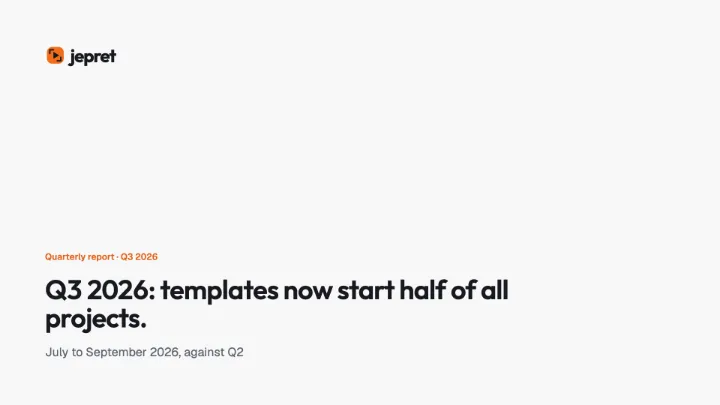 Report deckA quarterly or monthly update for investors. 2 screens
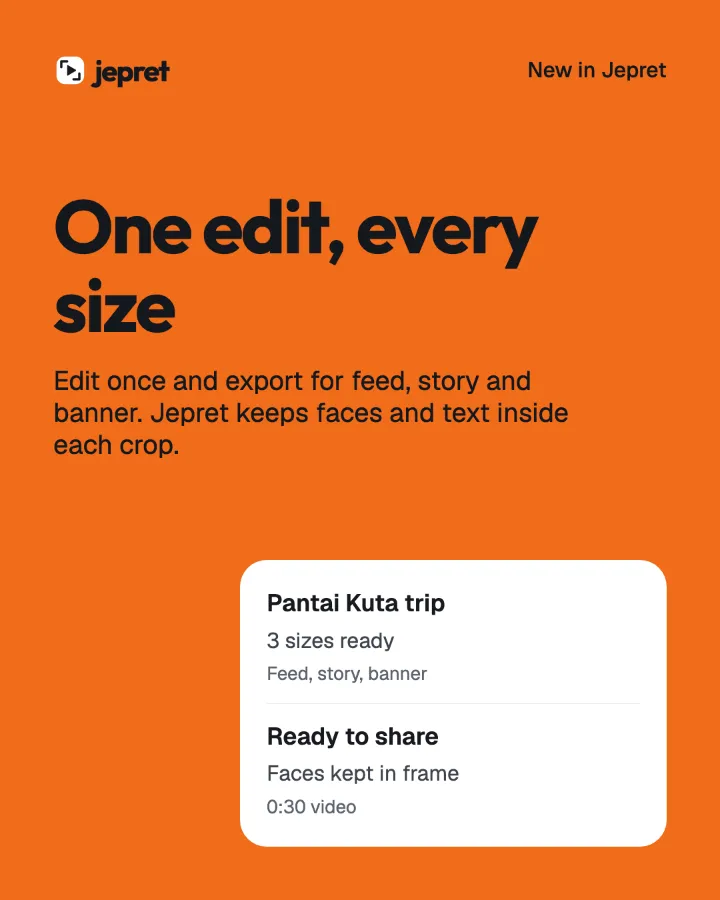 Launch campaignA product launches one feature and has to say it everywhere at once: a feed post. 5 screens
Questions
- Which photo and video flows are in Universe?
- 21 flows: New project and templates, Photo editor with adjust and filters, Crop and resize for every format, Video timeline with trim text and music, AI tools for background and captions, Export and share, Projects library and comments, Batch edit product photos, Jepret Pro upgrade, Brand kit, Presets and saved styles, Retouch and remove object, Record in the app camera, Stickers and overlays, Speed effects and transitions, Collage and layouts, Recently deleted and restore, Brand identity, Pitch deck, Report deck, Launch campaign. Each one lists its screens in order, the patterns behind them and the states to cover.
- Whose brand are these screens?
- Jepret, a made-up Indonesian photo and short-video editor for creators and small sellers: templates by destination, a photo editor with filters and adjust, crop and resize for every format, a video timeline with titles and music, AI tools for backgrounds and captions, export and share, and a shared project library. Patterns for creative tools that make and edit photos and short videos. Each flow is Wonderblok's own best-practice version, not a copy of any app. Your agent redraws the flows on your own brand.
- How does my agent use these flows?
- Connect Claude Code, Codex or Claude Desktop to Wonderblok over MCP. The agent calls use_pattern for a flow, reads its screens, rules and states, and draws them in your file on your tokens.