UNIVERSE · FOOD AND DRINK
Food and Drink app UI patterns and flows
23 food and drink app flows with their screens, the patterns behind them and the states to cover, at mobile and desktop. Your agent draws them on your design system.
23 Food and Drink flows
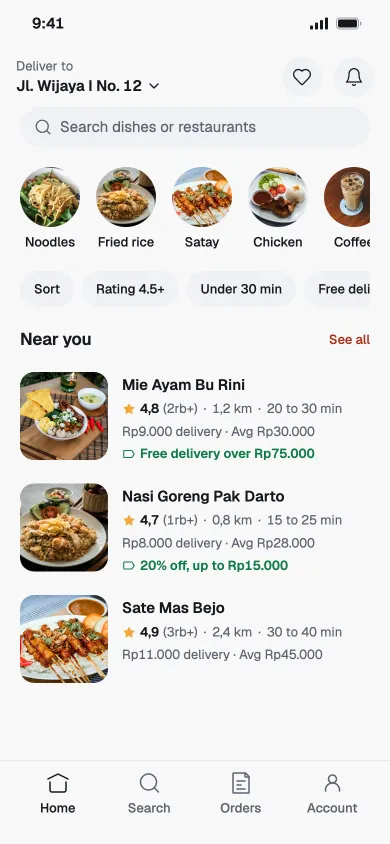 Browse and restaurant menuAny food delivery or takeaway home, restaurant listing. 7 screens
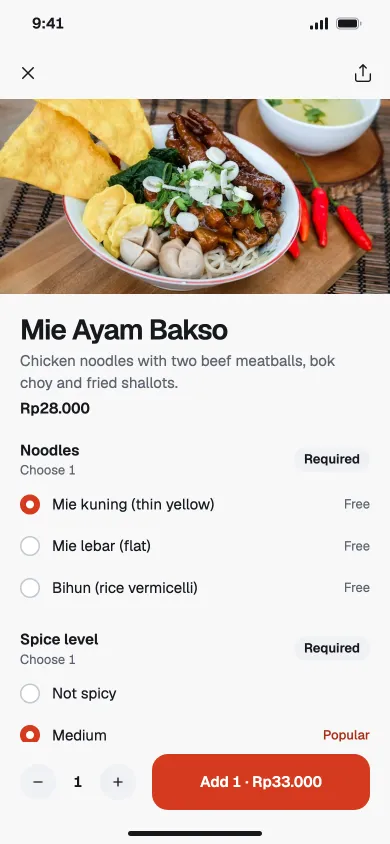 Customise item and cartAny menu item with options and any food cart before checkout. 6 screens
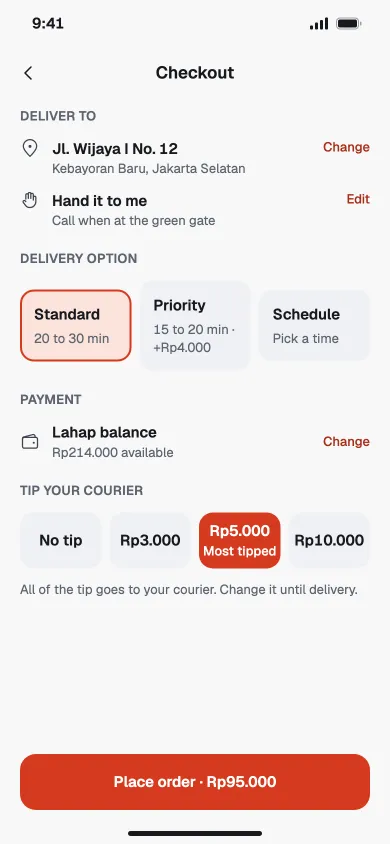 Checkout and tipAny delivery or takeaway checkout with fees. 6 screens
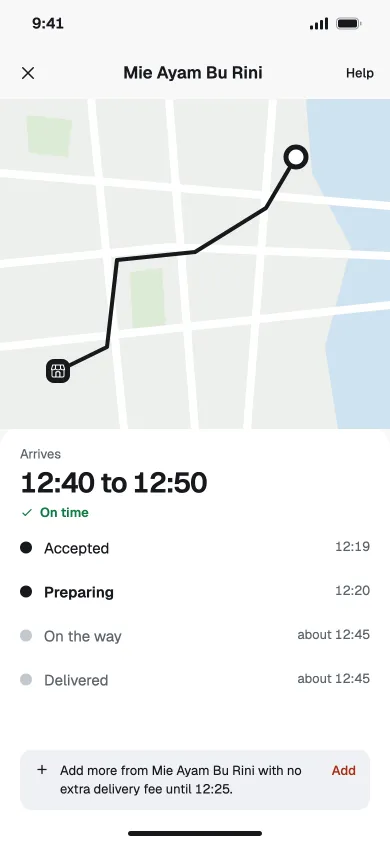 Track order liveAny order with a live courier or a preparation time the user waits on. 7 screens
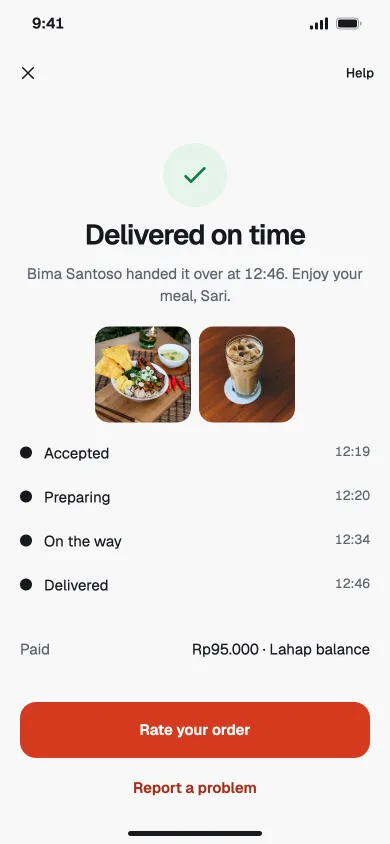 Order delivered and rateAfter any delivered order. 5 screens
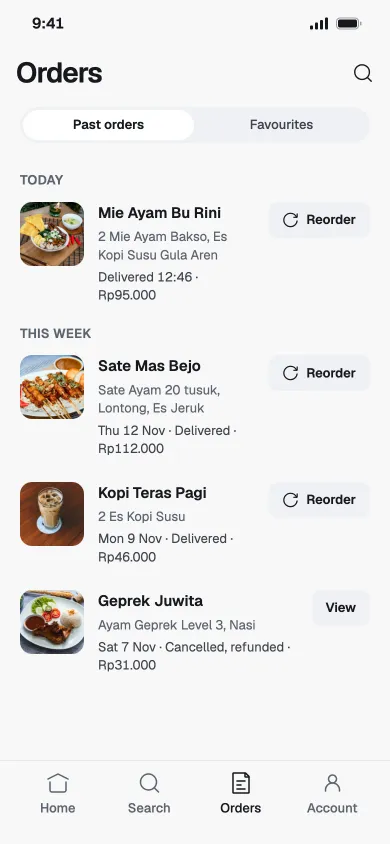 Reorder and favouritesAny repeat-purchase product where people buy the same thing again. 4 screens
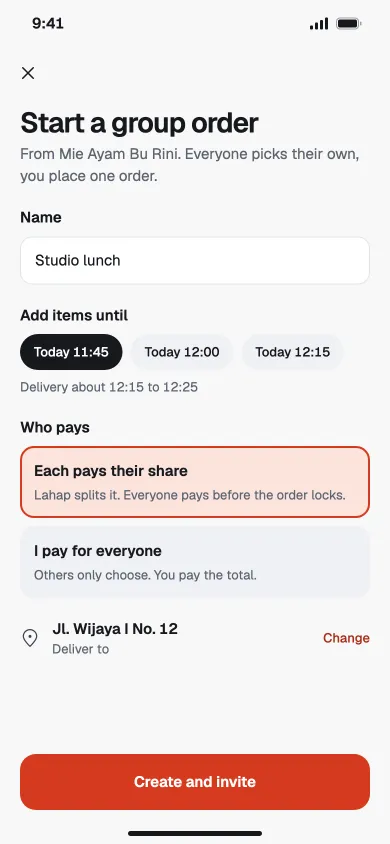 Group orderOffice lunches. 4 screens
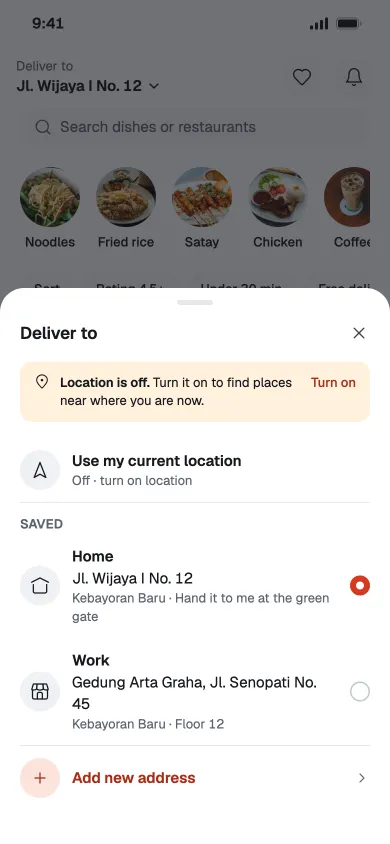 Delivery address and map pinFood or grocery delivery where the rider needs an exact spot and people switch between Home. 4 screens
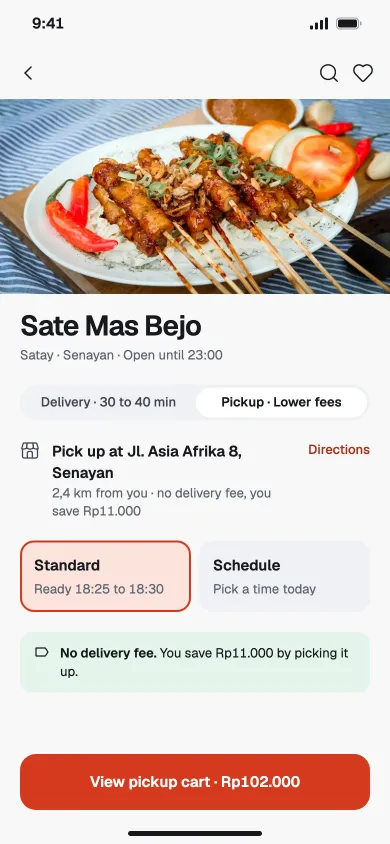 Pickup and dine-inRestaurants or cafes where customers can collect their own order or eat in. 4 screens
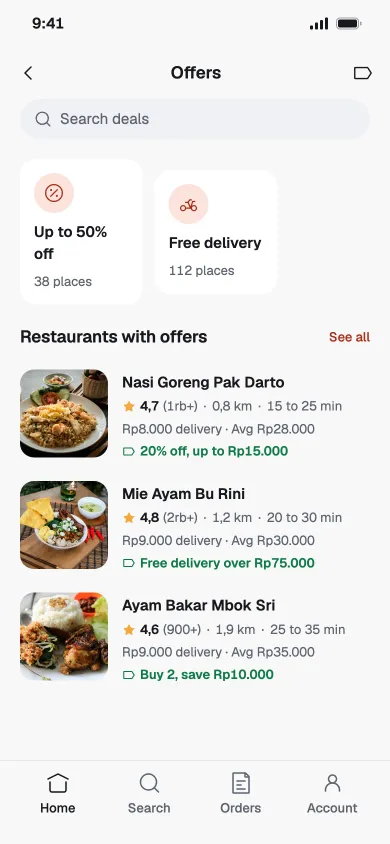 Vouchers and promosPromotions drive ordering: voucher wallets, codes. 4 screens
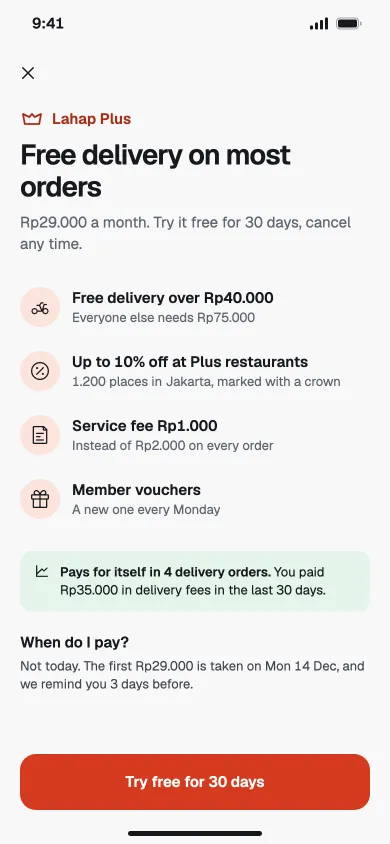 Lahap Plus membershipA delivery app sells a monthly or yearly plan whose value is fee savings on repeat orders. 4 screens
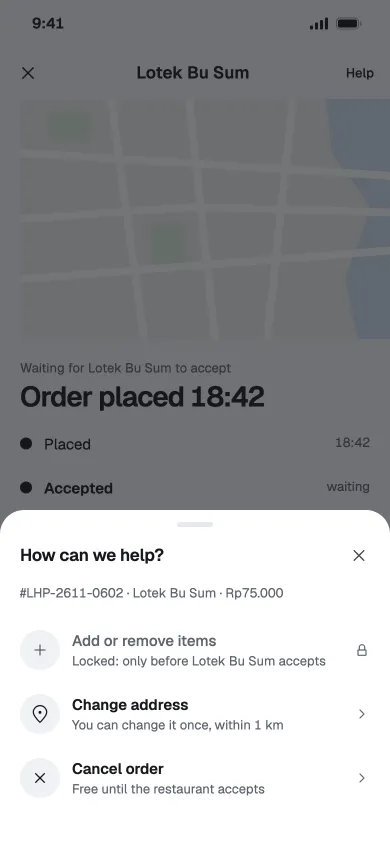 Cancel or change an orderA live food order can still be changed or cancelled for a short window before the kitchen starts. 4 screens
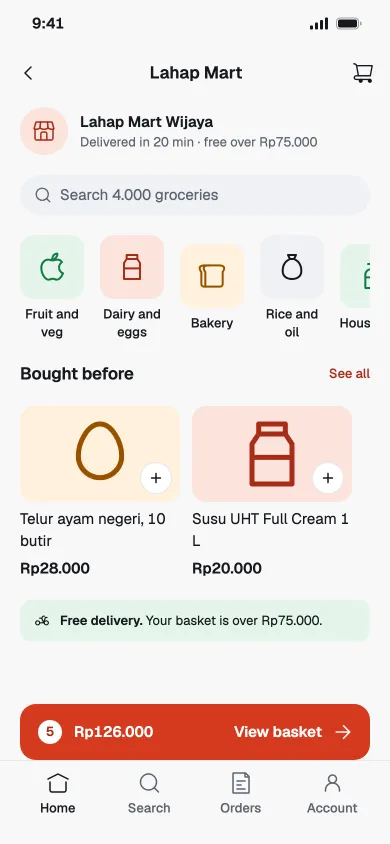 Mart and grocery with replacementsA delivery app also sells groceries or convenience goods that a shopper picks. 4 screens
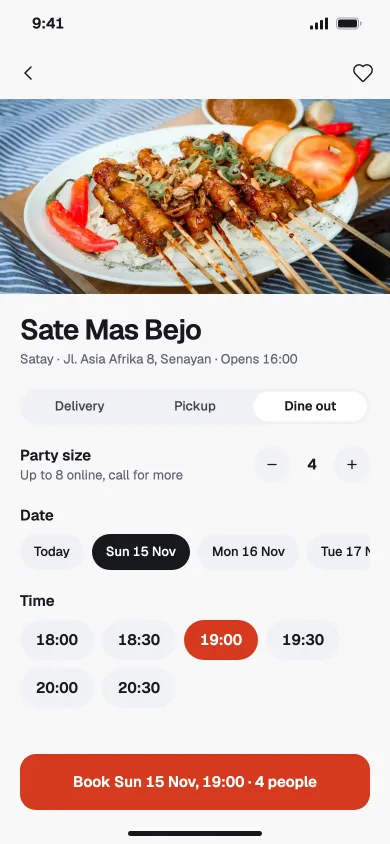 Reserve a tableA food app also books tables at its restaurants. 4 screens
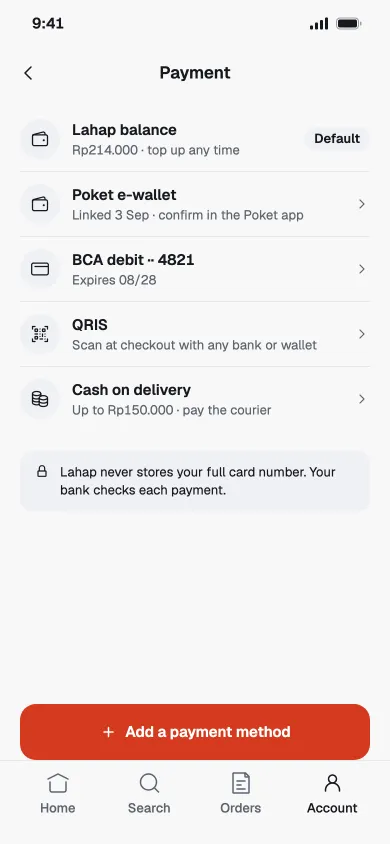 Payment methods and walletA food app that takes e-wallet, QRIS, cards and cash. 4 screens
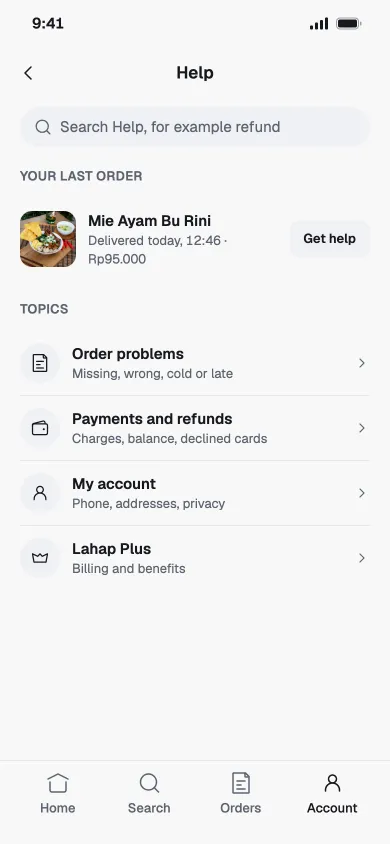 Help and refundsA delivered order that went wrong: pick the order. 5 screens
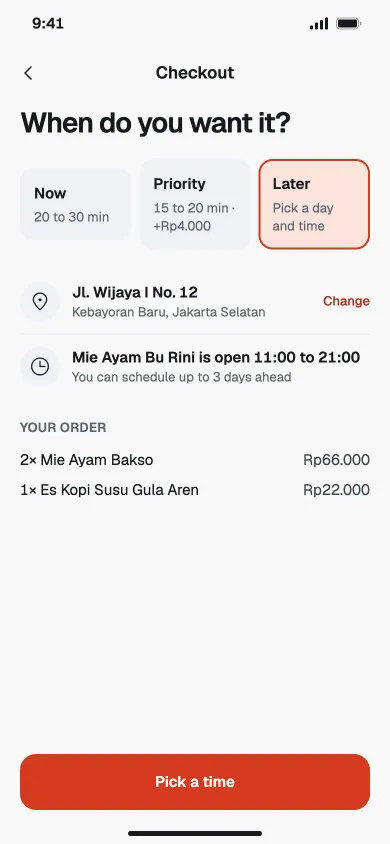 Schedule an orderOrdering for later, today or up to 3 days ahead, with slots. 5 screens
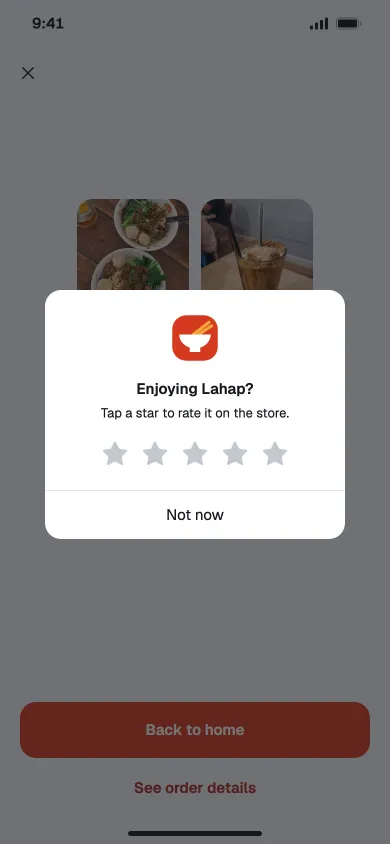 Rate the app promptAn app that wants store ratings without breaking store rules: call the store's own rating sheet directly at a moment that went well. 5 screens
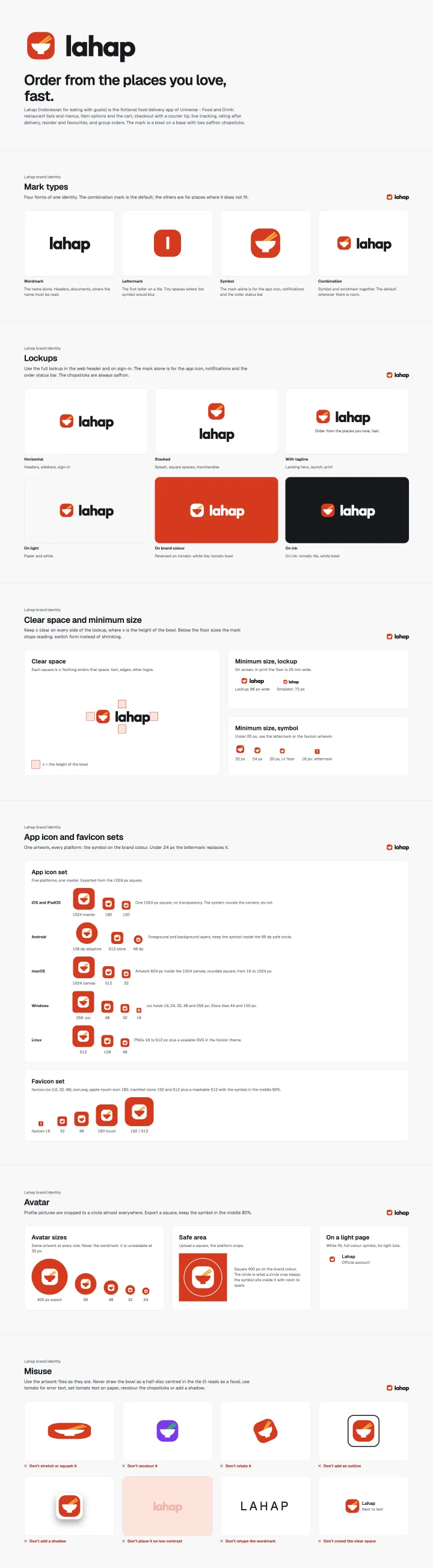 Brand identityA new app or company needs a logo system a team can use: the forms of the mark. 1 screens
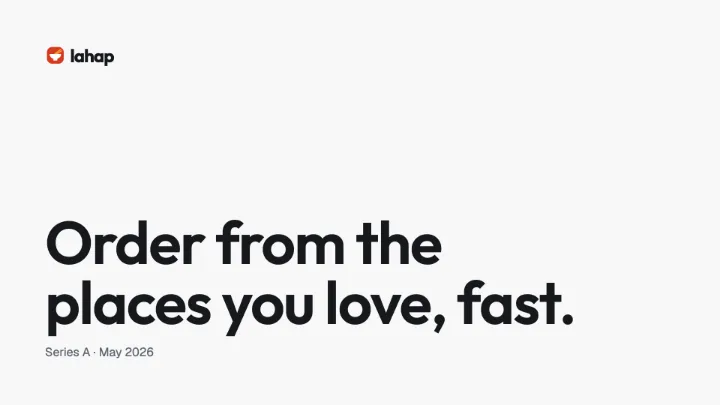 Pitch deckA founder raises a round or applies to an accelerator and needs a short deck an investor can read without a voice-over: one idea per slide. 7 screens
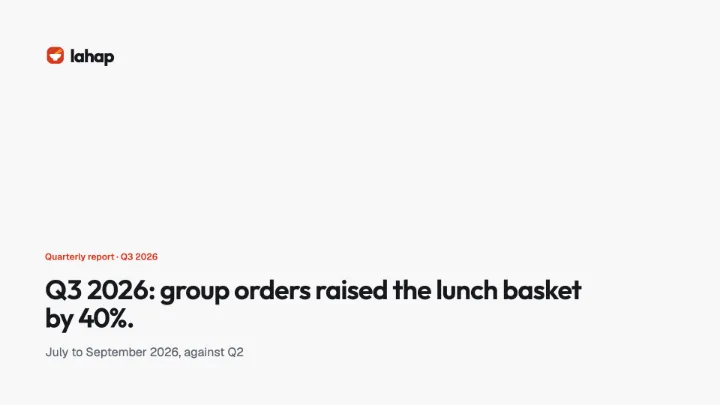 Report deckA quarterly or monthly update for investors. 2 screens
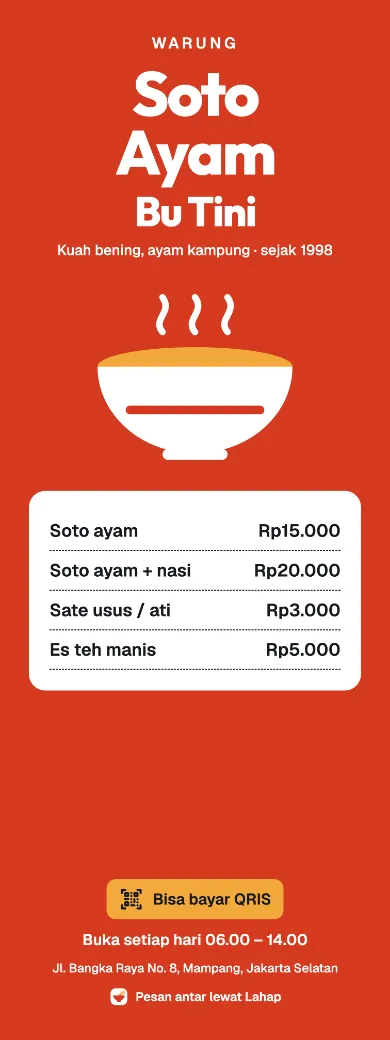 Banner UMKMA small business needs its printed banners: an X-banner at the door. 3 screens
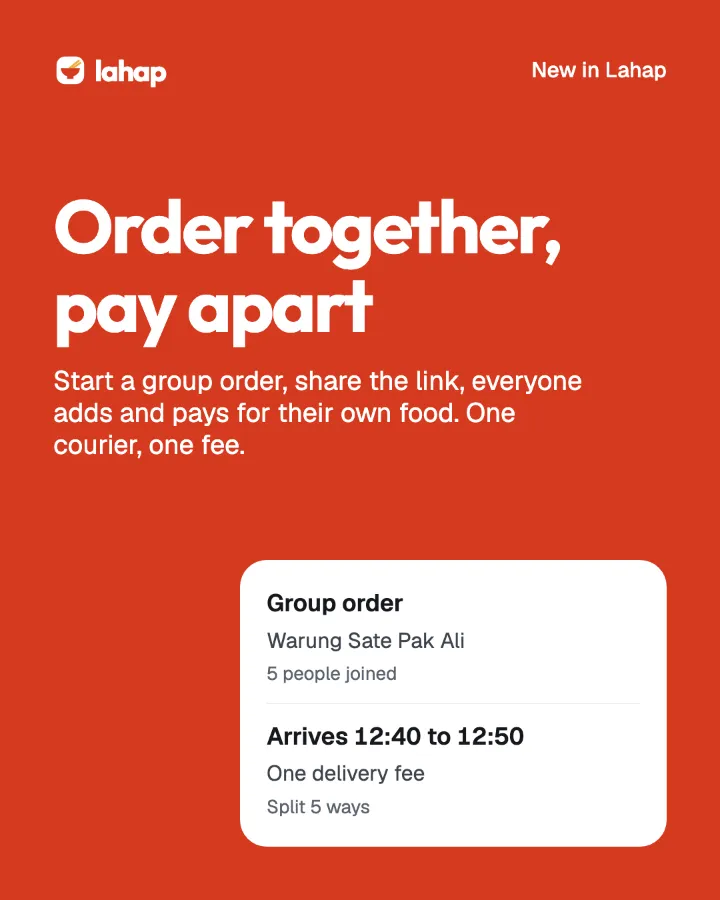 Launch campaignA product launches one feature and has to say it everywhere at once: a feed post. 5 screens
Questions
- Which food and drink flows are in Universe?
- 23 flows: Browse and restaurant menu, Customise item and cart, Checkout and tip, Track order live, Order delivered and rate, Reorder and favourites, Group order, Delivery address and map pin, Pickup and dine-in, Vouchers and promos, Lahap Plus membership, Cancel or change an order, Mart and grocery with replacements, Reserve a table, Payment methods and wallet, Help and refunds, Schedule an order, Rate the app prompt, Brand identity, Pitch deck, Report deck, Banner UMKM, Launch campaign. Each one lists its screens in order, the patterns behind them and the states to cover.
- Whose brand are these screens?
- Lahap, a made-up food delivery app in Indonesia: restaurant lists and menus, item options and the cart, checkout with a courier tip, live tracking, rating after delivery, reorder and favourites, group orders. Patterns for food delivery and ordering products. Each flow is Wonderblok's own best-practice version, not a copy of any app. Your agent redraws the flows on your own brand.
- How does my agent use these flows?
- Connect Claude Code, Codex or Claude Desktop to Wonderblok over MCP. The agent calls use_pattern for a flow, reads its screens, rules and states, and draws them in your file on your tokens.