CRM FLOW
Report deck app flow
A crm flow in 2 screens, from cover to kpi page. Start your app from it, and your agent draws it on your own design system.
- 2 screens
- 4 patterns
- Mobile and desktop
- Brand: Simpul (made up)
The screens, in order
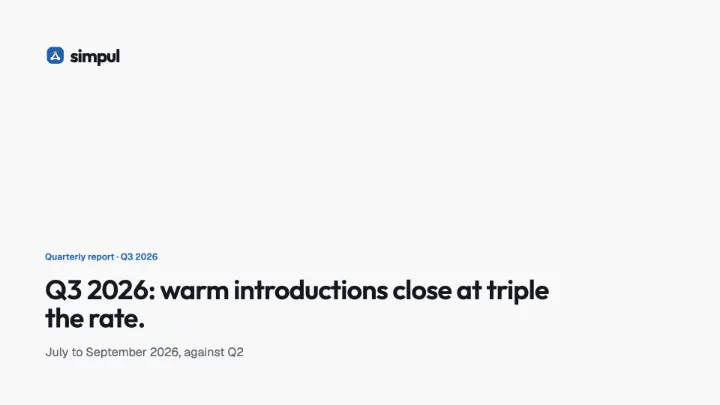
- Cover
- KPI pagePro
See all 2 screens, at 1920 (16:9).Pro opens the whole flow in your Universe, with the prompt and code for each screen.
Upgrade to ProAlready Pro? Open in UniverseWhen to use it
USE WHEN
A quarterly or monthly update for investors, a board or the whole team: what moved, against what, and why.
AVOID WHEN
Raising money (use the Pitch deck), or a live dashboard people check daily (build it in the product).
Patterns and why they work
4 decisions this flow makes, and the clarity each one buys.
The cover title states the quarter's finding as a sentence, with the period and the comparison under it
The one thing to remember is on the first page
Four KPI tiles: label, value, and the change against last quarter, coloured by whether it is good, not by its sign
A fall in failures is good news and reads green
One trend chart for the metric that explains the quarter, latest week highlighted
The chart shows the shape behind the tiles
'What changed' in two sentences: the cause, then what happens next quarter
Readers trust numbers that come with a reason and a next step
Each pattern also has its psychology, the intuition behind it and what it rules out, plus layout notes for mobile and desktop.
Open in UniverseStates to cover
The screens people forget until a user hits them.
- A bad quarter keeps the same layout with the change in the error colour and a cause in 'What changed'
- Never drop a tile because it fell
Pairs with
The flows this one hands off to or comes back from.

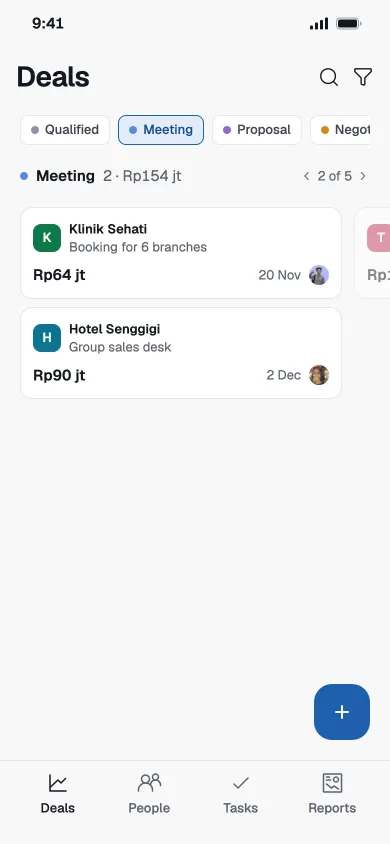
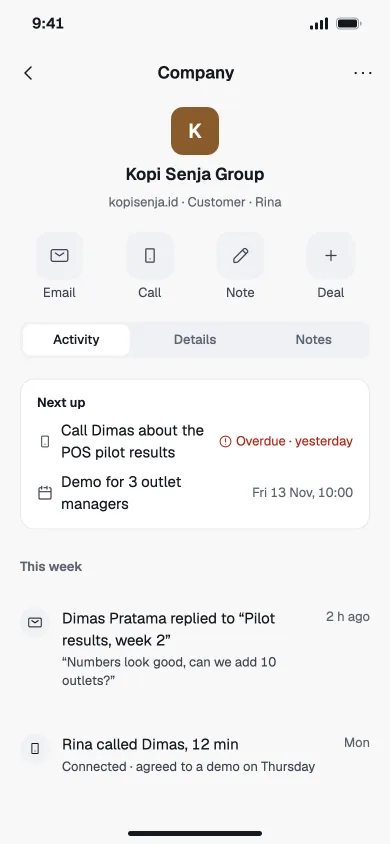
More CRM flows
Drawn for the same brand, so they fit together.
Questions
- When should I use a report deck flow?
- A quarterly or monthly update for investors, a board or the whole team: what moved, against what, and why. Use another pattern for raising money (use the Pitch deck), or a live dashboard people check daily (build it in the product).
- Which screens does it need?
- This pattern uses 2: Cover and KPI page. Plan for these states too: a bad quarter keeps the same layout with the change in the error colour and a cause in 'what changed', never drop a tile because it fell.
- Is Simpul a real app?
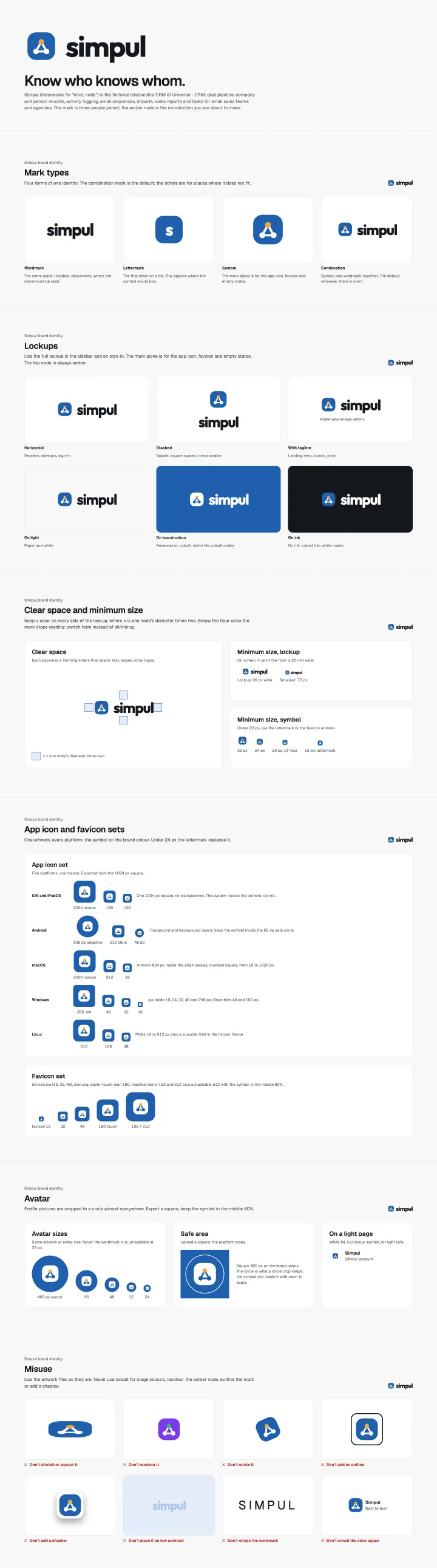
- No. Simpul is a made-up relationship CRM for small sales teams and agencies: pipeline, records, activity, sequences, imports, reports and tasks, so the screens show the pattern without copying anyone's brand. Your agent redraws the flow on your own tokens and components.
- How does my agent use this flow?
- Connect Claude Code, Codex or Claude Desktop to Wonderblok over MCP. The agent calls use_pattern for this flow, reads its screens, rules and states, and draws them in your file.
- Is it free?
- Browsing Universe is free. Full pattern notes and use with your agent are part of Pro, and the Free plan opens a few flows in full each month.