UNIVERSE · COMMERCE
Commerce app UI patterns and flows
23 commerce app flows with their screens, the patterns behind them and the states to cover, at mobile and desktop. Your agent draws them on your design system.
23 Commerce flows
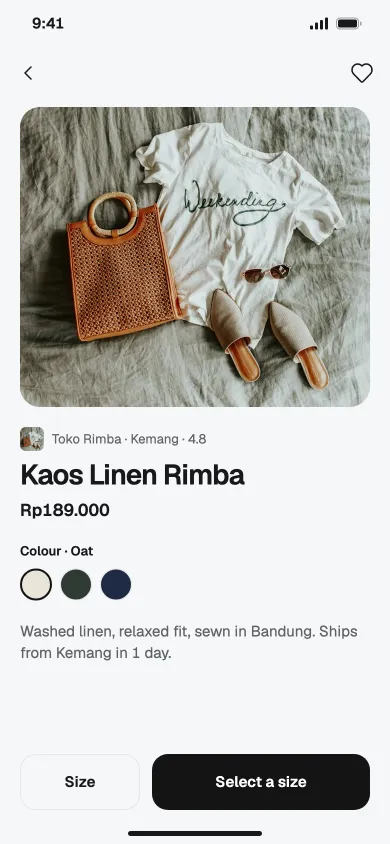 Add to cartMulti-item shopping, food ordering, merchandise with variants. 6 screens
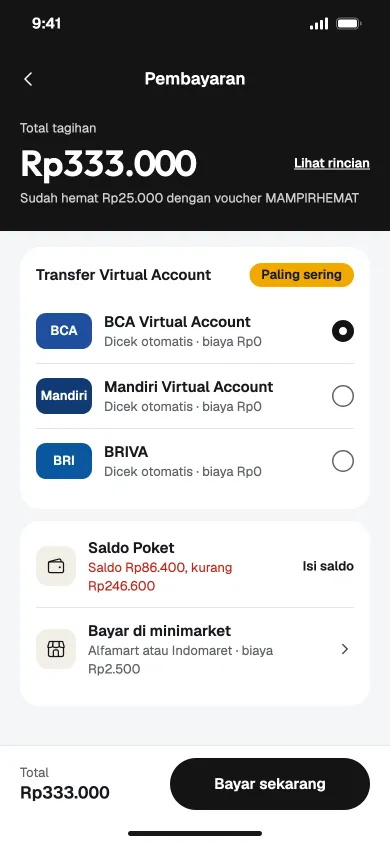 Bayar dengan Virtual AccountAn Indonesian checkout takes bank transfer: the buyer gets a virtual account number per order. 5 screens
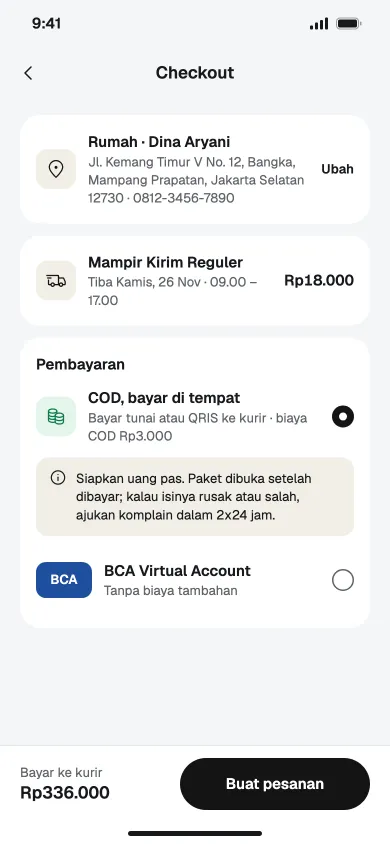 COD, bayar di tempatBuyers pay the courier in cash or by QRIS when the parcel arrives. 6 screens
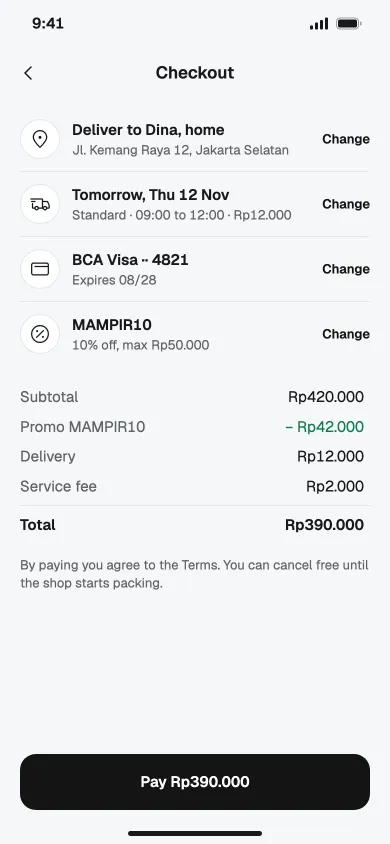 Purchase and orderingAny one-off purchase of goods or services, mobile or web. 8 screens
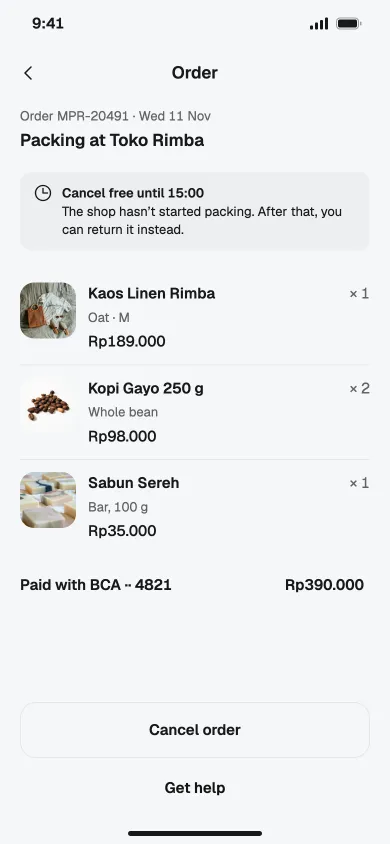 Cancel order and refundAny order that can be cancelled before fulfilment or refunded after. 5 screens
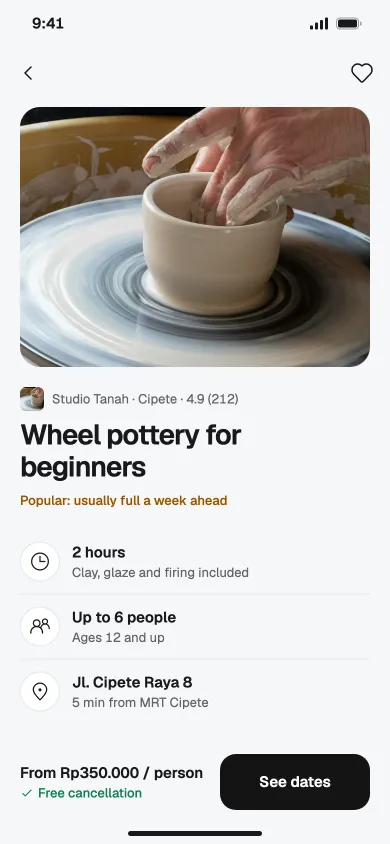 Booking and reservingInventory tied to time or capacity: stays, experiences, rides. 5 screens
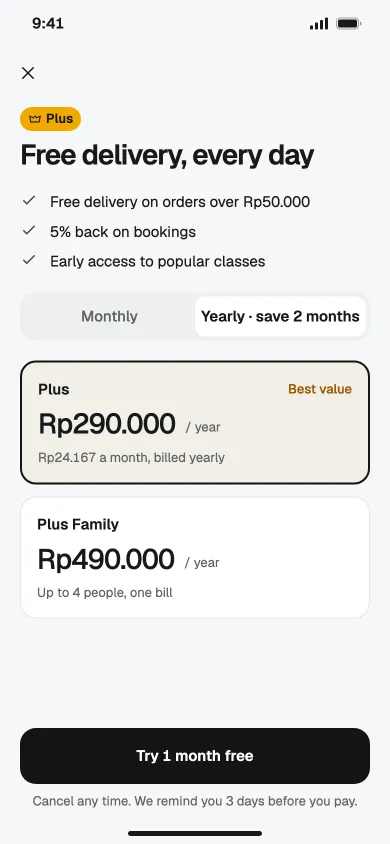 SubscriptionsRecurring plans, memberships, SaaS tiers, in-app premium. 6 screens
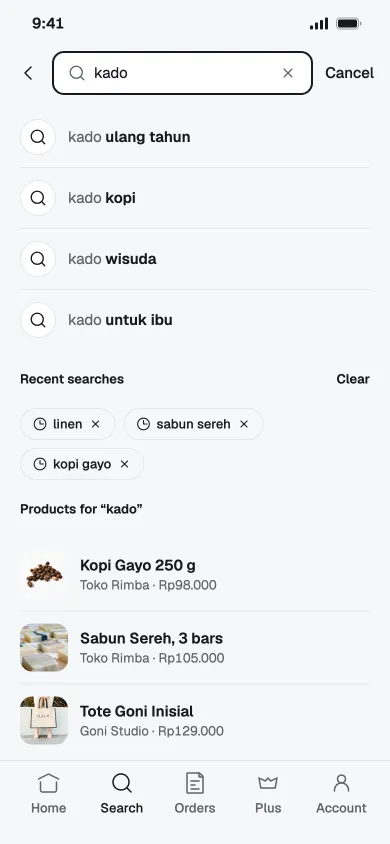 Search and filter productsShoppers look for a product by words, then narrow by price. 6 screens
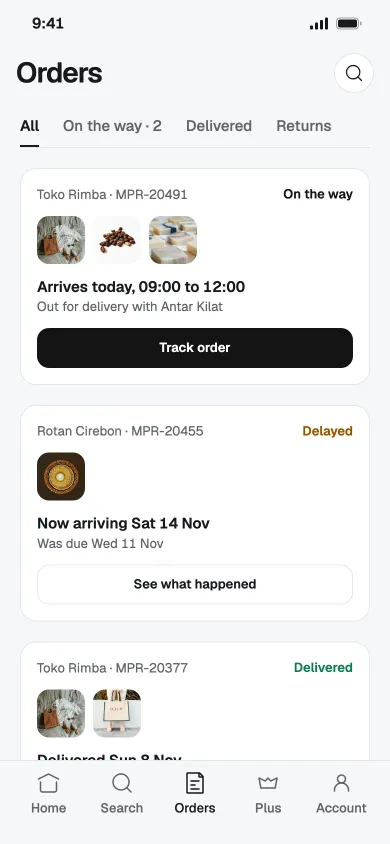 Orders and trackingAnything shipped over hours or days that buyers want to follow until it arrives. 5 screens
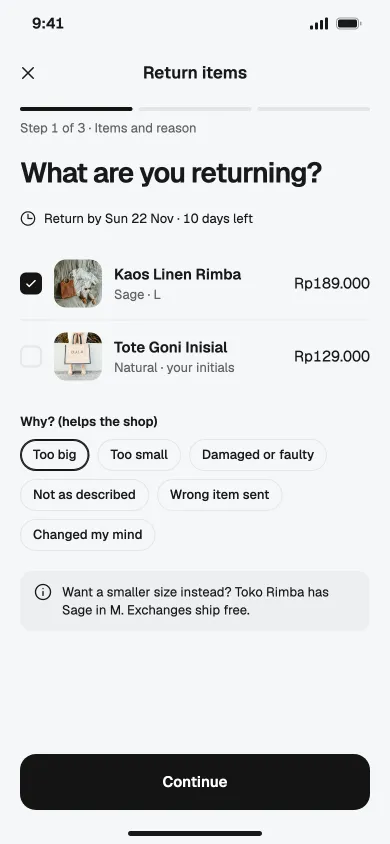 Return an itemA delivered item goes back to the shop for a refund or an exchange. 4 screens
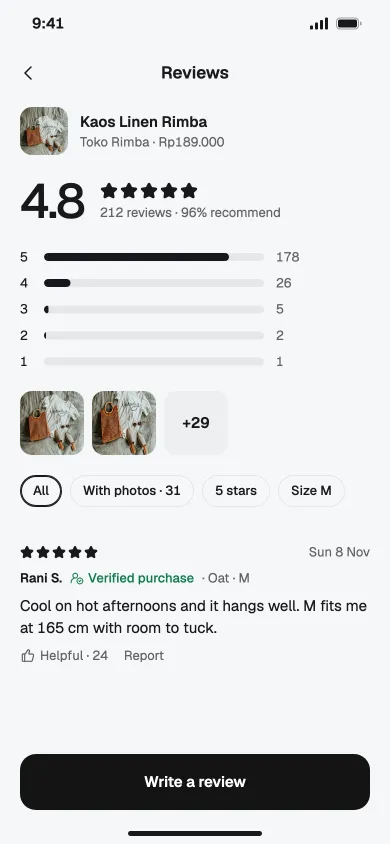 Product reviewsBuyers rate a delivered product and shoppers read ratings before buying. 5 screens
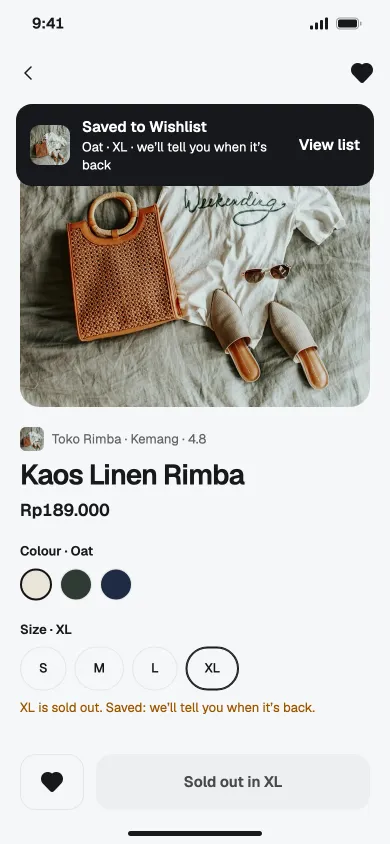 WishlistShoppers keep products for later, across visits. 5 screens
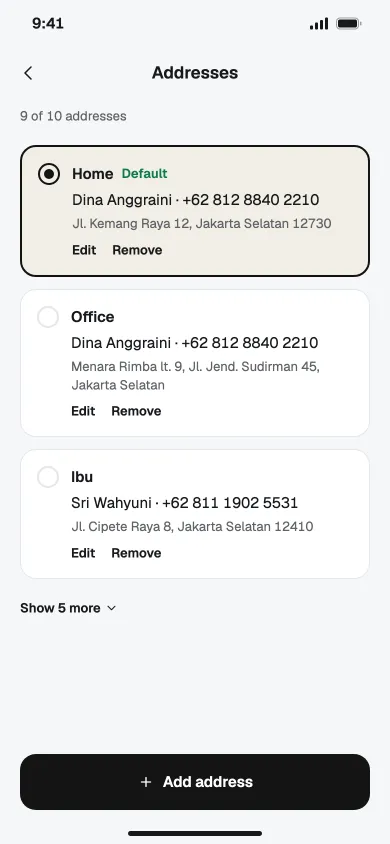 Address bookPeople keep several delivery or pickup addresses and pick one at checkout. 6 screens
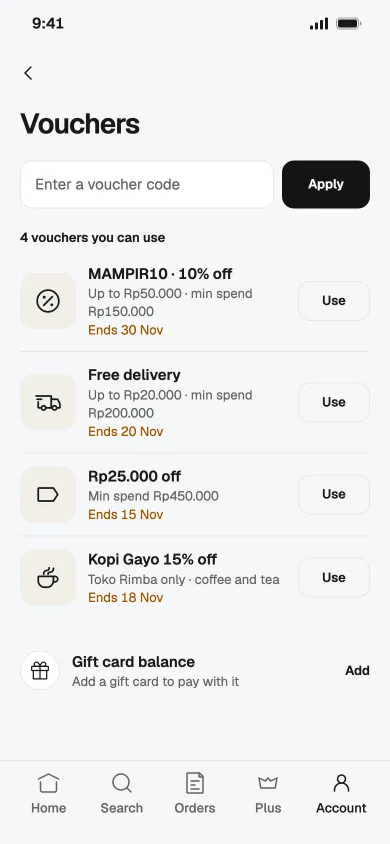 Vouchers and gift cardsA shop where people hold codes and gift balance: a wallet of vouchers. 5 screens
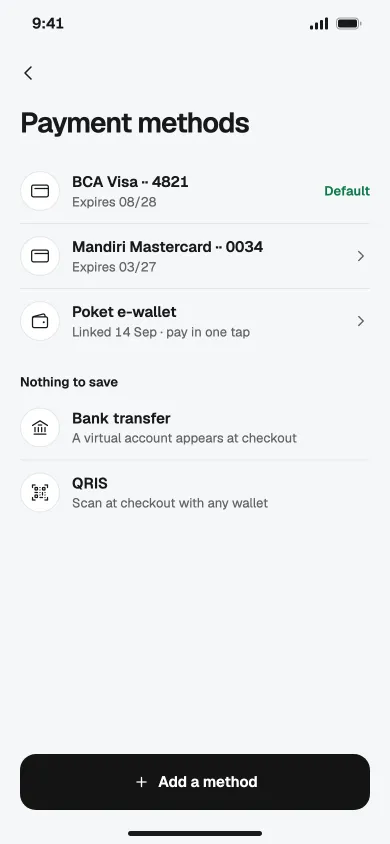 Saved payment methodsKeeping cards and wallets the user pays with: a list with a default. 6 screens
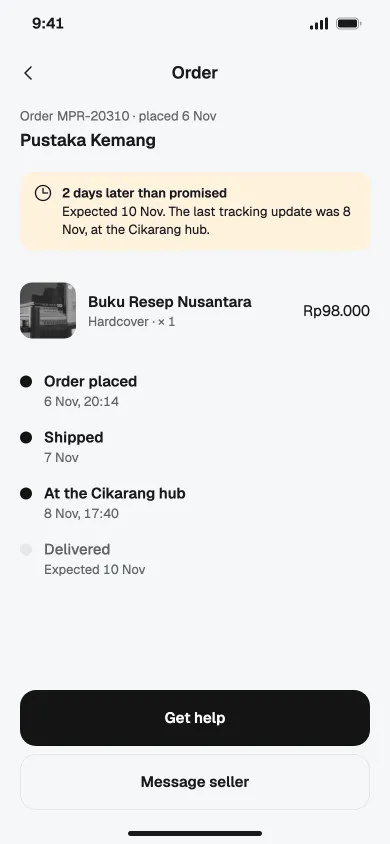 Order help and contact sellerAn order that went wrong after payment: not arrived. 5 screens
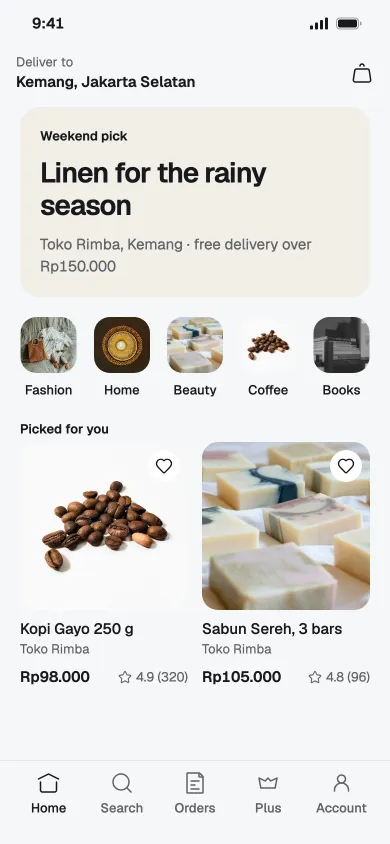 Shop home and categoriesThe front door of a shop: a promo, categories, picks. 4 screens
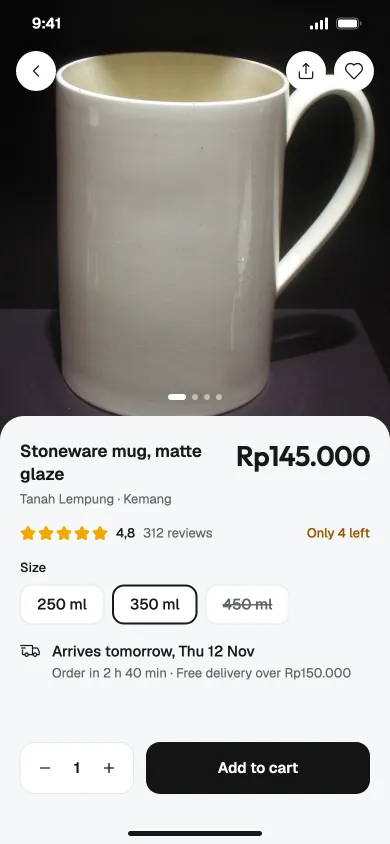 Product detailA marketplace or shop page for one item that sells on its looks: a photo you can open full screen. 6 screens
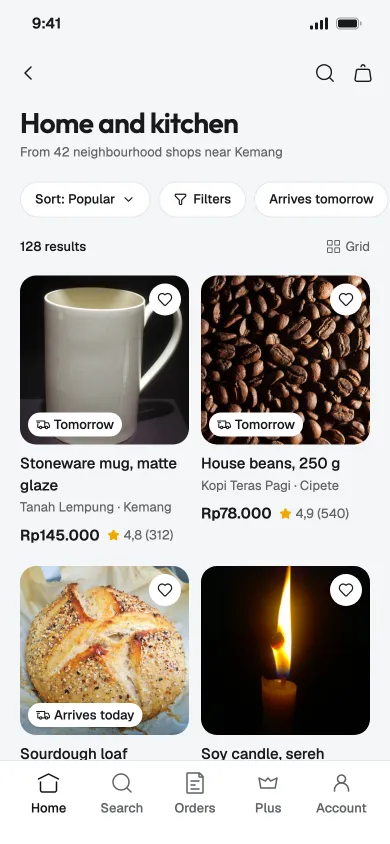 Product listing gridA category of many products people compare by eye: a photo grid with price. 5 screens
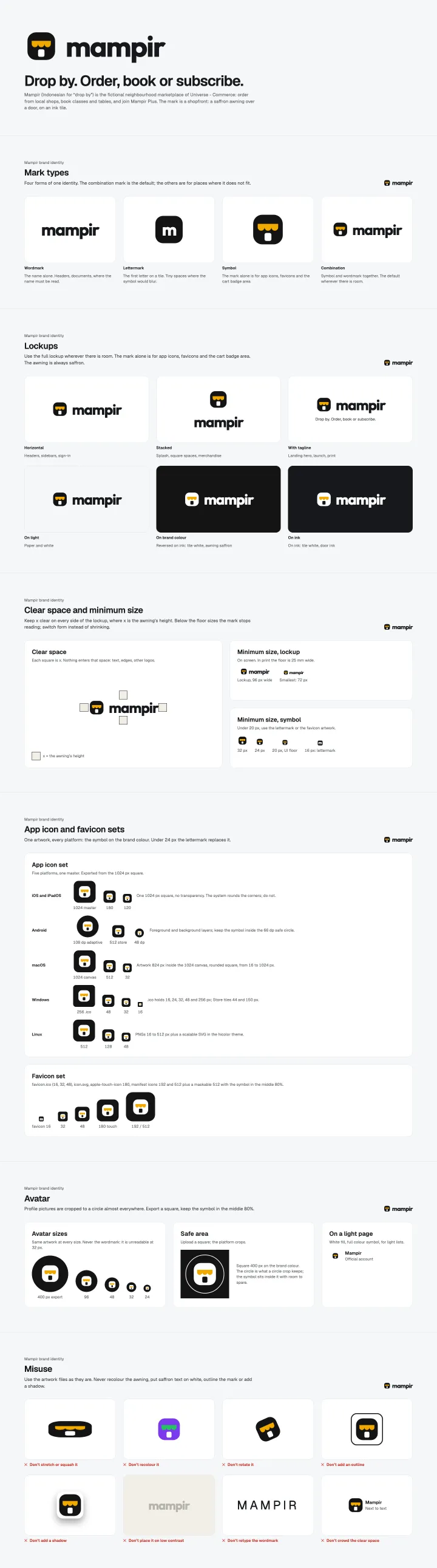 Brand identityA new app or company needs a logo system a team can use: the forms of the mark. 1 screens
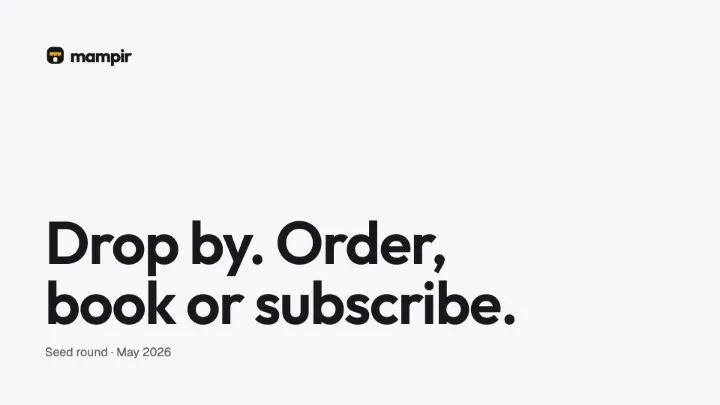 Pitch deckA founder raises a round or applies to an accelerator and needs a short deck an investor can read without a voice-over: one idea per slide. 7 screens
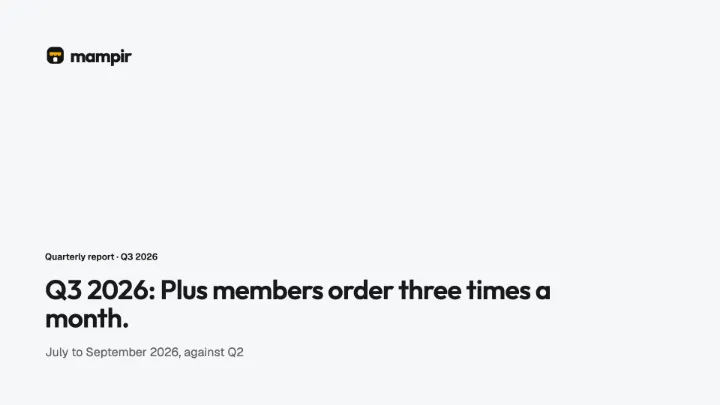 Report deckA quarterly or monthly update for investors. 2 screens
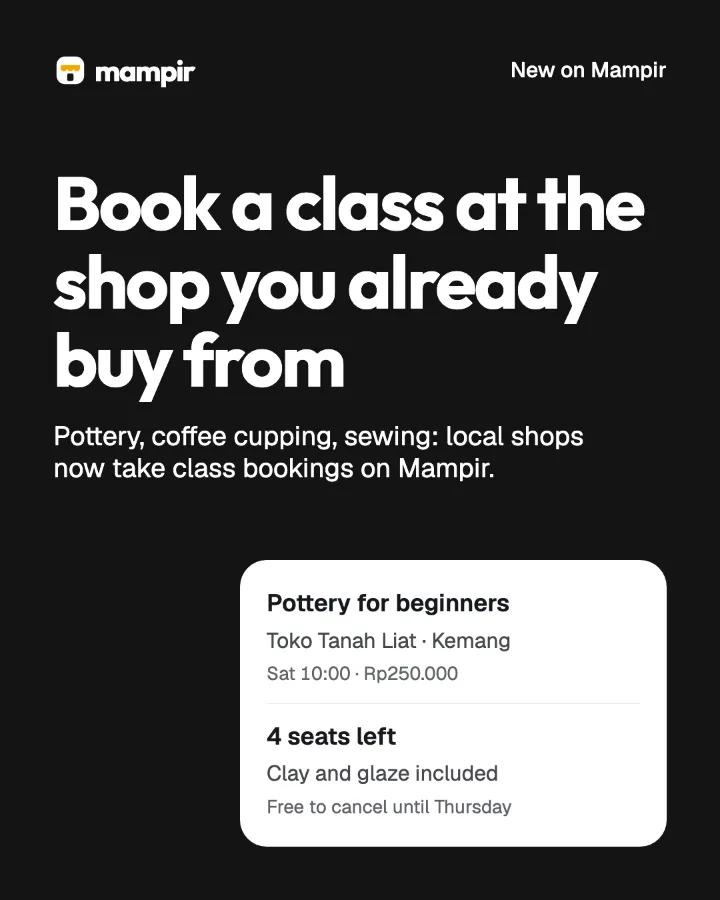 Launch campaignA product launches one feature and has to say it everywhere at once: a feed post. 5 screens
Questions
- Which commerce flows are in Universe?
- 23 flows: Add to cart, Bayar dengan Virtual Account, COD, bayar di tempat, Purchase and ordering, Cancel order and refund, Booking and reserving, Subscriptions, Search and filter products, Orders and tracking, Return an item, Product reviews, Wishlist, Address book, Vouchers and gift cards, Saved payment methods, Order help and contact seller, Shop home and categories, Product detail, Product listing grid, Brand identity, Pitch deck, Report deck, Launch campaign. Each one lists its screens in order, the patterns behind them and the states to cover.
- Whose brand are these screens?
- Mampir, a made-up neighbourhood marketplace: order, book, subscribe. Battle-tested patterns for buying things. Not a copy of any app: each flow is Wonderblok's own best-practice version. Your agent redraws the flows on your own brand.
- How does my agent use these flows?
- Connect Claude Code, Codex or Claude Desktop to Wonderblok over MCP. The agent calls use_pattern for a flow, reads its screens, rules and states, and draws them in your file on your tokens.