CRM FLOW
Import contacts app flow
A crm flow in 4 screens, from upload file to import summary. Start your app from it, and your agent draws it on your own design system.
- 4 screens
- 6 patterns
- Mobile and desktop
- Brand: Simpul (made up)
The screens, in order
- Upload file
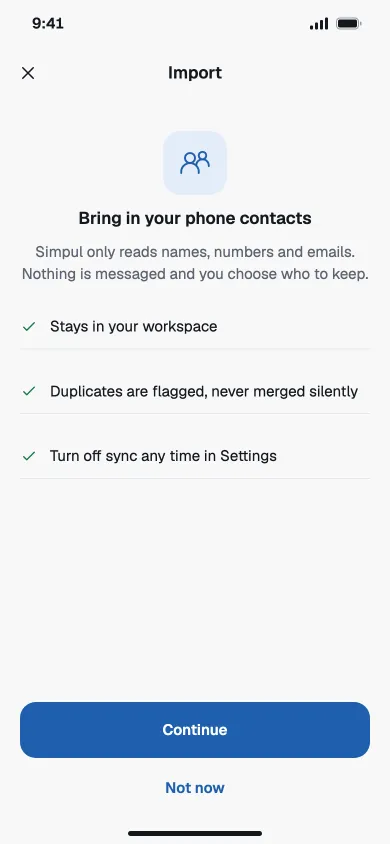
- Map fieldsPro
- Review duplicatesPro
- Import summaryPro
See all 4 screens, at mobile and desktop.Pro opens the whole flow in your Universe, with the prompt and code for each screen.
Upgrade to ProAlready Pro? Open in UniverseWhen to use it
USE WHEN
First-time setup, migrating from another CRM or spreadsheet, adding event or list leads in bulk.
AVOID WHEN
Adding one or two contacts (use a single create form) or a live integration can sync instead of a one-off file.
Patterns and why they work
6 decisions this flow makes, and the clarity each one buys.
Recognised vs needs-mapping counters
How much work is left
Live preview value per column
Shows the data, not just headers
Skip with a stated consequence
Skipping loses data
Duplicate rule as a plain sentence
What happens to matches
Big count plus consent gate
Outcome before commit
Side-by-side merge with a preview
Which values survive
Each pattern also has its psychology, the intuition behind it and what it rules out, plus layout notes for mobile and desktop.
Open in UniverseStates to cover
The screens people forget until a user hits them.
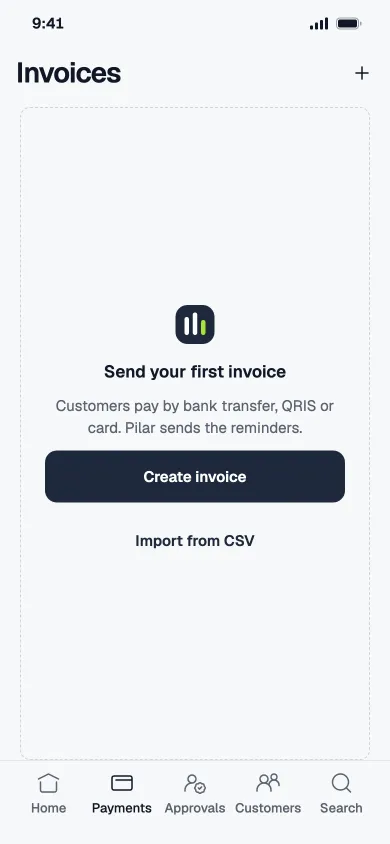
- Empty list with import CTA
- Source choice
- Drop zone idle
- Drag over
- Uploading
- Wrong file type
- Mapping all matched
- Needs mapping
- Skipped field warning
- Duplicates found
- Merge review
- Consent unchecked
- Importing progress
- Completed summary
- Partial errors with download
- Phone permission primer
- Permission denied
Pairs with
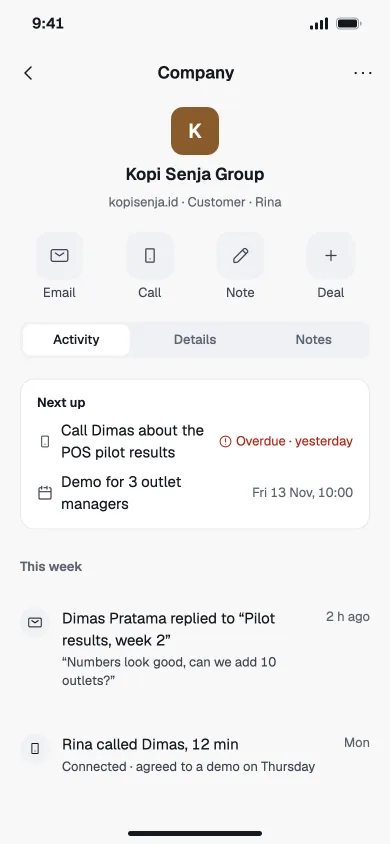
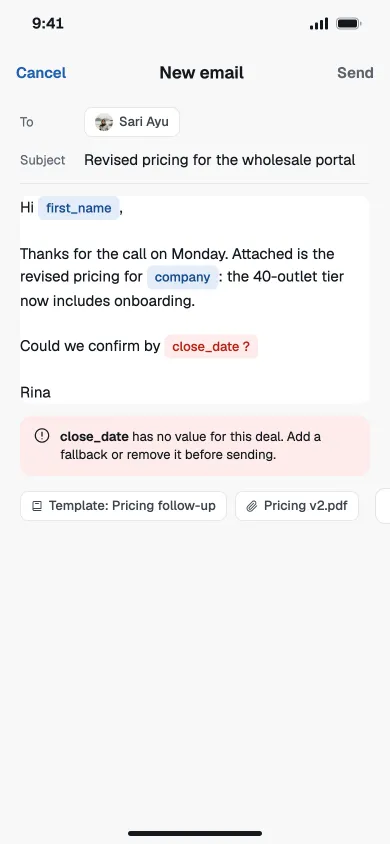
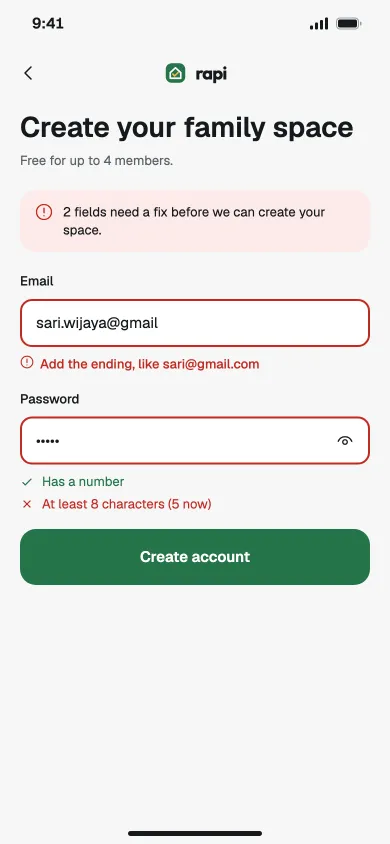
The flows this one hands off to or comes back from.
More CRM flows
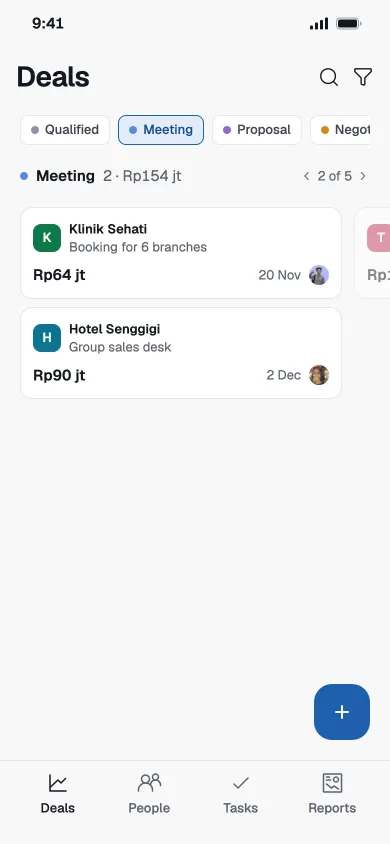
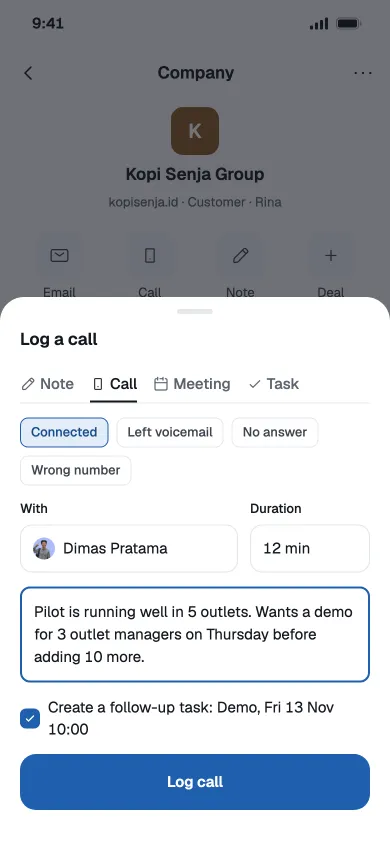
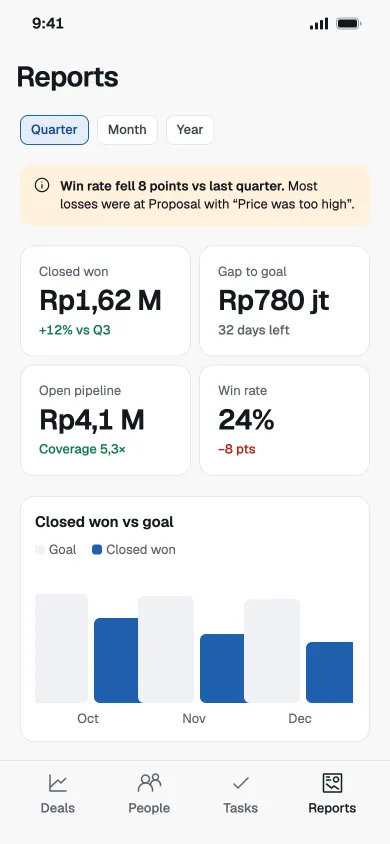
Drawn for the same brand, so they fit together.
Questions
- When should I use a import contacts flow?
- First-time setup, migrating from another CRM or spreadsheet, adding event or list leads in bulk. Use another pattern for adding one or two contacts (use a single create form) or a live integration can sync instead of a one-off file.
- Which screens does it need?
- This pattern uses 4: Upload file, Map fields, Review duplicates and Import summary. Plan for these states too: empty list with import cta, source choice, drop zone idle, drag over.
- Is Simpul a real app?
- No. Simpul is a made-up relationship CRM for small sales teams and agencies: pipeline, records, activity, sequences, imports, reports and tasks, so the screens show the pattern without copying anyone's brand. Your agent redraws the flow on your own tokens and components.
- How does my agent use this flow?
- Connect Claude Code, Codex or Claude Desktop to Wonderblok over MCP. The agent calls use_pattern for this flow, reads its screens, rules and states, and draws them in your file.
- Is it free?
- Browsing Universe is free. Full pattern notes and use with your agent are part of Pro, and the Free plan opens a few flows in full each month.