UNIVERSE · BUSINESS
Business app UI patterns and flows
21 business app flows with their screens, the patterns behind them and the states to cover, at mobile and desktop. Your agent draws them on your design system.
21 Business flows
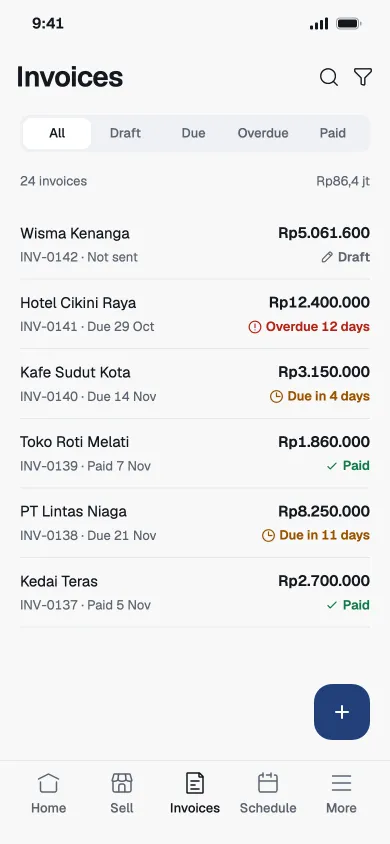 Create and send invoiceA business bills a client for goods or services with terms. 7 screens
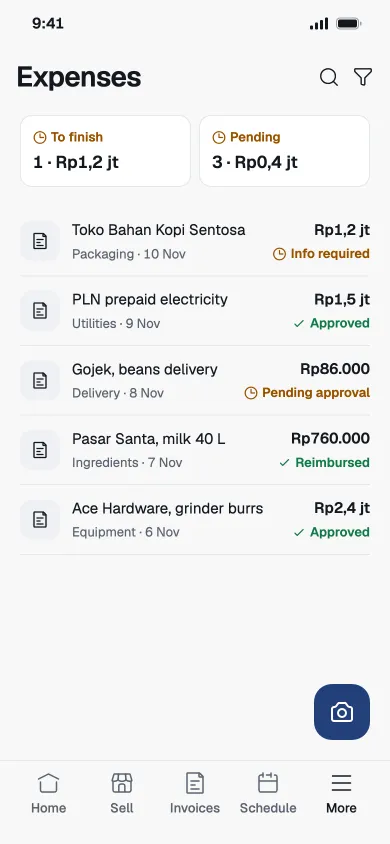 Capture expense and receiptStaff or owners spend money that must be categorised. 6 screens
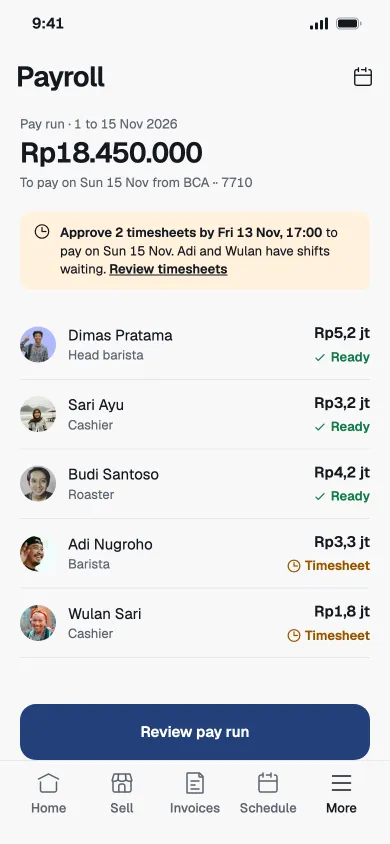 Run payrollAn owner pays employees or contractors on a cycle from hours. 6 screens
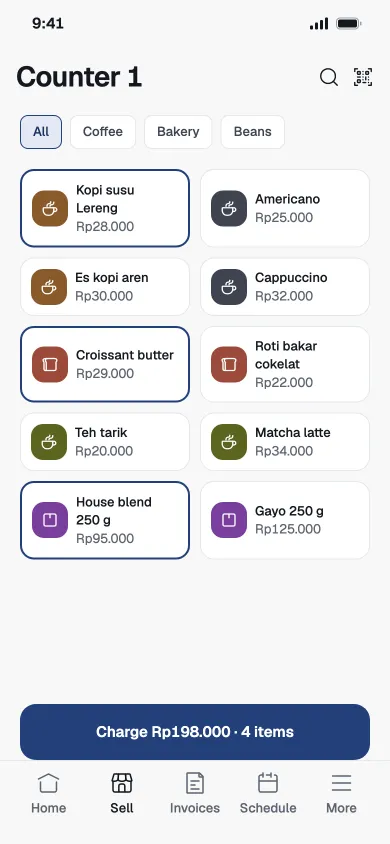 Point of sale checkoutSelling in person, fast, at a counter, booth or chair. 7 screens
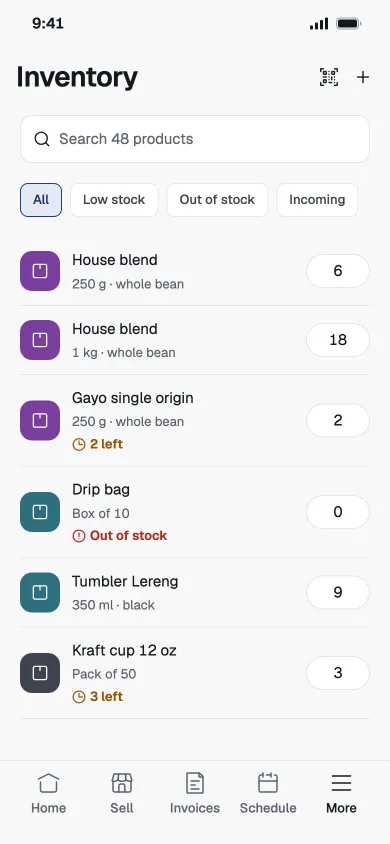 Inventory and stockA business sells physical goods and needs counts per item. 7 screens
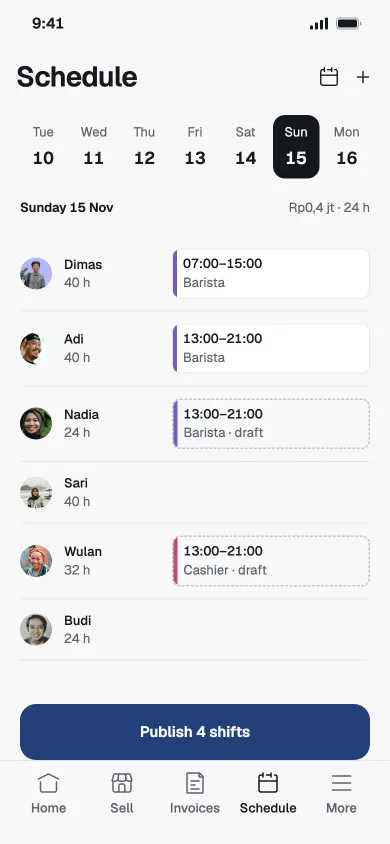 Staff schedulingA business staffs hourly roles across days and locations. 6 screens
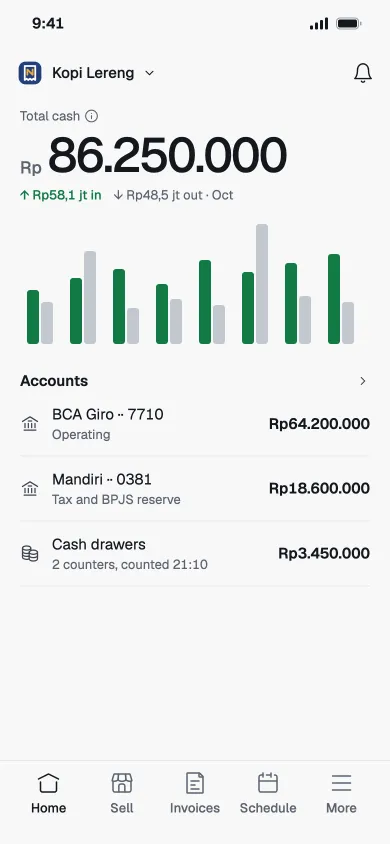 Business account overviewThe owner needs to know cash position. 6 screens
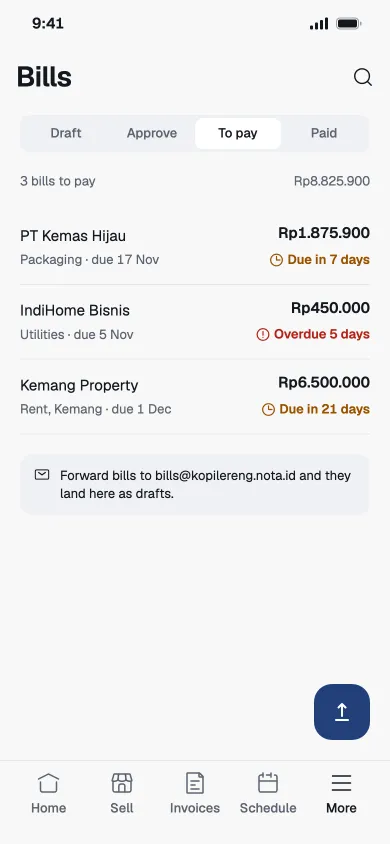 Bills and payablesA business receives supplier bills and has to check. 6 screens
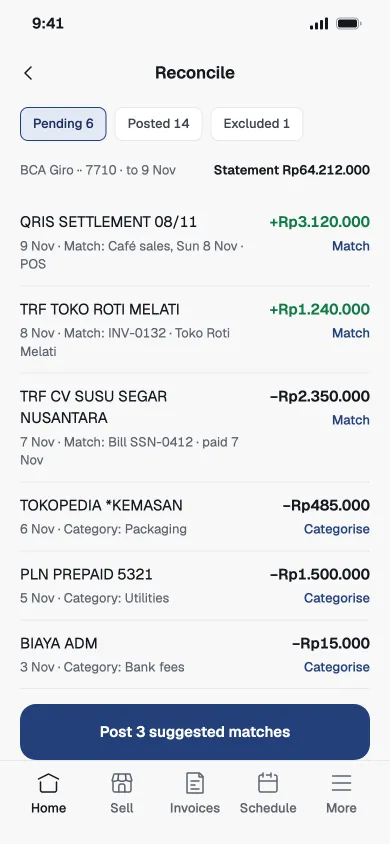 Bank reconciliationThe bank statement has to agree with the books, line by line. 6 screens
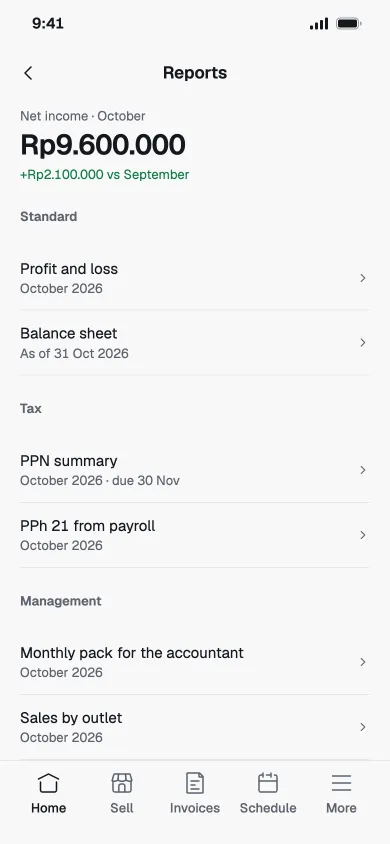 Profit and loss and tax reportsThe owner or the accountant needs the month's result and the tax summaries in a standard form. 6 screens
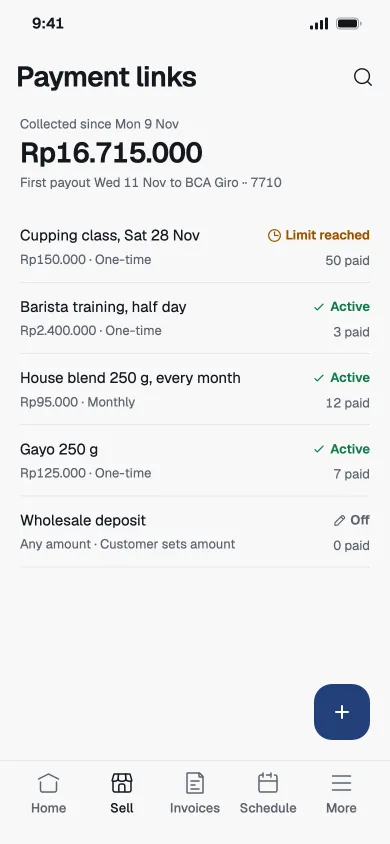 Payment linksA small seller wants to get paid for one product. 6 screens
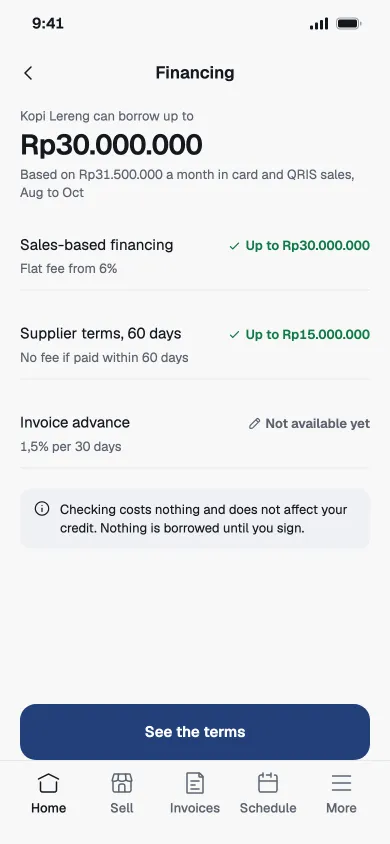 Business financingA business that already sells through the product can borrow against those sales or get supplier terms. 6 screens
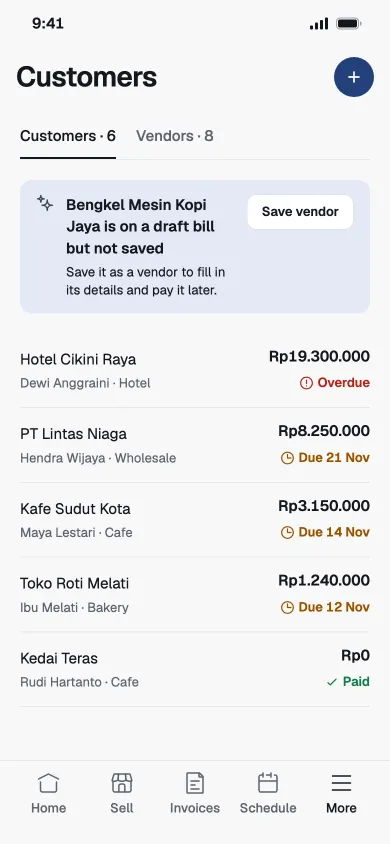 Customers and vendorsA small business keeps the people it sells to and buys from: a list with balances. 5 screens
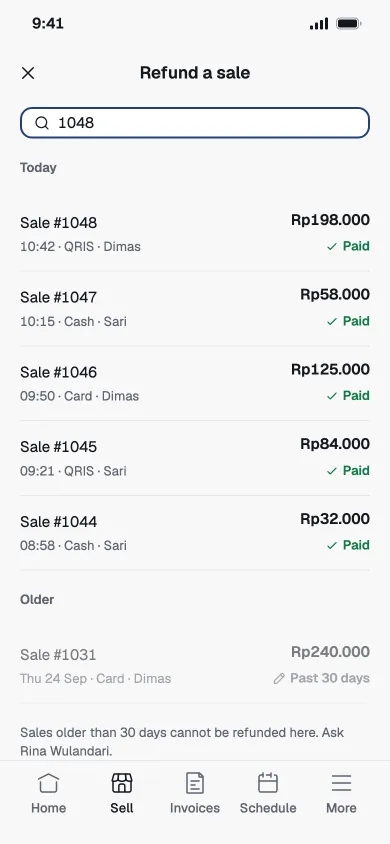 Refunds and returnsA seller gives money back for part or all of a sale: find the sale. 5 screens
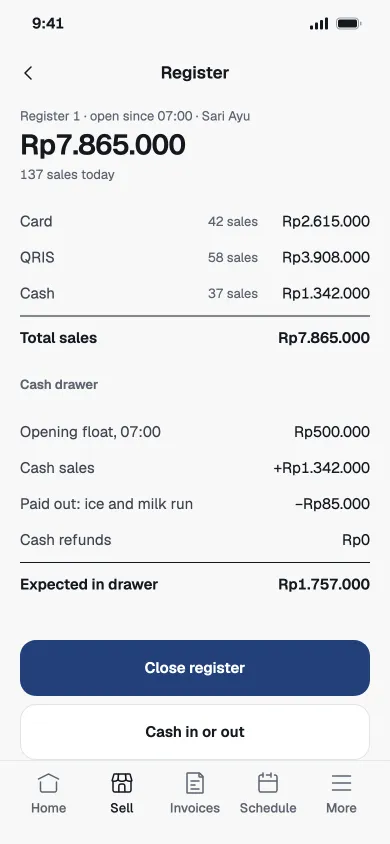 Close register and cash drawerAt the end of the day a cashier checks the drawer: a summary of sales and cash in and out. 4 screens
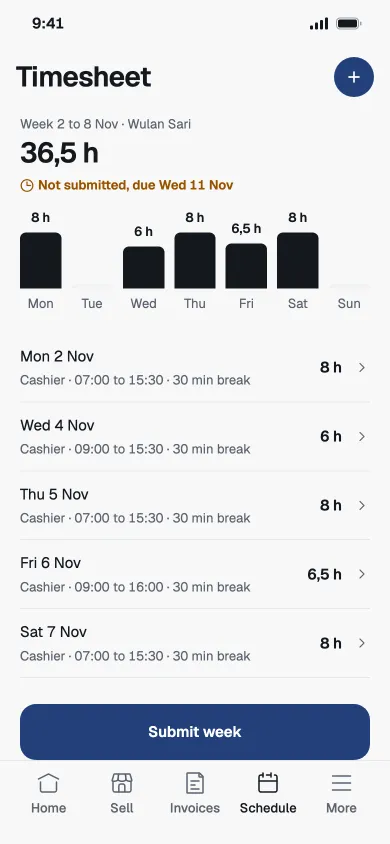 Time tracking and timesheetsStaff record their hours and a manager approves them before payroll: a week with daily totals. 6 screens
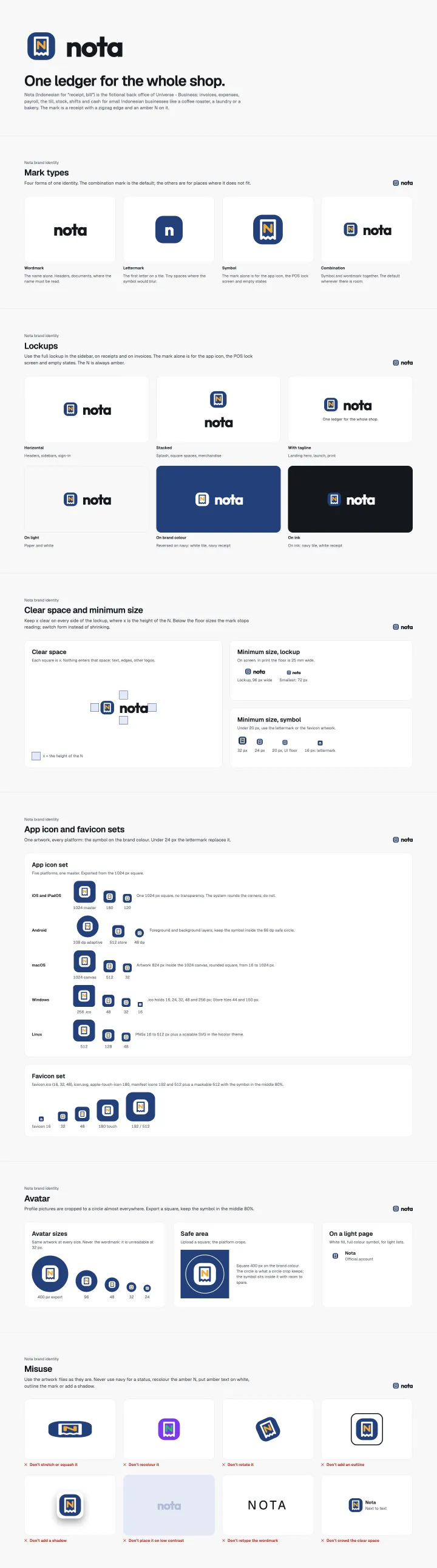 Brand identityA new app or company needs a logo system a team can use: the forms of the mark. 1 screens
 Pitch deckA founder raises a round or applies to an accelerator and needs a short deck an investor can read without a voice-over: one idea per slide. 7 screens
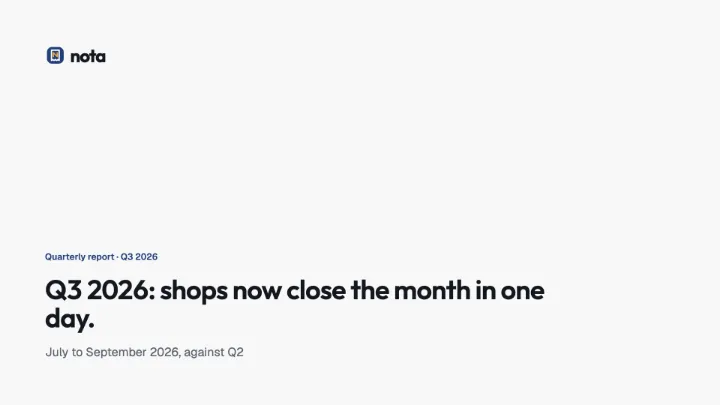 Report deckA quarterly or monthly update for investors. 2 screens
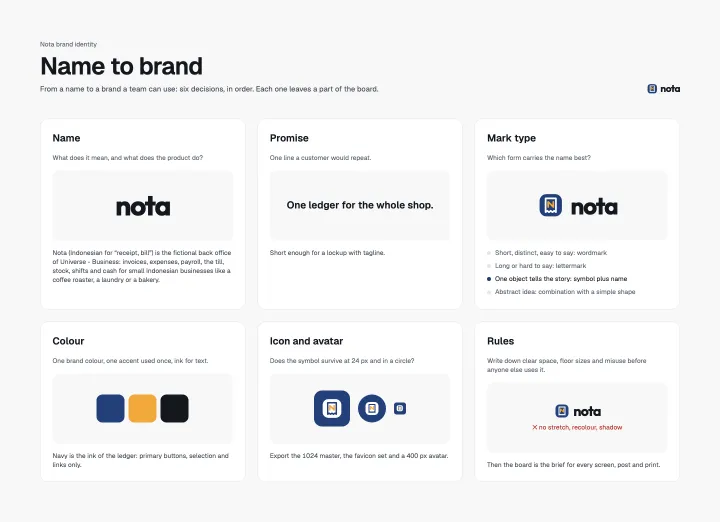 Name to brandA founder has a name and needs a first brand: what it promises. 1 screens
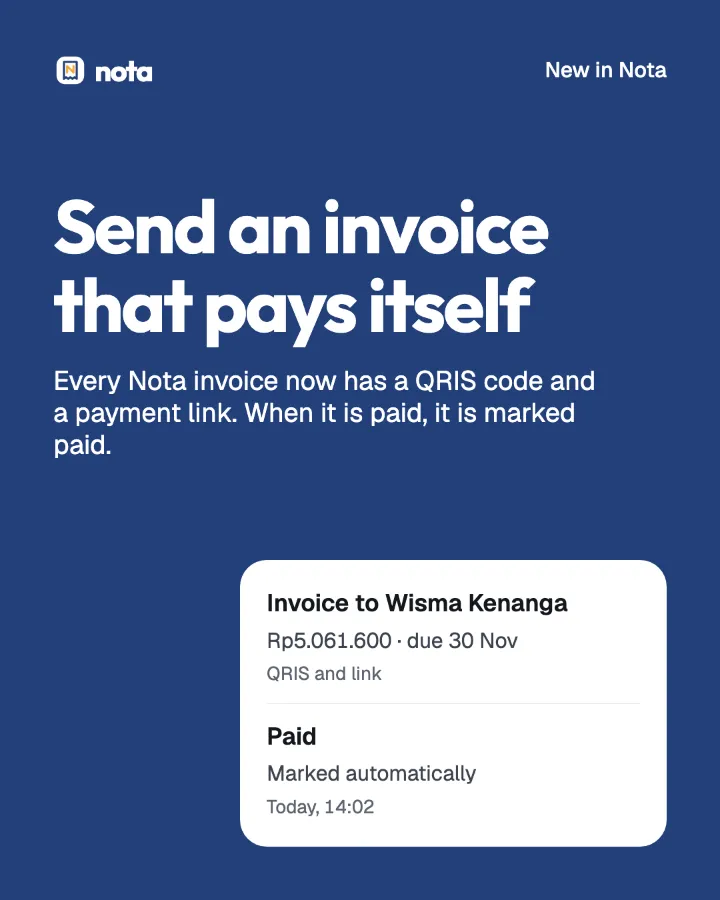 Launch campaignA product launches one feature and has to say it everywhere at once: a feed post. 5 screens
Questions
- Which business flows are in Universe?
- 21 flows: Create and send invoice, Capture expense and receipt, Run payroll, Point of sale checkout, Inventory and stock, Staff scheduling, Business account overview, Bills and payables, Bank reconciliation, Profit and loss and tax reports, Payment links, Business financing, Customers and vendors, Refunds and returns, Close register and cash drawer, Time tracking and timesheets, Brand identity, Pitch deck, Report deck, Name to brand, Launch campaign. Each one lists its screens in order, the patterns behind them and the states to cover.
- Whose brand are these screens?
- Nota, a made-up back office for small Indonesian businesses: invoices, expenses, payroll, the till, stock, shifts and cash for a coffee roaster, a laundry or a bakery. Patterns for small-business operations tools. Each flow is Wonderblok's own best-practice version, not a copy of any app. Your agent redraws the flows on your own brand.
- How does my agent use these flows?
- Connect Claude Code, Codex or Claude Desktop to Wonderblok over MCP. The agent calls use_pattern for a flow, reads its screens, rules and states, and draws them in your file on your tokens.