UNIVERSE · HEALTH AND FITNESS
Health and Fitness app UI patterns and flows
21 health and fitness app flows with their screens, the patterns behind them and the states to cover, at mobile and desktop. Your agent draws them on your design system.
21 Health and Fitness flows
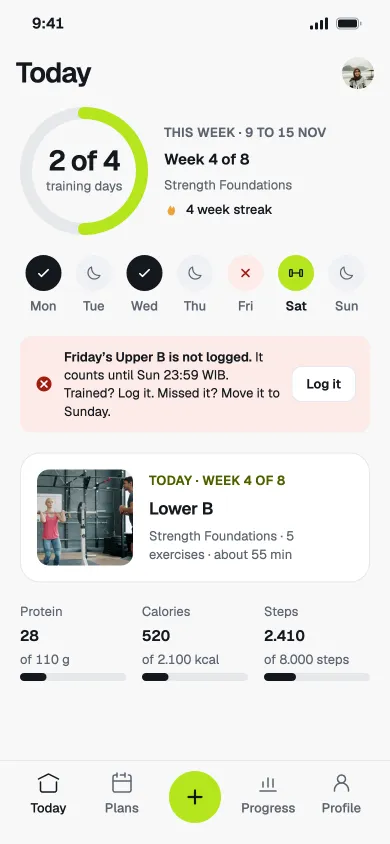 Today and weekly planThe home screen of a training or fitness app. 6 screens
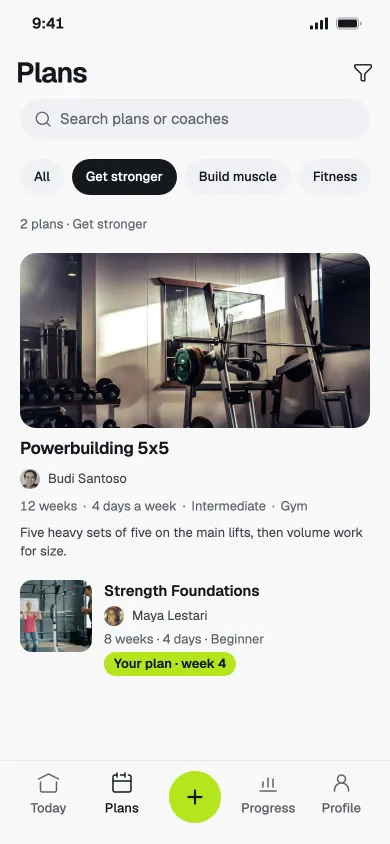 Choose a training planAny programme, course or plan with a weekly schedule. 7 screens
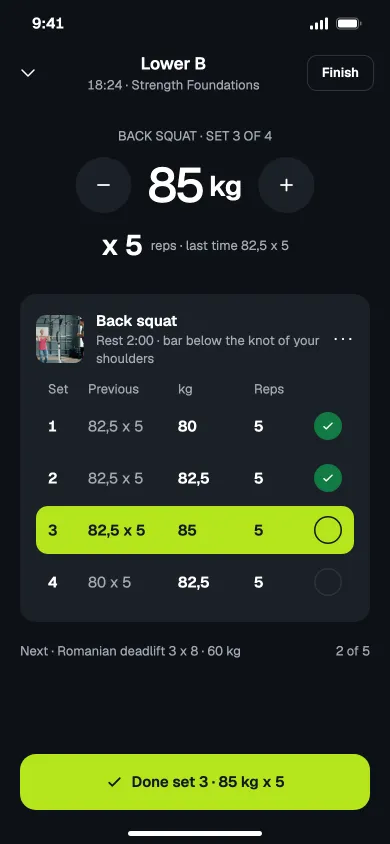 Live workout sessionGuided strength or interval sessions. 7 screens
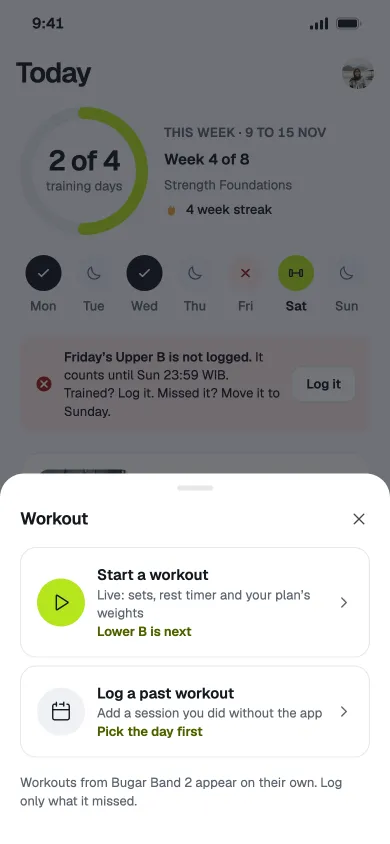 Log a workoutLogging any session after it happened, quick manual entries. 7 screens
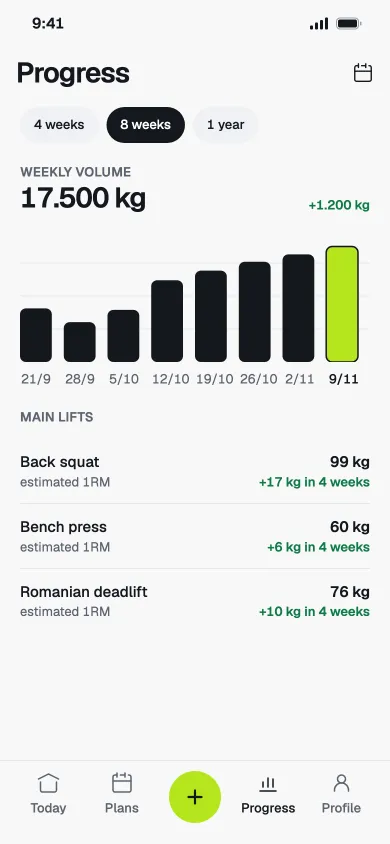 Progress and personal recordsAny training history, strength or body progress. 6 screens
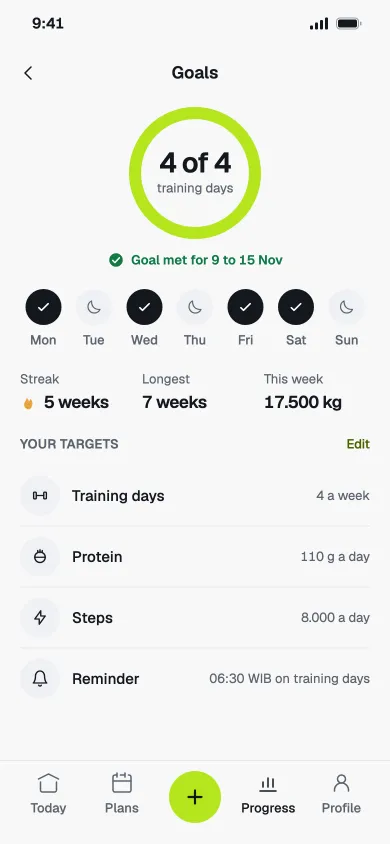 Goals and streaksWeekly or daily habit goals. 6 screens
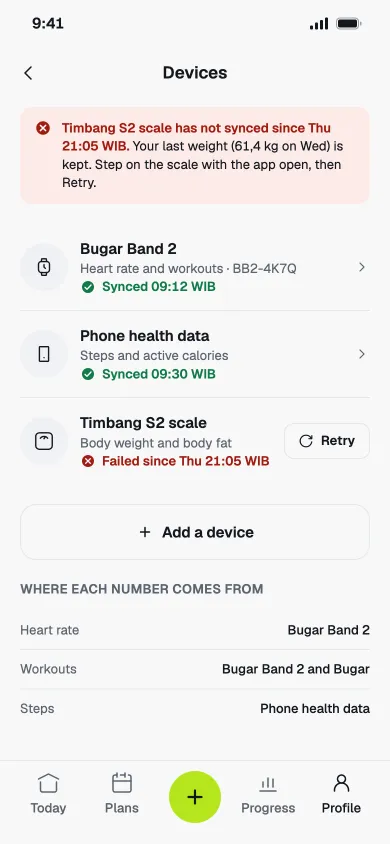 Connect a deviceConnecting wearables, scales. 6 screens
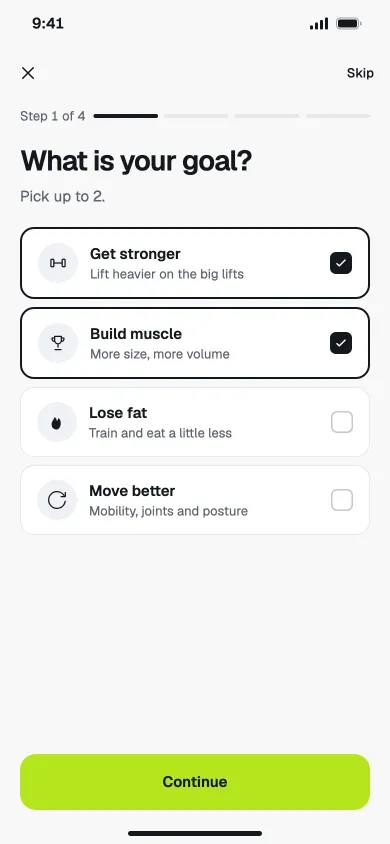 Fitness profile setupA training app needs goal, experience, days a week, equipment. 4 screens
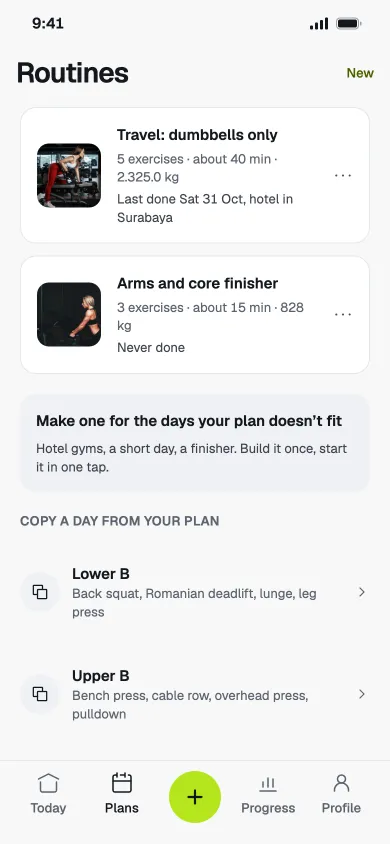 Build a custom routineLifters run their own sessions beside or instead of a catalogue plan and want to start them in one tap. 4 screens
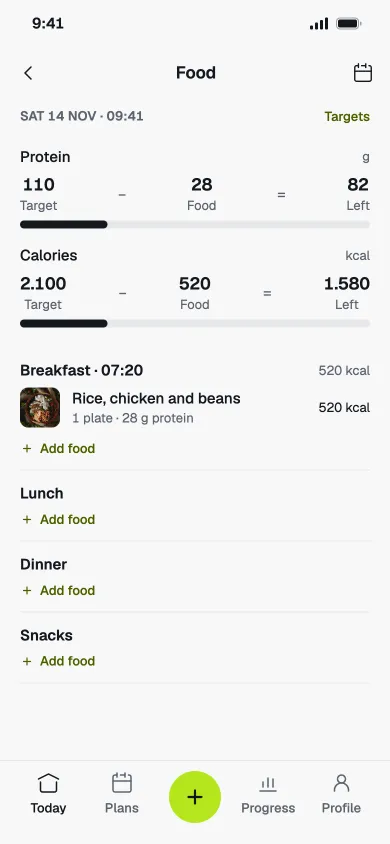 Food and protein logA training app shows protein and calories and needs a simple way to fill them: search. 8 screens
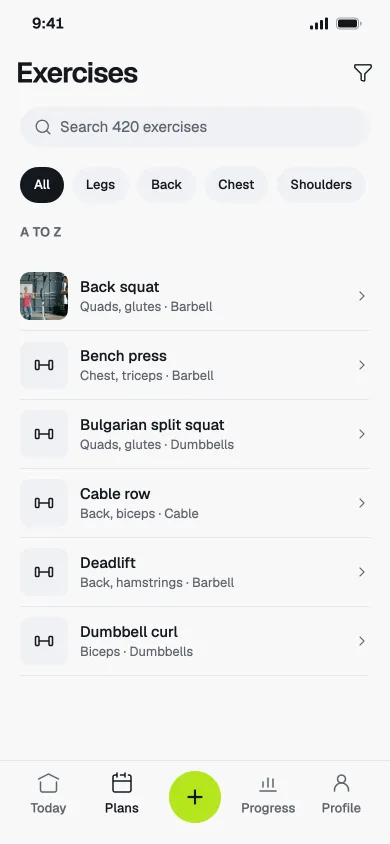 Exercise library and detailMembers need to learn an exercise, see what it works. 4 screens
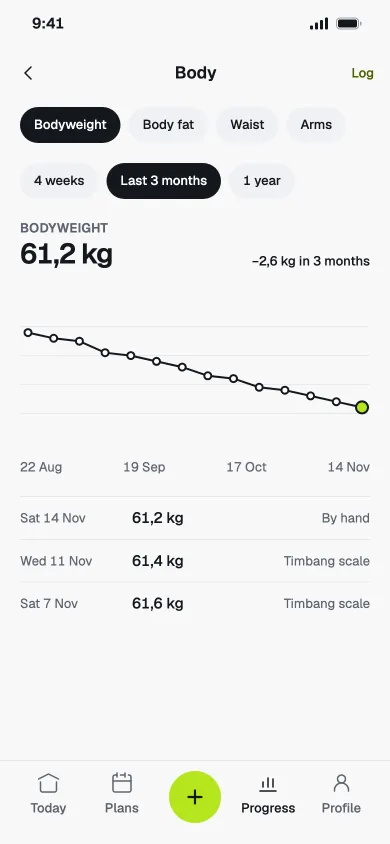 Body weight and measurementsMembers track bodyweight. 6 screens
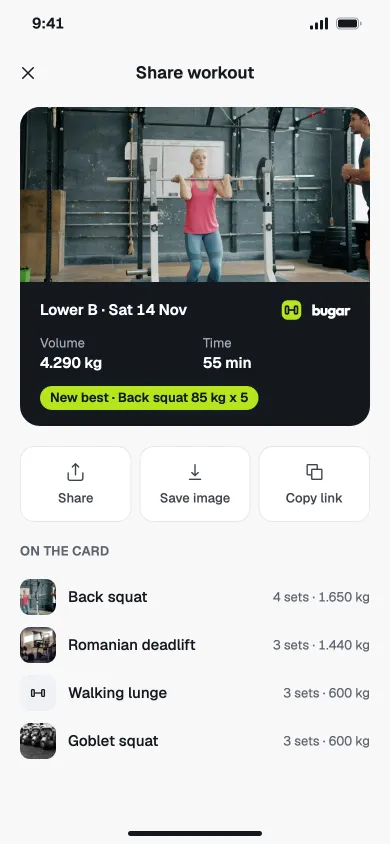 Share a workout and follow friendsA training app uses friends as motivation: a share card after a workout. 6 screens
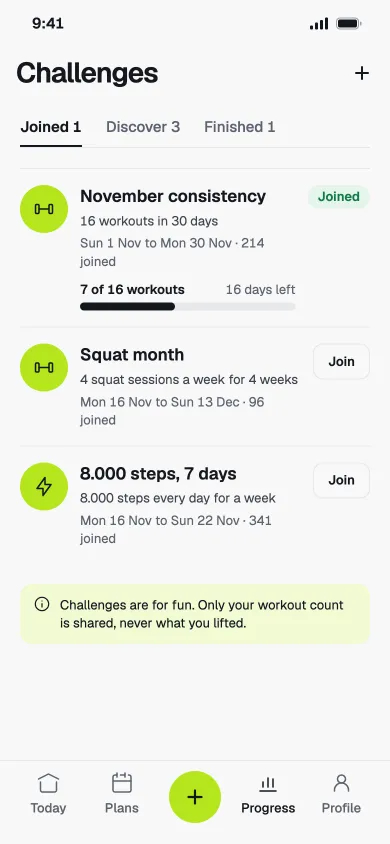 Challenges and leaderboardTraining toward a shared target with friends: a list of challenges to join. 5 screens
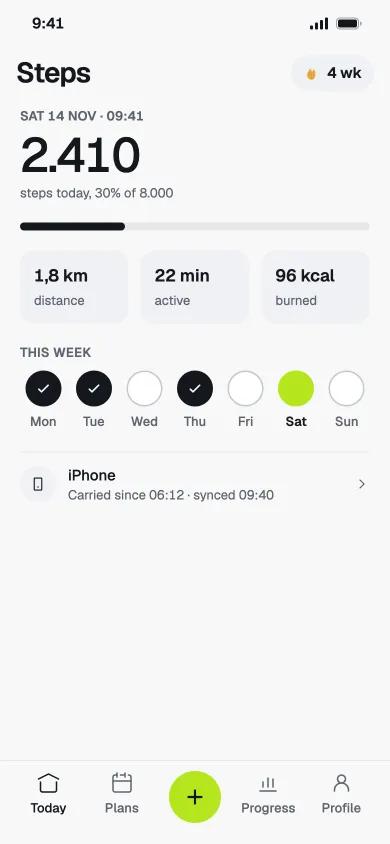 Steps and daily activityA member checks movement between workouts: today's steps against a goal. 4 screens
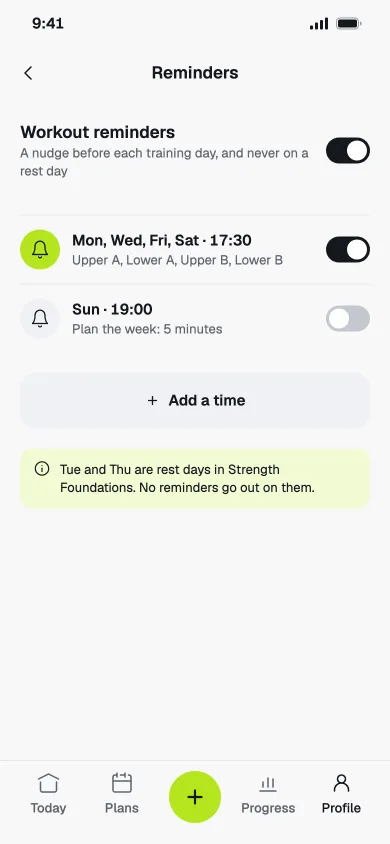 Workout remindersA nudge before a training day: a schedule with days and a time. 5 screens
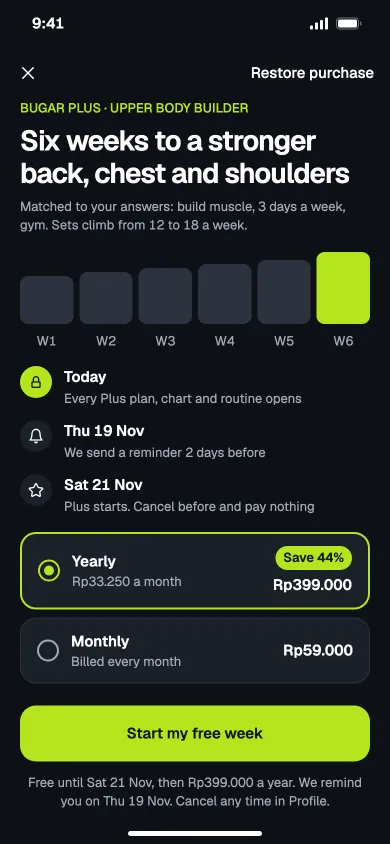 Paywall and free trialA subscription app that sells one paid tier with a free trial: the paywall at the end of onboarding. 6 screens
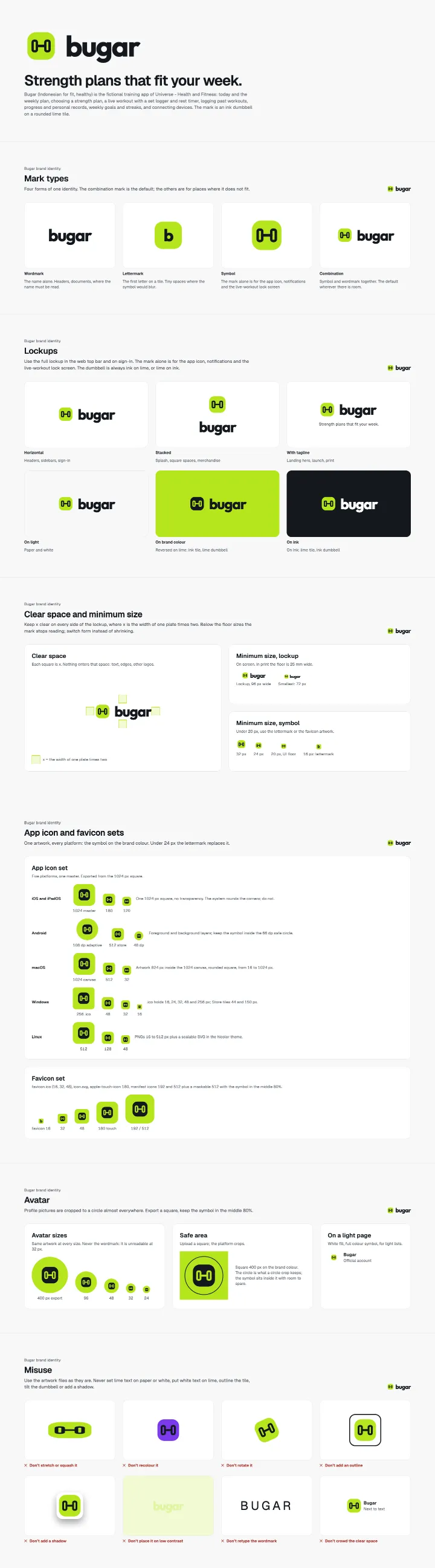 Brand identityA new app or company needs a logo system a team can use: the forms of the mark. 1 screens
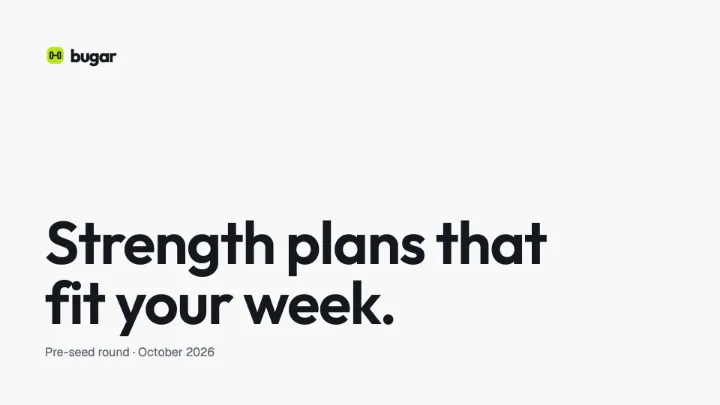 Pitch deckA founder raises a round or applies to an accelerator and needs a short deck an investor can read without a voice-over: one idea per slide. 7 screens
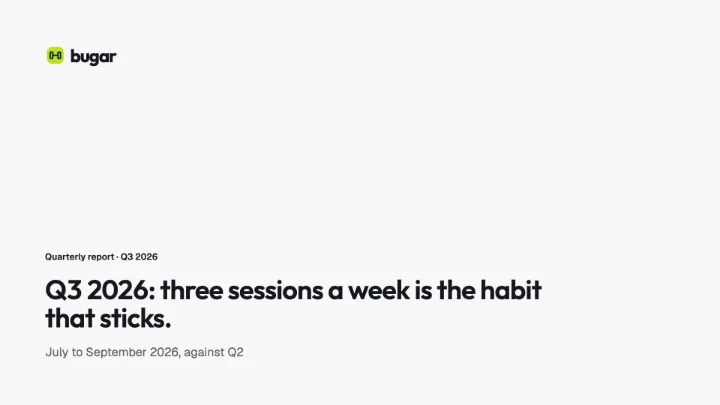 Report deckA quarterly or monthly update for investors. 2 screens
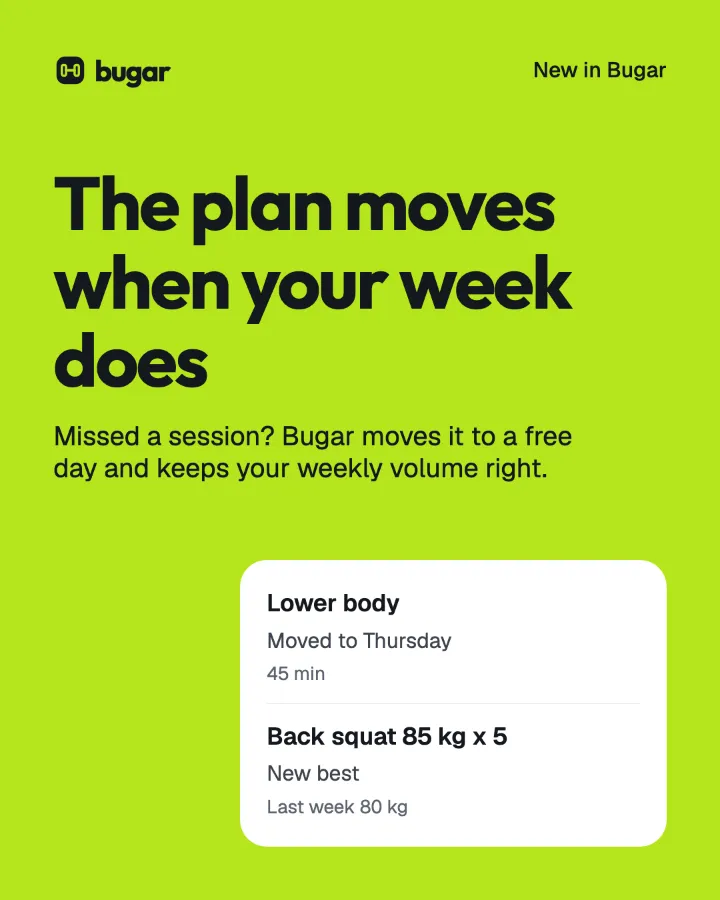 Launch campaignA product launches one feature and has to say it everywhere at once: a feed post. 5 screens
Questions
- Which health and fitness flows are in Universe?
- 21 flows: Today and weekly plan, Choose a training plan, Live workout session, Log a workout, Progress and personal records, Goals and streaks, Connect a device, Fitness profile setup, Build a custom routine, Food and protein log, Exercise library and detail, Body weight and measurements, Share a workout and follow friends, Challenges and leaderboard, Steps and daily activity, Workout reminders, Paywall and free trial, Brand identity, Pitch deck, Report deck, Launch campaign. Each one lists its screens in order, the patterns behind them and the states to cover.
- Whose brand are these screens?
- Bugar, a made-up Indonesian training app: strength plans, a weekly plan with training days, a live workout with a set logger and rest timer, logging past workouts, progress and personal records, weekly goals and streaks, and connected devices for steps, heart rate and weight. Patterns for training, fitness and habit products. Each flow is Wonderblok's own best-practice version, not a copy of any app. Your agent redraws the flows on your own brand.
- How does my agent use these flows?
- Connect Claude Code, Codex or Claude Desktop to Wonderblok over MCP. The agent calls use_pattern for a flow, reads its screens, rules and states, and draws them in your file on your tokens.