CRM FLOW
Custom fields and data model app flow
A crm flow in 5 screens, from properties to delete a field in use. Start your app from it, and your agent draws it on your own design system.
- 5 screens
- 3 patterns
- Mobile and desktop
- Brand: Simpul (made up)
The screens, in order
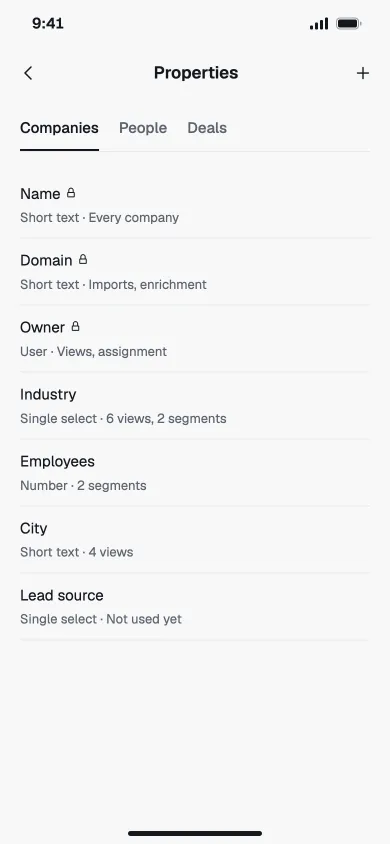
- Properties
- Add a propertyPro
- Select optionsPro
- Use it in a viewPro
- Delete a field in usePro
See all 5 screens, at mobile and desktop.Pro opens the whole flow in your Universe, with the prompt and code for each screen.
Upgrade to ProAlready Pro? Open in UniverseWhen to use it
USE WHEN
An admin adds their own fields to companies, people or deals: a property list with locked system fields, add a property, options, use it in a view, and delete one that is in use.
AVOID WHEN
Importing values into fields (use CRM › Import contacts) or changing who can see records (use Platform › Team members and roles).
Patterns and why they work
3 decisions this flow makes, and the clarity each one buys.
Lock what cannot change
System fields show a lock
Type as a visible choice
Eight types as chips with the picked one filled
Show what breaks before deleting
Six views, two segments, one workflow and 389 records
Each pattern also has its psychology, the intuition behind it and what it rules out, plus layout notes for mobile and desktop.
Open in UniverseStates to cover
The screens people forget until a user hits them.
- System and custom properties
- Label
- Stored name locked after save
- Type chosen and fixed
- Options
- Created toast
- Shown in a view
- A filter on it
- In use by 6 views and 1 workflow
- Archive instead of delete
- A name that is already taken is only noted
Pairs with
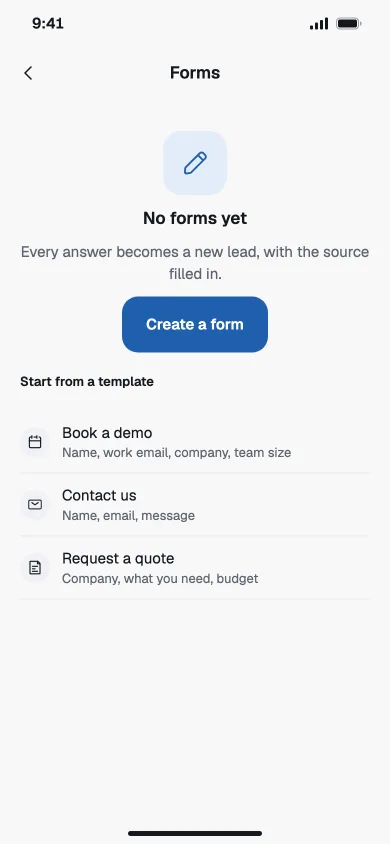
The flows this one hands off to or comes back from.
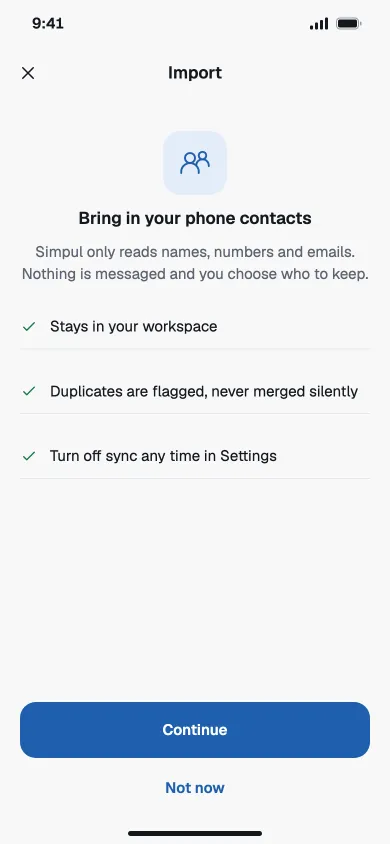
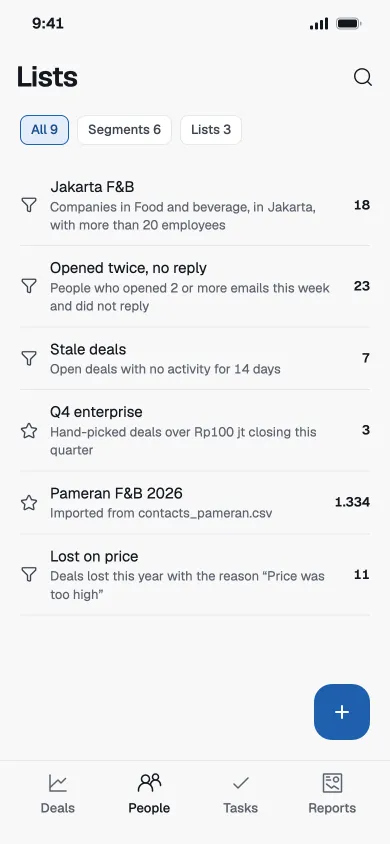
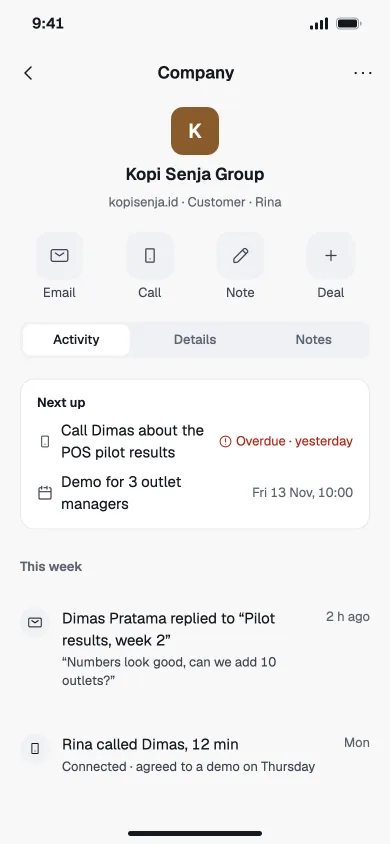
More CRM flows
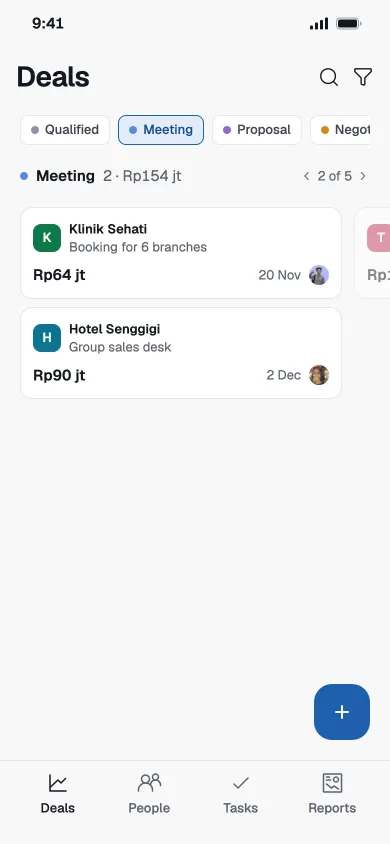
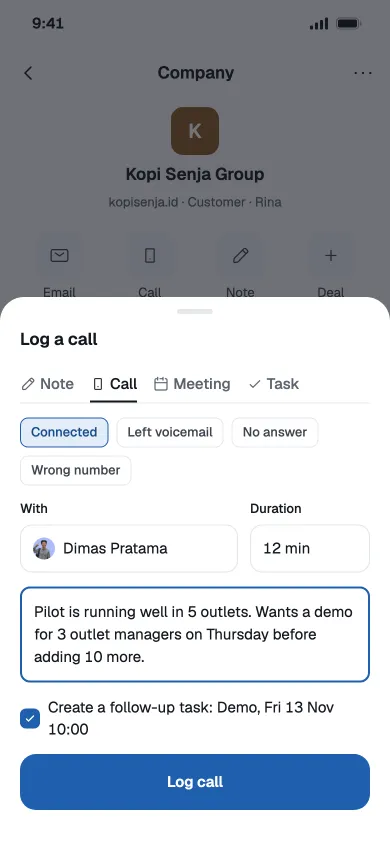
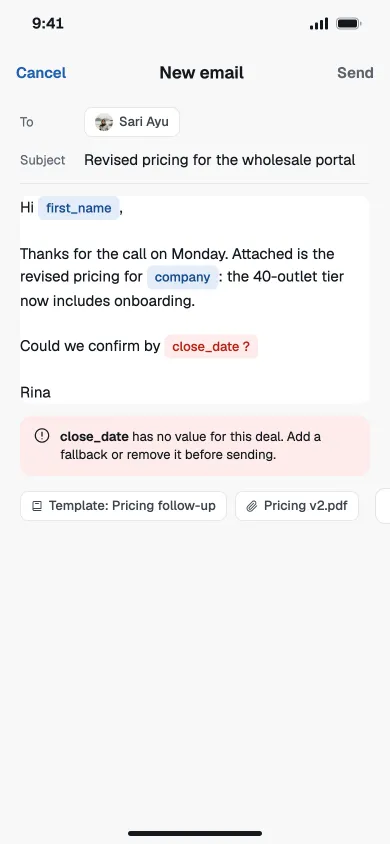
Drawn for the same brand, so they fit together.
Questions
- When should I use a custom fields and data model flow?
- An admin adds their own fields to companies, people or deals: a property list with locked system fields, add a property, options, use it in a view, and delete one that is in use. Use another pattern for importing values into fields (use CRM › Import contacts) or changing who can see records (use Platform › Team members and roles).
- Which screens does it need?
- This pattern uses 5: Properties, Add a property, Select options, Use it in a view and Delete a field in use. Plan for these states too: system and custom properties, label, stored name locked after save, type chosen and fixed.
- Is Simpul a real app?
- No. Simpul is a made-up relationship CRM for small sales teams and agencies: pipeline, records, activity, sequences, imports, reports and tasks, so the screens show the pattern without copying anyone's brand. Your agent redraws the flow on your own tokens and components.
- How does my agent use this flow?
- Connect Claude Code, Codex or Claude Desktop to Wonderblok over MCP. The agent calls use_pattern for this flow, reads its screens, rules and states, and draws them in your file.
- Is it free?
- Browsing Universe is free. Full pattern notes and use with your agent are part of Pro, and the Free plan opens a few flows in full each month.