UNIVERSE · MARKETING
Marketing app UI patterns and flows
27 marketing app flows with their screens, the patterns behind them and the states to cover, at mobile and desktop. Your agent draws them on your design system.
27 Marketing flows
 Landing pageAny product or company homepage, product landing page. 6 screens
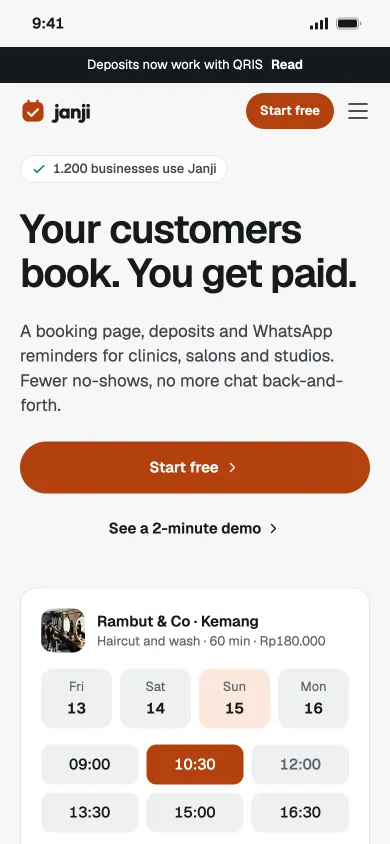 HeroEvery landing page. 4 screens
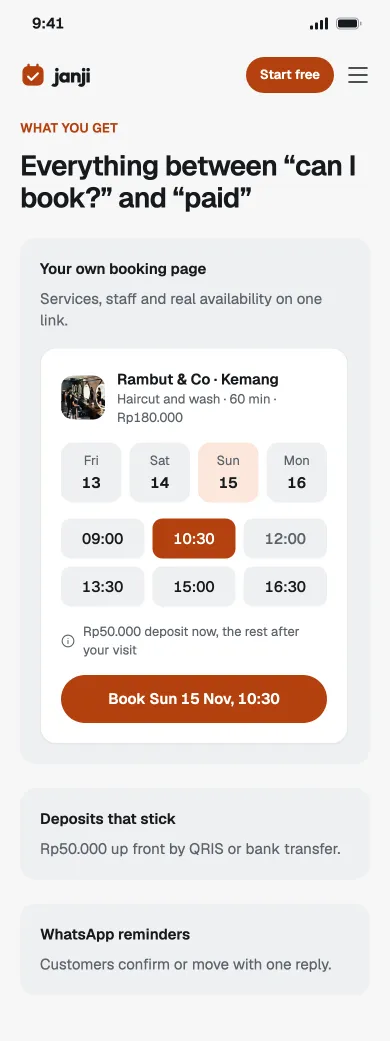 FeaturedExplaining 3 or more capabilities. 4 screens
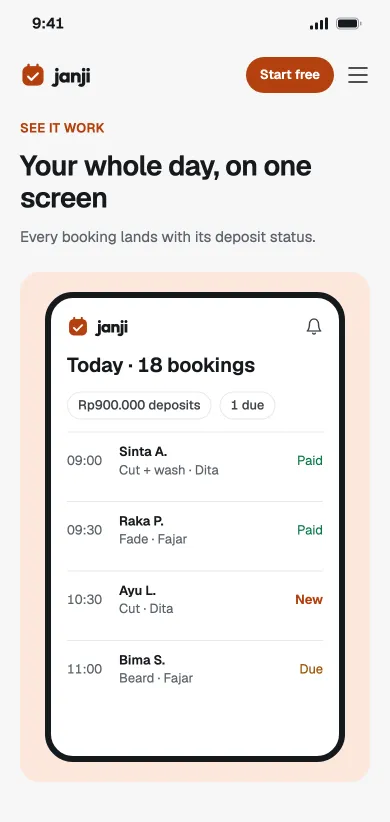 Product embedded UISoftware products whose UI is the differentiator. 4 screens
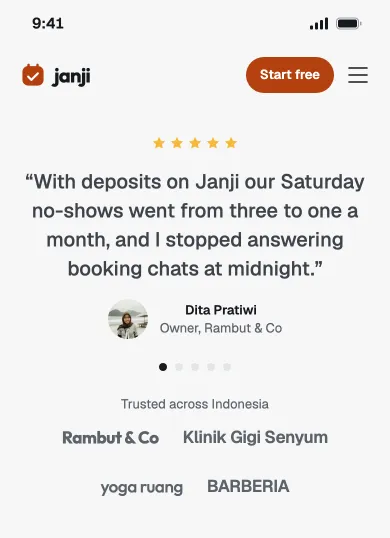 TestimonialsAny page before the final CTA. 4 screens
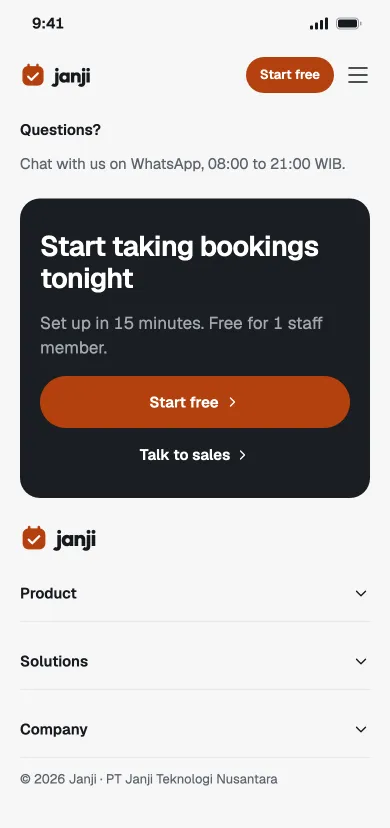 CTAEnd of every landing and product page. 4 screens
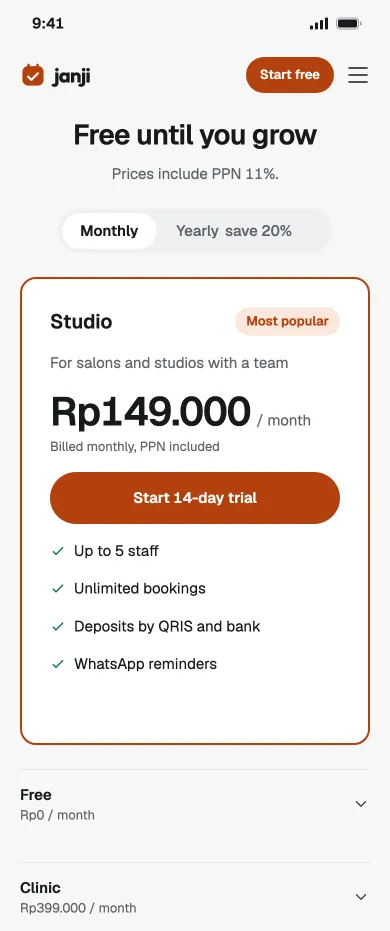 PricingSelf-serve SaaS with tiers. 6 screens
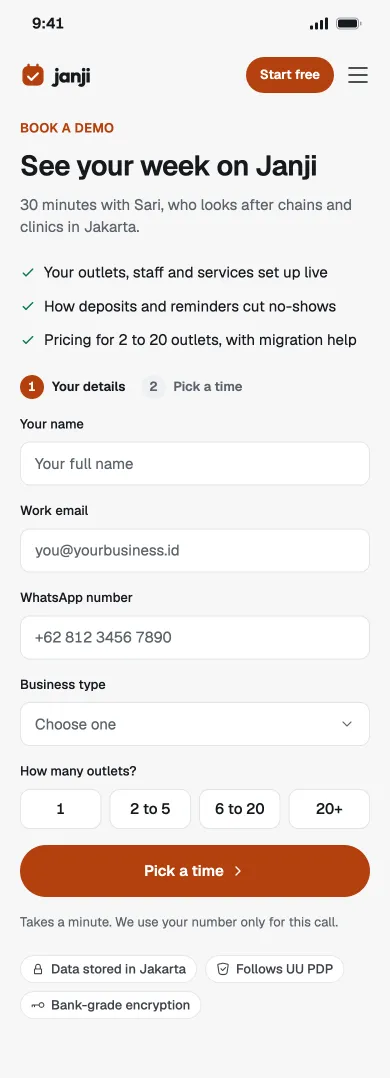 Book a demoB2B or multi-location sales where a call converts better than self-serve sign-up. 4 screens
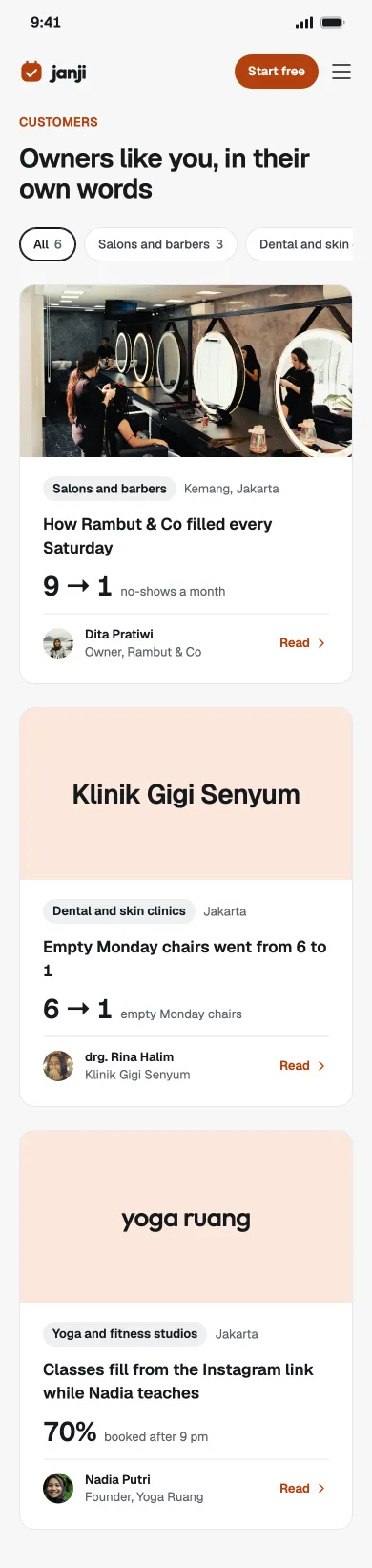 Customer storiesB2B or small-business products sold to several industries. 4 screens
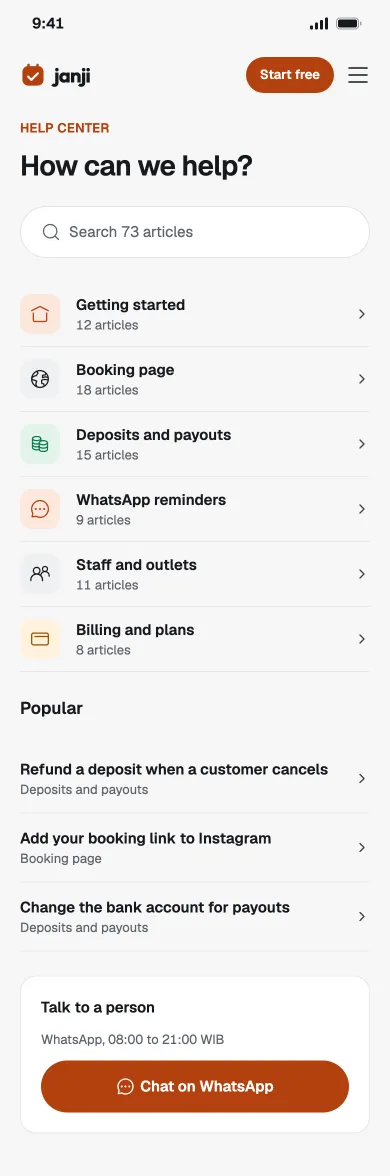 Help centerA product with self-serve customers who ask the same questions and a small support team. 6 screens
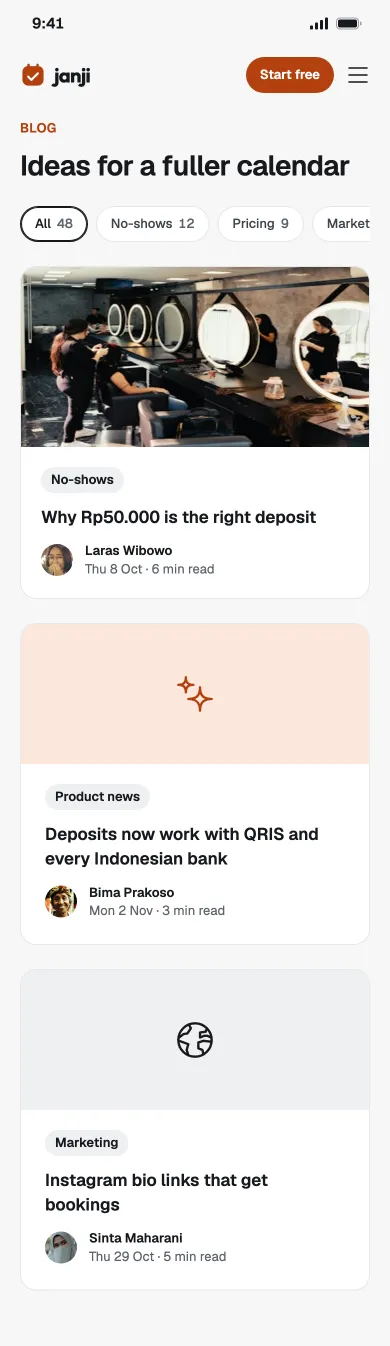 Blog and resourcesContent marketing brings small-business owners in through search and keeps them through a newsletter. 4 screens
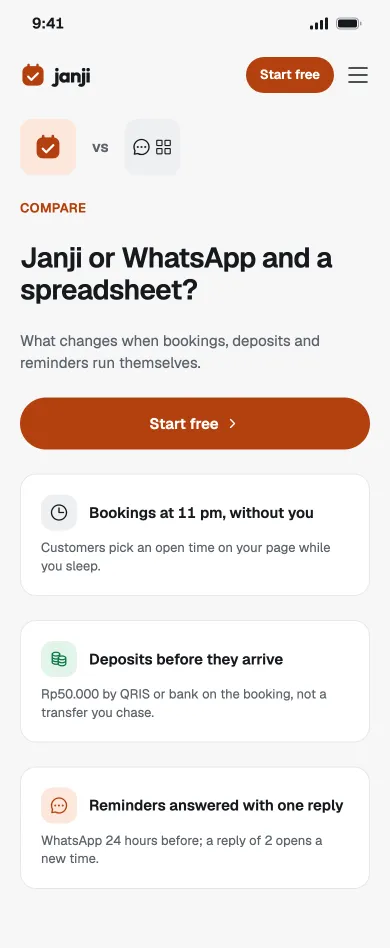 Compare with alternativesVisitors already solve the job another way and search for a comparison. 4 screens
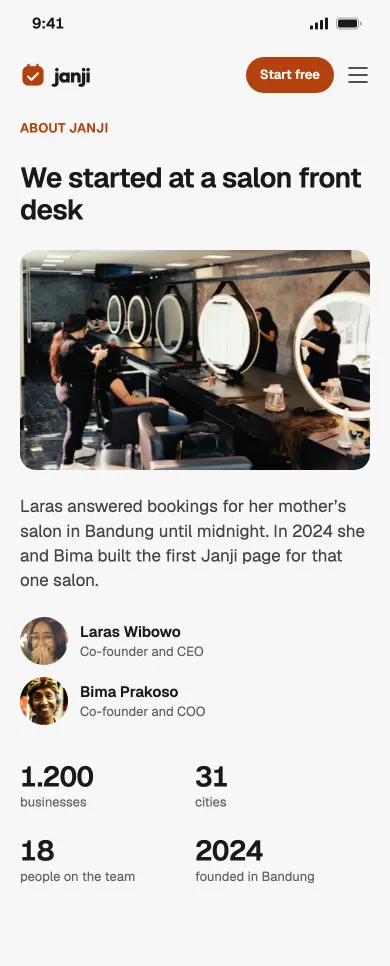 About and careersA young brand whose buyers want to know who is behind it. 5 screens
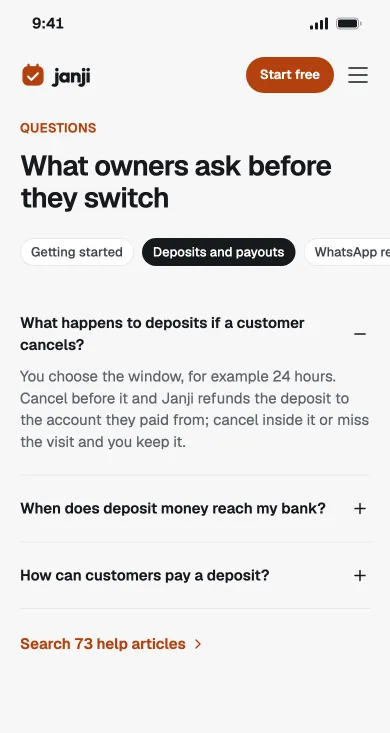 FAQPricing pages and landing pages where the same 5 to 10 doubts stop sign-ups. 4 screens
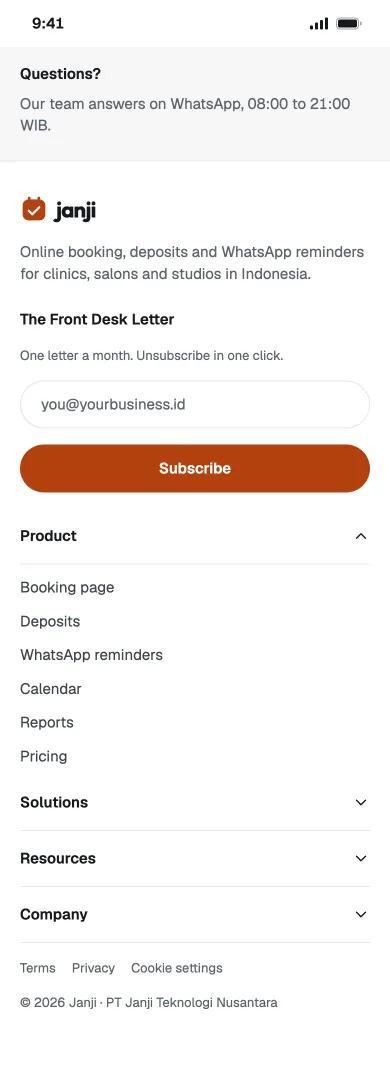 FooterThe last block of every marketing page: the sitemap. 4 screens
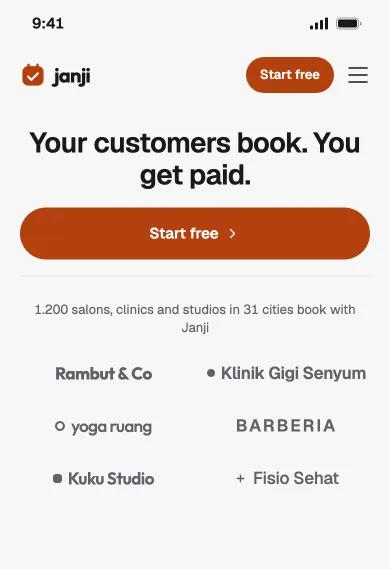 Logo cloudRight under the hero or before pricing. 4 screens
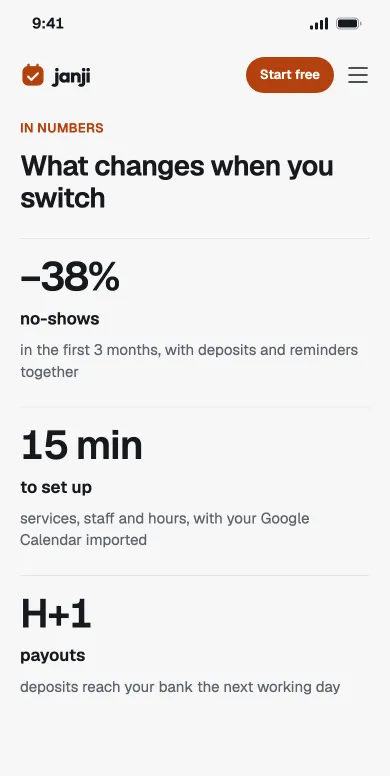 StatsWhen a few numbers prove the promise better than words: results customers get. 4 screens
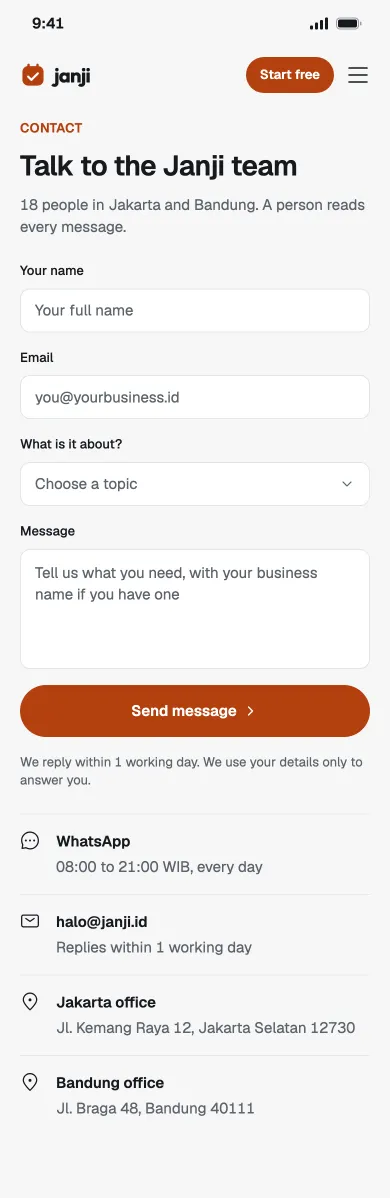 ContactThe Contact page or the end of About: people who need a person. 7 screens
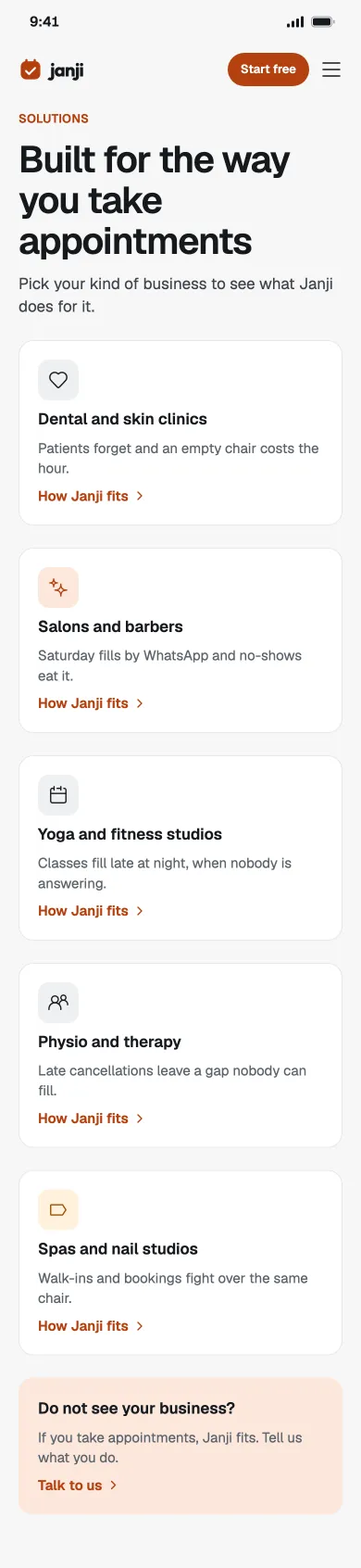 Industry solutions pageA site that serves several kinds of business: an index of industries. 4 screens
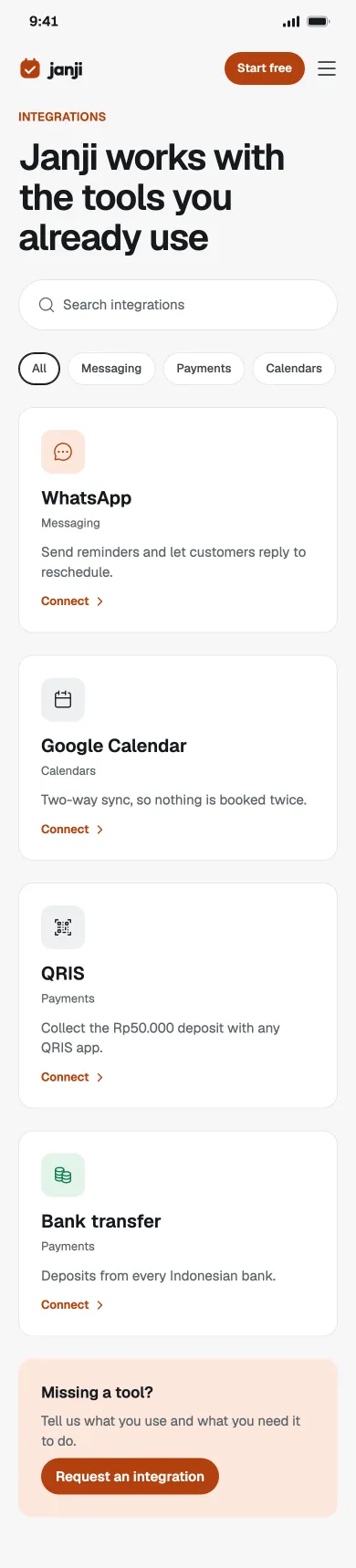 Integrations directoryA product that works with other tools: a directory with search and categories. 4 screens
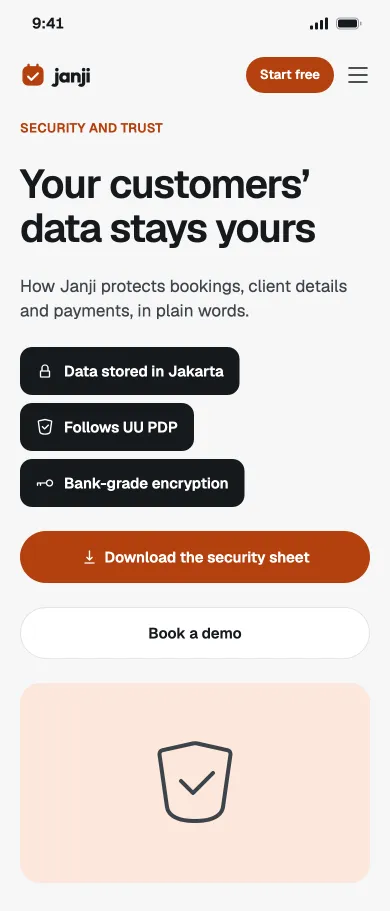 Security and trustA product that holds customer or patient data: a trust hero with badges. 4 screens
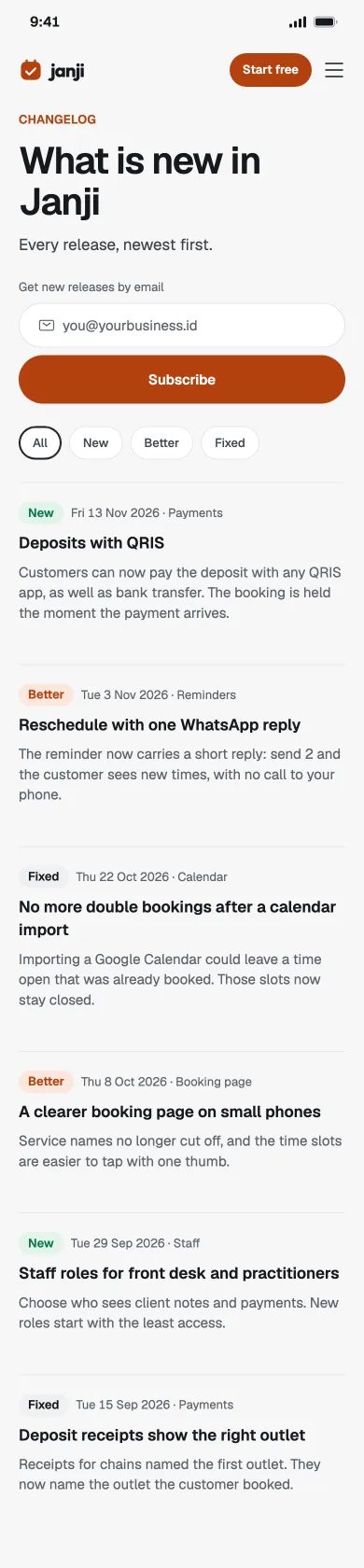 Changelog pageA public record of what changed: a header with an email subscribe. 4 screens
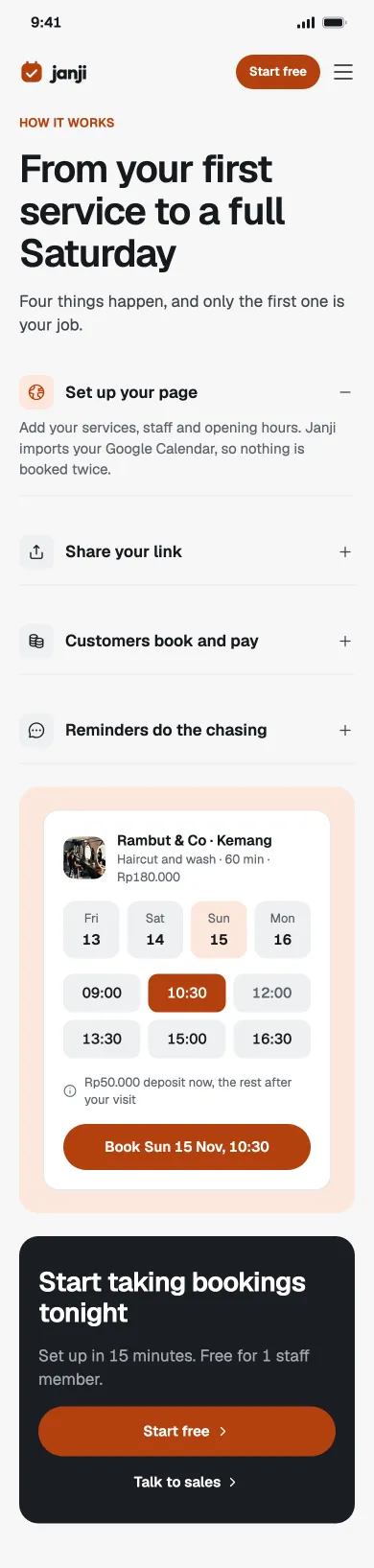 How it worksA section that explains the product in a few steps. 4 screens
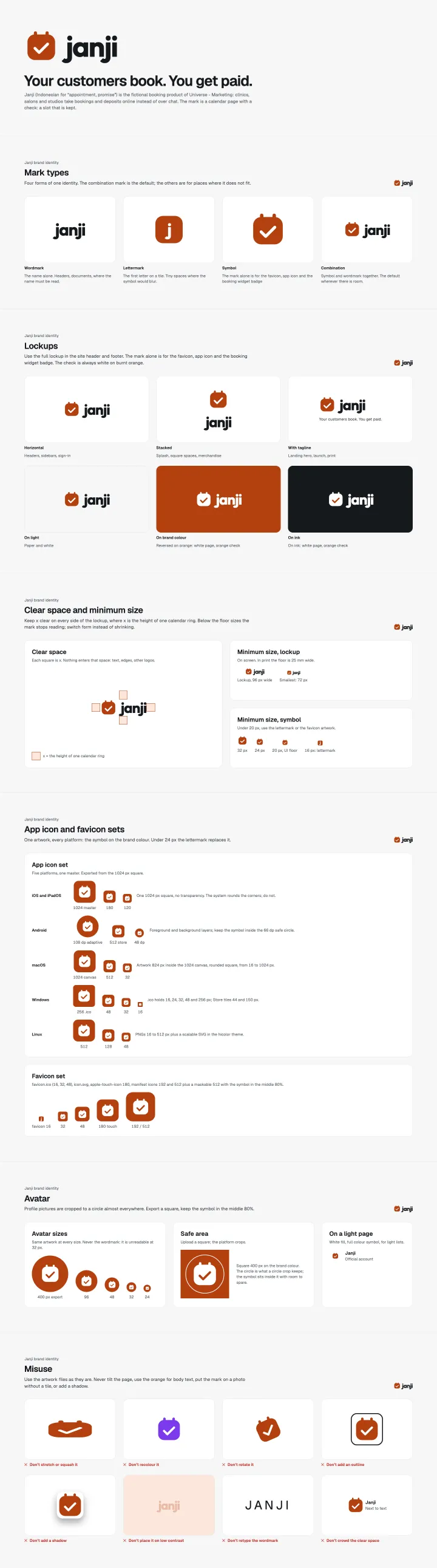 Brand identityA new app or company needs a logo system a team can use: the forms of the mark. 1 screens
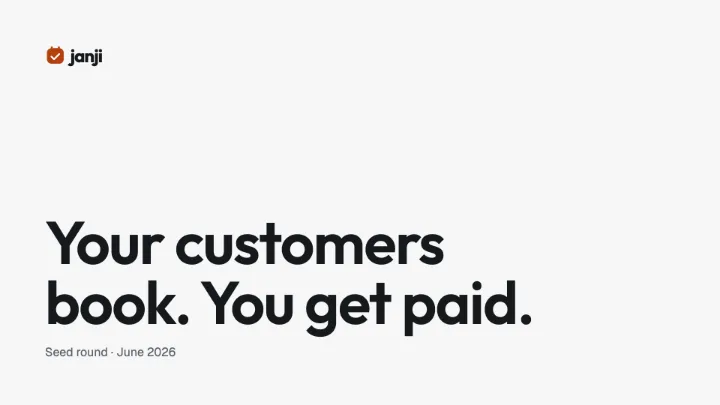 Pitch deckA founder raises a round or applies to an accelerator and needs a short deck an investor can read without a voice-over: one idea per slide. 7 screens
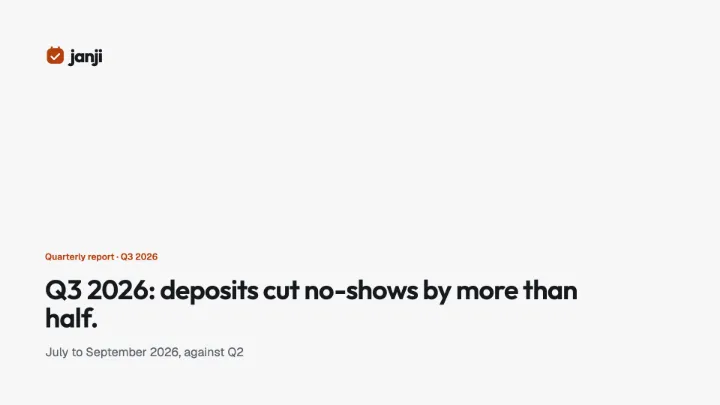 Report deckA quarterly or monthly update for investors. 2 screens
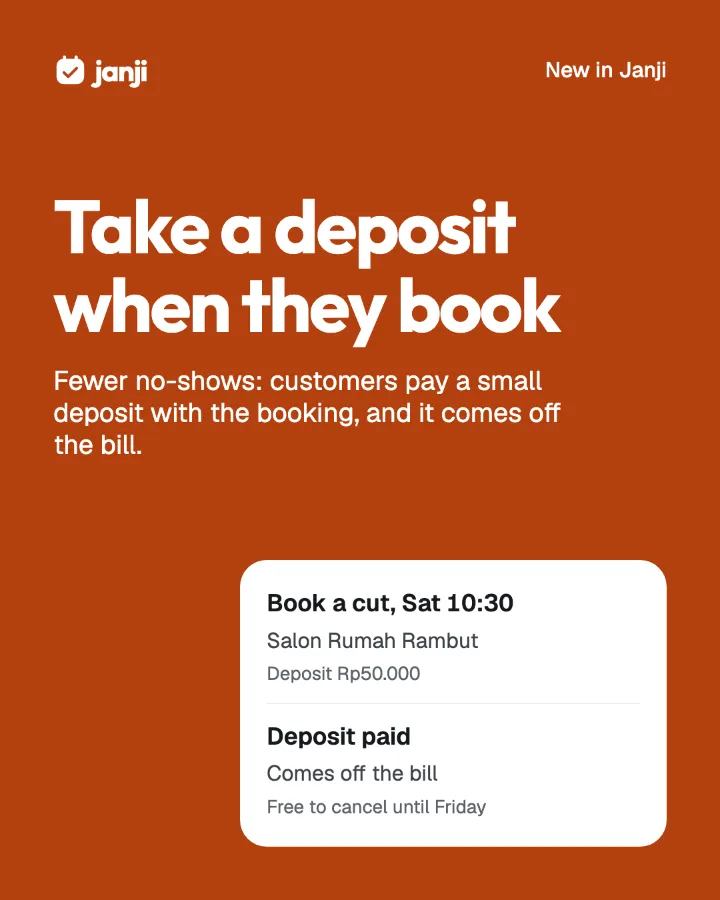 Launch campaignA product launches one feature and has to say it everywhere at once: a feed post. 5 screens
Questions
- Which marketing flows are in Universe?
- 27 flows: Landing page, Hero, Featured, Product embedded UI, Testimonials, CTA, Pricing, Book a demo, Customer stories, Help center, Blog and resources, Compare with alternatives, About and careers, FAQ, Footer, Logo cloud, Stats, Contact, Industry solutions page, Integrations directory, Security and trust, Changelog page, How it works, Brand identity, Pitch deck, Report deck, Launch campaign. Each one lists its screens in order, the patterns behind them and the states to cover.
- Whose brand are these screens?
- Janji, a made-up online booking for clinics, salons and studios in Indonesia. Battle-tested marketing-site sections. Each flow is Wonderblok's own best-practice version, not a copy of any app. Your agent redraws the flows on your own brand.
- How does my agent use these flows?
- Connect Claude Code, Codex or Claude Desktop to Wonderblok over MCP. The agent calls use_pattern for a flow, reads its screens, rules and states, and draws them in your file on your tokens.