CRM FLOW
Log activity app flow
A crm flow in 6 screens, from record with composer to email failed to send. Start your app from it, and your agent draws it on your own design system.
- 6 screens
- 6 patterns
- Mobile and desktop
- Brand: Simpul (made up)
The screens, in order
- Record with composer
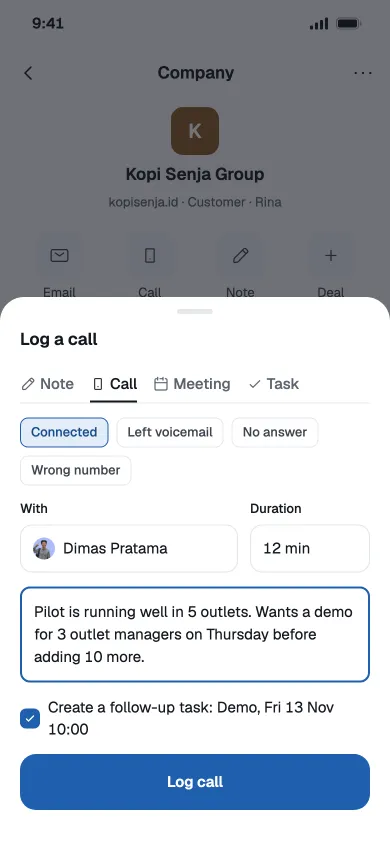
- New task modalPro
- Note with mentionPro
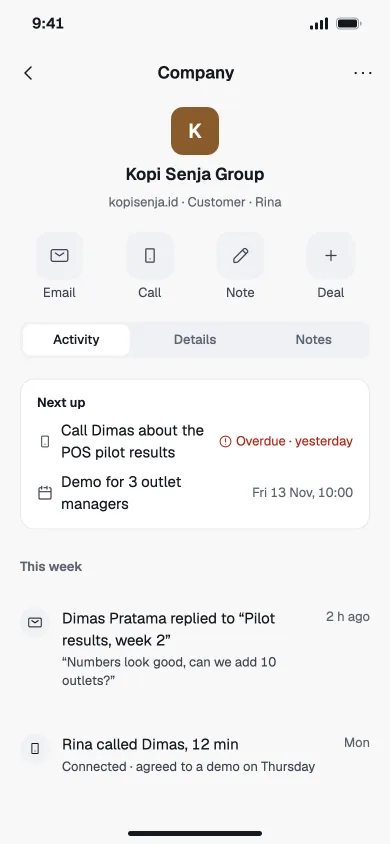
- Logged in timelinePro
- Edit or delete a notePro
- Email failed to sendPro
See all 6 screens, at mobile and desktop.Pro opens the whole flow in your Universe, with the prompt and code for each screen.
Upgrade to ProAlready Pro? Open in UniverseWhen to use it
USE WHEN
Reps log calls, meetings, notes and follow-ups against a person, company or deal.
AVOID WHEN
Activity is captured automatically (synced email and calendar) and manual entry would duplicate it; show the synced item instead.
Patterns and why they work
6 decisions this flow makes, and the clarity each one buys.
Pre-associated composer on the record
It logs against this record
Due pills that change with time
Urgency encoded
Natural language date and @mention highlighting
Parsed parts are underlined
Chat-style notes thread
Who said what, when
Reminder as a timeline item
Future intent recorded
Save and New
Batch entry supported
Each pattern also has its psychology, the intuition behind it and what it rules out, plus layout notes for mobile and desktop.
Open in UniverseStates to cover
The screens people forget until a user hits them.
- Drawn: composer collapsed
- Composer open per type
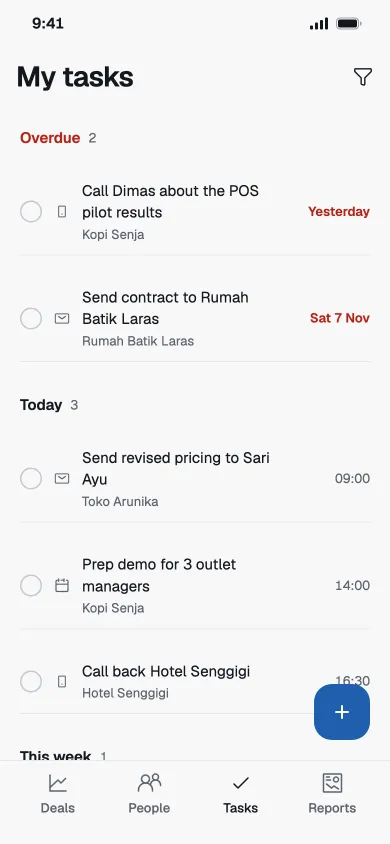
- Task modal empty
- Filled
- Validation (missing title)
- Natural date parsed
- Mention picker open
- Saved in the timeline
- Edit or delete a note (the note menu on web, an action sheet on mobile, with the restore window)
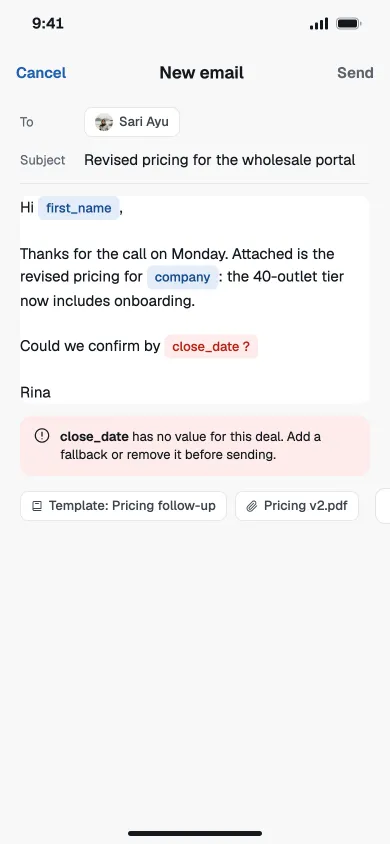
- Email failed to send (a Not sent row with the reason, Reconnect and send, and the draft kept)
- Listed
- Not drawn: attachment uploading
- Saved toast
- Follow-up prompt after call
- Offline draft
- Save failed
Pairs with
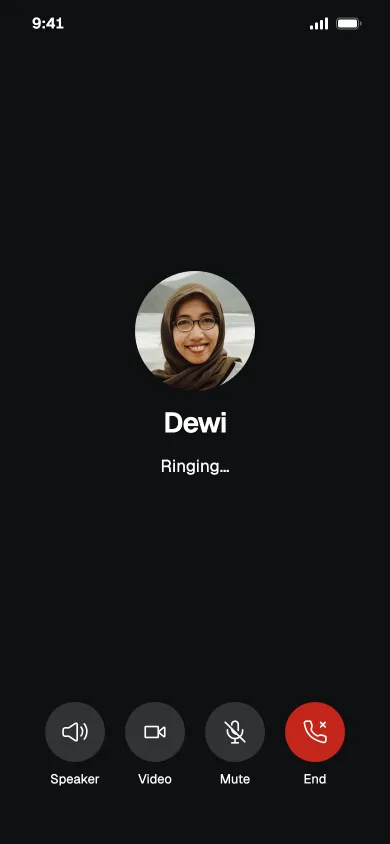
The flows this one hands off to or comes back from.
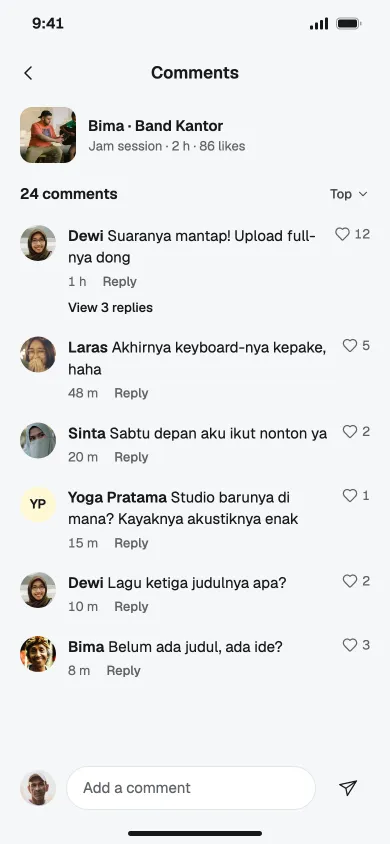
More CRM flows
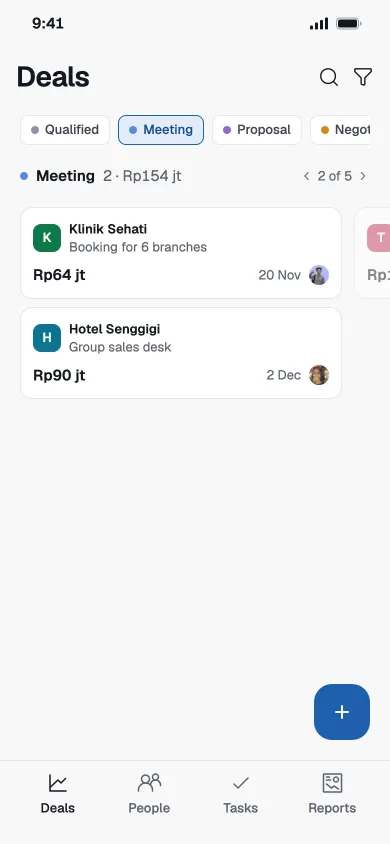
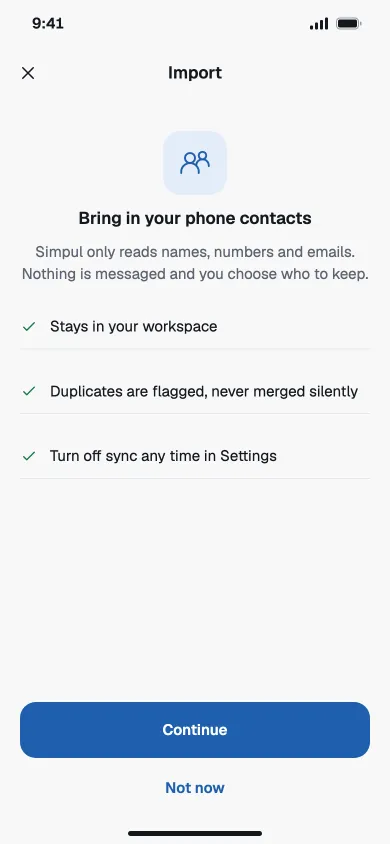
Drawn for the same brand, so they fit together.
Questions
- When should I use a log activity flow?
- Reps log calls, meetings, notes and follow-ups against a person, company or deal. Use another pattern for activity is captured automatically (synced email and calendar) and manual entry would duplicate it; show the synced item instead.
- Which screens does it need?
- This pattern uses 6: Record with composer, New task modal, Note with mention, Logged in timeline, Edit or delete a note and Email failed to send. Plan for these states too: drawn: composer collapsed, composer open per type, task modal empty, filled.
- Is Simpul a real app?
- No. Simpul is a made-up relationship CRM for small sales teams and agencies: pipeline, records, activity, sequences, imports, reports and tasks, so the screens show the pattern without copying anyone's brand. Your agent redraws the flow on your own tokens and components.
- How does my agent use this flow?
- Connect Claude Code, Codex or Claude Desktop to Wonderblok over MCP. The agent calls use_pattern for this flow, reads its screens, rules and states, and draws them in your file.
- Is it free?
- Browsing Universe is free. Full pattern notes and use with your agent are part of Pro, and the Free plan opens a few flows in full each month.