UNIVERSE · ENTERTAINMENT
Entertainment app UI patterns and flows
18 entertainment app flows with their screens, the patterns behind them and the states to cover, at mobile and desktop. Your agent draws them on your design system.
18 Entertainment flows
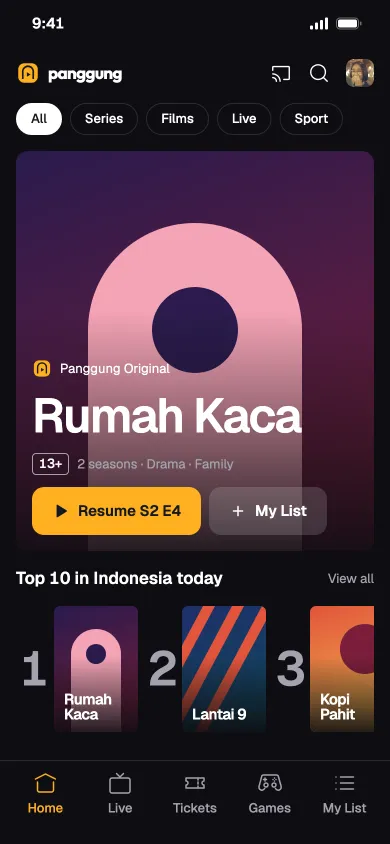 Browse catalogue and liveAny catalogue of more than a few dozen titles. 5 screens
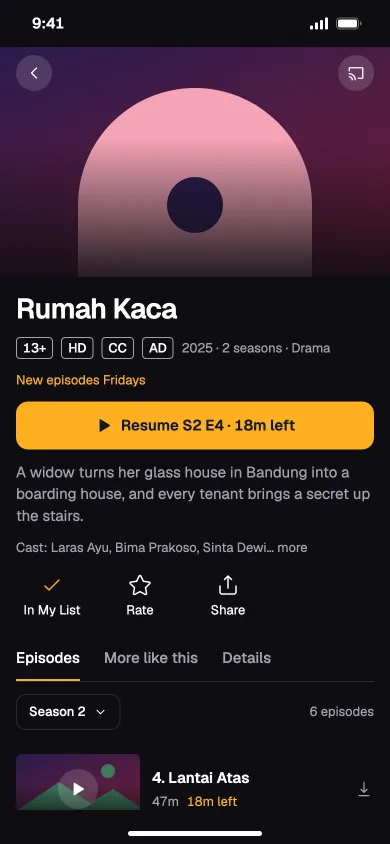 Title detail with seasonsAny title with more than one part. 6 screens
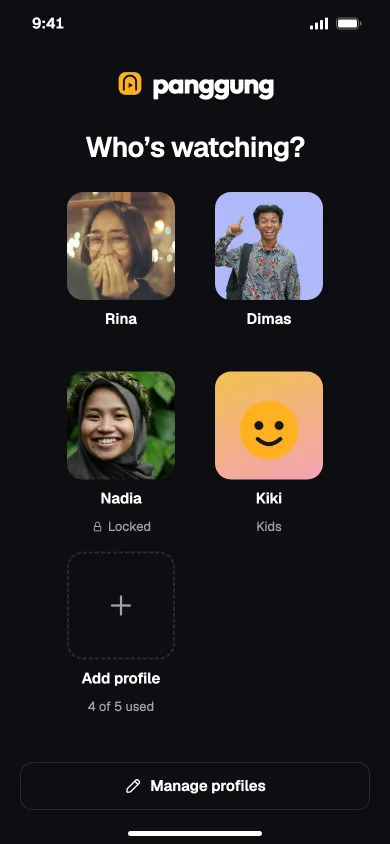 Profiles and kids modeShared accounts, family plans. 6 screens
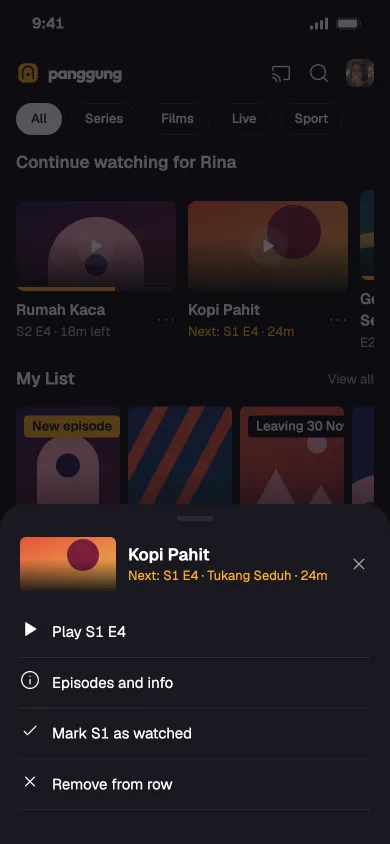 Continue watching and watchlistAny catalogue where people come back over days. 5 screens
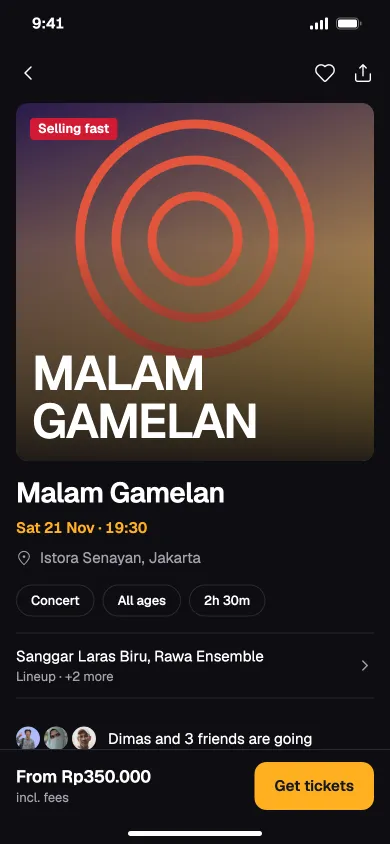 Event tickets and seatsConcerts, theatre, sports, festivals, cinema. 7 screens
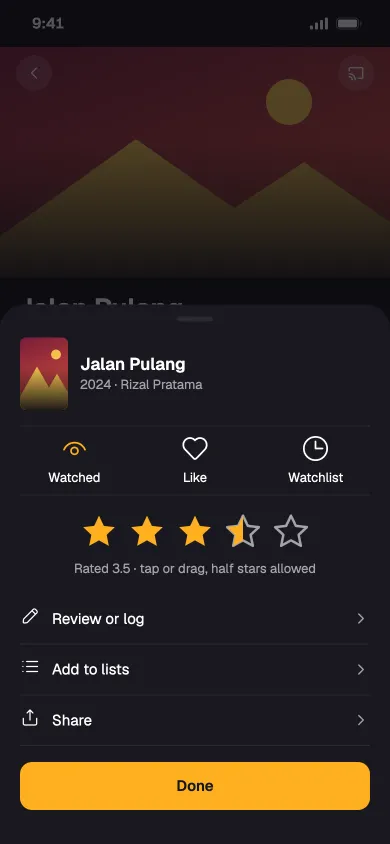 Ratings and reviewsFilms, shows, events after attending, games. 4 screens
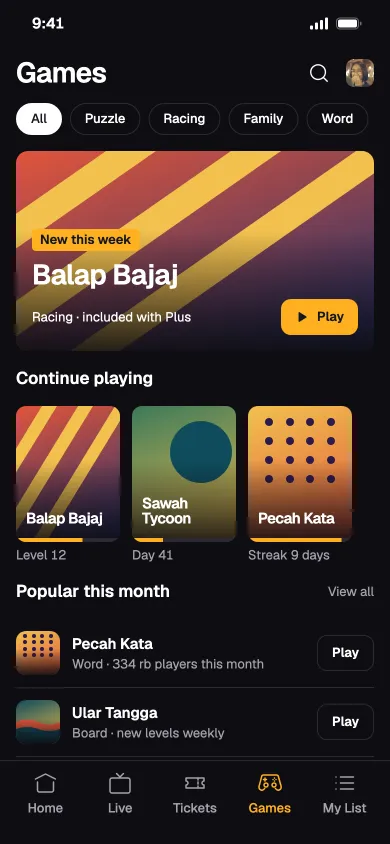 Games hubAn entertainment or subscription app adds games. 5 screens
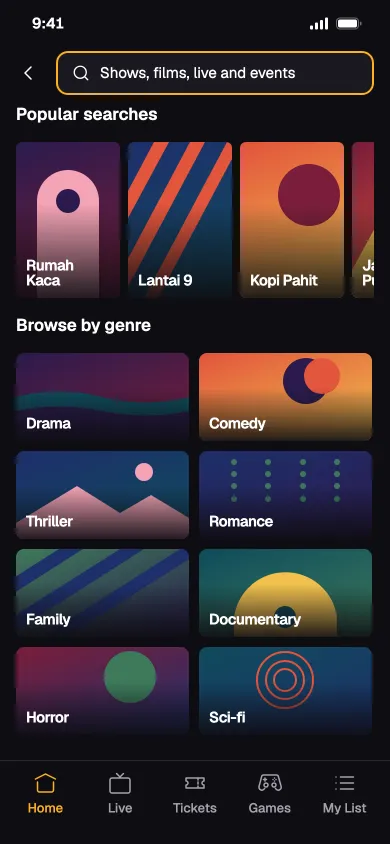 Search titlesA viewer looks for a show, film. 4 screens
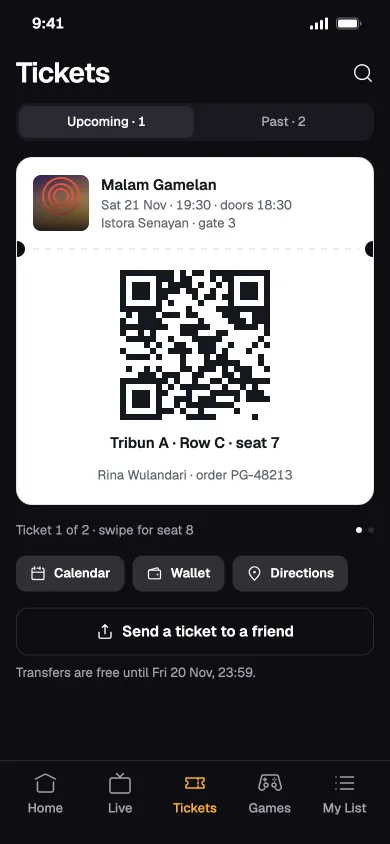 My tickets and transferSomeone owns tickets to a dated event and needs them at the door. 4 screens
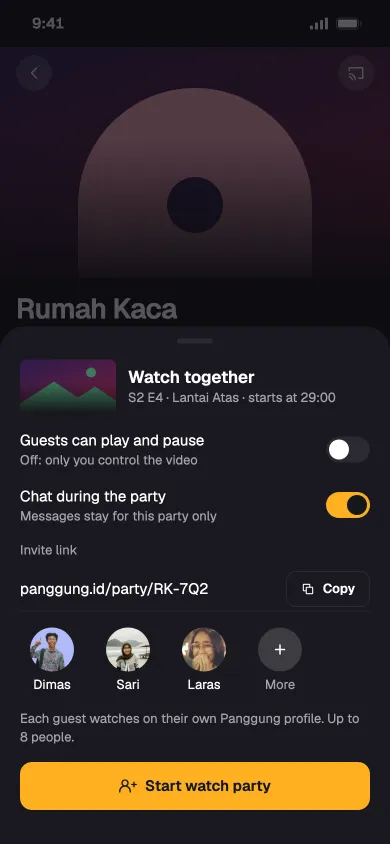 Watch partyFriends want to watch the same episode at the same moment from different places and talk about it. 5 screens
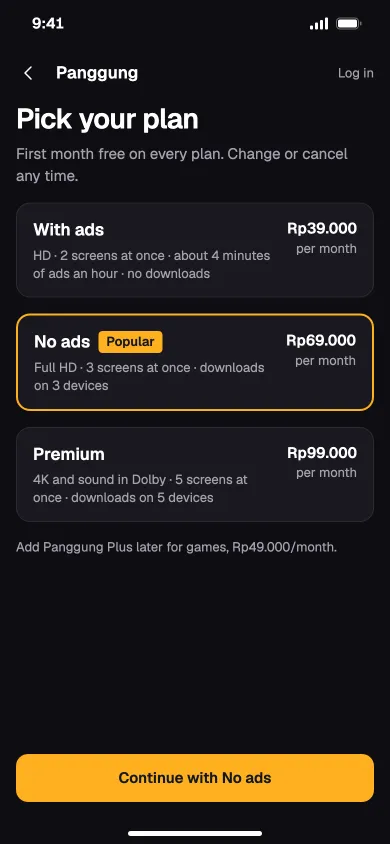 Create account and choose a planA viewing app where the plan comes before the account: compare tiers including one with ads. 5 screens
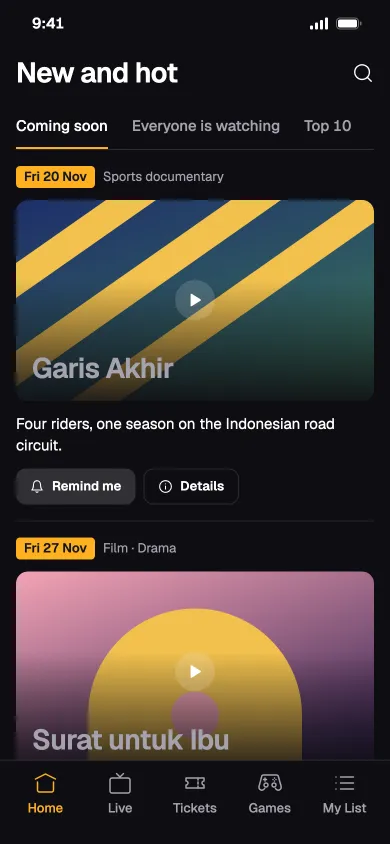 New and coming soonA place to learn what is arriving and what everyone is watching. 4 screens
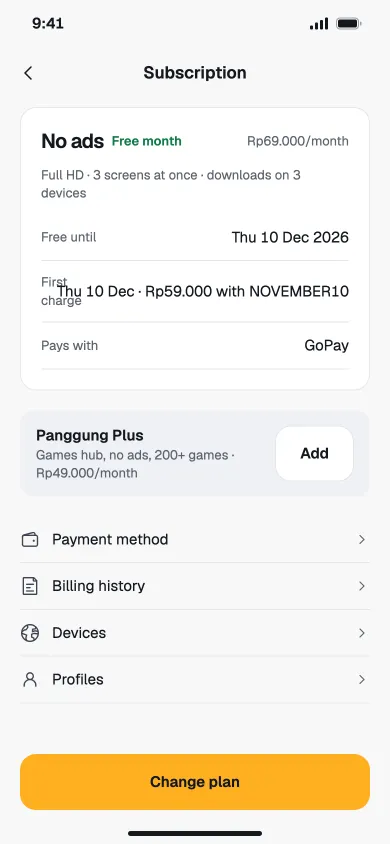 Manage subscription and devicesThe account owner needs one calm place for the plan. 5 screens
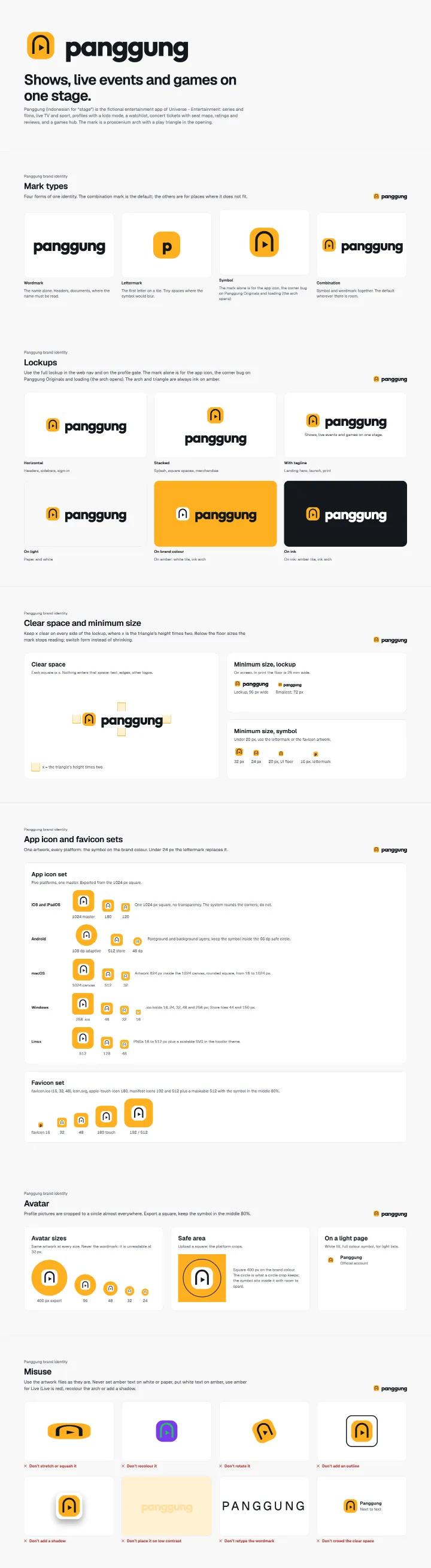 Brand identityA new app or company needs a logo system a team can use: the forms of the mark. 1 screens
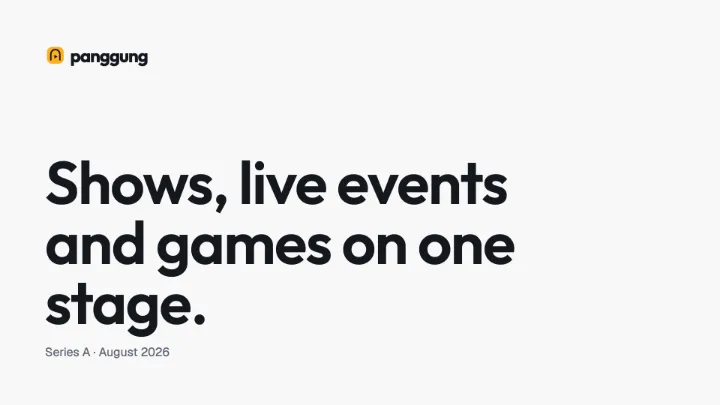 Pitch deckA founder raises a round or applies to an accelerator and needs a short deck an investor can read without a voice-over: one idea per slide. 7 screens
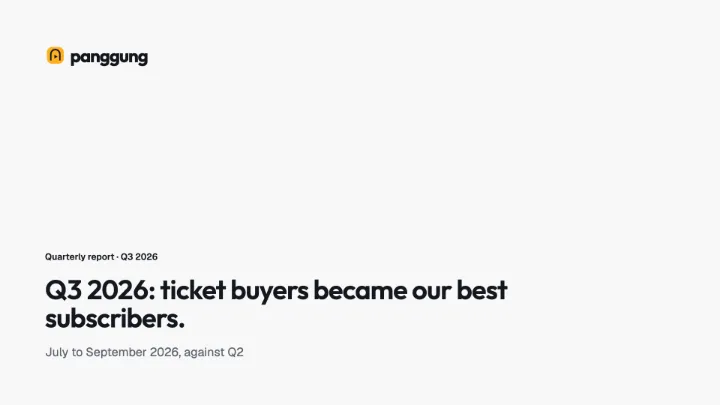 Report deckA quarterly or monthly update for investors. 2 screens
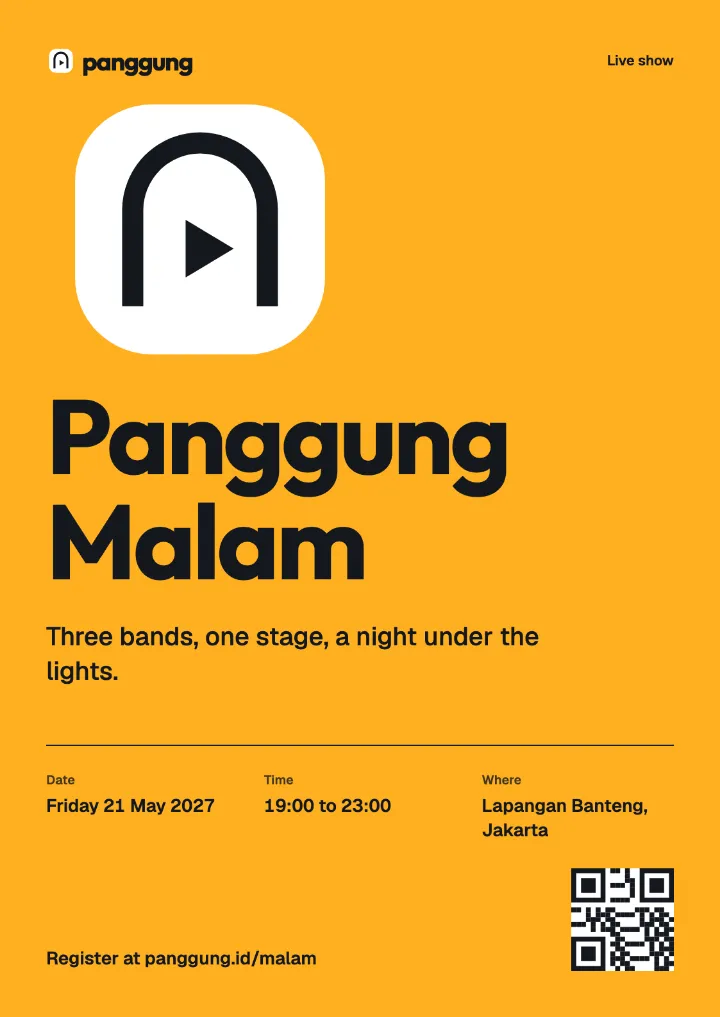 Live showYou are running an evening concert in a public park. 10 screens
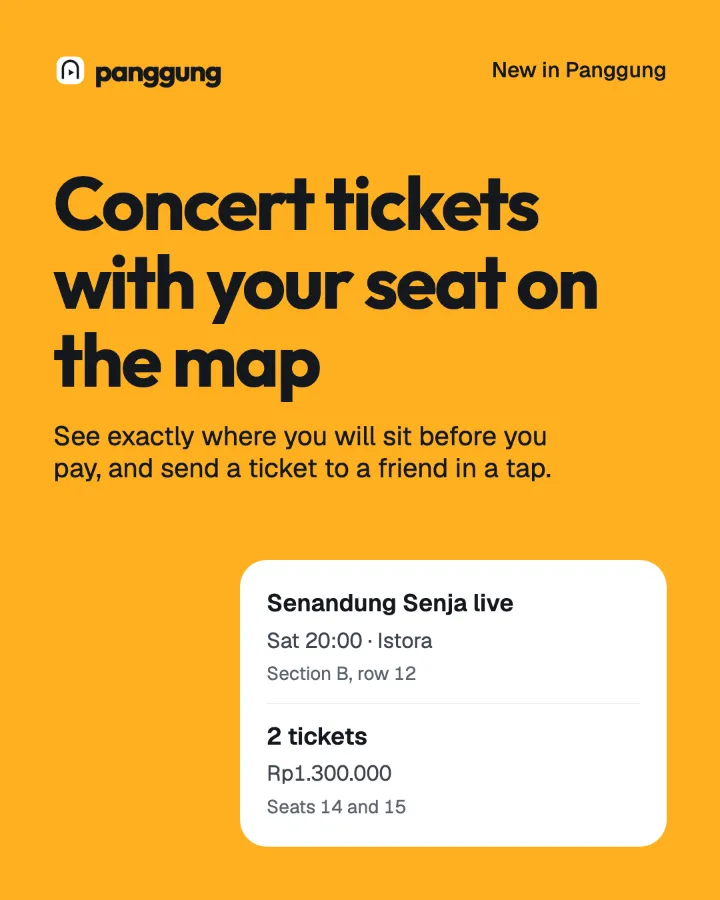 Launch campaignA product launches one feature and has to say it everywhere at once: a feed post. 5 screens
Questions
- Which entertainment flows are in Universe?
- 18 flows: Browse catalogue and live, Title detail with seasons, Profiles and kids mode, Continue watching and watchlist, Event tickets and seats, Ratings and reviews, Games hub, Search titles, My tickets and transfer, Watch party, Create account and choose a plan, New and coming soon, Manage subscription and devices, Brand identity, Pitch deck, Report deck, Live show, Launch campaign. Each one lists its screens in order, the patterns behind them and the states to cover.
- Whose brand are these screens?
- Panggung, a made-up entertainment app: series and films, live TV and sport, concert tickets and games on one stage, set in Jakarta. Patterns for streaming catalogues, title pages, profiles and kids mode, watchlists, live TV, event ticketing with seat maps, ratings and games hubs. Each flow is Wonderblok's own best-practice version, not a copy of any app. Titles, venues and teams are invented. Your agent redraws the flows on your own brand.
- How does my agent use these flows?
- Connect Claude Code, Codex or Claude Desktop to Wonderblok over MCP. The agent calls use_pattern for a flow, reads its screens, rules and states, and draws them in your file on your tokens.