UNIVERSE · AI
AI app UI patterns and flows
19 ai app flows with their screens, the patterns behind them and the states to cover, at mobile and desktop. Your agent draws them on your design system.
19 AI flows
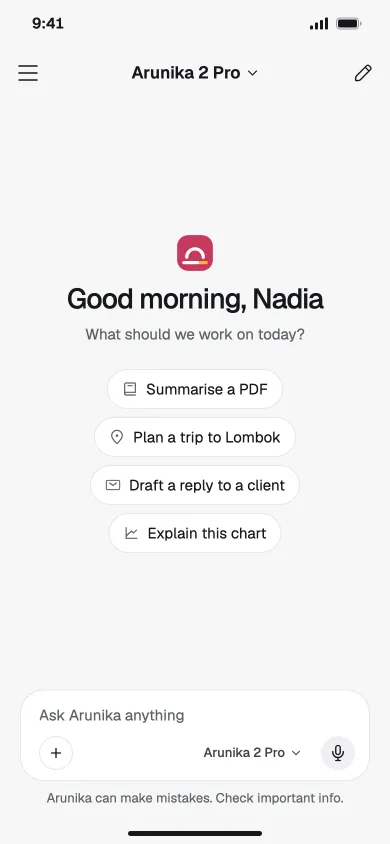 Chat with an assistantAny free-form question and answer, support assistants. 7 screens
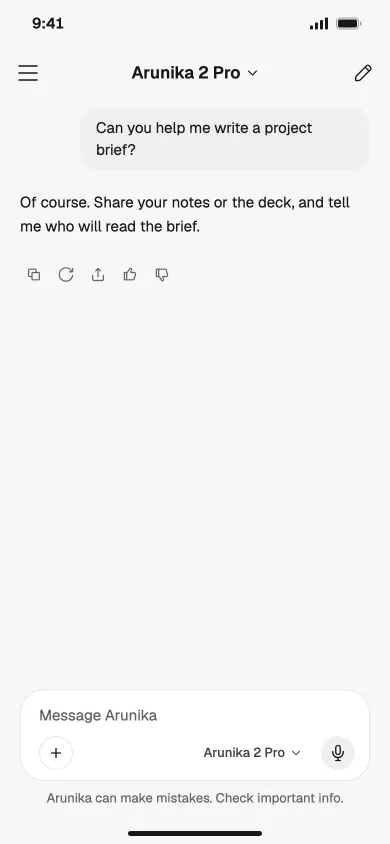 Prompt composer and attachmentsEvery assistant input, media generators, agent task entry. 5 screens
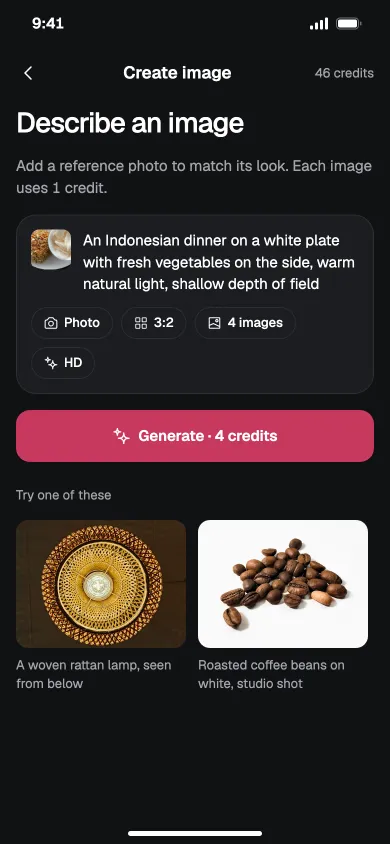 Generate images and mediaText-to-image, image-to-video. 6 screens
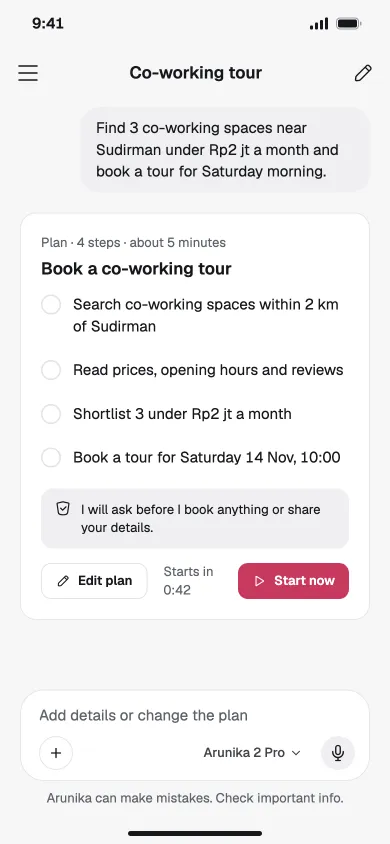 Agent taskMulti-step work that takes more than a few seconds. 6 screens
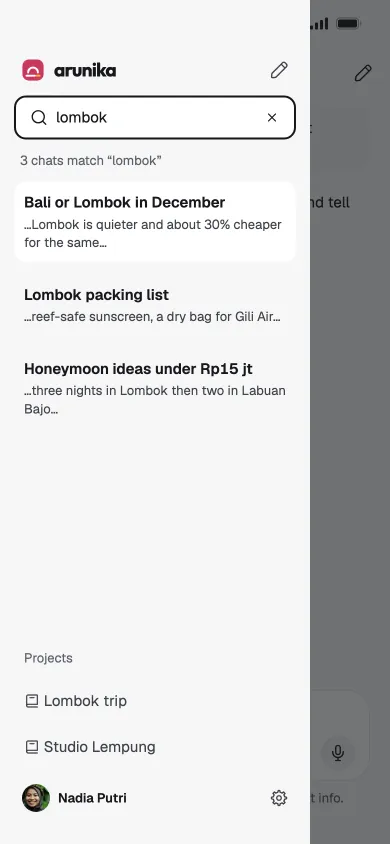 Conversation history and projectsAny assistant with more than a handful of chats. 6 screens
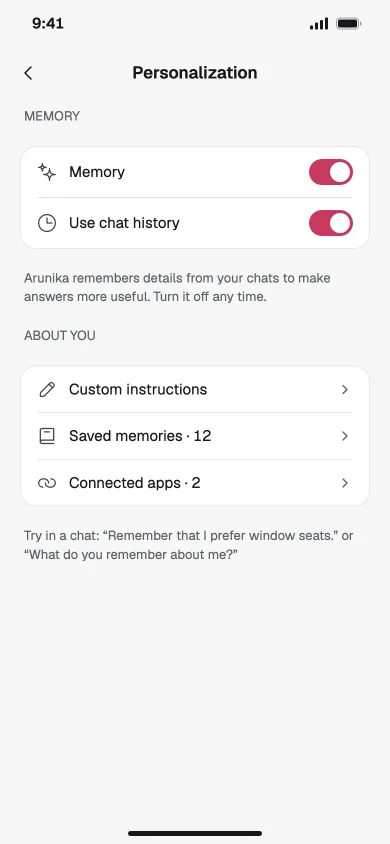 Memory and personalizationAny assistant that remembers across chats, uses connected data. 5 screens
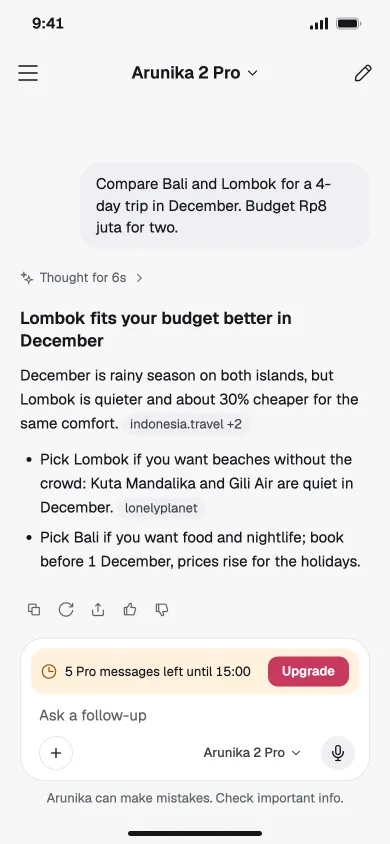 Usage limits and upgradeAny AI product with metered compute. 6 screens
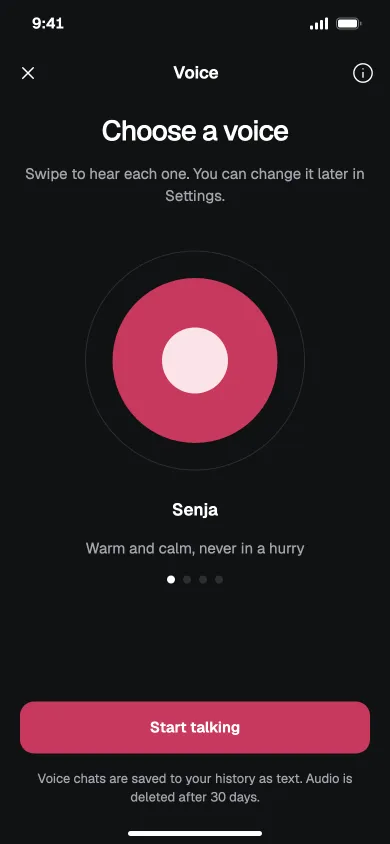 Voice modeHands-free use, practice and accessibility. 5 screens
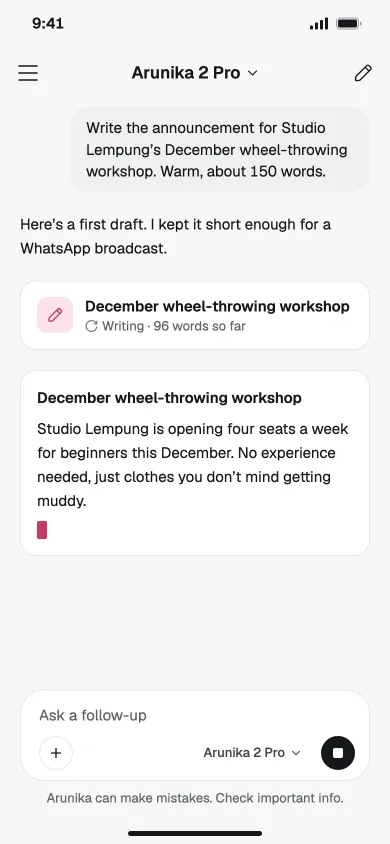 Canvas for writing and codeAnswers longer than a screen. 5 screens
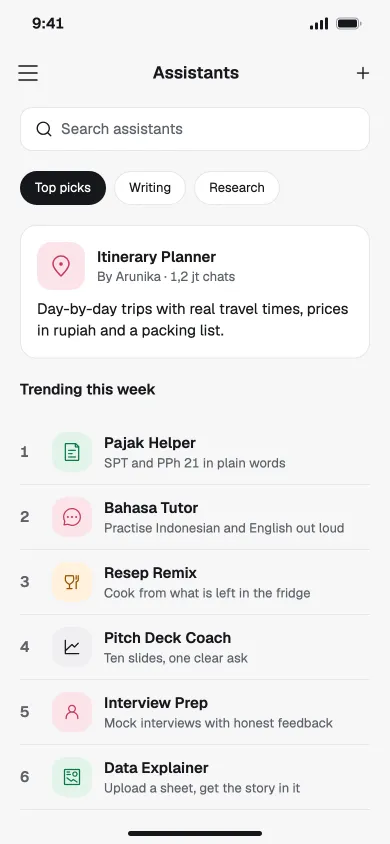 Explore and build custom assistantsUsers repeat the same instructions and files. 4 screens
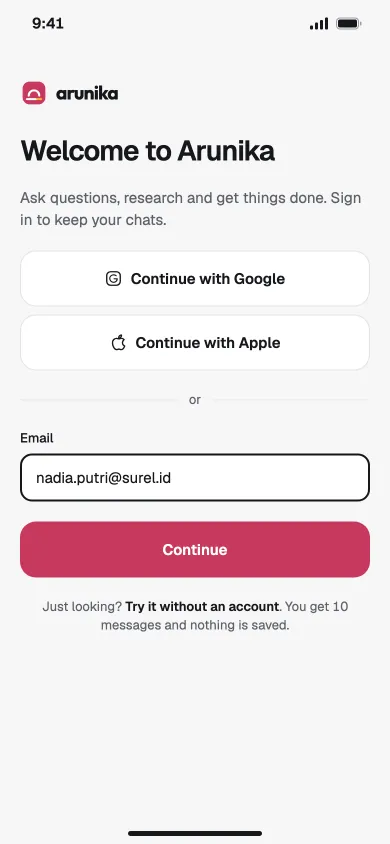 First run and AI policyThe first minutes of an AI assistant that needs an adult confirmation and a plain use and data notice before the first chat: sign-in options. 4 screens
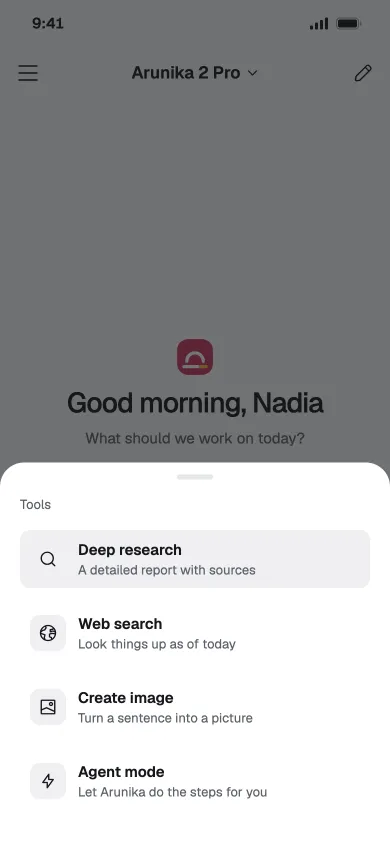 Deep researchA question that needs a long. 4 screens
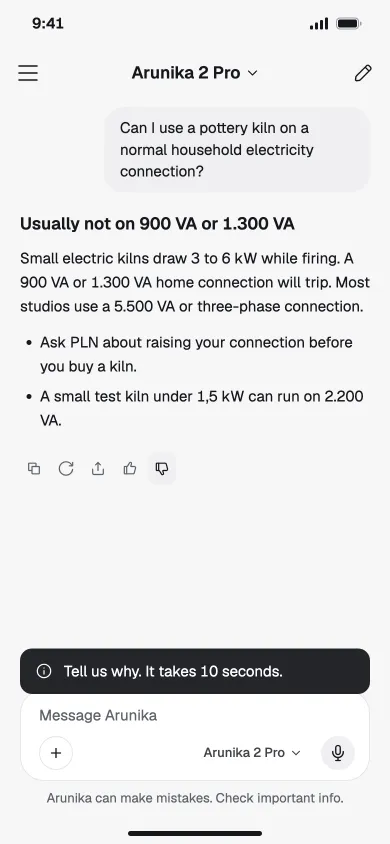 Rate and report a responseLetting a user mark an answer good or bad, say what was wrong. 4 screens
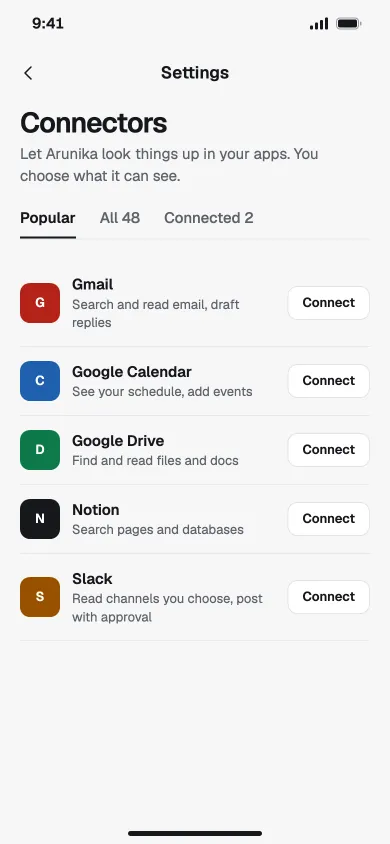 Connectors and appsConnecting an assistant to the user's own apps: a list with tabs. 4 screens
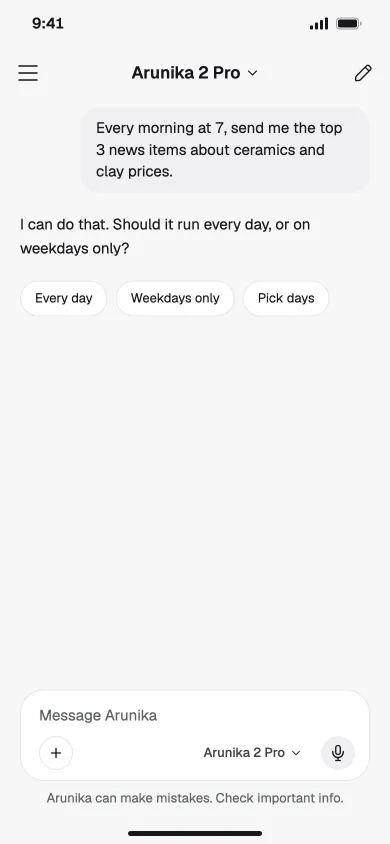 Scheduled tasksWork the assistant does on a timetable: the user asks in words. 4 screens
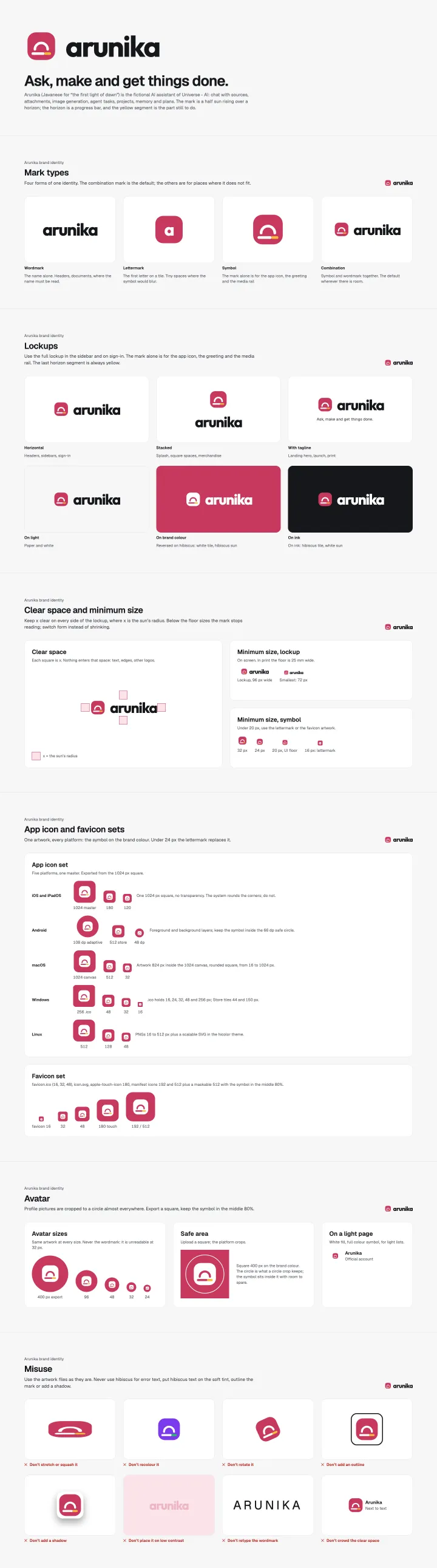 Brand identityA new app or company needs a logo system a team can use: the forms of the mark. 1 screens
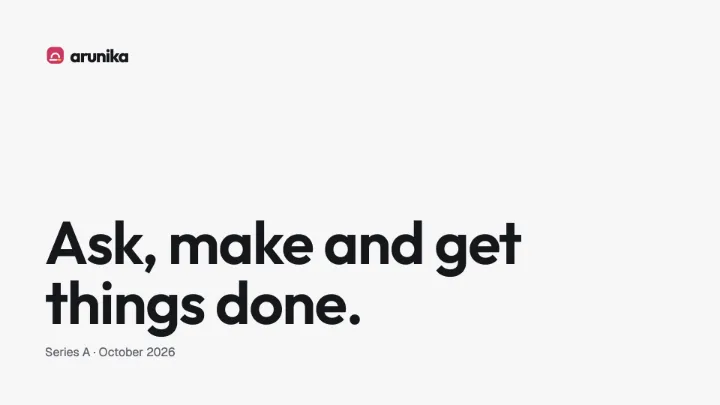 Pitch deckA founder raises a round or applies to an accelerator and needs a short deck an investor can read without a voice-over: one idea per slide. 7 screens
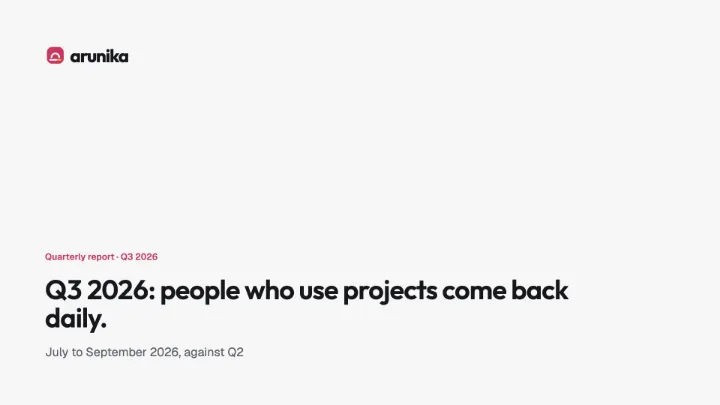 Report deckA quarterly or monthly update for investors. 2 screens
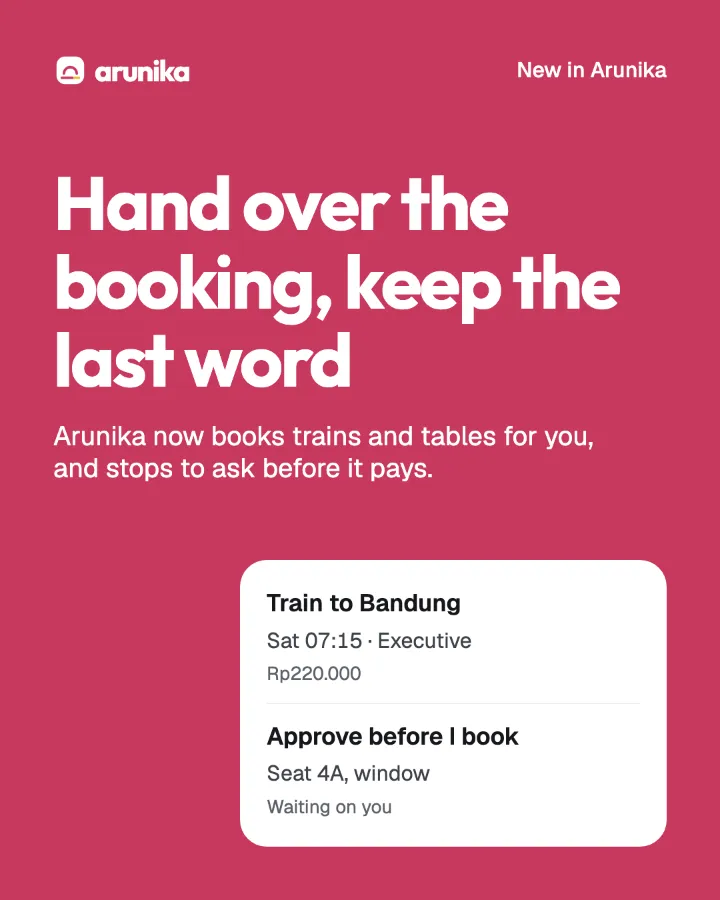 Launch campaignA product launches one feature and has to say it everywhere at once: a feed post. 5 screens
Questions
- Which ai flows are in Universe?
- 19 flows: Chat with an assistant, Prompt composer and attachments, Generate images and media, Agent task, Conversation history and projects, Memory and personalization, Usage limits and upgrade, Voice mode, Canvas for writing and code, Explore and build custom assistants, First run and AI policy, Deep research, Rate and report a response, Connectors and apps, Scheduled tasks, Brand identity, Pitch deck, Report deck, Launch campaign. Each one lists its screens in order, the patterns behind them and the states to cover.
- Whose brand are these screens?
- Arunika, a made-up AI assistant: chat with sources, attachments, image generation, agent tasks, projects, memory and plans. Patterns for assistant, generative media and agent products. Each flow is Wonderblok's own best-practice version, not a copy of any app. Your agent redraws the flows on your own brand.
- How does my agent use these flows?
- Connect Claude Code, Codex or Claude Desktop to Wonderblok over MCP. The agent calls use_pattern for a flow, reads its screens, rules and states, and draws them in your file on your tokens.