UNIVERSE · NEWS
News app UI patterns and flows
19 news app flows with their screens, the patterns behind them and the states to cover, at mobile and desktop. Your agent draws them on your design system.
19 News flows
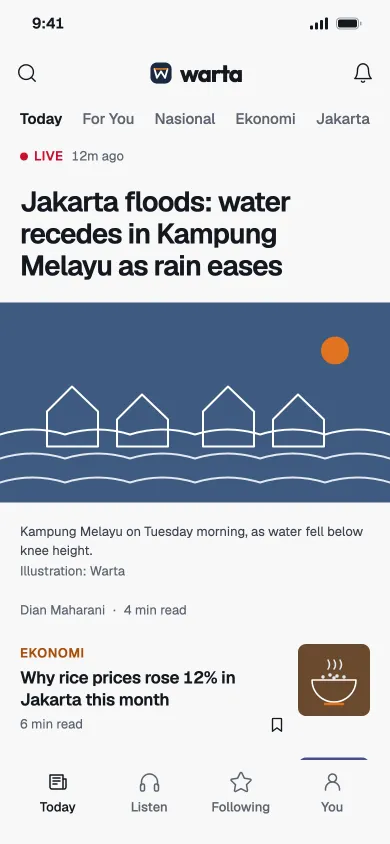 Front page and sectionsAny publisher home, section landing, aggregator front page. 6 screens
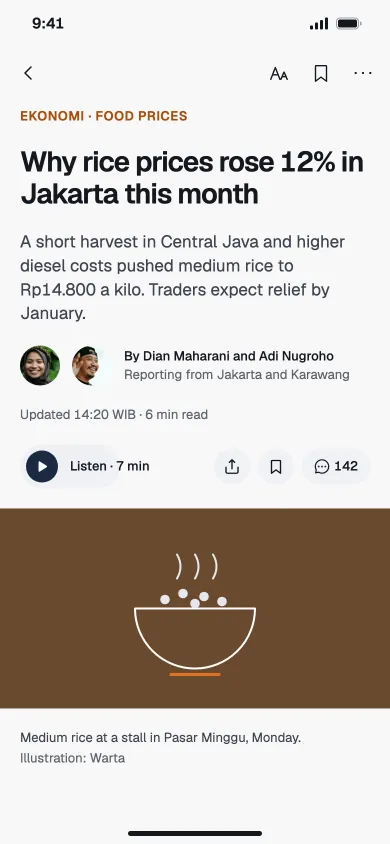 Read an articleEvery story page, explainers, opinion, long-form features. 6 screens
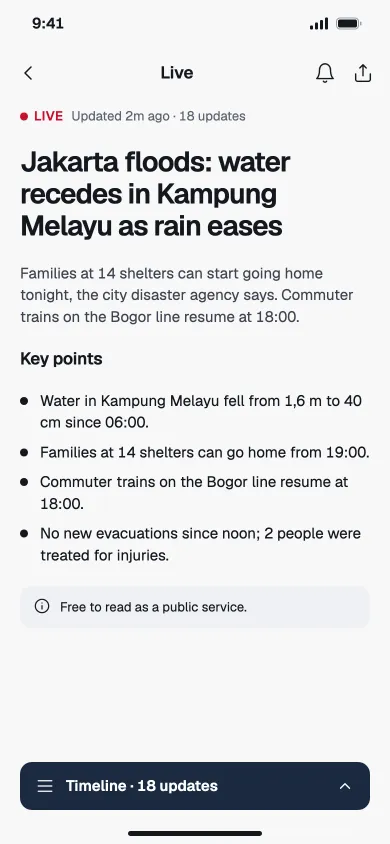 Live coverageElections, disasters, sports, markets, court rulings. 5 screens
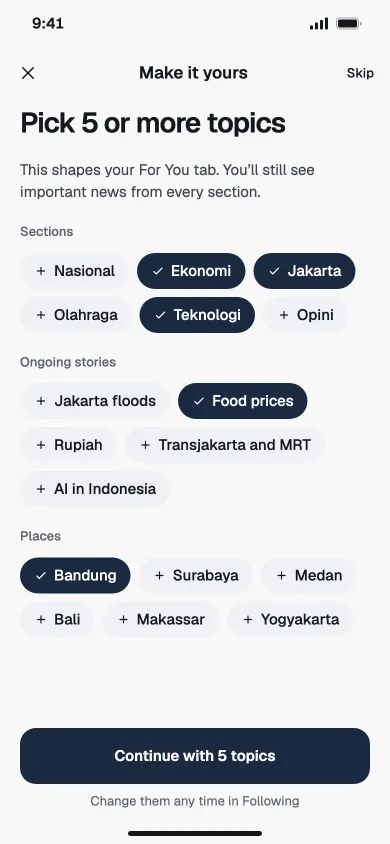 Follow topics and For YouAggregators, large publishers with many sections. 6 screens
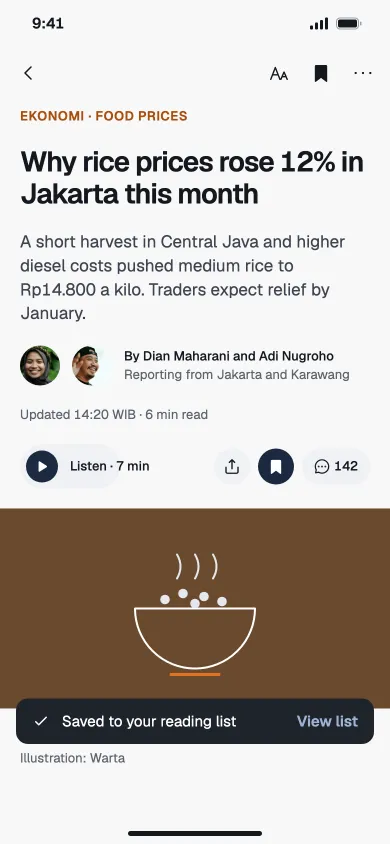 Save and listen laterAny reader of long pieces, commuters, daily briefings. 6 screens
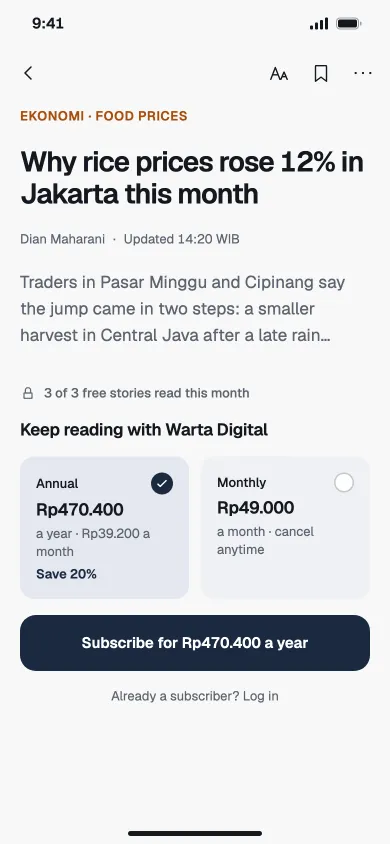 Subscribe and newslettersMetered or hard paywalls, membership. 7 screens
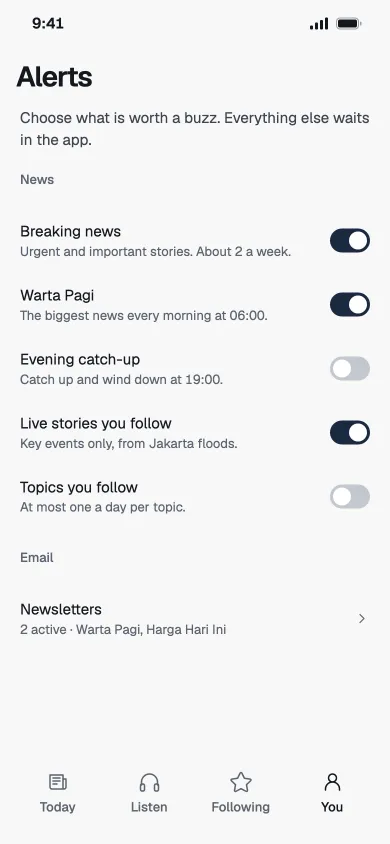 Alerts and notificationsBreaking news, live events, daily briefings. 6 screens
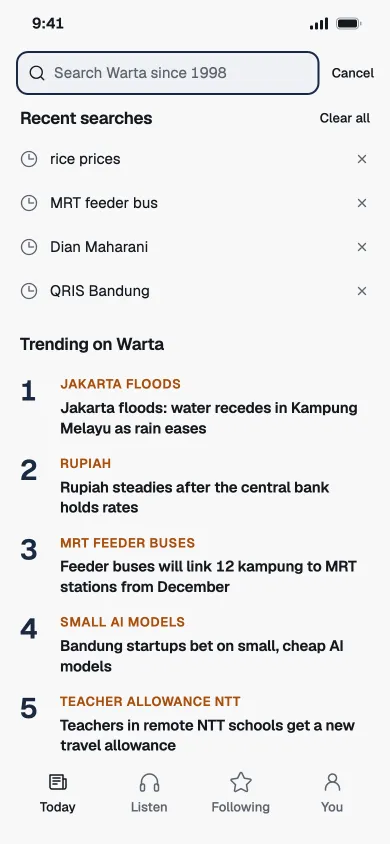 Search and archiveA publisher or reader app with an archive that people search by topic. 6 screens
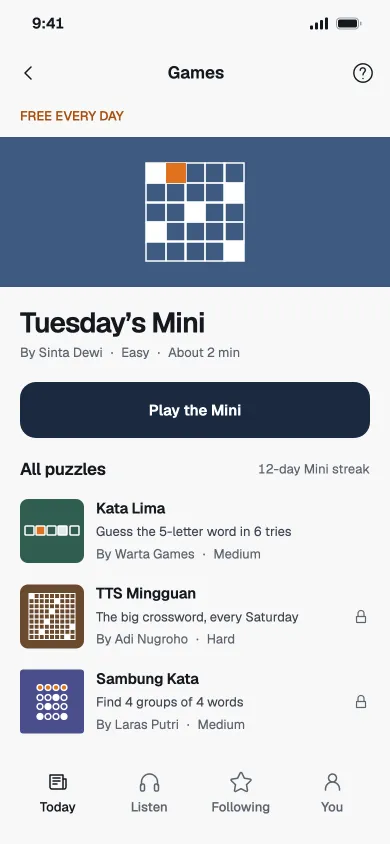 Puzzles and gamesA publisher bundles daily puzzles with the subscription and wants a daily return habit. 4 screens
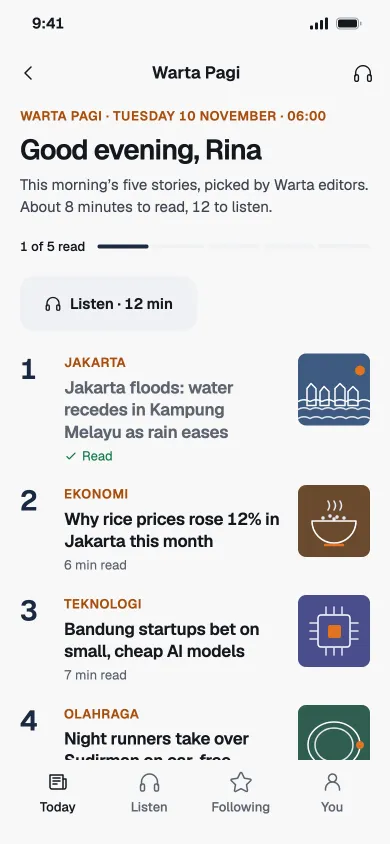 Daily briefingA publisher or newsletter product wants a short daily habit that ends. 4 screens
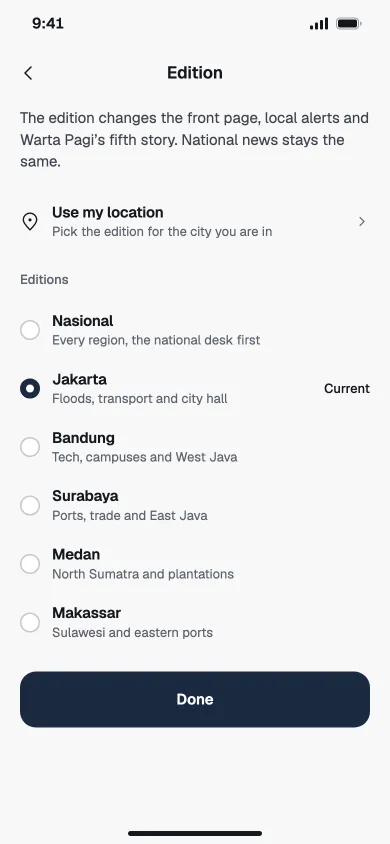 Edition and local newsA news or content product whose front page. 4 screens
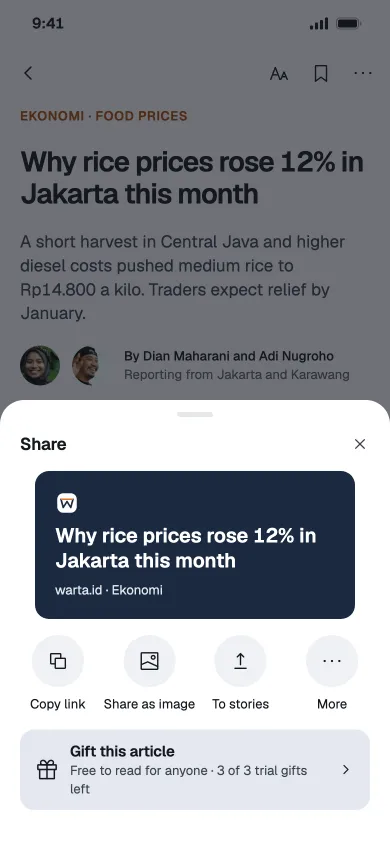 Share and gift an articleA paywalled publisher lets subscribers share full stories with non-subscribers. 4 screens
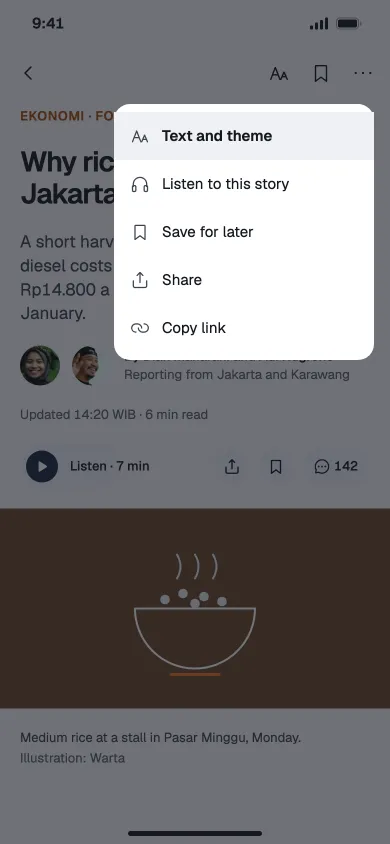 Text size and reading settingsReaders who want bigger text. 4 screens
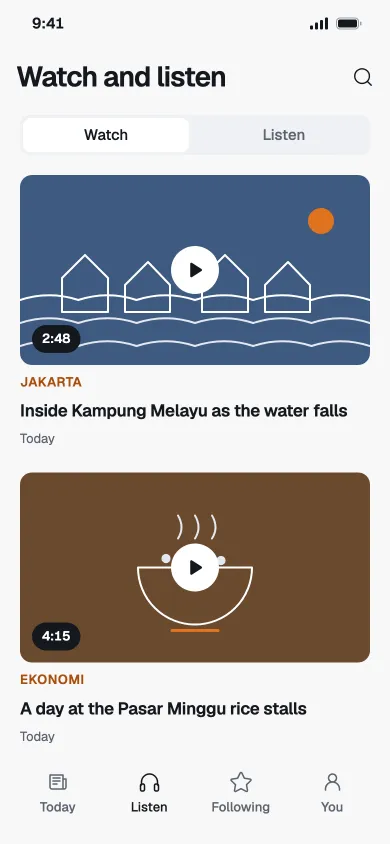 Watch and listen hubA news product with video and audio: a Watch tab. 5 screens
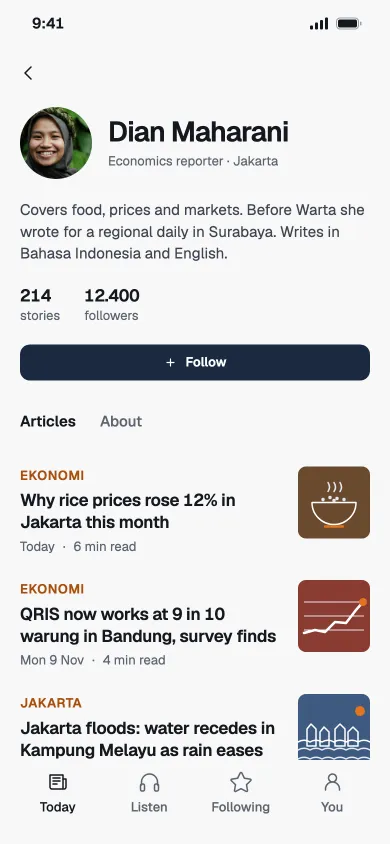 Author and publisher pagesReaders who want more from one reporter or one desk: an author profile with Follow. 5 screens
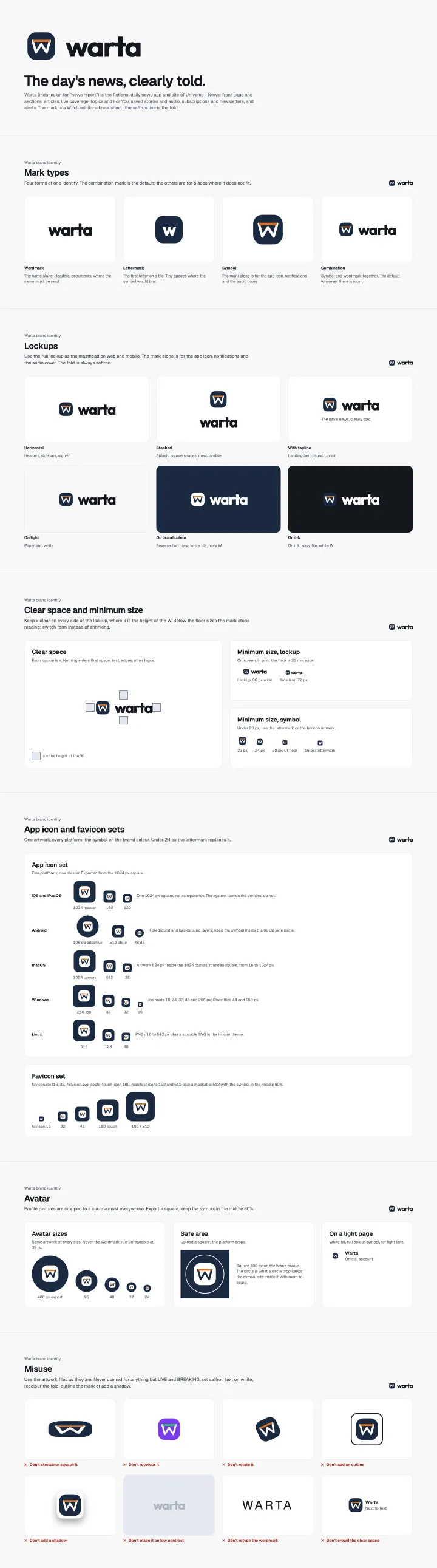 Brand identityA new app or company needs a logo system a team can use: the forms of the mark. 1 screens
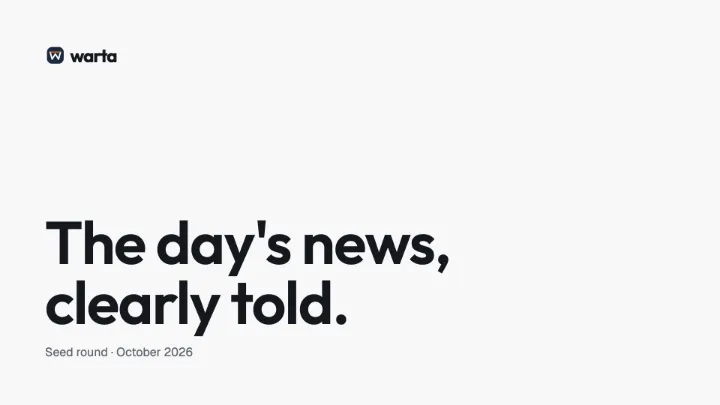 Pitch deckA founder raises a round or applies to an accelerator and needs a short deck an investor can read without a voice-over: one idea per slide. 7 screens
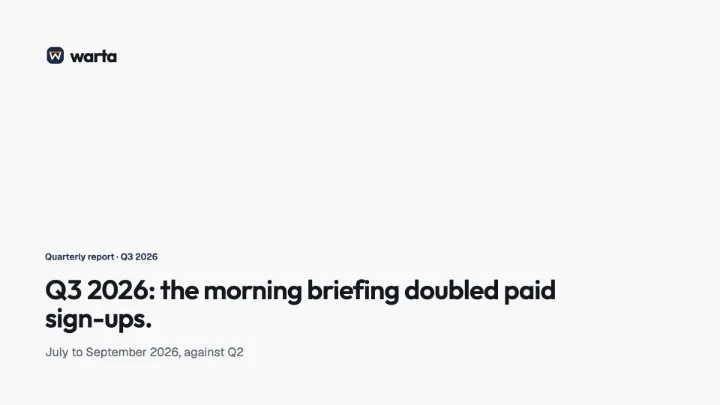 Report deckA quarterly or monthly update for investors. 2 screens
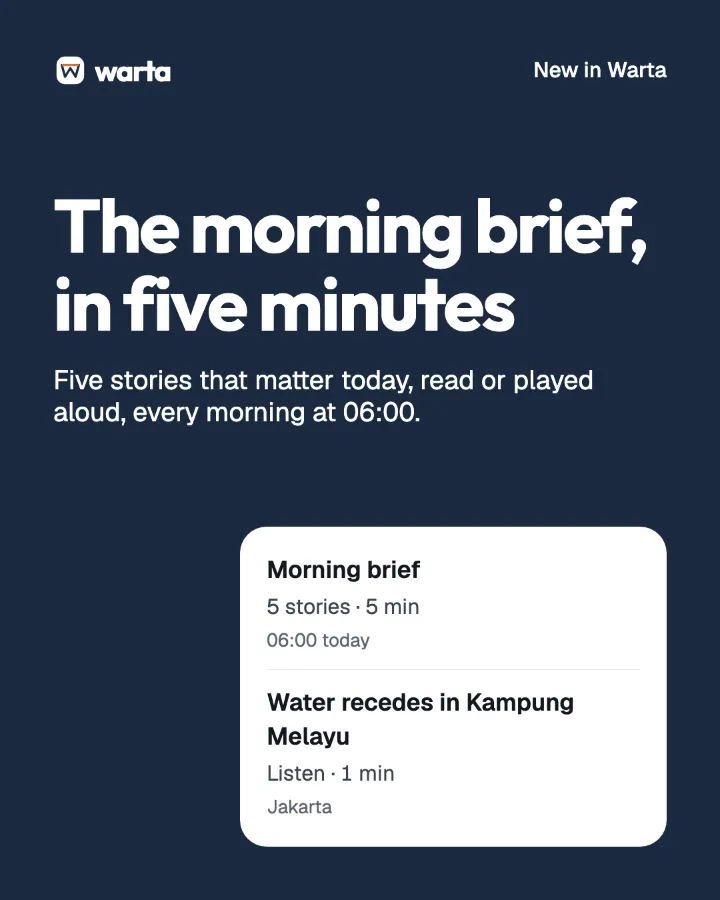 Launch campaignA product launches one feature and has to say it everywhere at once: a feed post. 5 screens
Questions
- Which news flows are in Universe?
- 19 flows: Front page and sections, Read an article, Live coverage, Follow topics and For You, Save and listen later, Subscribe and newsletters, Alerts and notifications, Search and archive, Puzzles and games, Daily briefing, Edition and local news, Share and gift an article, Text size and reading settings, Watch and listen hub, Author and publisher pages, Brand identity, Pitch deck, Report deck, Launch campaign. Each one lists its screens in order, the patterns behind them and the states to cover.
- Whose brand are these screens?
- Warta, a made-up daily news app and site: front page, articles, live coverage, topics and For You, saved stories and audio, subscriptions and newsletters, alerts. Patterns for news and publishing products. Each flow is Wonderblok's own best-practice version, not a copy of any app. Your agent redraws the flows on your own brand.
- How does my agent use these flows?
- Connect Claude Code, Codex or Claude Desktop to Wonderblok over MCP. The agent calls use_pattern for a flow, reads its screens, rules and states, and draws them in your file on your tokens.