CRM FLOW
Deal pipeline app flow
A crm flow in 7 screens, from pipeline board to reopen a lost deal. Start your app from it, and your agent draws it on your own design system.
- 7 screens
- 6 patterns
- Mobile and desktop
- Brand: Simpul (made up)
The screens, in order
- Pipeline board
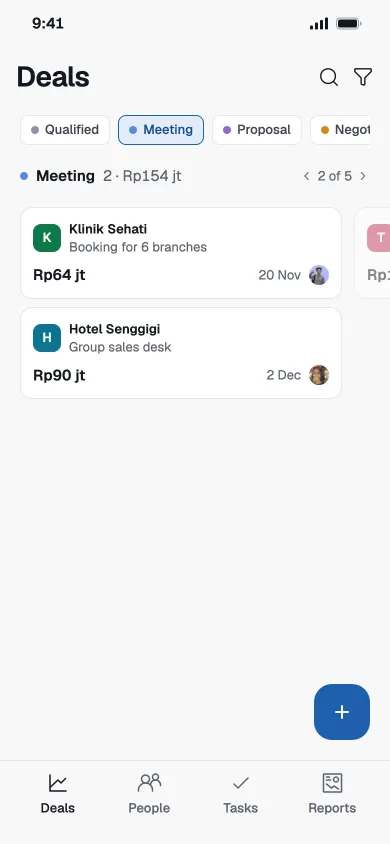
- Dragging a dealPro
- Deal detailPro
- Mark as lostPro
- Stage needs a fieldPro
- Deal wonPro
- Reopen a lost dealPro
See all 7 screens, at mobile and desktop.Pro opens the whole flow in your Universe, with the prompt and code for each screen.
Upgrade to ProAlready Pro? Open in UniverseWhen to use it
USE WHEN
Work moves through ordered stages and value matters per stage (sales, partnerships, hiring, fundraising).
AVOID WHEN
Items have no order or no value (use a table), or there are more than about 8 stages (collapse or use a list grouped by stage).
Patterns and why they work
6 decisions this flow makes, and the clarity each one buys.
Column totals and weighted value
Money per stage at a glance
Ghost plus drop line while dragging
Where the card came from and where it lands
Days in stage and staleness on the card
Which deals are stuck
Stage chevron bar on the deal
Where this deal is in the process
Won and Lost as explicit header buttons
Closing is a decision, not a drag
Field edit in a bottom sheet on mobile
One field at a time
Each pattern also has its psychology, the intuition behind it and what it rules out, plus layout notes for mobile and desktop.
Open in UniverseStates to cover
The screens people forget until a user hits them.
- Drawn: normal
- Dragging
- Moved toast
- Stale deal
- Overdue close date
- Deal panel open
- Required field before a stage move (the amount modal)
- Empty stage (Negotiation, with a hint)
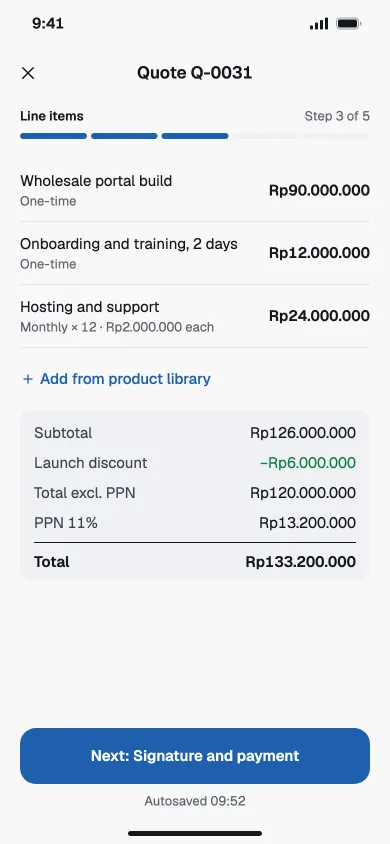
- Mark won (banner, toast and a Create a quote next step)
- Mark lost with reason
- Reopen a lost deal (pick the stage and a new close date)
- Listed
- Not drawn: loading board
- Empty pipeline
- Filtered view
- Permission read-only
Pairs with
The flows this one hands off to or comes back from.
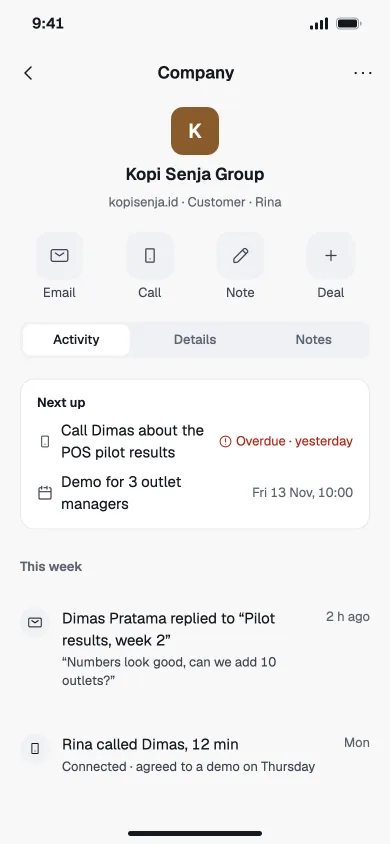
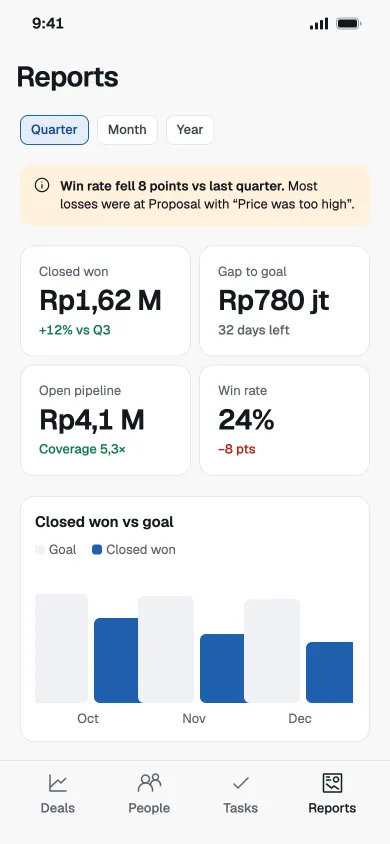
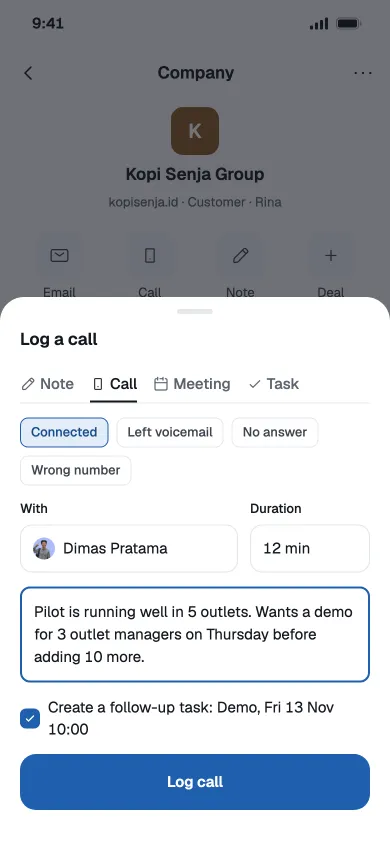
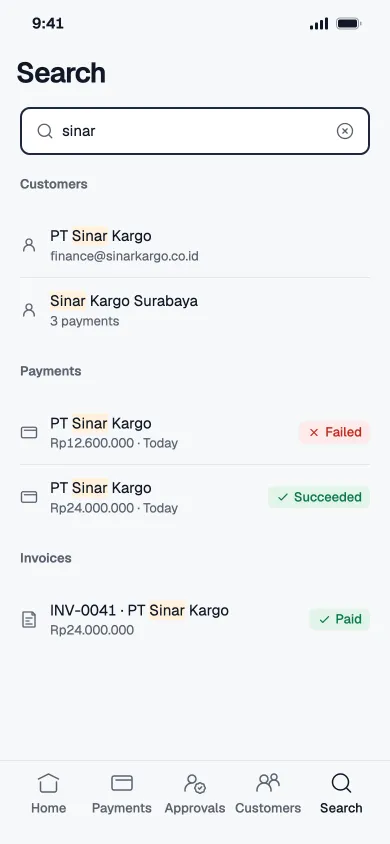
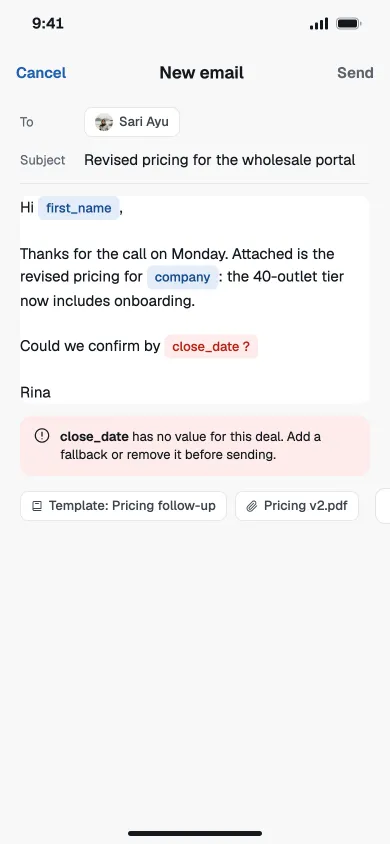
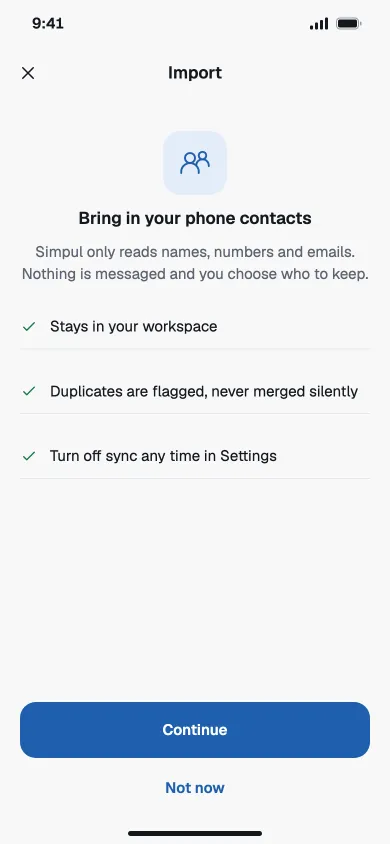
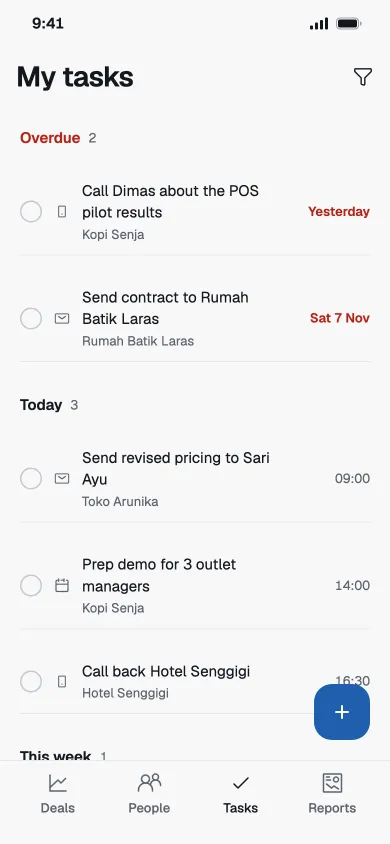
More CRM flows
Drawn for the same brand, so they fit together.
Questions
- When should I use a deal pipeline flow?
- Work moves through ordered stages and value matters per stage (sales, partnerships, hiring, fundraising). Use another pattern for items have no order or no value (use a table), or there are more than about 8 stages (collapse or use a list grouped by stage).
- Which screens does it need?
- This pattern uses 7: Pipeline board, Dragging a deal, Deal detail, Mark as lost, Stage needs a field, Deal won and Reopen a lost deal. Plan for these states too: drawn: normal, dragging, moved toast, stale deal.
- Is Simpul a real app?
- No. Simpul is a made-up relationship CRM for small sales teams and agencies: pipeline, records, activity, sequences, imports, reports and tasks, so the screens show the pattern without copying anyone's brand. Your agent redraws the flow on your own tokens and components.
- How does my agent use this flow?
- Connect Claude Code, Codex or Claude Desktop to Wonderblok over MCP. The agent calls use_pattern for this flow, reads its screens, rules and states, and draws them in your file.
- Is it free?
- Browsing Universe is free. Full pattern notes and use with your agent are part of Pro, and the Free plan opens a few flows in full each month.