UNIVERSE · SOCIAL
Social app UI patterns and flows
23 social app flows with their screens, the patterns behind them and the states to cover, at mobile and desktop. Your agent draws them on your design system.
23 Social flows
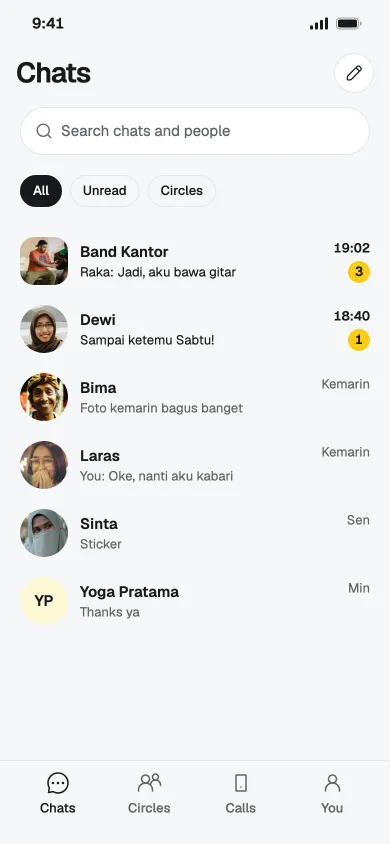 Chatting and messagesOne-to-one or group messaging. 7 screens
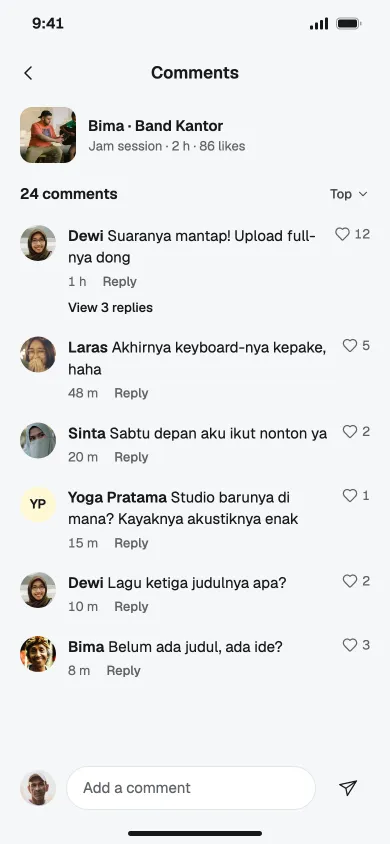 Comment and replyDiscussion attached to a post, document, design, task. 6 screens
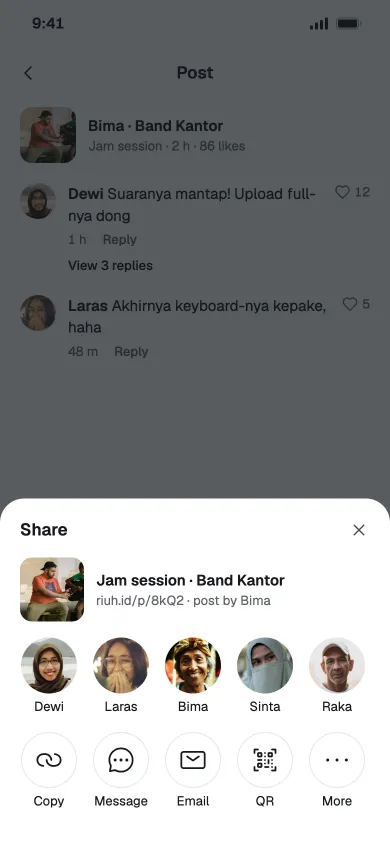 SharingAny shareable object: post, listing, product, profile, trip. 4 screens
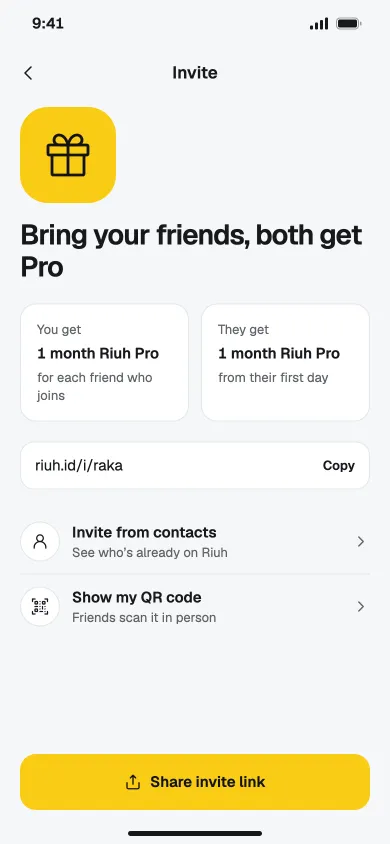 Invite friendsGrowth loops, referrals, team and workspace invites. 5 screens
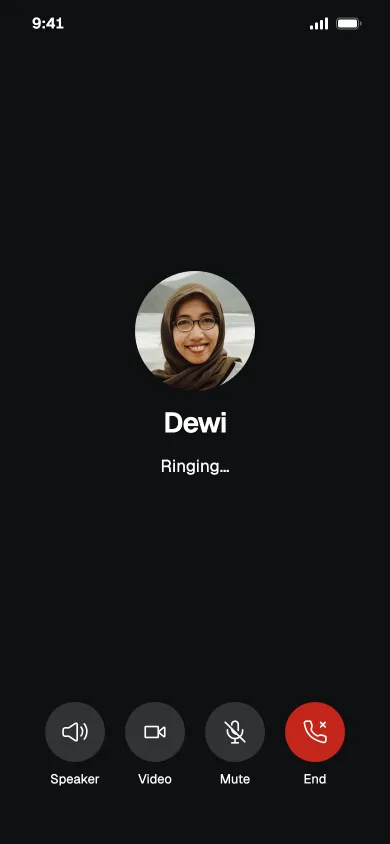 CallingReal-time voice or video between people: friends. 7 screens
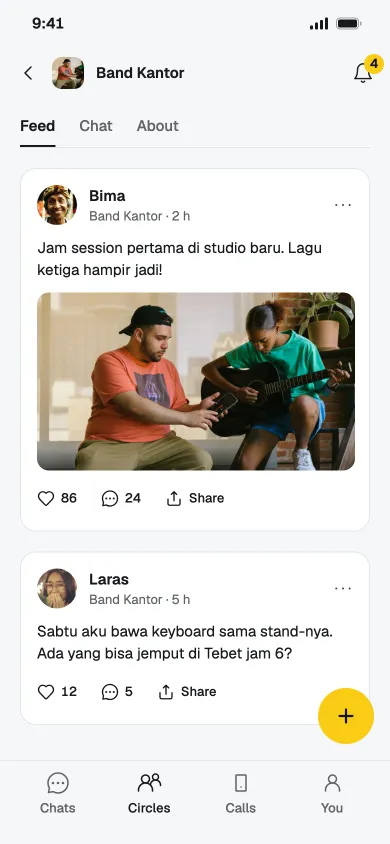 Feed and postingA circle shares updates. 6 screens
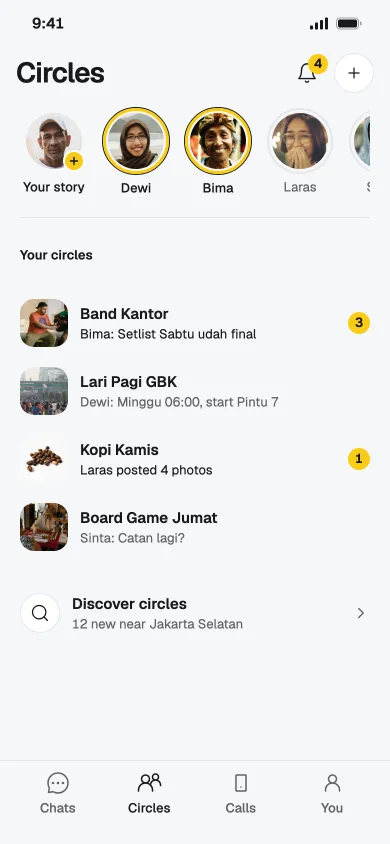 StoriesIn-the-moment updates that should feel live and disappear. 6 screens
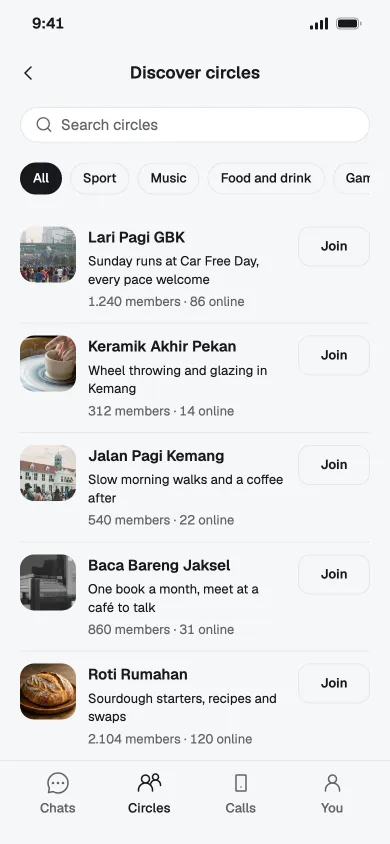 Groups and communitiesPeople gather around a shared group with a feed. 6 screens
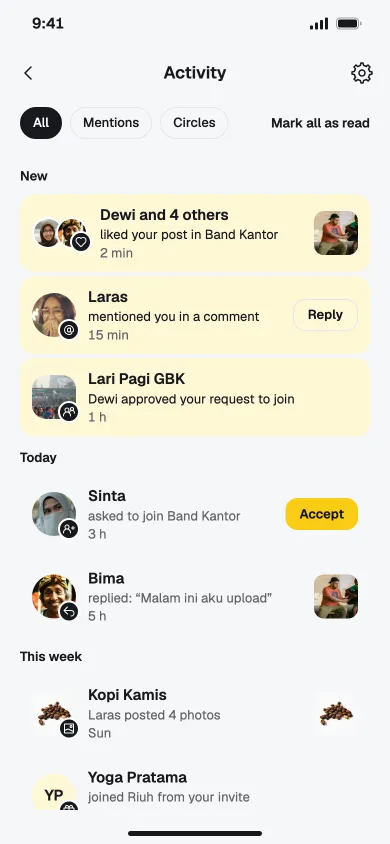 NotificationsAny social product where others act on your posts, stories. 5 screens
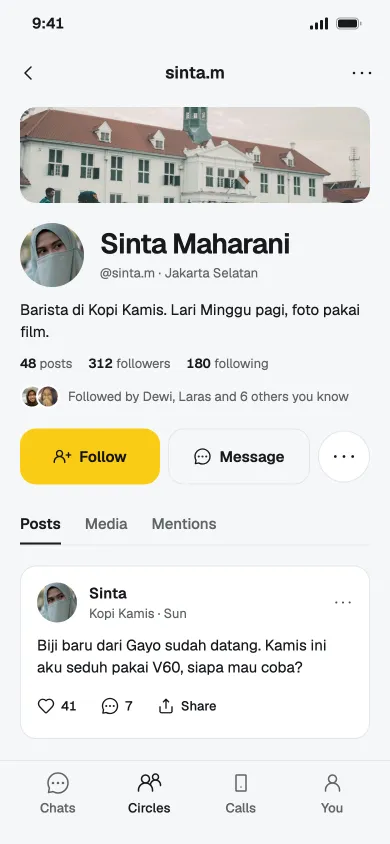 Profile and followA person page that others open from an avatar. 6 screens
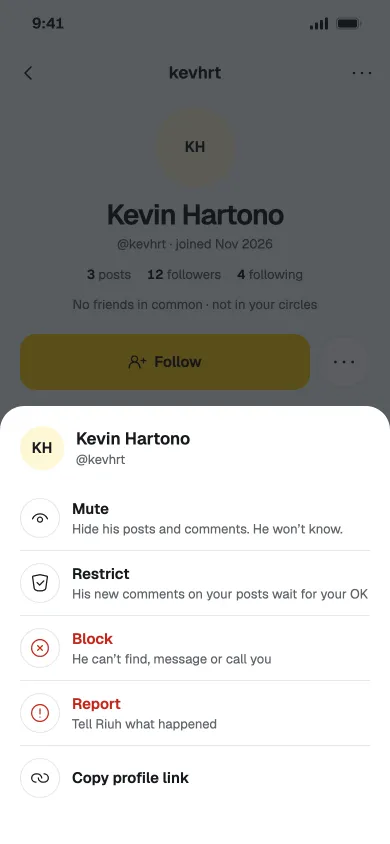 Block mute and report a personSomeone is harming, harassing or spamming a person. 4 screens
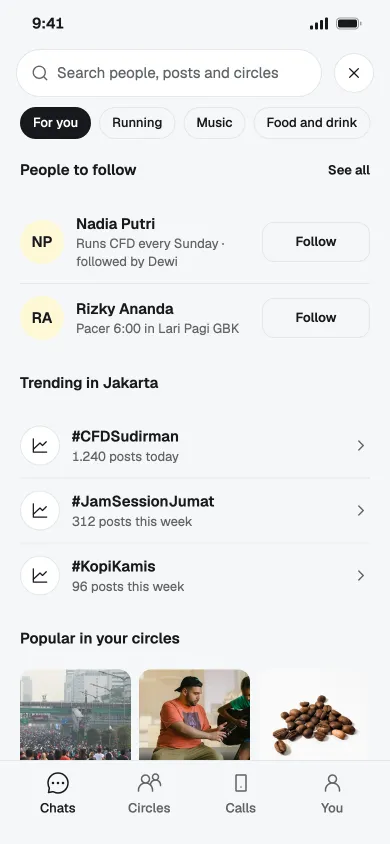 Search and explorePeople look for other people, circles. 4 screens
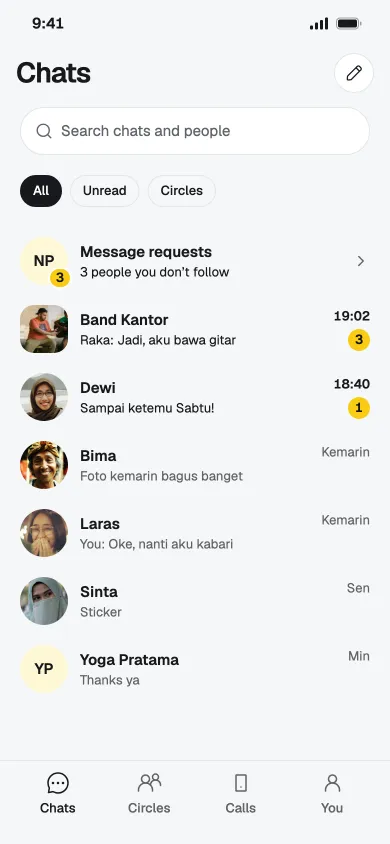 Message requestsPeople can message someone who doesn't follow them and need a filter for strangers and spam. 4 screens
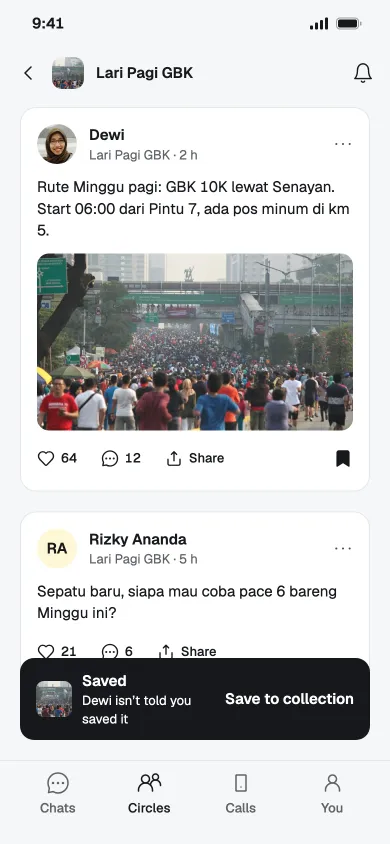 Saved and collectionsPeople keep posts to read or use later and sort them into named collections. 4 screens
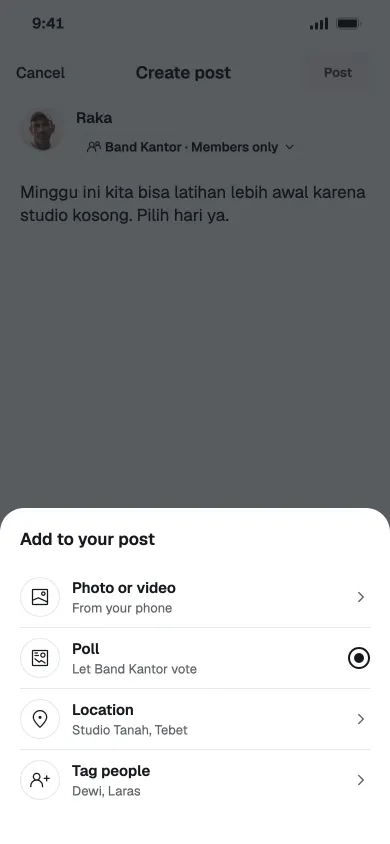 Create a pollA person asks their circle a question with a few answers: add a poll to a post. 5 screens
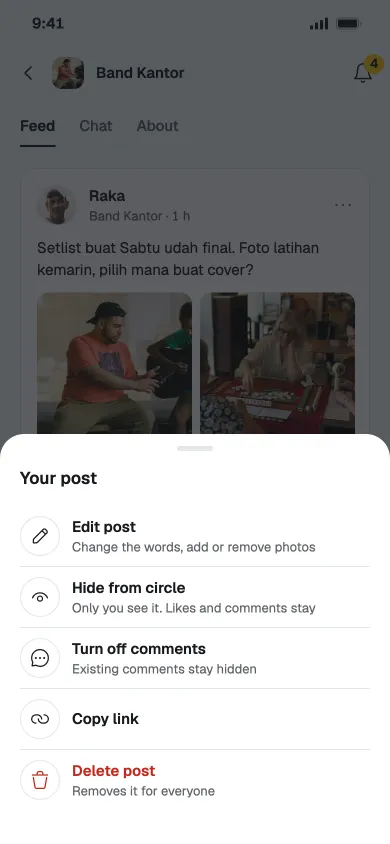 Edit and delete a postThe author of a post changes it or takes it down: a post menu. 6 screens
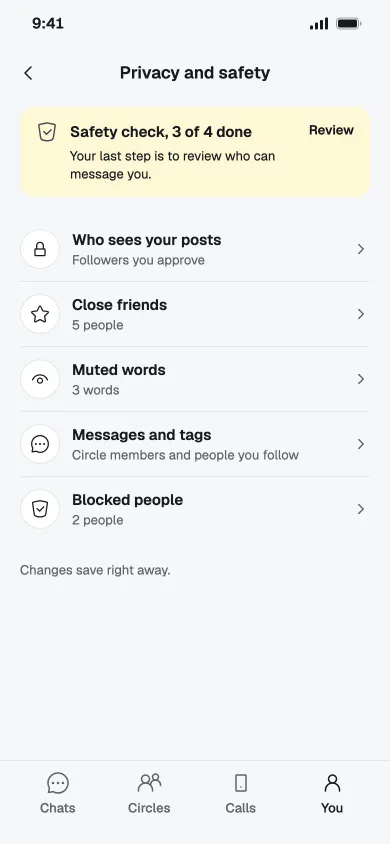 Privacy and safety settingsA person decides who sees them and reaches them: a hub. 6 screens
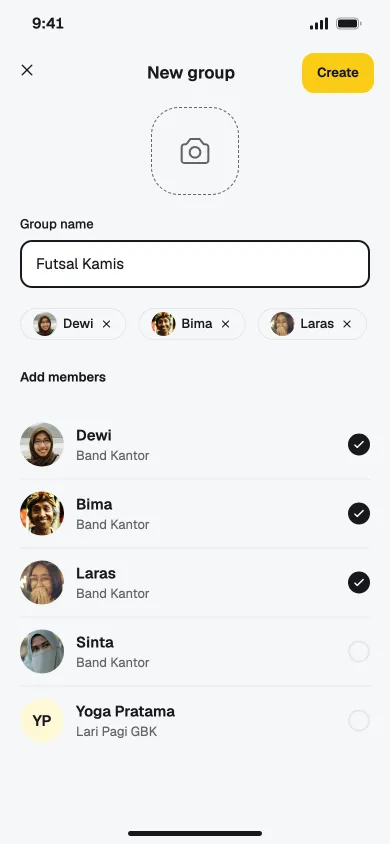 Group chat managementA small group chat where someone creates the group. 5 screens
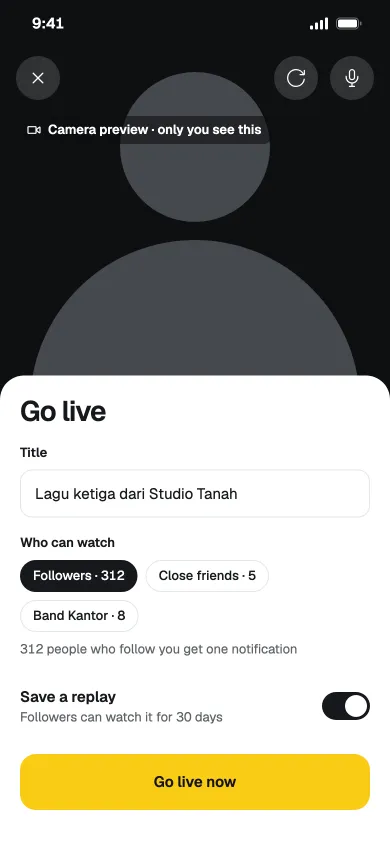 Live streamingA social app where someone broadcasts live video to followers or a group: set up the stream. 5 screens
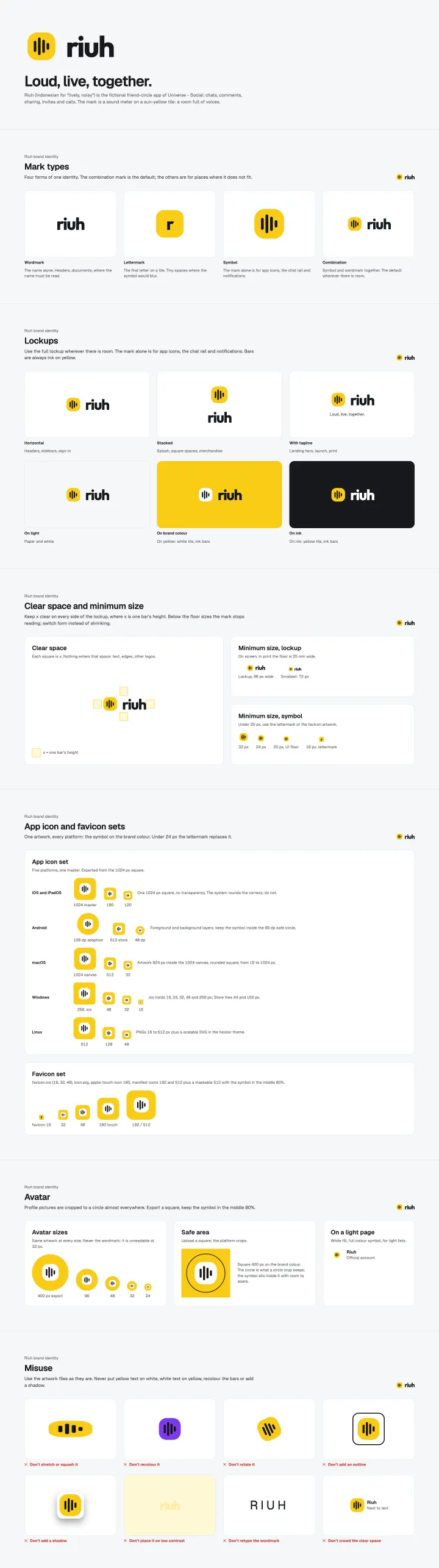 Brand identityA new app or company needs a logo system a team can use: the forms of the mark. 1 screens
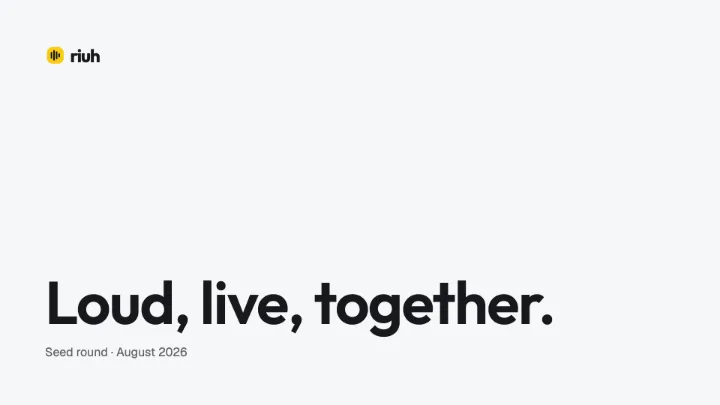 Pitch deckA founder raises a round or applies to an accelerator and needs a short deck an investor can read without a voice-over: one idea per slide. 7 screens
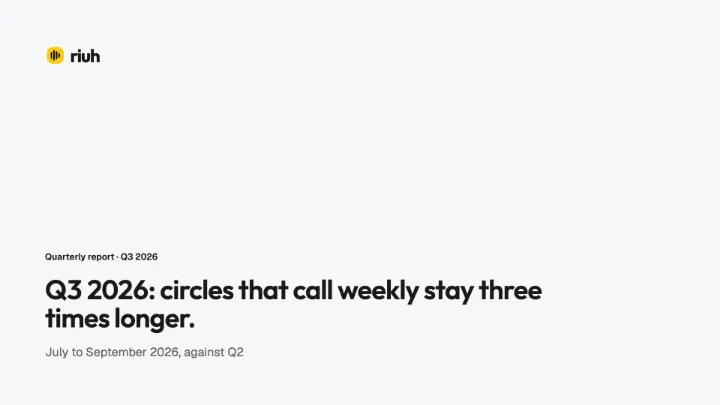 Report deckA quarterly or monthly update for investors. 2 screens
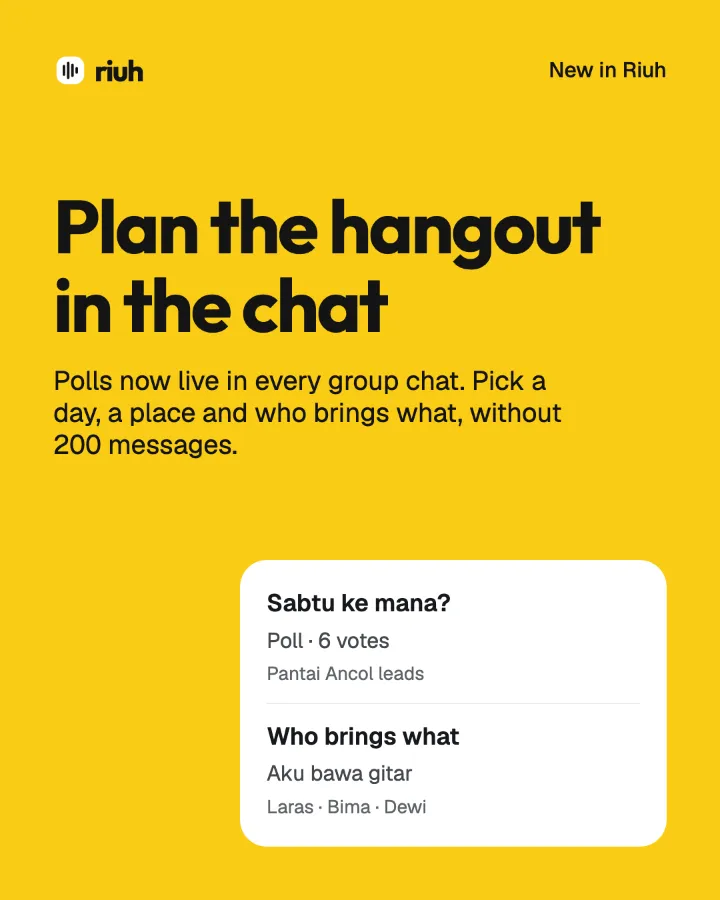 Launch campaignA product launches one feature and has to say it everywhere at once: a feed post. 5 screens
Questions
- Which social flows are in Universe?
- 23 flows: Chatting and messages, Comment and reply, Sharing, Invite friends, Calling, Feed and posting, Stories, Groups and communities, Notifications, Profile and follow, Block mute and report a person, Search and explore, Message requests, Saved and collections, Create a poll, Edit and delete a post, Privacy and safety settings, Group chat management, Live streaming, Brand identity, Pitch deck, Report deck, Launch campaign. Each one lists its screens in order, the patterns behind them and the states to cover.
- Whose brand are these screens?
- Riuh, a made-up friend-circle app: chat, comments, sharing, invites, calls. Battle-tested patterns for talking to people. Each flow is Wonderblok's own best-practice version, not a copy of any app. Your agent redraws the flows on your own brand.
- How does my agent use these flows?
- Connect Claude Code, Codex or Claude Desktop to Wonderblok over MCP. The agent calls use_pattern for a flow, reads its screens, rules and states, and draws them in your file on your tokens.