UNIVERSE · MISC
Misc app UI patterns and flows
23 misc app flows with their screens, the patterns behind them and the states to cover, at mobile and desktop. Your agent draws them on your design system.
23 Misc flows
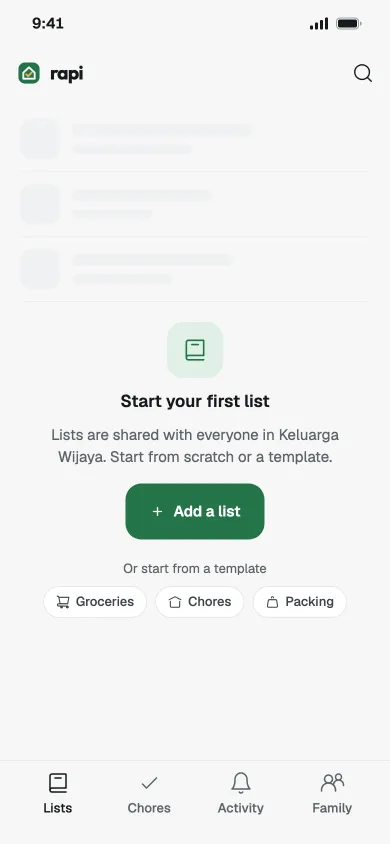 Empty stateAny list, feed, inbox. 6 screens
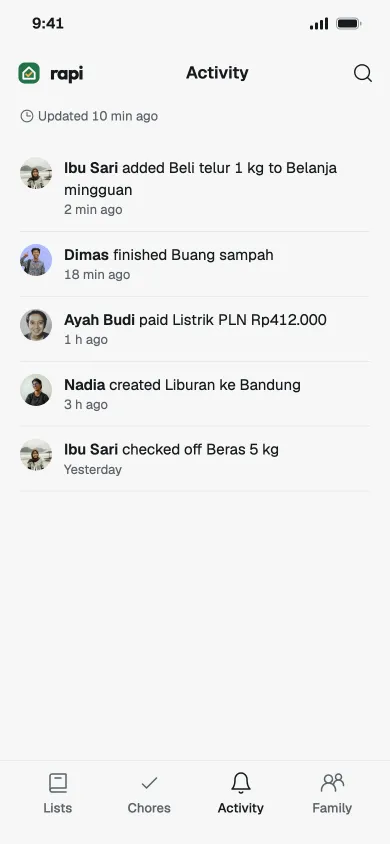 Pull to refreshFeeds, inboxes. 4 screens
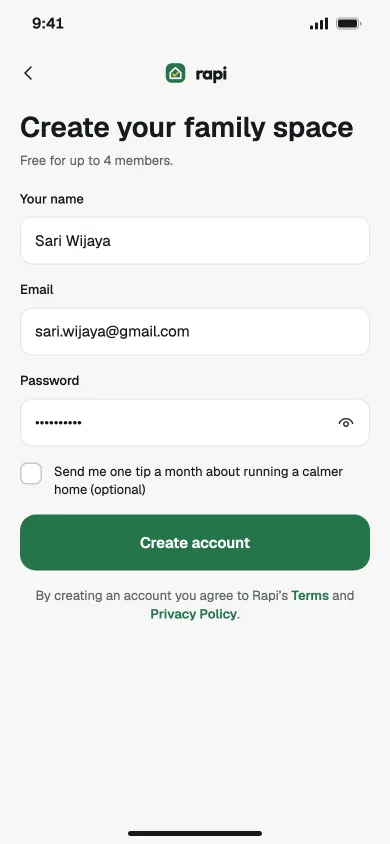 Terms and conditionsSign-up, first use of a regulated feature. 4 screens
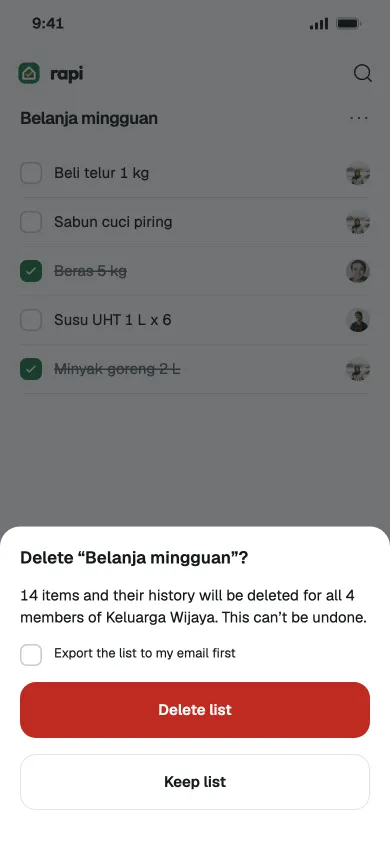 ConfirmationIrreversible actions, money movement. 5 screens
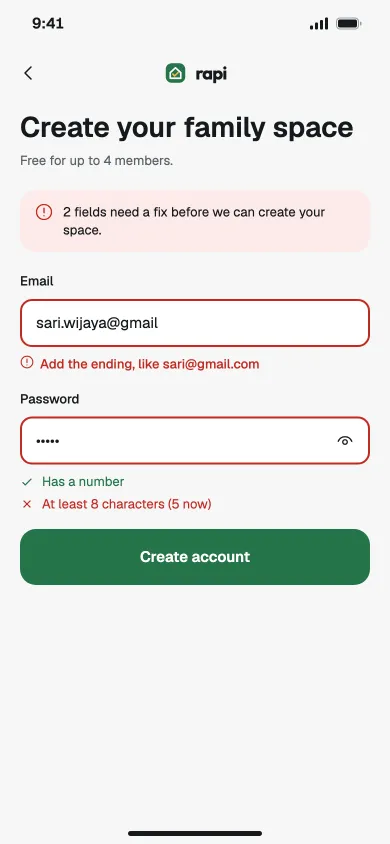 ErrorsValidation fails, a request fails, the network drops. 8 screens
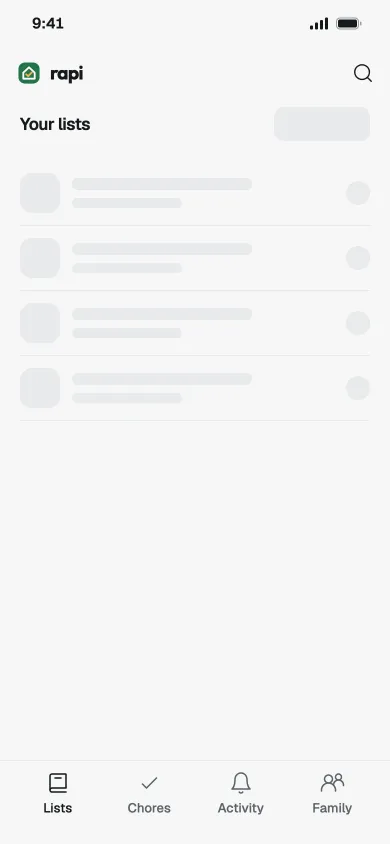 LoadingAny network wait. 6 screens
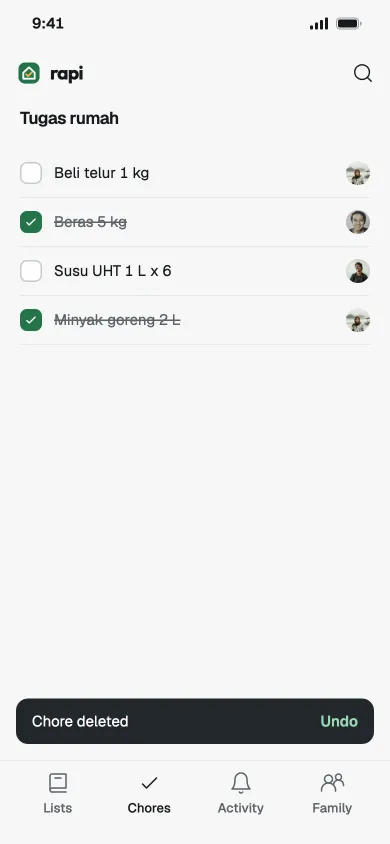 FeedbackConfirming actions, reversible deletes, measuring satisfaction. 6 screens
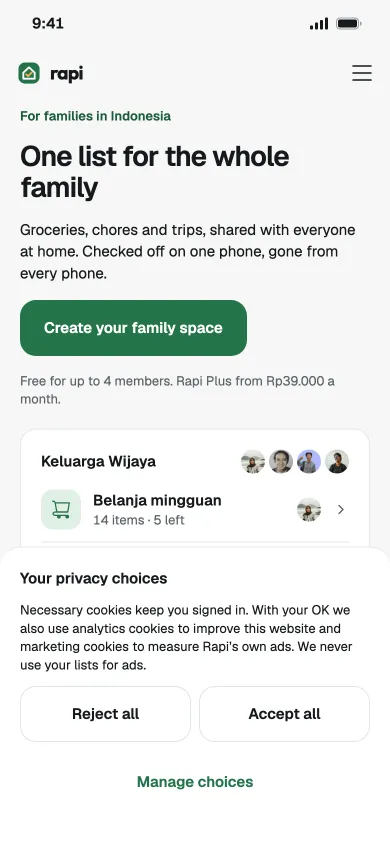 Cookie consent and privacy choicesA website or web app sets non-essential cookies or loads third-party embeds. 4 screens
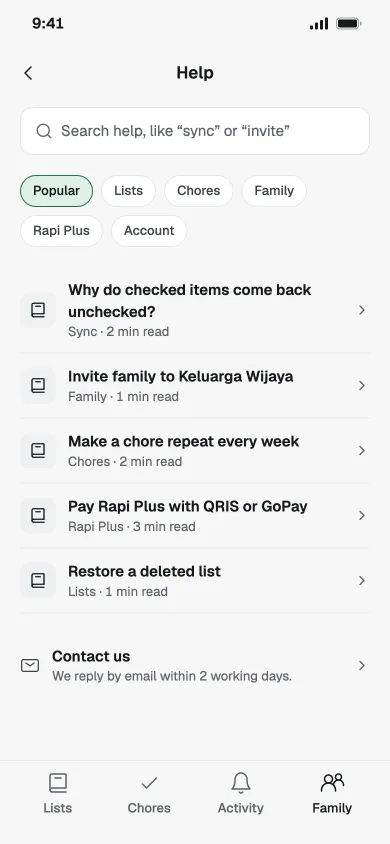 Help center and contact supportAny app with a Help row in settings, paid plans. 4 screens
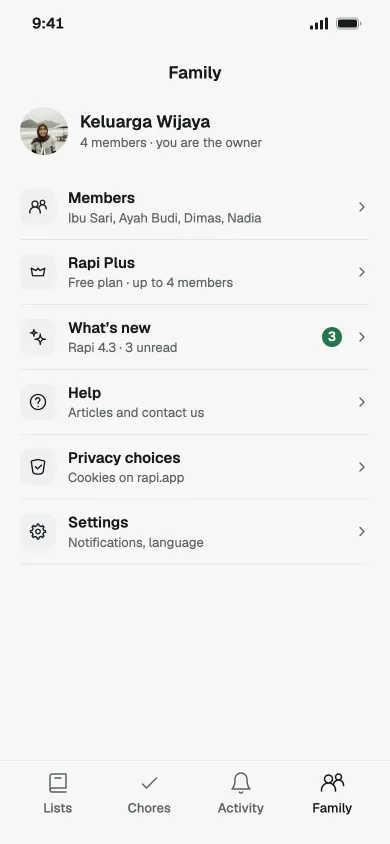 What's new and announcementsA product ships features regularly and wants users to notice them without blocking work. 4 screens
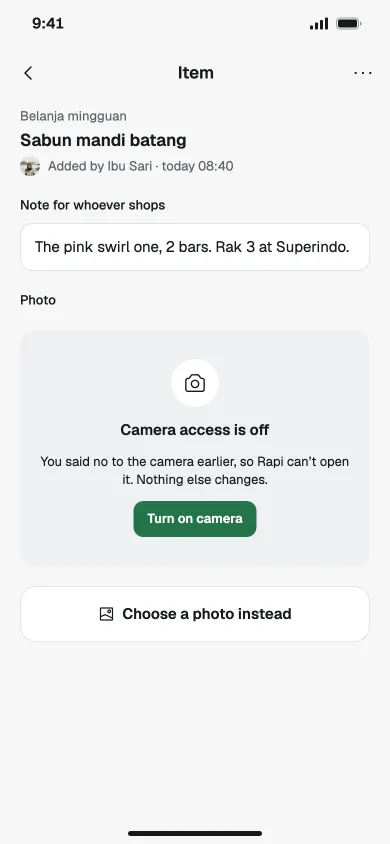 Permission recoveryA feature needs a permission that the user already declined at the OS or browser level. 5 screens
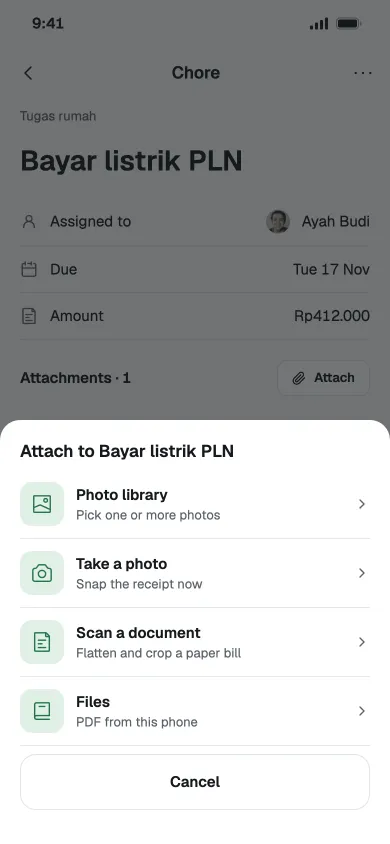 File upload and attachmentsAny product that lets people attach files: an attach menu. 4 screens
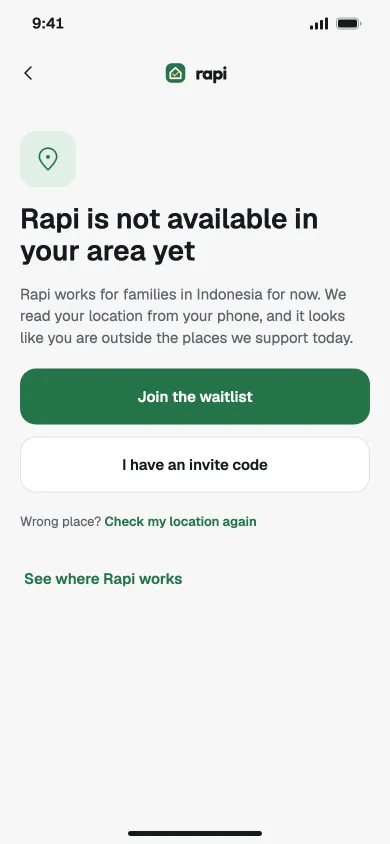 Service unavailable and out of areaA product that is limited to some places: a screen that says it is not available here. 6 screens
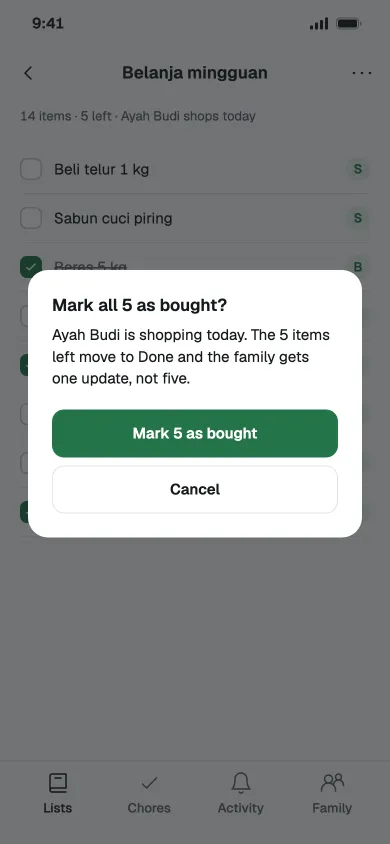 Modal and dialogA decision that has to be made before going on: confirming a bulk change. 5 screens
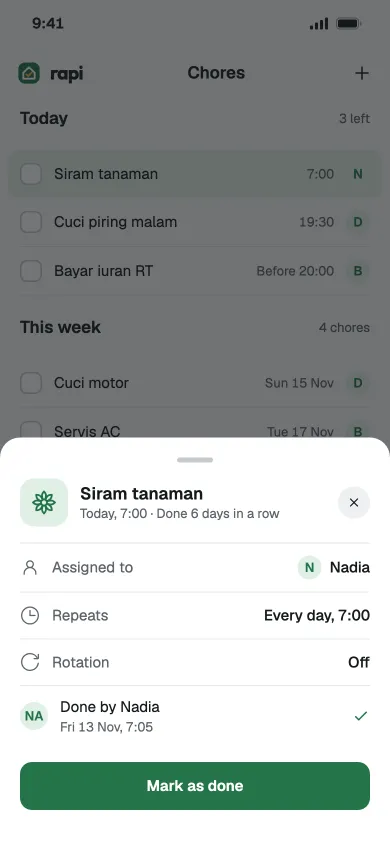 Bottom sheetDetails or actions for one thing on the screen without leaving it: a chore's details at half height. 4 screens
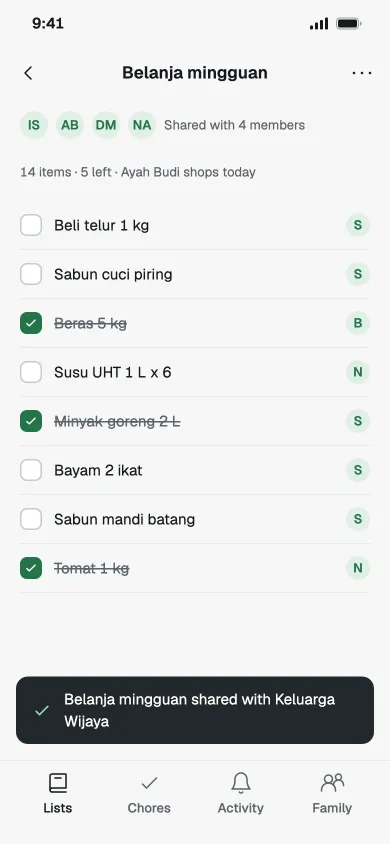 Toast and snackbarShort news about something the person just did: a success. 5 screens
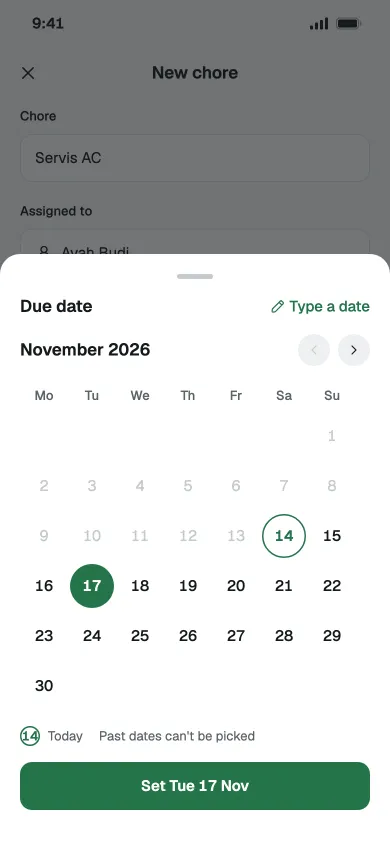 Date and time pickerPicking a due date. 4 screens
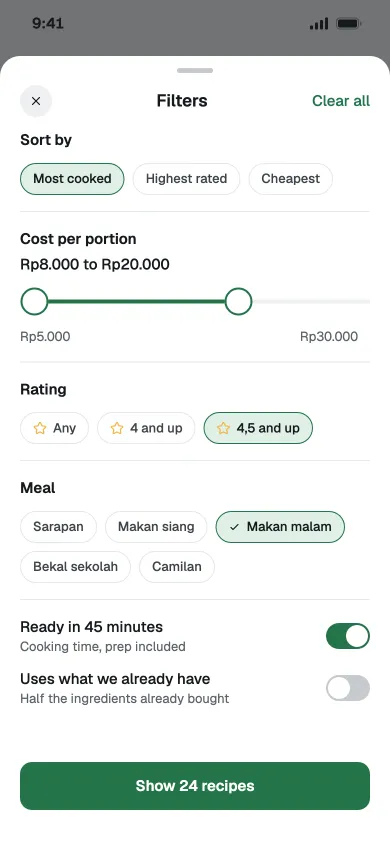 Filter sheetNarrowing a list of dozens or hundreds of items by several facets at once: sort. 3 screens
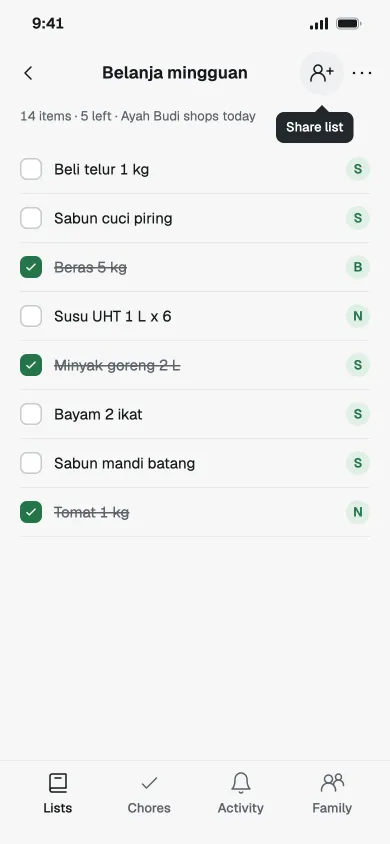 TooltipsNaming an icon-only button, explaining one term next to it. 4 screens
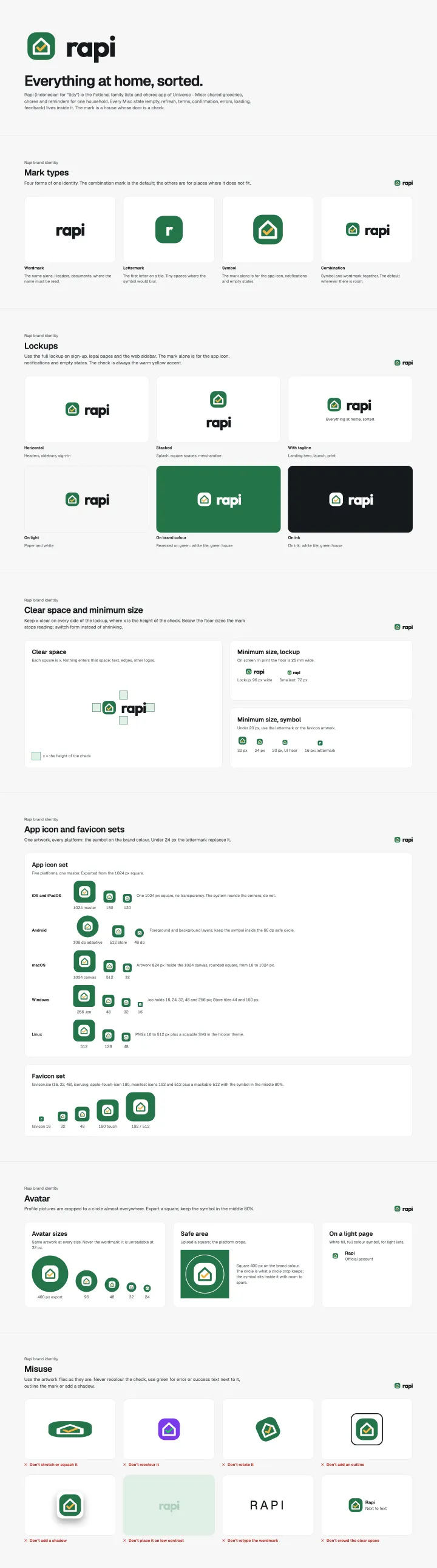 Brand identityA new app or company needs a logo system a team can use: the forms of the mark. 1 screens
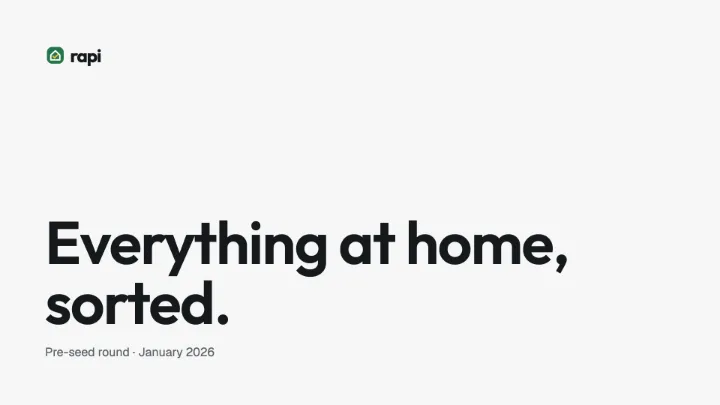 Pitch deckA founder raises a round or applies to an accelerator and needs a short deck an investor can read without a voice-over: one idea per slide. 7 screens
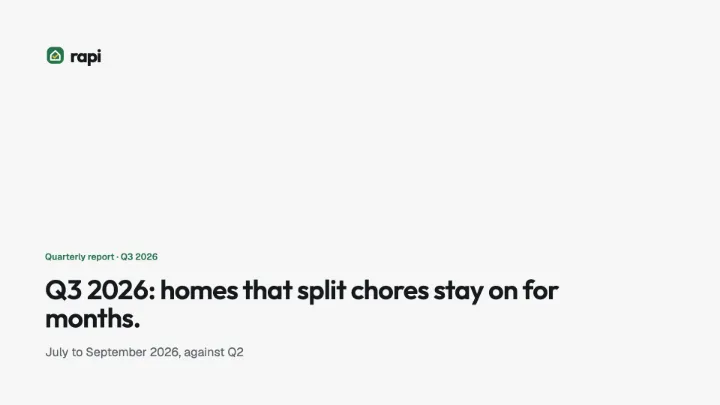 Report deckA quarterly or monthly update for investors. 2 screens
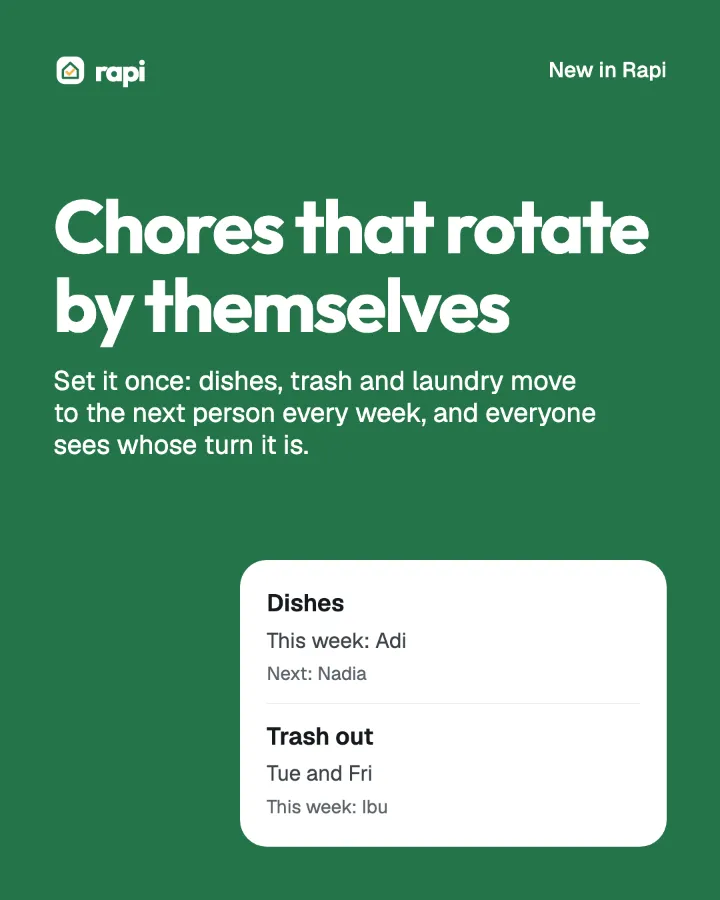 Launch campaignA product launches one feature and has to say it everywhere at once: a feed post. 5 screens
Questions
- Which misc flows are in Universe?
- 23 flows: Empty state, Pull to refresh, Terms and conditions, Confirmation, Errors, Loading, Feedback, Cookie consent and privacy choices, Help center and contact support, What's new and announcements, Permission recovery, File upload and attachments, Service unavailable and out of area, Modal and dialog, Bottom sheet, Toast and snackbar, Date and time picker, Filter sheet, Tooltips, Brand identity, Pitch deck, Report deck, Launch campaign. Each one lists its screens in order, the patterns behind them and the states to cover.
- Whose brand are these screens?
- Rapi, a made-up family lists and chores app: shared groceries, chores and reminders for one household. The in-between states every product needs. Each flow is Wonderblok's own best-practice version, not a copy of any app. Your agent redraws the flows on your own brand.
- How does my agent use these flows?
- Connect Claude Code, Codex or Claude Desktop to Wonderblok over MCP. The agent calls use_pattern for a flow, reads its screens, rules and states, and draws them in your file on your tokens.