UNIVERSE · CRYPTO
Crypto app UI patterns and flows
21 crypto app flows with their screens, the patterns behind them and the states to cover, at mobile and desktop. Your agent draws them on your design system.
21 Crypto flows
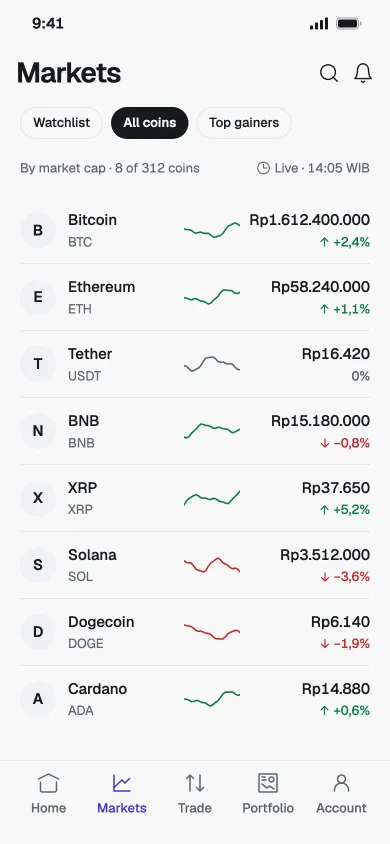 Markets and coin detailBrowsing assets with live prices. 6 screens
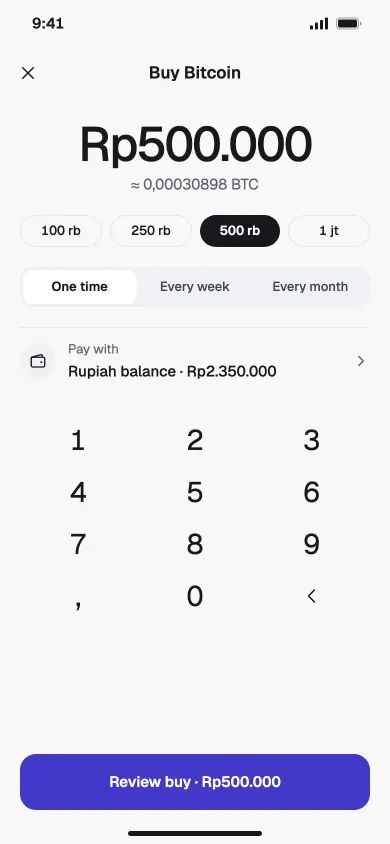 Buy a coinBuying any volatile asset with fiat. 8 screens
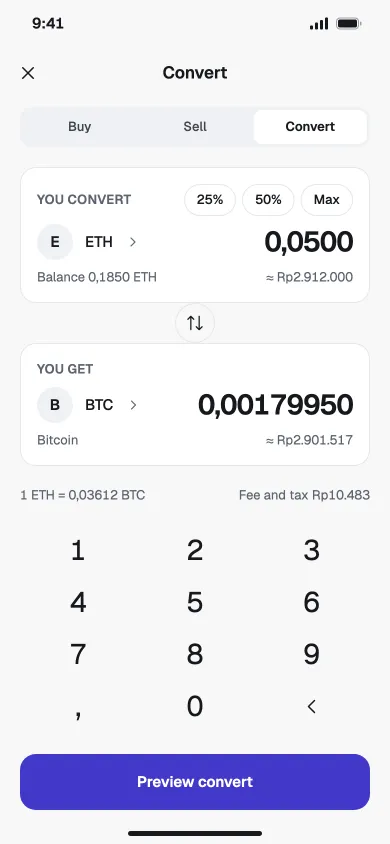 Convert and sellSwapping between coins or cashing out to Rupiah. 4 screens
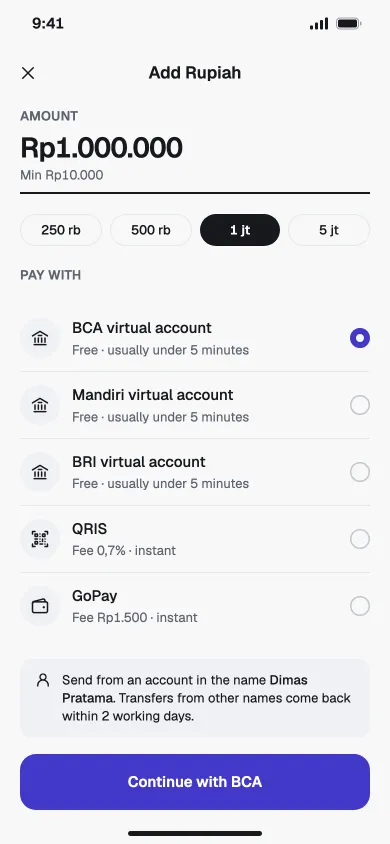 Deposit and withdraw RupiahMoving Rupiah into or out of an exchange account. 7 screens
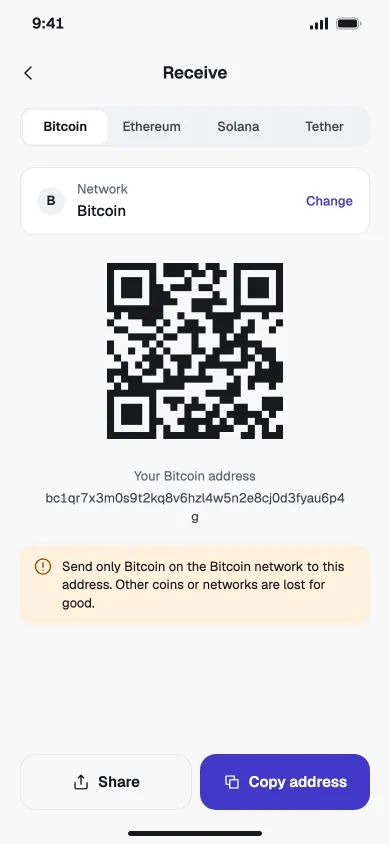 Send and receive cryptoMoving coins to or from an outside wallet or exchange. 7 screens
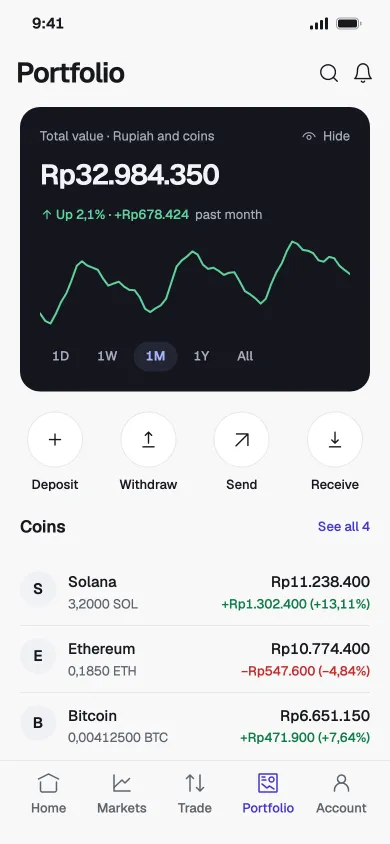 Portfolio and historyShowing holdings with gains and losses, and a ledger of trades. 7 screens
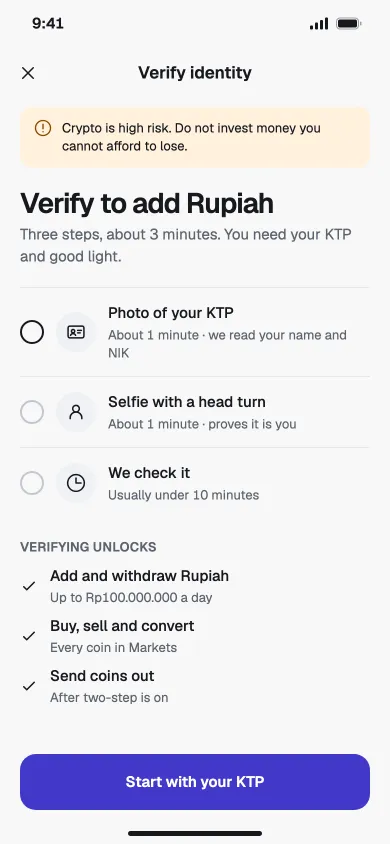 Verify identity and secure accountRegulated onboarding before money moves. 6 screens
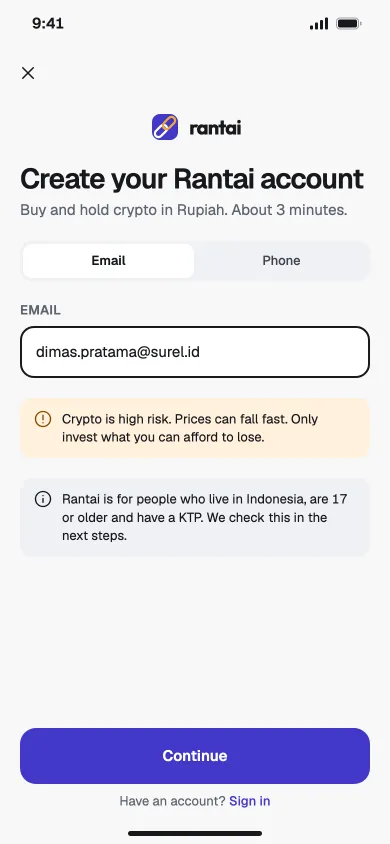 Create account and sign inCreating an account for a regulated money product. 5 screens
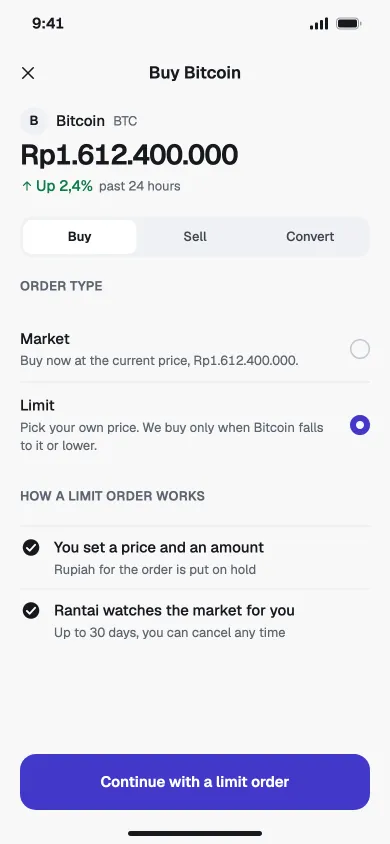 Limit ordersBuying or selling a coin only at a price the user chooses. 5 screens
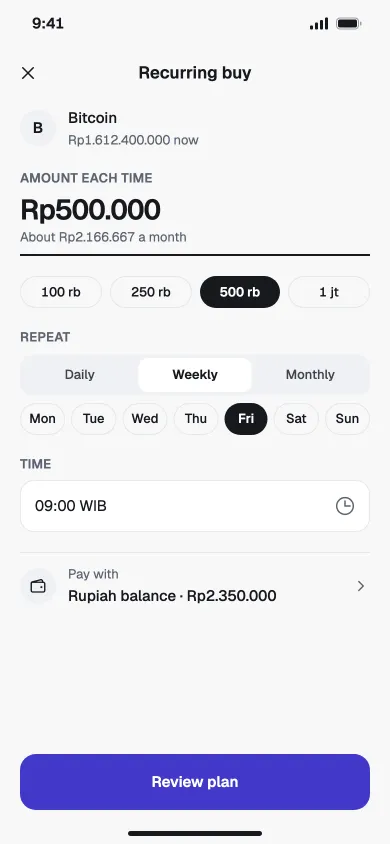 Recurring buyBuying a coin on a schedule from the Rupiah balance. 5 screens
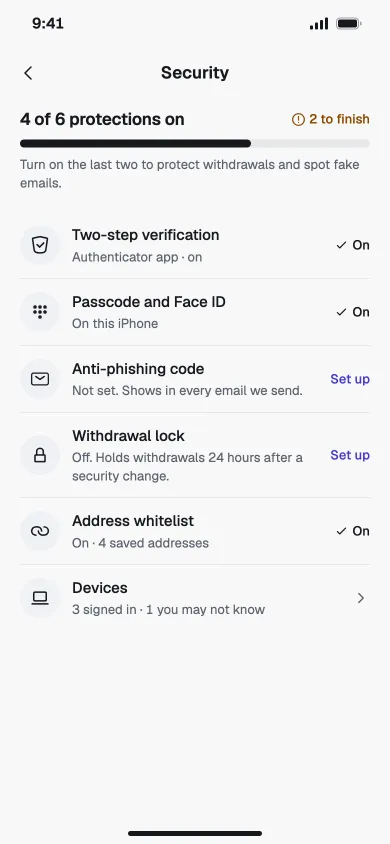 Security settings and devicesOne place to see and raise account protection: two-step. 5 screens
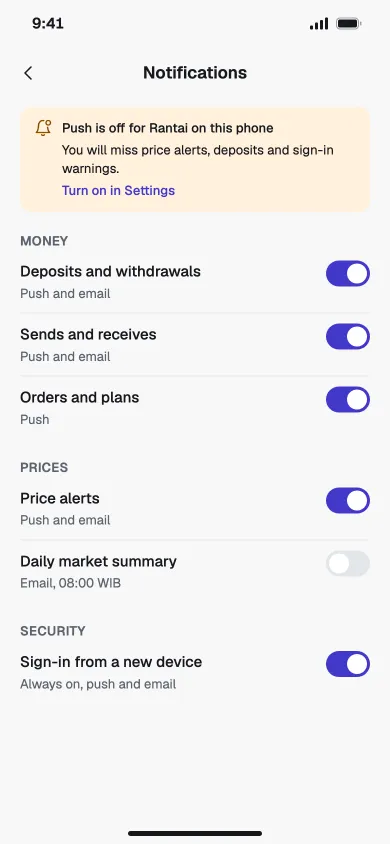 Alerts and notificationsLetting people choose what reaches them. 4 screens
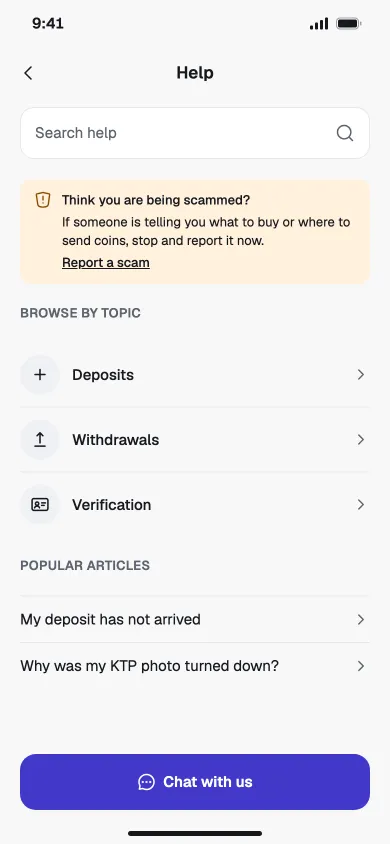 Help and supportFinding an answer, talking to a person, and reporting a scam. 4 screens
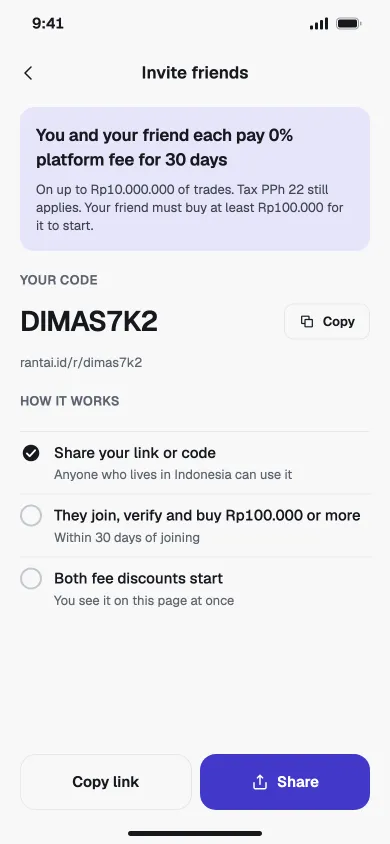 ReferralInviting friends for a plain. 3 screens
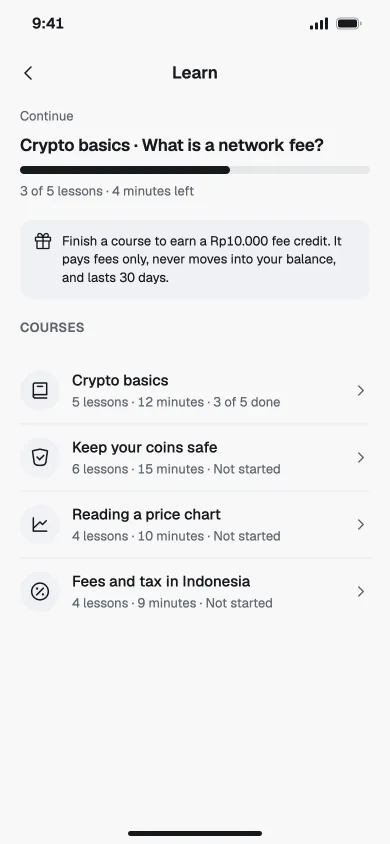 Learn and rewardsShort courses and quizzes with a small fee credit. 4 screens
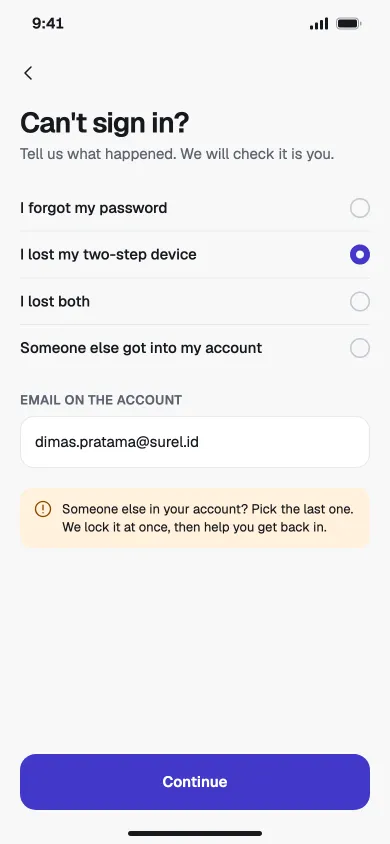 Account recovery and closing the accountGetting back in after losing a password or two-step device. 5 screens
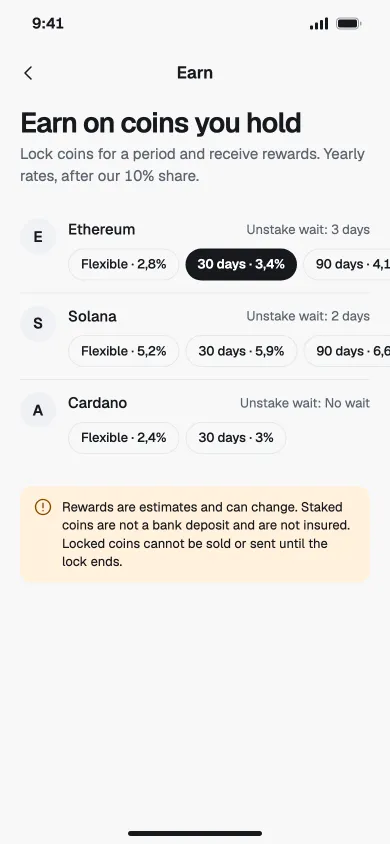 StakingLocking coins for a reward, with the lock. 4 screens
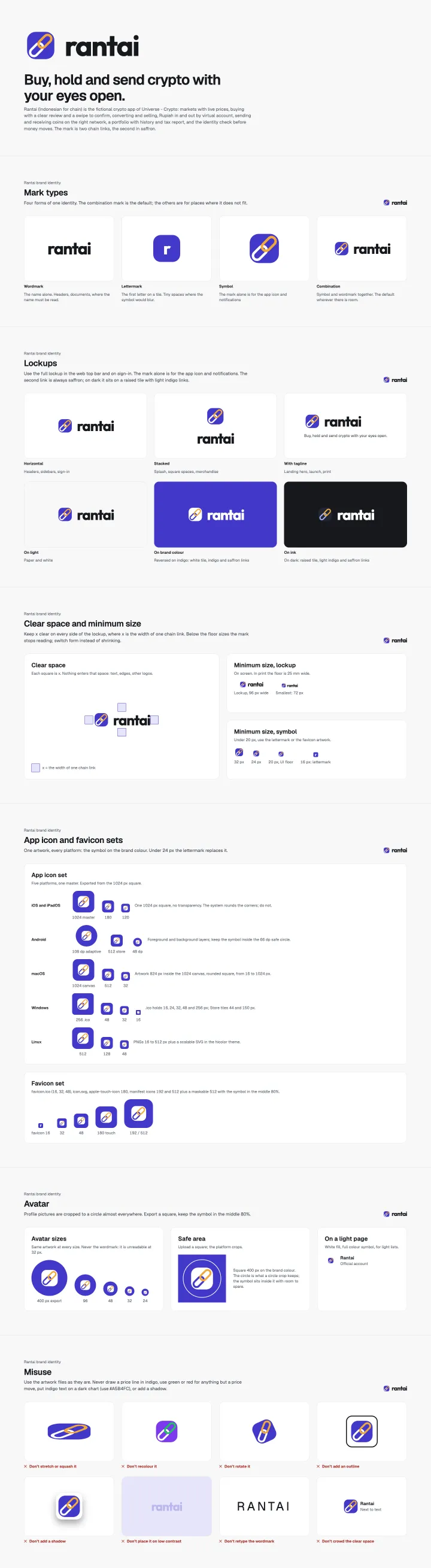 Brand identityA new app or company needs a logo system a team can use: the forms of the mark. 1 screens
 Pitch deckA founder raises a round or applies to an accelerator and needs a short deck an investor can read without a voice-over: one idea per slide. 7 screens
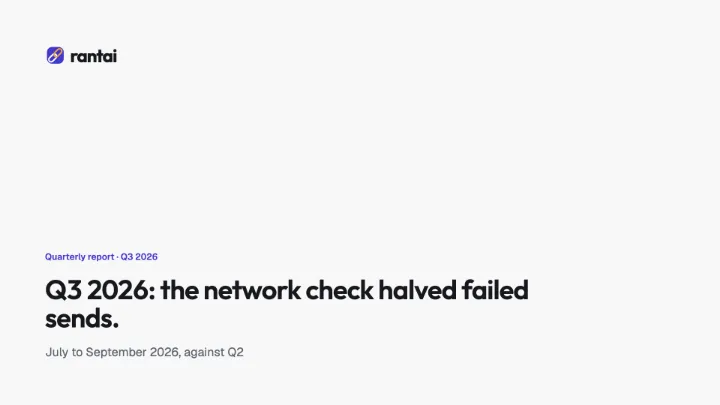 Report deckA quarterly or monthly update for investors. 2 screens
 Launch campaignA product launches one feature and has to say it everywhere at once: a feed post. 5 screens
Questions
- Which crypto flows are in Universe?
- 21 flows: Markets and coin detail, Buy a coin, Convert and sell, Deposit and withdraw Rupiah, Send and receive crypto, Portfolio and history, Verify identity and secure account, Create account and sign in, Limit orders, Recurring buy, Security settings and devices, Alerts and notifications, Help and support, Referral, Learn and rewards, Account recovery and closing the account, Staking, Brand identity, Pitch deck, Report deck, Launch campaign. Each one lists its screens in order, the patterns behind them and the states to cover.
- Whose brand are these screens?
- Rantai, a made-up Indonesian crypto app with Rupiah in and out: markets and coin detail, buy with a review and swipe to confirm, convert and sell, Rupiah deposit and withdraw, send and receive coins on the right network, portfolio with history and tax report, and the identity check before money moves. Patterns for retail crypto apps. Each flow is Wonderblok's own best-practice version, not a copy of any app. Your agent redraws the flows on your own brand.
- How does my agent use these flows?
- Connect Claude Code, Codex or Claude Desktop to Wonderblok over MCP. The agent calls use_pattern for a flow, reads its screens, rules and states, and draws them in your file on your tokens.