UNIVERSE · MUSIC AND VIDEO
Music and Video app UI patterns and flows
17 music and video app flows with their screens, the patterns behind them and the states to cover, at mobile and desktop. Your agent draws them on your design system.
17 Music and Video flows
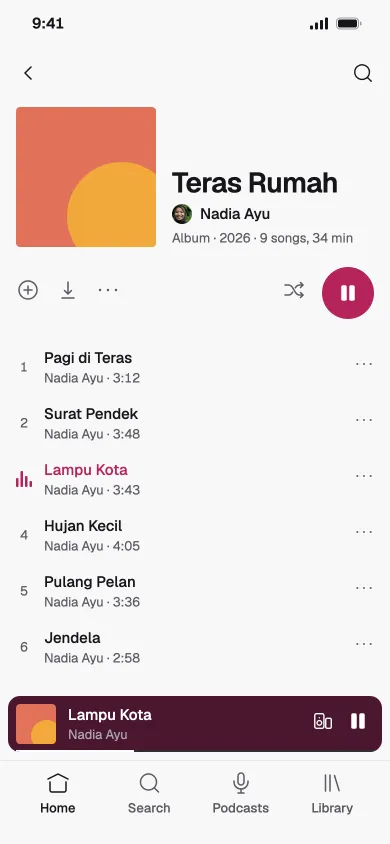 Now playing and mini playerAny audio or video app where playback continues while the user browses. 7 screens
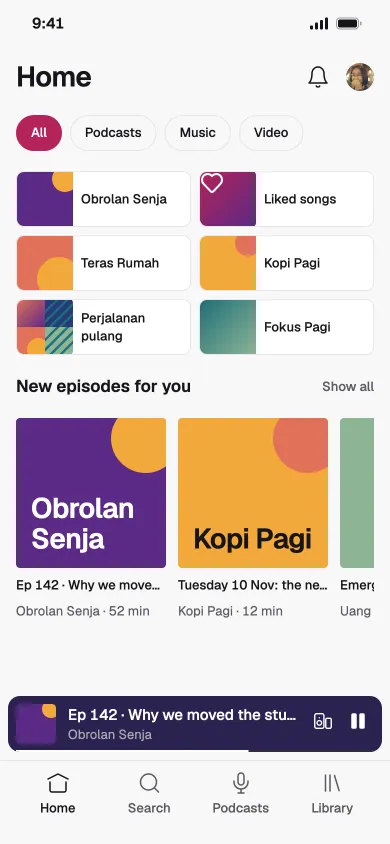 Home and browseCatalogues with personal history and editorial content. 4 screens
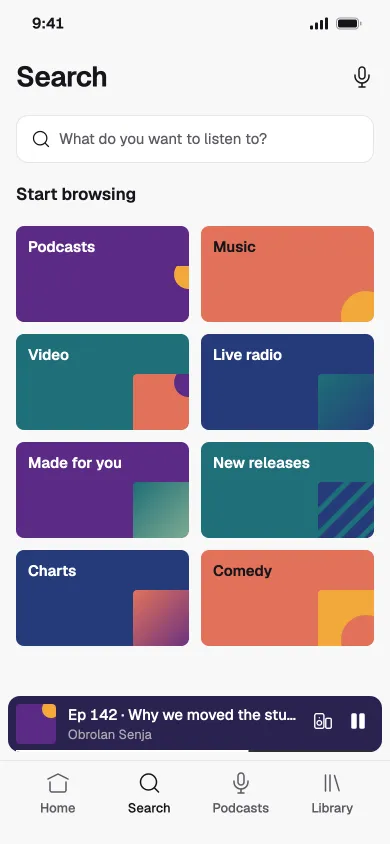 SearchAny catalogue bigger than a screen of items. 6 screens
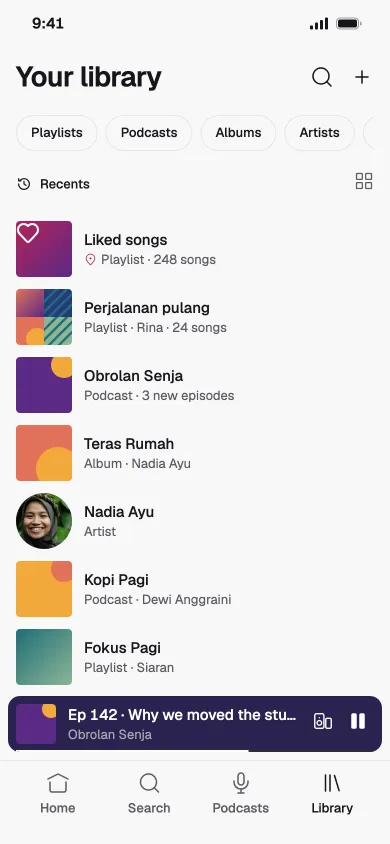 Library and queueAny product where users collect, order and replay media. 6 screens
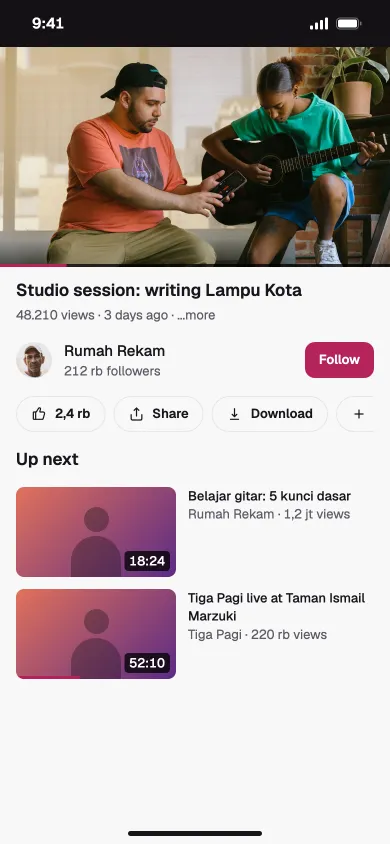 Video player and captionsAny video longer than a few seconds, tutorials, talks. 4 screens
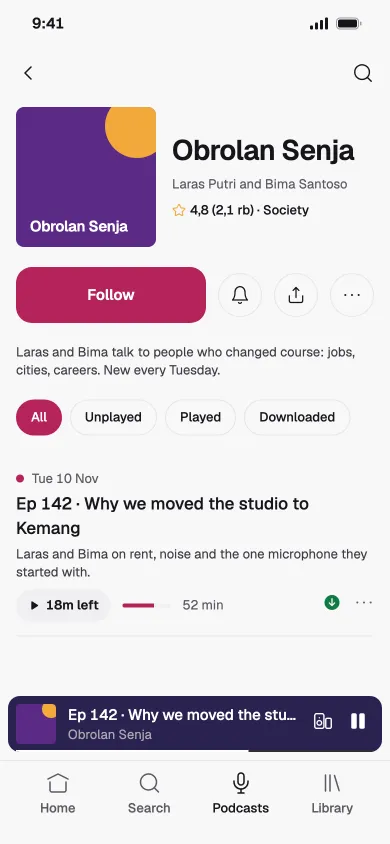 Podcasts and episodesLong-form spoken audio or video with episodes. 5 screens
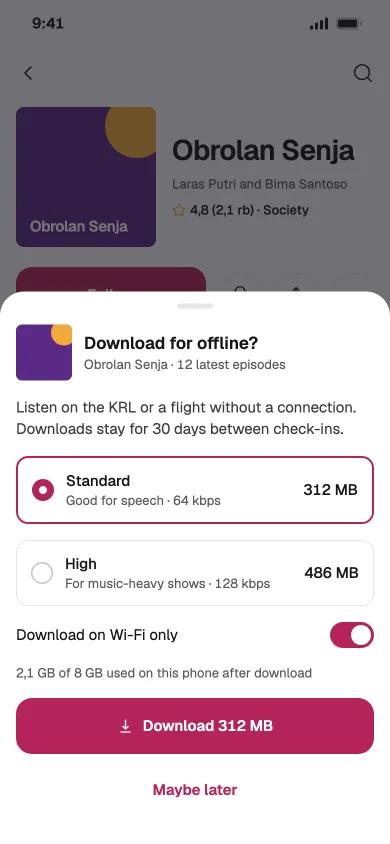 Downloads and offlineMobile listening and watching where connectivity drops. 6 screens
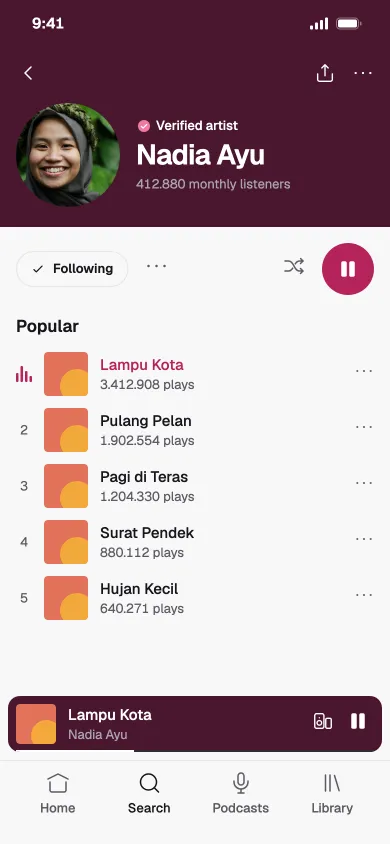 Artist pageA listener lands on a person or band and wants their popular songs. 5 screens
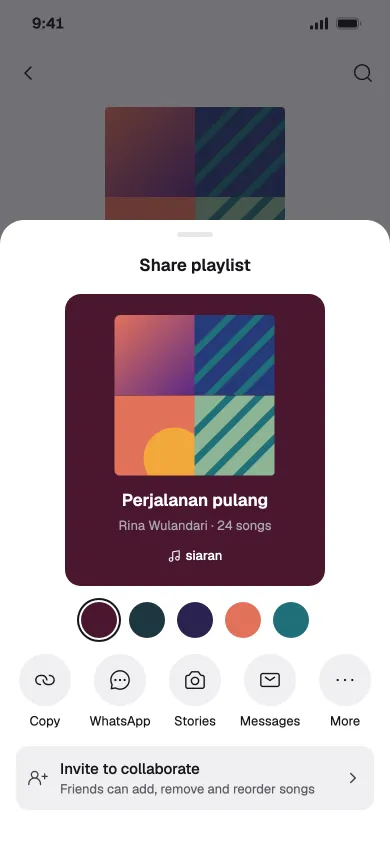 Share and collaborate on a playlistAn owner wants friends to hear a playlist or add songs to it. 4 screens
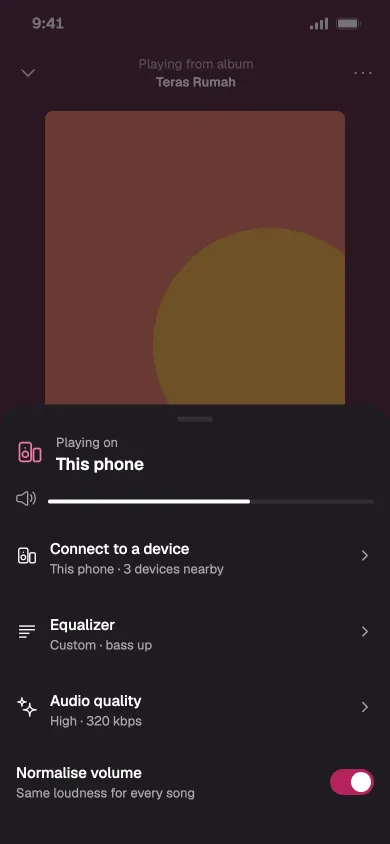 Output device and sound settingsA listener wants to move playback to a speaker, TV or laptop. 4 screens
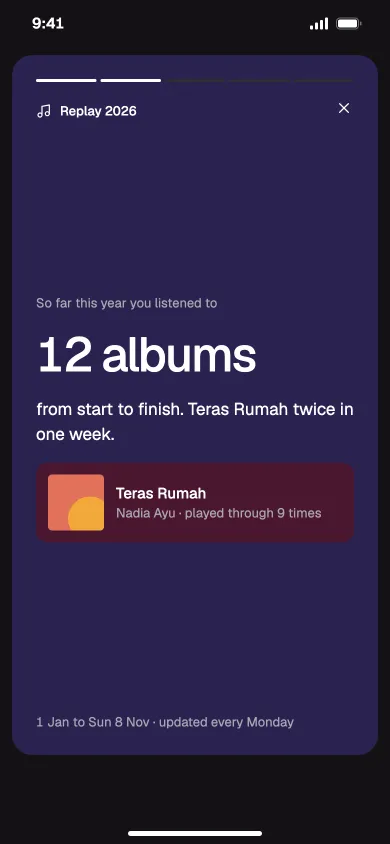 Year in review recapA listener wants to see and share what they played this year so far: top artists. 4 screens
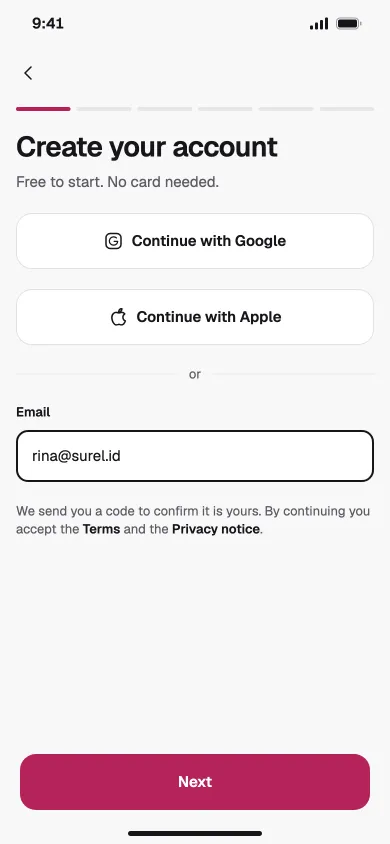 Create account and first picksA first run of a streaming app where the account and the taste signal are one job: email. 6 screens
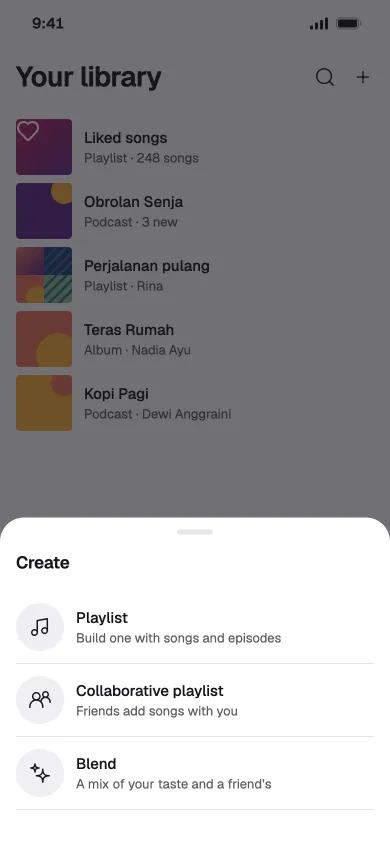 Create and edit a playlistBuilding a list of songs and episodes you own: a create sheet. 5 screens
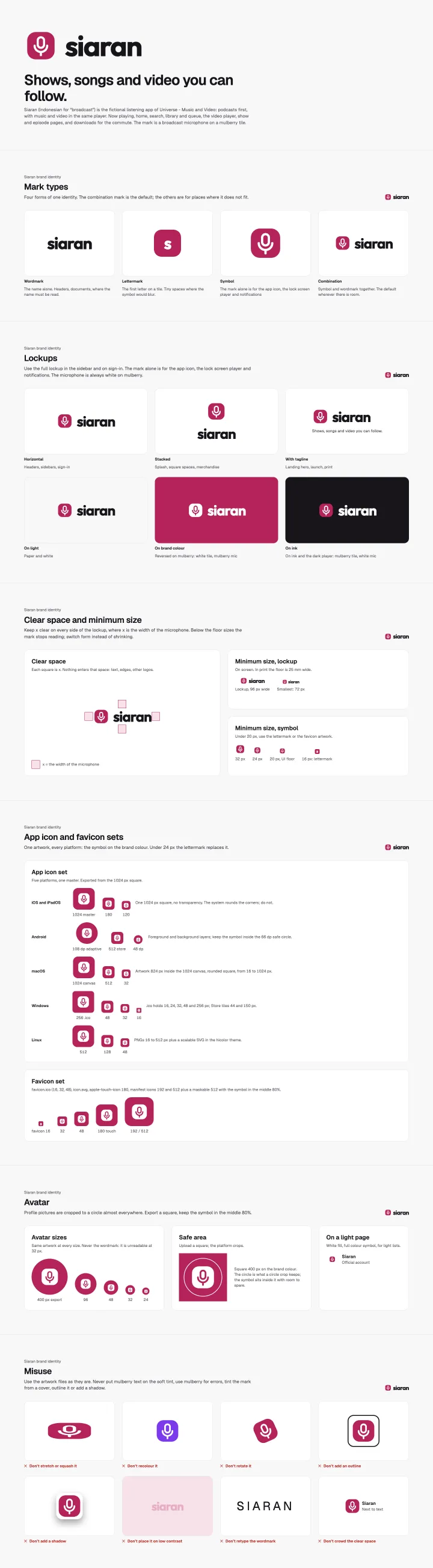 Brand identityA new app or company needs a logo system a team can use: the forms of the mark. 1 screens
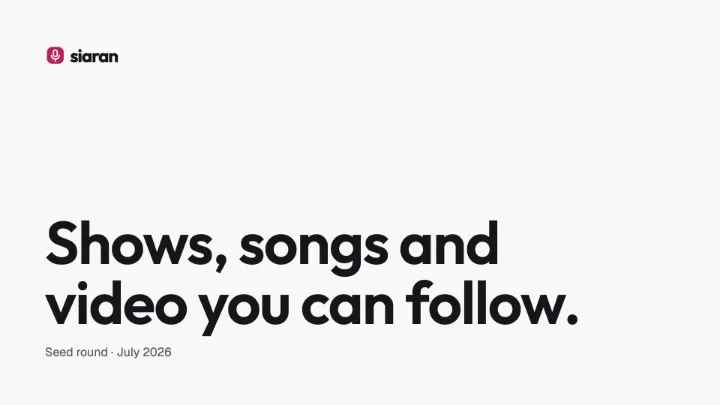 Pitch deckA founder raises a round or applies to an accelerator and needs a short deck an investor can read without a voice-over: one idea per slide. 7 screens
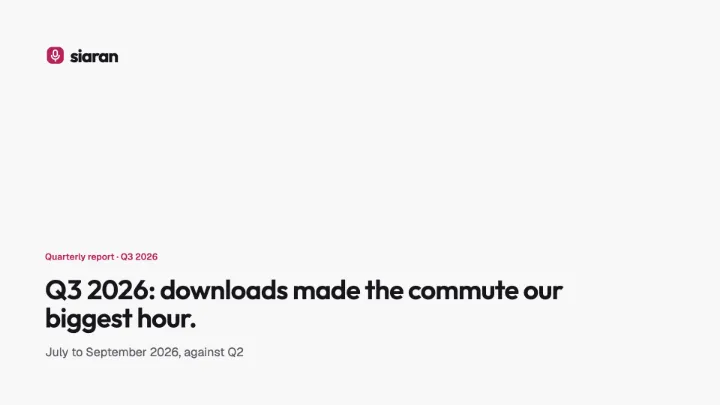 Report deckA quarterly or monthly update for investors. 2 screens
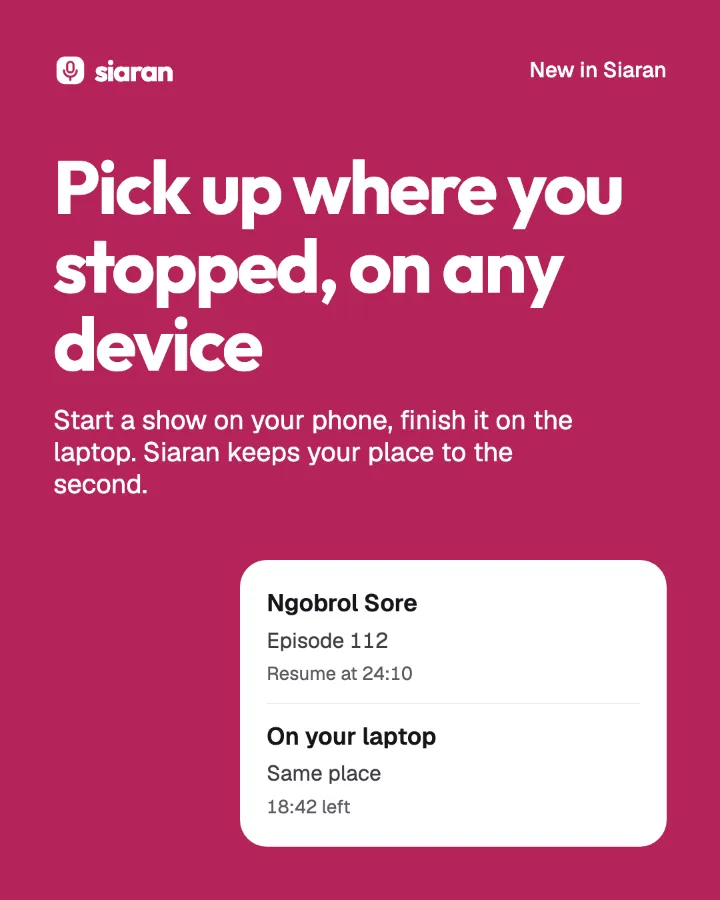 Launch campaignA product launches one feature and has to say it everywhere at once: a feed post. 5 screens
Questions
- Which music and video flows are in Universe?
- 17 flows: Now playing and mini player, Home and browse, Search, Library and queue, Video player and captions, Podcasts and episodes, Downloads and offline, Artist page, Share and collaborate on a playlist, Output device and sound settings, Year in review recap, Create account and first picks, Create and edit a playlist, Brand identity, Pitch deck, Report deck, Launch campaign. Each one lists its screens in order, the patterns behind them and the states to cover.
- Whose brand are these screens?
- Siaran, a made-up listening app: podcasts first, with music and video in one player, Indonesian shows and artists. Patterns for music streaming, podcasts, video players and offline media. Each flow is Wonderblok's own best-practice version, not a copy of any app. Your agent redraws the flows on your own brand.
- How does my agent use these flows?
- Connect Claude Code, Codex or Claude Desktop to Wonderblok over MCP. The agent calls use_pattern for a flow, reads its screens, rules and states, and draws them in your file on your tokens.