UNIVERSE · FINANCE
Finance app UI patterns and flows
28 finance app flows with their screens, the patterns behind them and the states to cover, at mobile and desktop. Your agent draws them on your design system.
28 Finance flows
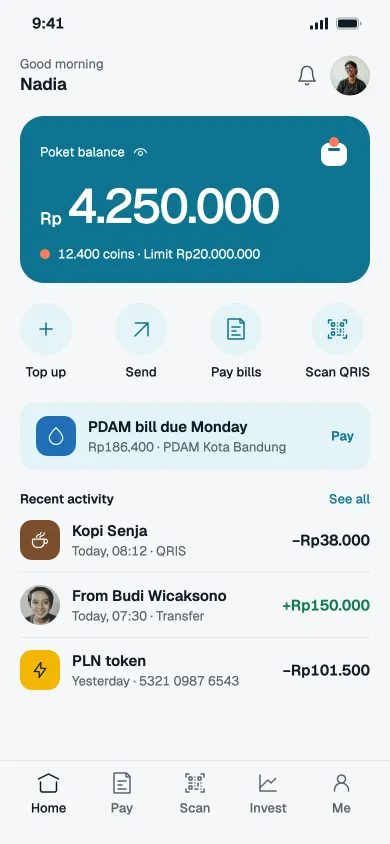 WalletE-wallet or neobank home, merchant balance dashboard. 9 screens
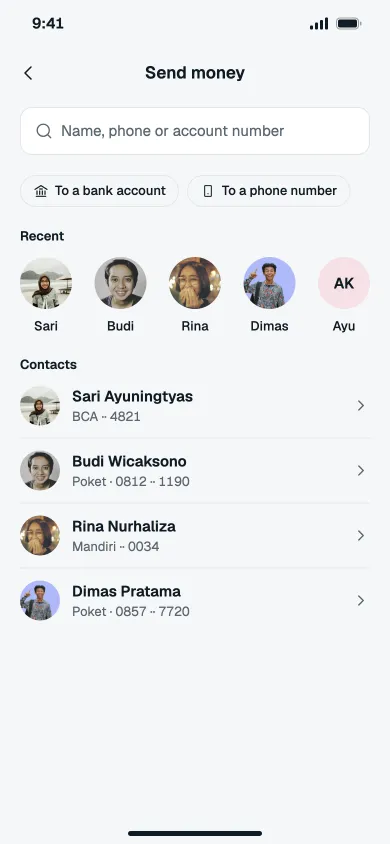 Send moneyP2P, bank transfer, payout, remittance. 8 screens
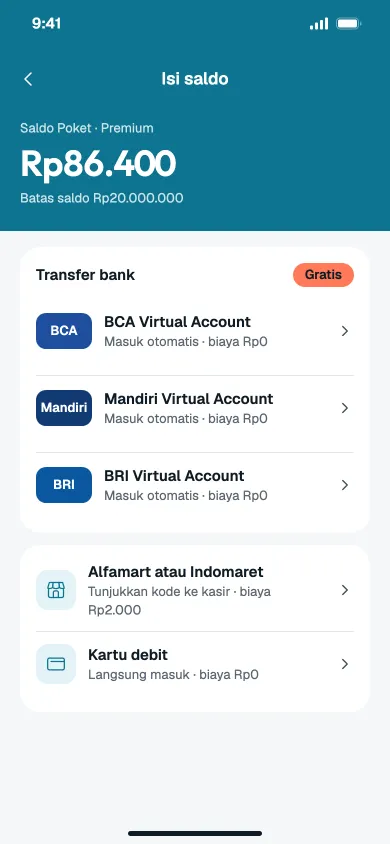 Isi saldo e-walletAn Indonesian e-wallet is funded from a bank VA. 5 screens
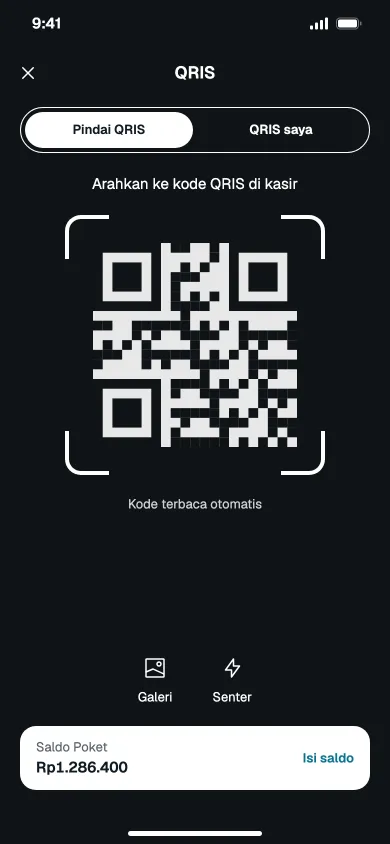 QRIS bayar dan terimaPaying a merchant by QRIS and, for small businesses. 5 screens
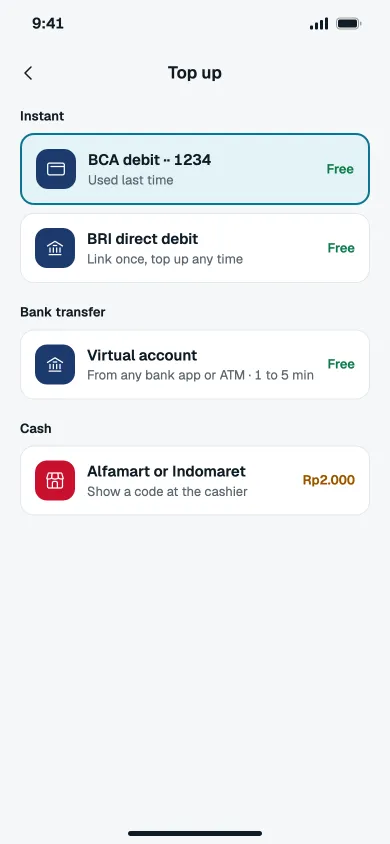 Top upWallet top up, funding a trading or savings account. 6 screens
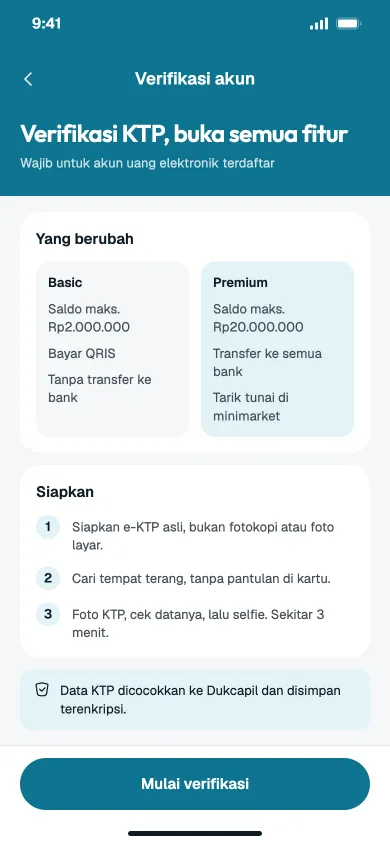 Verifikasi KTP dan selfieAn Indonesian financial app verifies identity with the e-KTP and a selfie to move an account from Basic to Premium. 8 screens
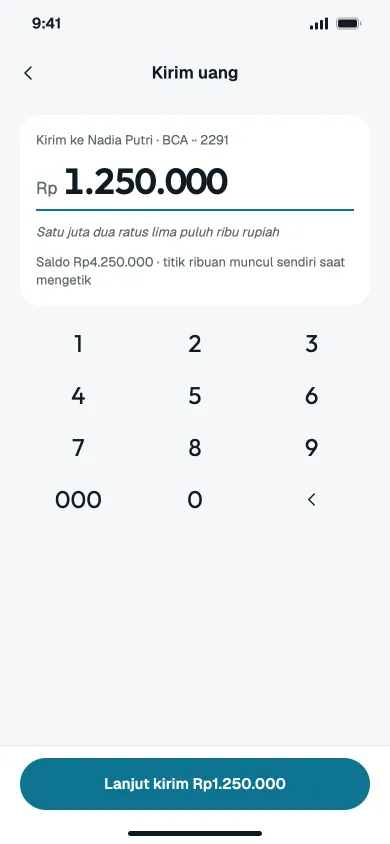 Format RupiahAny Indonesian app shows or takes money: input formatting. 4 screens
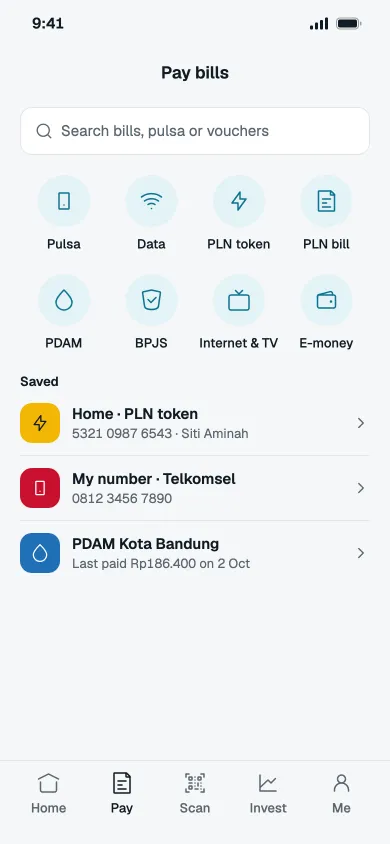 Pay billsPrepaid pulsa/data, PLN token, postpaid PLN/PDAM/BPJS/internet. 6 screens
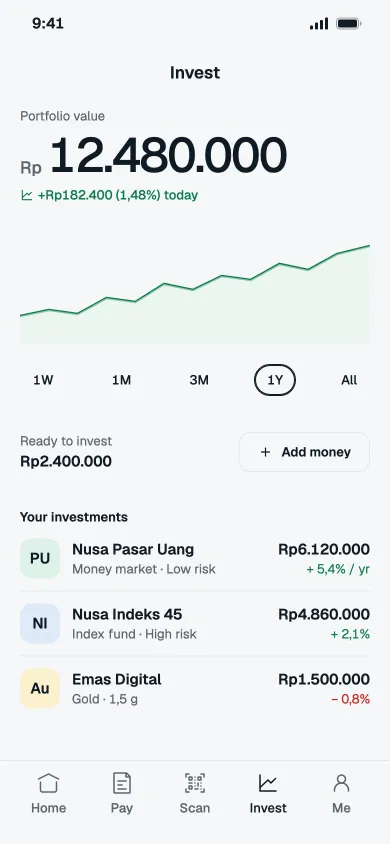 InvestMutual funds, stocks, ETFs, gold, crypto, round-up investing. 8 screens
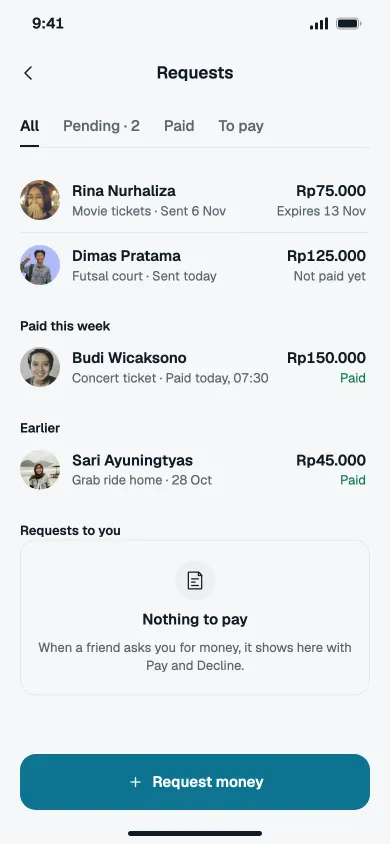 Request moneyA person needs to ask someone else for money they are owed. 4 screens
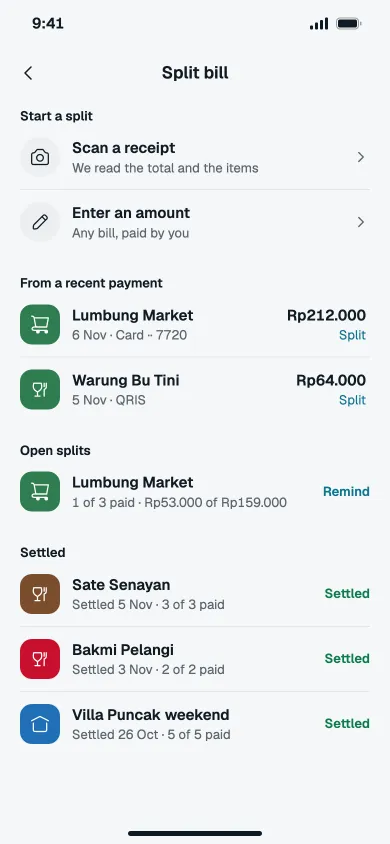 Split billOne person paid for a group and wants each share back. 4 screens
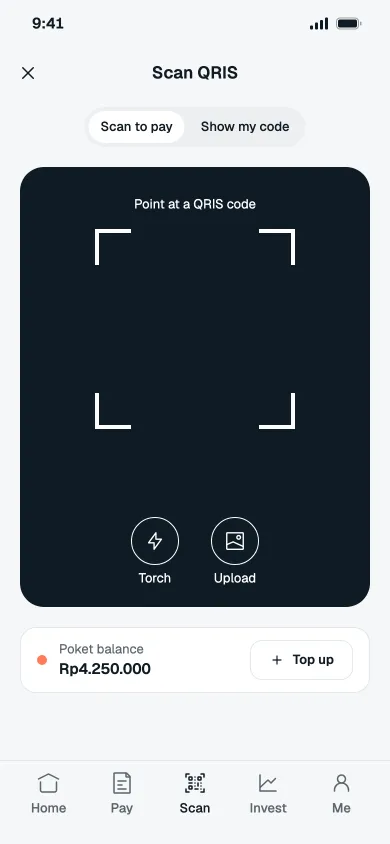 Scan to pay QRISPaying a shop or a person in person by scanning their QR code. 6 screens
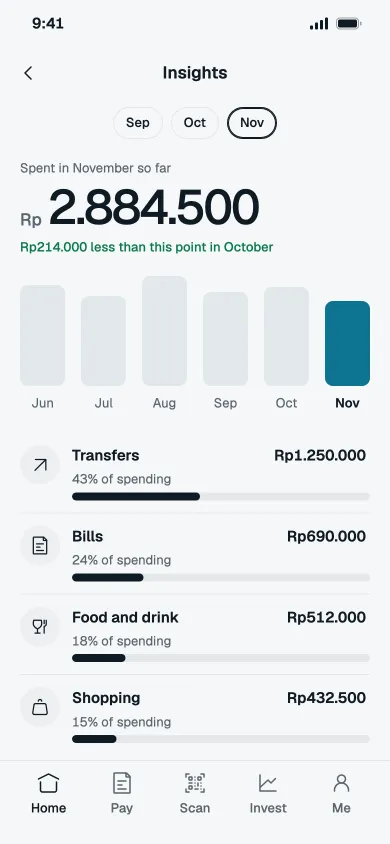 Spending insights and budgetsPeople want to know where their money went this month and set a limit per category. 4 screens
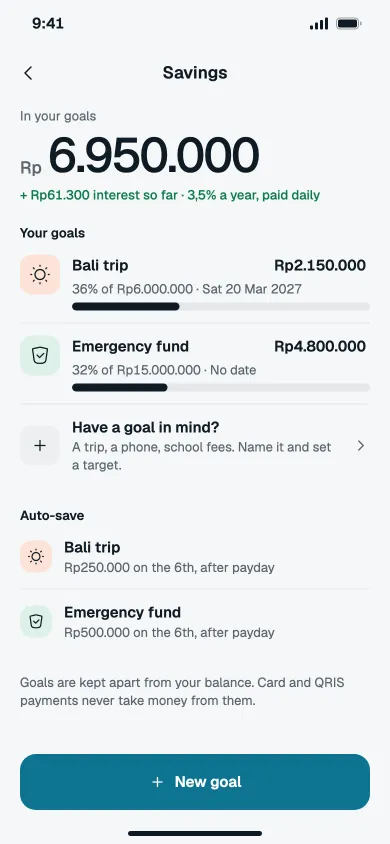 Savings goalsPeople set money aside for a named target inside a wallet and want it kept apart from spending money. 4 screens
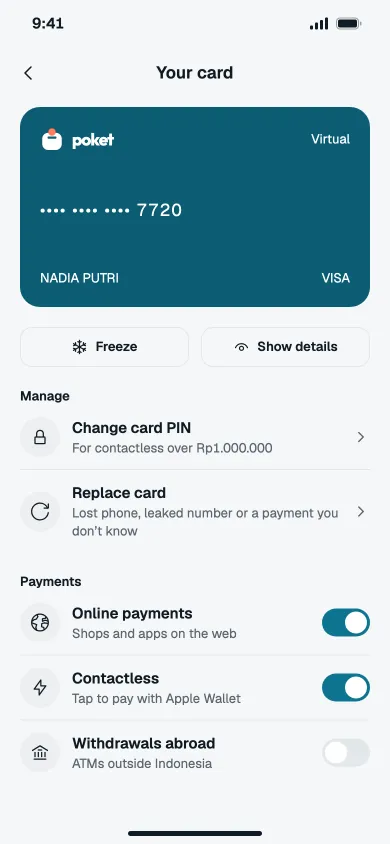 Card controls and replacementA card needs its switches changed or must be replaced because a phone was lost. 5 screens
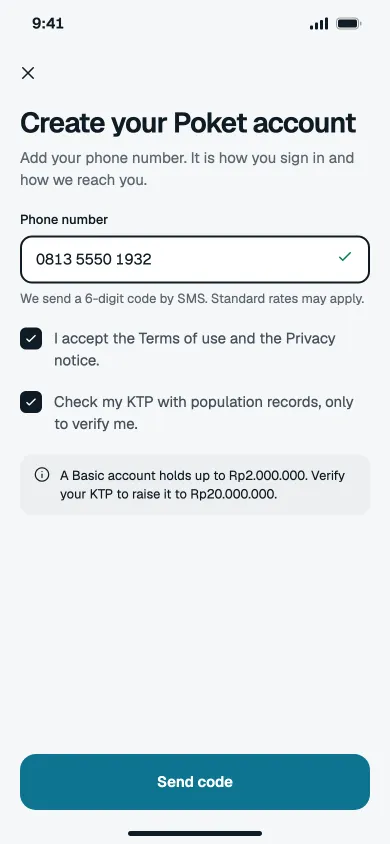 Sign up and verifyOpening a money account where the identity check sets the limits: phone and consent. 5 screens
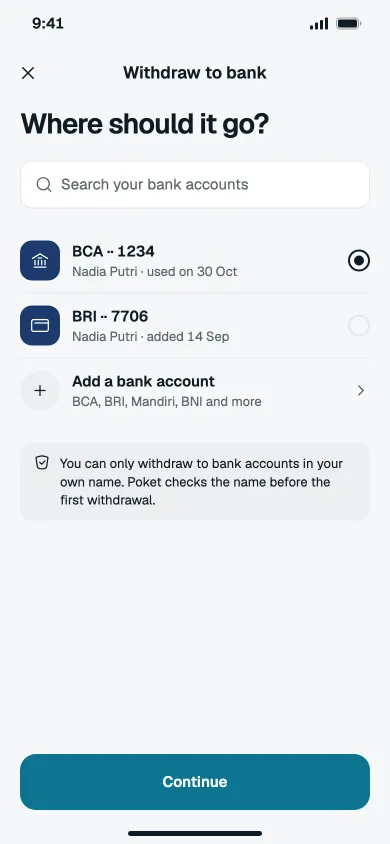 Withdraw to bankMoving wallet money to the user's own bank account. 5 screens
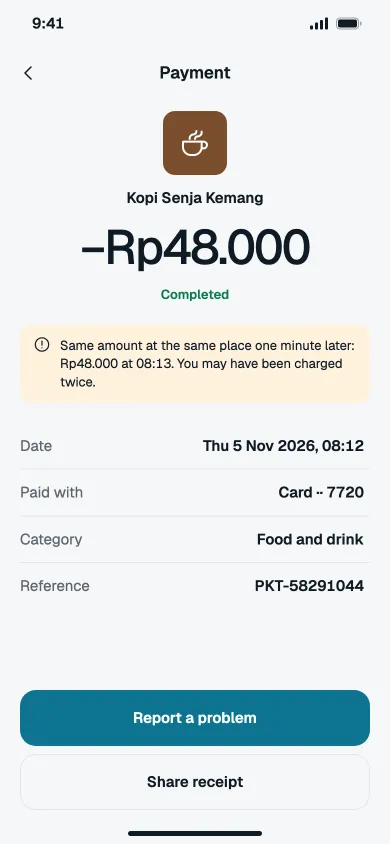 Dispute a transactionReporting a wrong or unknown charge from the transaction itself. 5 screens
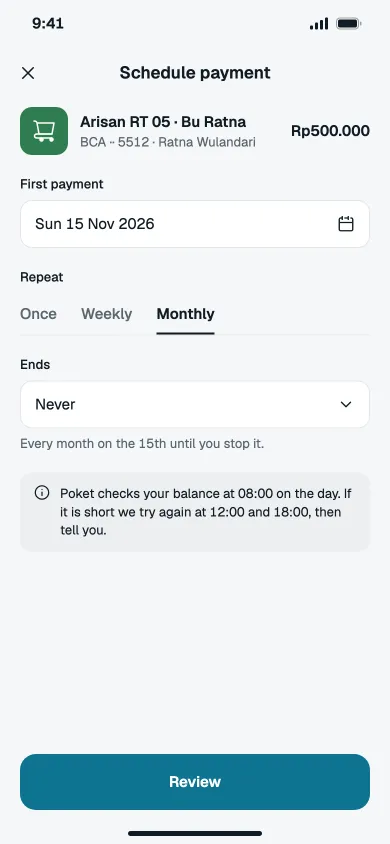 Scheduled and recurring paymentsPaying someone on a date or every week or month: rent. 5 screens
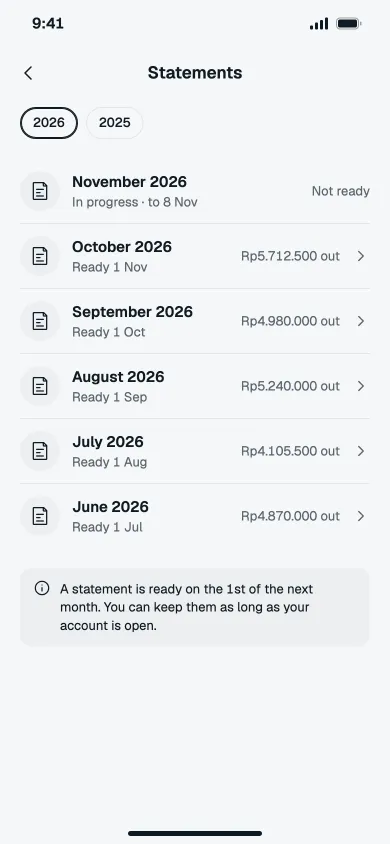 Statements and exportGiving users a monthly record they can download. 4 screens
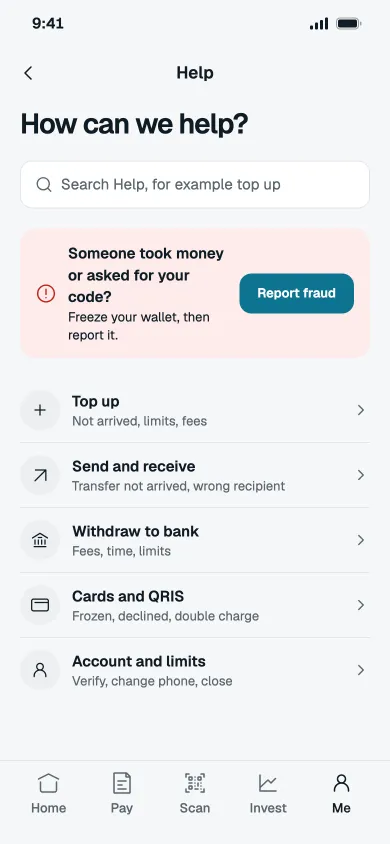 Help and supportMoney-specific help: a search first. 5 screens
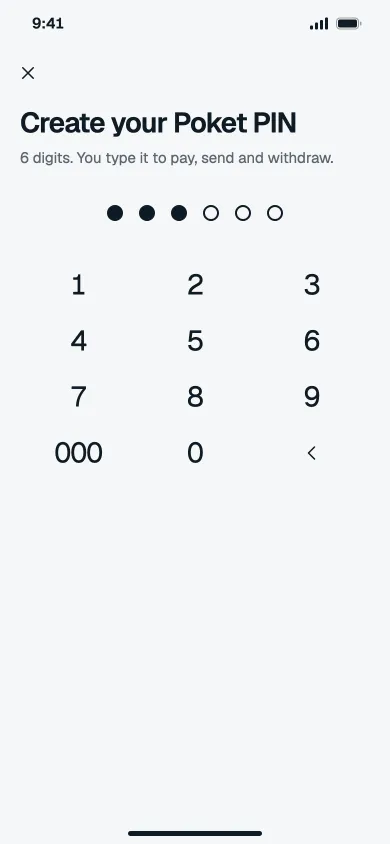 PIN and securityThe money-specific lock of a wallet: set and change the PIN. 5 screens
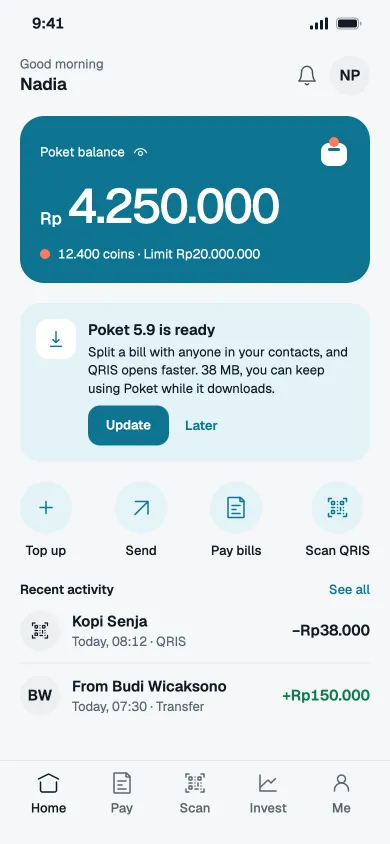 Force update and maintenanceA money app that must tell people about a new version or about planned downtime: a soft update banner. 6 screens
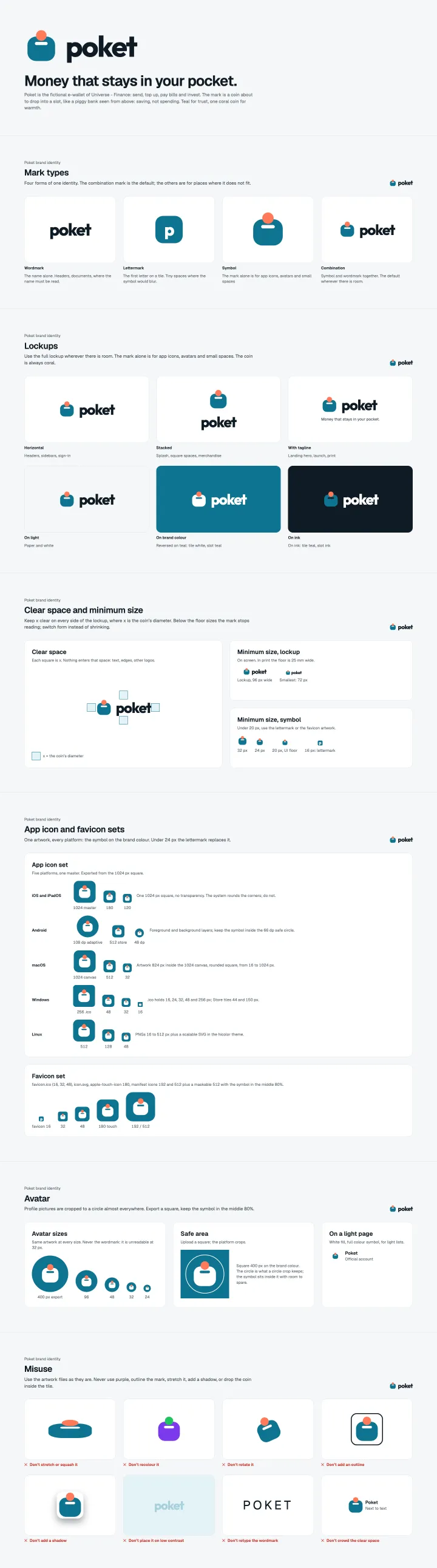 Brand identityA new app or company needs a logo system a team can use: the forms of the mark. 1 screens
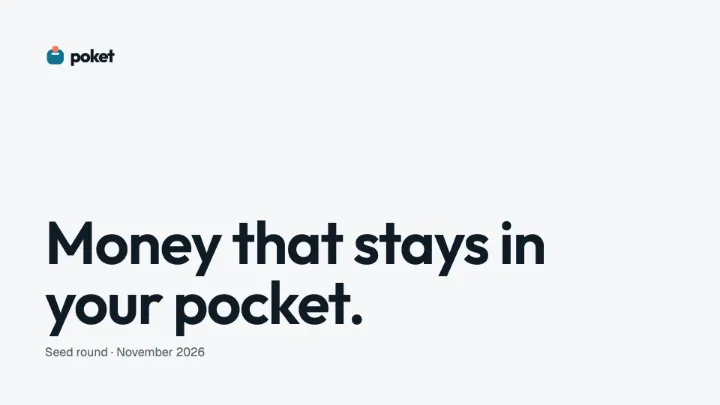 Pitch deckA founder raises a round or applies to an accelerator and needs a short deck an investor can read without a voice-over: one idea per slide. 7 screens
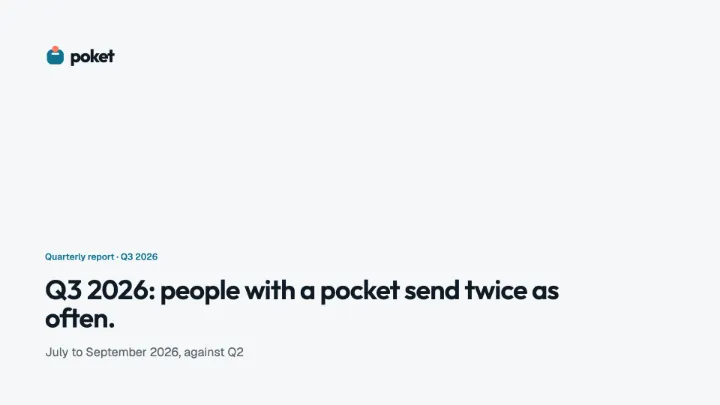 Report deckA quarterly or monthly update for investors. 2 screens
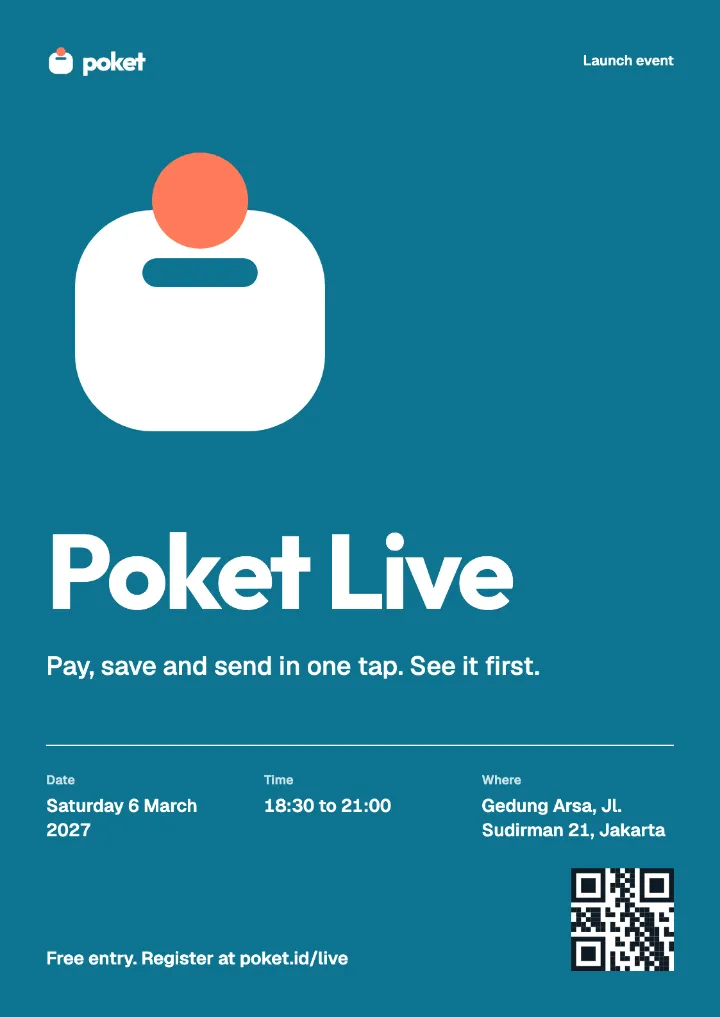 Launch eventYou are running a product launch for customers. 10 screens
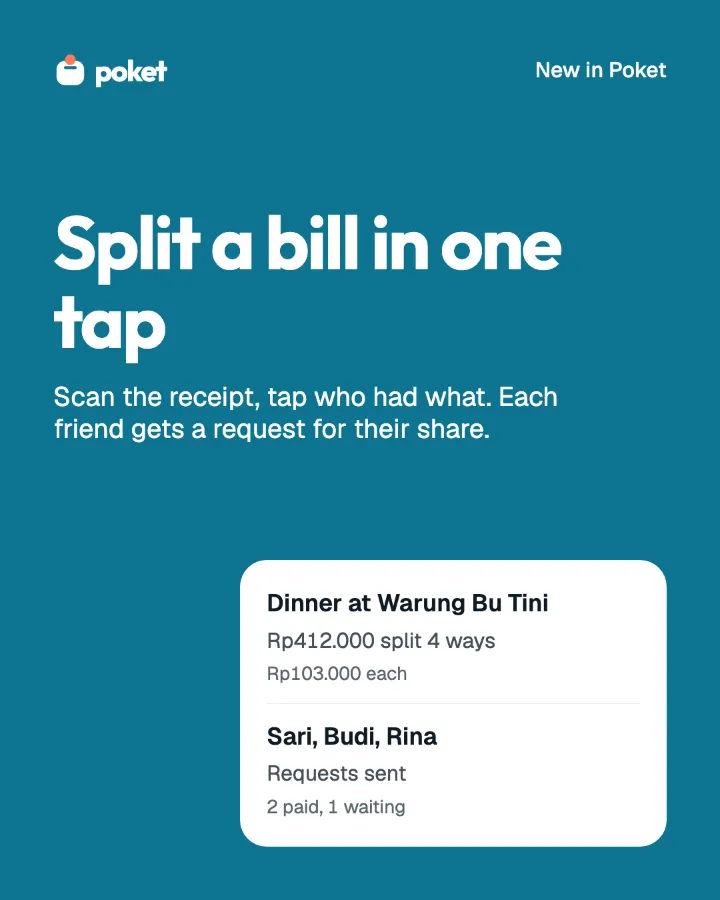 Launch campaignA product launches one feature and has to say it everywhere at once: a feed post. 5 screens
Questions
- Which finance flows are in Universe?
- 28 flows: Wallet, Send money, Isi saldo e-wallet, QRIS bayar dan terima, Top up, Verifikasi KTP dan selfie, Format Rupiah, Pay bills, Invest, Request money, Split bill, Scan to pay QRIS, Spending insights and budgets, Savings goals, Card controls and replacement, Sign up and verify, Withdraw to bank, Dispute a transaction, Scheduled and recurring payments, Statements and export, Help and support, PIN and security, Force update and maintenance, Brand identity, Pitch deck, Report deck, Launch event, Launch campaign. Each one lists its screens in order, the patterns behind them and the states to cover.
- Whose brand are these screens?
- Poket, a made-up e-wallet. Battle-tested patterns for money apps. Not a copy of any app: each flow is Wonderblok's own best-practice version. Your agent redraws the flows on your own brand.
- How does my agent use these flows?
- Connect Claude Code, Codex or Claude Desktop to Wonderblok over MCP. The agent calls use_pattern for a flow, reads its screens, rules and states, and draws them in your file on your tokens.