UNIVERSE · MAPS AND NAVIGATION
Maps and Navigation app UI patterns and flows
21 maps and navigation app flows with their screens, the patterns behind them and the states to cover, at mobile and desktop. Your agent draws them on your design system.
21 Maps and Navigation flows
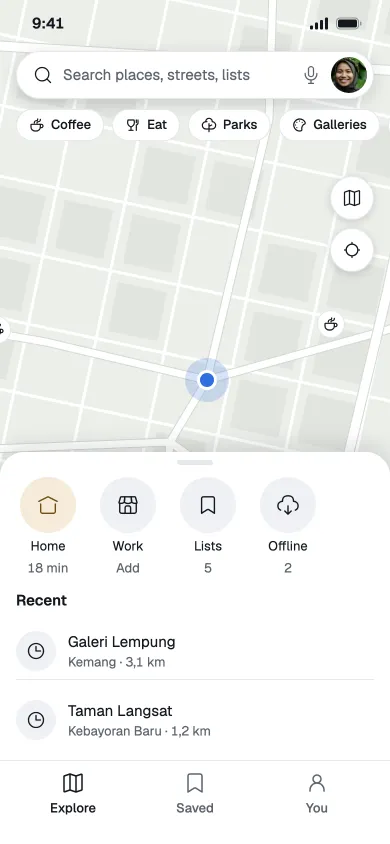 Search and explore nearbyAny product where location is part of the choice: maps. 7 screens
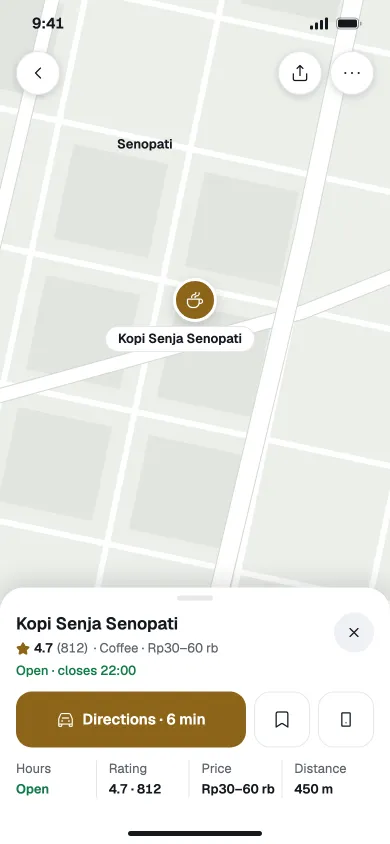 Place detailAny pin the user might travel to: venues, stores, parks. 4 screens
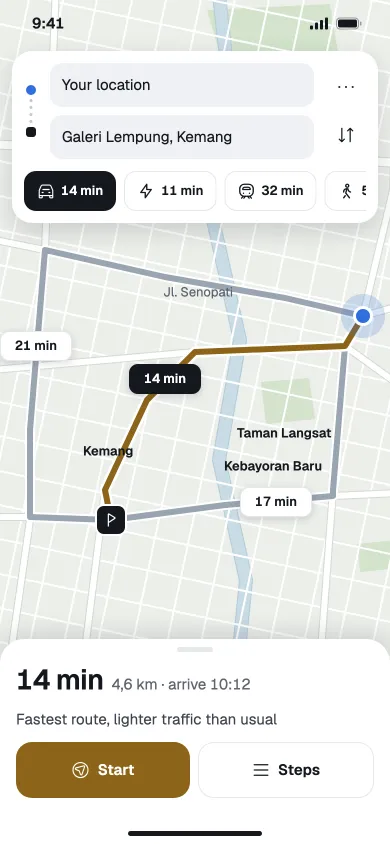 Directions and route optionsAny A to B journey: driving, walking, cycling, transit. 7 screens
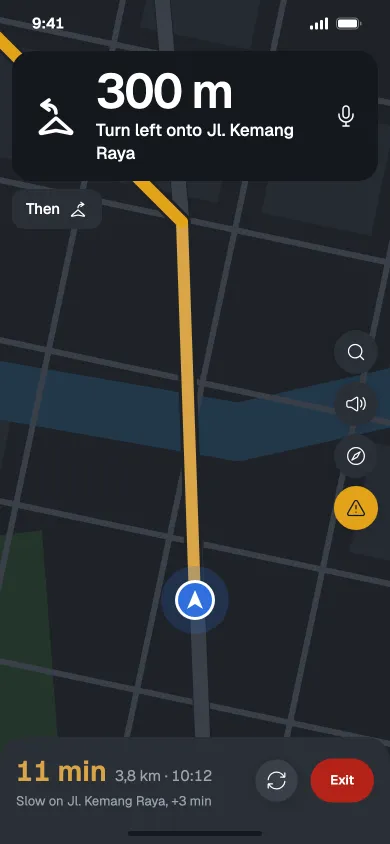 Turn-by-turn navigationReal-time guidance for driving. 7 screens
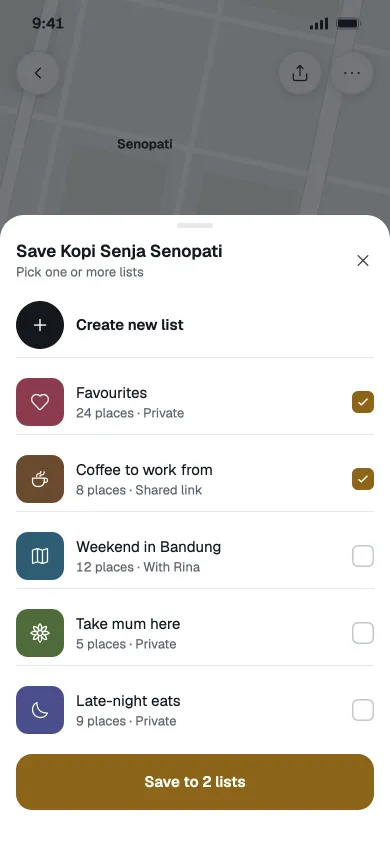 Saved places and listsUsers return to places, plan trips. 4 screens
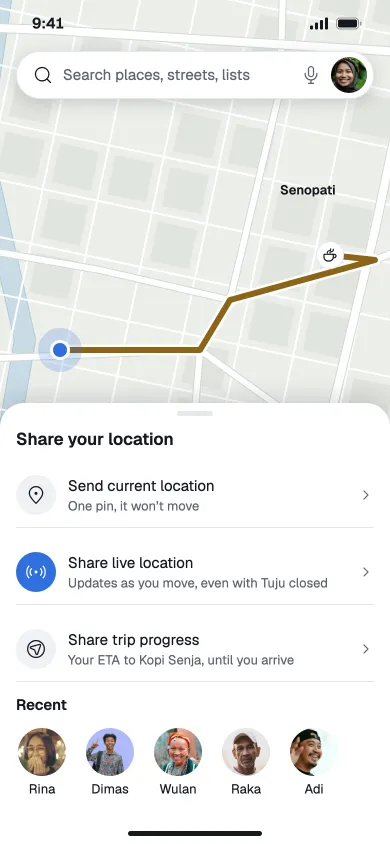 Share live location and ETAMeeting up, safety while travelling or hiking. 6 screens
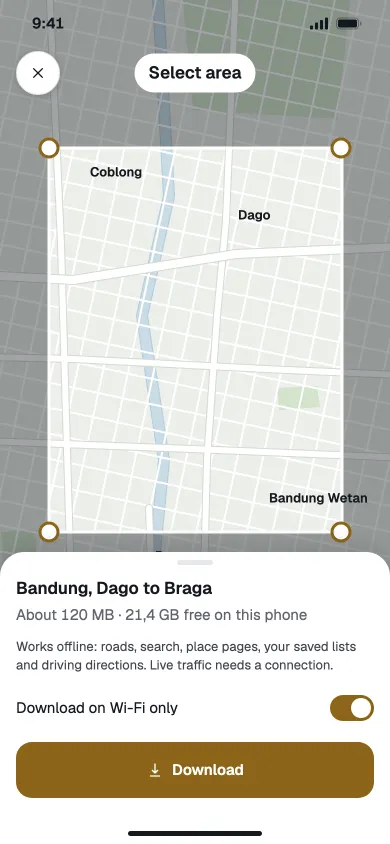 Offline mapsTravel, hiking, cycling, low-coverage regions, roaming abroad. 6 screens
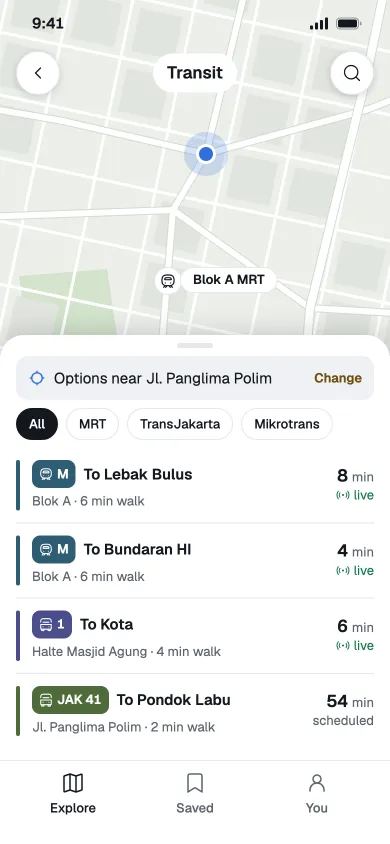 Transit departures and linesA city map serves people who ride trains and buses and need live departures near them. 4 screens
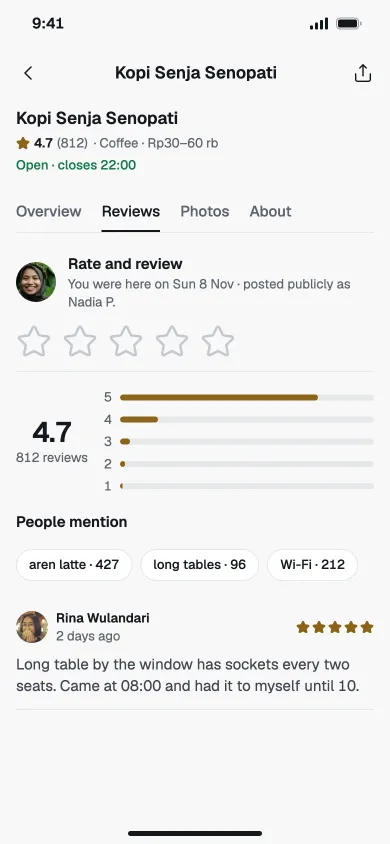 Write a review and add photosPlaces get their value from visitors' reviews and photos. 4 screens
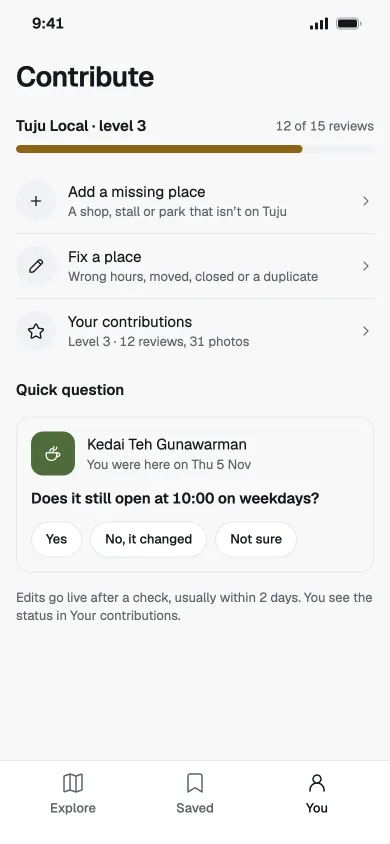 Add or fix a placeA curated city map lets people add missing places and fix wrong hours. 4 screens
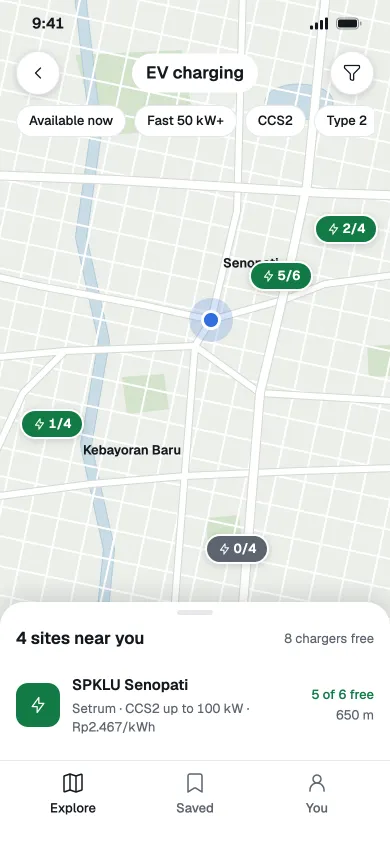 EV charging nearbyDrivers of electric cars need a free charger near them with the right plug. 4 screens
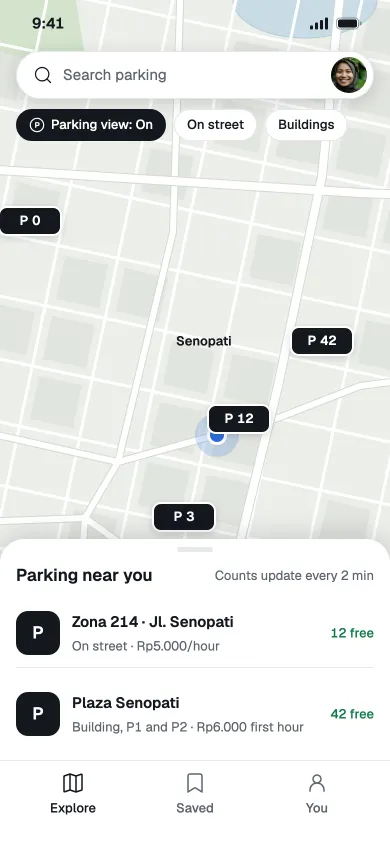 Find and pay for parkingDrivers in a city with paid on-street zones or garages want to find space and pay by the hour from the map. 6 screens
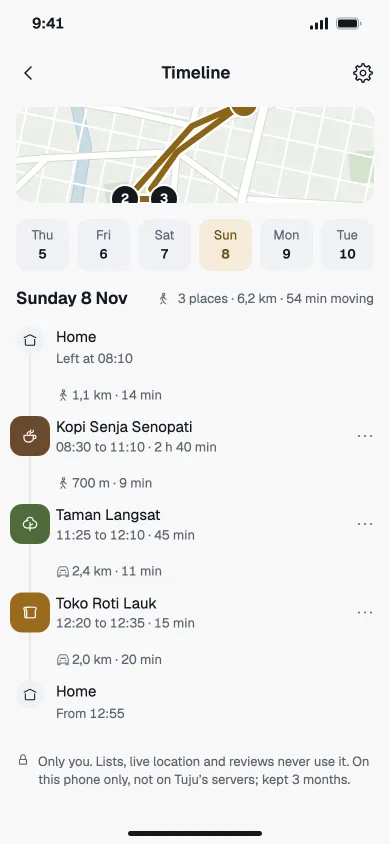 Timeline and visit historyPeople want to answer "where was that place" or see how often they go somewhere. 4 screens
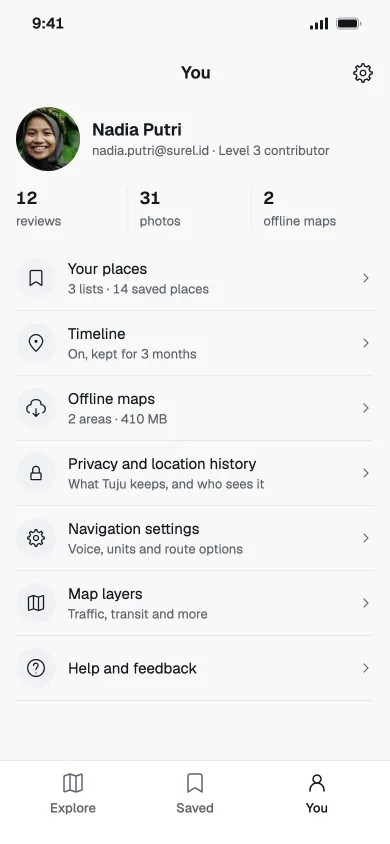 Profile and privacyThe You tab: a profile with places. 4 screens
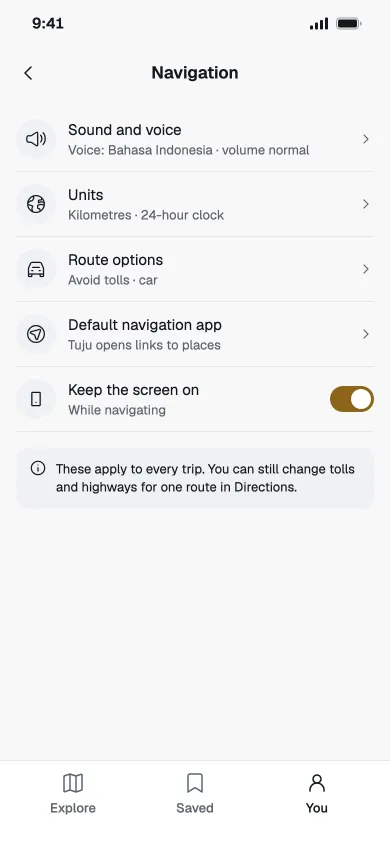 Navigation settingsSettings that apply to every trip: a list. 4 screens
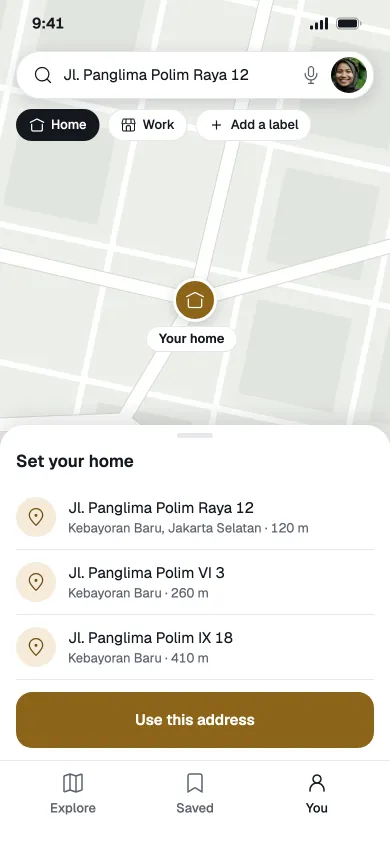 Home work and commuteThe two places people go every day: set home by address or by pinning the map. 4 screens
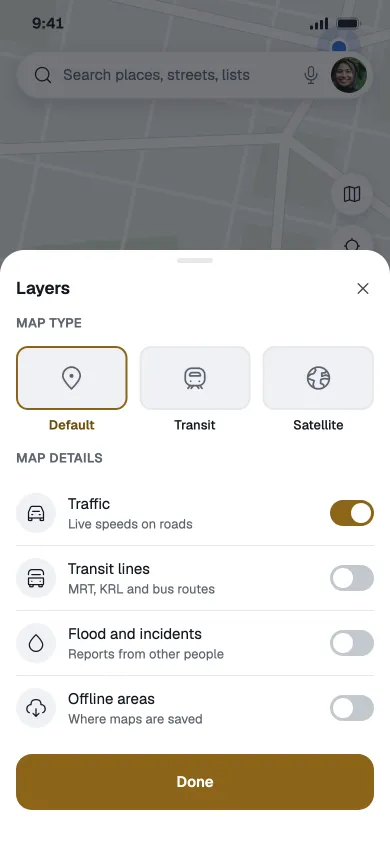 Map layers and trafficChanging what the map shows: a layers sheet with map type and details. 4 screens
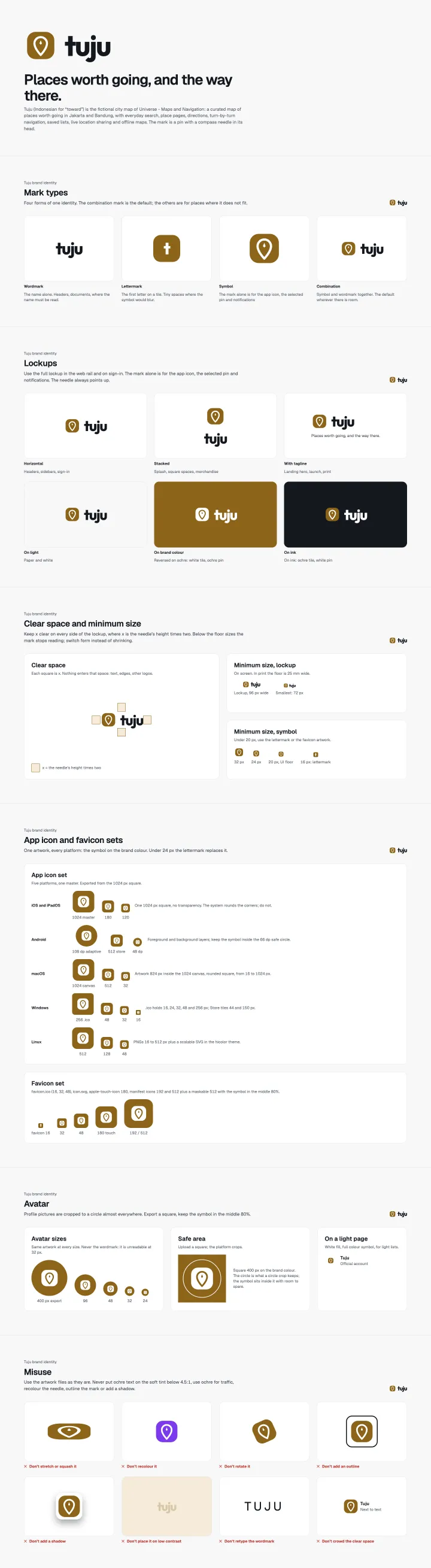 Brand identityA new app or company needs a logo system a team can use: the forms of the mark. 1 screens
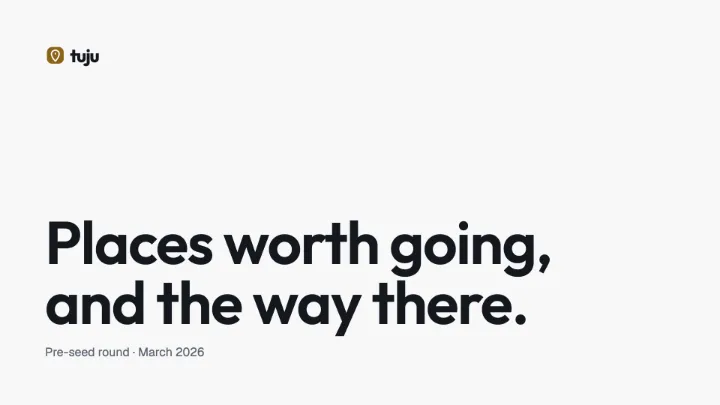 Pitch deckA founder raises a round or applies to an accelerator and needs a short deck an investor can read without a voice-over: one idea per slide. 7 screens
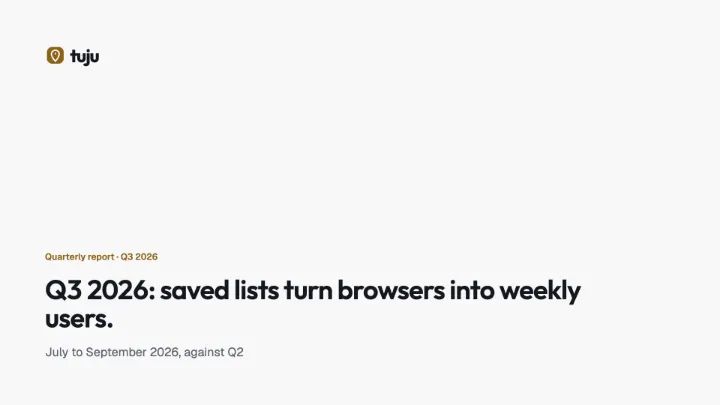 Report deckA quarterly or monthly update for investors. 2 screens
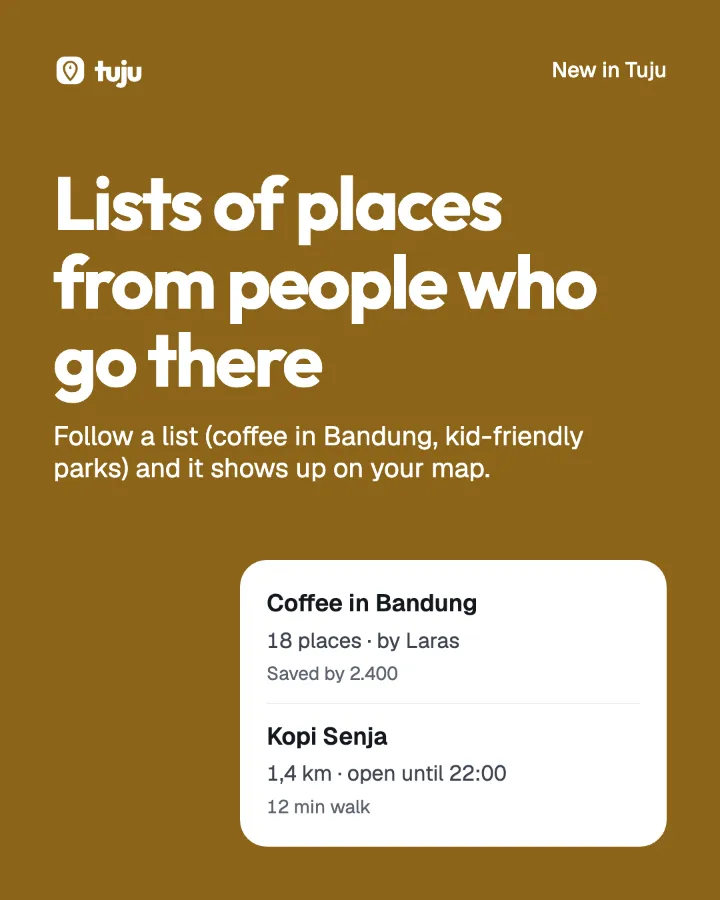 Launch campaignA product launches one feature and has to say it everywhere at once: a feed post. 5 screens
Questions
- Which maps and navigation flows are in Universe?
- 21 flows: Search and explore nearby, Place detail, Directions and route options, Turn-by-turn navigation, Saved places and lists, Share live location and ETA, Offline maps, Transit departures and lines, Write a review and add photos, Add or fix a place, EV charging nearby, Find and pay for parking, Timeline and visit history, Profile and privacy, Navigation settings, Home work and commute, Map layers and traffic, Brand identity, Pitch deck, Report deck, Launch campaign. Each one lists its screens in order, the patterns behind them and the states to cover.
- Whose brand are these screens?
- Tuju, a made-up city map of places worth going in Jakarta and Bandung: search, place pages, directions, navigation, saved lists, live location and offline maps. Patterns for map and navigation products. Each flow is Wonderblok's own best-practice version, not a copy of any app. Flights, hotels and ride booking live in Travel and Transportation. Your agent redraws the flows on your own brand.
- How does my agent use these flows?
- Connect Claude Code, Codex or Claude Desktop to Wonderblok over MCP. The agent calls use_pattern for a flow, reads its screens, rules and states, and draws them in your file on your tokens.