CRM FLOW
Lead capture forms app flow
A crm flow in 5 screens, from forms empty to new lead from the form. Start your app from it, and your agent draws it on your own design system.
- 5 screens
- 3 patterns
- Mobile and desktop
- Brand: Simpul (made up)
The screens, in order
- Forms empty
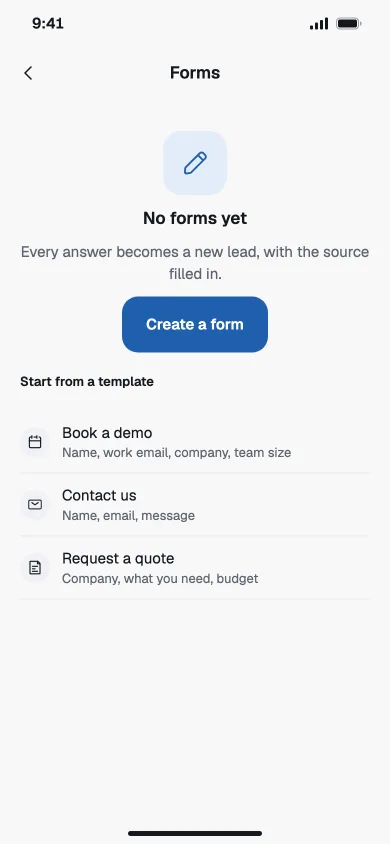
- Template pickerPro
- Builder and field mappingPro
- Publish and embedPro
- New lead from the formPro
See all 5 screens, at mobile and desktop.Pro opens the whole flow in your Universe, with the prompt and code for each screen.
Upgrade to ProAlready Pro? Open in UniverseWhen to use it
USE WHEN
A team collects leads from a website or a link: an empty Forms page, a template, a builder that maps fields to properties, publish with spam protection and a thank-you, and the new lead arriving.
AVOID WHEN
An email campaign or a landing page builder (leave it to a marketing tool) or a contact form on your own marketing site (use Marketing › Contact).
Patterns and why they work
3 decisions this flow makes, and the clarity each one buys.
Start from a template
Five templates say which fields they hold
Mapping next to each field
Every field says Saves to and shows a property chip
Protection without puzzles
Block bots and a limit of 5 answers an hour are two switches
Each pattern also has its psychology, the intuition behind it and what it rules out, plus layout notes for mobile and desktop.
Open in UniverseStates to cover
The screens people forget until a user hits them.
- No forms
- Template picked
- Fields with required marks and a mapping chip
- Hidden fields for source and campaign
- Link and embed code
- Spam protection
- Thank-you or redirect
- Owner notified
- New lead with source
- A form with a failed submit is only noted
Pairs with
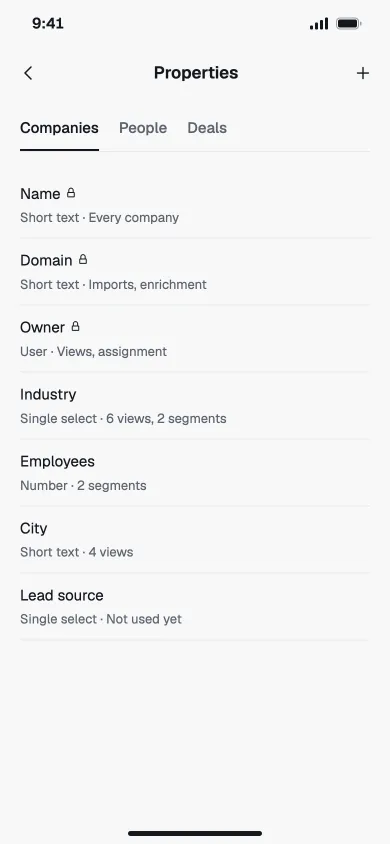
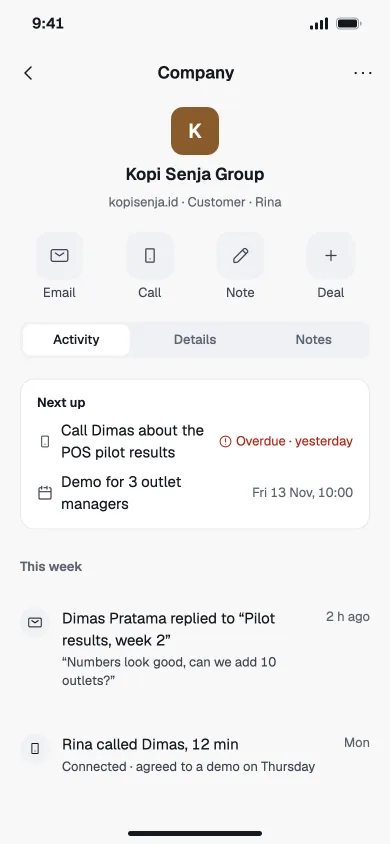
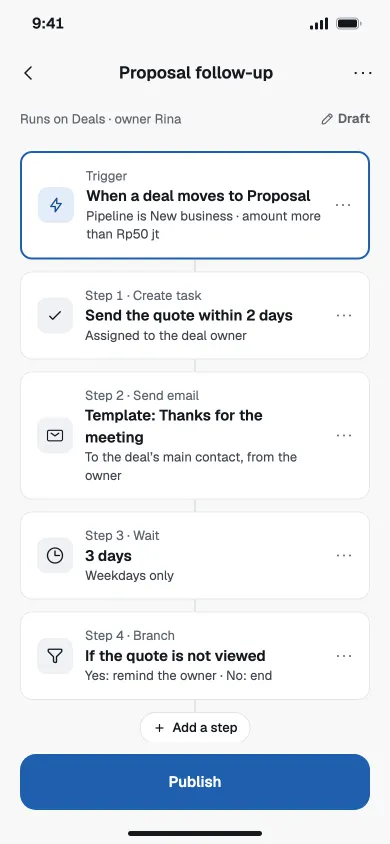
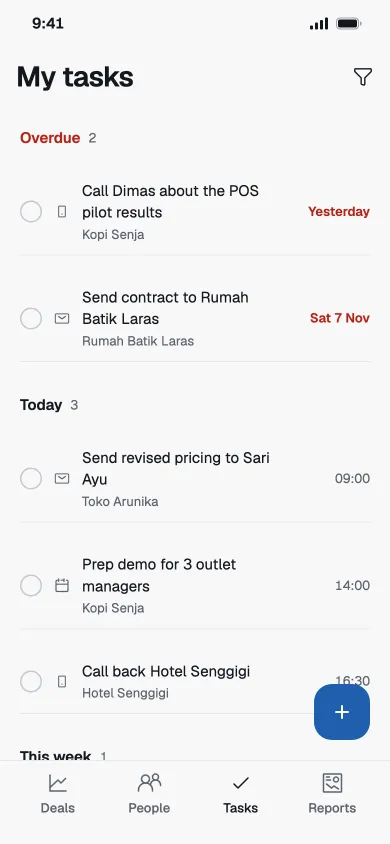
The flows this one hands off to or comes back from.
More CRM flows
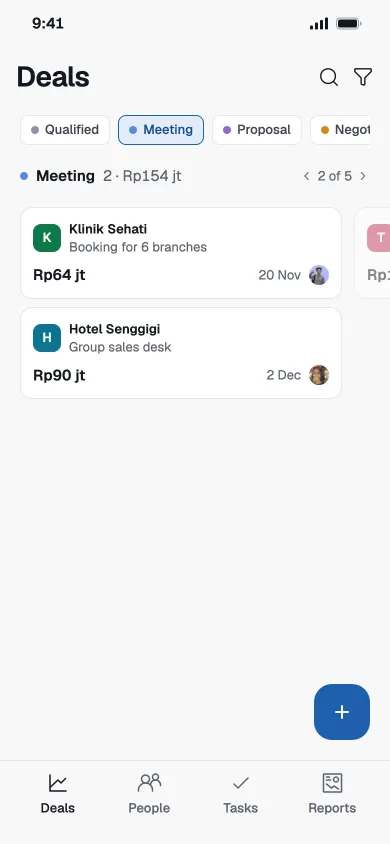
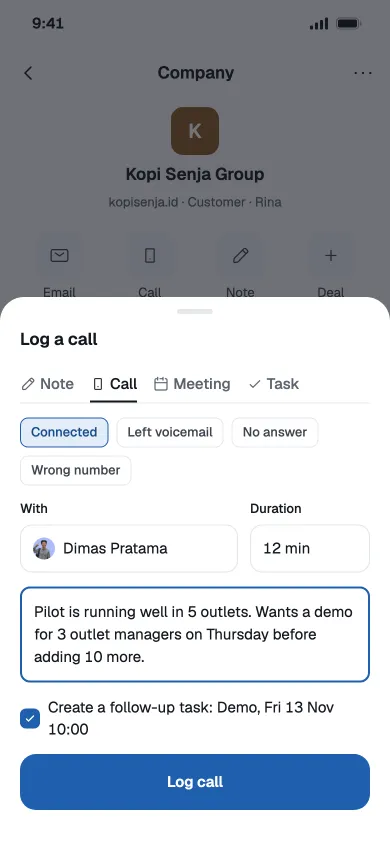
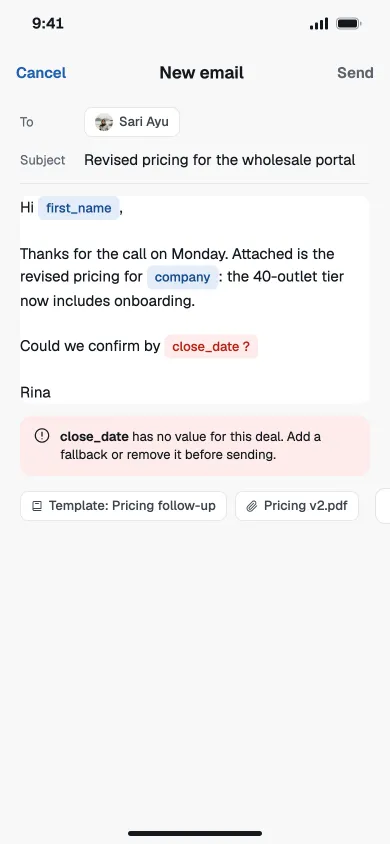
Drawn for the same brand, so they fit together.
Questions
- When should I use a lead capture forms flow?
- A team collects leads from a website or a link: an empty Forms page, a template, a builder that maps fields to properties, publish with spam protection and a thank-you, and the new lead arriving. Use another pattern for an email campaign or a landing page builder (leave it to a marketing tool) or a contact form on your own marketing site (use Marketing › Contact).
- Which screens does it need?
- This pattern uses 5: Forms empty, Template picker, Builder and field mapping, Publish and embed and New lead from the form. Plan for these states too: no forms, template picked, fields with required marks and a mapping chip, hidden fields for source and campaign.
- Is Simpul a real app?
- No. Simpul is a made-up relationship CRM for small sales teams and agencies: pipeline, records, activity, sequences, imports, reports and tasks, so the screens show the pattern without copying anyone's brand. Your agent redraws the flow on your own tokens and components.
- How does my agent use this flow?
- Connect Claude Code, Codex or Claude Desktop to Wonderblok over MCP. The agent calls use_pattern for this flow, reads its screens, rules and states, and draws them in your file.
- Is it free?
- Browsing Universe is free. Full pattern notes and use with your agent are part of Pro, and the Free plan opens a few flows in full each month.