CRM FLOW
Sales reports app flow
A crm flow in 6 screens, from forecast overview to schedule and share. Start your app from it, and your agent draws it on your own design system.
- 6 screens
- 6 patterns
- Mobile and desktop
- Brand: Simpul (made up)
The screens, in order
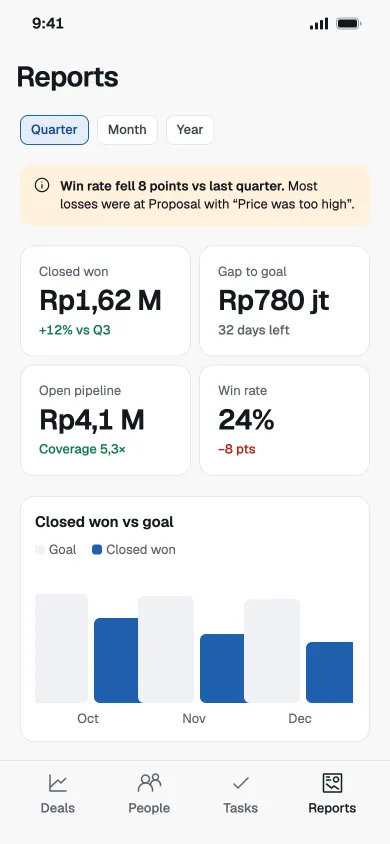
- Forecast overview
- Pipeline health funnelPro
- Rep leaderboardPro
- Drill into a numberPro
- Custom range and no dataPro
- Schedule and sharePro
See all 6 screens, at mobile and desktop.Pro opens the whole flow in your Universe, with the prompt and code for each screen.
Upgrade to ProAlready Pro? Open in UniverseWhen to use it
USE WHEN
Managers forecast, reps track quota, teams review the pipeline weekly.
AVOID WHEN
There are fewer than about 10 closed deals (show the pipeline board and a setup guide instead) or the user only needs today's tasks.
Patterns and why they work
6 decisions this flow makes, and the clarity each one buys.
Goal / Closed won / Gap triad
Distance to target is the headline
Funnel with stage conversion arrows
Where deals drop out
Delta pills on every KPI
Trend, not just level
Inline attainment bar per rep
Compare reps fast
Sample-data banner
These numbers are not yours yet
Insight sentence
Says what the chart means
Each pattern also has its psychology, the intuition behind it and what it rules out, plus layout notes for mobile and desktop.
Open in UniverseStates to cover
The screens people forget until a user hits them.
- Drawn: normal
- Behind goal
- Rep drilled in
- Custom date range (a calendar with presets and two date fields) with no data in the range (a reason and ways out)
- Share or schedule (weekly email, recipients, format, the filters it carries)
- Listed
- Not drawn: loading
- Sample data banner
- No goals set
- Ahead of goal
- Forecast submitted
- Forecast overdue
- Own-numbers-only permission
Pairs with
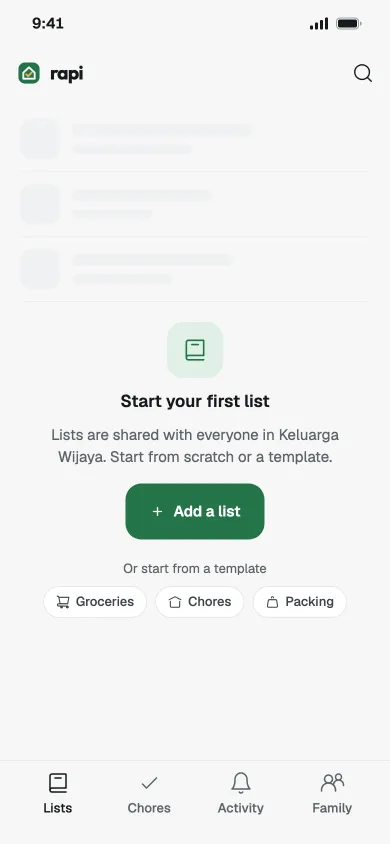
The flows this one hands off to or comes back from.
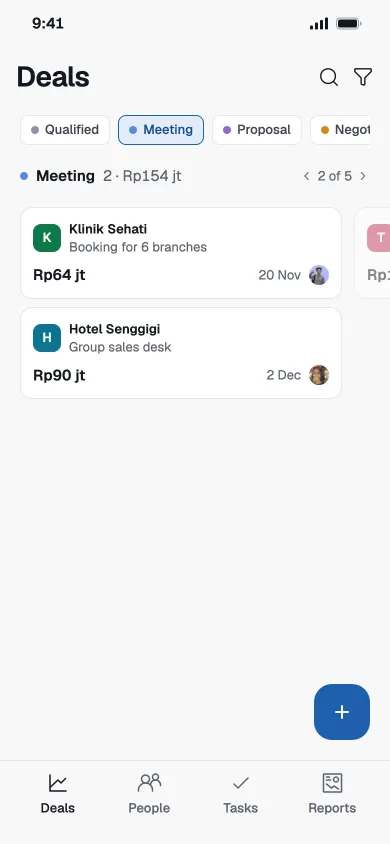
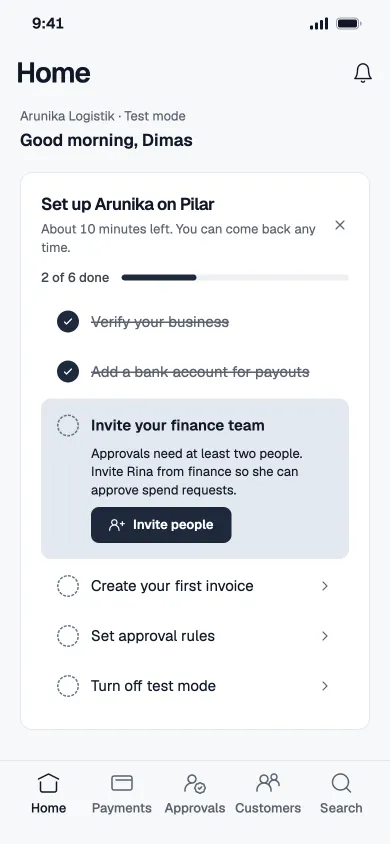
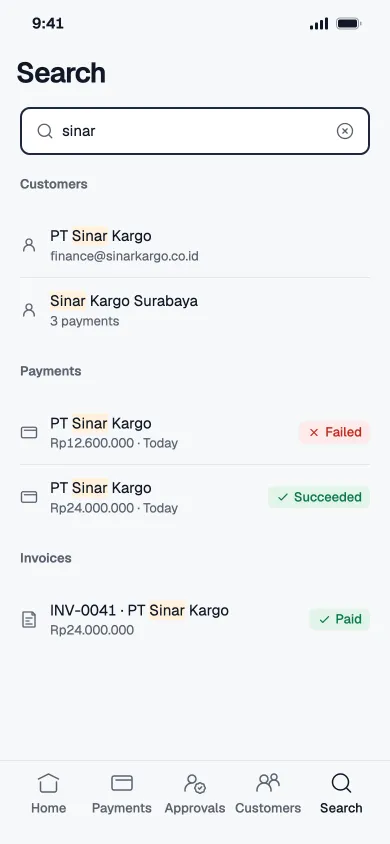
More CRM flows
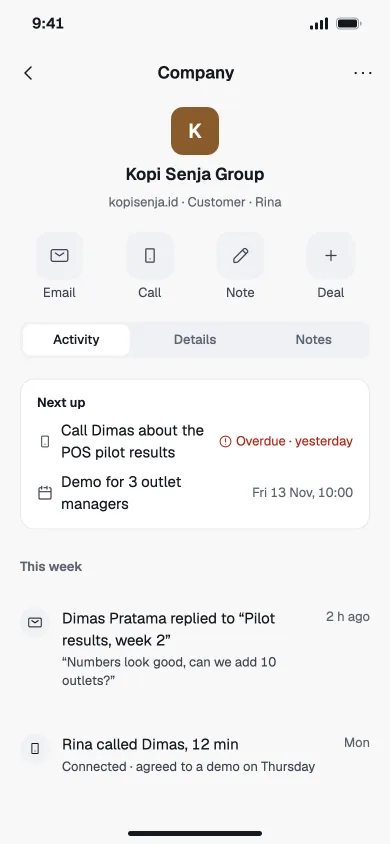
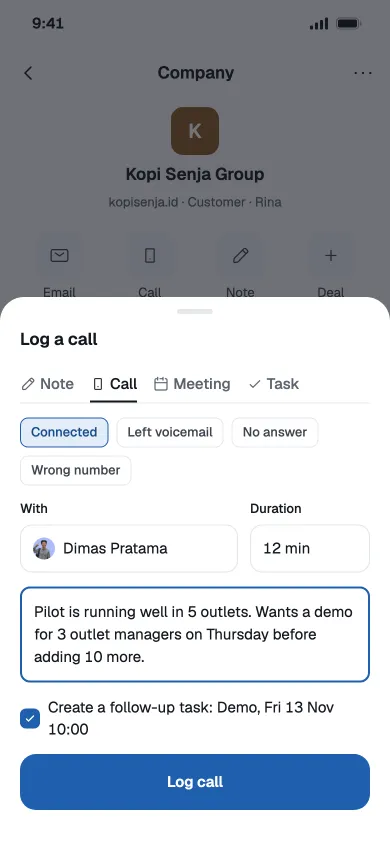
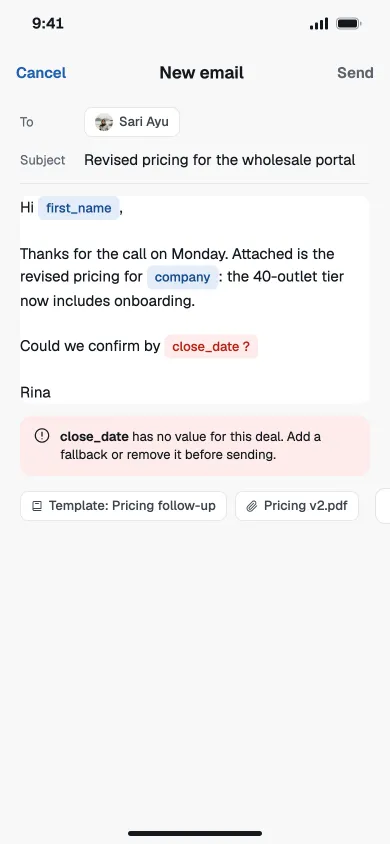
Drawn for the same brand, so they fit together.
Questions
- When should I use a sales reports flow?
- Managers forecast, reps track quota, teams review the pipeline weekly. Use another pattern for there are fewer than about 10 closed deals (show the pipeline board and a setup guide instead) or the user only needs today's tasks.
- Which screens does it need?
- This pattern uses 6: Forecast overview, Pipeline health funnel, Rep leaderboard, Drill into a number, Custom range and no data and Schedule and share. Plan for these states too: drawn: normal, behind goal, rep drilled in, custom date range (a calendar with presets and two date fields) with no data in the range (a reason and ways out).
- Is Simpul a real app?
- No. Simpul is a made-up relationship CRM for small sales teams and agencies: pipeline, records, activity, sequences, imports, reports and tasks, so the screens show the pattern without copying anyone's brand. Your agent redraws the flow on your own tokens and components.
- How does my agent use this flow?
- Connect Claude Code, Codex or Claude Desktop to Wonderblok over MCP. The agent calls use_pattern for this flow, reads its screens, rules and states, and draws them in your file.
- Is it free?
- Browsing Universe is free. Full pattern notes and use with your agent are part of Pro, and the Free plan opens a few flows in full each month.