UNIVERSE · PLATFORM AND DASHBOARD
Platform and Dashboard app UI patterns and flows
32 platform and dashboard app flows with their screens, the patterns behind them and the states to cover, at mobile and desktop. Your agent draws them on your design system.
32 Platform and Dashboard flows
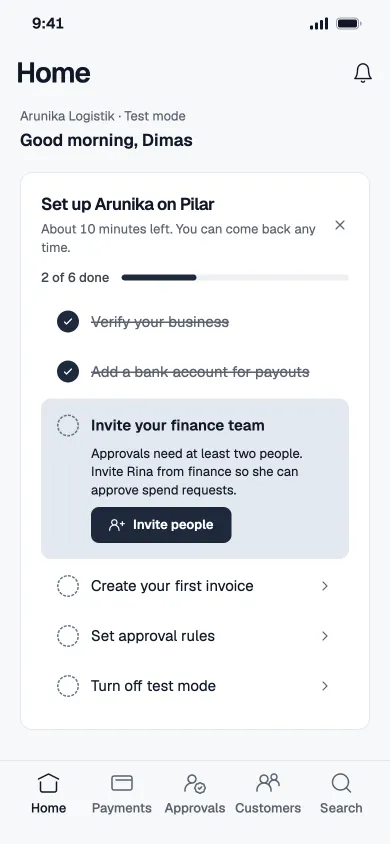 DashboardThe first screen of a B2B product. 5 screens
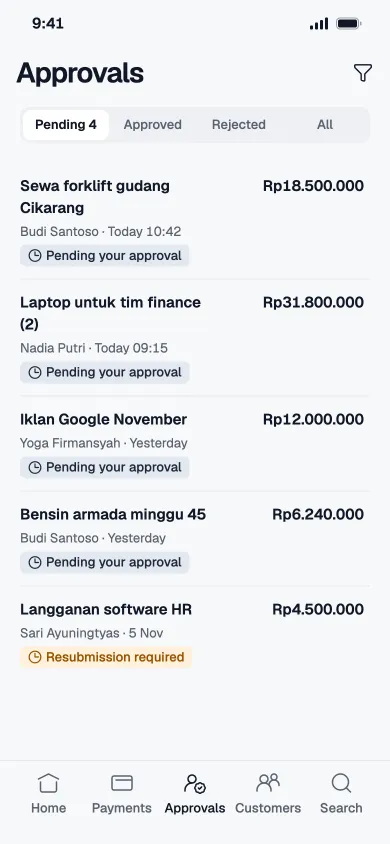 Internal toolsOperators manage many records, review requests. 4 screens
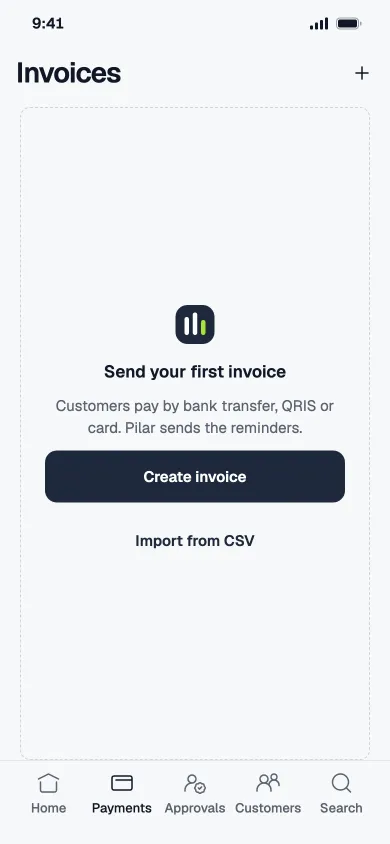 Adding and creatingUsers create records, projects, products, invoices. 4 screens
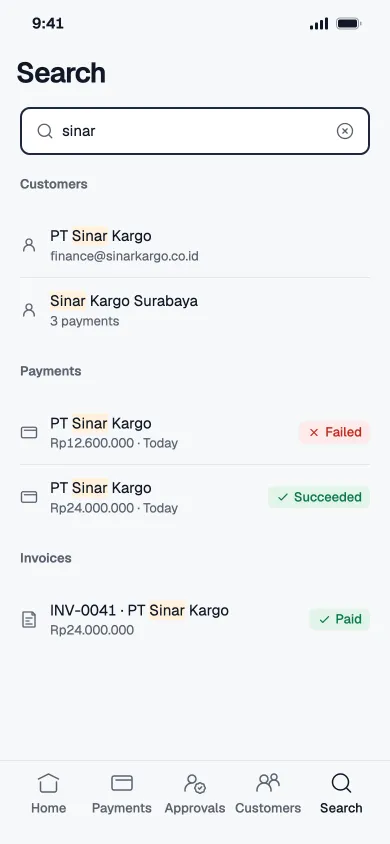 Search and filterMore than one page of records, multiple object types. 6 screens
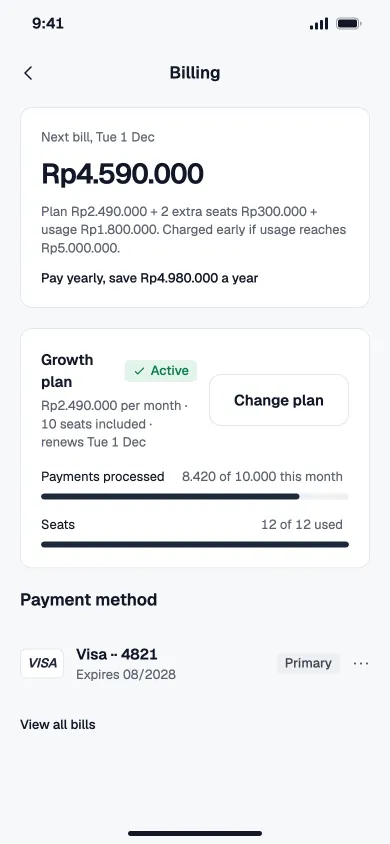 BillingAny paid B2B product, usage-based billing, seat-based plans. 5 screens
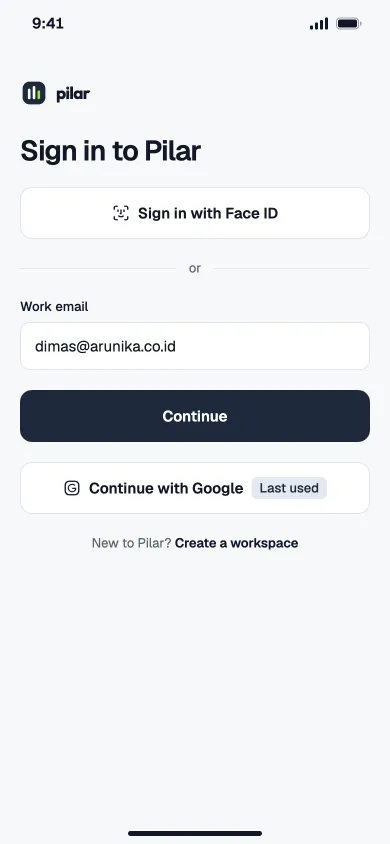 AuthAny B2B product with organisations. 7 screens
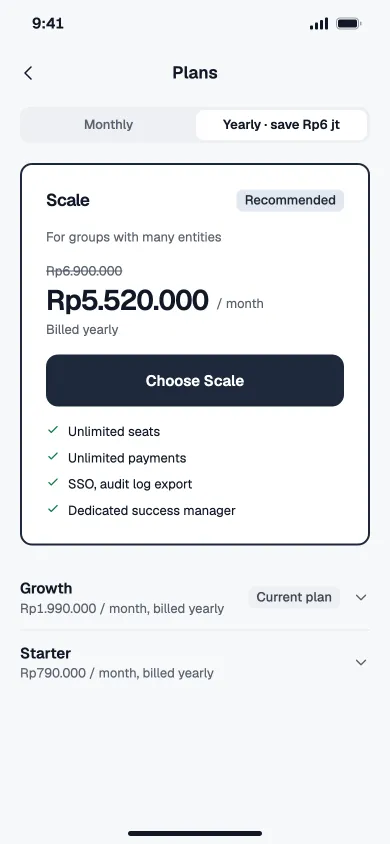 Pricing and subscriptionSelf-serve SaaS with tiers, seats or add-ons. 4 screens
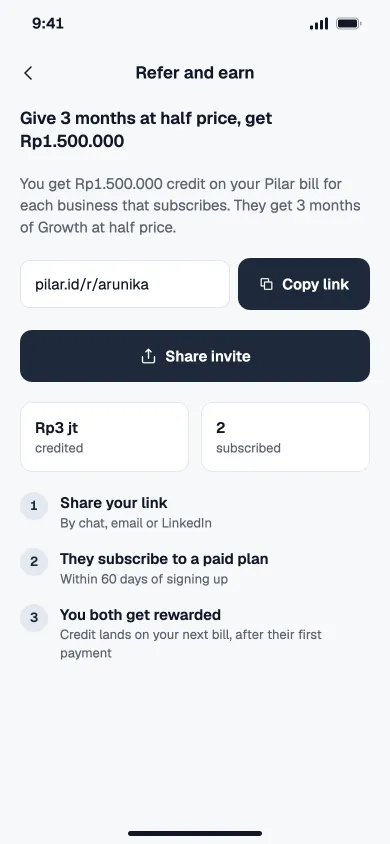 ReferralB2B products where customers know peers, partner programs. 4 screens
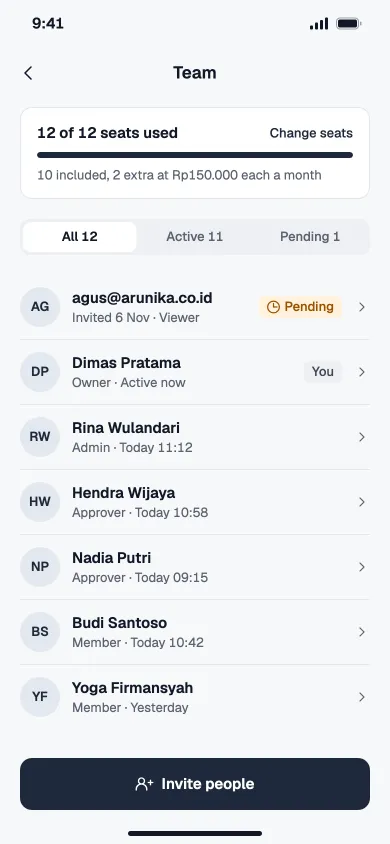 Team members and rolesAny B2B product where several people share one workspace and seats cost money. 6 screens
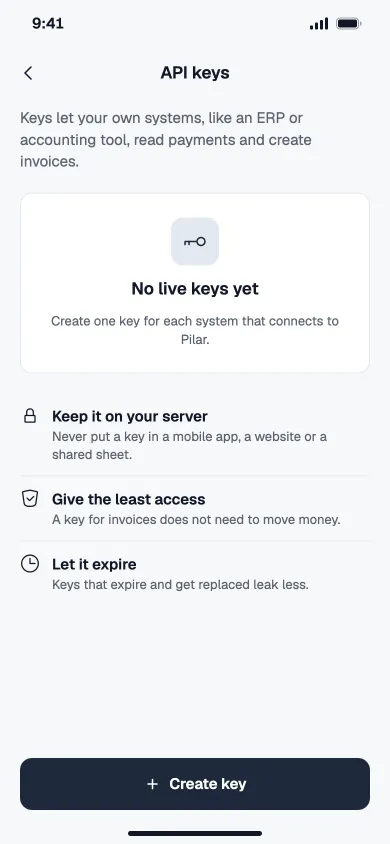 API keysAny product with an API or integrations a customer builds themselves. 4 screens
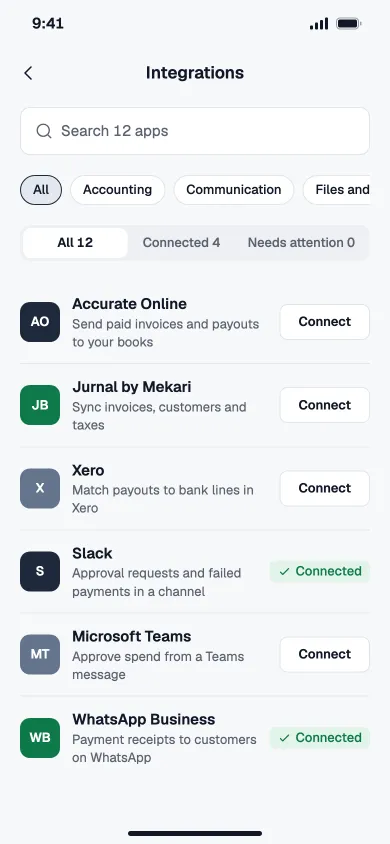 IntegrationsA B2B product connects to ready-made apps through their own sign-in. 5 screens
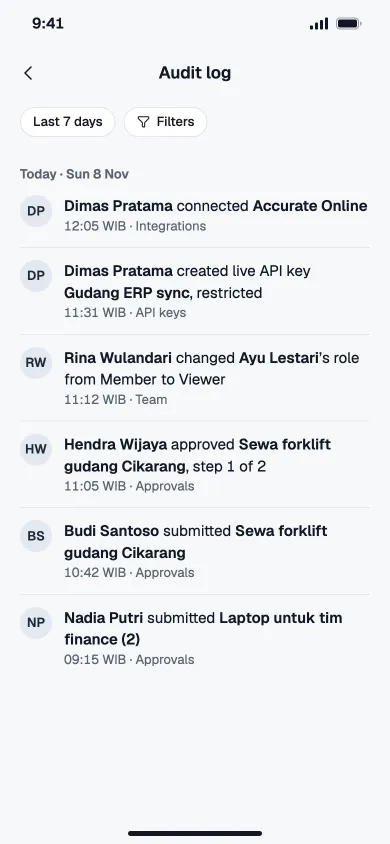 Audit logSeveral people can change money, access or settings. 5 screens
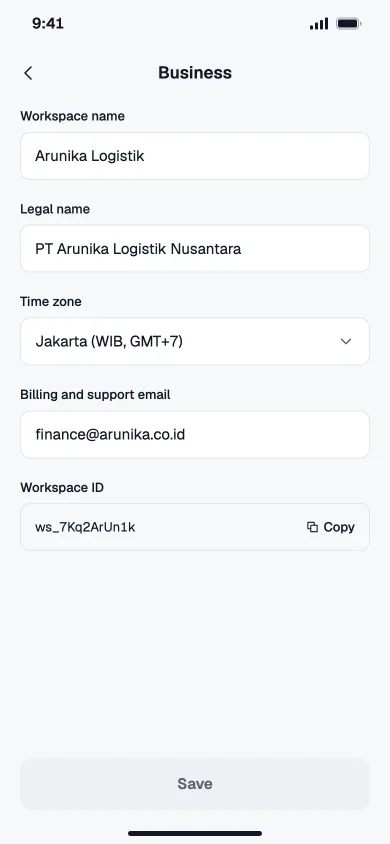 Workspace settingsAny multi-person workspace with its own name, region. 6 screens
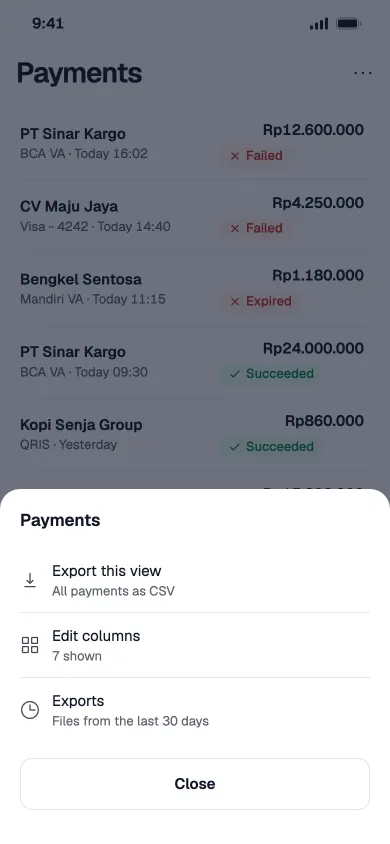 Export dataA table or report holds data people need in a spreadsheet. 4 screens
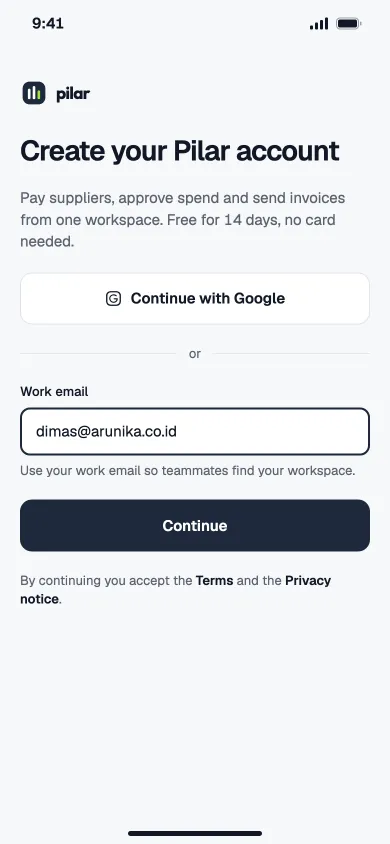 Create account and workspaceA self-serve B2B product where the first person creates the account and the workspace in one run: work email or Google. 4 screens
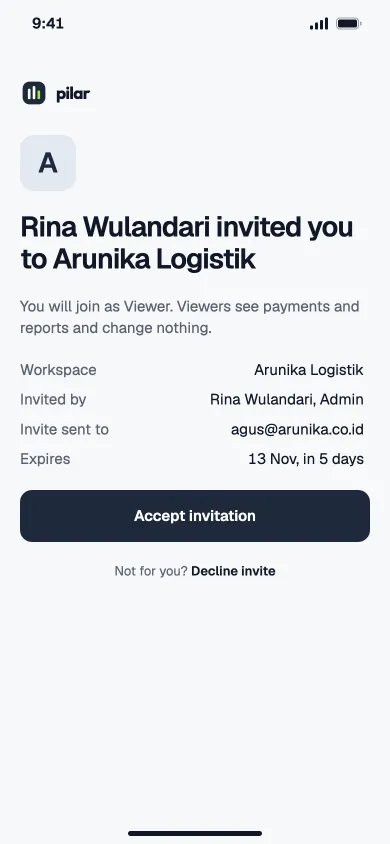 Accept an invite and joinA person invited by an admin lands from an email. 4 screens
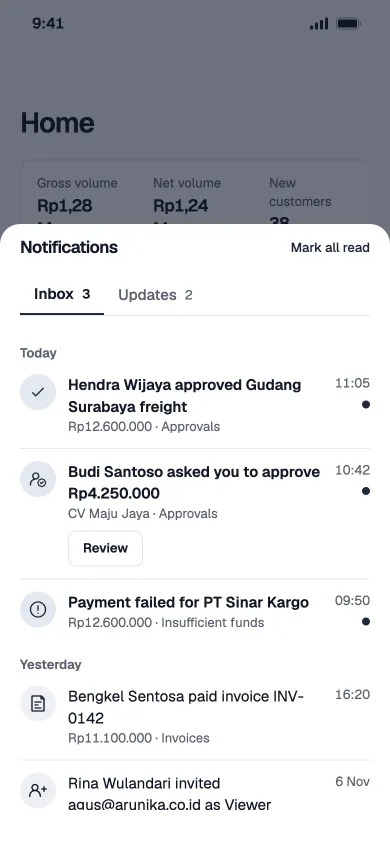 NotificationsA B2B product that tells people when something needs them: a bell panel for a quick look. 4 screens
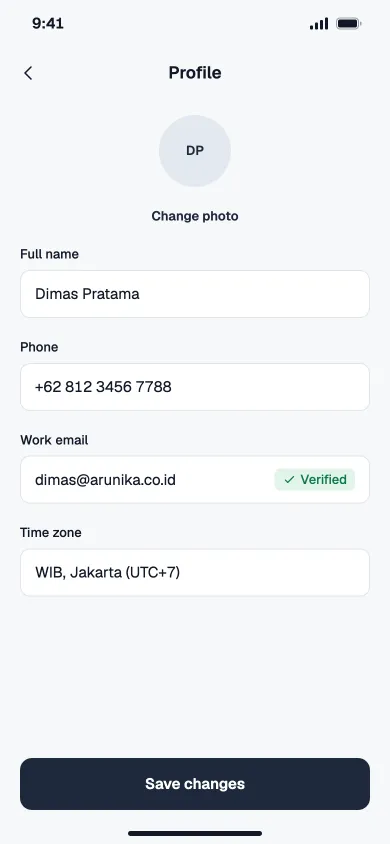 Account and securityA person's own account inside a workspace product: profile. 5 screens
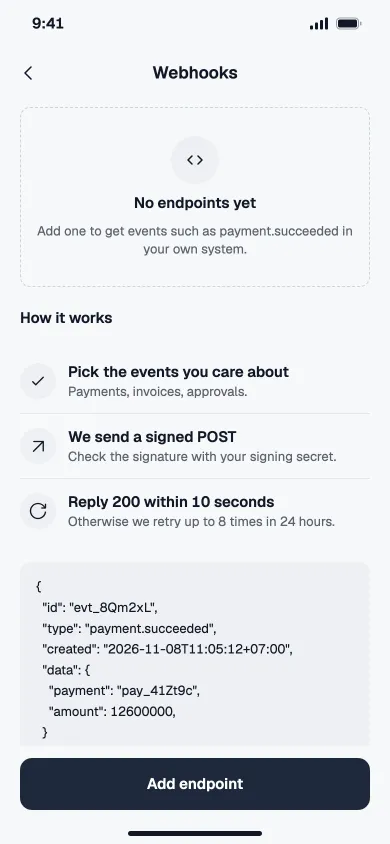 WebhooksA product that sends events to the customer's own system: add an endpoint. 4 screens
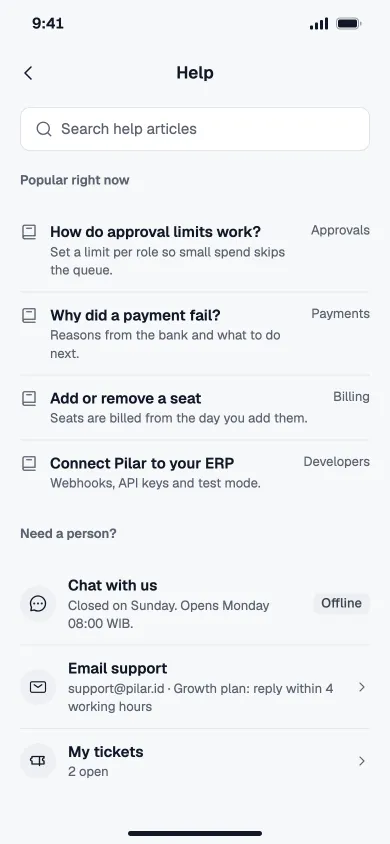 Help and supportA B2B product gives help in the product: a help panel with search. 4 screens
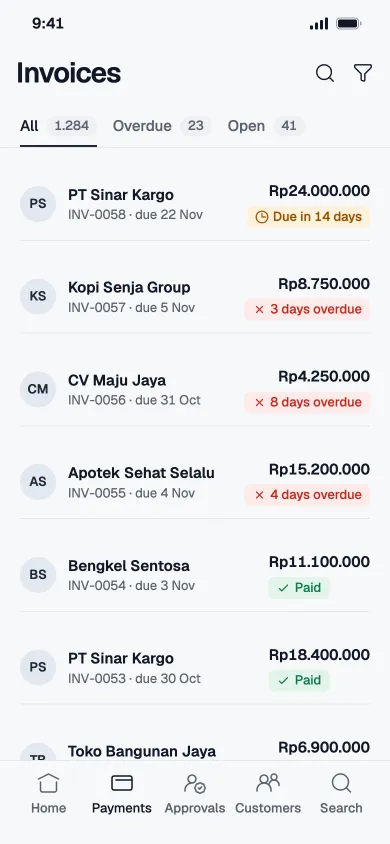 Data table and bulk actionsA back-office list of records people act on in groups: invoices. 6 screens
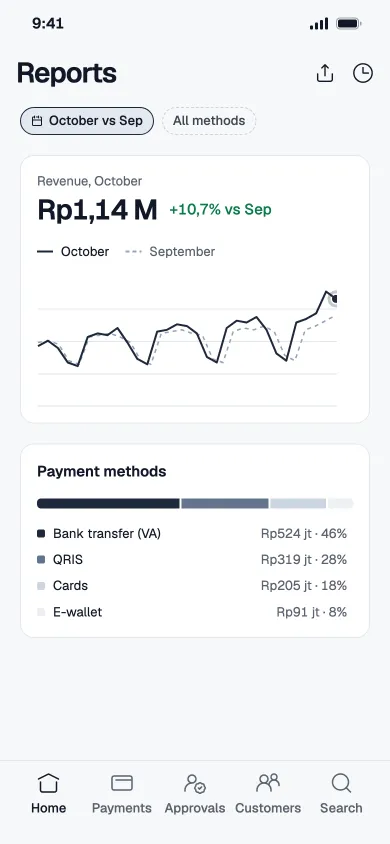 Analytics and reportsA business tool where people read results by period: one hero number with its comparison. 6 screens
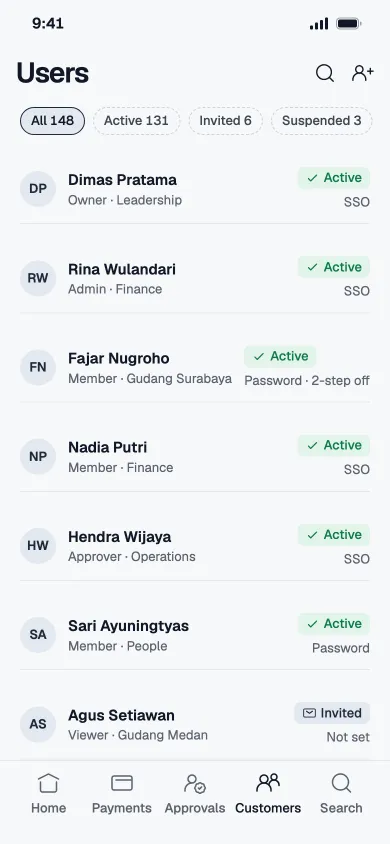 Admin user managementAn admin of many people who needs to see everyone's status and sign-in security. 5 screens
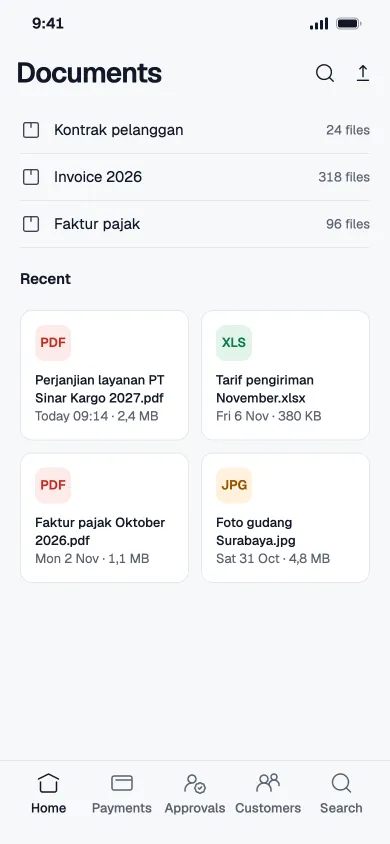 File manager and documentsA shared workspace for business files: folders and recent files. 6 screens
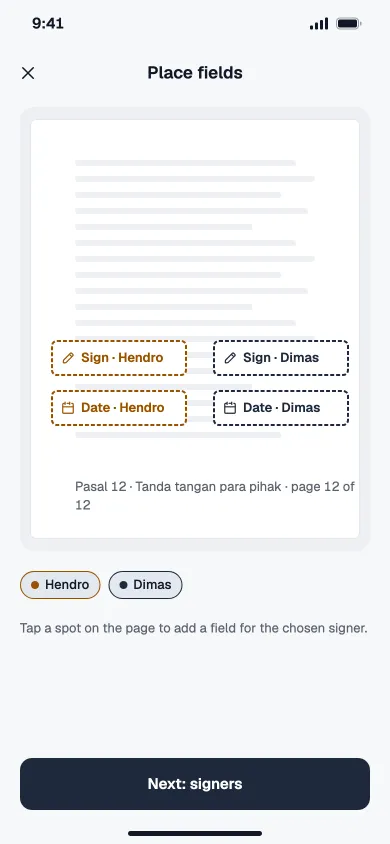 E-signatureSending a company's own contract for signature: place fields per signer. 5 screens
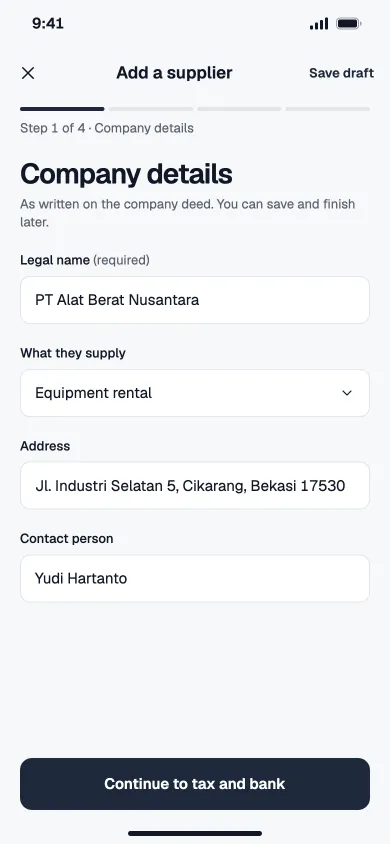 Multi-step form wizardA long business form split into a few named steps: adding a supplier with company. 6 screens
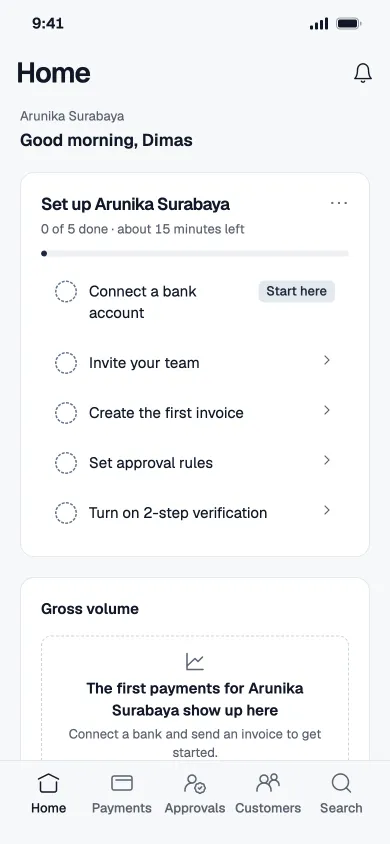 Workspace setup checklistA new workspace that is created but not yet useful: a checklist card on Home with five steps. 5 screens
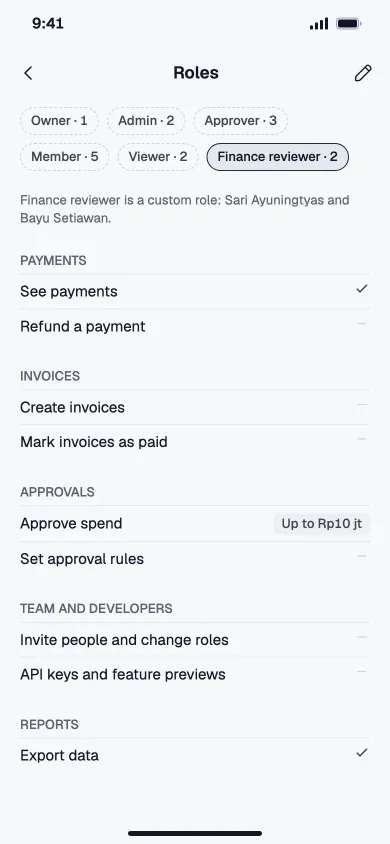 Feature flags and roles matrixAn admin deciding who can do what and which new features are on: a roles matrix with a custom role. 6 screens
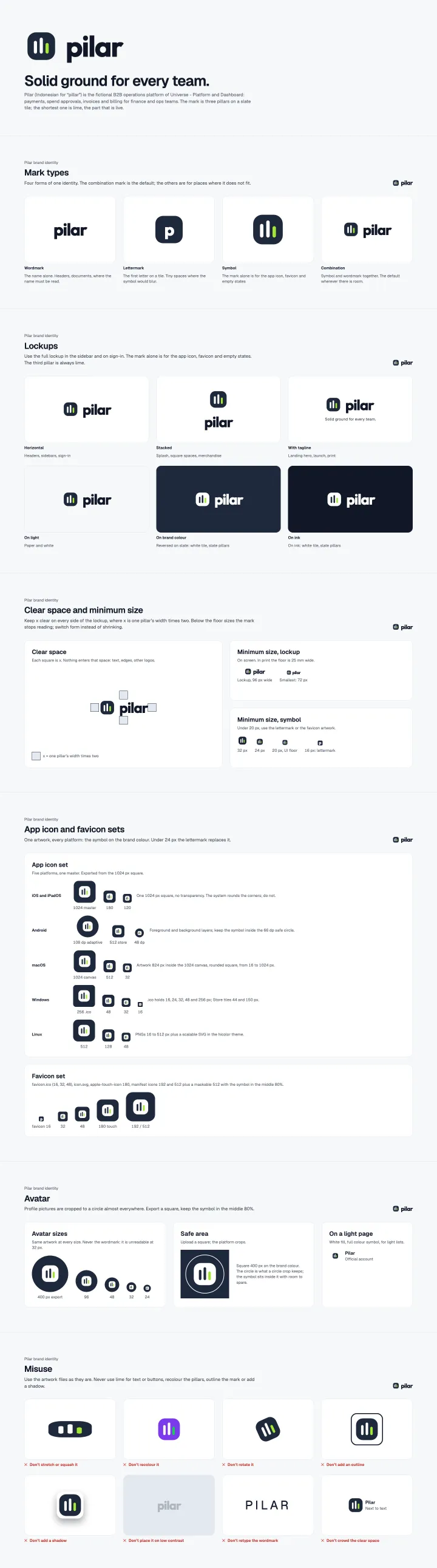 Brand identityA new app or company needs a logo system a team can use: the forms of the mark. 1 screens
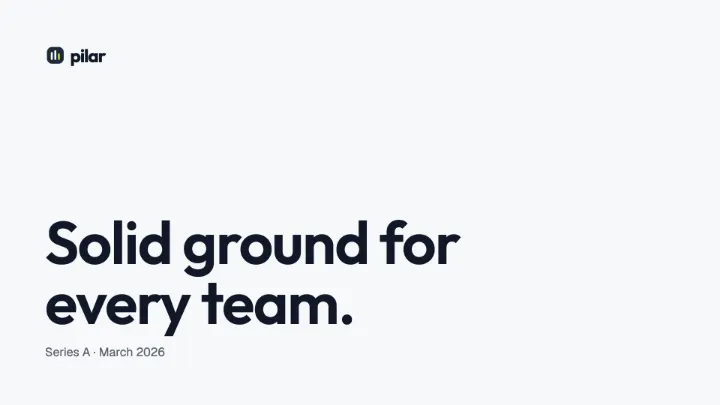 Pitch deckA founder raises a round or applies to an accelerator and needs a short deck an investor can read without a voice-over: one idea per slide. 7 screens
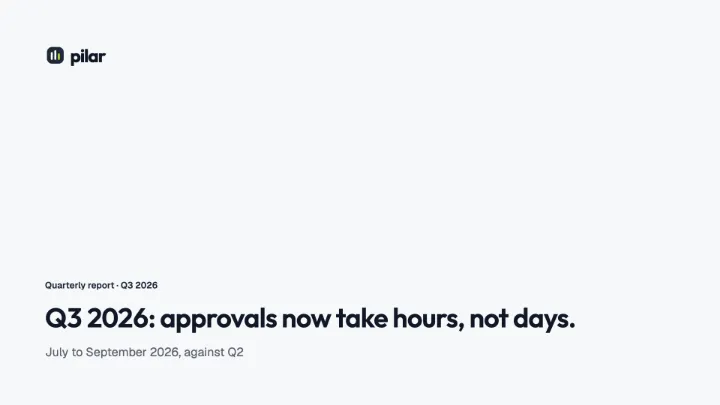 Report deckA quarterly or monthly update for investors. 2 screens
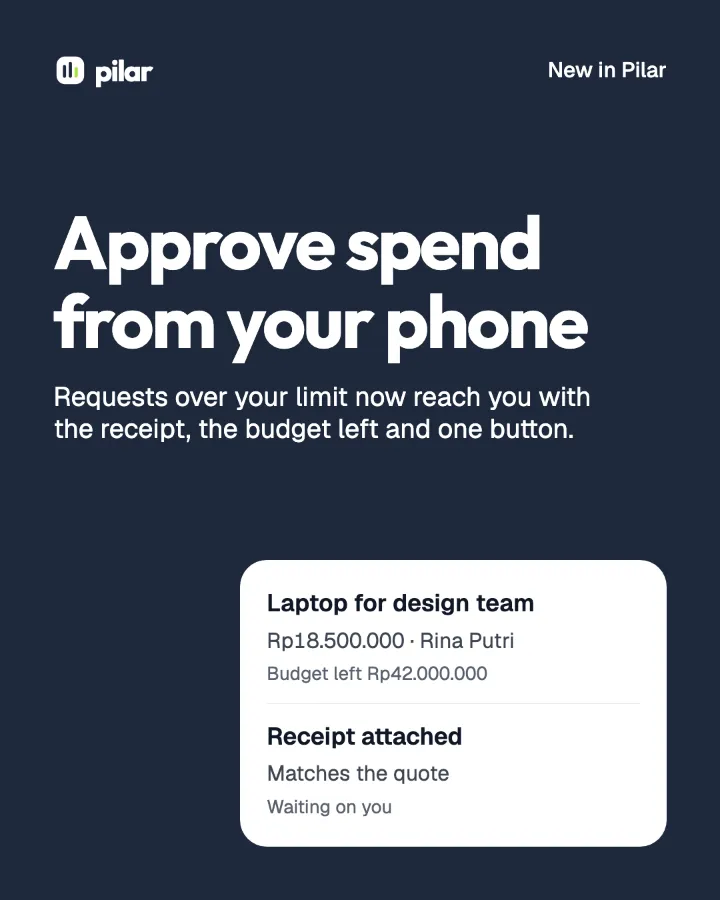 Launch campaignA product launches one feature and has to say it everywhere at once: a feed post. 5 screens
Questions
- Which platform and dashboard flows are in Universe?
- 32 flows: Dashboard, Internal tools, Adding and creating, Search and filter, Billing, Auth, Pricing and subscription, Referral, Team members and roles, API keys, Integrations, Audit log, Workspace settings, Export data, Create account and workspace, Accept an invite and join, Notifications, Account and security, Webhooks, Help and support, Data table and bulk actions, Analytics and reports, Admin user management, File manager and documents, E-signature, Multi-step form wizard, Workspace setup checklist, Feature flags and roles matrix, Brand identity, Pitch deck, Report deck, Launch campaign. Each one lists its screens in order, the patterns behind them and the states to cover.
- Whose brand are these screens?
- Pilar, a made-up B2B operations platform: payments, spend approvals, invoices, billing for finance and ops teams. Battle-tested patterns for B2B SaaS and internal tools. Each flow is Wonderblok's own best-practice version, not a copy of any app. Your agent redraws the flows on your own brand.
- How does my agent use these flows?
- Connect Claude Code, Codex or Claude Desktop to Wonderblok over MCP. The agent calls use_pattern for a flow, reads its screens, rules and states, and draws them in your file on your tokens.