UNIVERSE · REAL ESTATE
Real estate app UI patterns and flows
22 real estate app flows with their screens, the patterns behind them and the states to cover, at mobile and desktop. Your agent draws them on your design system.
22 Real estate flows
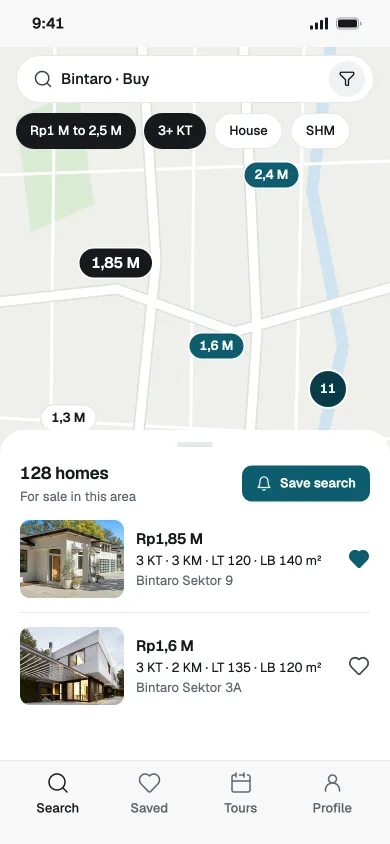 Search with map and filtersAny property, rental or kos search. 6 screens
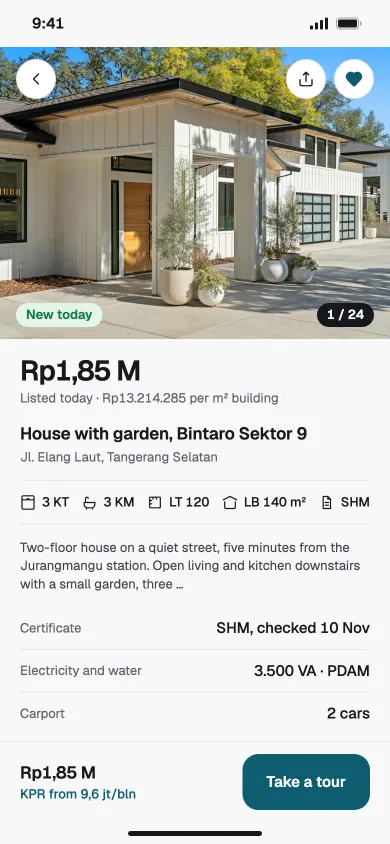 Listing detail and galleryAny listing with photos, facts and a price. 7 screens
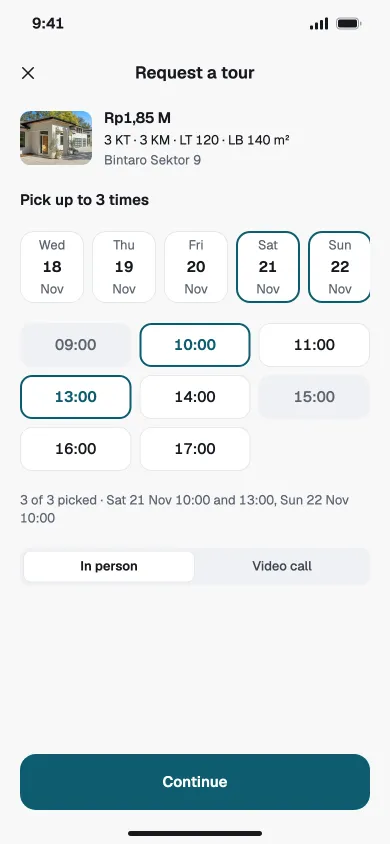 Tour booking and agent chatBooking a viewing, an open house, a video tour. 6 screens
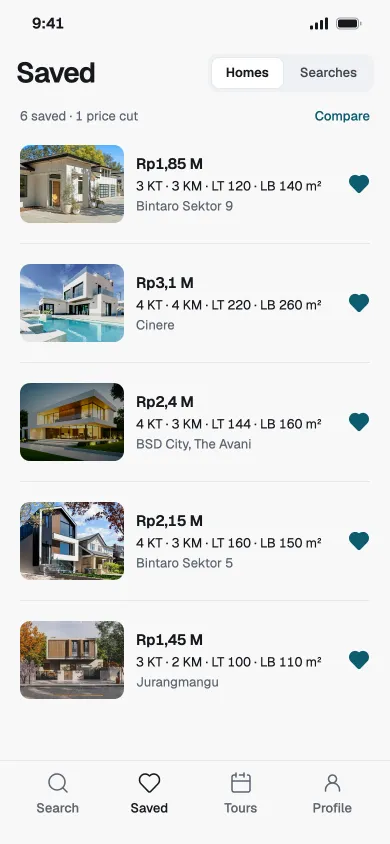 Saved homes and compareShortlisting homes, comparing finalists. 5 screens
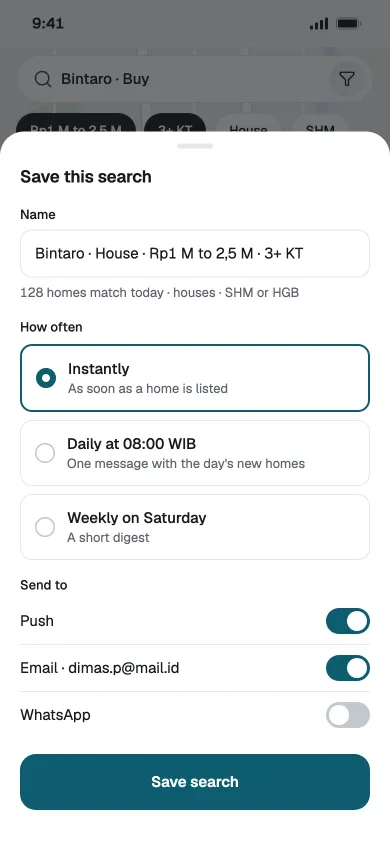 Saved searches and alertsAny marketplace with slow supply, watching prices. 4 screens
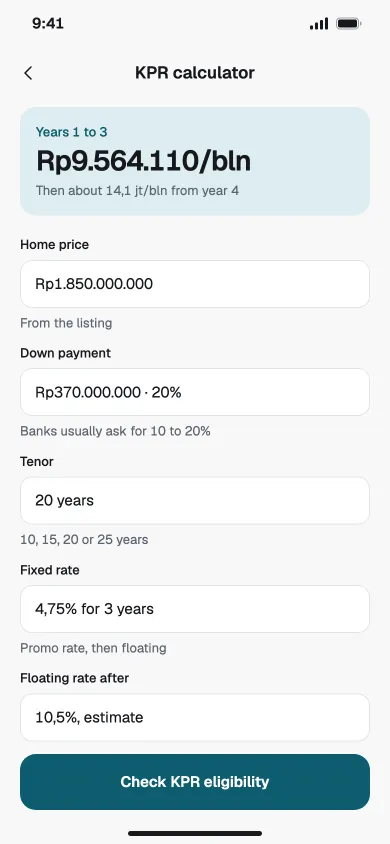 KPR and affordability calculatorBuying with a bank loan, any big purchase with instalments. 5 screens
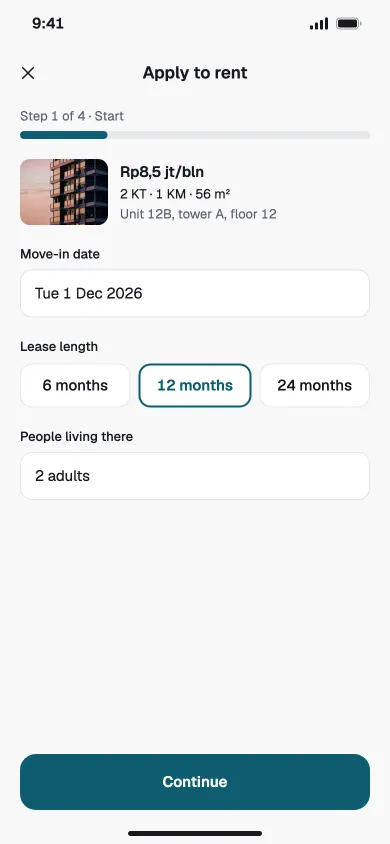 Rental application and documentsRenting a house, apartment or kos. 6 screens
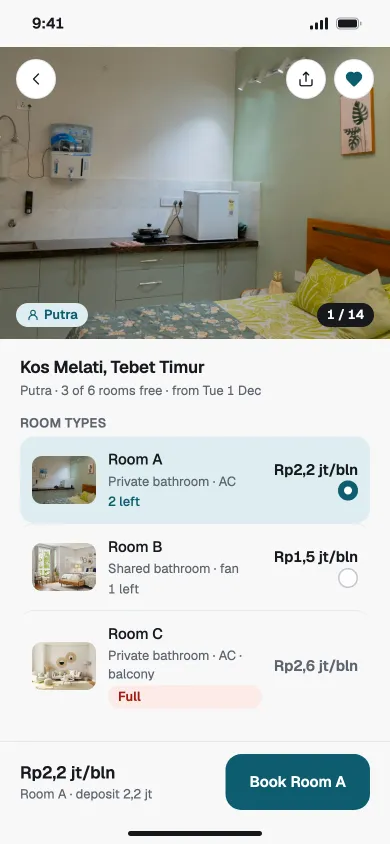 Book a kos roomRenting a kos room by the month, with room types. 6 screens
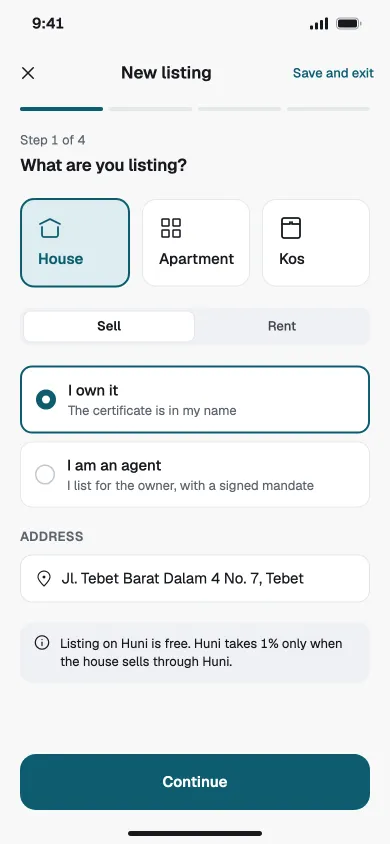 List your propertyAn owner or agent posts a house. 4 screens
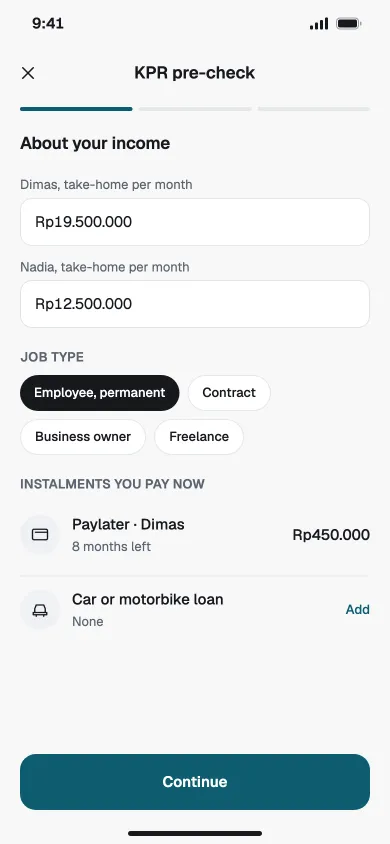 KPR pre-checkA buyer wants to know what banks may lend before a tour or an offer. 4 screens
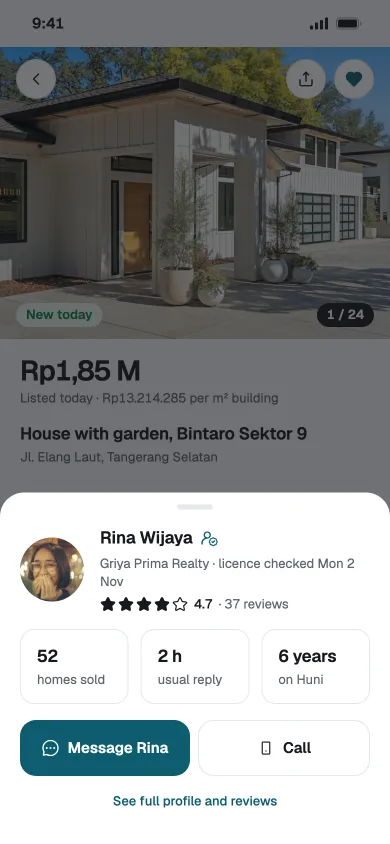 Agent profile and reviewsA buyer or tenant wants to check the agent before a tour or a chat. 4 screens
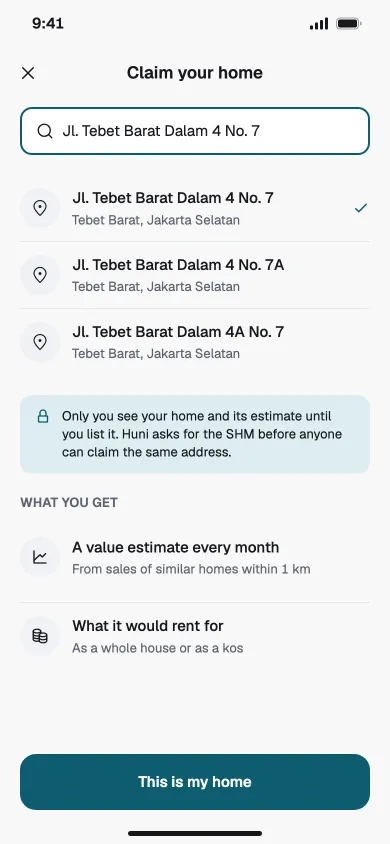 My home and value estimateAn owner wants to track what the home is worth or would rent for before selling or renting it out. 4 screens
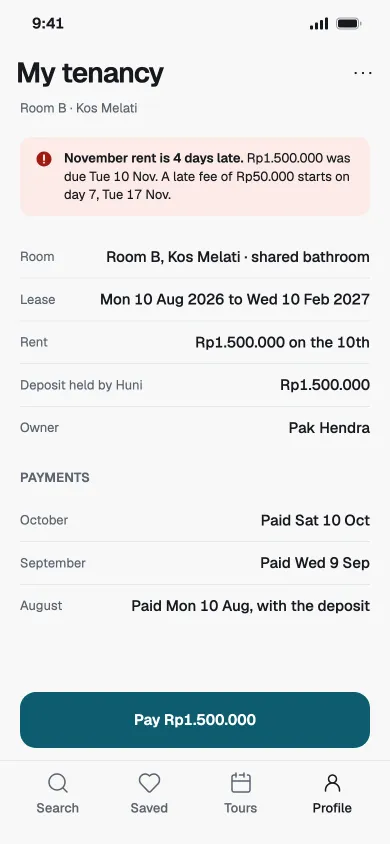 Pay rent and tenancyA tenant needs the lease. 4 screens
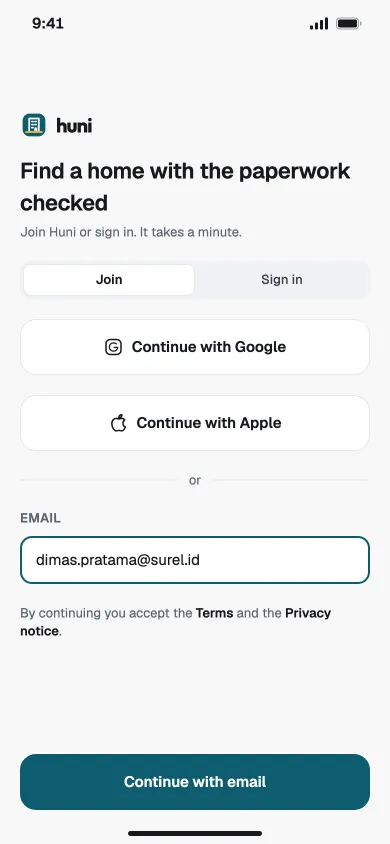 Create account and pick your goalThe first visit to a property app. 4 screens
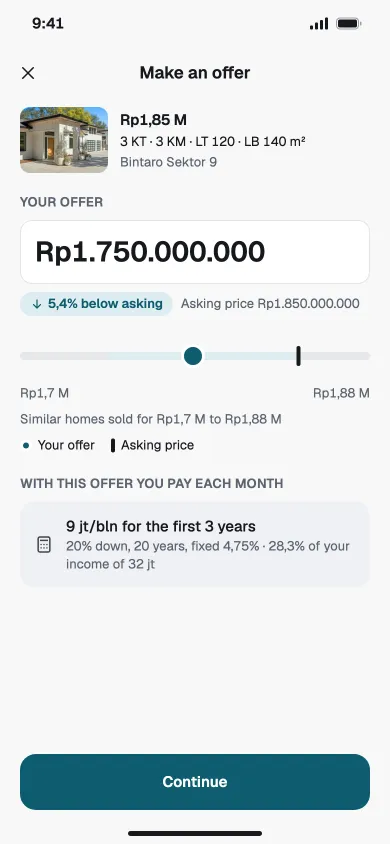 Make an offerA buyer tells the owner a price before any paperwork: a price with market guidance. 4 screens
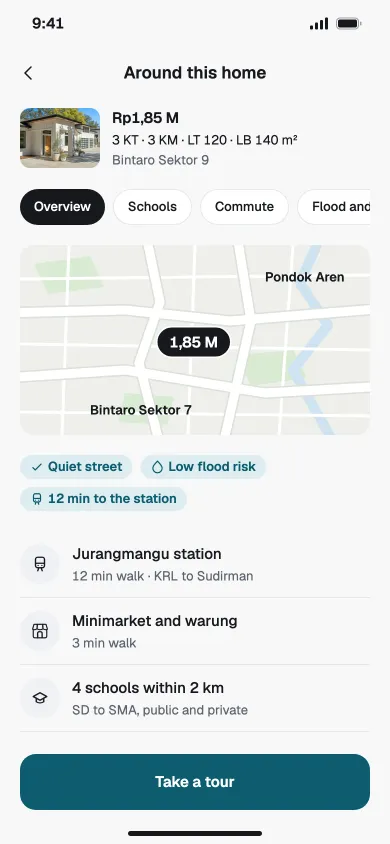 Neighbourhood and commuteA listing needs the surroundings answered before a tour: what is within walking distance. 4 screens
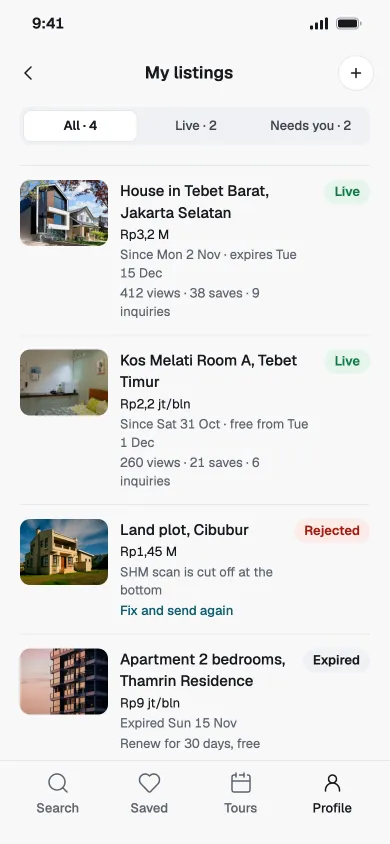 Manage your listingAn owner or agent with live listings needs one place for status. 5 screens
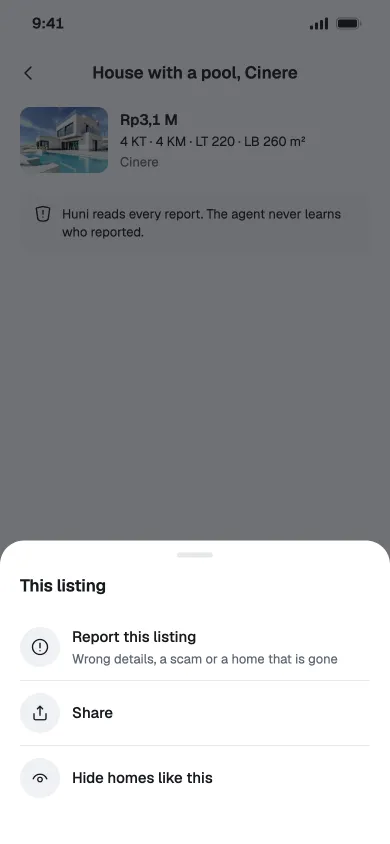 Report a listing and helpA buyer or renter finds a listing wrong. 5 screens
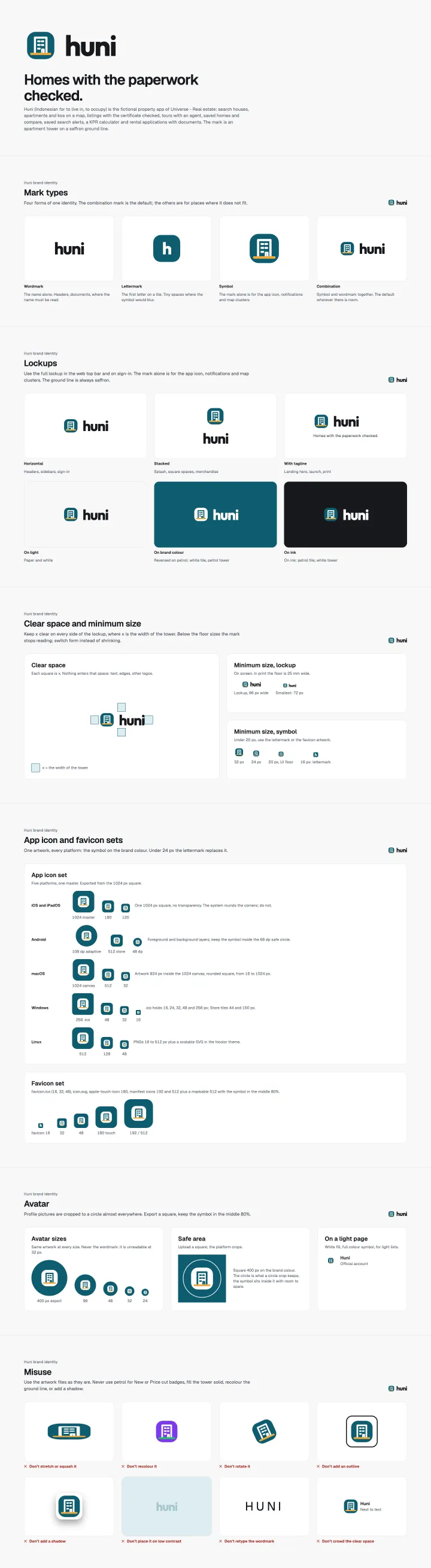 Brand identityA new app or company needs a logo system a team can use: the forms of the mark. 1 screens
 Pitch deckA founder raises a round or applies to an accelerator and needs a short deck an investor can read without a voice-over: one idea per slide. 7 screens
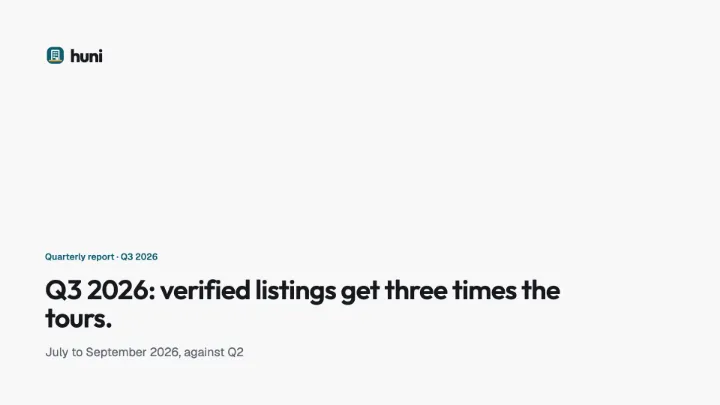 Report deckA quarterly or monthly update for investors. 2 screens
 Launch campaignA product launches one feature and has to say it everywhere at once: a feed post. 5 screens
Questions
- Which real estate flows are in Universe?
- 22 flows: Search with map and filters, Listing detail and gallery, Tour booking and agent chat, Saved homes and compare, Saved searches and alerts, KPR and affordability calculator, Rental application and documents, Book a kos room, List your property, KPR pre-check, Agent profile and reviews, My home and value estimate, Pay rent and tenancy, Create account and pick your goal, Make an offer, Neighbourhood and commute, Manage your listing, Report a listing and help, Brand identity, Pitch deck, Report deck, Launch campaign. Each one lists its screens in order, the patterns behind them and the states to cover.
- Whose brand are these screens?
- Huni, a made-up Indonesian property app for buying and renting houses, apartments and kos: search on a map with price pins, listings with the certificate checked, tours with an agent, saved homes and compare, saved search alerts, a KPR calculator and rental applications with documents. Patterns for property search, buying and renting. Each flow is Wonderblok's own best-practice version, not a copy of any app. Your agent redraws the flows on your own brand.
- How does my agent use these flows?
- Connect Claude Code, Codex or Claude Desktop to Wonderblok over MCP. The agent calls use_pattern for a flow, reads its screens, rules and states, and draws them in your file on your tokens.