CRM FLOW
Email and sequences app flow
A crm flow in 5 screens, from compose with template to inbox expired. Start your app from it, and your agent draws it on your own design system.
- 5 screens
- 6 patterns
- Mobile and desktop
- Brand: Simpul (made up)
The screens, in order
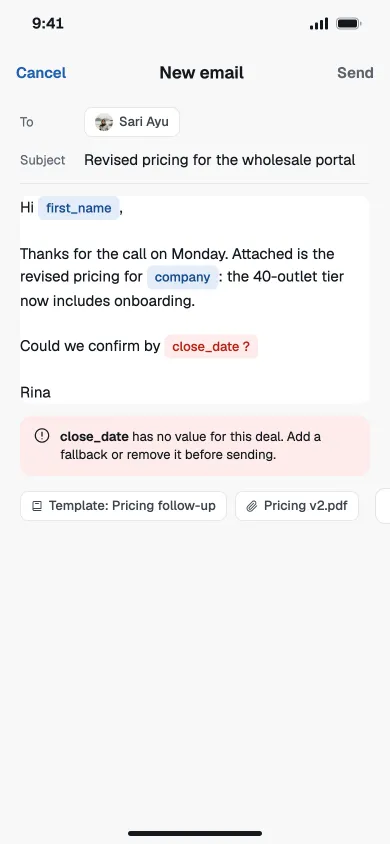
- Compose with template
- Sequence editorPro
- Enroll recipientsPro
- Step performancePro
- Inbox expiredPro
See all 5 screens, at mobile and desktop.Pro opens the whole flow in your Universe, with the prompt and code for each screen.
Upgrade to ProAlready Pro? Open in UniverseWhen to use it
USE WHEN
Reps send one-to-one or one-to-many emails from customer context, or automate multi-step follow-up.
AVOID WHEN
It is marketing newsletter volume (use a campaign tool) or the mailbox is not connected (show the connect step first).
Patterns and why they work
6 decisions this flow makes, and the clarity each one buys.
Variables as chips, unresolved as red
What will be replaced
"Each message will be sent individually"
No reply-all exposure
Count on the primary
Blast radius stated
Waits as chips between steps
Timing visible in the flow
Exit criteria "Reply received"
The sequence stops when a human answers
Sequence summary strip
Shape of the sequence
Each pattern also has its psychology, the intuition behind it and what it rules out, plus layout notes for mobile and desktop.
Open in UniverseStates to cover
The screens people forget until a user hits them.
- Drawn: compose empty
- Template inserted
- Variable unresolved
- Sequence editor
- Enroll modal
- Recipient skipped (unsubscribed)
- Reply received exit and bounced rows in Step performance
- Mailbox disconnected (Inbox expired: sends paused, 38 emails waiting, nothing lost, Reconnect inbox)
- Listed
- Not drawn: scheduled send
- Sent
- Opened tracking
- Sequence empty state
- Draft unpublished
- Publish gate
- Enrolled toast
- Performance with no data
Pairs with
The flows this one hands off to or comes back from.
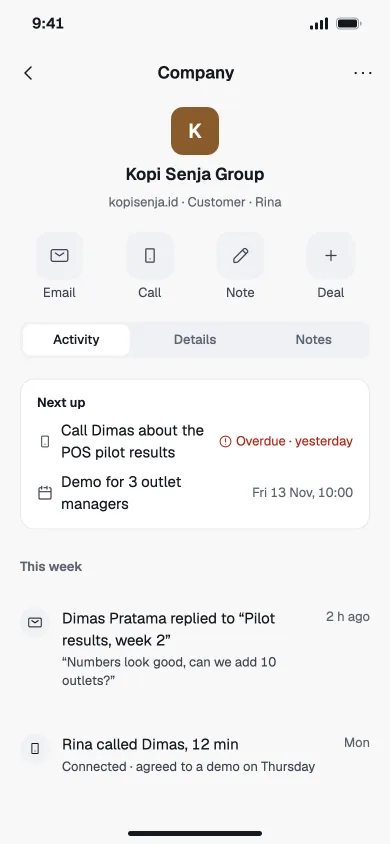
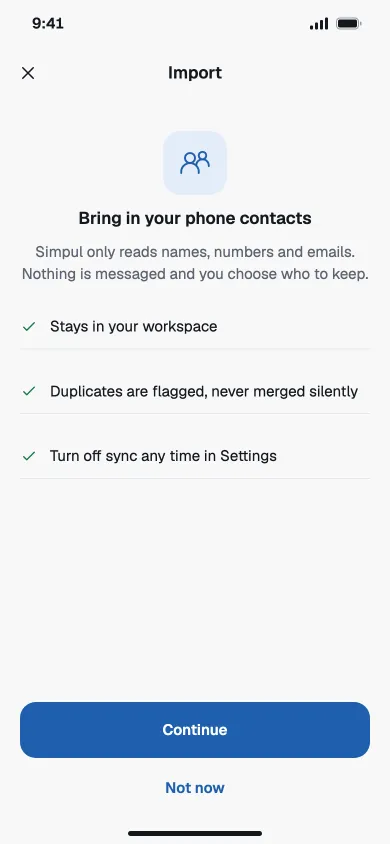
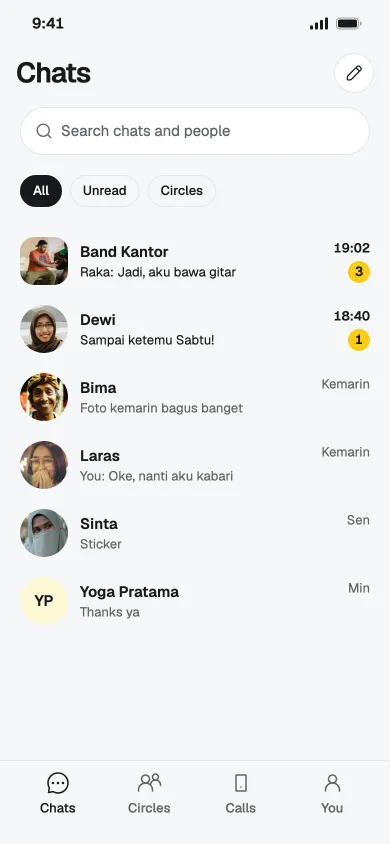
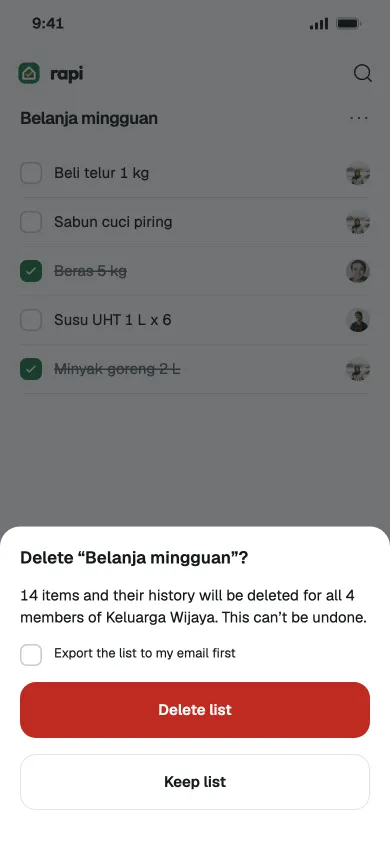
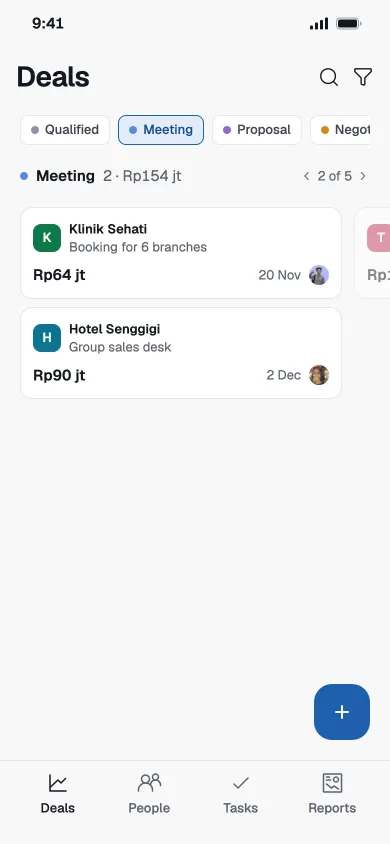
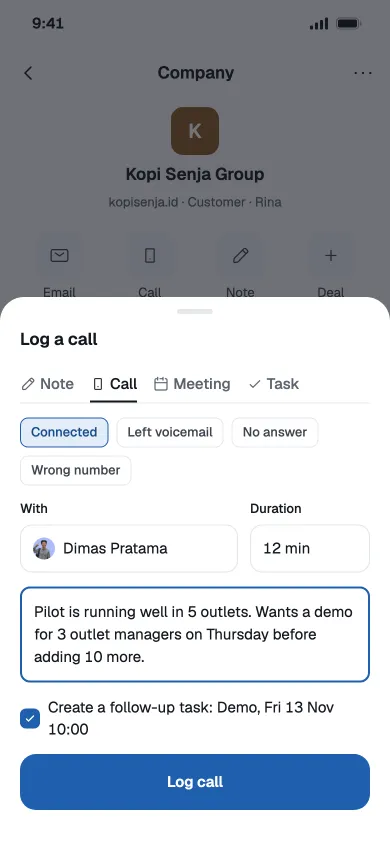
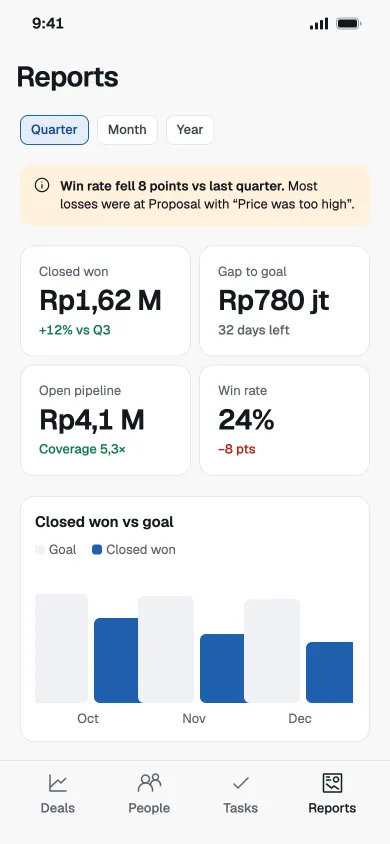
More CRM flows
Drawn for the same brand, so they fit together.
Questions
- When should I use a email and sequences flow?
- Reps send one-to-one or one-to-many emails from customer context, or automate multi-step follow-up. Use another pattern for it is marketing newsletter volume (use a campaign tool) or the mailbox is not connected (show the connect step first).
- Which screens does it need?
- This pattern uses 5: Compose with template, Sequence editor, Enroll recipients, Step performance and Inbox expired. Plan for these states too: drawn: compose empty, template inserted, variable unresolved, sequence editor.
- Is Simpul a real app?
- No. Simpul is a made-up relationship CRM for small sales teams and agencies: pipeline, records, activity, sequences, imports, reports and tasks, so the screens show the pattern without copying anyone's brand. Your agent redraws the flow on your own tokens and components.
- How does my agent use this flow?
- Connect Claude Code, Codex or Claude Desktop to Wonderblok over MCP. The agent calls use_pattern for this flow, reads its screens, rules and states, and draws them in your file.
- Is it free?
- Browsing Universe is free. Full pattern notes and use with your agent are part of Pro, and the Free plan opens a few flows in full each month.