CRM FLOW
Call and meeting notes app flow
A crm flow in 6 screens, from call with insights to edit transcript and delete recording. Start your app from it, and your agent draws it on your own design system.
- 6 screens
- 5 patterns
- Mobile and desktop
- Brand: Simpul (made up)
The screens, in order
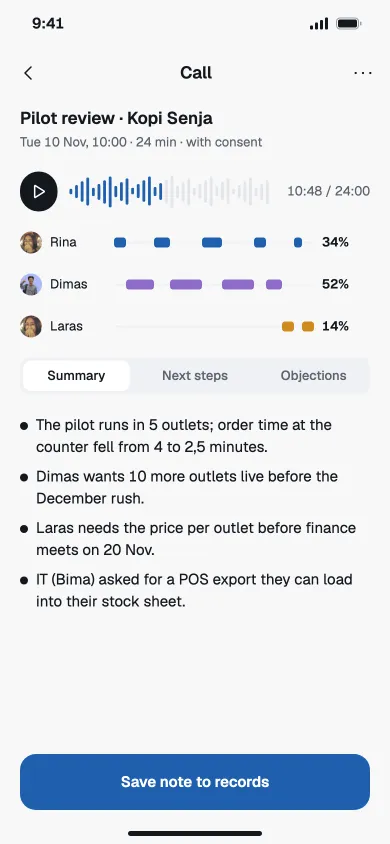
- Call with insights
- Ask about this callPro
- Associate note to recordsPro
- Consent and processingPro
- Processing failedPro
- Edit transcript and delete recordingPro
See all 6 screens, at mobile and desktop.Pro opens the whole flow in your Universe, with the prompt and code for each screen.
Upgrade to ProAlready Pro? Open in UniverseWhen to use it
USE WHEN
A sales call or meeting should leave a summary, next steps and objections on the CRM record without typing.
AVOID WHEN
A quick typed note is enough (use Log activity) or the other side has not agreed to be recorded.
Patterns and why they work
5 decisions this flow makes, and the clarity each one buys.
Talk-time tracks per speaker
Who talked and when at a glance
Insights in tabs with timestamps
Summary first, details on demand
Ask about this call, answered from this call only
The source is stated
Associate note to records with ticked suggestions
Shows every record the note will touch
Consent before recording
The rule is stated in one sentence
Each pattern also has its psychology, the intuition behind it and what it rules out, plus layout notes for mobile and desktop.
Open in UniverseStates to cover
The screens people forget until a user hits them.
- Drawn: consent not given
- Processing with progress
- Summary ready
- Note saved to records
- Processing failed (the audio is kept, Try again, write notes yourself, not counted against hours)
- Edit transcript (inline, changes the text not the audio)
- Delete recording (what goes and what stays, the 90 day rule)
- Listed
- Not drawn: recording
- No speech detected
- Ask with no answer
Pairs with
The flows this one hands off to or comes back from.
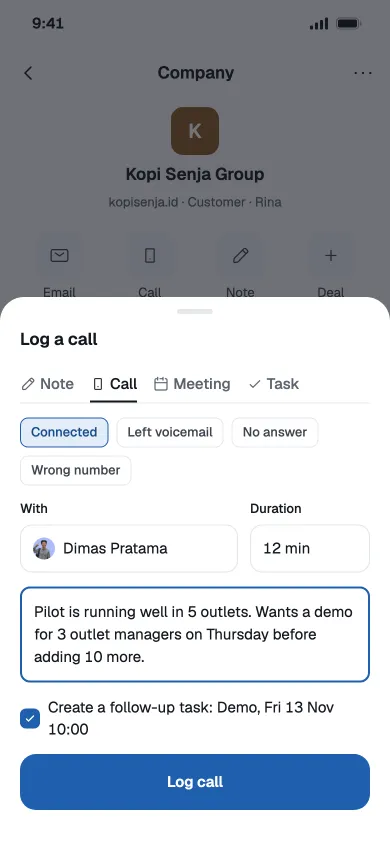
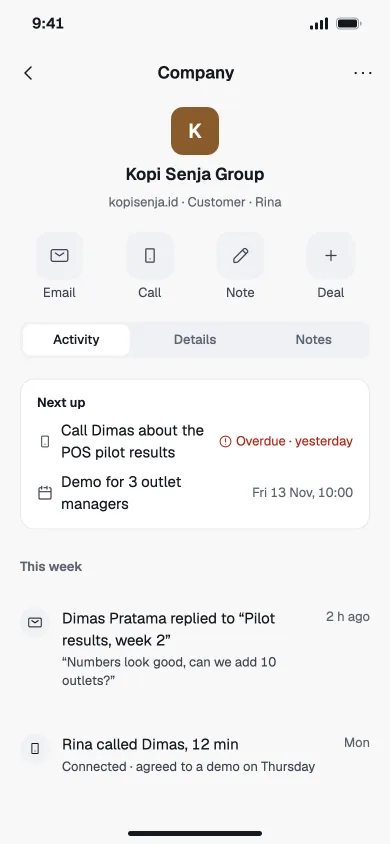
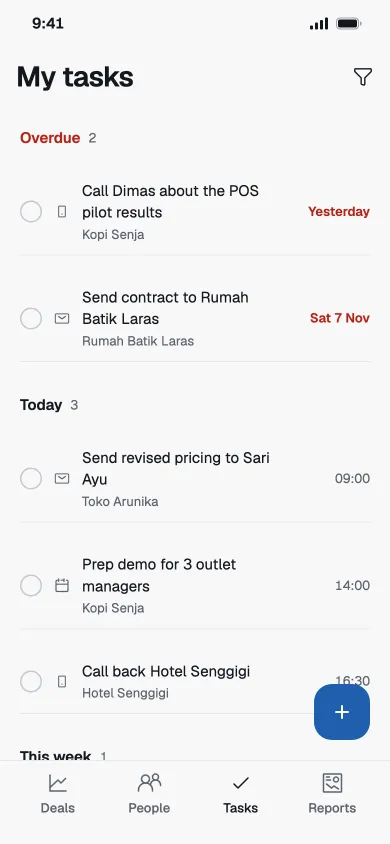
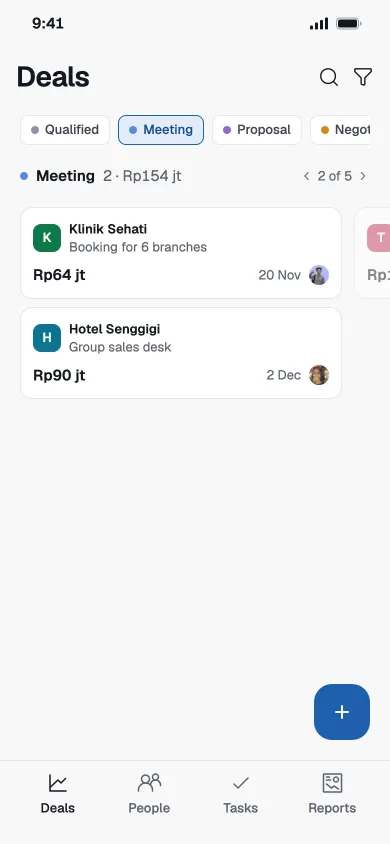
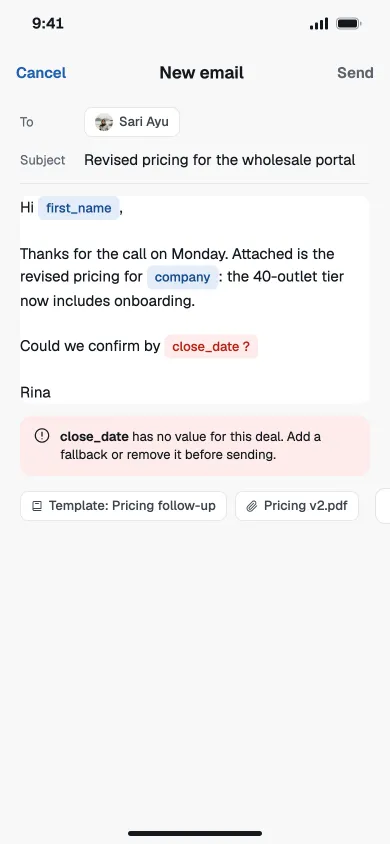
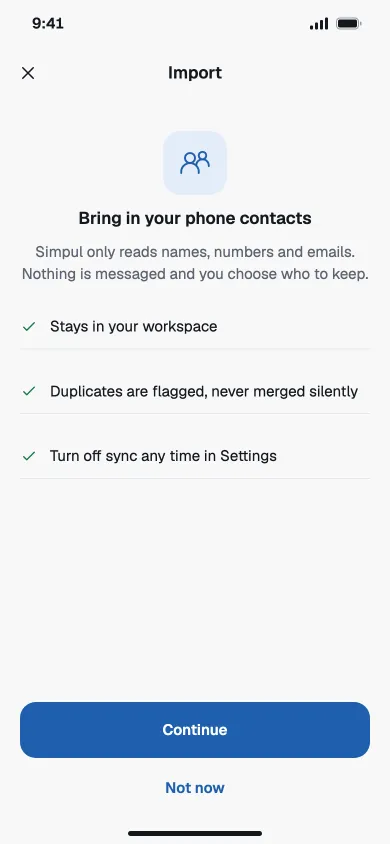
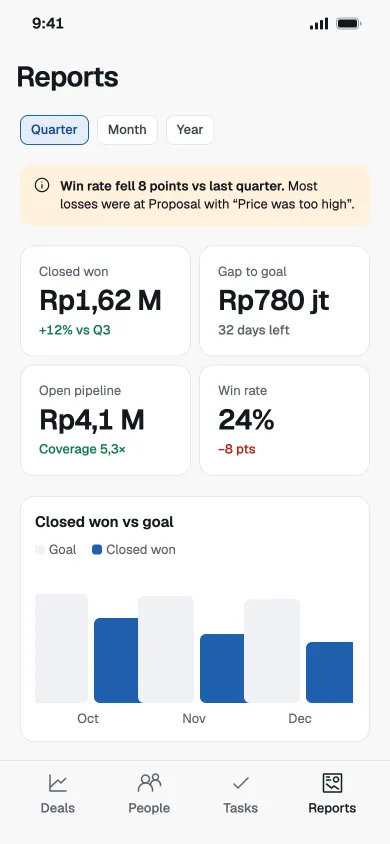
More CRM flows
Drawn for the same brand, so they fit together.
Questions
- When should I use a call and meeting notes flow?
- A sales call or meeting should leave a summary, next steps and objections on the CRM record without typing. Use another pattern for a quick typed note is enough (use Log activity) or the other side has not agreed to be recorded.
- Which screens does it need?
- This pattern uses 6: Call with insights, Ask about this call, Associate note to records, Consent and processing, Processing failed and Edit transcript and delete recording. Plan for these states too: drawn: consent not given, processing with progress, summary ready, note saved to records.
- Is Simpul a real app?
- No. Simpul is a made-up relationship CRM for small sales teams and agencies: pipeline, records, activity, sequences, imports, reports and tasks, so the screens show the pattern without copying anyone's brand. Your agent redraws the flow on your own tokens and components.
- How does my agent use this flow?
- Connect Claude Code, Codex or Claude Desktop to Wonderblok over MCP. The agent calls use_pattern for this flow, reads its screens, rules and states, and draws them in your file.
- Is it free?
- Browsing Universe is free. Full pattern notes and use with your agent are part of Pro, and the Free plan opens a few flows in full each month.