PLATFORM AND DASHBOARD FLOW
E-signature app flow
A platform and dashboard flow in 5 screens, from prepare the document to declined. Start your app from it, and your agent draws it on your own design system.
- 5 screens
- 3 patterns
- Mobile and desktop
- Brand: Pilar (made up)
The screens, in order
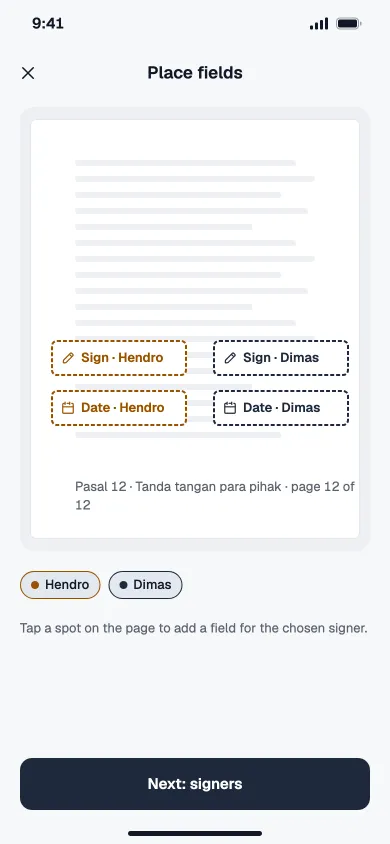
- Prepare the document
- Signers and orderPro
- Signer viewPro
- Completed with audit trailPro
- DeclinedPro
See all 5 screens, at mobile and desktop.Pro opens the whole flow in your Universe, with the prompt and code for each screen.
Upgrade to ProAlready Pro? Open in UniverseWhen to use it
USE WHEN
Sending a company's own contract for signature: place fields per signer, set the order, let the signer draw or type with a clear consent line, and keep an audit trail.
AVOID WHEN
Approving a payment inside the company (use Platform › Internal tools) or agreeing to terms in a sign-up (use Misc › Terms and conditions).
Patterns and why they work
3 decisions this flow makes, and the clarity each one buys.
Colour fields by signer: Hendro's fields are one colour and Dimas's another, so nobody signs in the wrong box and a missing field is visible before sending
Consent in plain words next to the button: sign electronically, same effect as handwriting, and what Pilar records. People should know what the tap means
Keep the trail with the document: every open and signature with time, address and method, plus the fingerprint. The record is what makes the signature hold up later
Each pattern also has its psychology, the intuition behind it and what it rules out, plus layout notes for mobile and desktop.
Open in UniverseStates to cover
The screens people forget until a user hits them.
- Prepare fields
- Signers and order
- The signer's view
- Completed with the audit trail and the document fingerprint
- Declined with the reason and three next steps
Pairs with
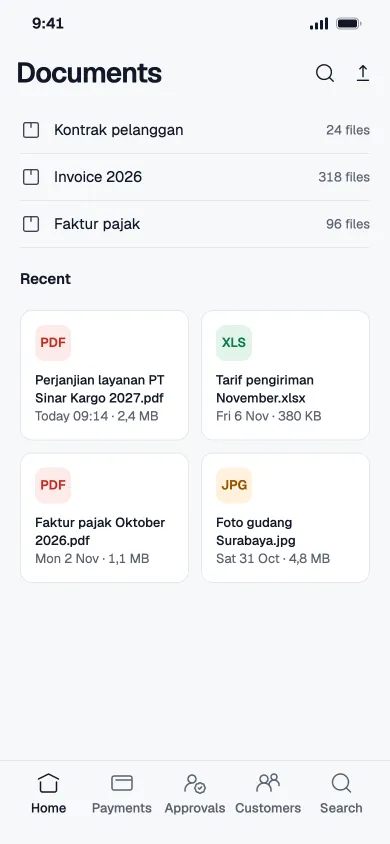
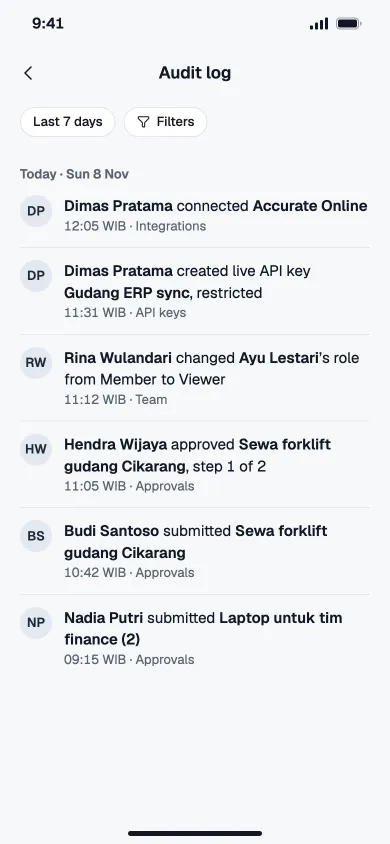
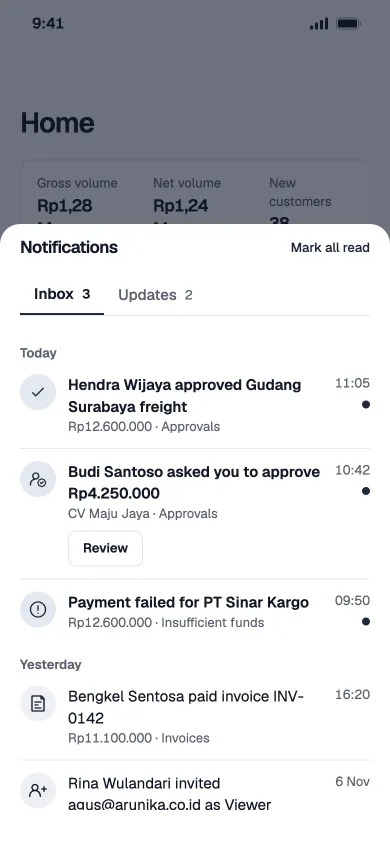
The flows this one hands off to or comes back from.
More Platform and Dashboard flows
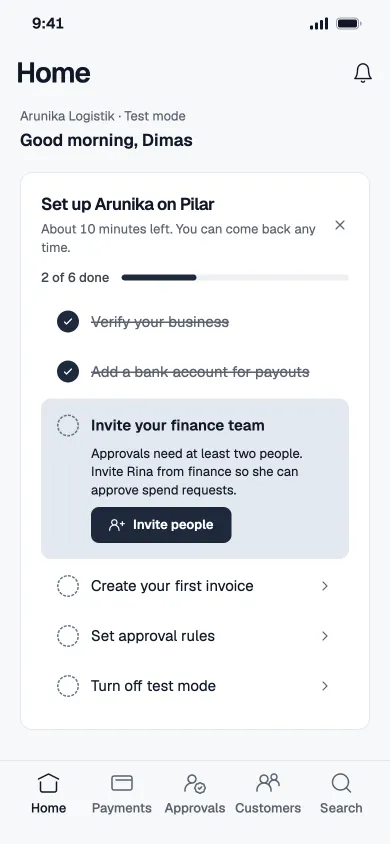
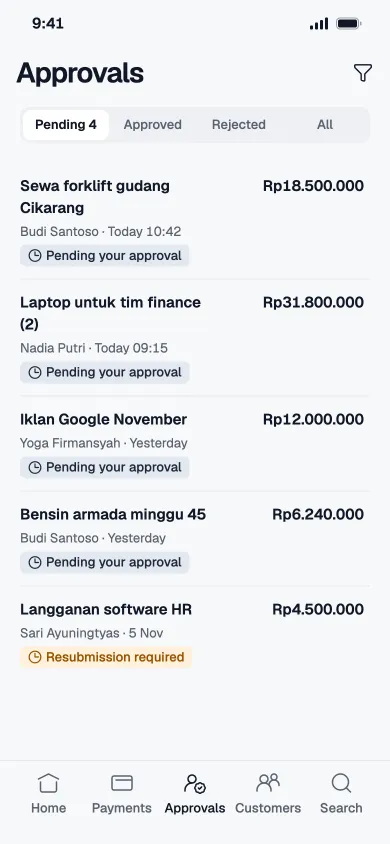
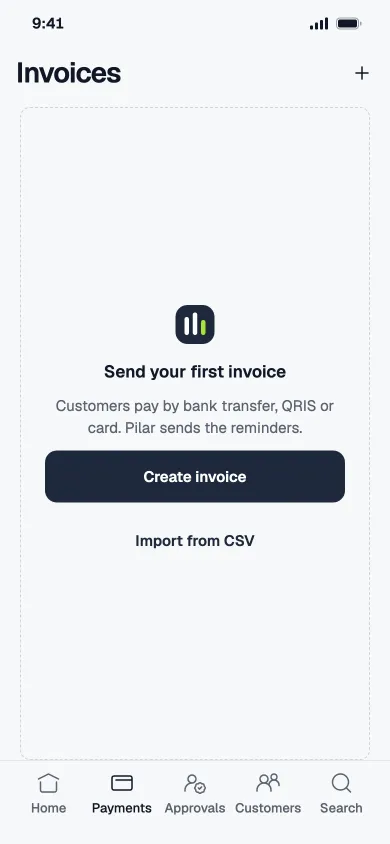
Drawn for the same brand, so they fit together.
Questions
- When should I use a e-signature flow?
- Sending a company's own contract for signature: place fields per signer, set the order, let the signer draw or type with a clear consent line, and keep an audit trail. Use another pattern for approving a payment inside the company (use Platform › Internal tools) or agreeing to terms in a sign-up (use Misc › Terms and conditions).
- Which screens does it need?
- This pattern uses 5: Prepare the document, Signers and order, Signer view, Completed with audit trail and Declined. Plan for these states too: prepare fields, signers and order, the signer's view, completed with the audit trail and the document fingerprint.
- Is Pilar a real app?
- No. Pilar is a made-up B2B operations platform: payments, spend approvals, invoices, billing for finance and ops teams, so the screens show the pattern without copying anyone's brand. Your agent redraws the flow on your own tokens and components.
- How does my agent use this flow?
- Connect Claude Code, Codex or Claude Desktop to Wonderblok over MCP. The agent calls use_pattern for this flow, reads its screens, rules and states, and draws them in your file.
- Is it free?
- Browsing Universe is free. Full pattern notes and use with your agent are part of Pro, and the Free plan opens a few flows in full each month.