PLATFORM AND DASHBOARD FLOW
Workspace setup checklist app flow
A platform and dashboard flow in 5 screens, from new workspace home to checklist hidden. Start your app from it, and your agent draws it on your own design system.
- 5 screens
- 3 patterns
- Mobile and desktop
- Brand: Pilar (made up)
The screens, in order
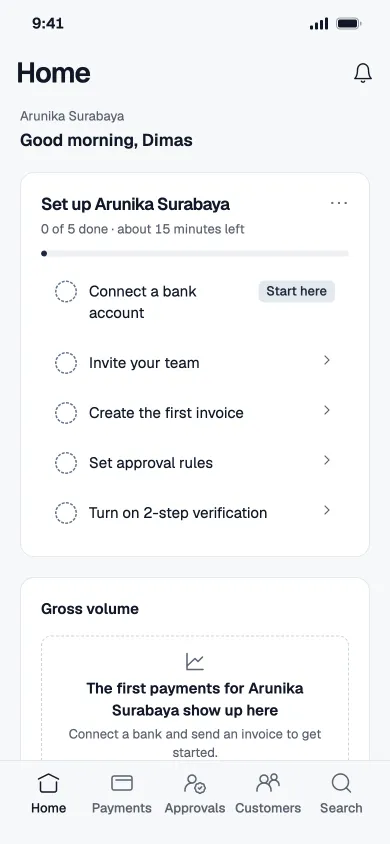
- New workspace home
- Connect a bank stepPro
- Three of five donePro
- All donePro
- Checklist hiddenPro
See all 5 screens, at mobile and desktop.Pro opens the whole flow in your Universe, with the prompt and code for each screen.
Upgrade to ProAlready Pro? Open in UniverseWhen to use it
USE WHEN
A new workspace that is created but not yet useful: a checklist card on Home with five steps, one expanded at a time with its action, progress, a finish moment and a way to hide it.
AVOID WHEN
Creating the account or workspace itself (use Platform › Create account and workspace) or a guided tour of the interface (use Account › Browsing tutorial).
Patterns and why they work
3 decisions this flow makes, and the clarity each one buys.
One open step at a time with its own button: Connect a bank shows the bank choice, the checked account and Connect BCA ·· 3318 right in the card. People finish more steps when the action is where they are reading
Done steps keep a receipt: BCA ·· 3318 checked, 3 people invited, SBY-0001 sent. The line proves the step really happened and is a quick way back to it
Let people hide it and tell them where it went: Hide checklist leaves a toast with Undo and points to Help, Setup checklist, which still shows 3 of 5. A checklist that cannot be dismissed turns into clutter, one that vanishes without a trace is lost
Each pattern also has its psychology, the intuition behind it and what it rules out, plus layout notes for mobile and desktop.
Open in UniverseStates to cover
The screens people forget until a user hits them.
- New workspace with nothing done
- A step open with its action
- Three of five done
- All done
- Checklist hidden with where to find it again
- Skipping a step is Later inside each step
Pairs with
The flows this one hands off to or comes back from.
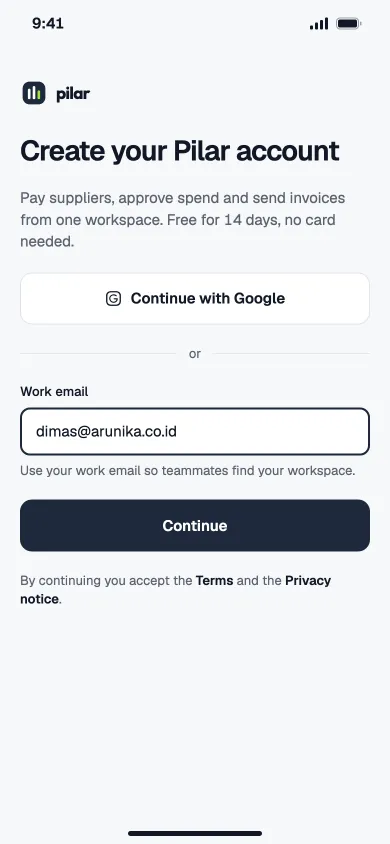
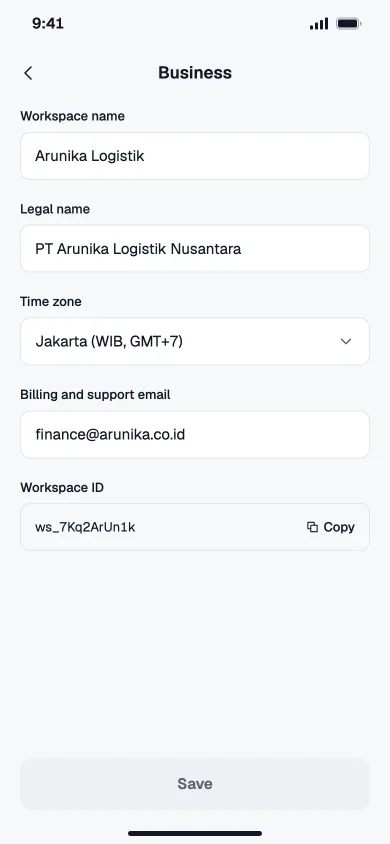
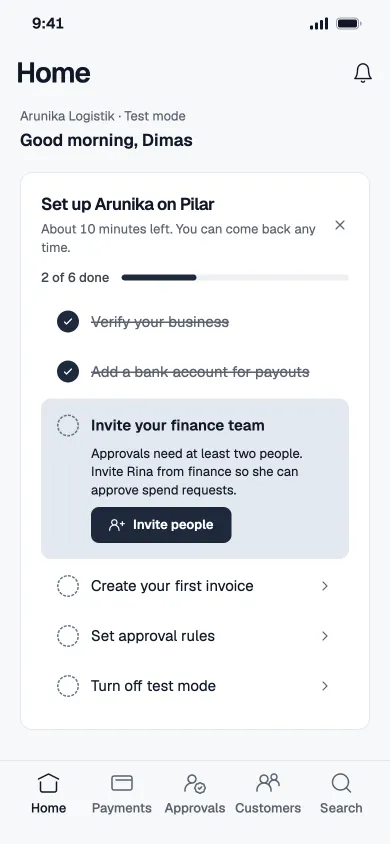
More Platform and Dashboard flows
Drawn for the same brand, so they fit together.
Questions
- When should I use a workspace setup checklist flow?
- A new workspace that is created but not yet useful: a checklist card on Home with five steps, one expanded at a time with its action, progress, a finish moment and a way to hide it. Use another pattern for creating the account or workspace itself (use Platform › Create account and workspace) or a guided tour of the interface (use Account › Browsing tutorial).
- Which screens does it need?
- This pattern uses 5: New workspace home, Connect a bank step, Three of five done, All done and Checklist hidden. Plan for these states too: new workspace with nothing done, a step open with its action, three of five done, all done.
- Is Pilar a real app?
- No. Pilar is a made-up B2B operations platform: payments, spend approvals, invoices, billing for finance and ops teams, so the screens show the pattern without copying anyone's brand. Your agent redraws the flow on your own tokens and components.
- How does my agent use this flow?
- Connect Claude Code, Codex or Claude Desktop to Wonderblok over MCP. The agent calls use_pattern for this flow, reads its screens, rules and states, and draws them in your file.
- Is it free?
- Browsing Universe is free. Full pattern notes and use with your agent are part of Pro, and the Free plan opens a few flows in full each month.