PLATFORM AND DASHBOARD FLOW
Adding and creating app flow
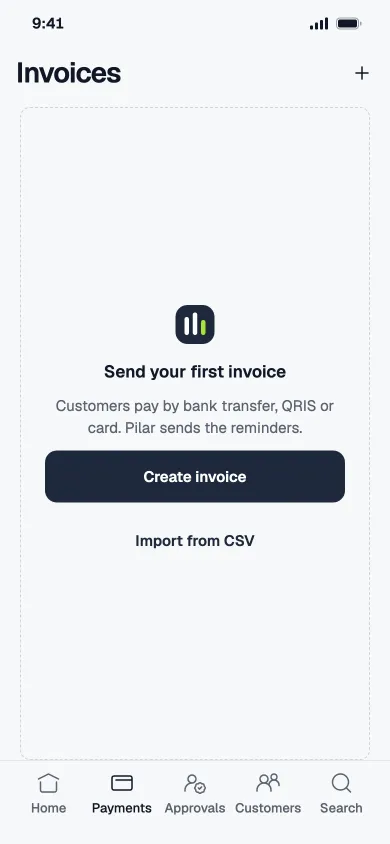
A platform and dashboard flow in 4 screens, from empty list to created. Start your app from it, and your agent draws it on your own design system.
- 4 screens
- 7 patterns
- Mobile and desktop
- Brand: Pilar (made up)
The screens, in order
- Empty list
- Create invoicePro
- Inline errorsPro
- CreatedPro
See all 4 screens, at mobile and desktop.Pro opens the whole flow in your Universe, with the prompt and code for each screen.
Upgrade to ProAlready Pro? Open in UniverseWhen to use it
USE WHEN
Users create records, projects, products, invoices, members or any object.
AVOID WHEN
The object can be created inline in a list row (use inline add, a "+ New" row) or by import.
Patterns and why they work
7 decisions this flow makes, and the clarity each one buys.
Live preview beside the form
Result is visible while editing
Contextual save bar
Unsaved state is global and obvious
Success with next steps
Done, and what next
Required in the label plus helper text
Rules stated before typing
Inline error under the field with an icon
Exact field and fix
Template gallery with blank option
Two clear starts
Trust warning for third-party templates
Risk stated
Each pattern also has its psychology, the intuition behind it and what it rules out, plus layout notes for mobile and desktop.
Open in UniverseStates to cover
The screens people forget until a user hits them.
- Empty list with CTA
- Template gallery
- Template preview
- Blank form
- Partially filled
- Inline error
- Submit error (server)
- Saving
- Success toast or banner
- Unsaved changes guard
- Plan limit reached
- Duplicate name conflict
Pairs with
The flows this one hands off to or comes back from.
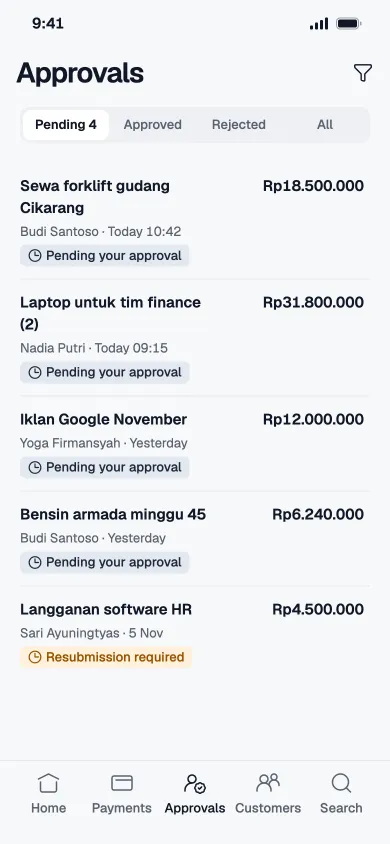
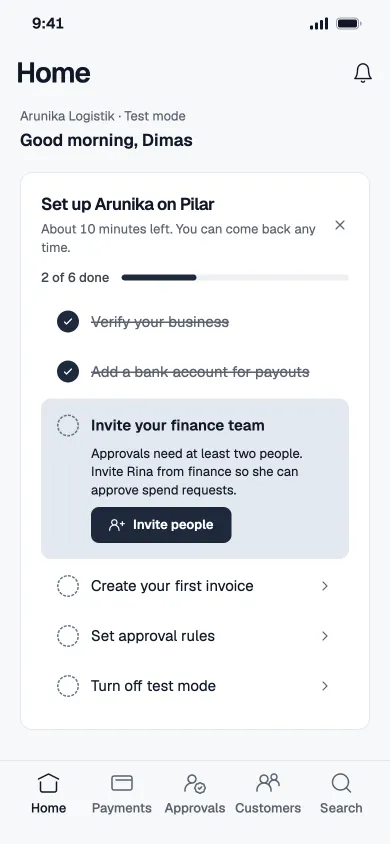
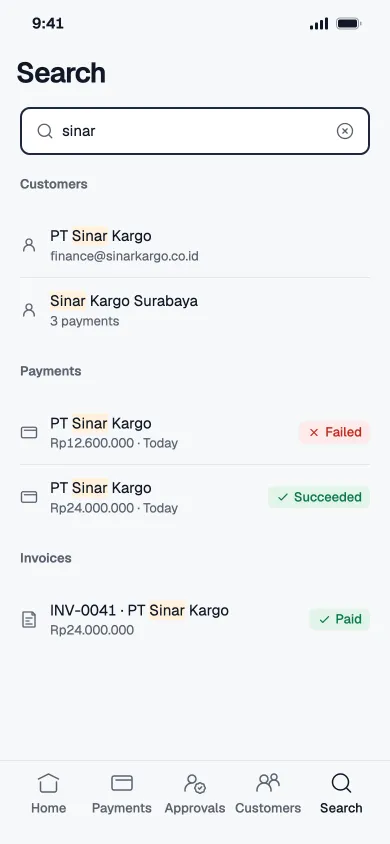
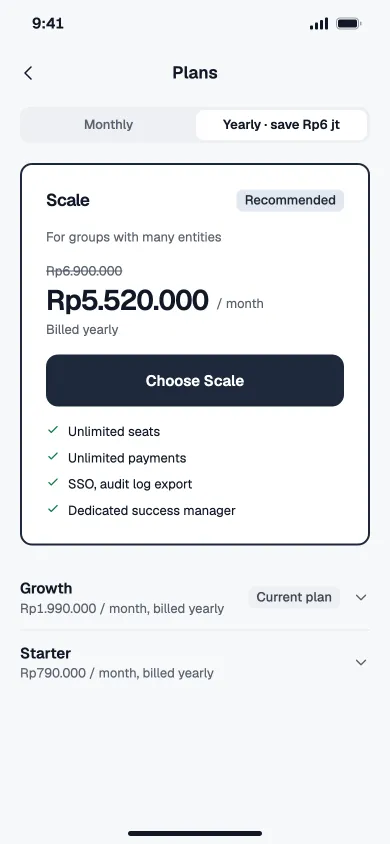
More Platform and Dashboard flows
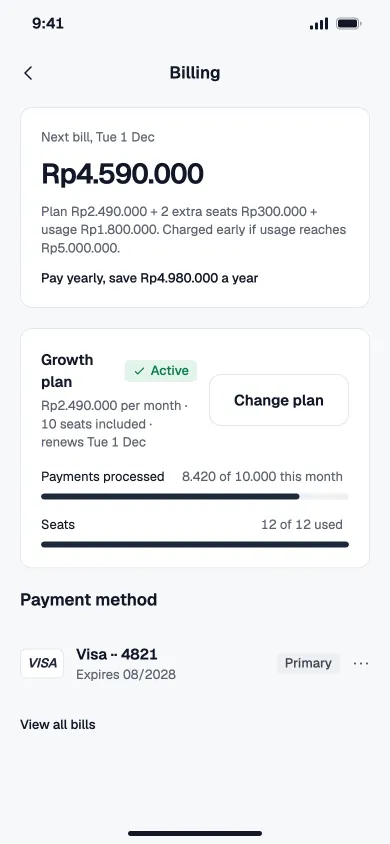
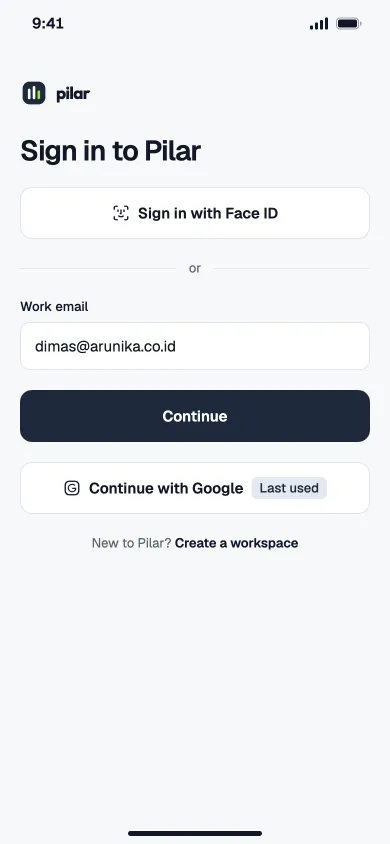
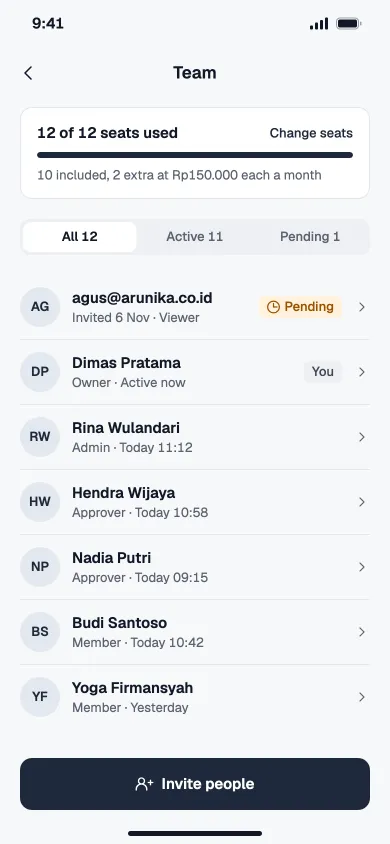
Drawn for the same brand, so they fit together.

Questions
- When should I use a adding and creating flow?
- Users create records, projects, products, invoices, members or any object. Use another pattern for the object can be created inline in a list row (use inline add, a "+ New" row) or by import.
- Which screens does it need?
- This pattern uses 4: Empty list, Create invoice, Inline errors and Created. Plan for these states too: empty list with cta, template gallery, template preview, blank form.
- Is Pilar a real app?
- No. Pilar is a made-up B2B operations platform: payments, spend approvals, invoices, billing for finance and ops teams, so the screens show the pattern without copying anyone's brand. Your agent redraws the flow on your own tokens and components.
- How does my agent use this flow?
- Connect Claude Code, Codex or Claude Desktop to Wonderblok over MCP. The agent calls use_pattern for this flow, reads its screens, rules and states, and draws them in your file.
- Is it free?
- Browsing Universe is free. Full pattern notes and use with your agent are part of Pro, and the Free plan opens a few flows in full each month.