PLATFORM AND DASHBOARD FLOW
Team members and roles app flow
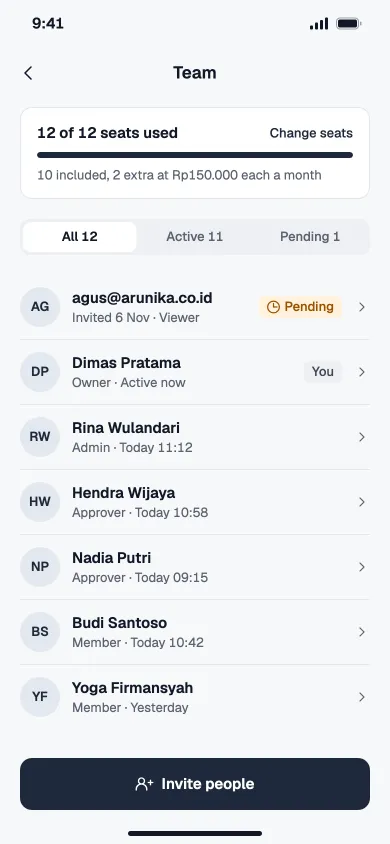
A platform and dashboard flow in 6 screens, from members to last owner cannot leave. Start your app from it, and your agent draws it on your own design system.
- 6 screens
- 5 patterns
- Mobile and desktop
- Brand: Pilar (made up)
The screens, in order
- Members
- InvitePro
- Change role or removePro
- Seat limit reachedPro
- Invite expired and resentPro
- Last owner cannot leavePro
See all 6 screens, at mobile and desktop.Pro opens the whole flow in your Universe, with the prompt and code for each screen.
Upgrade to ProAlready Pro? Open in UniverseWhen to use it
USE WHEN
Any B2B product where several people share one workspace and seats cost money, or where access must differ by role.
AVOID WHEN
Single-user tools, or consumer sharing (use Social for friends and Account for personal settings).
Patterns and why they work
5 decisions this flow makes, and the clarity each one buys.
Cost inside the invite
"This adds 2 seats, +Rp300.000 a month, Rp230.000 today"
Roles as a radio list with one line each
What each role can do
Pending invite as its own row with Resend
Who has not joined
Removal confirm lists consequences
Access lost, open requests kept, seat stays paid
Blocked state names who can unblock
Admins invite, only the owner changes billing
Each pattern also has its psychology, the intuition behind it and what it rules out, plus layout notes for mobile and desktop.
Open in UniverseStates to cover
The screens people forget until a user hits them.
- Drawn: members list
- Pending invite
- Invite resent (toast with the new expiry)
- Expired invite with Send again (holds no seat)
- Invite with cost
- Invite by link
- Change role
- Remove with consequences
- Last owner cannot leave (leads to Transfer ownership)
- Seat limit reached for a non-owner admin
- Listed
- Not drawn: invalid or outside-domain email
- Owner adds a seat
Pairs with
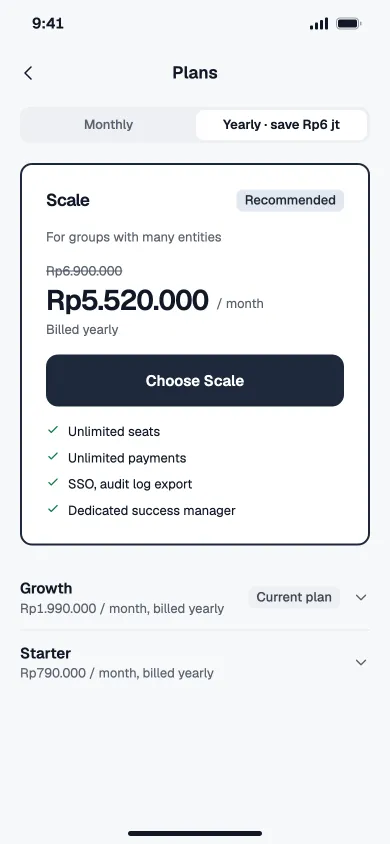
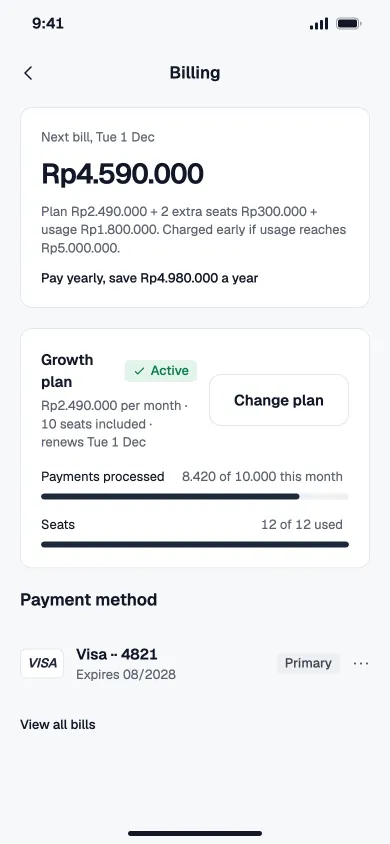
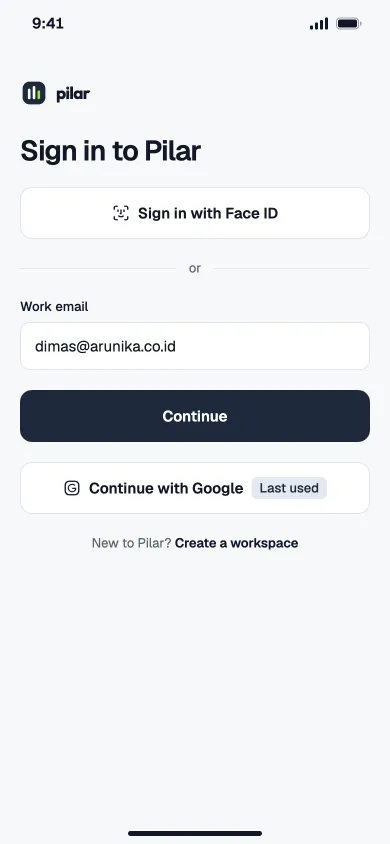
The flows this one hands off to or comes back from.
More Platform and Dashboard flows
Drawn for the same brand, so they fit together.
Questions
- When should I use a team members and roles flow?
- Any B2B product where several people share one workspace and seats cost money, or where access must differ by role. Use another pattern for single-user tools, or consumer sharing (use Social for friends and Account for personal settings).
- Which screens does it need?
- This pattern uses 6: Members, Invite, Change role or remove, Seat limit reached, Invite expired and resent and Last owner cannot leave. Plan for these states too: drawn: members list, pending invite, invite resent (toast with the new expiry), expired invite with send again (holds no seat).
- Is Pilar a real app?
- No. Pilar is a made-up B2B operations platform: payments, spend approvals, invoices, billing for finance and ops teams, so the screens show the pattern without copying anyone's brand. Your agent redraws the flow on your own tokens and components.
- How does my agent use this flow?
- Connect Claude Code, Codex or Claude Desktop to Wonderblok over MCP. The agent calls use_pattern for this flow, reads its screens, rules and states, and draws them in your file.
- Is it free?
- Browsing Universe is free. Full pattern notes and use with your agent are part of Pro, and the Free plan opens a few flows in full each month.