PLATFORM AND DASHBOARD FLOW
Multi-step form wizard app flow
A platform and dashboard flow in 6 screens, from company details to waiting for approval. Start your app from it, and your agent draws it on your own design system.
- 6 screens
- 3 patterns
- Mobile and desktop
- Brand: Pilar (made up)
The screens, in order
- Company details
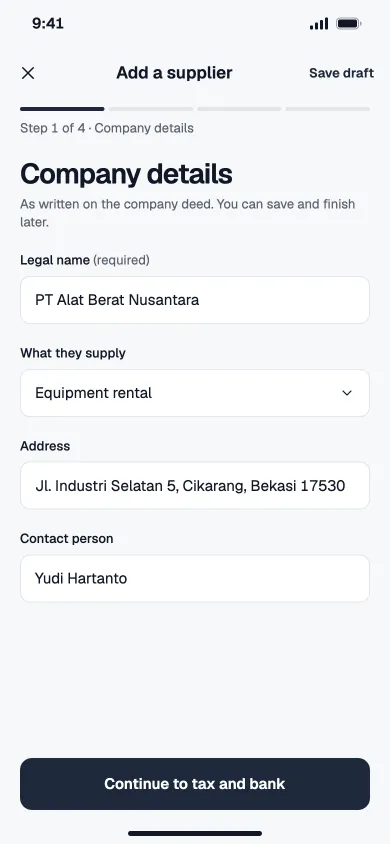
- Bank account check failedPro
- DocumentsPro
- Resume a draftPro
- Review and submitPro
- Waiting for approvalPro
See all 6 screens, at mobile and desktop.Pro opens the whole flow in your Universe, with the prompt and code for each screen.
Upgrade to ProAlready Pro? Open in UniverseWhen to use it
USE WHEN
A long business form split into a few named steps: adding a supplier with company, tax and bank, documents and a review, with drafts and an approval at the end.
AVOID WHEN
A short form that fits one page (use Platform › Adding and creating) or the first sign-up of a company (use Platform › Create account and workspace).
Patterns and why they work
3 decisions this flow makes, and the clarity each one buys.
Name every step and show where you are: the rail says Done, In progress, Needs a fix or About 2 minutes beside each step. People finish long forms when they can see the end and what is left
Check risky details on the spot and say why it failed: the bank returned a different account holder, so the step says the name the bank has and offers check again or upload a bank letter. A vague invalid account sends people to support
Save as you go and offer the draft back: the next day the wizard opens on Pick up where you left off with 3 of 4 done. Gathering NPWP and bank letters takes time, and losing work is the main reason people abandon
Each pattern also has its psychology, the intuition behind it and what it rules out, plus layout notes for mobile and desktop.
Open in UniverseStates to cover
The screens people forget until a user hits them.
- Company details
- Bank account check failed with the reason and two ways out
- Documents with one still uploading
- Resume a draft the next day
- Review with edit links
- Waiting for approval with what happens next
Pairs with
The flows this one hands off to or comes back from.
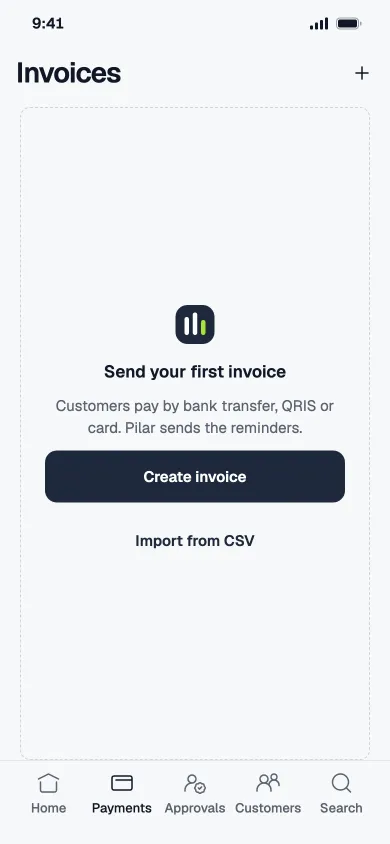
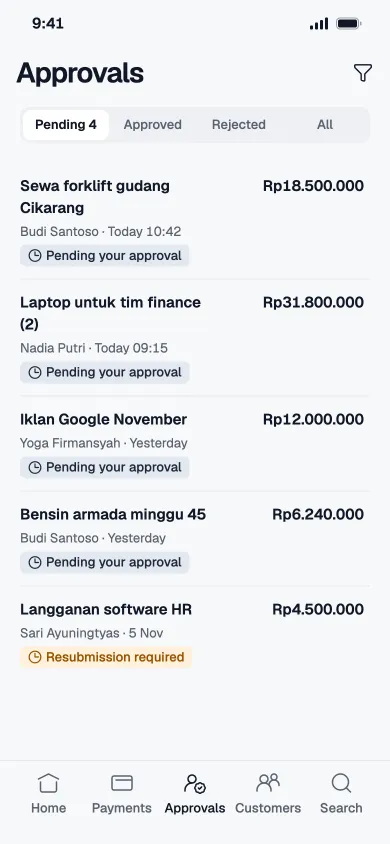
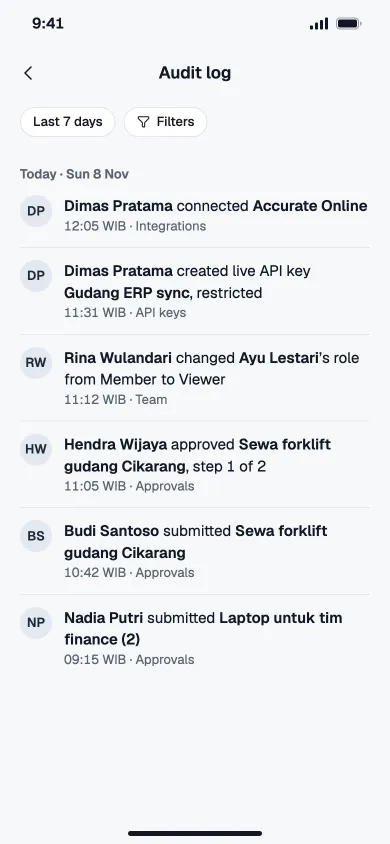
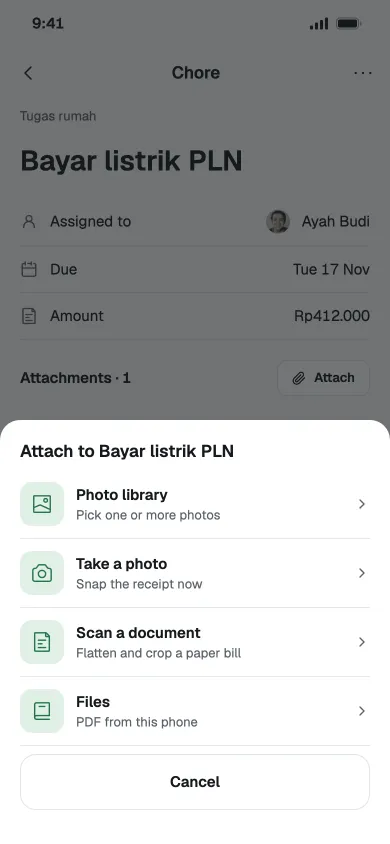
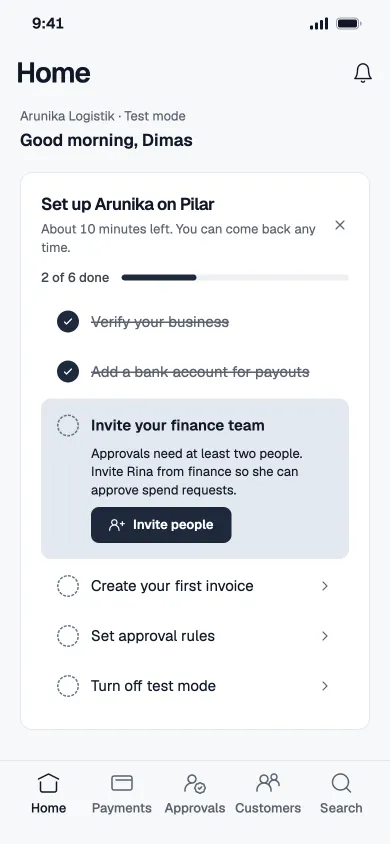
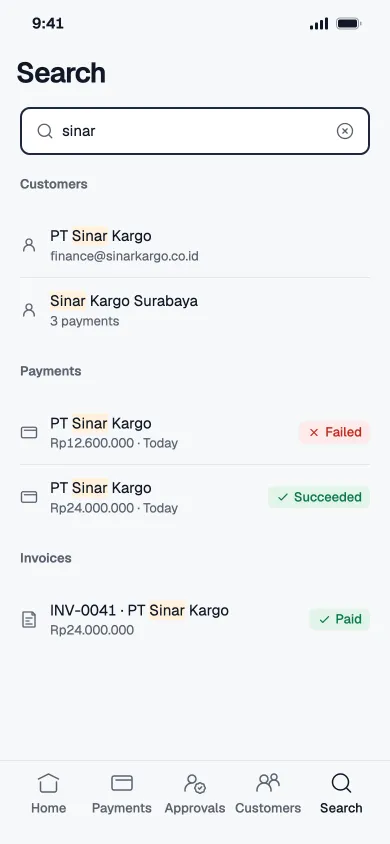
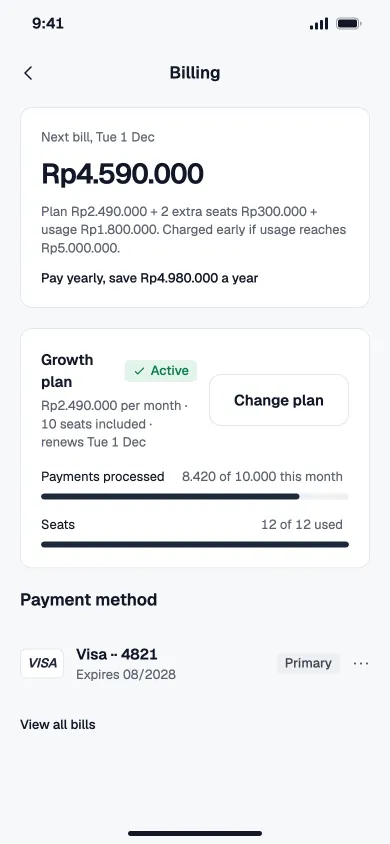
More Platform and Dashboard flows
Drawn for the same brand, so they fit together.
Questions
- When should I use a multi-step form wizard flow?
- A long business form split into a few named steps: adding a supplier with company, tax and bank, documents and a review, with drafts and an approval at the end. Use another pattern for a short form that fits one page (use Platform › Adding and creating) or the first sign-up of a company (use Platform › Create account and workspace).
- Which screens does it need?
- This pattern uses 6: Company details, Bank account check failed, Documents, Resume a draft, Review and submit and Waiting for approval. Plan for these states too: company details, bank account check failed with the reason and two ways out, documents with one still uploading, resume a draft the next day.
- Is Pilar a real app?
- No. Pilar is a made-up B2B operations platform: payments, spend approvals, invoices, billing for finance and ops teams, so the screens show the pattern without copying anyone's brand. Your agent redraws the flow on your own tokens and components.
- How does my agent use this flow?
- Connect Claude Code, Codex or Claude Desktop to Wonderblok over MCP. The agent calls use_pattern for this flow, reads its screens, rules and states, and draws them in your file.
- Is it free?
- Browsing Universe is free. Full pattern notes and use with your agent are part of Pro, and the Free plan opens a few flows in full each month.