PLATFORM AND DASHBOARD FLOW
Referral app flow
A platform and dashboard flow in 4 screens, from refer to not counted. Start your app from it, and your agent draws it on your own design system.
- 4 screens
- 7 patterns
- Mobile and desktop
- Brand: Pilar (made up)
The screens, in order
- Refer
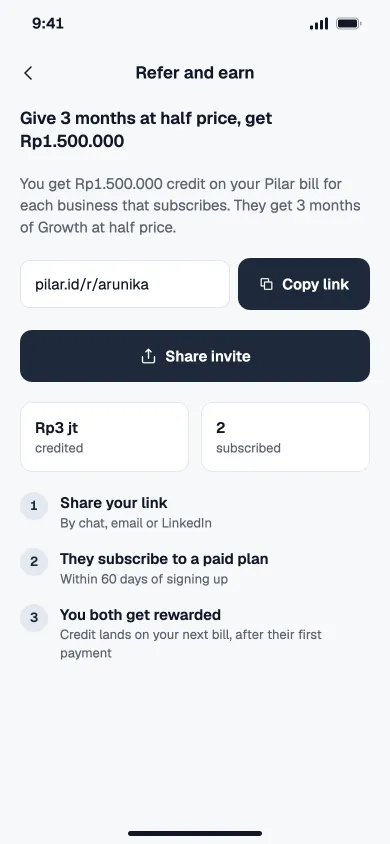
- SharePro
- TrackPro
- Not countedPro
See all 4 screens, at mobile and desktop.Pro opens the whole flow in your Universe, with the prompt and code for each screen.
Upgrade to ProAlready Pro? Open in UniverseWhen to use it
USE WHEN
B2B products where customers know peers (agencies, finance, HR, dev tools), partner programs.
AVOID WHEN
The buyer is not the user (enterprise procurement), or rewards would conflict with compliance; never auto-email contacts.
Patterns and why they work
7 decisions this flow makes, and the clarity each one buys.
Two-sided reward in one sentence
Both outcomes
Conditions as numbered steps
What triggers payout
Prefilled message with the link
Ready to paste
Stage per invite
Where each referral is
Funnel counters
Performance at a glance
Credits tied to billing
Where the reward lands
Tax disclosure
Obligations stated
Each pattern also has its psychology, the intuition behind it and what it rules out, plus layout notes for mobile and desktop.
Open in UniverseStates to cover
The screens people forget until a user hits them.
- Program intro
- Link copied
- Email invite sent
- No referrals yet
- Invited
- Signed up
- Converted
- Reward pending
- Reward paid or credited
- Condition expired
- Already a customer
- Self-referral blocked
- Payout details missing
- Program ended
- Banner dismissed
Pairs with
The flows this one hands off to or comes back from.
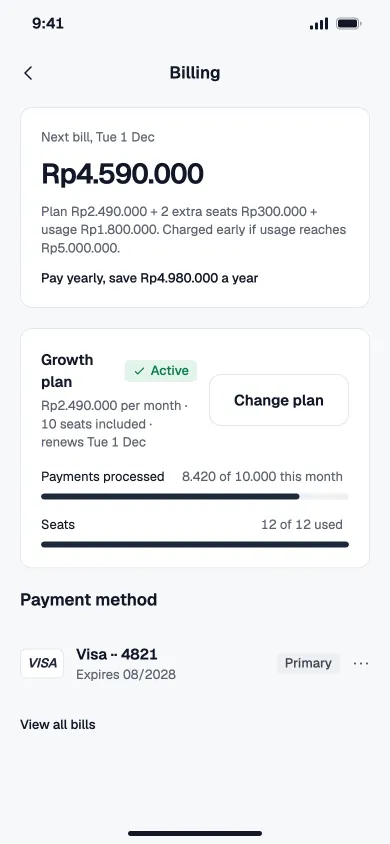
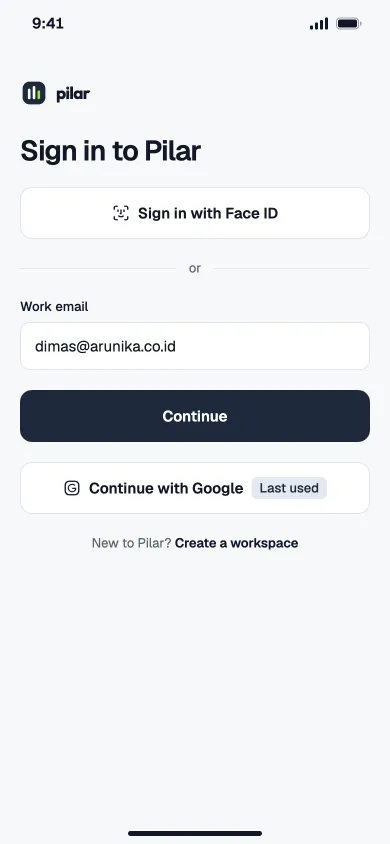
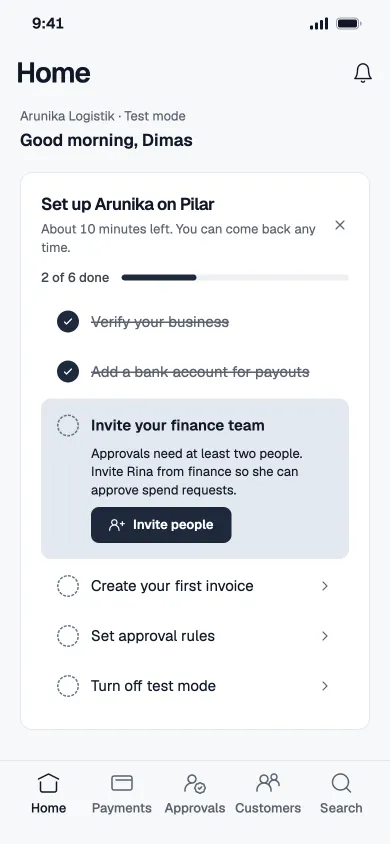
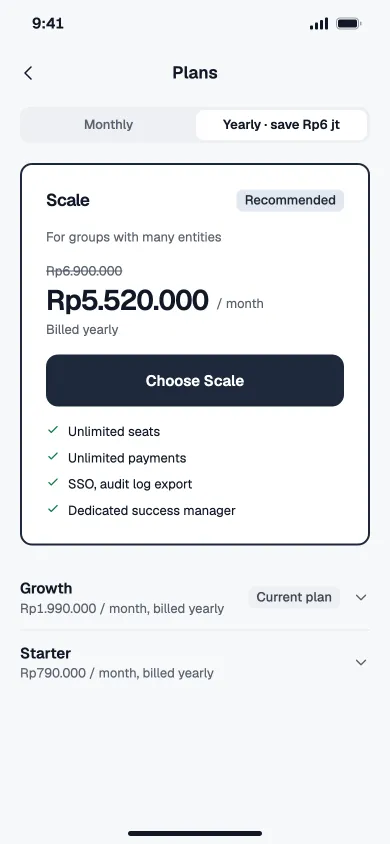
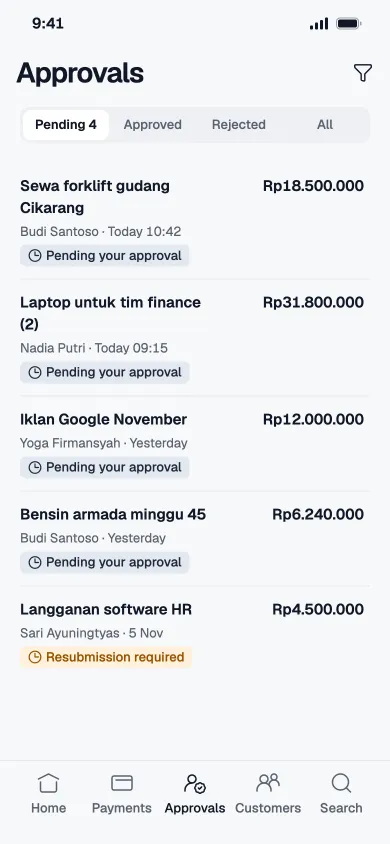
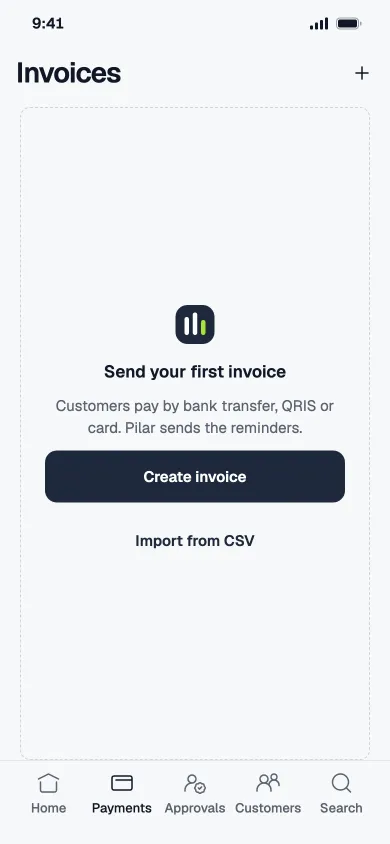
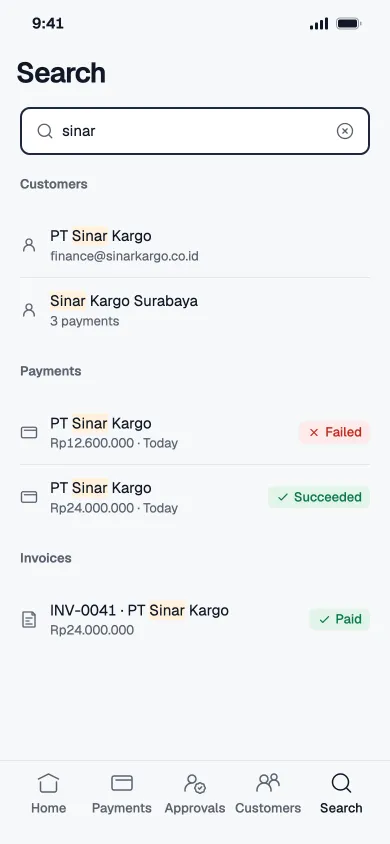
More Platform and Dashboard flows
Drawn for the same brand, so they fit together.
Questions
- When should I use a referral flow?
- B2B products where customers know peers (agencies, finance, HR, dev tools), partner programs. Use another pattern for the buyer is not the user (enterprise procurement), or rewards would conflict with compliance; never auto-email contacts.
- Which screens does it need?
- This pattern uses 4: Refer, Share, Track and Not counted. Plan for these states too: program intro, link copied, email invite sent, no referrals yet.
- Is Pilar a real app?
- No. Pilar is a made-up B2B operations platform: payments, spend approvals, invoices, billing for finance and ops teams, so the screens show the pattern without copying anyone's brand. Your agent redraws the flow on your own tokens and components.
- How does my agent use this flow?
- Connect Claude Code, Codex or Claude Desktop to Wonderblok over MCP. The agent calls use_pattern for this flow, reads its screens, rules and states, and draws them in your file.
- Is it free?
- Browsing Universe is free. Full pattern notes and use with your agent are part of Pro, and the Free plan opens a few flows in full each month.