PLATFORM AND DASHBOARD FLOW
Pricing and subscription app flow
A platform and dashboard flow in 4 screens, from compare plans to cancel. Start your app from it, and your agent draws it on your own design system.
- 4 screens
- 7 patterns
- Mobile and desktop
- Brand: Pilar (made up)
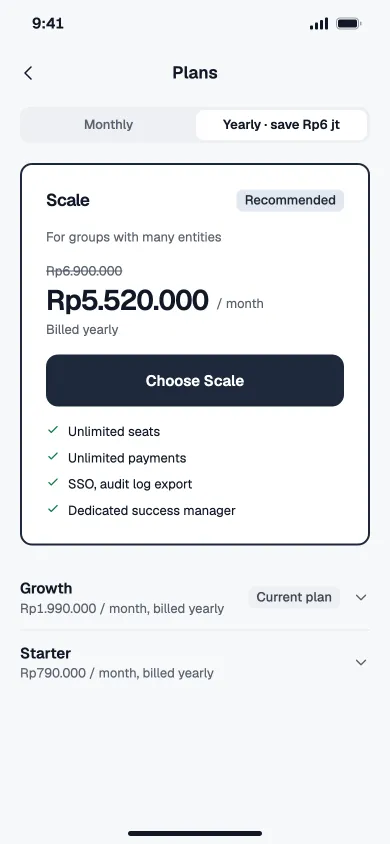
- Compare plans
- UpgradePro
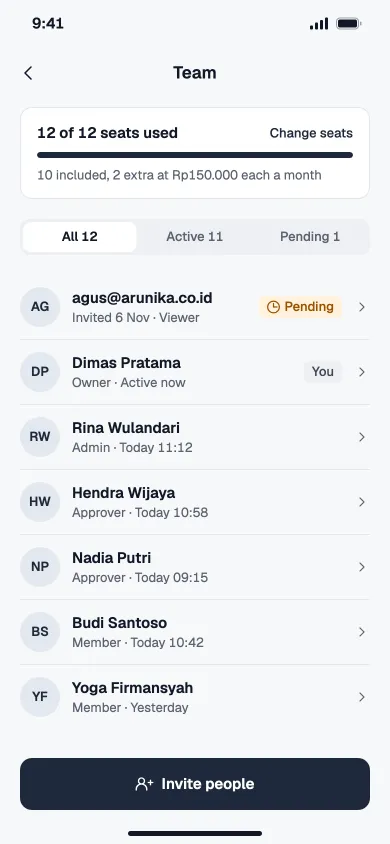
- SeatsPro
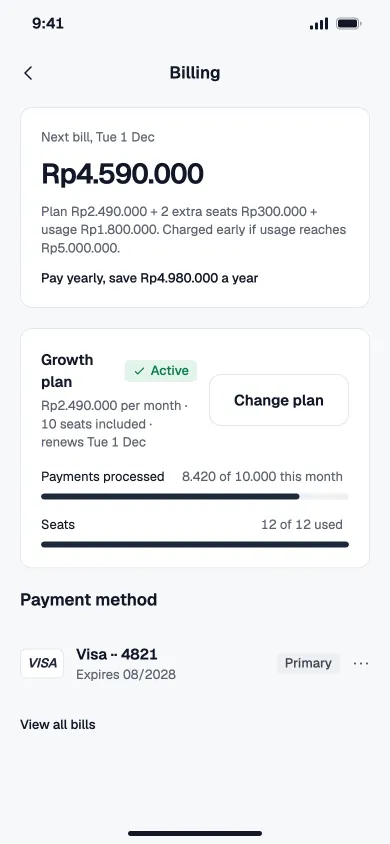
- CancelPro
See all 4 screens, at mobile and desktop, in 3 brands.Pro opens the whole flow in your Universe, with the prompt and code for each screen.
Upgrade to ProAlready Pro? Open in UniverseWhen to use it
USE WHEN
Self-serve SaaS with tiers, seats or add-ons; in-app upgrade from a limit.
AVOID WHEN
Sales-led enterprise deals (show "Contact sales" with a form) or app-store subscriptions (link to the platform).
Patterns and why they work
7 decisions this flow makes, and the clarity each one buys.
Current plan tagged and disabled
Where you are
Dated price timeline
Every future charge is dated
Shared features listed once
Cards show only differences
Seat delta with charge preview
Exact cost of the change
Consequence summary before cancel
Impact named
Reactivate until effective date
Cancellation is reversible for now
Annual saving in money
Concrete value
Each pattern also has its psychology, the intuition behind it and what it rules out, plus layout notes for mobile and desktop.
Open in UniverseStates to cover
The screens people forget until a user hits them.
- Compare plans (monthly, yearly)
- Current plan
- Recommended plan
- Trial active
- Upgrade confirm with proration
- Upgrade success
- Payment required
- Seat add
- Seat remove below minimum
- Seats unassigned
- Downgrade impact
- Cancel reason
- Retention offer
- Cancel confirm
- Cancelled pending end date
- Reactivated
- No permission
Pairs with
The flows this one hands off to or comes back from.
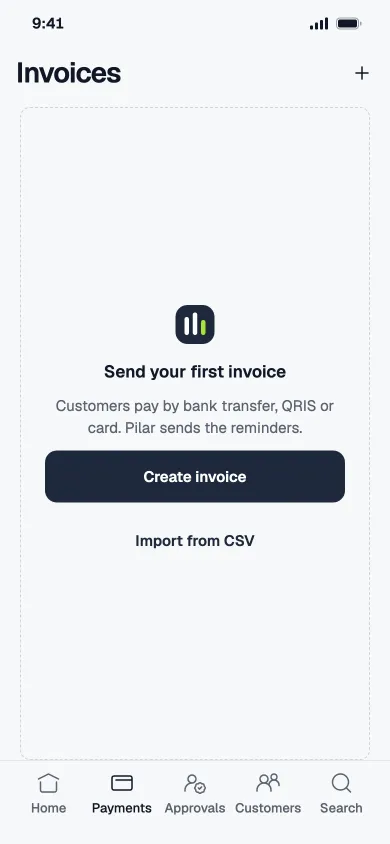
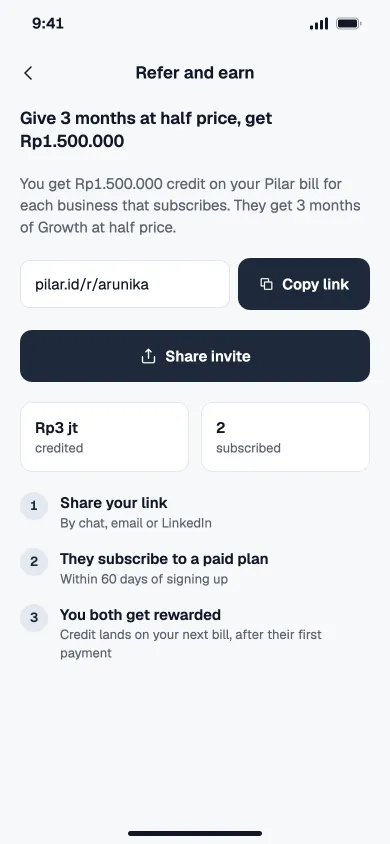
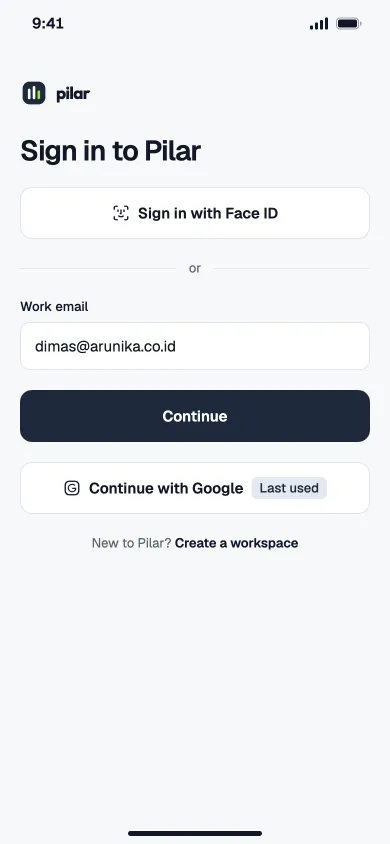
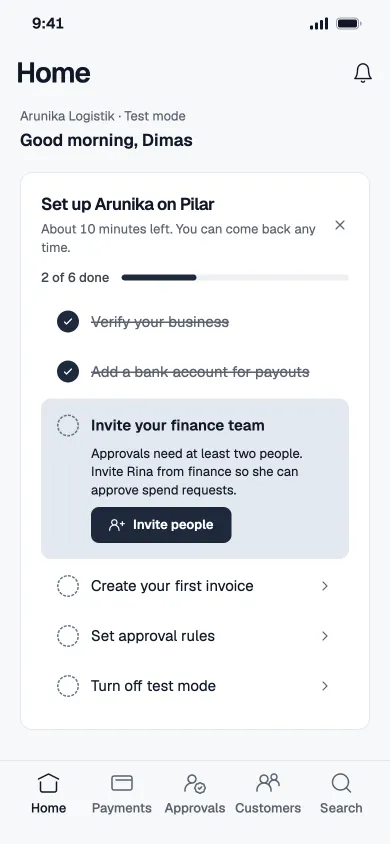
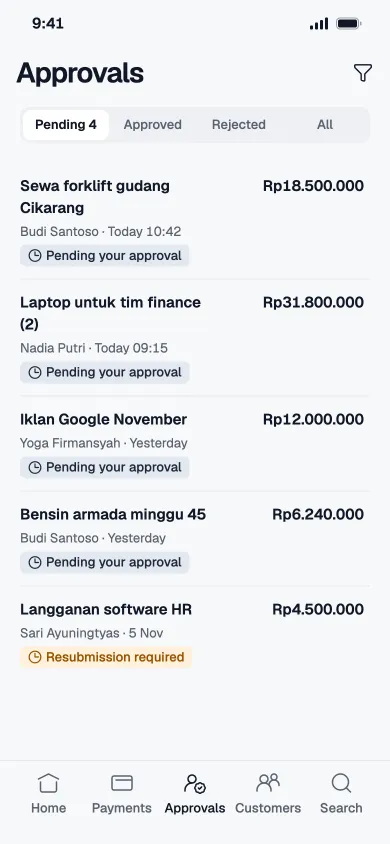
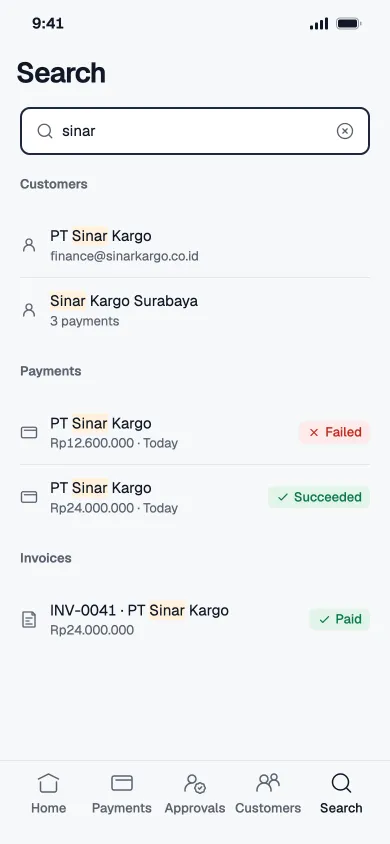
More Platform and Dashboard flows
Drawn for the same brand, so they fit together.
Questions
- When should I use a pricing and subscription flow?
- Self-serve SaaS with tiers, seats or add-ons; in-app upgrade from a limit. Use another pattern for sales-led enterprise deals (show "Contact sales" with a form) or app-store subscriptions (link to the platform).
- Which screens does it need?
- This pattern uses 4: Compare plans, Upgrade, Seats and Cancel. Plan for these states too: compare plans (monthly, yearly), current plan, recommended plan, trial active.
- Is Pilar a real app?
- No. Pilar is a made-up B2B operations platform: payments, spend approvals, invoices, billing for finance and ops teams, so the screens show the pattern without copying anyone's brand. Your agent redraws the flow on your own tokens and components.
- How does my agent use this flow?
- Connect Claude Code, Codex or Claude Desktop to Wonderblok over MCP. The agent calls use_pattern for this flow, reads its screens, rules and states, and draws them in your file.
- Is it free?
- Browsing Universe is free. Full pattern notes and use with your agent are part of Pro, and the Free plan opens a few flows in full each month.