PLATFORM AND DASHBOARD FLOW
Admin user management app flow
A platform and dashboard flow in 5 screens, from user directory to import done. Start your app from it, and your agent draws it on your own design system.
- 5 screens
- 3 patterns
- Mobile and desktop
- Brand: Pilar (made up)
The screens, in order
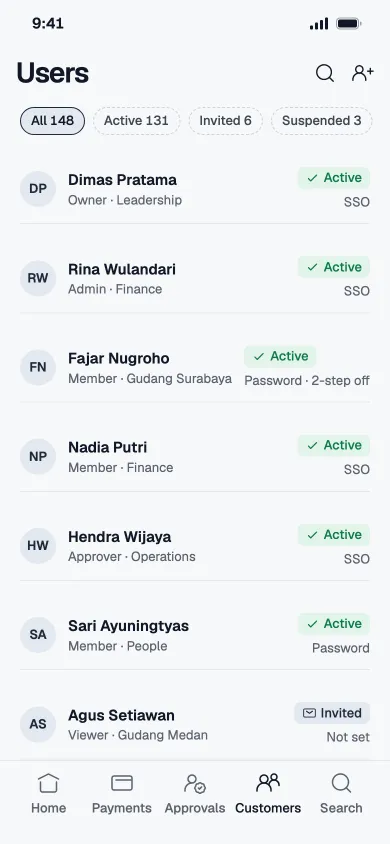
- User directory
- User detailPro
- Suspend a userPro
- Import from CSVPro
- Import donePro
See all 5 screens, at mobile and desktop.Pro opens the whole flow in your Universe, with the prompt and code for each screen.
Upgrade to ProAlready Pro? Open in UniverseWhen to use it
USE WHEN
An admin of many people who needs to see everyone's status and sign-in security, act on one person (suspend, reset, require 2-step) and add people in bulk.
AVOID WHEN
Inviting a few teammates and setting their roles (use Platform › Team members and roles) or a person editing their own security (use Platform › Account and security).
Patterns and why they work
3 decisions this flow makes, and the clarity each one buys.
Security at a glance: sign-in method and 2-step sit in their own columns, and Off is amber. An admin scanning 148 people needs the risky ones to stand out without opening each
Spell out the consequence before a destructive action: signed out of 2 sessions, 3 approvals move to Hendra, the API key stops, nothing deleted. People confirm what they understand, not a generic Are you sure
Import the good rows, report the bad ones by row: 38 ready, 4 with the row number and the exact problem, and a file of just those 4. Nobody should fix a 42-row file blind
Each pattern also has its psychology, the intuition behind it and what it rules out, plus layout notes for mobile and desktop.
Open in UniverseStates to cover
The screens people forget until a user hits them.
- Directory
- User detail with sessions and groups
- Suspend with every consequence
- CSV import with a row-level report
- Import done with the skipped rows to download
Pairs with
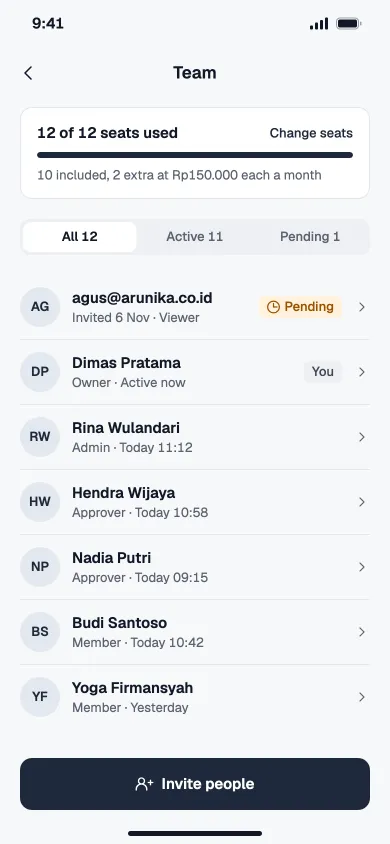
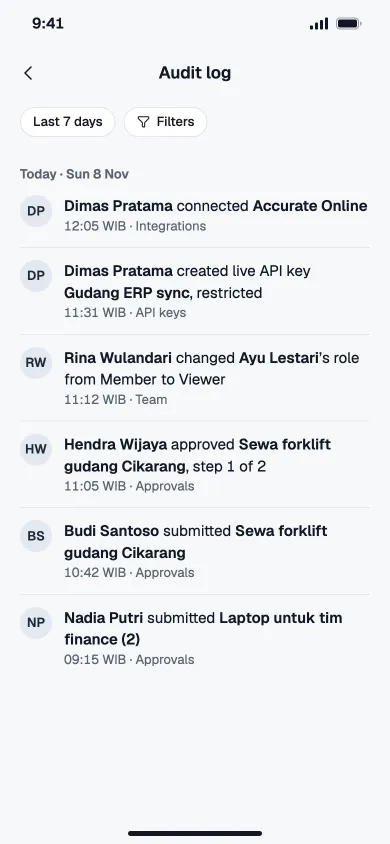
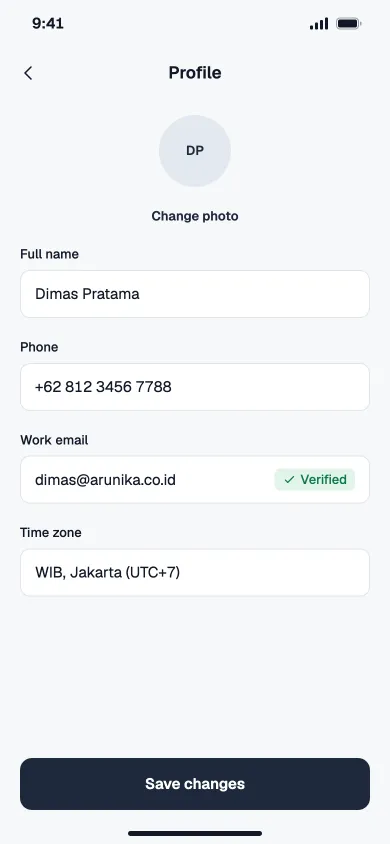
The flows this one hands off to or comes back from.
More Platform and Dashboard flows
Drawn for the same brand, so they fit together.
Questions
- When should I use a admin user management flow?
- An admin of many people who needs to see everyone's status and sign-in security, act on one person (suspend, reset, require 2-step) and add people in bulk. Use another pattern for inviting a few teammates and setting their roles (use Platform › Team members and roles) or a person editing their own security (use Platform › Account and security).
- Which screens does it need?
- This pattern uses 5: User directory, User detail, Suspend a user, Import from CSV and Import done. Plan for these states too: directory, user detail with sessions and groups, suspend with every consequence, csv import with a row-level report.
- Is Pilar a real app?
- No. Pilar is a made-up B2B operations platform: payments, spend approvals, invoices, billing for finance and ops teams, so the screens show the pattern without copying anyone's brand. Your agent redraws the flow on your own tokens and components.
- How does my agent use this flow?
- Connect Claude Code, Codex or Claude Desktop to Wonderblok over MCP. The agent calls use_pattern for this flow, reads its screens, rules and states, and draws them in your file.
- Is it free?
- Browsing Universe is free. Full pattern notes and use with your agent are part of Pro, and the Free plan opens a few flows in full each month.