PLATFORM AND DASHBOARD FLOW
Feature flags and roles matrix app flow
A platform and dashboard flow in 6 screens, from roles matrix to audit of the change. Start your app from it, and your agent draws it on your own design system.
- 6 screens
- 3 patterns
- Mobile and desktop
- Brand: Pilar (made up)
The screens, in order
- Roles matrix
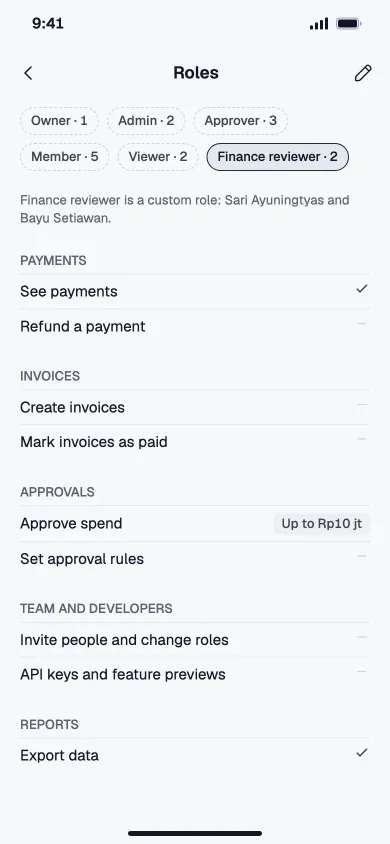
- Edit a custom rolePro
- Feature previewsPro
- Flag targetingPro
- Confirm in LivePro
- Audit of the changePro
See all 6 screens, at mobile and desktop.Pro opens the whole flow in your Universe, with the prompt and code for each screen.
Upgrade to ProAlready Pro? Open in UniverseWhen to use it
USE WHEN
An admin deciding who can do what and which new features are on: a roles matrix with a custom role, editing it with a diff, a feature list per environment with rollout, one feature's targeting and kill switch, confirming a Live change and its audit entry.
AVOID WHEN
Inviting people and giving one person a role (use Platform › Team members and roles) or reading every event in the workspace (use Platform › Audit log).
Patterns and why they work
3 decisions this flow makes, and the clarity each one buys.
Show the change as a diff before saving: Added, Changed and Removed rows with the old value struck through. People approve permission changes they can read, and catch the one they did not mean
Say the impact in people and money before a Live change: 23 more people, records payments made outside Pilar, no money moves, undo with the kill switch. Admins switch on with confidence when the blast radius is spelled out
Keep a kill switch apart from the rollout and log every change: the red Turn off everywhere card sits under the rules, and the audit entry shows 25% before and 100% after. Fast rollback and a clear record make gradual rollout safe
Each pattern also has its psychology, the intuition behind it and what it rules out, plus layout notes for mobile and desktop.
Open in UniverseStates to cover
The screens people forget until a user hits them.
- Roles matrix
- Edit a custom role with the diff and who it affects
- Feature previews with environments
- One feature's targeting with the kill switch
- Confirm turning it on for everyone in Live
- The audit entry with before and after
Pairs with
The flows this one hands off to or comes back from.
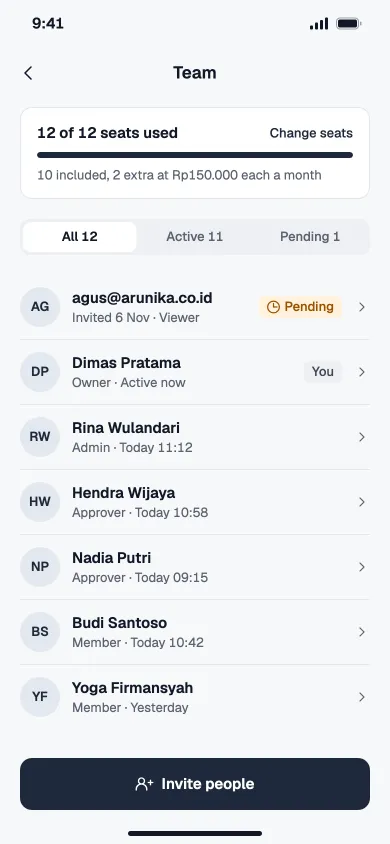
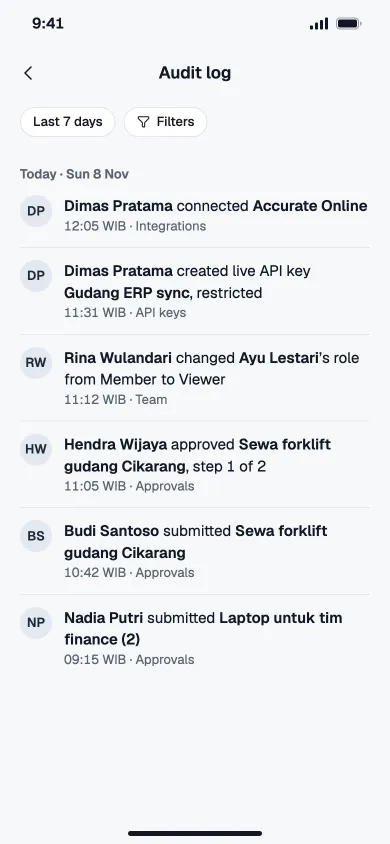
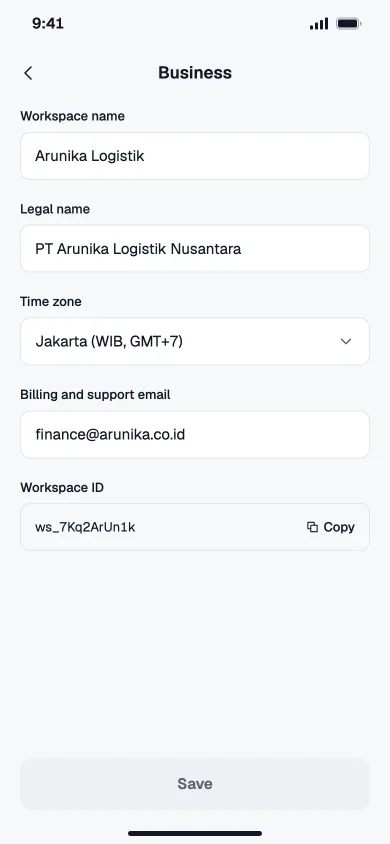
More Platform and Dashboard flows
Drawn for the same brand, so they fit together.
Questions
- When should I use a feature flags and roles matrix flow?
- An admin deciding who can do what and which new features are on: a roles matrix with a custom role, editing it with a diff, a feature list per environment with rollout, one feature's targeting and kill switch, confirming a Live change and its audit entry. Use another pattern for inviting people and giving one person a role (use Platform › Team members and roles) or reading every event in the workspace (use Platform › Audit log).
- Which screens does it need?
- This pattern uses 6: Roles matrix, Edit a custom role, Feature previews, Flag targeting, Confirm in Live and Audit of the change. Plan for these states too: roles matrix, edit a custom role with the diff and who it affects, feature previews with environments, one feature's targeting with the kill switch.
- Is Pilar a real app?
- No. Pilar is a made-up B2B operations platform: payments, spend approvals, invoices, billing for finance and ops teams, so the screens show the pattern without copying anyone's brand. Your agent redraws the flow on your own tokens and components.
- How does my agent use this flow?
- Connect Claude Code, Codex or Claude Desktop to Wonderblok over MCP. The agent calls use_pattern for this flow, reads its screens, rules and states, and draws them in your file.
- Is it free?
- Browsing Universe is free. Full pattern notes and use with your agent are part of Pro, and the Free plan opens a few flows in full each month.