PLATFORM AND DASHBOARD FLOW
Billing app flow
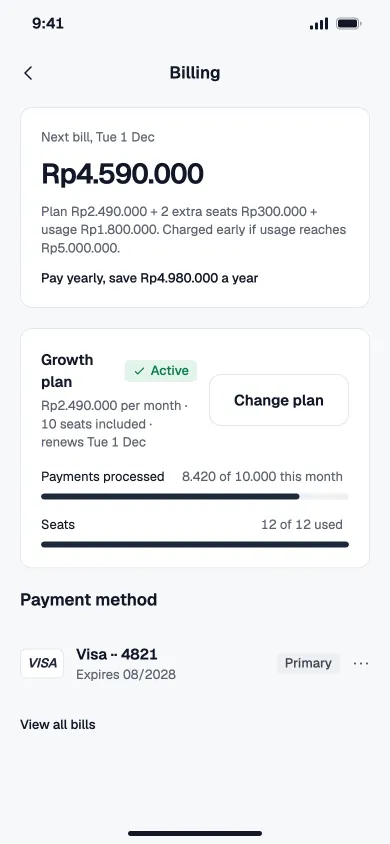
A platform and dashboard flow in 5 screens, from overview to tax id. Start your app from it, and your agent draws it on your own design system.
- 5 screens
- 7 patterns
- Mobile and desktop
- Brand: Pilar (made up)
The screens, in order
- Overview
- BillsPro
- Payment failedPro
- Update cardPro
- Tax IDPro
See all 5 screens, at mobile and desktop.Pro opens the whole flow in your Universe, with the prompt and code for each screen.
Upgrade to ProAlready Pro? Open in UniverseWhen to use it
USE WHEN
Any paid B2B product, usage-based billing, seat-based plans.
AVOID WHEN
Billing is handled by an app store (link out to the platform's subscription management) or the user lacks billing permission (show who the billing owner is).
Patterns and why they work
7 decisions this flow makes, and the clarity each one buys.
Plan timeline with dated price changes
When and how much each change costs
Next bill with threshold rule
Usage billing explained in one line
Card row with brand, last 4, expiry, Primary
Which card pays
Status tabs for bills including Failed
Failures are findable
Blocking incomplete state with one action
Why access is limited
Success toast after card update
Saved
Annual savings nudge
Concrete saving
Each pattern also has its psychology, the intuition behind it and what it rules out, plus layout notes for mobile and desktop.
Open in UniverseStates to cover
The screens people forget until a user hits them.
- Drawn: active
- Usage near limit
- Card expiring
- Payment failed (banner)
- Past due with access limited
- Card update form errors
- Invoice paid / failed / refunded
- Tax ID change with a format error
- Download invoice is the download column and the bill rail on Bills
- The proration preview is in Pricing and subscription (Upgrade, Seats)
- Listed
- Not drawn: trial
- Over limit
- Payment retrying
- Card updated
- No invoices yet
- Cancelled subscription
- No billing permission
Pairs with
The flows this one hands off to or comes back from.
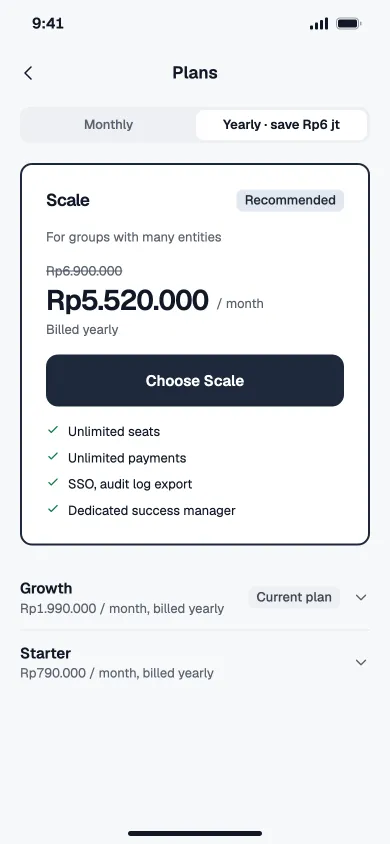
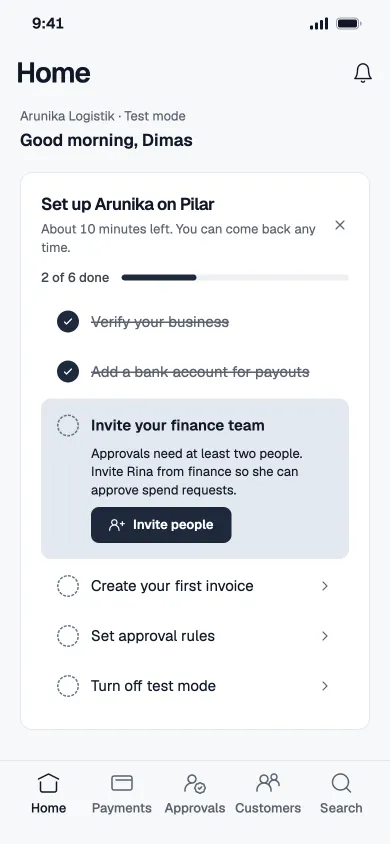
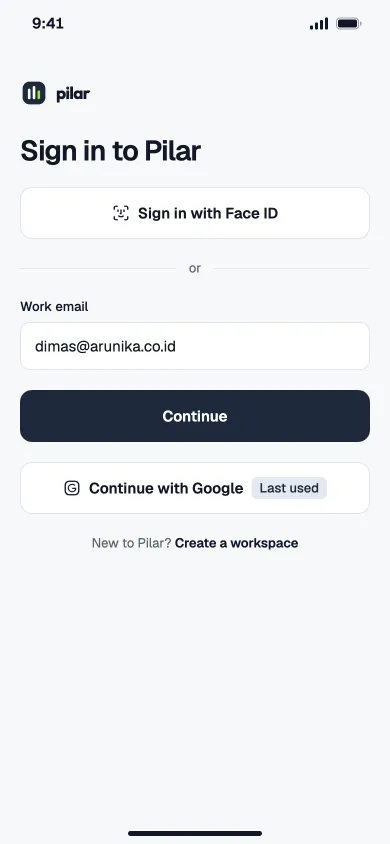
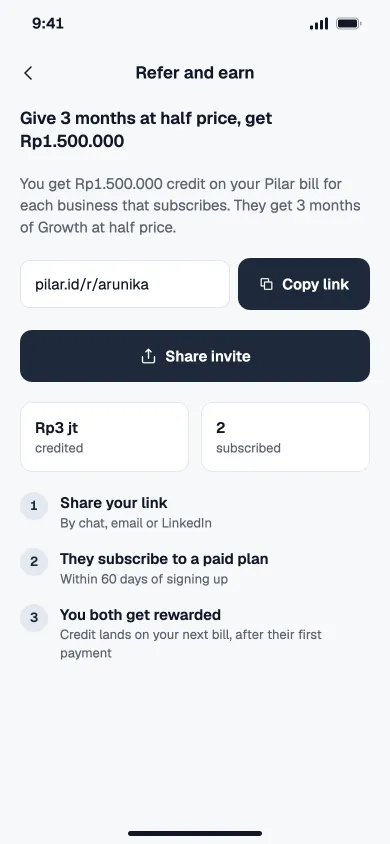
More Platform and Dashboard flows
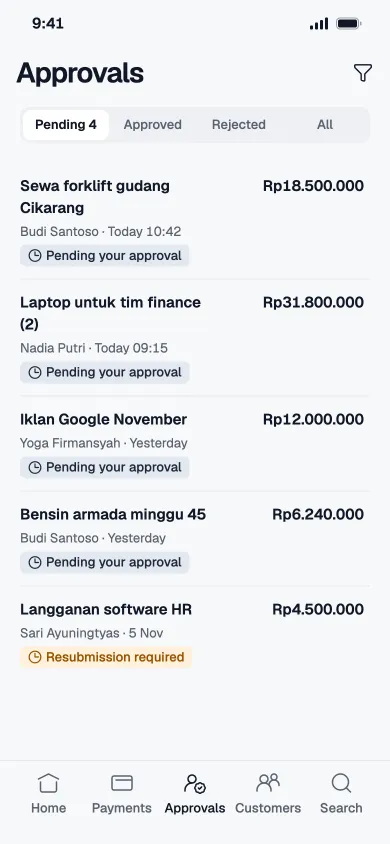
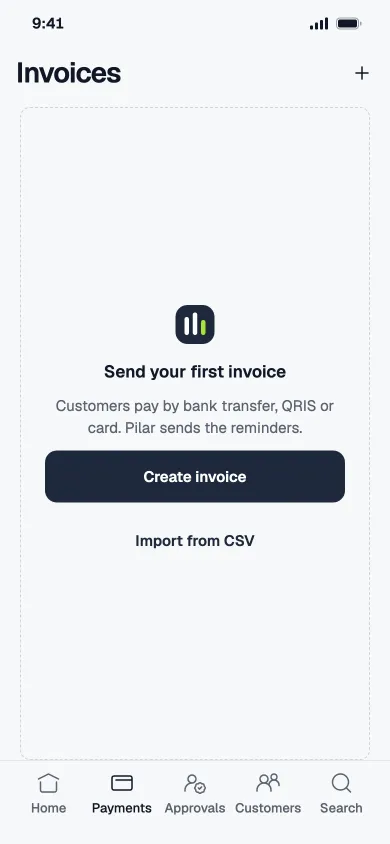
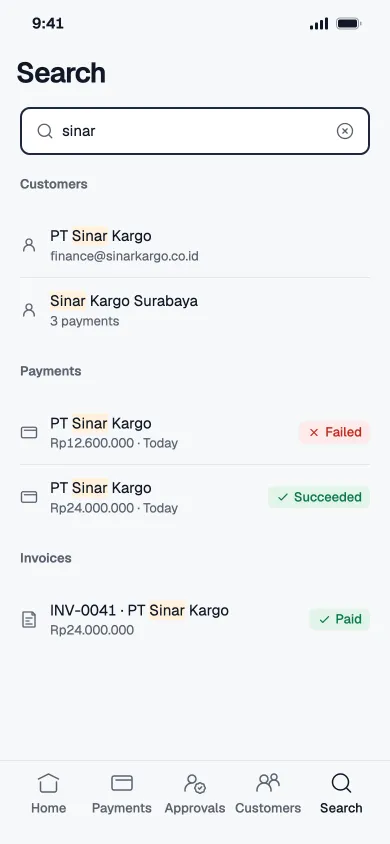
Drawn for the same brand, so they fit together.
Questions
- When should I use a billing flow?
- Any paid B2B product, usage-based billing, seat-based plans. Use another pattern for billing is handled by an app store (link out to the platform's subscription management) or the user lacks billing permission (show who the billing owner is).
- Which screens does it need?
- This pattern uses 5: Overview, Bills, Payment failed, Update card and Tax ID. Plan for these states too: drawn: active, usage near limit, card expiring, payment failed (banner).
- Is Pilar a real app?
- No. Pilar is a made-up B2B operations platform: payments, spend approvals, invoices, billing for finance and ops teams, so the screens show the pattern without copying anyone's brand. Your agent redraws the flow on your own tokens and components.
- How does my agent use this flow?
- Connect Claude Code, Codex or Claude Desktop to Wonderblok over MCP. The agent calls use_pattern for this flow, reads its screens, rules and states, and draws them in your file.
- Is it free?
- Browsing Universe is free. Full pattern notes and use with your agent are part of Pro, and the Free plan opens a few flows in full each month.