MISC FLOW
Terms and conditions app flow
A misc flow in 4 screens, from sign-up consent to declined. Start your app from it, and your agent draws it on your own design system.
- 4 screens
- 6 patterns
- Mobile and desktop
- Brand: Rapi (made up)
The screens, in order
- Sign-up consent
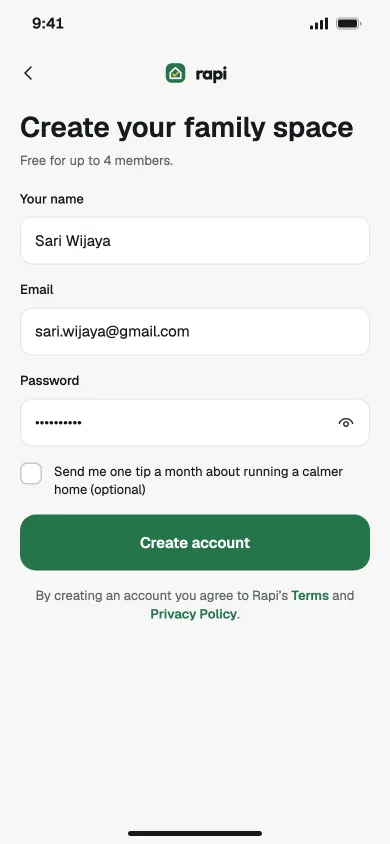
- Updated termsPro
- Long documentPro
- DeclinedPro
See all 4 screens, at mobile and desktop.Pro opens the whole flow in your Universe, with the prompt and code for each screen.
Upgrade to ProAlready Pro? Open in UniverseWhen to use it
USE WHEN
Sign-up, first use of a regulated feature (payments, ID, financial products), material changes to terms, any legal page.
AVOID WHEN
A change is minor (send an email notice and keep the in-app footer link) or the action is not consent (do not gate browsing with a modal).
Patterns and why they work
6 decisions this flow makes, and the clarity each one buys.
Button label is the consent
Tapping means agreeing
Plain-language summary before the full text
What actually matters
Optional consent unchecked and separate
Required vs optional
Disabled primary until explicit check
One required action
Step count for stacked agreements
How many left
Sticky TOC with dates
Structure and currency
Each pattern also has its psychology, the intuition behind it and what it rules out, plus layout notes for mobile and desktop.
Open in UniverseStates to cover
The screens people forget until a user hits them.
- Sign-up with consent line
- Optional marketing unchecked
- Checkbox required and unchecked (disabled CTA)
- Checked
- Updated-terms gate
- Multi-agreement step 1 of N
- Declined (signed out or limited)
- Long doc with TOC
- Doc deep link to a section
- Agree loading
- Agree failed
Pairs with
The flows this one hands off to or comes back from.
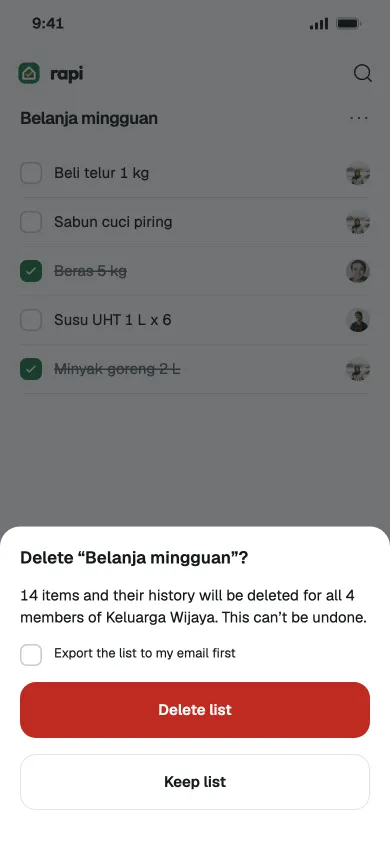
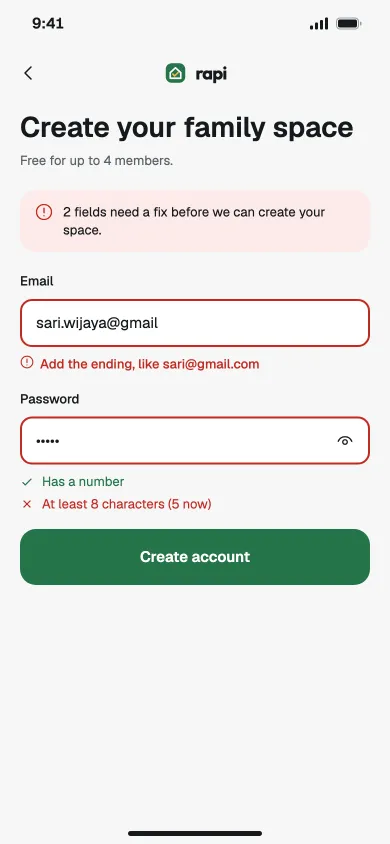
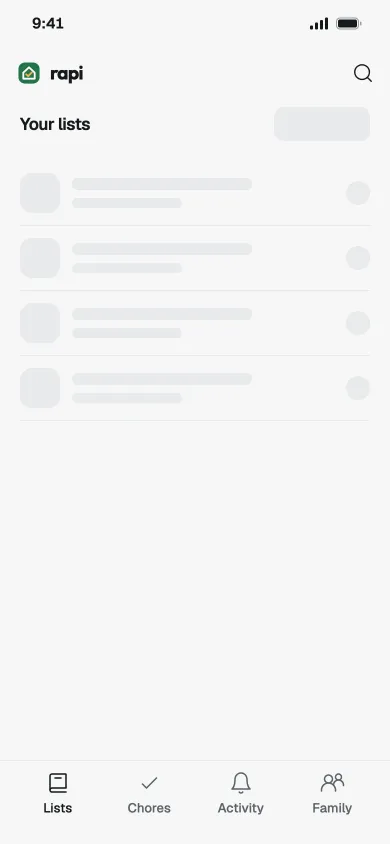
More Misc flows
Drawn for the same brand, so they fit together.
Questions
- When should I use a terms and conditions flow?
- Sign-up, first use of a regulated feature (payments, ID, financial products), material changes to terms, any legal page. Use another pattern for a change is minor (send an email notice and keep the in-app footer link) or the action is not consent (do not gate browsing with a modal).
- Which screens does it need?
- This pattern uses 4: Sign-up consent, Updated terms, Long document and Declined. Plan for these states too: sign-up with consent line, optional marketing unchecked, checkbox required and unchecked (disabled cta), checked.
- Is Rapi a real app?
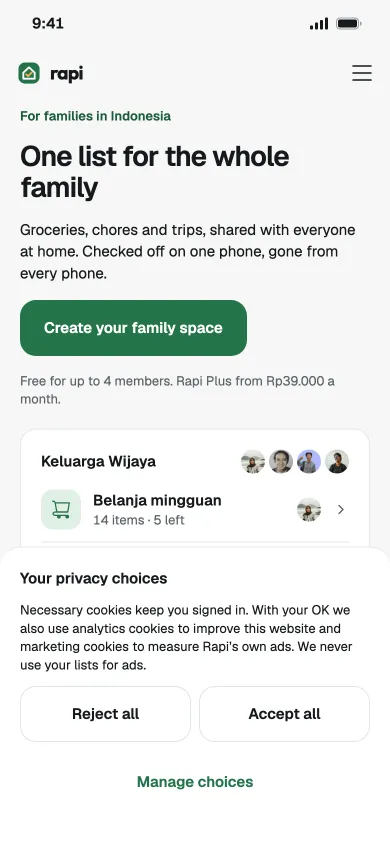
- No. Rapi is a made-up family lists and chores app: shared groceries, chores and reminders for one household, so the screens show the pattern without copying anyone's brand. Your agent redraws the flow on your own tokens and components.
- How does my agent use this flow?
- Connect Claude Code, Codex or Claude Desktop to Wonderblok over MCP. The agent calls use_pattern for this flow, reads its screens, rules and states, and draws them in your file.
- Is it free?
- Browsing Universe is free. Full pattern notes and use with your agent are part of Pro, and the Free plan opens a few flows in full each month.