MISC FLOW
File upload and attachments app flow
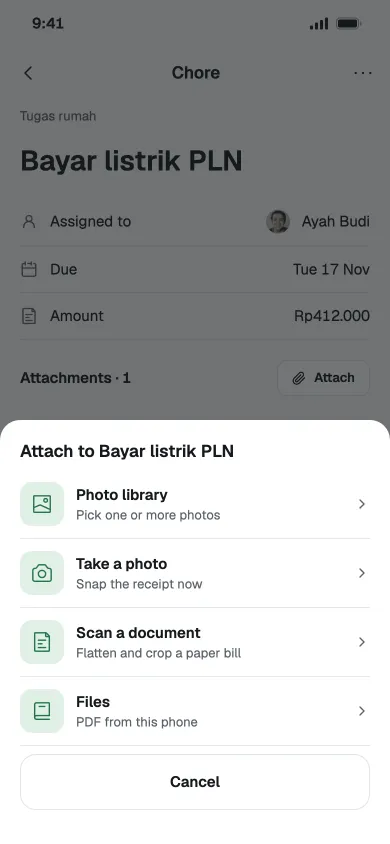
A misc flow in 4 screens, from attach menu to too large or wrong type. Start your app from it, and your agent draws it on your own design system.
- 4 screens
- 3 patterns
- Mobile and desktop
- Brand: Rapi (made up)
The screens, in order
- Attach menu
- UploadingPro
- Failed with retryPro
- Too large or wrong typePro
See all 4 screens, at mobile and desktop.Pro opens the whole flow in your Universe, with the prompt and code for each screen.
Upgrade to ProAlready Pro? Open in UniverseWhen to use it
USE WHEN
Any product that lets people attach files: an attach menu (photo, camera, scan, file), uploading with progress and cancel, a failed upload with retry, and a file that is too large or the wrong type.
AVOID WHEN
Sending a photo in a chat (use Social › Chatting and messages, which attaches a photo only) or asking for a camera or photos permission (use Misc › Permission recovery).
Patterns and why they work
3 decisions this flow makes, and the clarity each one buys.
Four sources, plain words
Photo library, Take a photo, Scan a document, Files
Progress you can cancel
A bar, the sizes and a close button per file
Say why and what to do
The error sits under the file: limit and the fix
Each pattern also has its psychology, the intuition behind it and what it rules out, plus layout notes for mobile and desktop.
Open in UniverseStates to cover
The screens people forget until a user hits them.
- Menu open
- Uploading 64% with cancel
- Waiting
- Uploaded
- Failed with no connection and Retry
- Too large
- Type not allowed
- Allowed types listed
Pairs with
The flows this one hands off to or comes back from.
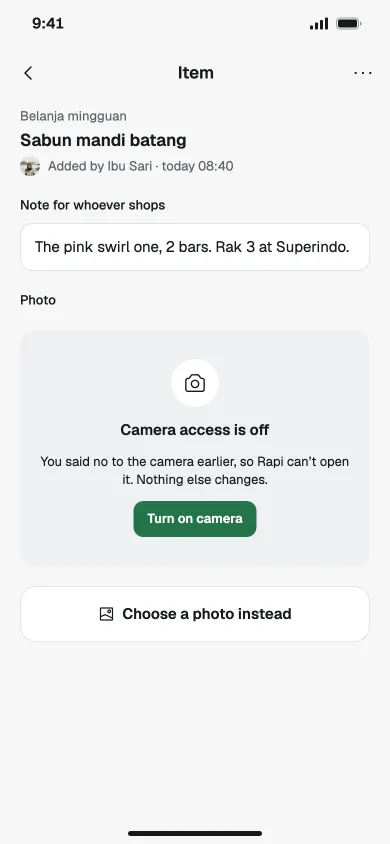
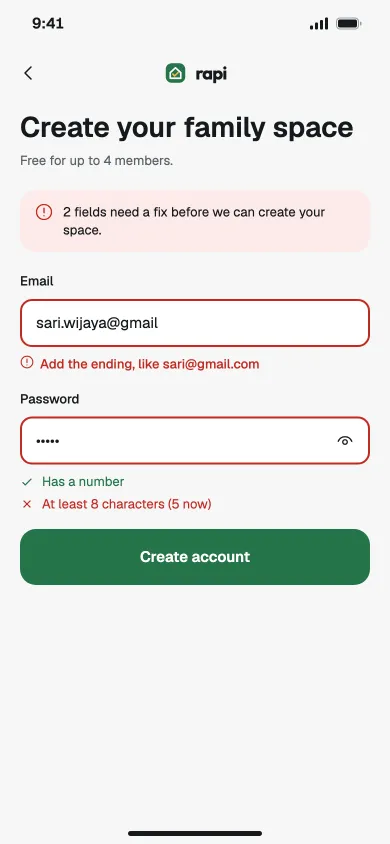
More Misc flows
Drawn for the same brand, so they fit together.
Questions
- When should I use a file upload and attachments flow?
- Any product that lets people attach files: an attach menu (photo, camera, scan, file), uploading with progress and cancel, a failed upload with retry, and a file that is too large or the wrong type. Use another pattern for sending a photo in a chat (use Social › Chatting and messages, which attaches a photo only) or asking for a camera or photos permission (use Misc › Permission recovery).
- Which screens does it need?
- This pattern uses 4: Attach menu, Uploading, Failed with retry and Too large or wrong type. Plan for these states too: menu open, uploading 64% with cancel, waiting, uploaded.
- Is Rapi a real app?
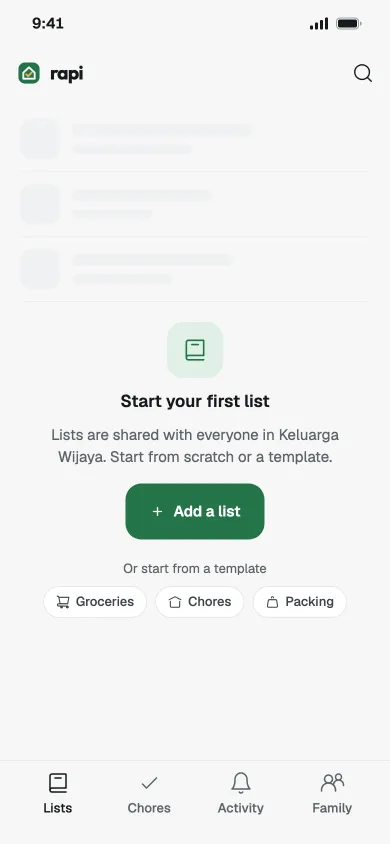
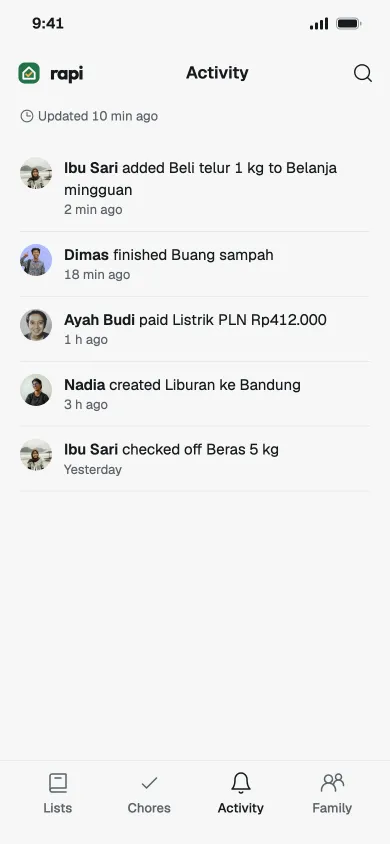
- No. Rapi is a made-up family lists and chores app: shared groceries, chores and reminders for one household, so the screens show the pattern without copying anyone's brand. Your agent redraws the flow on your own tokens and components.
- How does my agent use this flow?
- Connect Claude Code, Codex or Claude Desktop to Wonderblok over MCP. The agent calls use_pattern for this flow, reads its screens, rules and states, and draws them in your file.
- Is it free?
- Browsing Universe is free. Full pattern notes and use with your agent are part of Pro, and the Free plan opens a few flows in full each month.