MISC FLOW
Modal and dialog app flow
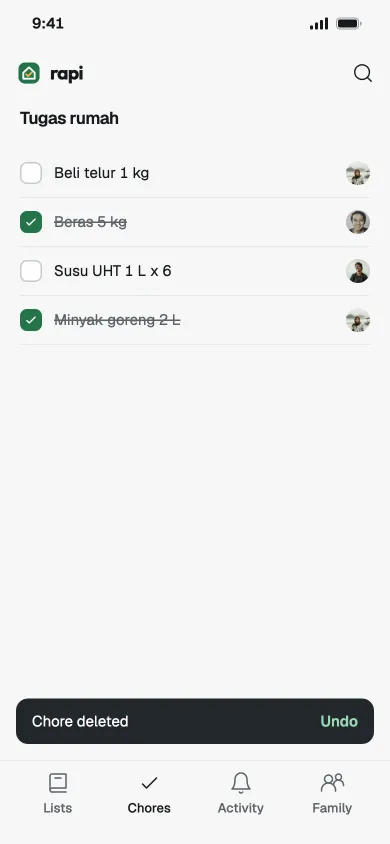
A misc flow in 5 screens, from confirm to discard changes. Start your app from it, and your agent draws it on your own design system.
- 5 screens
- 3 patterns
- Mobile and desktop
- Brand: Rapi (made up)
The screens, in order
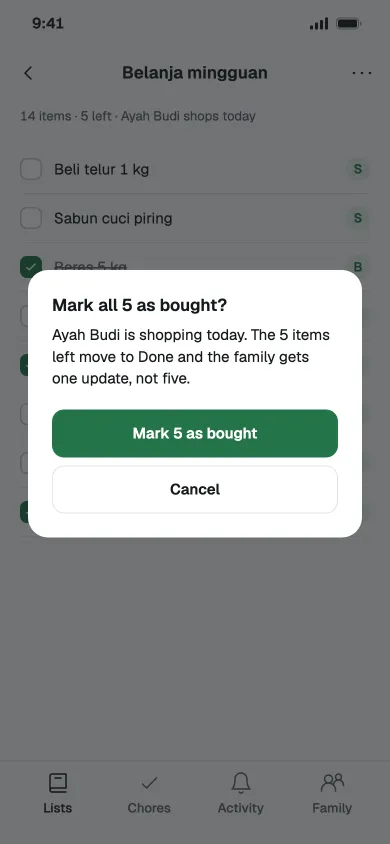
- Confirm
- Destructive confirmPro
- Form with an errorPro
- Blocking progressPro
- Discard changesPro
See all 5 screens, at mobile and desktop.Pro opens the whole flow in your Universe, with the prompt and code for each screen.
Upgrade to ProAlready Pro? Open in UniverseWhen to use it
USE WHEN
A decision that has to be made before going on: confirming a bulk change, a destructive action with its consequence named, a short form that belongs to the screen behind, or work that must finish before anything else is touched.
AVOID WHEN
Information only (use a toast or an inline note), common actions that can be undone (use Misc › Confirmation, with Undo instead of asking first), or long multi-step forms (use a full page).
Patterns and why they work
3 decisions this flow makes, and the clarity each one buys.
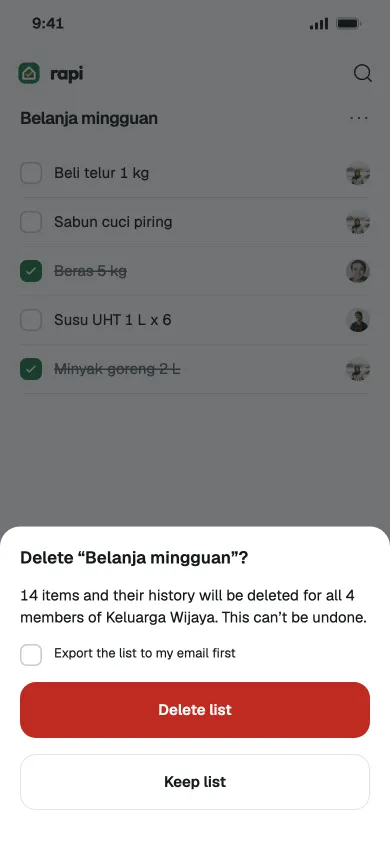
Name the consequence, not the action: the delete dialog lists 22 items, 3 photos and 4 members, and the button says Delete list for everyone. People skim dialogs, so the button label has to carry the meaning on its own
Confirm only what is costly: marking 5 items or deleting a shared list asks first, one checked item does not. A dialog for every small action trains people to click through, then the one that matters gets ignored
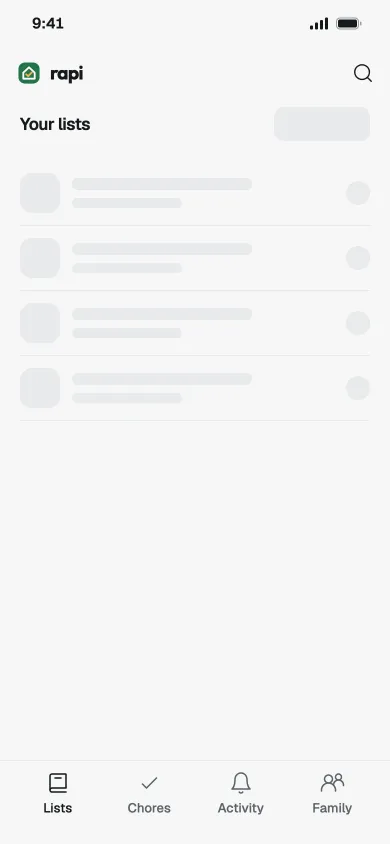
A blocking dialog explains why it blocks: no close button, a count of 14 of 22, about 10 seconds, and the reason it cannot stop halfway. Waiting is easier when people see progress and know it ends
Each pattern also has its psychology, the intuition behind it and what it rules out, plus layout notes for mobile and desktop.
Open in UniverseStates to cover
The screens people forget until a user hits them.
- Neutral confirm
- Destructive confirm with the loss listed
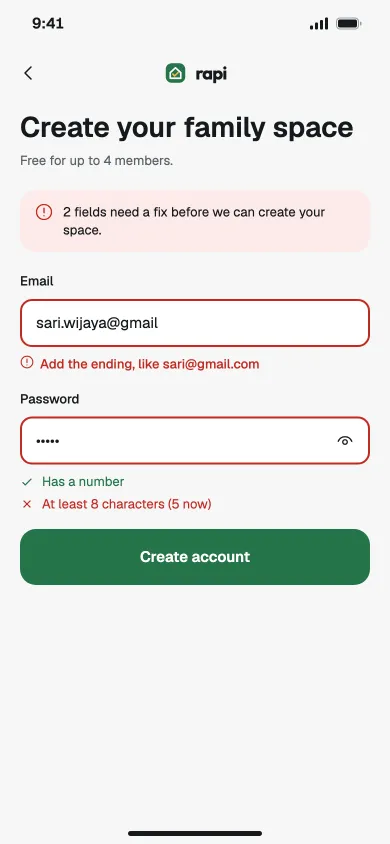
- Form with a field error
- Blocking progress (no close, counts and time)
- Discard unsaved changes (an inline strip on web, a sheet on mobile)
- Focus moves into the dialog and back to the trigger on close
- Esc closes all but the blocking one
Pairs with
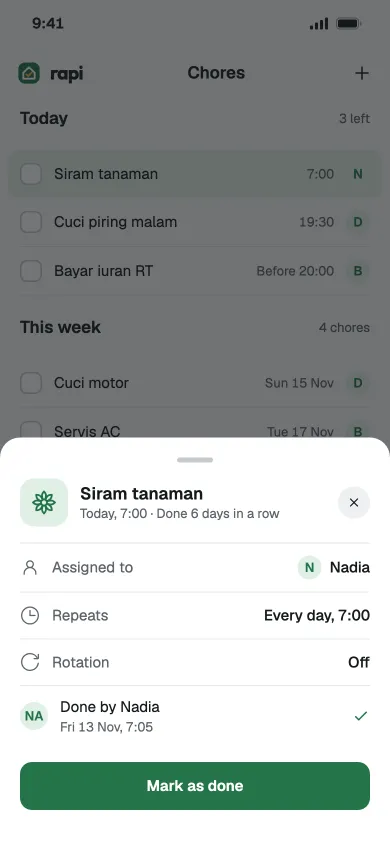
The flows this one hands off to or comes back from.
More Misc flows
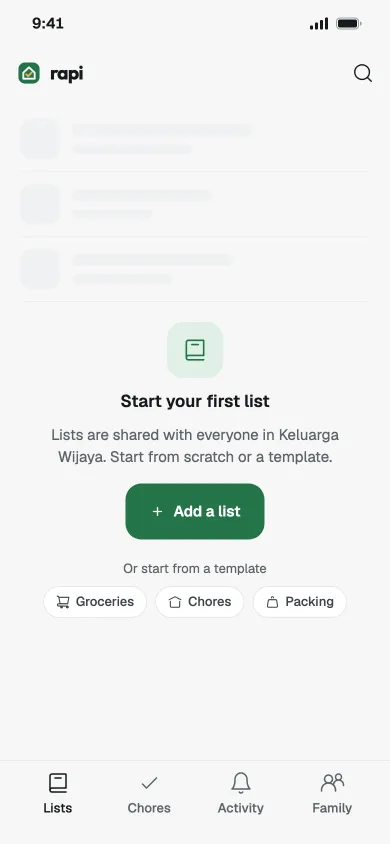
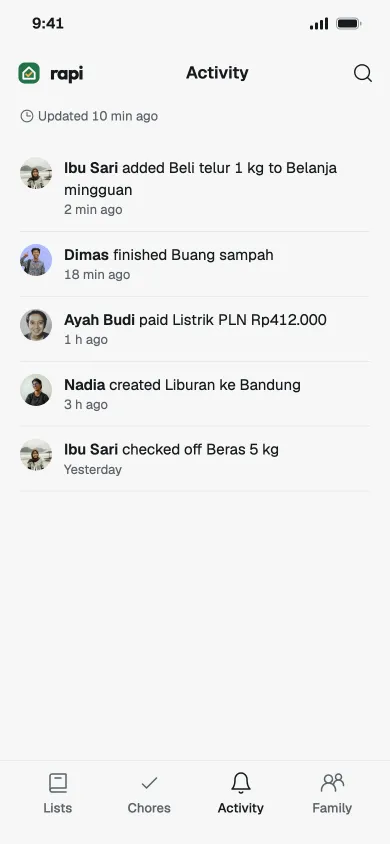
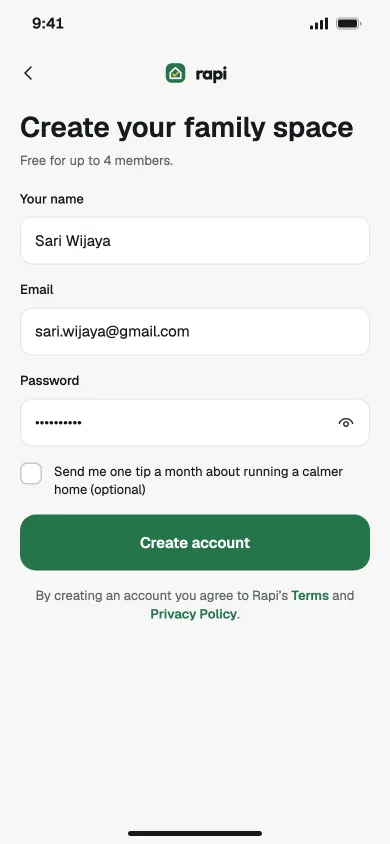
Drawn for the same brand, so they fit together.
Questions
- When should I use a modal and dialog flow?
- A decision that has to be made before going on: confirming a bulk change, a destructive action with its consequence named, a short form that belongs to the screen behind, or work that must finish before anything else is touched. Use another pattern for information only (use a toast or an inline note), common actions that can be undone (use Misc › Confirmation, with Undo instead of asking first), or long multi-step forms (use a full page).
- Which screens does it need?
- This pattern uses 5: Confirm, Destructive confirm, Form with an error, Blocking progress and Discard changes. Plan for these states too: neutral confirm, destructive confirm with the loss listed, form with a field error, blocking progress (no close, counts and time).
- Is Rapi a real app?
- No. Rapi is a made-up family lists and chores app: shared groceries, chores and reminders for one household, so the screens show the pattern without copying anyone's brand. Your agent redraws the flow on your own tokens and components.
- How does my agent use this flow?
- Connect Claude Code, Codex or Claude Desktop to Wonderblok over MCP. The agent calls use_pattern for this flow, reads its screens, rules and states, and draws them in your file.
- Is it free?
- Browsing Universe is free. Full pattern notes and use with your agent are part of Pro, and the Free plan opens a few flows in full each month.