MISC FLOW
Help center and contact support app flow
A misc flow in 4 screens, from help home to sent and my tickets. Start your app from it, and your agent draws it on your own design system.
- 4 screens
- 6 patterns
- Mobile and desktop
- Brand: Rapi (made up)
The screens, in order
- Help home
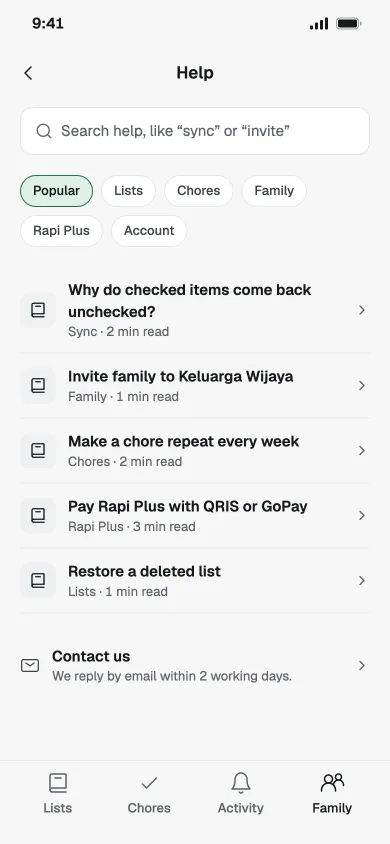
- ArticlePro
- Contact formPro
- Sent and my ticketsPro
See all 4 screens, at mobile and desktop.Pro opens the whole flow in your Universe, with the prompt and code for each screen.
Upgrade to ProAlready Pro? Open in UniverseWhen to use it
USE WHEN
Any app with a Help row in settings, paid plans, or problems the user cannot fix alone (sync, billing, access).
AVOID WHEN
The issue is a bug report mid-task (use Feedback › Report a problem), or a blocking error that already says what to do (use Errors).
Patterns and why they work
6 decisions this flow makes, and the clarity each one buys.
Search and popular articles before contact
Most answers are one tap away
Article that checks the user's own setup (phones and versions)
Shows which phone causes the problem
Helpful vote then contact
The article admits it may not fix it
Form with category, attachment and urgent line
The team gets what it needs first time
Reply time stated before and after sending
When to expect an answer
My tickets with status chips
One place for every conversation
Each pattern also has its psychology, the intuition behind it and what it rules out, plus layout notes for mobile and desktop.
Open in UniverseStates to cover
The screens people forget until a user hits them.
- Help home
- Search with results
- Search with no results (suggest Contact us)
- Article
- Helpful yes and no
- Contact form empty
- Form filled with screenshot
- Sending
- Sent with reference
- My tickets empty
- My tickets with open and solved
- Reply received
Pairs with
The flows this one hands off to or comes back from.
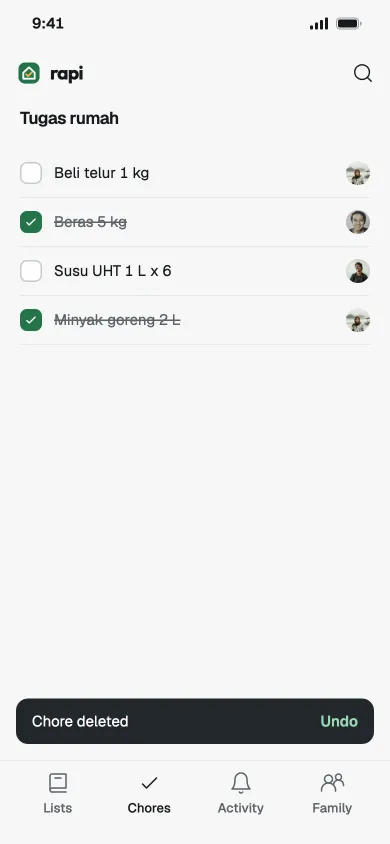
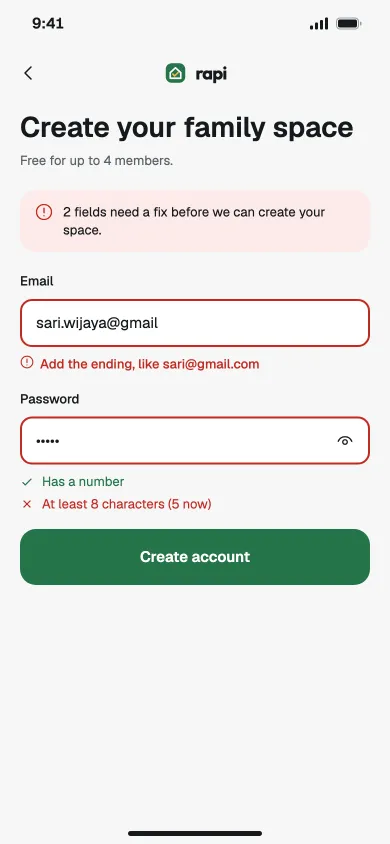
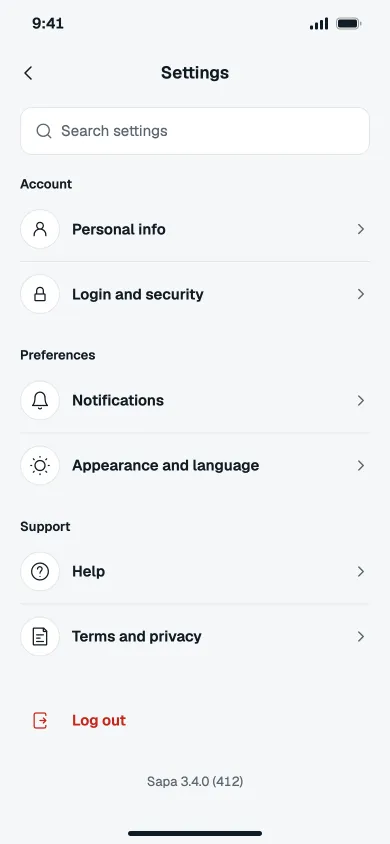
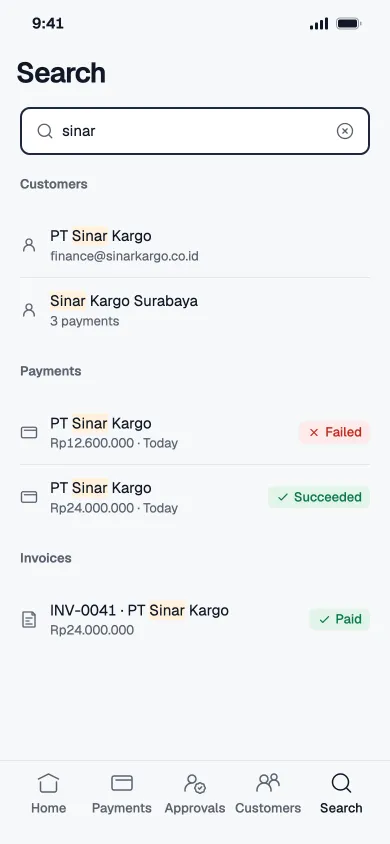
More Misc flows
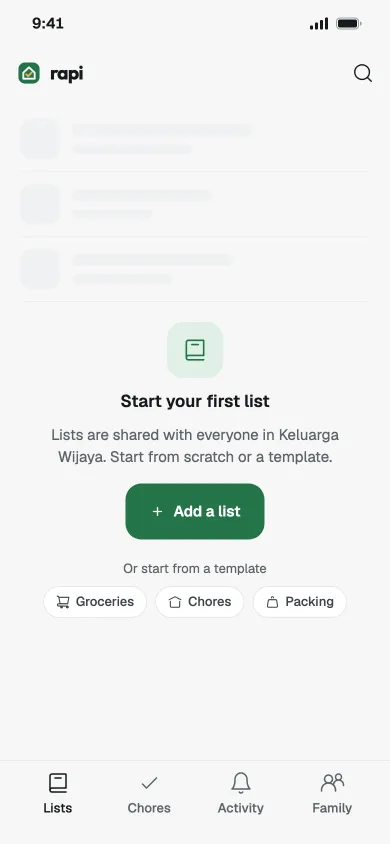
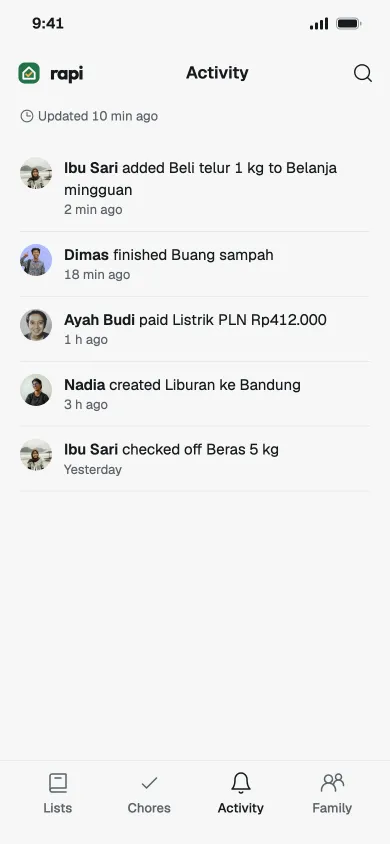
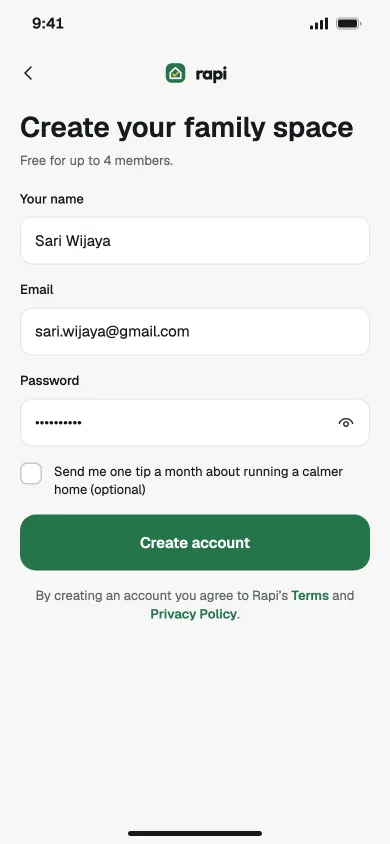
Drawn for the same brand, so they fit together.
Questions
- When should I use a help center and contact support flow?
- Any app with a Help row in settings, paid plans, or problems the user cannot fix alone (sync, billing, access). Use another pattern for the issue is a bug report mid-task (use Feedback › Report a problem), or a blocking error that already says what to do (use Errors).
- Which screens does it need?
- This pattern uses 4: Help home, Article, Contact form and Sent and my tickets. Plan for these states too: help home, search with results, search with no results (suggest contact us), article.
- Is Rapi a real app?
- No. Rapi is a made-up family lists and chores app: shared groceries, chores and reminders for one household, so the screens show the pattern without copying anyone's brand. Your agent redraws the flow on your own tokens and components.
- How does my agent use this flow?
- Connect Claude Code, Codex or Claude Desktop to Wonderblok over MCP. The agent calls use_pattern for this flow, reads its screens, rules and states, and draws them in your file.
- Is it free?
- Browsing Universe is free. Full pattern notes and use with your agent are part of Pro, and the Free plan opens a few flows in full each month.