MISC FLOW
Date and time picker app flow
A misc flow in 4 screens, from single date to typed date. Start your app from it, and your agent draws it on your own design system.
- 4 screens
- 3 patterns
- Mobile and desktop
- Brand: Rapi (made up)
The screens, in order
- Single date
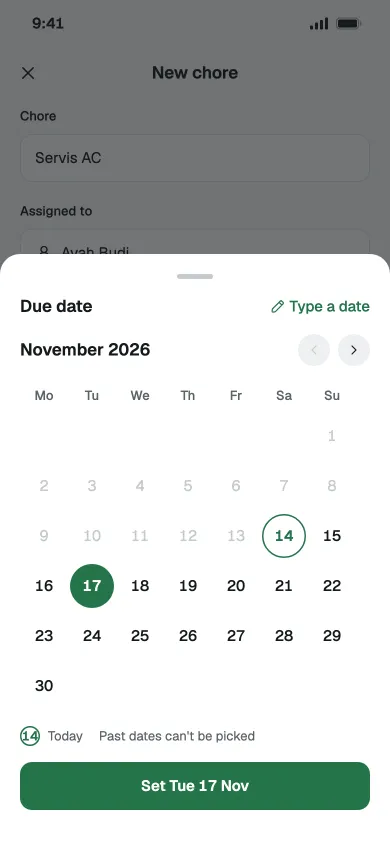
- Date rangePro
- Time slotsPro
- Typed datePro
See all 4 screens, at mobile and desktop.Pro opens the whole flow in your Universe, with the prompt and code for each screen.
Upgrade to ProAlready Pro? Open in UniverseWhen to use it
USE WHEN
Picking a due date, a trip range or a time slot where the calendar helps: seeing today, weekdays, the nights in a range and which times are free.
AVOID WHEN
A date people know by heart, like a birthday (use typed day, month and year fields), or a booking with seats or rooms (use Travel › Seat and room selection).
Patterns and why they work
3 decisions this flow makes, and the clarity each one buys.
Mark today and disable what cannot be picked: the 14th has a ring and the 1st to 13th are greyed, so nobody picks a past due date and hits an error after
Say the result in words: 3 nights from Wed 30 Dec to Sat 2 Jan, Set Sun 15 Nov, 10:00. Reading the outcome catches the off-by-one mistakes a highlighted grid hides
Always offer typing: Type a date switches to day, month and year fields, which work with a keyboard and screen reader and are faster for dates far away
Each pattern also has its psychology, the intuition behind it and what it rules out, plus layout notes for mobile and desktop.
Open in UniverseStates to cover
The screens people forget until a user hits them.
- Single date with today ringed and past dates disabled
- A range across two months with the nights counted
- Time slots with busy ones greyed and labelled with the reason
- Typed input with an error that says what is allowed
- Keyboard: arrow keys move by day
- Page Up and Down by month
Pairs with
The flows this one hands off to or comes back from.
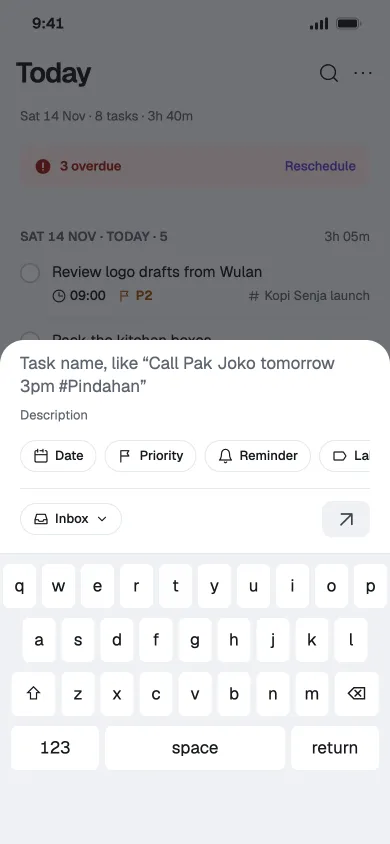
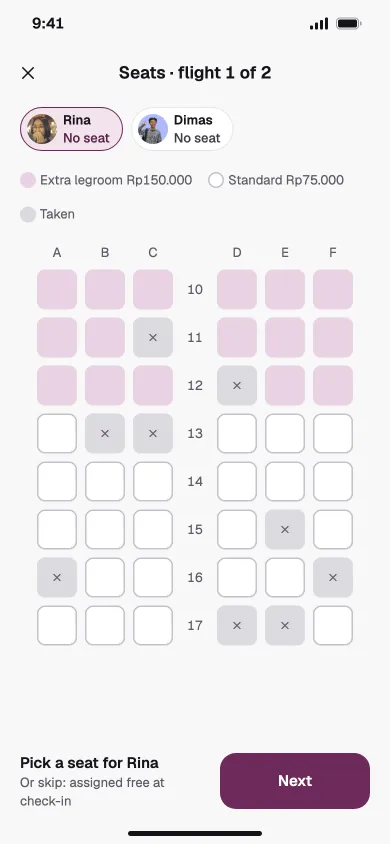
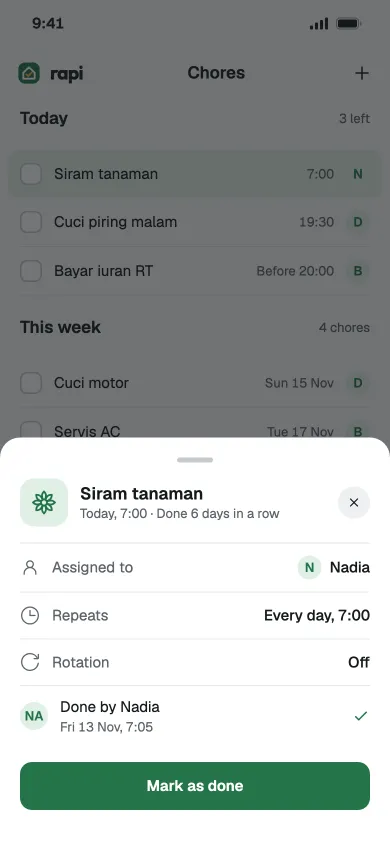
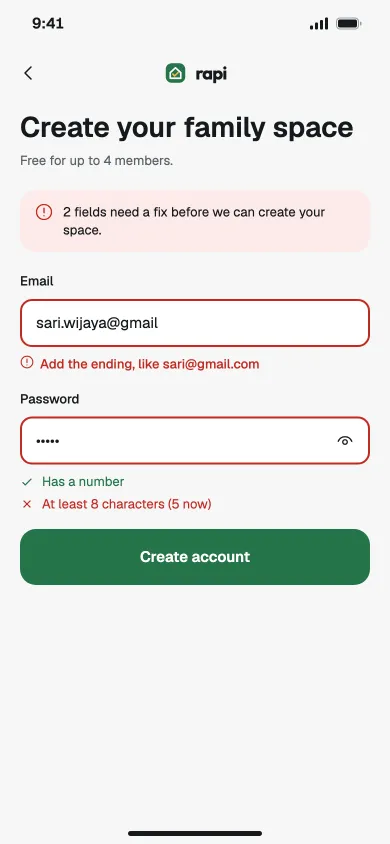
More Misc flows
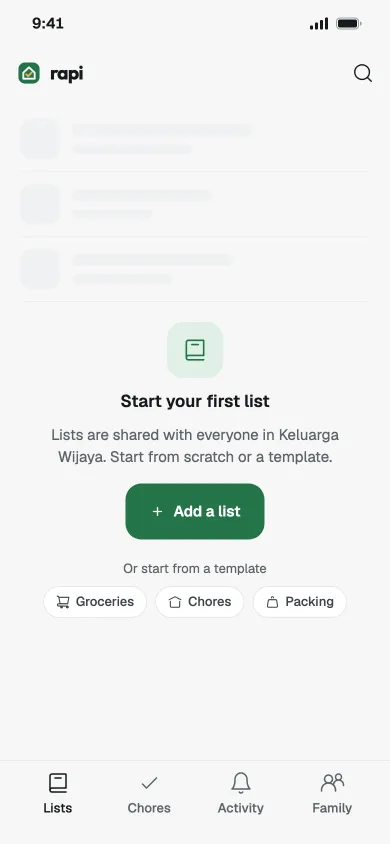
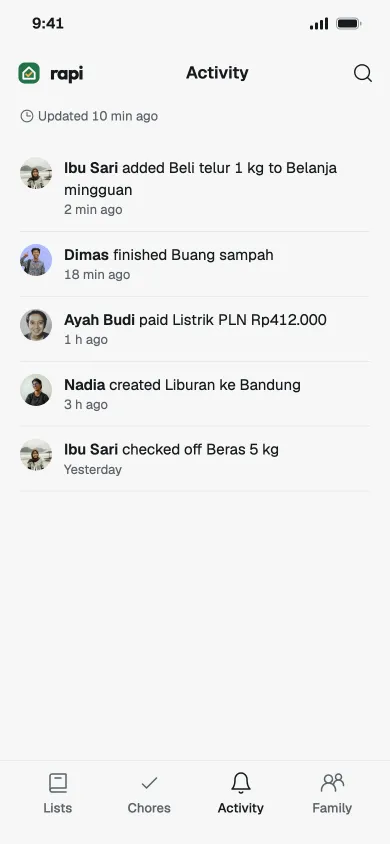
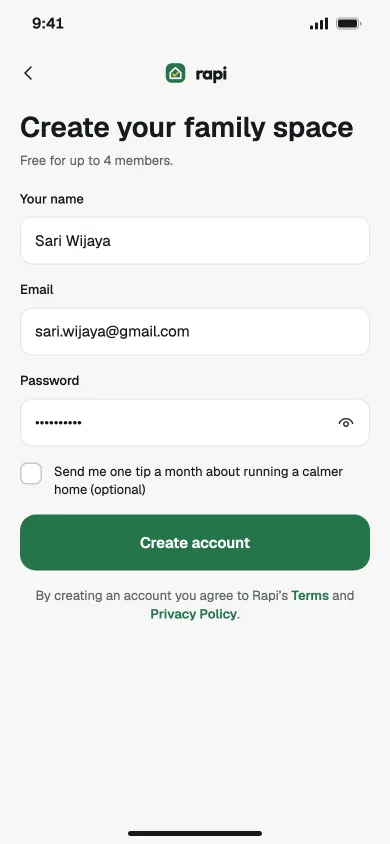
Drawn for the same brand, so they fit together.
Questions
- When should I use a date and time picker flow?
- Picking a due date, a trip range or a time slot where the calendar helps: seeing today, weekdays, the nights in a range and which times are free. Use another pattern for a date people know by heart, like a birthday (use typed day, month and year fields), or a booking with seats or rooms (use Travel › Seat and room selection).
- Which screens does it need?
- This pattern uses 4: Single date, Date range, Time slots and Typed date. Plan for these states too: single date with today ringed and past dates disabled, a range across two months with the nights counted, time slots with busy ones greyed and labelled with the reason, typed input with an error that says what is allowed.
- Is Rapi a real app?
- No. Rapi is a made-up family lists and chores app: shared groceries, chores and reminders for one household, so the screens show the pattern without copying anyone's brand. Your agent redraws the flow on your own tokens and components.
- How does my agent use this flow?
- Connect Claude Code, Codex or Claude Desktop to Wonderblok over MCP. The agent calls use_pattern for this flow, reads its screens, rules and states, and draws them in your file.
- Is it free?
- Browsing Universe is free. Full pattern notes and use with your agent are part of Pro, and the Free plan opens a few flows in full each month.