MISC FLOW
Loading app flow
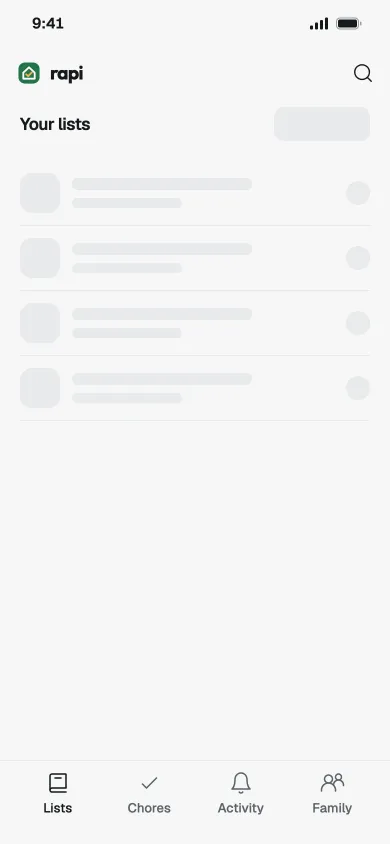
A misc flow in 6 screens, from skeleton to end of list. Start your app from it, and your agent draws it on your own design system.
- 6 screens
- 6 patterns
- Mobile and desktop
- Brand: Rapi (made up)
The screens, in order
- Skeleton
- Button spinnerPro
- Long taskPro
- Optimistic rollbackPro
- Load more failedPro
- End of listPro
See all 6 screens, at mobile and desktop.Pro opens the whole flow in your Universe, with the prompt and code for each screen.
Upgrade to ProAlready Pro? Open in UniverseWhen to use it
USE WHEN
Any network wait; skeleton for content, button spinner for actions, progress for tasks over a few seconds.
AVOID WHEN
The wait is under about 300 ms, or a full-page spinner would hide content the user already had (refresh in place instead).
Patterns and why they work
6 decisions this flow makes, and the clarity each one buys.
Skeleton that mirrors the layout
What is coming and where
Real titles, skeleton content
You are in the right place
Spinner inside the button
This action is running
Determinate progress with stage text
How far
Progress moved to a popover
Still running
Optimistic update with honest rollback
The tap takes effect at once
Each pattern also has its psychology, the intuition behind it and what it rules out, plus layout notes for mobile and desktop.
Open in UniversePairs with
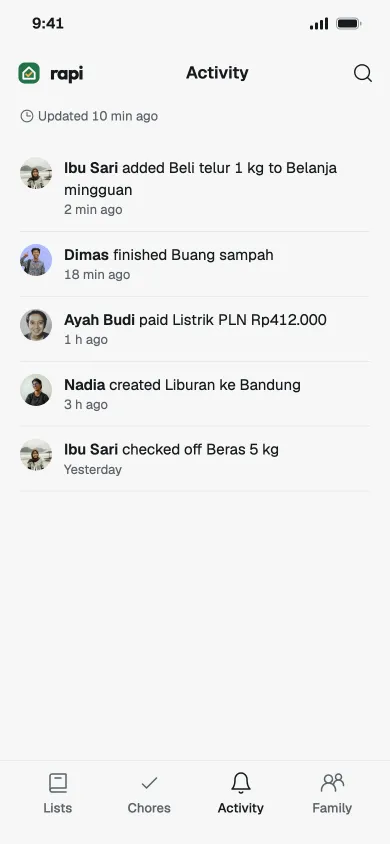
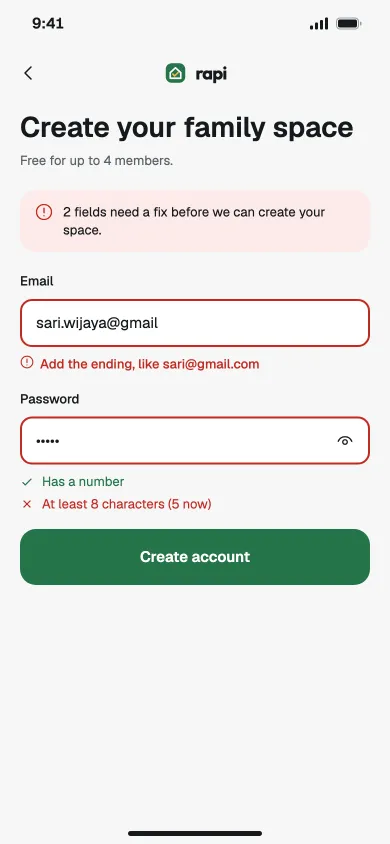
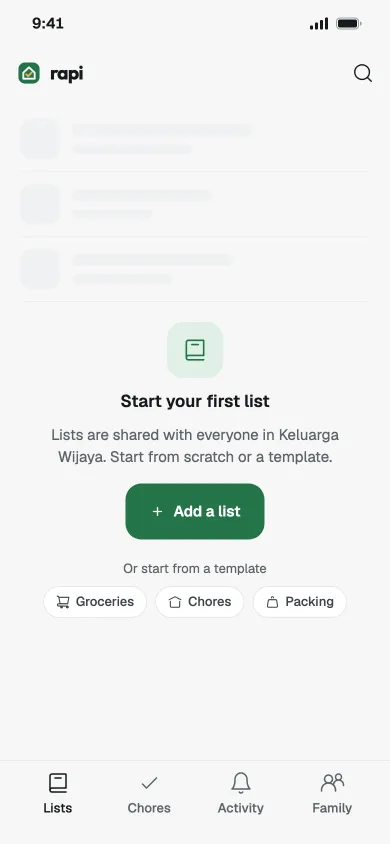
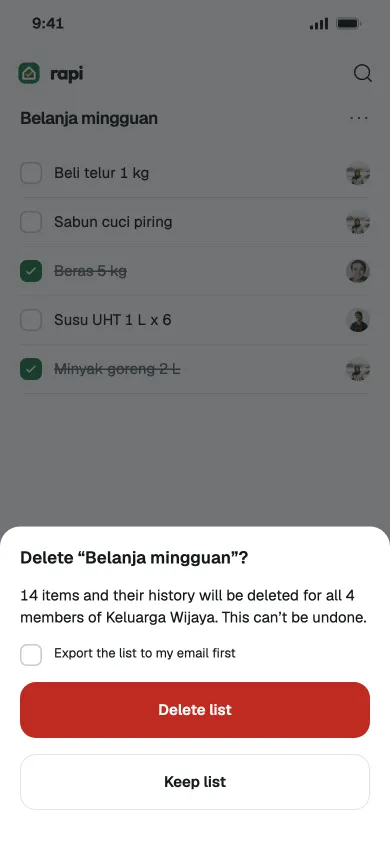
The flows this one hands off to or comes back from.
More Misc flows
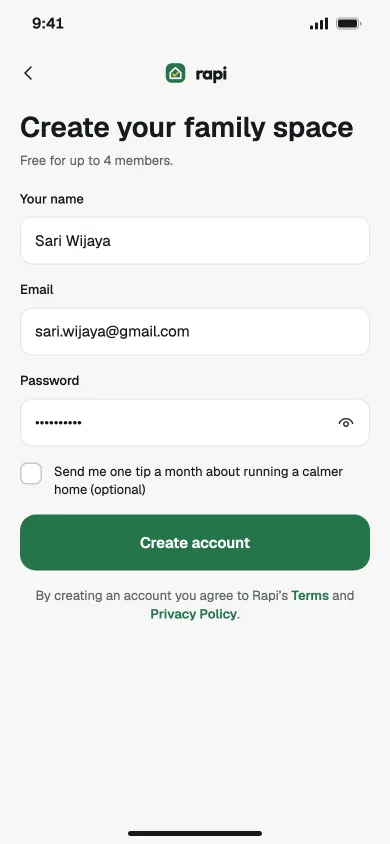
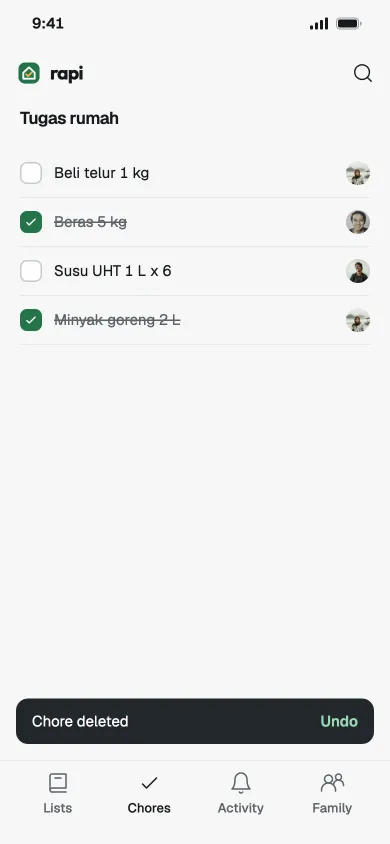
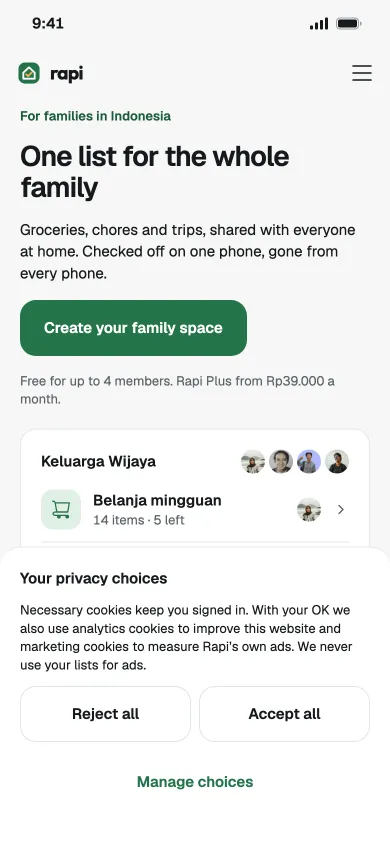
Drawn for the same brand, so they fit together.
Questions
- When should I use a loading flow?
- Any network wait; skeleton for content, button spinner for actions, progress for tasks over a few seconds. Use another pattern for the wait is under about 300 ms, or a full-page spinner would hide content the user already had (refresh in place instead).
- Which screens does it need?
- This pattern uses 6: Skeleton, Button spinner, Long task, Optimistic rollback, Load more failed and End of list.
- Is Rapi a real app?
- No. Rapi is a made-up family lists and chores app: shared groceries, chores and reminders for one household, so the screens show the pattern without copying anyone's brand. Your agent redraws the flow on your own tokens and components.
- How does my agent use this flow?
- Connect Claude Code, Codex or Claude Desktop to Wonderblok over MCP. The agent calls use_pattern for this flow, reads its screens, rules and states, and draws them in your file.
- Is it free?
- Browsing Universe is free. Full pattern notes and use with your agent are part of Pro, and the Free plan opens a few flows in full each month.