MISC FLOW
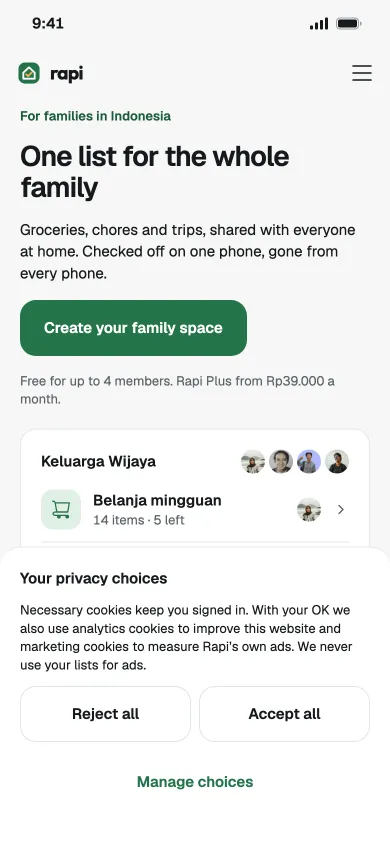
Cookie consent and privacy choices app flow
A misc flow in 4 screens, from consent banner to blocked embed. Start your app from it, and your agent draws it on your own design system.
- 4 screens
- 6 patterns
- Mobile and desktop
- Brand: Rapi (made up)
The screens, in order
- Consent banner
- PreferencesPro
- Saved and footer linkPro
- Blocked embedPro
See all 4 screens, at mobile and desktop.Pro opens the whole flow in your Universe, with the prompt and code for each screen.
Upgrade to ProAlready Pro? Open in UniverseWhen to use it
USE WHEN
A website or web app sets non-essential cookies or loads third-party embeds, especially for visitors in regions with consent laws.
AVOID WHEN
Only strictly necessary cookies are used (then a one-line notice in the footer is enough), or inside a native app with no web tracking (use the OS tracking prompt instead).
Patterns and why they work
6 decisions this flow makes, and the clarity each one buys.
Reject and accept with equal weight
Both answers are visible
One row per purpose with a plain sentence
What each cookie does in everyday words
Promise scoped to what the screen shows ("We never use your lists for ads")
Marketing covers this website only
Save choices as the single primary
The panel ends with one action
Reopen from the footer
Consent is never a one-time trap
Blocked embed with Allow once
Why the video is missing
Each pattern also has its psychology, the intuition behind it and what it rules out, plus layout notes for mobile and desktop.
Open in UniverseStates to cover
The screens people forget until a user hits them.
- First visit banner
- Preferences default (analytics and marketing off)
- Preferences with one purpose expanded
- Saved toast
- Footer link reopened
- Blocked embed
- Allowed once
- Region without a consent law (notice only)
Pairs with
The flows this one hands off to or comes back from.
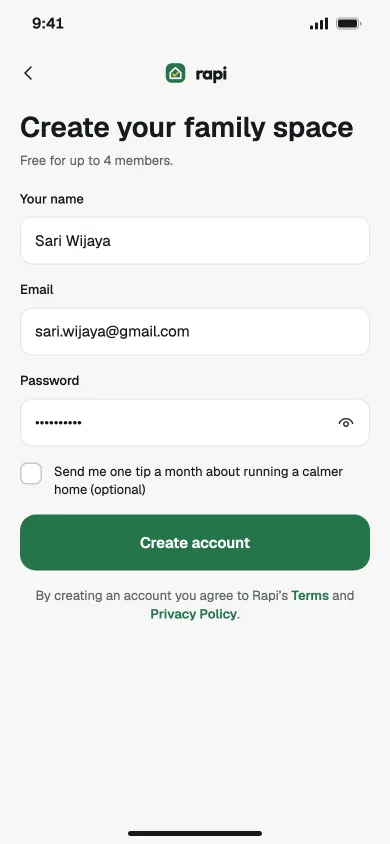
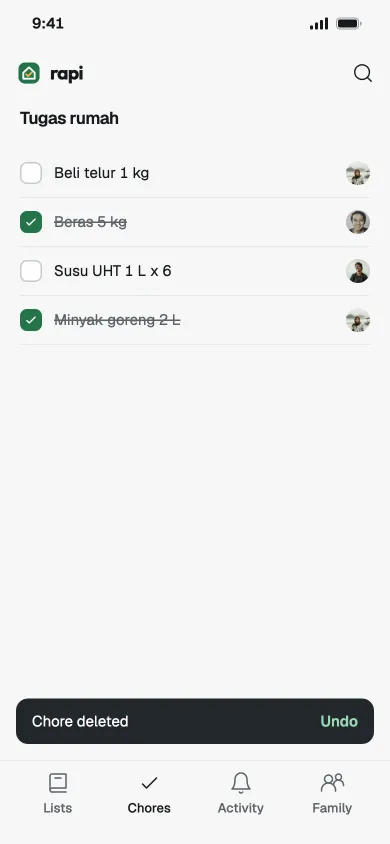

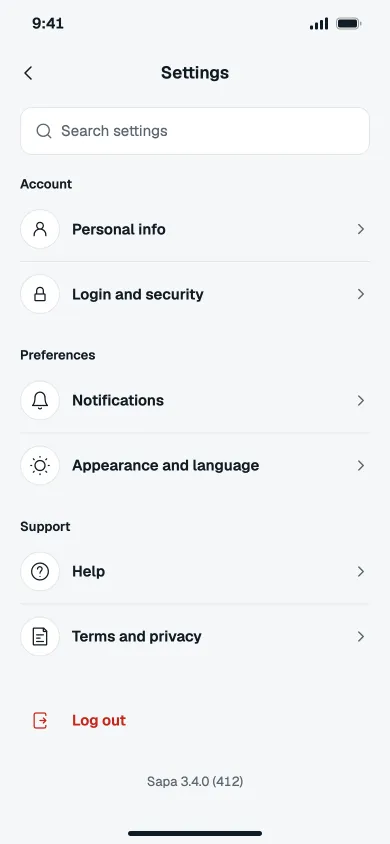
More Misc flows
Drawn for the same brand, so they fit together.
Questions
- When should I use a cookie consent and privacy choices flow?
- A website or web app sets non-essential cookies or loads third-party embeds, especially for visitors in regions with consent laws. Use another pattern for only strictly necessary cookies are used (then a one-line notice in the footer is enough), or inside a native app with no web tracking (use the OS tracking prompt instead).
- Which screens does it need?
- This pattern uses 4: Consent banner, Preferences, Saved and footer link and Blocked embed. Plan for these states too: first visit banner, preferences default (analytics and marketing off), preferences with one purpose expanded, saved toast.
- Is Rapi a real app?
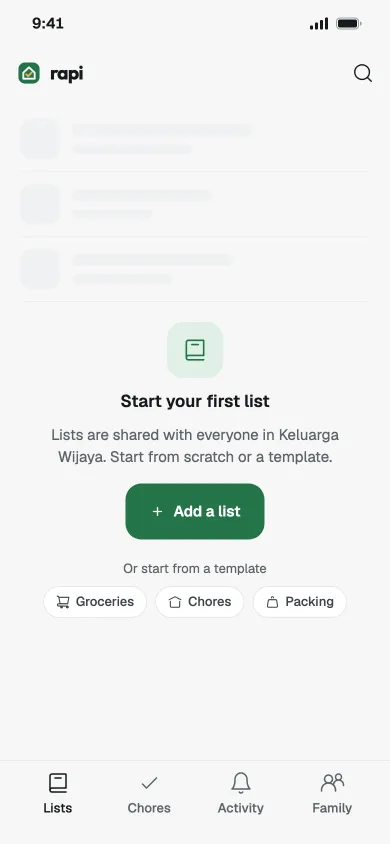
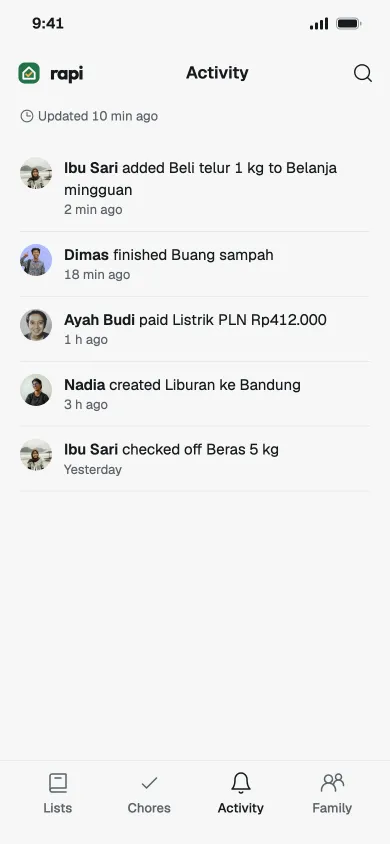
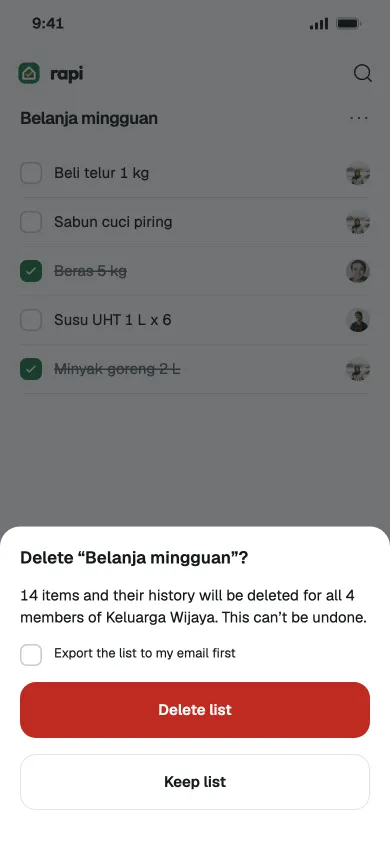
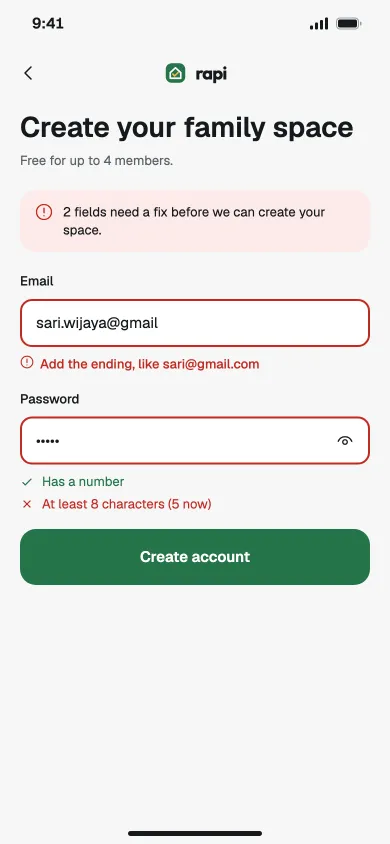
- No. Rapi is a made-up family lists and chores app: shared groceries, chores and reminders for one household, so the screens show the pattern without copying anyone's brand. Your agent redraws the flow on your own tokens and components.
- How does my agent use this flow?
- Connect Claude Code, Codex or Claude Desktop to Wonderblok over MCP. The agent calls use_pattern for this flow, reads its screens, rules and states, and draws them in your file.
- Is it free?
- Browsing Universe is free. Full pattern notes and use with your agent are part of Pro, and the Free plan opens a few flows in full each month.